
CAPAROC製品シリーズに関する詳細情報は、phoenixcontact.com/caparoc-helpのオンラインマニュアルにてご覧いただけます。
CAPAROC PM EC
-
電源モジュール
1687560
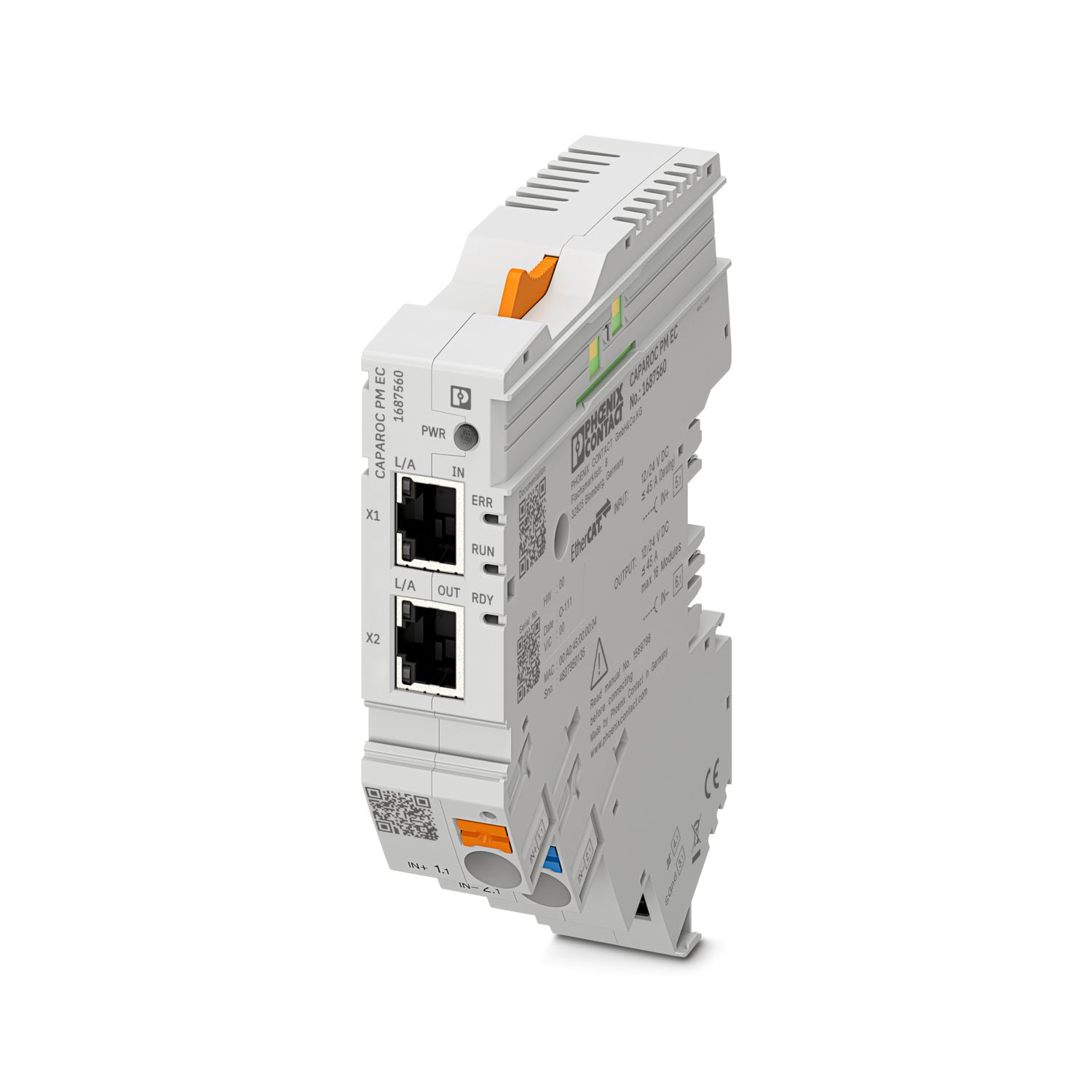

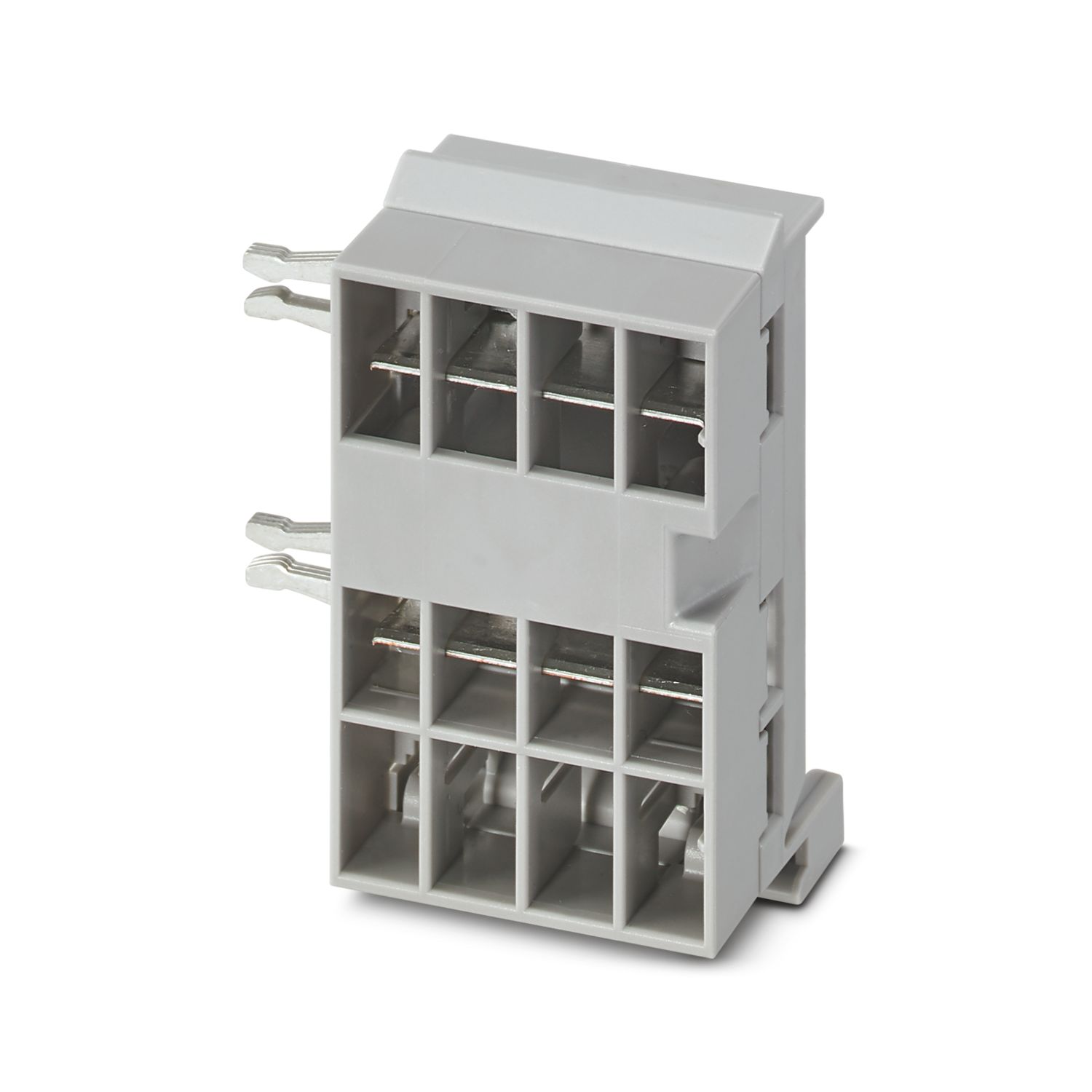
CAPAROCサーキットブレーカシステムに12 V DCまたは24 V DCを供給するための、EtherCAT®インターフェースを備えた電源モジュール。電源と通信するための追加のシステムインターフェース。CAPAROCカレントレールを介したDINレール設置用
この製品を操作するには追加の製品が必要となります。
必須アクセサリ
無料でダウンロードができます。
ダウンロード
製品の詳細
| アプリケーションノート | 現時点では、EUサイバーレジリエンス法(CRA)に関する現在入手可能な情報に基づき、2027年12月11日時点で同法の要件に準拠するよう、製品の準備を進めております。 |
| 概要 | |
| 注記 | LABSリリース―テスト仕様VW PV 3.10.7:2005-0に準拠 |
| 電線を接続する際は、CAPAROCモジュールが引張力によって引き離されていないことを確認してください。モジュール間にギャップを作らないようにしてください。 | |
| EtherCAT®は、ドイツのBeckhoff Automation GmbH社によりライセンス化された登録商標および特許技術です。 | |
| 製品の種類 | 機器用ミニチュアサーキットブレーカ |
| 製品シリーズ | CAPAROC |
| タイプ | プラグインモジュール |
| スロット数 | 4 |
| 絶縁特性 | |
| 保護クラス | III |
| 汚染度 | 2 |
| EtherCAT® | |
| デバイス機能 | EtherCAT® SubDevice |
| 概要 | |
| 定各電圧 | 10 V DC ... 30 V DC |
| 定格電圧 | 12 V DC |
| 24 V DC | |
| 定格電流IN | 45 A (総電流入力) |
| 定格サージ電圧 | 0.5 kV |
| 引き外し方式 | E(電子仕様) |
| フィードバック抵抗 | 最大 35 V DC |
| 耐電圧 | 35 V DC (負荷回路) |
| 効率 | > 99 % |
| 閉回路電流I0 | 通常 46 mA (無負荷、24 V時) |
| 電力損失 | 通常 1.1 W (無負荷、24 V時) |
| < 4.5 W (40 A時) | |
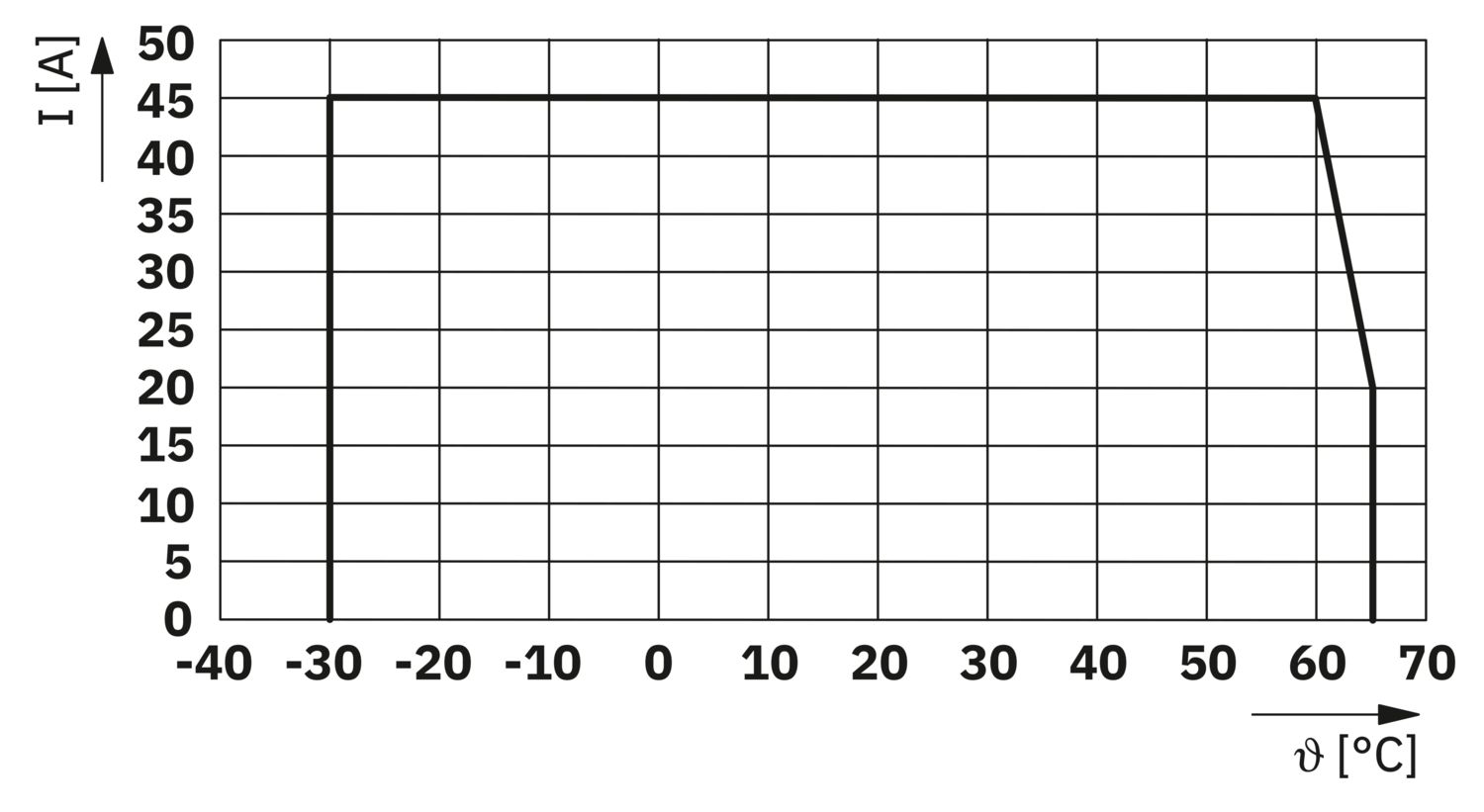
| 温度ディレーティング | 45 A (60°C時の総電流) |
| 20 A (65 °C時の総電流) | |
| 45 A (総電流60°C(ULに準拠)) | |
| MTBF (IEC 61709, SN 29500) | 7242508.37 h (負荷21%で25°C時) |
| 3958056.77 h (負荷34.25 %で40 °C時) | |
| 764697.81 h (負荷100%で60°C時) | |
| 電圧降下 | 0.082 V (40 A時) |
| 負荷回路 | |
| 不足電圧スイッチオフ | ≤ 9.2 V DC (アクティブ) |
| ≥ 10.2 V DC (非アクティブ) | |
| 過電圧スイッチオフ | ≥ 30.5 V DC (アクティブ) |
| ≤ 29.5 V DC (非アクティブ) | |
| 主回路IN+ | |
| 接続方法 | プッシュイン式 |
| 剥き線長さ | 18 mm |
| 接続電線断面積AWG | 20 ... 8 |
| 撚線接続断面積、フェルールあり、プラスチックスリーブあり | 0.5 mm² ... 16 mm² |
| 接続電線断面積/撚線、棒端子あり、プラスチックスリーブなし | 0.5 mm² ... 16 mm² |
| 主回路IN- | |
| 接続方法 | プッシュイン式 |
| 剥き線長さ | 18 mm |
| 接続電線断面積AWG | 20 ... 8 |
| 撚線接続断面積、フェルールあり、プラスチックスリーブあり | 0.5 mm² ... 16 mm² |
| 接続電線断面積/撚線、棒端子あり、プラスチックスリーブなし | 0.5 mm² ... 16 mm² |
| システム通信 | |
| 接続方法 | プッシュイン式 |
| 剥き線長さ | 8 mm |
| 接続電線サイズ、単線 | 0.2 mm² ... 1.5 mm² |
| 接続電線断面積AWG | 24 ... 16 |
| 撚線接続断面積、フェルールあり、プラスチックスリーブあり | 0.2 mm² ... 0.75 mm² |
| 接続電線断面積/撚線、棒端子あり、プラスチックスリーブなし | 0.2 mm² ... 1.5 mm² |
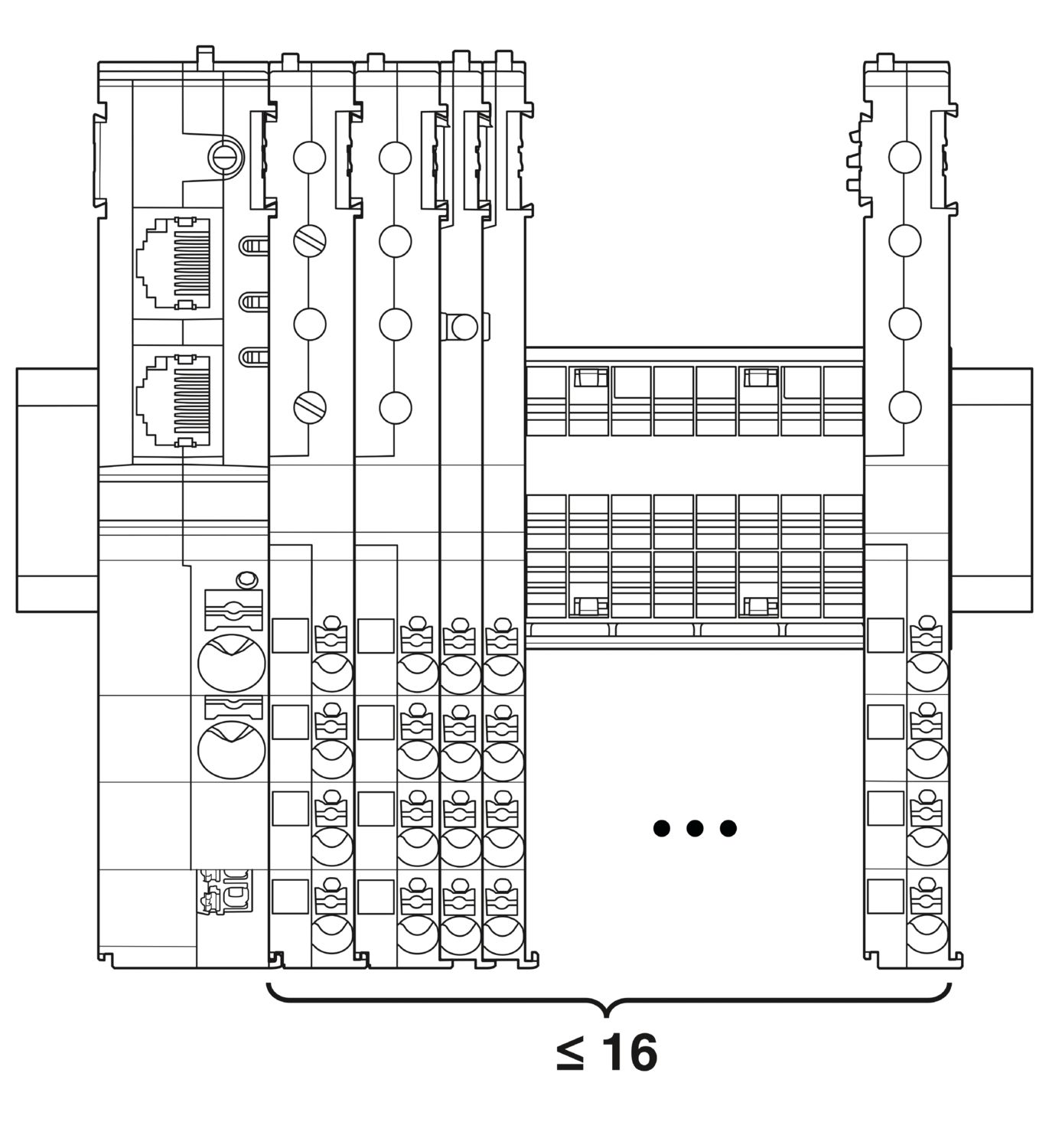
| 最大限のシステム拡張 | ≤ 16 (CAPAROCモジュールは配列可能です) |
| インターフェースタイプ | Ethernet |
| 番号 | 2 |
| 通信速度 | 10 Mbps 100 Mbps |
| 伝送手段 | RJ45ツイストペアによるEthernet |
| サポートされるプロトコル | EtherCAT® SubDevice, CoE, FoE, EoE |
| 電源(PWR)LED緑 | 点灯 (動作電圧範囲内の電源電圧) |
| 3x 点滅 (グローバルプログラミングロックが解除されました) | |
| 電源(PWR)LED赤 | 点灯 (動作電圧範囲外の電源電圧) |
| 5x 点滅 (工場出荷時設定へのリセットコマンドが受理されました) | |
| 電源(PWR)LED黄 | 点灯 (PWRボタンが押されました) |
| 3x 点滅 (グローバルプログラミングロックが作動しました) | |
| 準備完了(RDY)LED黄 | 点滅 (ファームウェアアップデート実行中) |
| 準備完了(RDY)LED緑 | 点灯 (ファームウェアが正常に起動しました) |
| エラー(ERR)LED赤 | オフ (通信エラーなし。機器のEtherCAT®通信は正常に動作しています。) |
| すばやく点滅 (無効の設定/一般的な設定エラー 考えられる原因:メインデバイスによる状態変更は、レジスタまたはオブジェクト設定により実行することができません。最も一般的な原因は、モジュールスロットの設定が古いことです。) | |
| 点滅 (ローカルエラー:SubDevice(二次装置)アプリケーションがEtherCAT®の状態を独自に変更しました。 考えられる原因1:ホストウォッチドッグのタイムアウトが発生した。考えられる原因2:動作中にモジュールの設定不良が発生した。モジュールが誤ったモジュールに交換された。) | |
| 2つ点滅 (アプリケーションのウォッチドッグタイムアウト) | |
| 運転(RUN)LED緑 | オフ (機器はINIT(初期化)状態です) |
| すばやく点滅 (2,5 Hz) (機器はPRE-OPERATIONAL(事前動作)状態です) | |
| 点滅 (機器はSAFE-OPERATIONAL(安全動作)状態です) | |
| 点灯 (機器はOPERATIONAL(動作)状態です) |
| 外形寸法 |
|
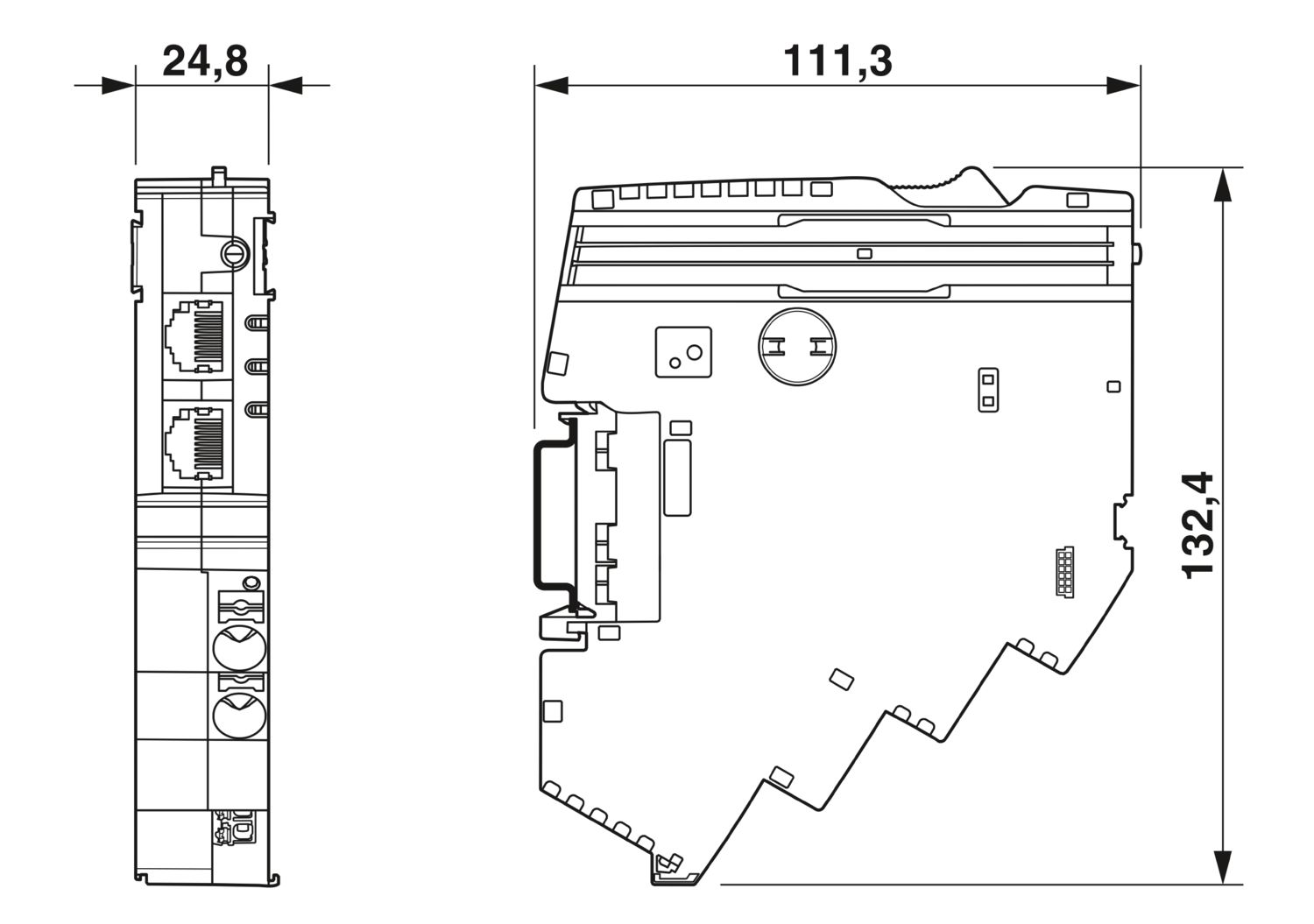
| 幅 | 24.8 mm |
| 高さ | 132.4 mm |
| 奥行き | 111.3 mm (DINレール 7.5 mmを含む) |
| 色 | ライトグレー (RAL 7035) |
| 部材 | PA 6 |
| PA 6 | |
| PA 6 | |
| PC | |
| UL94難燃性クラス | V-0 |
| 周囲条件 | |
| 保護等級 | IP20 |
| 使用周囲温度 | -30 °C ... 65 °C |
| -30 °C ... 60 °C (ULに準拠) | |
| 周囲温度(保管時/運搬時) | -40 °C ... 70 °C |
| 高度 | ≤ 4000 m (amsl) |
| 湿度試験 | 96時間、相対湿度95 %、40 °C |
| 衝撃(動作時) | 30g (11 ms間隔、半正弦衝撃波、IEC 60068-2-27に準拠) |
| 25g (6 msの継続時間、IEC 60068-2-27準拠の正弦半波の衝撃パルス、連続衝撃) | |
| 振動(動作時) | 5g (10 Hz ... 150 Hz / 10サイクル / 軸 / X、Y、Z) |
| UL認証 | |
| 表示記号 | UL/C-UL Listed UL 508 |
| UL 121201 Class I, Division 2, Groups A, B, C, D, T4A | |
| 標準/仕様 | EN 61000-6-2 |
| 注記 | EMC―工業地域向けのイミュニティ |
| 標準/仕様 | EN 61000-6-4 |
| 注記 | EMC―工業地域向けのイミュニティ |
| 標準/仕様 | EN 61000-6-8 |
| 注記 | 事業および商用エリア、ならびに小規模事業で使用される専門機器向けのEMC干渉放出 |
| 標準/仕様 | EN 60068-2-78 |
| 注記 | 環境への影響―湿度と熱、一定 |
| 標準/仕様 | EN 50178 |
| 注記 | 電源設備に電子機器を装備 |
| 標準/仕様 | EN 60068-2-6 |
| 注記 | 環境への影響―振動(正弦波) |
| 標準/仕様 | EN 60068-2-27 |
| 注記 | 環境への影響―衝撃 |
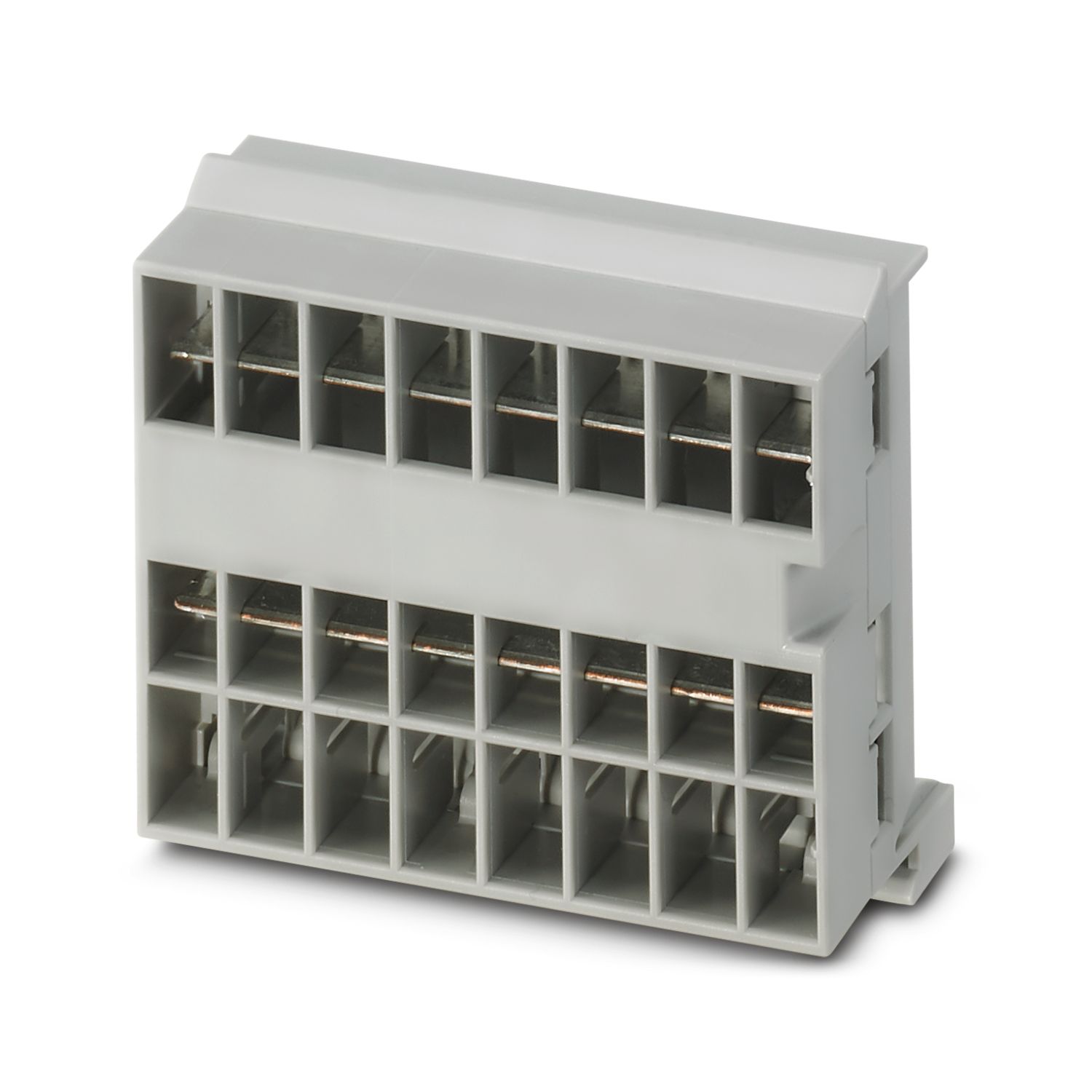
| 取付けタイプ | CAPAROC CR…カレントレールにプラグ着脱可能 |
cUL Listed
認証ID: E123528EtherCAT
認証ID: 0x84_009cULus Listed
認証ID: E483407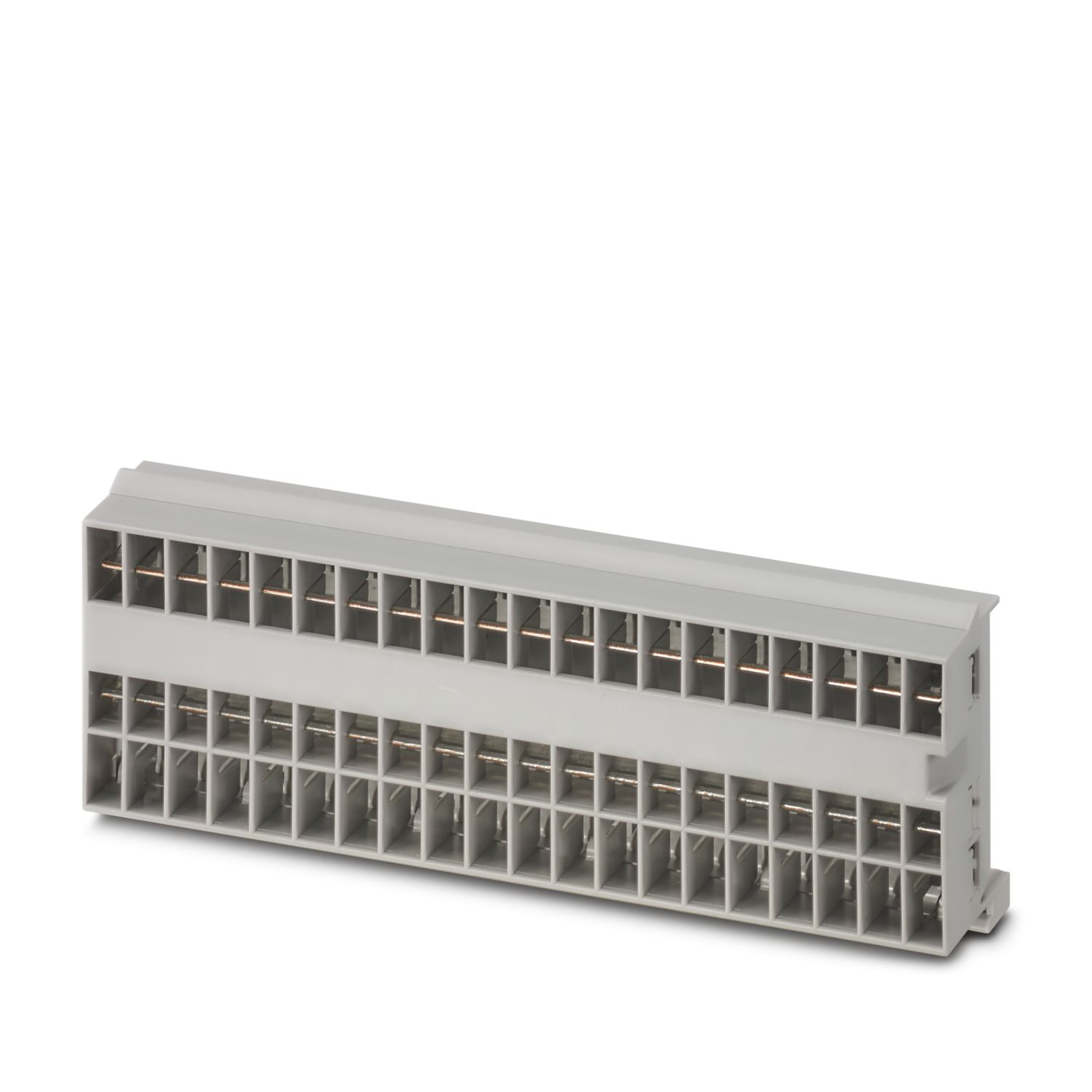

特長
単一の信号を選択してカスタマイズできるベンチマークと、EtherCAT®通信までのリセット
工具不要の組立て、バスバーへの直接送電、明確な動作状態により、どなたでも操作が非常に簡単
EtherCAT®アプリケーションで使用するための、包括的なデジタルデータパケットにより、非常に簡単なデザイン・イン
よくある質問
CAPAROCの機能が説明されているハードウェアの紹介動画はありますか。
インフィードモジュールの下流には、サーキットブレーカモジュールを何台接続できますか。
CAPAROC PM S-R:サーキットブレーカモジュールx 20
CAPAROC PM IOL:20チャンネル
CAPAROC PM PN:サーキットブレーカモジュールx 16
CAPAROC PM EIP:サーキットブレーカモジュールx 16
CAPAROC PM MB:サーキットブレーカモジュールx 16
CAPAROC PM EC:サーキットブレーカモジュールx 16
チャンネルLEDは、4秒ごとに2回黄色に点滅します。 これは何を意味するのでしょうか。
これは、電源モジュールとの内部通信が遮断されているか、または故障していることを意味します。
モジュールが正しく取り付けられ、モジュール間に隙間がないことを確認してください。それでも通信が切断される場合は、点滅している最初のモジュール(左)の側面接点を確認してください。接点が曲がっている、モジュールの中に入り込みすぎている、ハウジング開口部の中心からずれている、またはその他の損傷がある場合は、モジュールを交換してください。
設定電流の設定をブロックできますか。
電流はさまざまな方法でロックすることができます:
1.プログラミングロック:電源モジュールのPWRボタンを3秒以上押すと、PWR LEDが黄色に3回点滅し、設定がロックされます。 もう一度3秒以上押すと、LEDが緑色に3回点滅し、再びロックが解除されます。
2.ロックは通信インターフェース経由でも設定や解除ができます。操作ロックもここで設定でき、これにより機器の操作や設定ができなくなります。その後、ロックはインターフェイス経由でのみ解除できます。