
CAPAROC CR EXT4
-
カレントレール
1110991
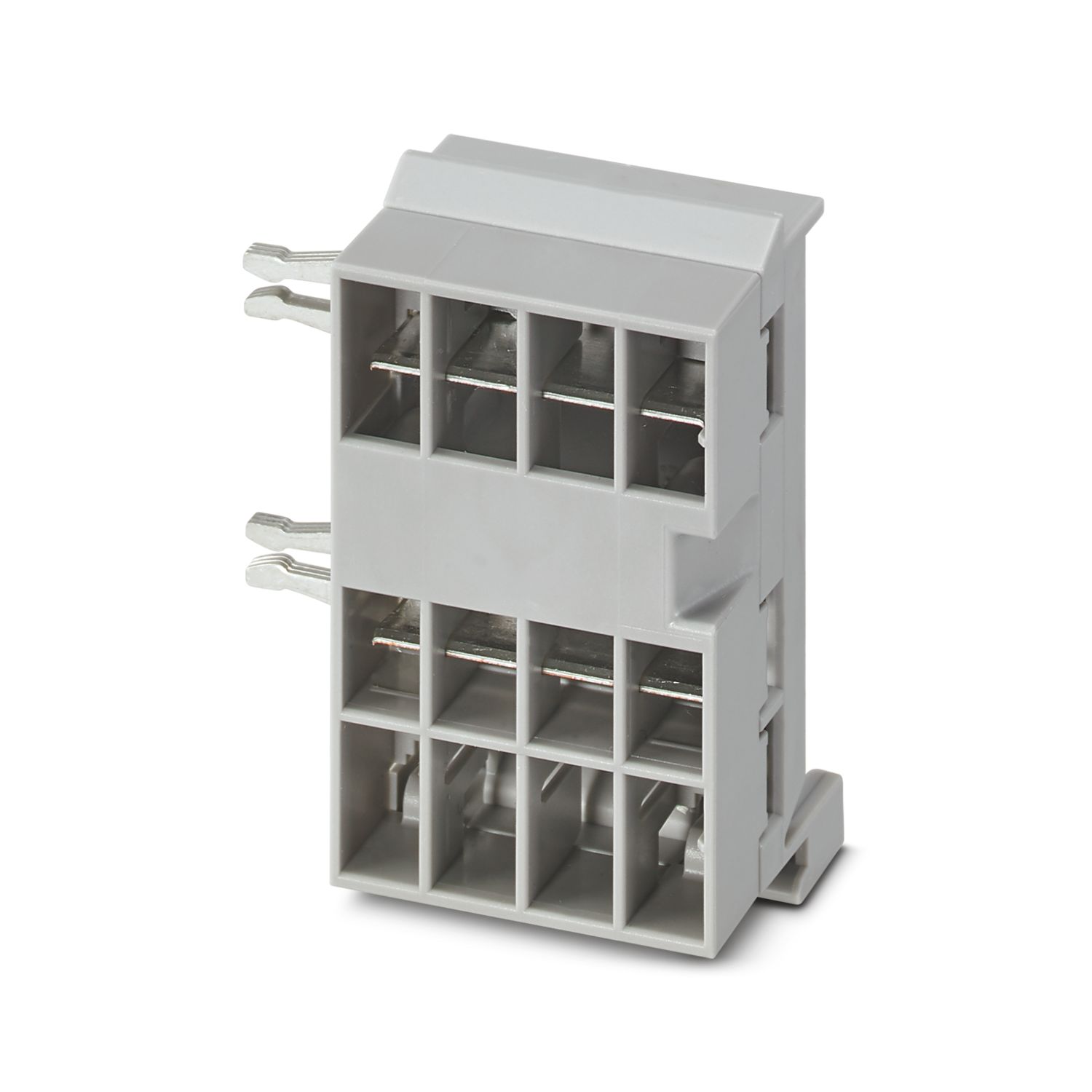
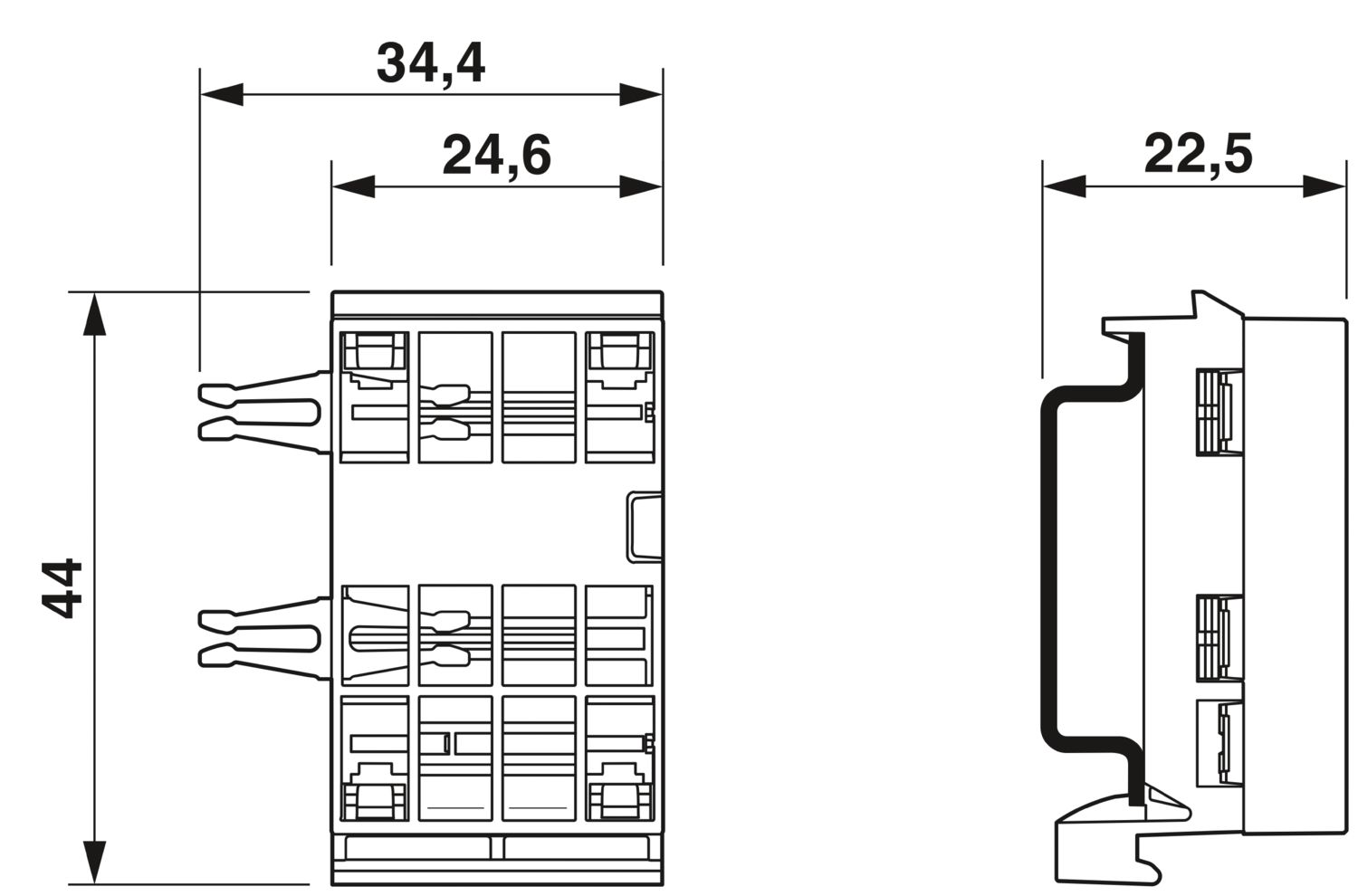
CAPAROCシステム用4スロット拡張バスバー DINレールへの取付け用
製品の詳細
| 概要 | |
| 注記 | LABSリリース―テスト仕様VW PV 3.10.7:2005-0に準拠 |
| CAPAROC E1...モジュールを使用する場合、IEC 60068-2-27に準拠した連続衝撃に対しては、6ms / 15gの強度が適用されます。 | |
| 製品の種類 | 機器用ミニチュアサーキットブレーカ |
| 製品シリーズ | CAPAROC |
| タイプ | プラグインモジュール |
| スロット数 | 4 |
| 絶縁特性 | |
| 保護クラス | III |
| 汚染度 | 2 |
| 概要 | |
| 定格電圧 | 24 V DC |
| 定格電流IN | 45 A (総電流入力) |
| 電力損失 | < 0.2 W (プラス経路内45 A時) |
| 外形寸法 |
|
| 幅 | 34.4 mm |
| 高さ | 44 mm |
| 奥行き | 22.5 mm (DINレール 7.5 mmを含む) |
| 色 | ライトグレー (RAL 7035) |
| 部材 | 銅 |
| PC | |
| UL94難燃性クラス | V-0 |
| 周囲条件 | |
| 保護等級 | IP20 |
| 使用周囲温度 | -30 °C ... 65 °C (電源モジュールの温度範囲を考慮する必要があります。) |
| 周囲温度(保管時/運搬時) | -40 °C ... 70 °C |
| 高度 | ≤ 4000 m (amsl) |
| 湿度試験 | 96時間、相対湿度95 %、40 °C |
| 衝撃(動作時) | 30g (11 ms間隔、半正弦衝撃波、IEC 60068-2-27に準拠) |
| 25g (6 msの継続時間、IEC 60068-2-27準拠の正弦半波の衝撃パルス、連続衝撃) | |
| 15g (6 msの継続時間、IEC 60068-2-27準拠の正弦半波の衝撃パルス、連続衝撃 6台を超えるCAPAROC E1モジュールをシステムで使用する場合。) | |
| 振動(動作時) | 5g (10 Hz ... 150 Hz / 10サイクル / 軸 / X、Y、Z) |
| UL認証 | |
| 表示記号 | UL/C-UL Listed UL 508 |
| UL 121201 Class I, Division 2, Groups A, B, C, D, T4A | |
| 腐食性ガス試験 | |
| 表示記号 | ISA S71.04.2013 G3 Harsh Group A |
| 標準/仕様 | EN 61000-6-2 |
| 注記 | EMC―工業地域向けのイミュニティ |
| 標準/仕様 | EN 61000-6-3 |
| 注記 | EMC―居住用、企業用、商業用不動産および小規模事業のエミッション |
| 標準/仕様 | EN 60068-2-78 |
| 注記 | 環境への影響―湿度と熱、一定 |
| 標準/仕様 | EN 50178 |
| 注記 | 電源設備に電子機器を装備 |
| 標準/仕様 | EN 60068-2-6 |
| 注記 | 環境への影響―振動(正弦波) |
| 標準/仕様 | EN 60068-2-27 |
| 注記 | 環境への影響―衝撃 |
| 取付けタイプ | DINレール:35 mm |
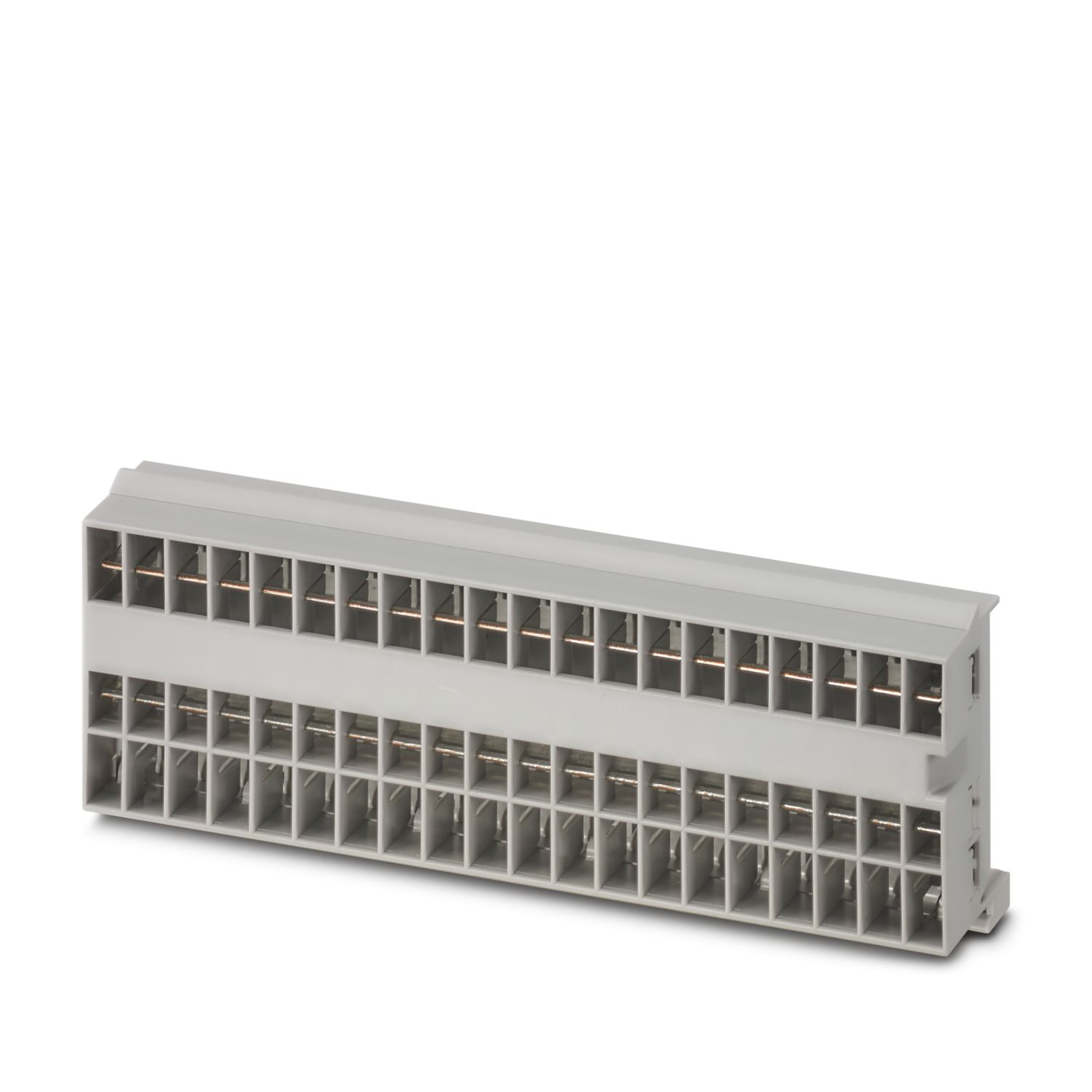
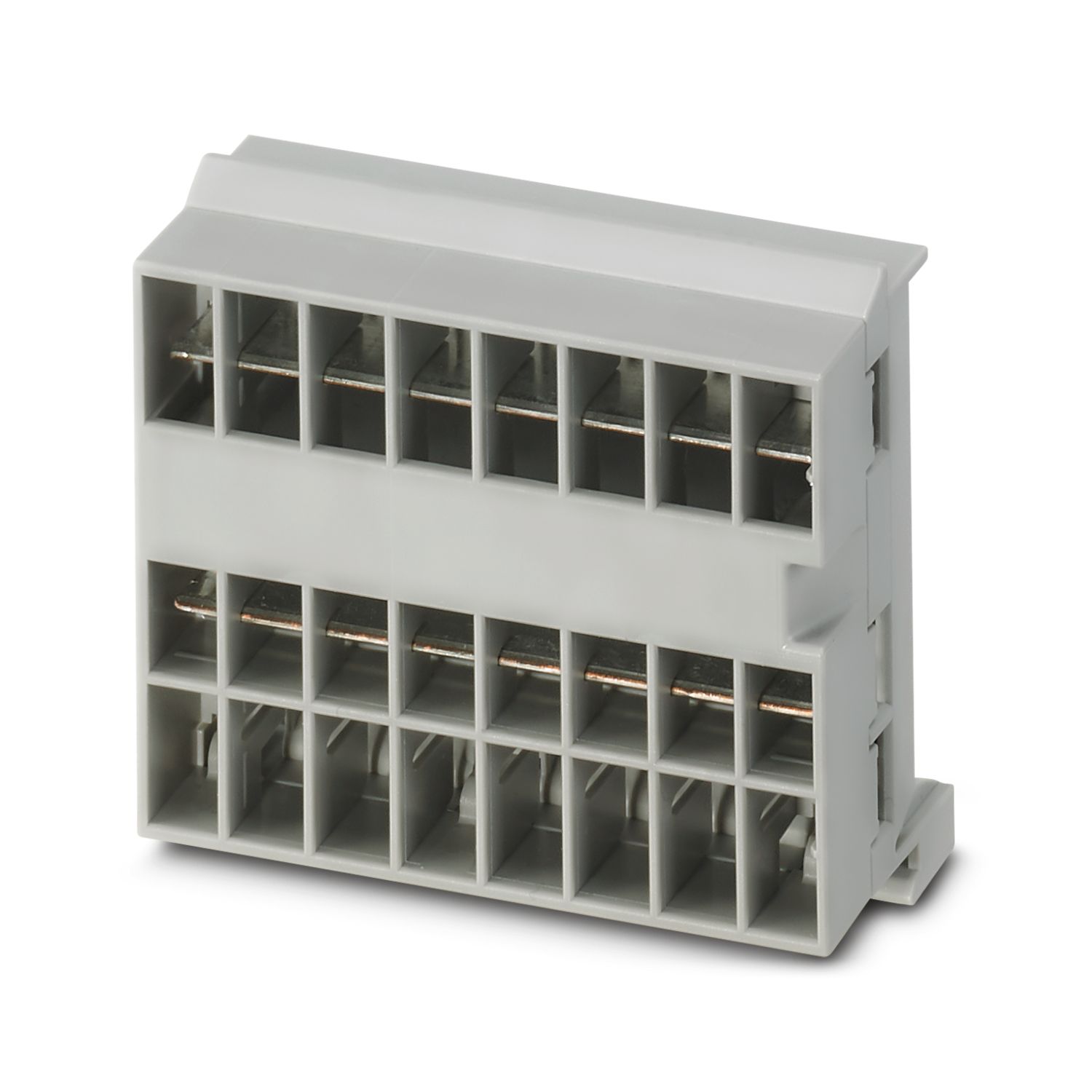
特長
要件に合わせて調整可能な長さでカスタマイズできるベンチマーク
シンプルなプラグアンドプレイデザインで、どなたでも操作が非常に簡単
最大45 Aの汎用バスバーを備えた非常に簡単なデザインイン
よくある質問
電線レールは何本まで接続できますか。
バスバーは任意の本数で接続できますが、連続して流せる電流は最大45 Aです。
CAPAROCの機能が説明されているハードウェアの紹介動画はありますか。
インフィードモジュールの下流には、サーキットブレーカモジュールを何台接続できますか。
CAPAROC PM S-R:サーキットブレーカモジュールx 20
CAPAROC PM IOL:20チャンネル
CAPAROC PM PN:サーキットブレーカモジュールx 16
CAPAROC PM EIP:サーキットブレーカモジュールx 16
CAPAROC PM MB:サーキットブレーカモジュールx 16
CAPAROC PM EC:サーキットブレーカモジュールx 16
チャンネルLEDは、4秒ごとに2回黄色に点滅します。 これは何を意味するのでしょうか。
これは、電源モジュールとの内部通信が遮断されているか、または故障していることを意味します。
モジュールが正しく取り付けられ、モジュール間に隙間がないことを確認してください。それでも通信が切断される場合は、点滅している最初のモジュール(左)の側面接点を確認してください。接点が曲がっている、モジュールの中に入り込みすぎている、ハウジング開口部の中心からずれている、またはその他の損傷がある場合は、モジュールを交換してください。
設定電流の設定をブロックできますか。
電流はさまざまな方法でロックすることができます:
1.プログラミングロック:電源モジュールのPWRボタンを3秒以上押すと、PWR LEDが黄色に3回点滅し、設定がロックされます。 もう一度3秒以上押すと、LEDが緑色に3回点滅し、再びロックが解除されます。
2.ロックは通信インターフェース経由でも設定や解除ができます。操作ロックもここで設定でき、これにより機器の操作や設定ができなくなります。その後、ロックはインターフェイス経由でのみ解除できます。