
Další informace o produktové řadě CAPAROC najdete v online příručce na adrese phoenixcontact.com/caparoc-help
CAPAROC PM EIP
-
Napájecí modul
1393553
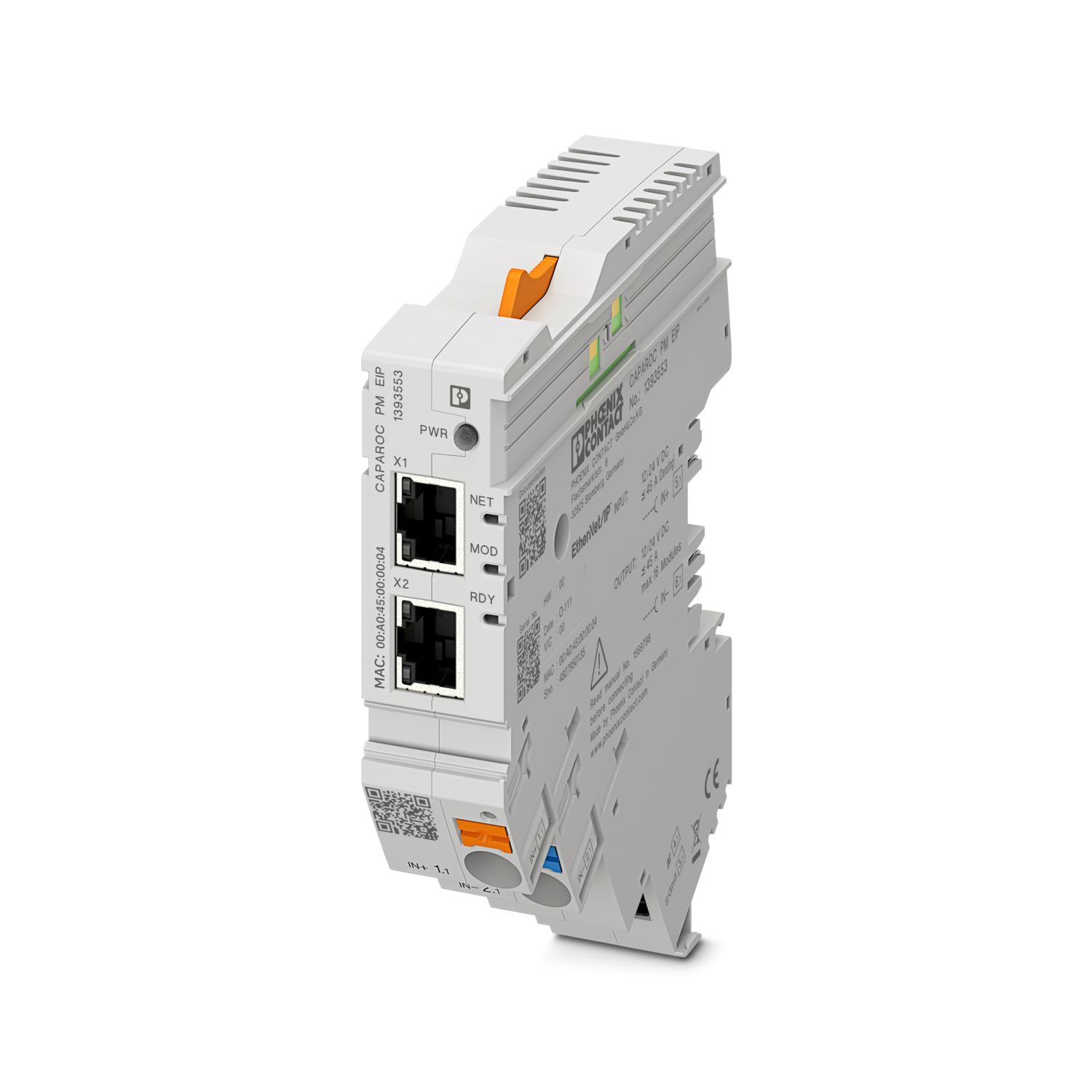
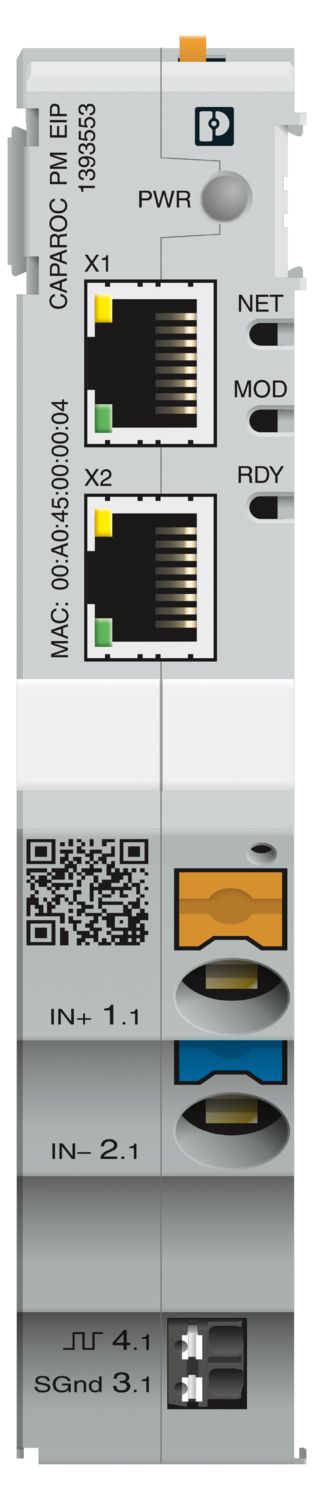
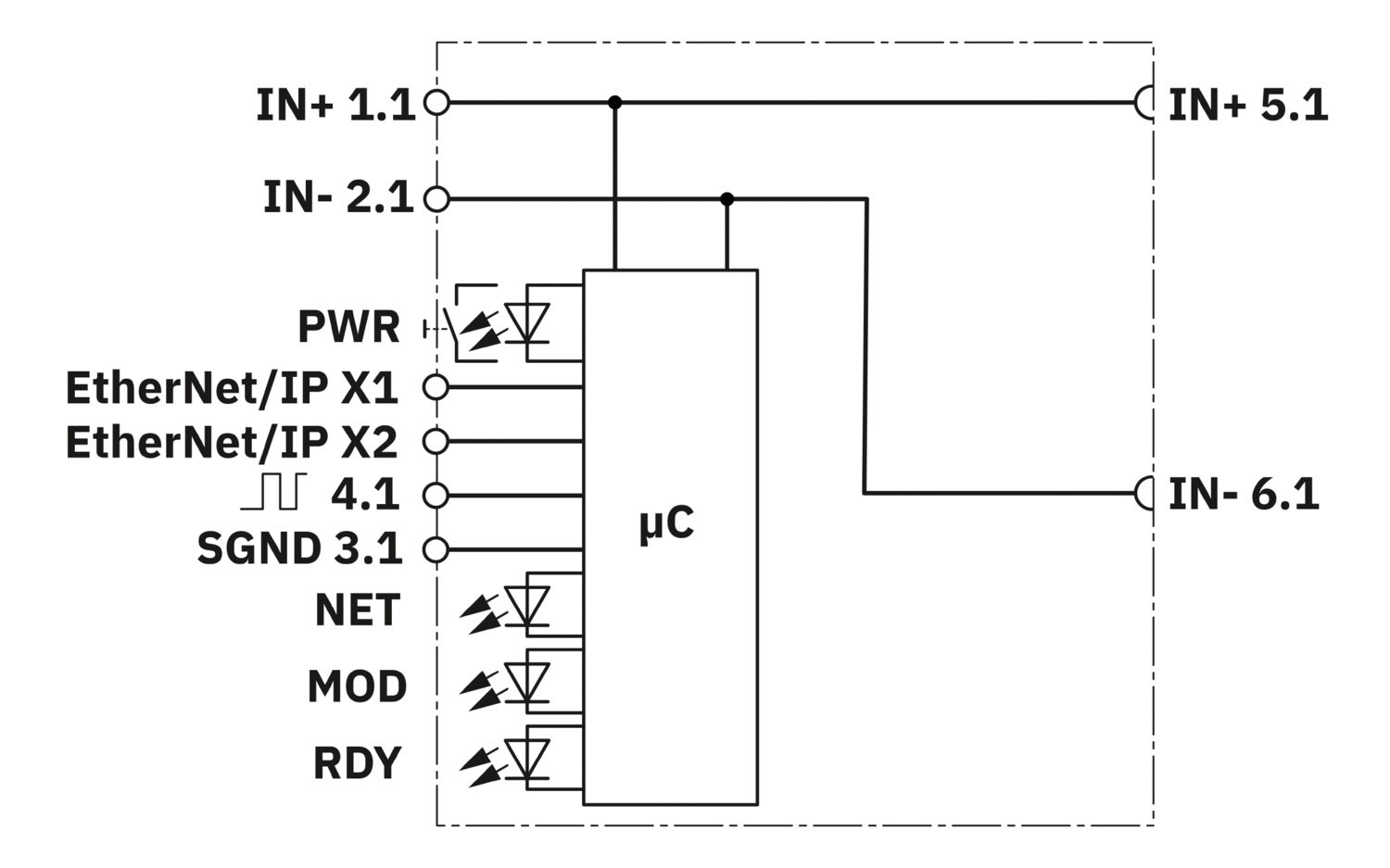

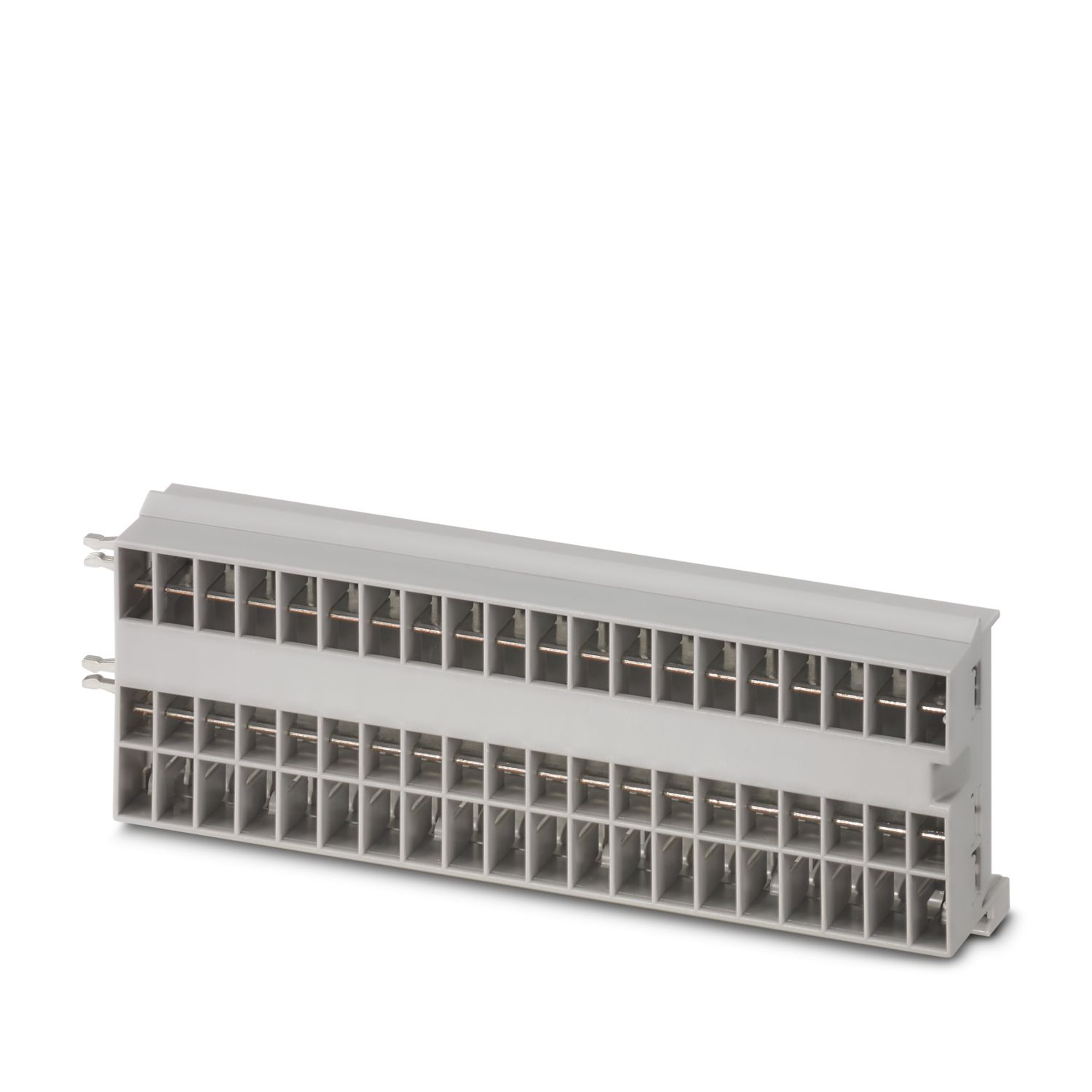
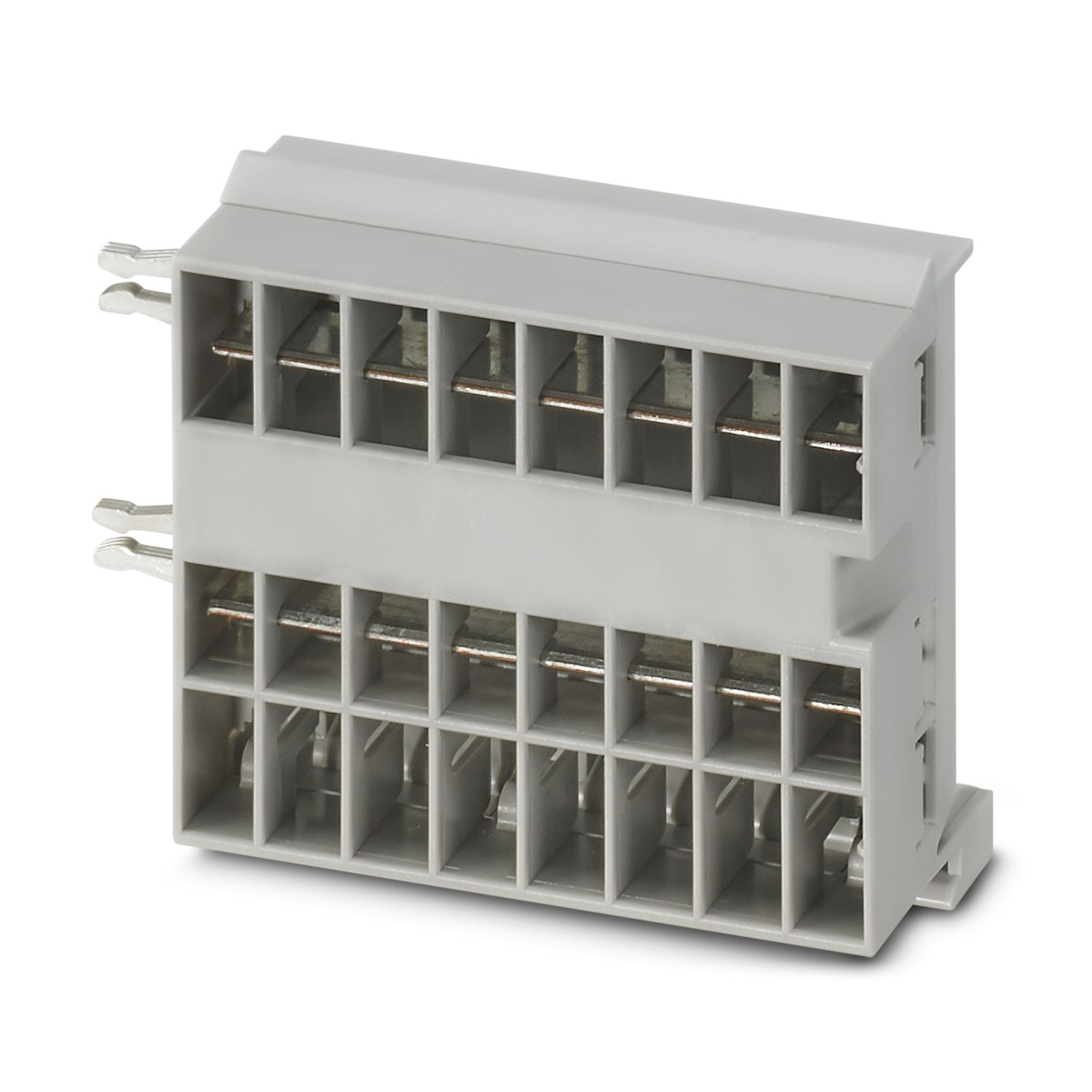
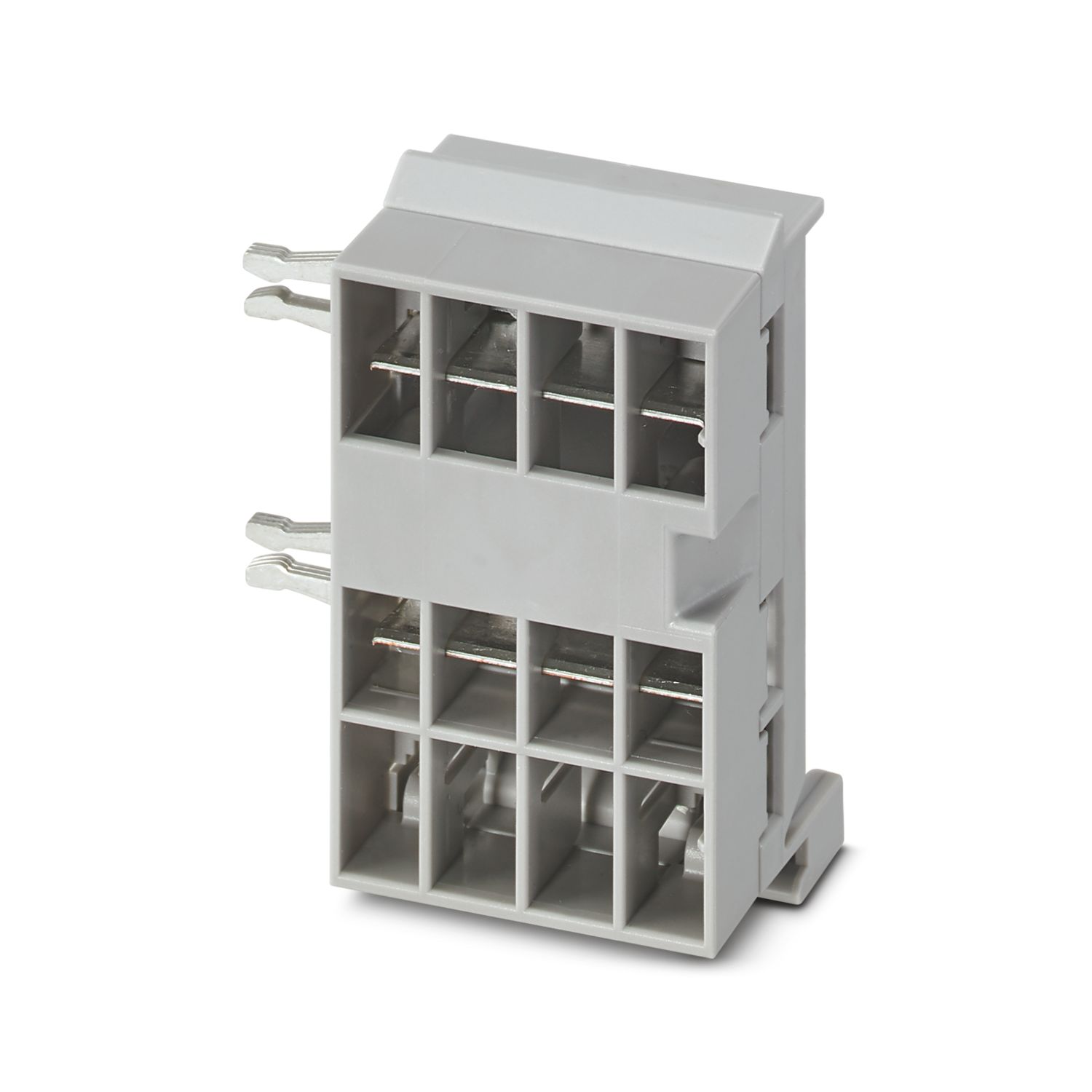
Napájecí modul s rozhraním EtherNet/IP™ k napájení systému přístrojových jističů CAPAROC s 12 nebo 24 V DC. Dodatečné systémové rozhraní pro komunikaci s napájením. K instalaci na nosnou lištu DIN prostřednictvím přípojnic CAPAROC.
Tento výrobek vyžaduje k provozu další výrobky.
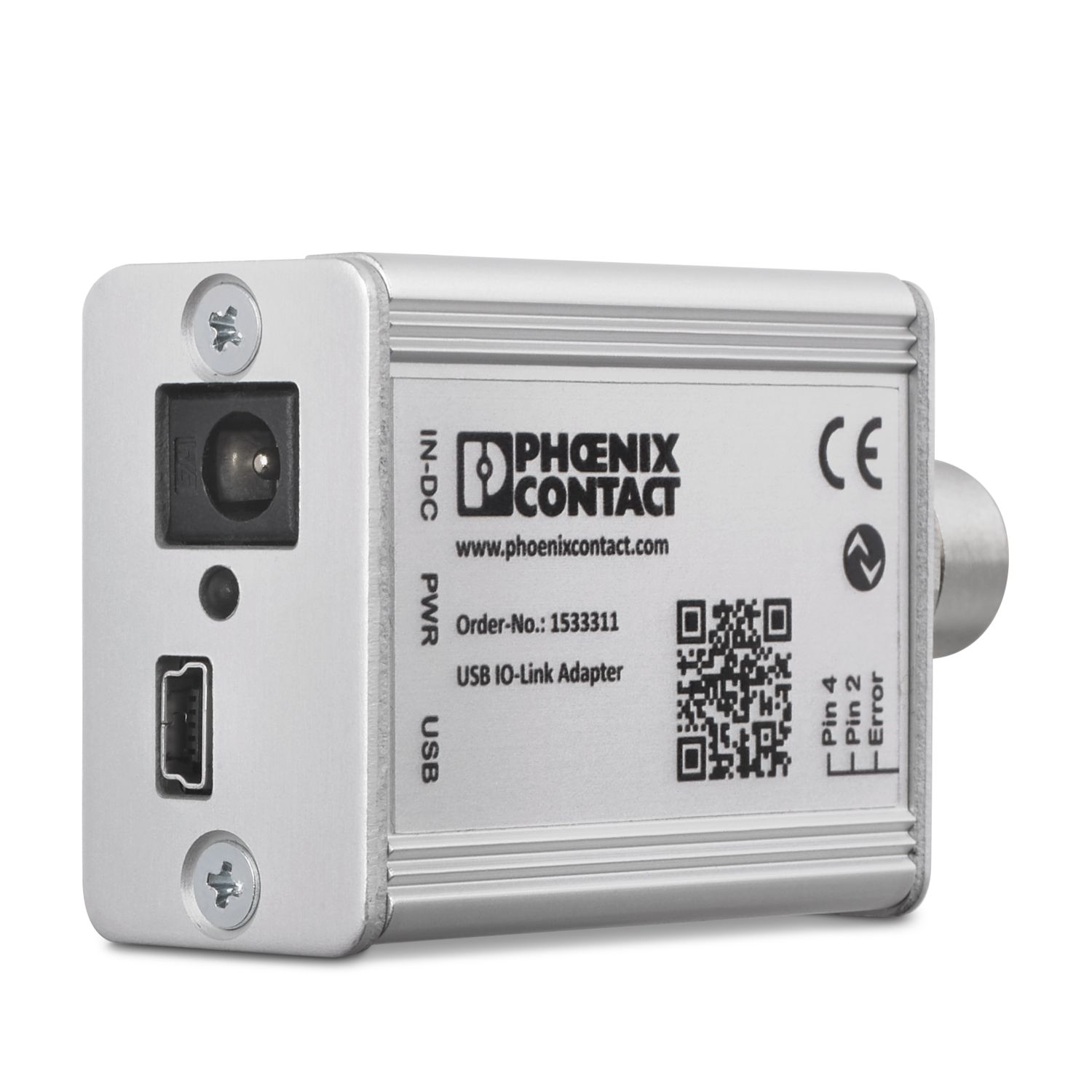
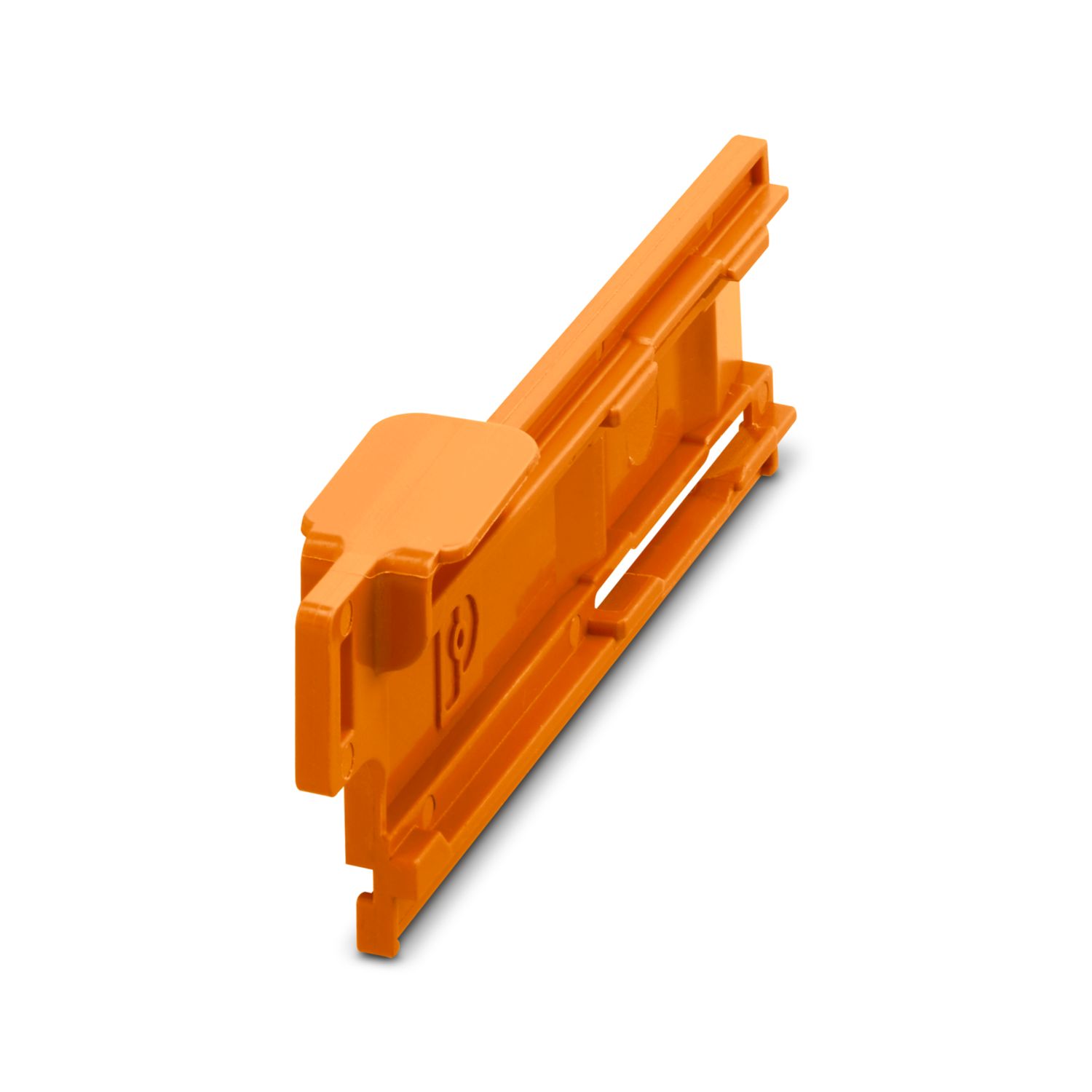
Nezbytné příslušenství
Zdarma ke stažení.
Soubory ke stažení
Detaily výrobku
| Návod na použití | Podle současného stavu připravujeme produkt tak, aby od 11.12.2027 splňoval požadavky evropského aktu o kybernetické odolnosti (Cyber Resilience Act, CRA) na základě aktuálně dostupných informací o CRA. |
| Všeobecně | |
| Poznámka | LABS volné – podle specifikace zkoušky VW PV 3.10.7:2005-0 |
| Při připojení vodičů je nutné dbát na to, aby se od sebe moduly CAPAROC neroztáhly v důsledku tažných sil. Nesmí dojít k vytvoření štěrbiny mezi moduly. | |
| Typ produktu | Elektronické přístrojové jističe |
| Produktová řada | CAPAROC |
| Provedení | Násuvný modul |
| Počet zásuvných míst | 4 |
| Izolační vlastnosti | |
| Třída ochrany | III |
| Stupeň znečištění | 2 |
| EtherNet/IP™ | |
| Funkce zařízení | Adaptér EtherNet/IP™ |
| Adresování | DHCP (výchozí), BootP, statický, ACD |
| Topologie | Linie |
| Hvězda | |
| Kroužek | |
| Všeobecně | |
| Provozní napětí | 10 V DC ... 30 V DC |
| Jmenovité napětí | 12 V DC |
| 24 V DC | |
| Jmenovitý proud IN | 45 A (Celkový proud vstup) |
| Jmenovité rázové napětí | 0,5 kV |
| Způsob spouštění | E (elektronicky) |
| Pevnost zpětného napájení | max. 35 V DC |
| Elektrická pevnost | 35 V DC (Zátěžový obvod) |
| účinnost | > 99 % |
| Klidový proud I0 | typ. 46 mA (při chodu naprázdno při 24 V) |
| Ztrátový výkonz | typ. 1,1 W (při chodu naprázdno při 24 V) |
| < 4,5 W (při 40 A) | |
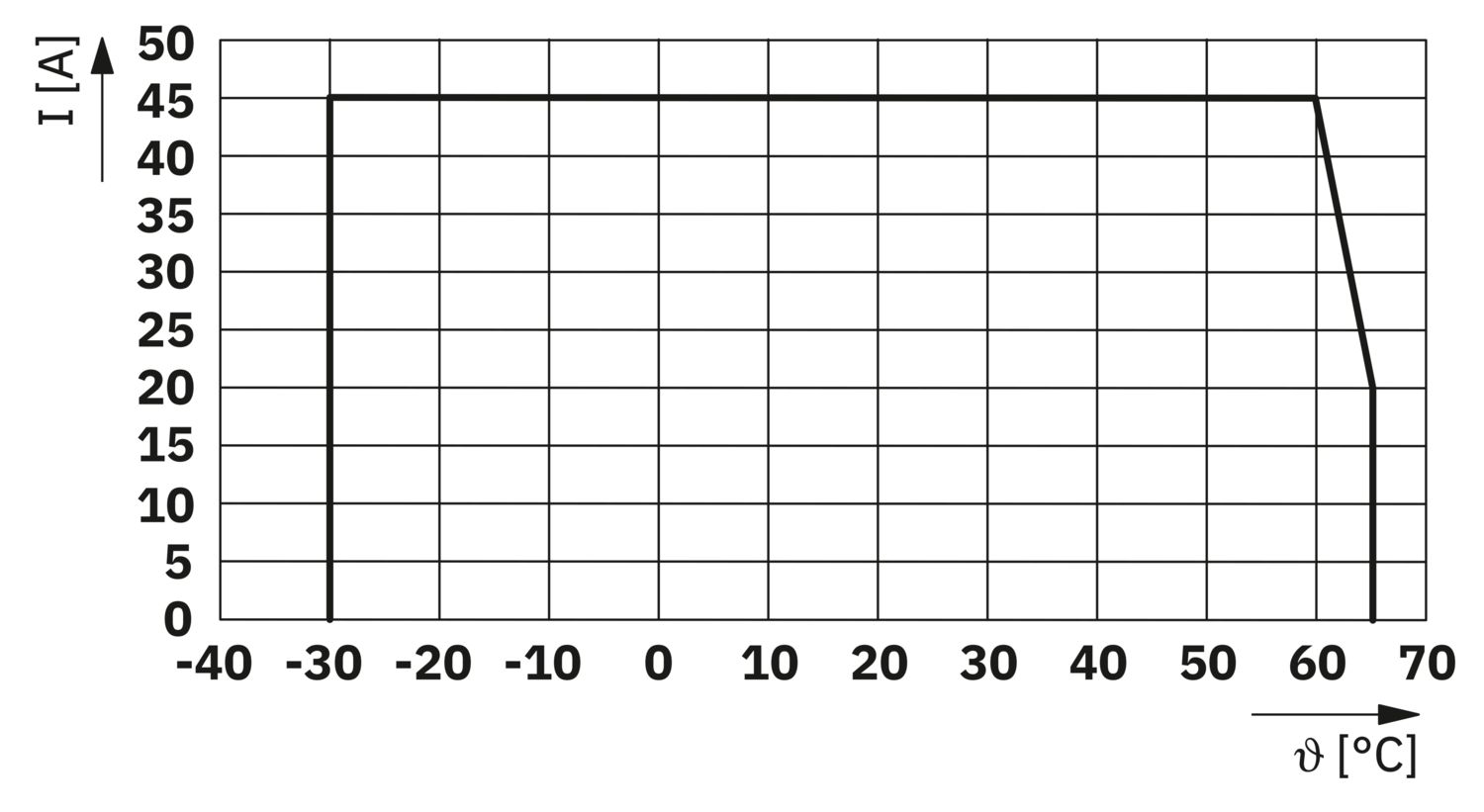
| Teplotní snížení výkonu | 45 A (Celkový proud při 60 °C) |
| 20 A (Celkový proud při 65 °C) | |
| 45 A (Celkový proud při 60 °C, podle UL) | |
| MTBF (IEC 61709, SN 29500) | 7242508,37 h (při 25 °C se zatížením 21 %) |
| 3958056,77 h (při 40 °C se zatížením 34,25 %) | |
| 764697,81 h (při 60 °C se zatížením 100 %) | |
| Pokles napětí | 0,082 V (při 40 A) |
| Zátěžový obvod | |
| Odpojení podpětí | ≤ 9,2 V DC (aktivní) |
| ≥ 10,2 V DC (neaktivní) | |
| Vypínání při přepětí | ≥ 30,5 V DC (aktivní) |
| ≤ 29,5 V DC (neaktivní) | |
| Hlavní proudový okruh IN+ | |
| Typ připojení | Svorky Push-in |
| Délka odizolování | 18 mm |
| Průřez vedení AWG | 20 ... 8 |
| Průřez vodiče flexibilní s koncovkou vodiče s plastovou objímkou | 0,5 mm² ... 16 mm² |
| Průřez vodiče flexibilní s koncovkou vodiče bez plastové objímky | 0,5 mm² ... 16 mm² |
| Hlavní proudový okruh IN- | |
| Typ připojení | Svorky Push-in |
| Délka odizolování | 18 mm |
| Průřez vedení AWG | 20 ... 8 |
| Průřez vodiče flexibilní s koncovkou vodiče s plastovou objímkou | 0,5 mm² ... 16 mm² |
| Průřez vodiče flexibilní s koncovkou vodiče bez plastové objímky | 0,5 mm² ... 16 mm² |
| Komunikace systému | |
| Typ připojení | Svorky Push-in |
| Délka odizolování | 8 mm |
| Průřez vodiče tuhý | 0,2 mm² ... 1,5 mm² |
| Průřez vedení AWG | 24 ... 16 |
| Průřez vodiče flexibilní s koncovkou vodiče s plastovou objímkou | 0,2 mm² ... 0,75 mm² |
| Průřez vodiče flexibilní s koncovkou vodiče bez plastové objímky | 0,2 mm² ... 1,5 mm² |
| EtherNet/IP™ | |
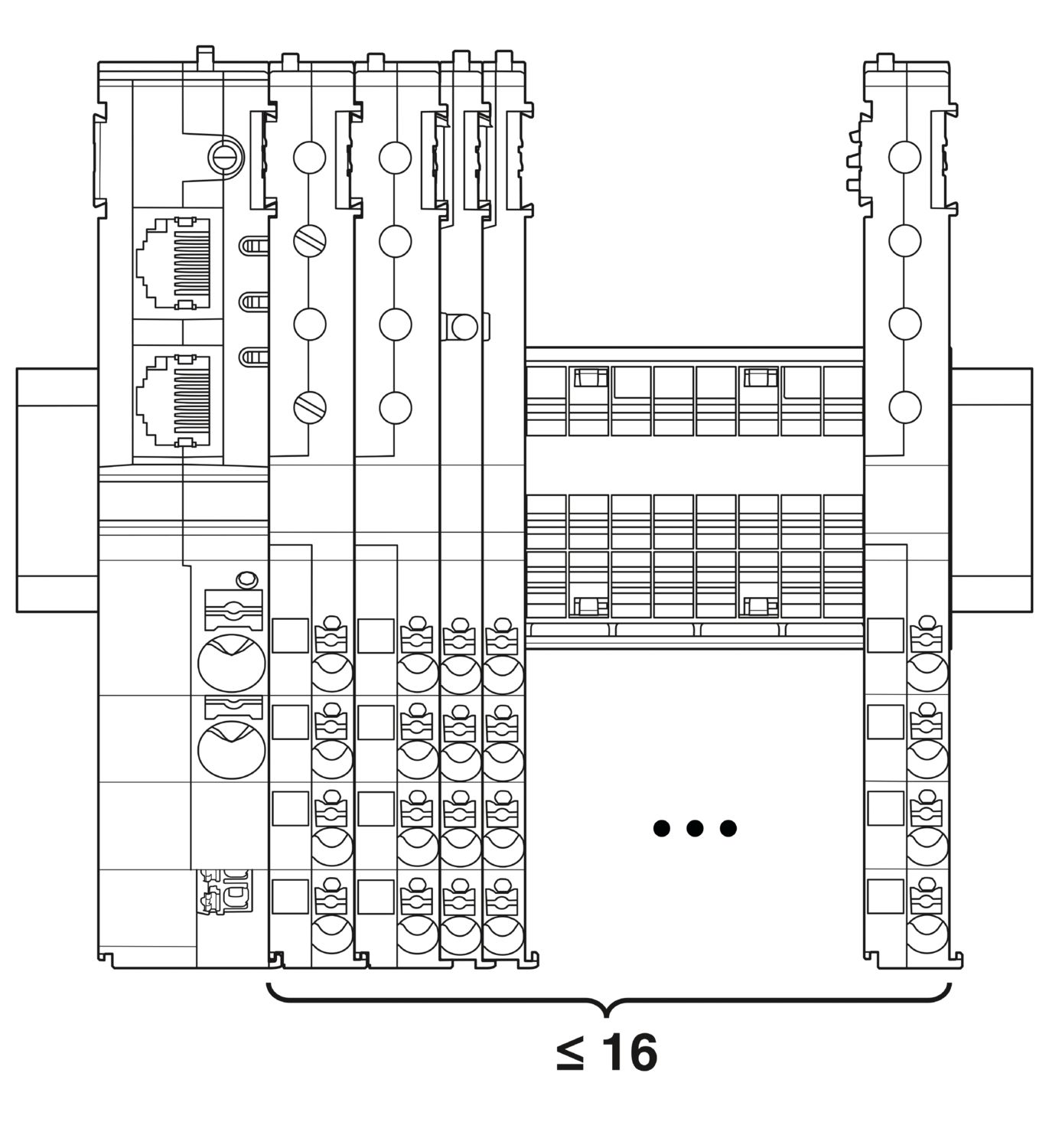
| Maximální rozšíření systému | ≤ 16 (Moduly CAPAROC jsou připojitelné) |
| Typ rozhraní | Ethernet |
| Počet | 2 |
| Rychlost přenosu | 10 Mbit/s 100 Mbit/s |
| Fyzika přenosu | Ethernet v RJ45 zkroucený pár |
| Podporované protokoly | EtherNet/IP™ |
| Přípojka X1 LED zelená | svítí (spojeno) |
| Přípojka X1 LED žlutá | svítí (Přenos) |
| Přípojka X2 LED zelená | svítí (spojeno) |
| Přípojka X2 LED žlutá | svítí (Přenos) |
| Výkonná (PWR) LED zelená | svítí (Napájecí napětí v rozsahu provozního napětí) |
| 3x bliká (Globální programovací zámek deaktivován) | |
| Výkonná (PWR) LED červená | svítí (Napájecí napětí mimo rozsah provozního napětí) |
| 5x bliká (Příkaz k obnovení továrního nastavení přijat) | |
| LED Power (PWR) žlutá | svítí (Je stisknuto tlačítko PWR) |
| 3x bliká (Aktivován globální programovací zámek) | |
| LED NET nesvítí | vypnutý (Na zařízení není přítomno žádné napětí nebo není nakonfigurována IP adresa) |
| LED NET zelená | svítí (Komunikace s řídicí jednotkou navázána) |
| bliká (IP adresa je k dispozici, žádná komunikace s řídicí jednotkou) | |
| LED NET červená | svítí (Address Conflict Detection (ACD): „Duplicate IP“. Zařízení zjistilo, že jeho IP adresa je již v síti používána.) |
| LED NET červená-zelená | bliká (Inicializace zařízení - autotest) |
| LED MOD nesvítí | vypnutý (Absence napájecího napětí) |
| LED MOD zelená | svítí (Normální provoz) |
| bliká (Zařízení ještě není nakonfigurováno) | |
| LED MOD červená-zelená | bliká (Inicializace zařízení - autotest) |
| LED MOD červená | svítí (Chyba (EtherNet/IP™: „Major unrecoverable fault), např. pád programu v řídicí jednotce) |
| bliká (Chyba (EtherNet/IP™: „Major recoverable fault“), např. nekonzistentní nebo nesprávné parametrování) | |
| LED Ready (RDY) žlutá-zelená | bliká (Probíhá instalace firmwaru) |
| LED Ready (RDY) žlutá | svítí (Instalace firmwaru se nezdařila, proveďte ruční reset napětí) |
| LED Ready (RDY) zelená | svítí (Firmware byl úspěšně spuštěn) |
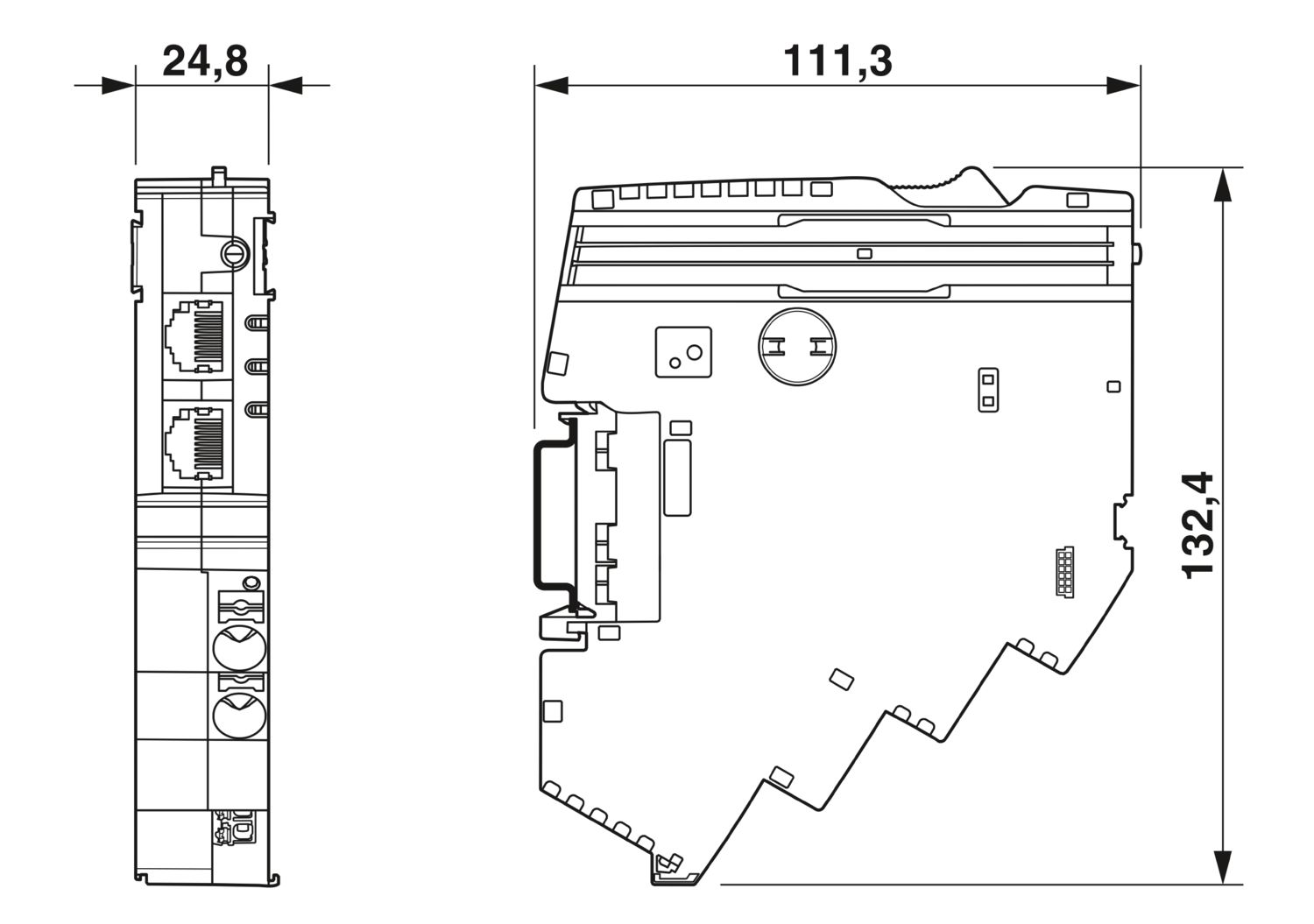
| Výkres v měřítku |
|
| Šířka | 24,8 mm |
| Výška | 132,4 mm |
| Hloubka | 111,3 mm (vč. nosná lišta 7,5 mm) |
| Barva | světle šedá (RAL 7035) |
| Materiálem | PA 6 |
| PA 6 | |
| PA 6 | |
| PC | |
| Třída hořlavosti podle UL 94 | V-0 |
| Okolní podmínky | |
| Krytí | IP20 |
| Teplota prostředí (provoz) | -30 °C ... 65 °C |
| -30 °C ... 60 °C (podle UL) | |
| Teplota prostředí (skladování/přeprava) | -40 °C ... 70 °C |
| Výška | ≤ 4000 m (n.m.) |
| Zkouška vlhkosti | 96 h, 95 % RH, 40 °C |
| Náraz (provoz) | 30g (Trvání 11 ms, polosinusové rázové impulzy, podle IEC 60068-2-27) |
| 25g (Trvání 6 ms, polosinusové rázové impulzy podle IEC 60068-2-27, trvalé otřesy) | |
| Vibrace (provoz) | 5g (10 Hz ... 150 Hz / 10 cyklů / osa / X, Y, Z) |
| Normy/předpisy | EN 61000-6-2 |
| Poznámka | Elektromagnetická kompatibilita – odolnost proti rušení pro průmyslové prostředí |
| Normy/předpisy | EN 61000-6-4 |
| Poznámka | Elektromagnetická kompatibilita – odolnost proti rušení pro průmyslové prostředí |
| Normy/předpisy | EN 61000-6-8 |
| Poznámka | EMC – rušivé vyzařování pro profesionální zařízení používaná v obchodních a komerčních oblastech a v malých podnicích |
| Normy/předpisy | EN 60068-2-78 |
| Poznámka | Vlivy prostředí − vlhko a teplo, konstantní |
| Normy/předpisy | EN 50178 |
| Poznámka | Vybavení silnoproudých zařízení elektronickými provozními prostředky |
| Normy/předpisy | EN 60068-2-6 |
| Poznámka | Vlivy prostředí − kmitání (sinusové) |
| Normy/předpisy | EN 60068-2-27 |
| Poznámka | Vlivy prostředí − nárazy |
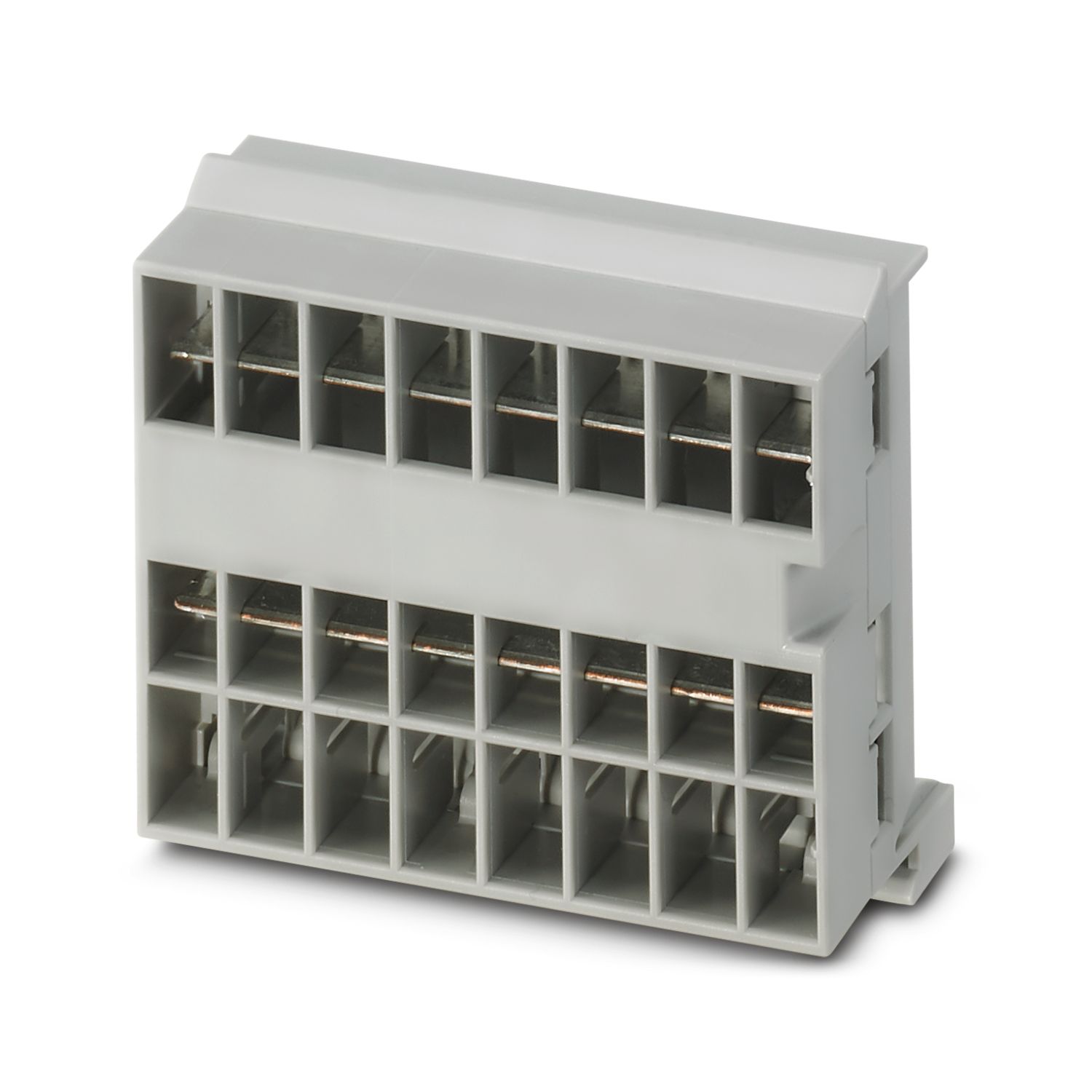
| Způsob montáže | zásuvné na přípojnici CAPAROC CR… |
cUL Listed
ID schválení: E123528EtherNet/IP CONFORMANCE TESTED TM
ID schválení: 12382.01cULus Listed
ID schválení: E483407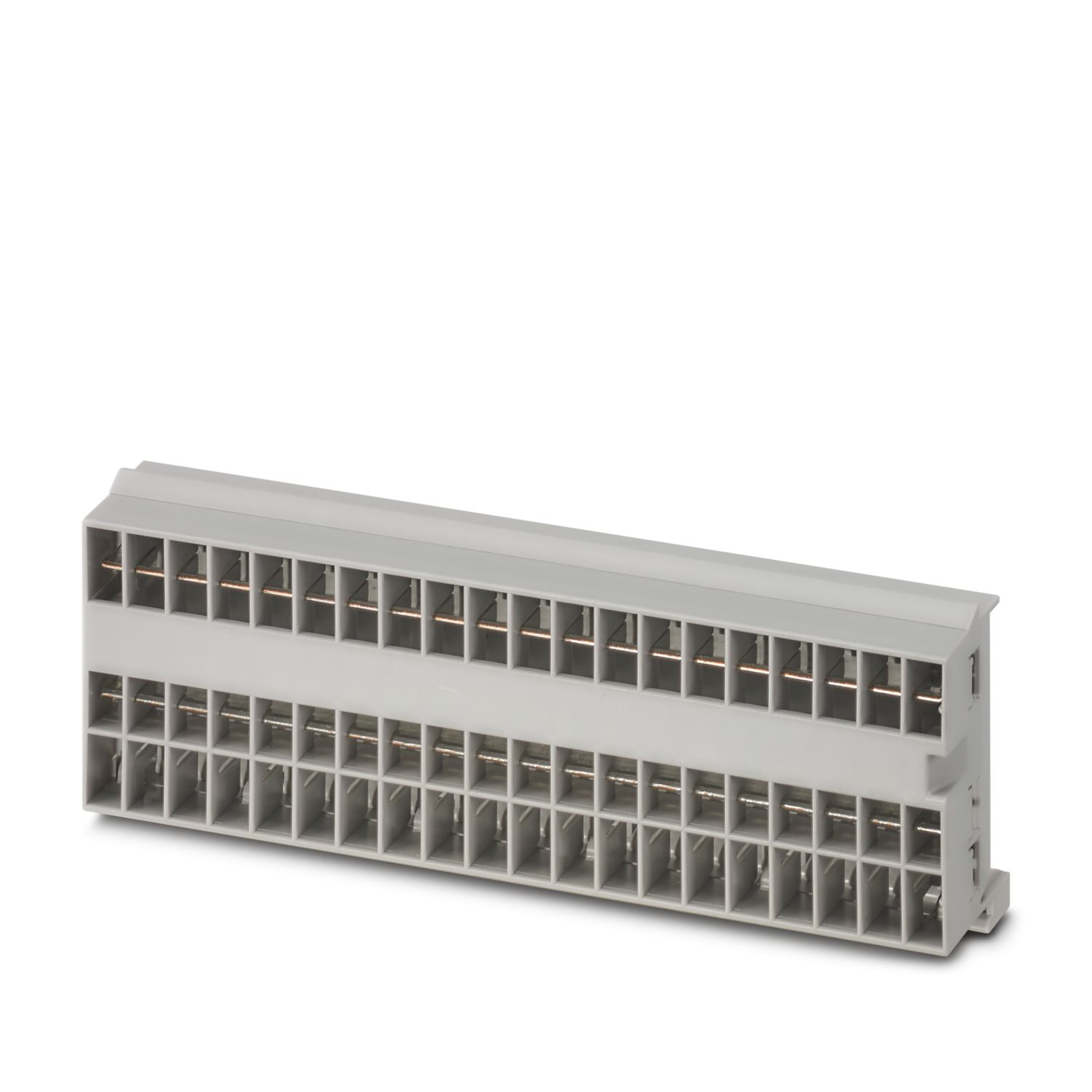
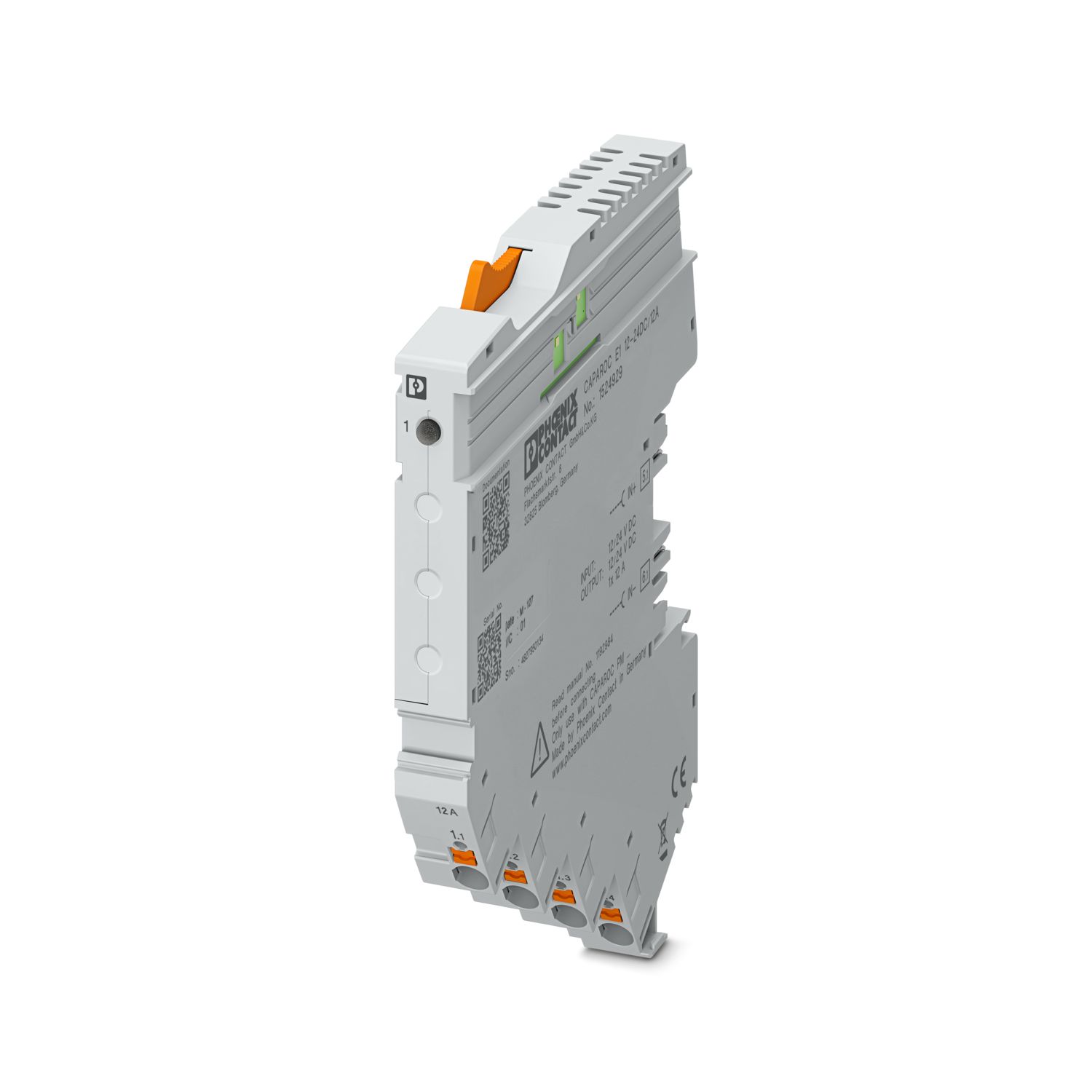
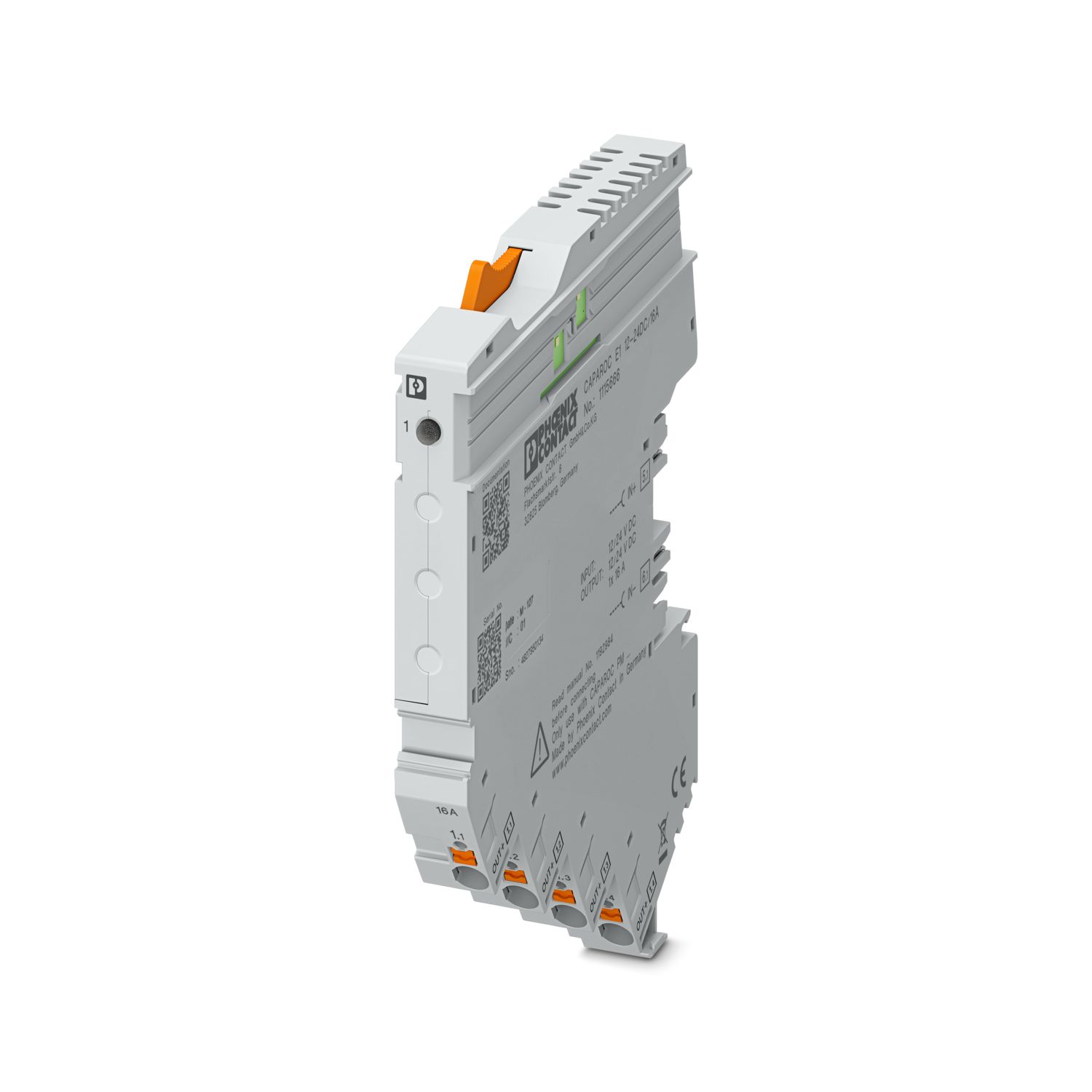

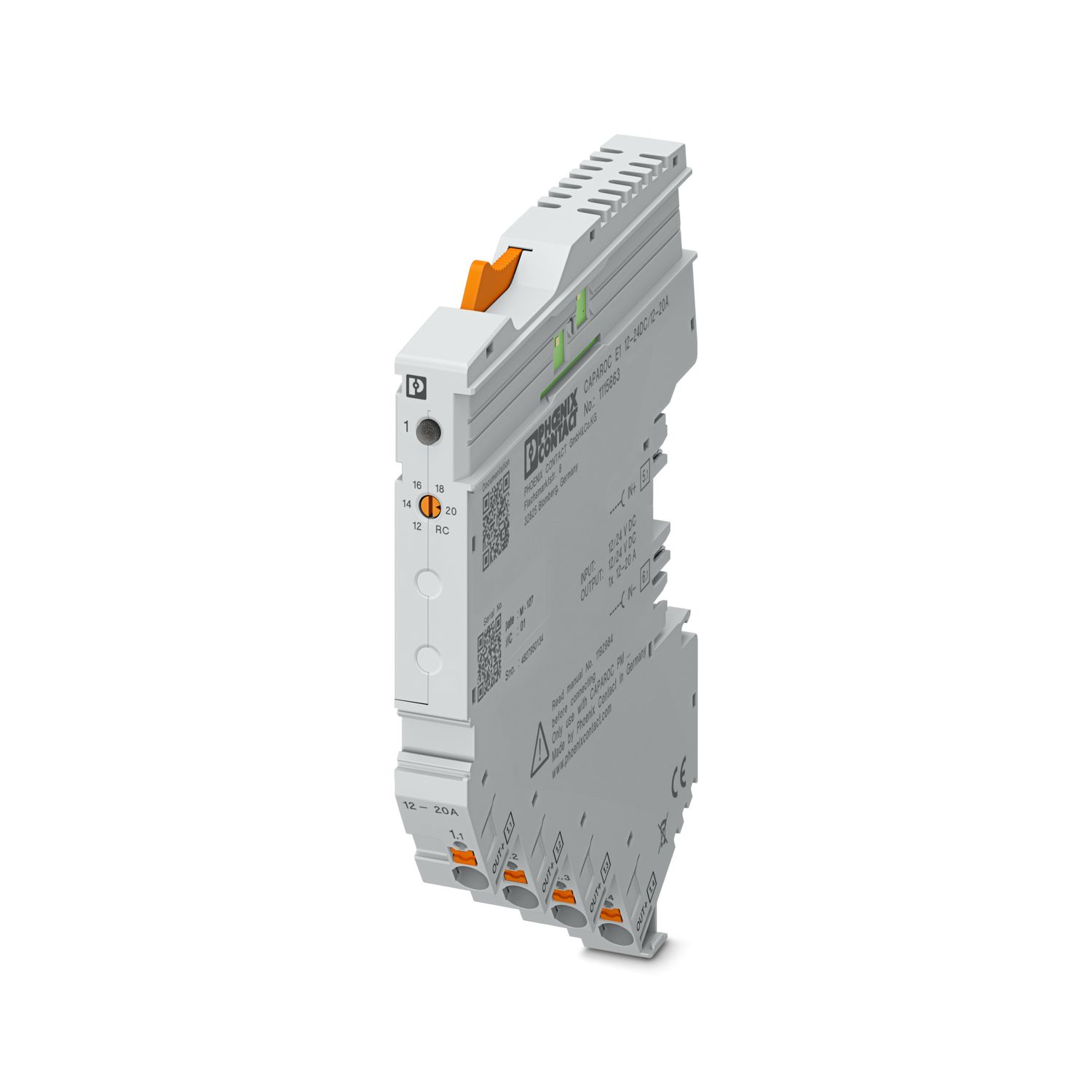
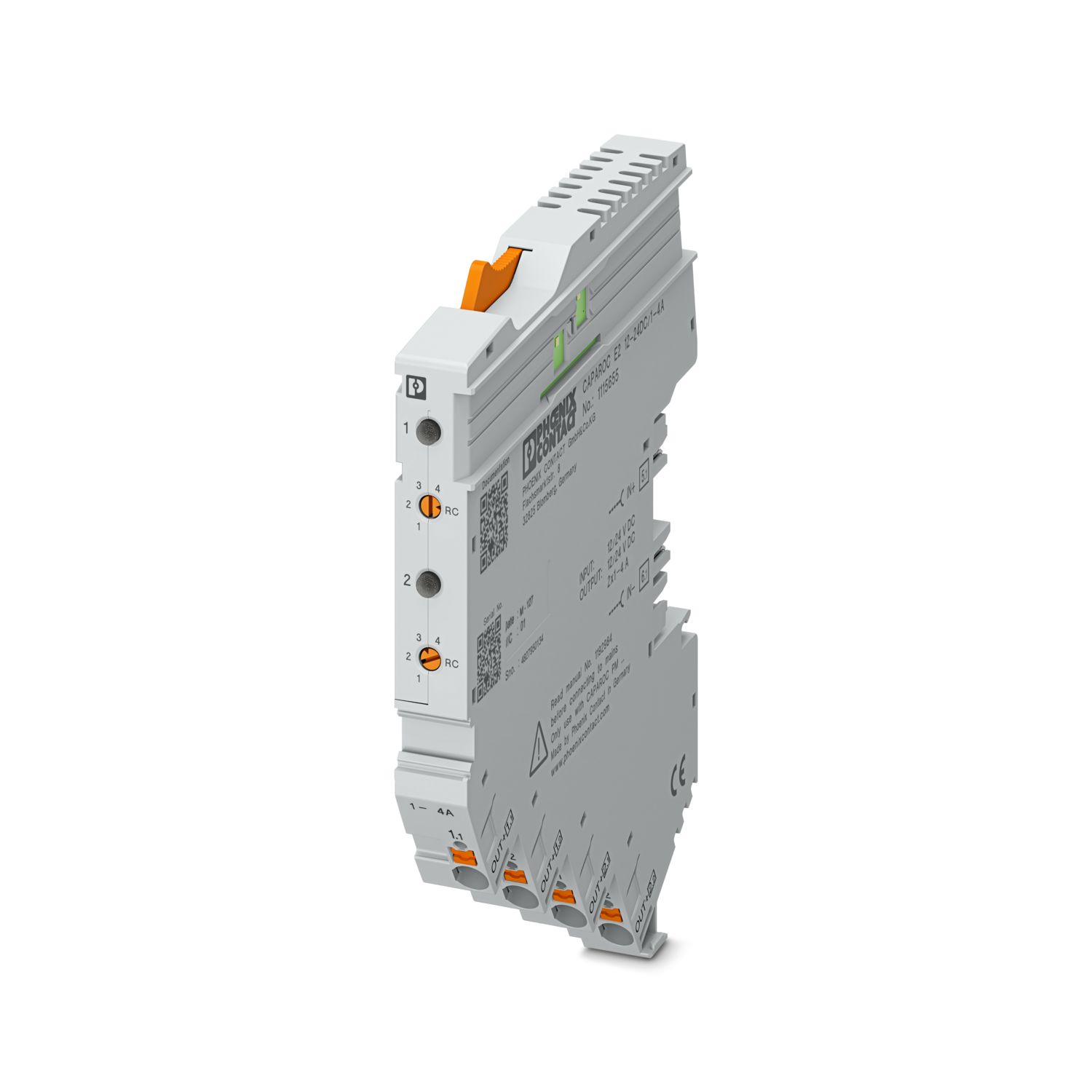
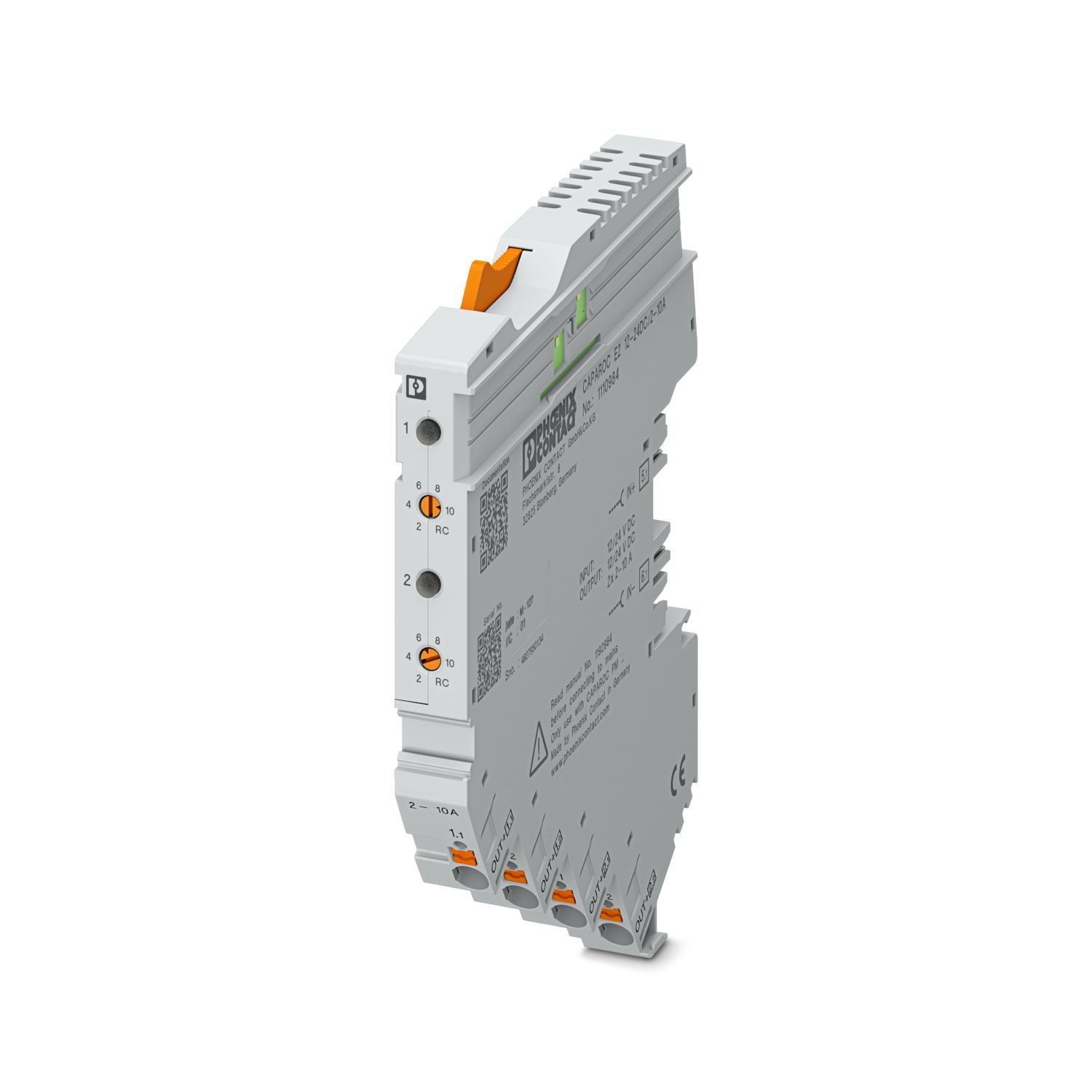
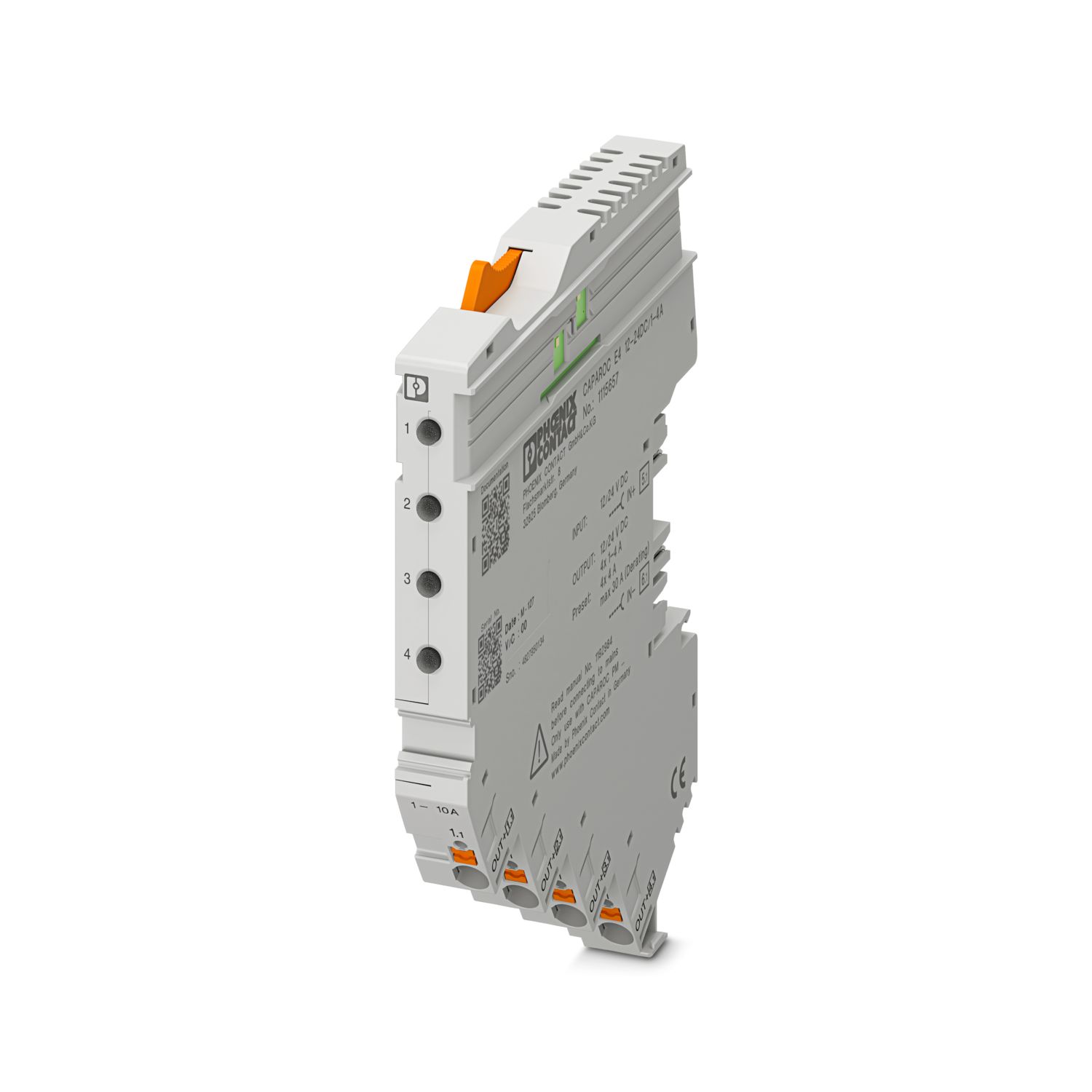
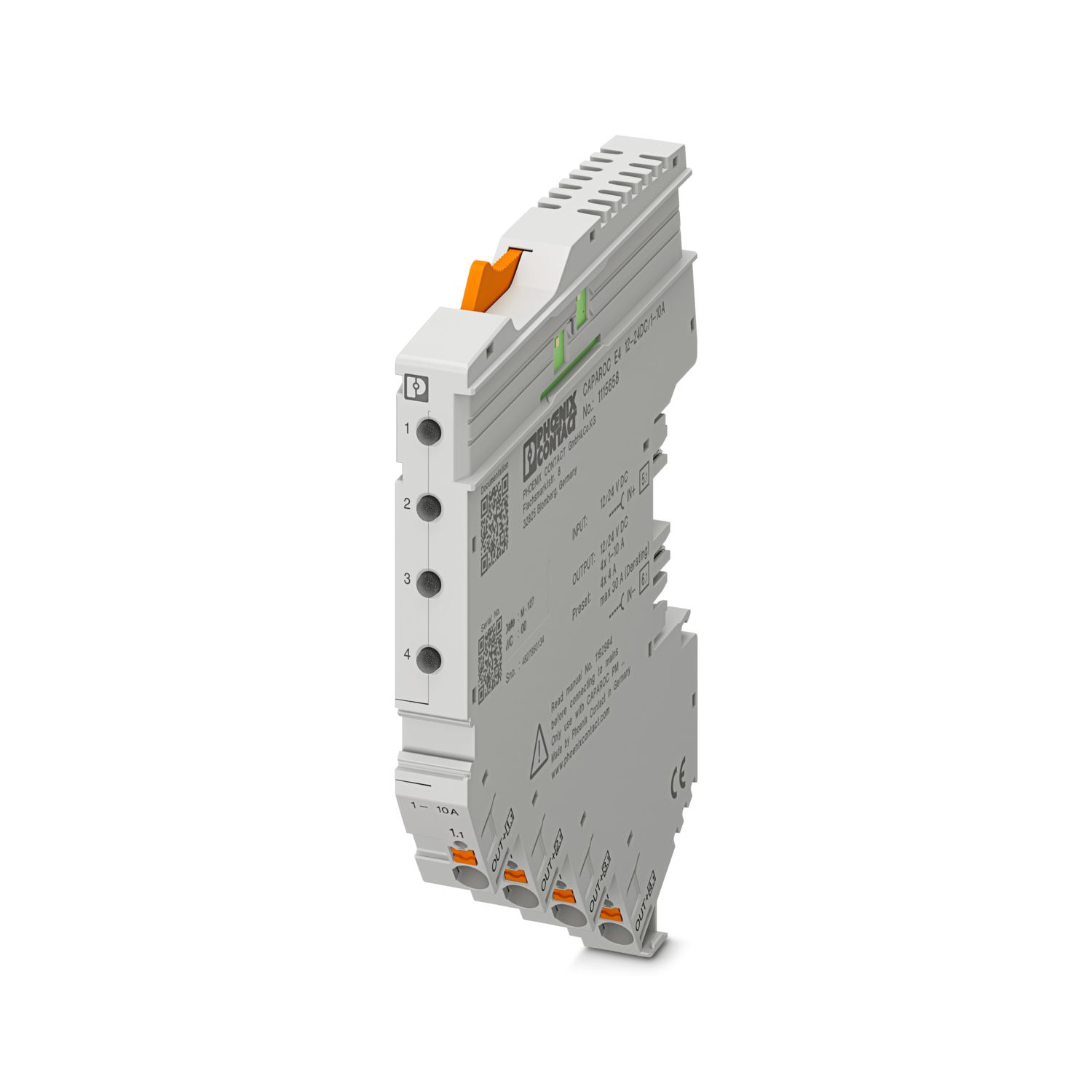
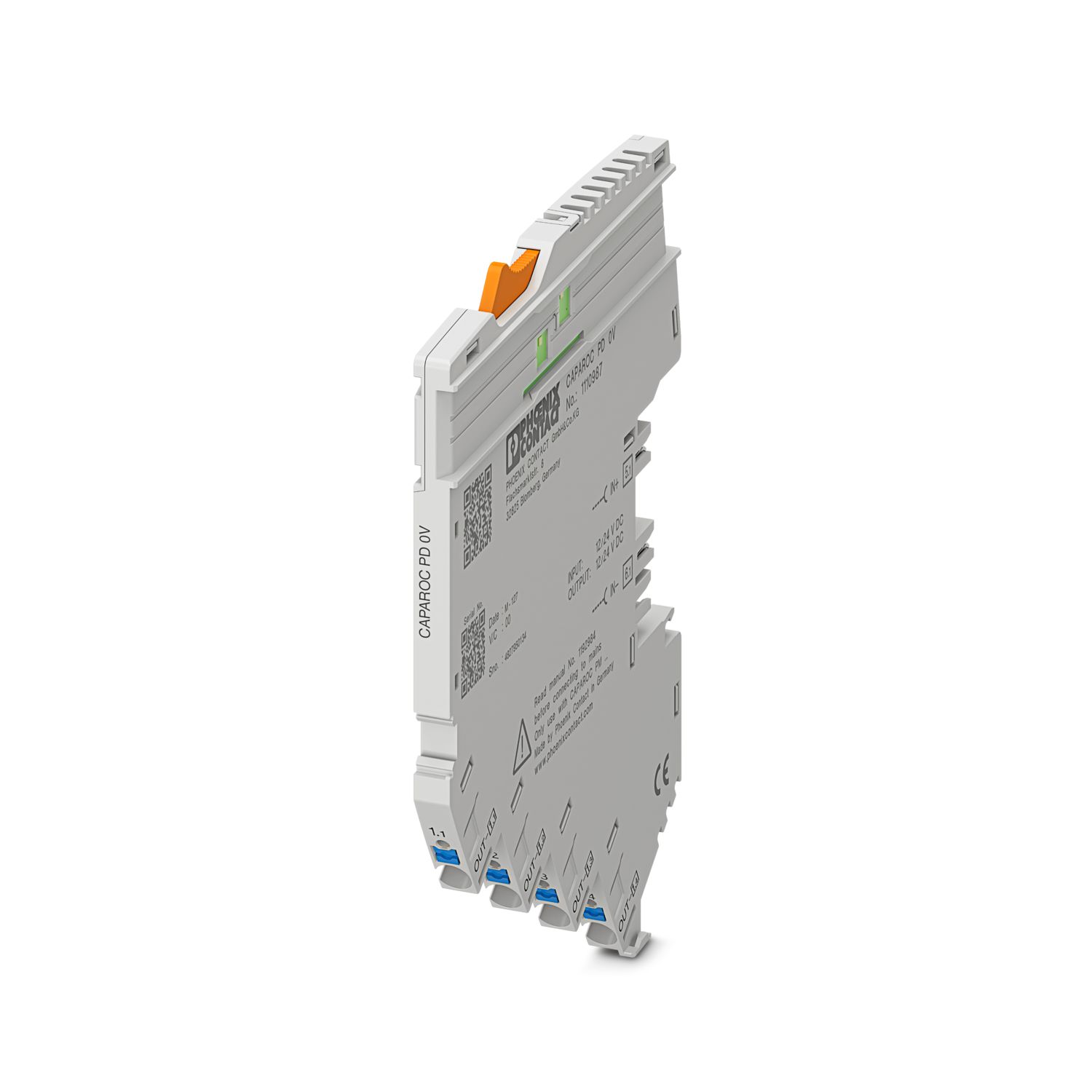
Vaše výhody
Personalizovatelný standard díky výběru jednoduchých signálů a resetu až po komunikaci EtherNet/IP™
Mimořádně snadná obsluha pro každého díky montáži bez použití nářadí, přímému napájení na přípojnici a transparentnímu provoznímu stavu
Překvapivě jednoduchý Design-in díky kompletnímu digitálnímu datovému paketu a funkčním modulům EtherNet/IP™ pro Studio 5000
Často kladené otázky
Existuje příručka k hardwaru, která vysvětluje funkce CAPAROC?
Ano, k dispozici je příručka k hardwaru, která vám pomůže začít pracovat s CAPAROC.... Zobrazit více
Ano, k dispozici je příručka k hardwaru, která vám pomůže začít pracovat s CAPAROC.
Zobrazit méněKolik modulů ochranného spínače lze připojit za napájecí modul?
CAPAROC PM S-R: 20 modulů ochranného spínače
CAPAROC PM IOL: 20 kanálů
CAPAROC PM PN: 16 modulů ochranného spínače
CAPAROC PM EIP: 16 modulů ochranného spínače
CAPAROC PM MB: 16 modulů ochranného spínače
CAPAROC PM EC: 16 modulů ochranného spínače
LED kontrolka kanálu žlutě zabliká dvakrát za 4 sekundy. Co to zde znamená?
To znamená, že interní komunikace s napájecím modulem je přerušená nebo má závadu.
Zkontrolujte, zda jsou moduly správně namontovány a zda mezi nimi nejsou mezery. Pokud je komunikace stále přerušena, zkontrolujte boční kontakty prvního blikajícíh...
Zobrazit více
To znamená, že interní komunikace s napájecím modulem je přerušená nebo má závadu.
Zkontrolujte, zda jsou moduly správně namontovány a zda mezi nimi nejsou mezery. Pokud je komunikace stále přerušena, zkontrolujte boční kontakty prvního blikajícího modulu (vlevo). Pokud jsou ohnuté, zasunuté příliš hluboko do modulu, nejsou vystředěné v otvoru krytu nebo jsou jinak poškozené, modul vyměňte.
Mohu zakázat nastavení nastavených proudů?
Proudy lze blokovat různými způsoby:
1. Blokace programování: Stiskněte tlačítko PWR na napájecím modulu na > 3 sekundy, LED PWR třikrát žlutě zabliká, nastavení je nyní zablokováno. Opětovným stisknutím na dobu > 3 sekund LED dioda třikrát ...
Zobrazit více
Proudy lze blokovat různými způsoby:
1. Blokace programování: Stiskněte tlačítko PWR na napájecím modulu na > 3 sekundy, LED PWR třikrát žlutě zabliká, nastavení je nyní zablokováno. Opětovným stisknutím na dobu > 3 sekund LED dioda třikrát zeleně zabliká a blokace se opět zruší.
2. Blokaci lze nastavit a zrušit také prostřednictvím komunikačního rozhraní. Zde lze také nastavit blokaci ovládání, která zabraňuje ovládání a nastavování zařízení. Blokaci pak lze zrušit pouze prostřednictvím rozhraní.
Nabízí systém přístrojových jističů CAPAROC funkční bloky?
Ano, v oblasti pro stažení jsou k dispozici funkční bloky pro napájecí modul s rozhraním PROFINET pro portál TIA a CODESYS, stejně jako pro PLCnext Engineer v PLCnext Store.