
CAPAROC CR EXT8
-
Samleskinne
1110990
El-nr.:
1602583
El-nr.:
1602583
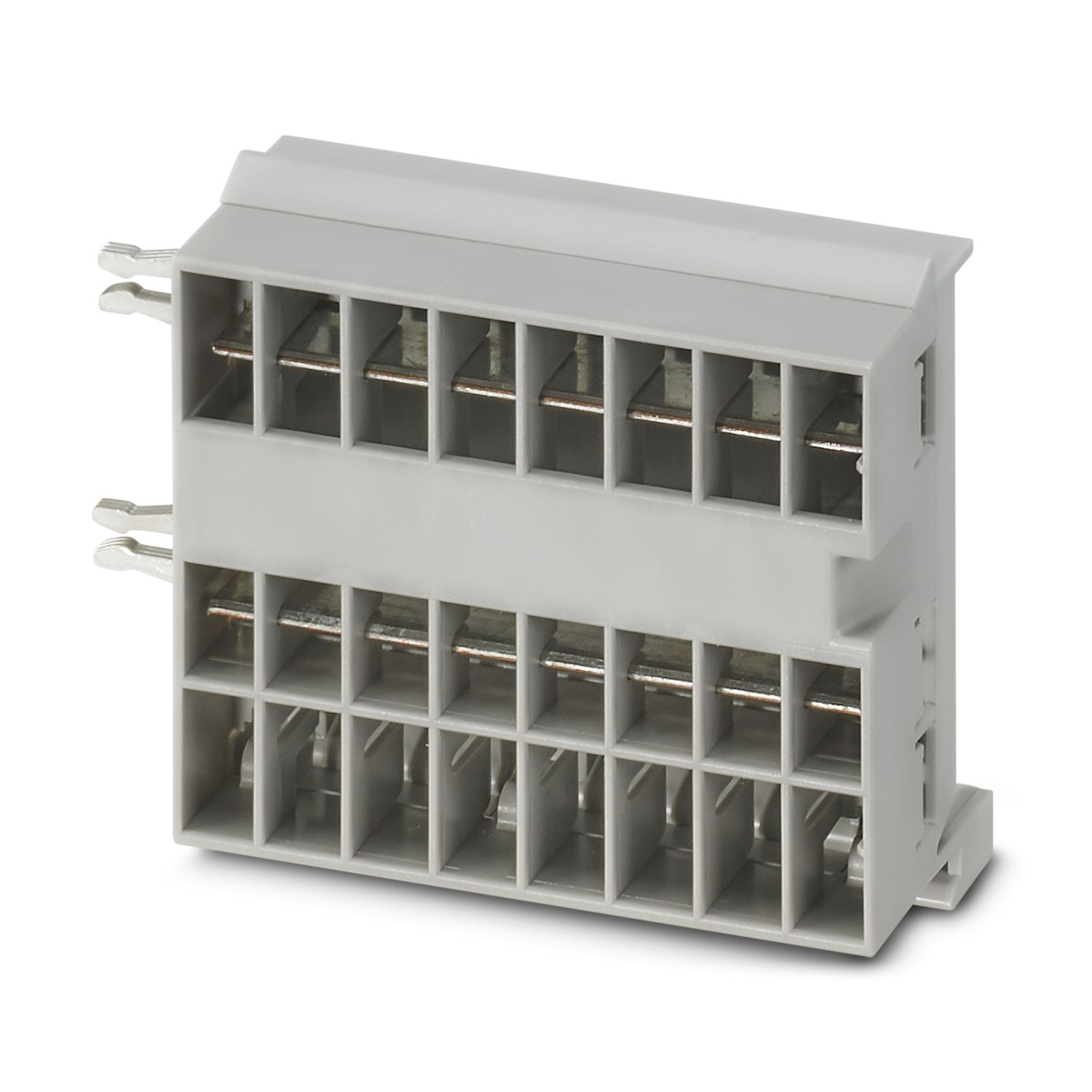
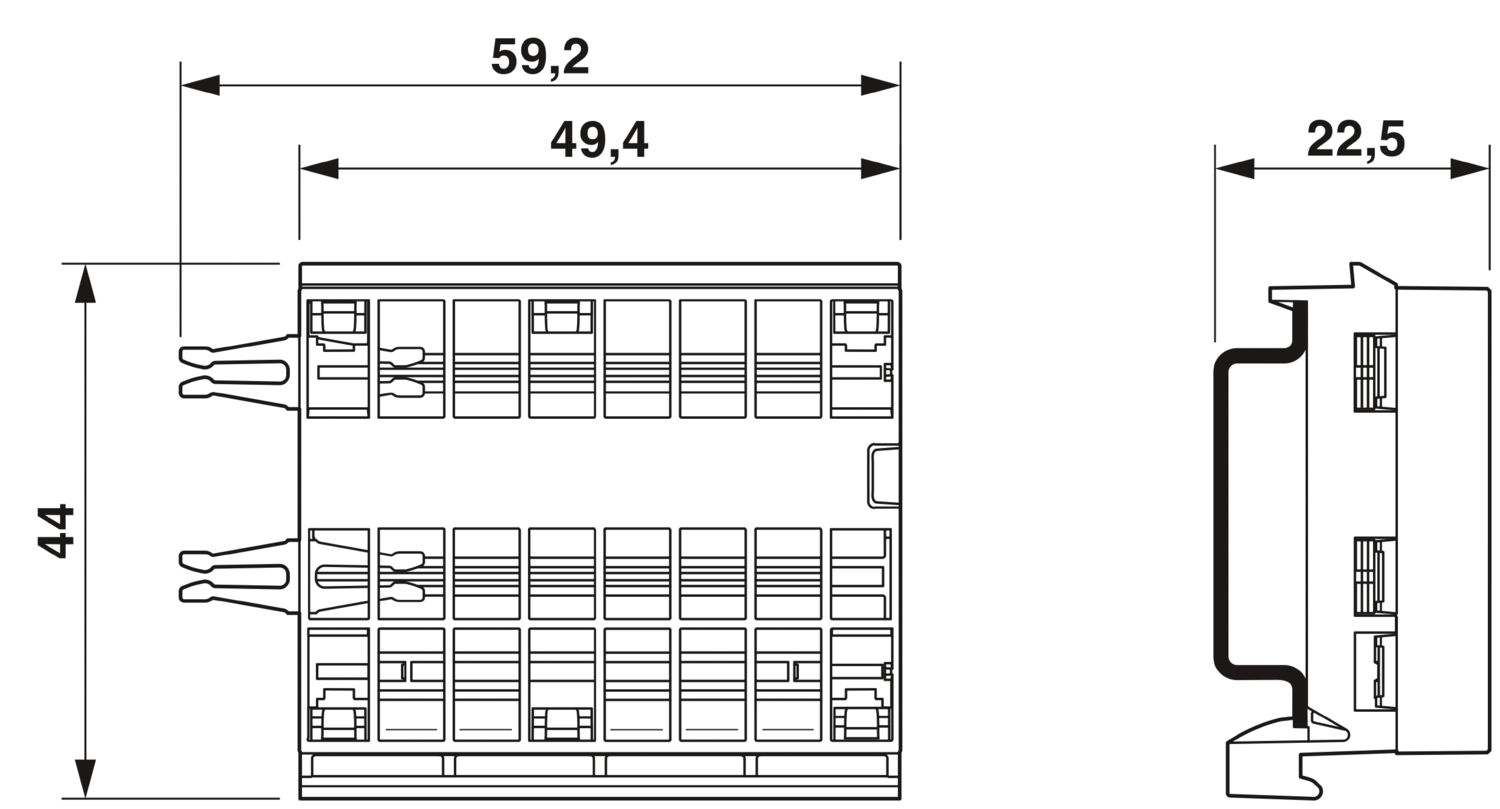
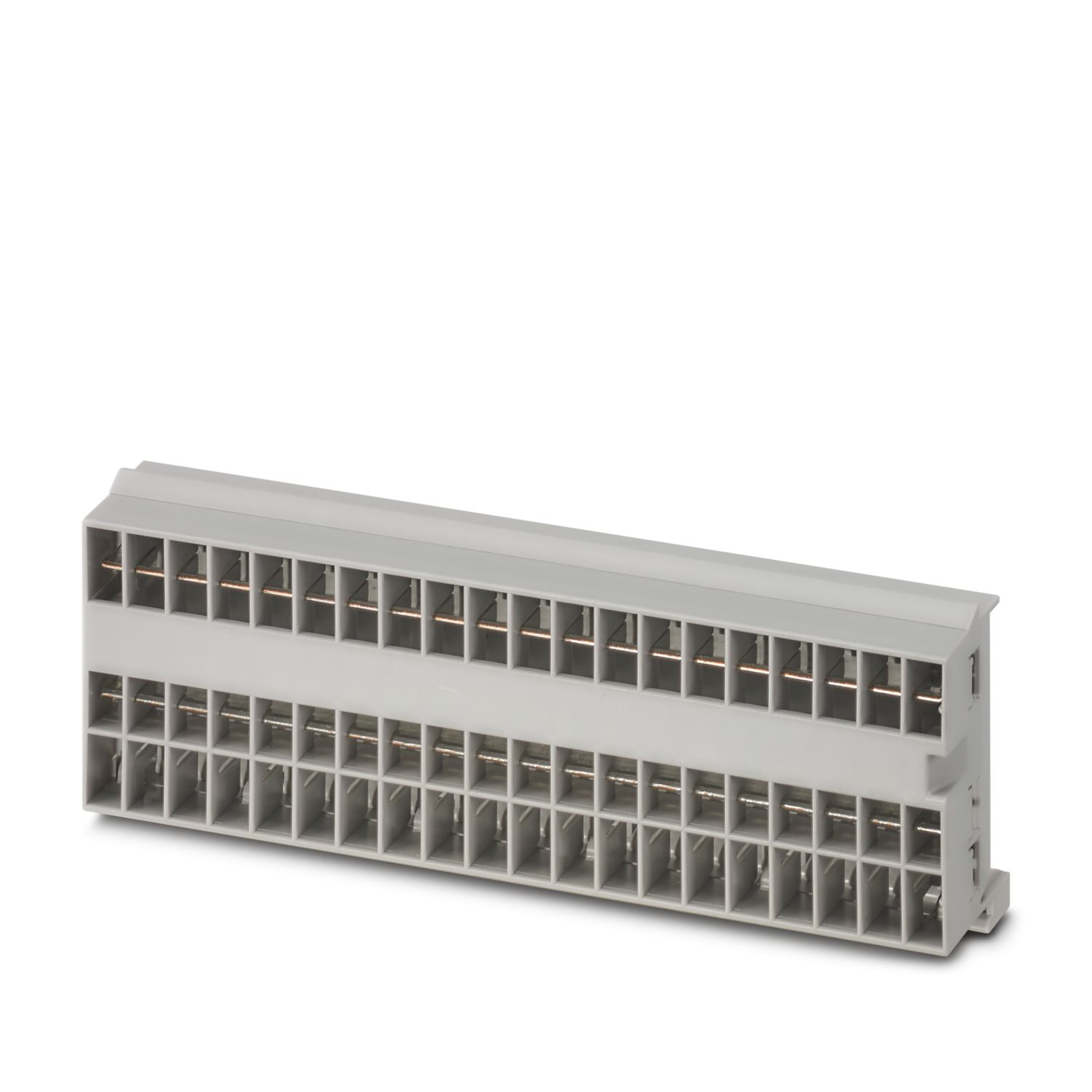
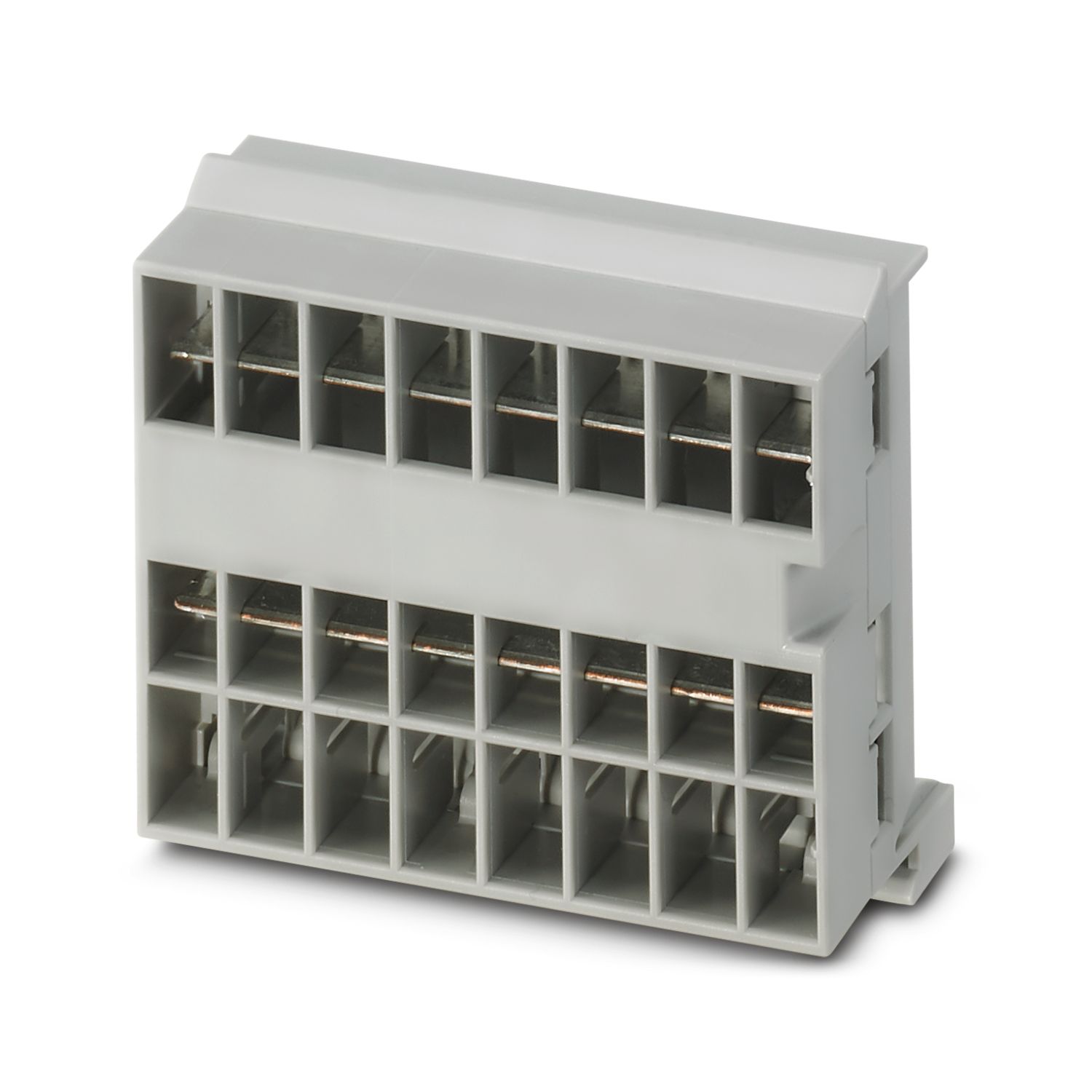
Utvidelsessamleskinne med åtte innstikksplasser til CAPAROC system. Installeres på DIN-monteringsskinne.
Produktdetaljer
| Generelt | |
| Merk | LABS fri – etter testspesifikasjon VW PV 3.10.7:2005-0 |
| Ved bruk av CAPAROC E1...-moduler gjelder, ved varig støt etter IEC 60068-2-27, styrkegrad 6 ms / 15g | |
| Produkttype | Elektronisk automatsikring |
| Produktserie | CAPAROC |
| Byggform | Plug-in modul |
| Antall stikkplasser | 8 |
| Isolasjonsegenskaper | |
| Beskyttelsesklasse | III |
| Forurensningsgrad | 2 |
| Generelt | |
| Merkespenning | 24 V DC |
| Merkestrøm IN | 45 A (Total strøm inngang) |
| Effekttap | < 0,5 W (ved 45 A i plussbanen) |
| Målskisse |
|
| Bredde | 59,2 mm |
| Høyde | 44 mm |
| Dybde | 22,5 mm (inkl. monteringsskinne 7,5 mm) |
| Farge | lysegrå (RAL 7035) |
| Material | Kobber |
| PC | |
| Brennbarhetsklasse iht. UL 94 | V-0 |
| Miljøforhold | |
| Beskyttelsesgrad | IP20 |
| Omgivelsestemperatur (drift) | -30 °C ... 65 °C (matemodulens temperaturområde må hensyntas) |
| Omgivelsestemperatur (lagring/transport) | -40 °C ... 70 °C |
| Høydenivå | ≤ 4000 m (amsl) |
| Fuktighetstest | 96 h, 95 % RH, 40 °C |
| Støt (drift) | 30g (11 ms varighet, halvsinusstøtimpuls, i henhold til IEC 60068-2-27) |
| 25g (6 ms varighet, halvsinusstøtimpuls etter IEC 60068-2-27, varig støt) | |
| 15g (6 ms varighet, halvsinusstøtimpuls etter IEC 60068-2-27, varig støt. Hvis det i systemet benyttes flere enn seks CAPAROC E1-moduler.) | |
| Vibrasjon (drift) | 5g (10 Hz ... 150 Hz / 10 sykluser / akse / X, Y, Z) |
| UL-godkjennelse | |
| Merking | UL/C-UL Listed UL 508 |
| UL 121201 Class I, Division 2, Groups A, B, C, D, T4A | |
| Test for skadelig gass | |
| Merking | ISA S71.04.2013 G3 Harsh Group A |
| Standarder/forskrifter | EN 61000-6-2 |
| Merk | EMC - Støyimmunitet for industrielle områder |
| Standarder/forskrifter | EN 61000-6-3 |
| Merk | EMC - Støyemisjon for boligområde, forretnings- og næringsområder samt småbedrifter |
| Standarder/forskrifter | EN 60068-2-78 |
| Merk | Påvirkninger fra omgivelsene - Fukt og varme, konstant |
| Standarder/forskrifter | EN 50178 |
| Merk | Utstyr på sterkstrømsanlegg med elektroniske driftsmidler |
| Standarder/forskrifter | EN 60068-2-6 |
| Merk | Påvirkninger fra omgivelsene - Svingning (sinusformet) |
| Standarder/forskrifter | EN 60068-2-27 |
| Merk | Påvirkninger fra omgivelsene - støt |
| Monteringstype | Monteringsskinne: 35 mm |
Dine fordeler
Standarden kan tilpasses individuelt fordi lengden kan justeres etter kravene
Meget enkel betjening for alle grunnet enkel Plug-and-Play-oppbygging
Påfallende enkel design-in grunnet universelle samleskinner opptil 45 A
Ofte stilte spørsmål
Hvor mange lederskinner kan kobles sammen?
Et hvilket som helst antall samleskinner kan kobles til, men maksimalt 45 A kan strømme kontinuerlig.
Finnes det en maskinvareopplæring der CAPAROC-funksjonene forklares?
Ja, det finnes en maskinvareopplæring for å gjøre det enklere å komme i gang med CAPAROC.... Se mer
Ja, det finnes en maskinvareopplæring for å gjøre det enklere å komme i gang med CAPAROC.
Vis mindreHvor mange vernebrytermoduler kan jeg koble til etter en matemodul?
CAPAROC PM S-R: 20 vernebrytermoduler
CAPAROC PM IOL: 20 kanaler
CAPAROC PM PN: 16 vernebrytermoduler
CAPAROC PM EIP: 16 vernebrytermoduler
CAPAROC PM MB: 16 vernebrytermoduler
CAPAROC PM EC: 16 vernebrytermoduler
Kanalens LED-lampe blinker gult to ganger hvert 4. sekund. Hva betyr det?
Dette betyr at det er brudd eller feil på den interne kommunikasjonen med matemodulen.
Kontroller at modulene er riktig montert, og at det ikke er mellomrom mellom modulene. Hvis kommunikasjonen fortsatt er avbrutt, må du kontrollere sidekontakten...
Se mer
Dette betyr at det er brudd eller feil på den interne kommunikasjonen med matemodulen.
Kontroller at modulene er riktig montert, og at det ikke er mellomrom mellom modulene. Hvis kommunikasjonen fortsatt er avbrutt, må du kontrollere sidekontaktene på den første blinkende modulen (til venstre). Hvis disse er bøyd, satt for langt inn i modulen, ikke sentrert i husåpningen eller på annen måte er skadet, må modulen skiftes ut.
Kan jeg sperre innstillingen av de innstilte strømmene?
Strømmene kan sperres på forskjellige måter:
1. Programmeringssperre: Trykk på PWR-knappen på matemodulen i > 3 sekunder. PWR-lampen blinker gult 3 ganger, og innstillingene er nå sperret. Med et nytt trykk i > 3 sekunder blinker LED-lampen ...
Se mer
Strømmene kan sperres på forskjellige måter:
1. Programmeringssperre: Trykk på PWR-knappen på matemodulen i > 3 sekunder. PWR-lampen blinker gult 3 ganger, og innstillingene er nå sperret. Med et nytt trykk i > 3 sekunder blinker LED-lampen grønt 3 ganger, og sperren oppheves igjen.
2. Sperren kan også stilles inn og oppheves via kommunikasjonsgrensesnittet. Her kan du også stille inn betjeningssperren, som hindrer betjening og innstillinger på enheten. Sperren kan deretter bare oppheves via grensesnittet.