
CAPAROC 제품군에 대한 추가 정보는 온라인 매뉴얼(phoenixcontact.com/caparoc-help)에서 확인할 수 있습니다
CAPAROC PM EC
-
전원 모듈
1687560
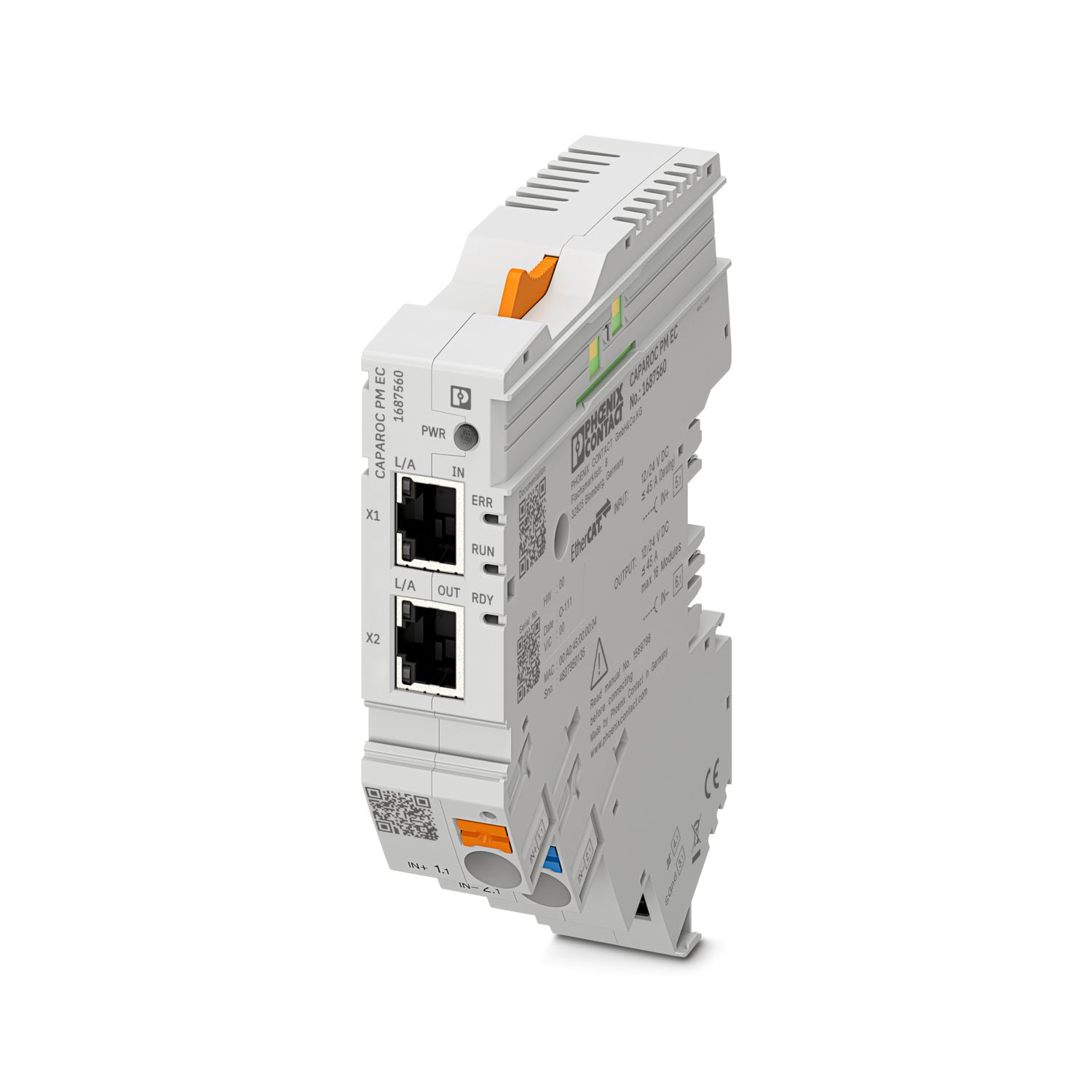

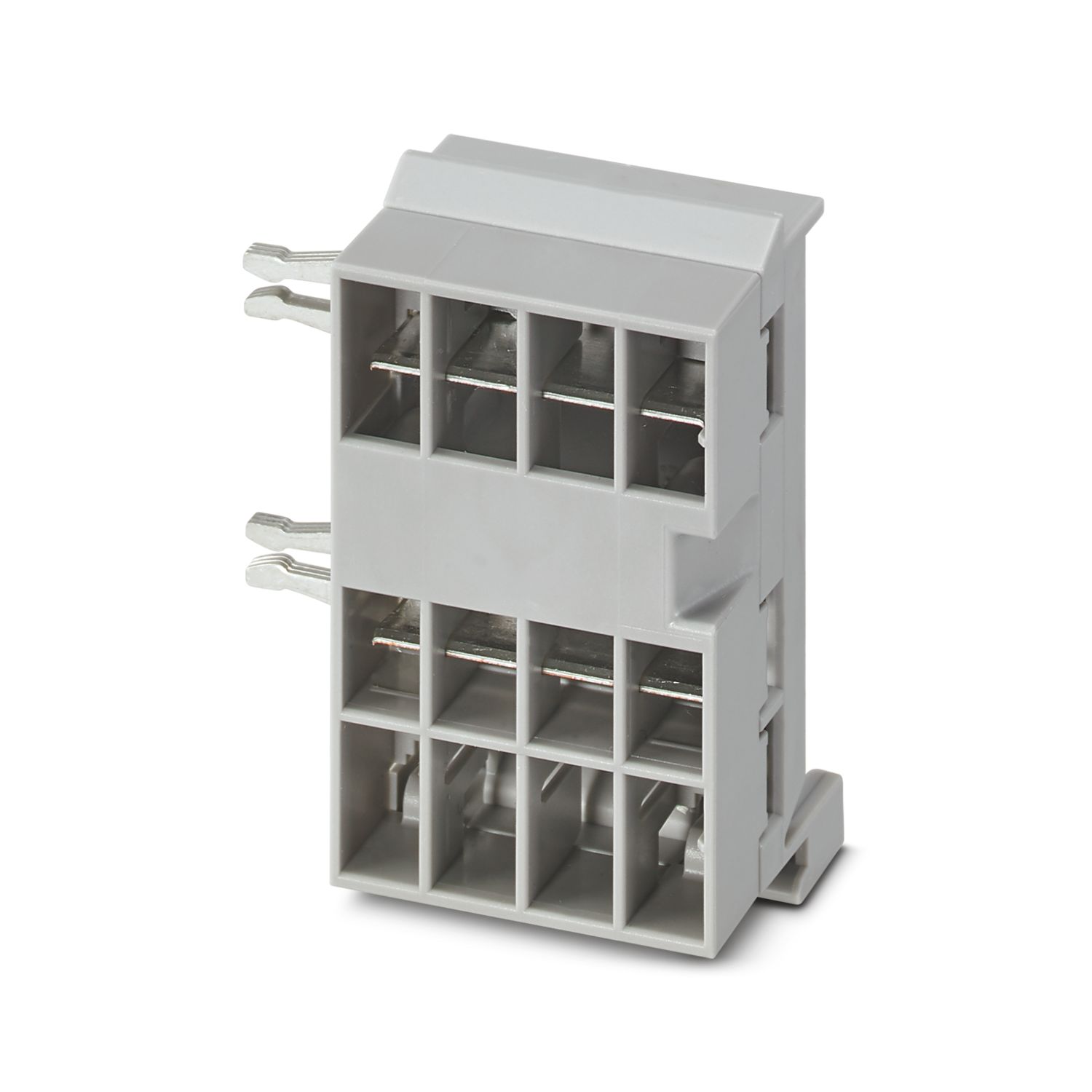
CAPAROC 회로 차단기 시스템에 12 V DC 또는 24 V DC를 공급하기 위한 EtherCAT® 인터페이스가 있는 전원 모듈. 전원 공급 장치와의 통신을 위한 추가 시스템 인터페이스. CAPAROC 부스바를 통한 DIN 레일 설치용.
이 제품을 작동하려면 추가의 제품이 필요합니다.
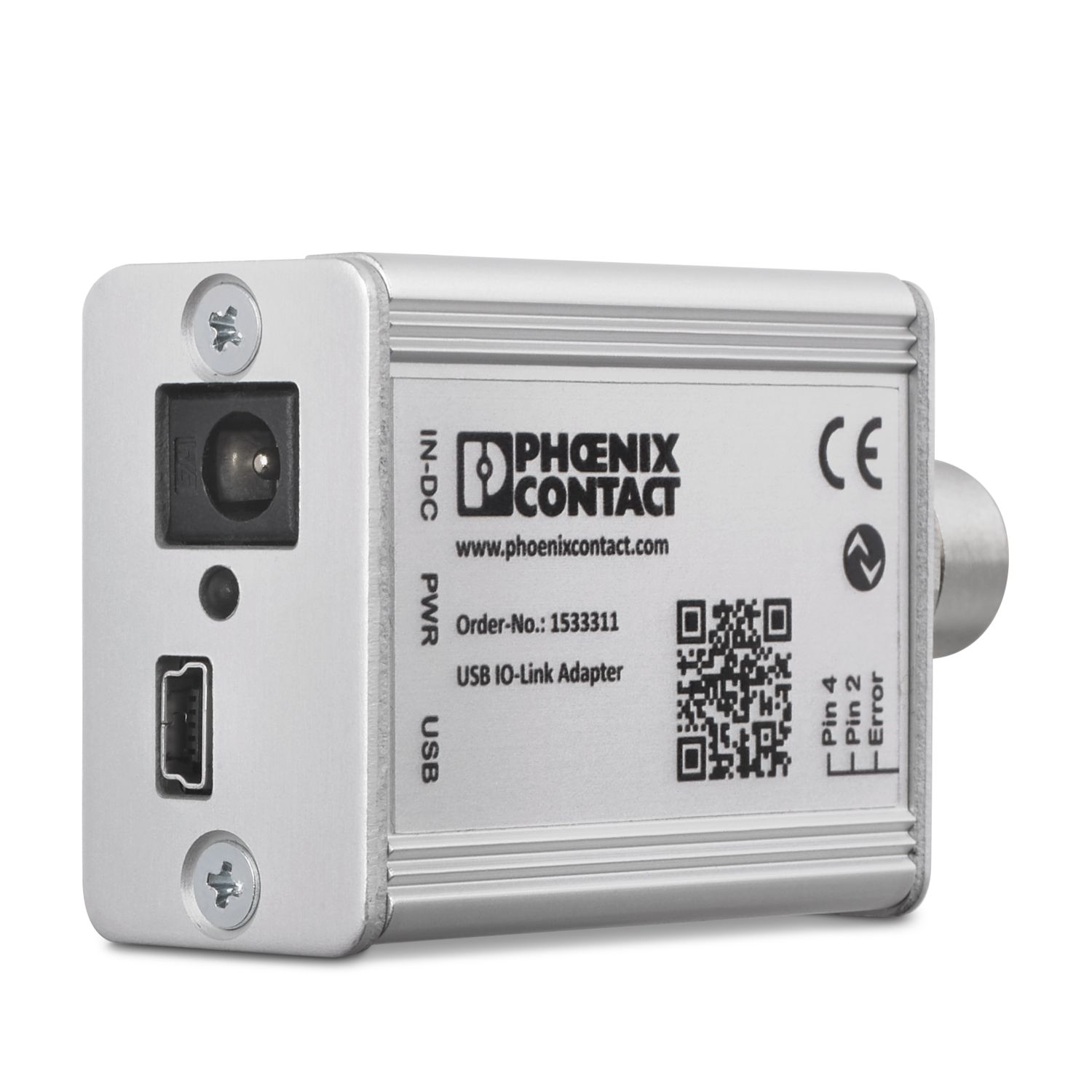
필수 액세서리
무료로 다운로드할 수 있습니다.
다운로드
제품의 세부 정보
| 적용 참고 사항 | 현재 당사는 CRA에 대해 현재 이용 가능한 정보를 바탕으로, 2027년 12월 11일부터 이 제품이 EU Cyber Resilience Act(CRA)의 요구 사항을 준수할 수 있도록 준비하고 있습니다. |
| 일반 | |
| 참고 | LABS 릴리스 – 테스트 사양 VW PV 3.10.7:2005-0에 따름 |
| 전선을 연결할 때 CAPAROC 모듈이 인장력으로 인해 분리되지 않도록 하십시오. 모듈 사이에 간격을 두지 않아야 합니다. | |
| EtherCAT®는 독일 Beckhoff Automation GmbH의 허가를 받은 등록 상표 및 특허 기술입니다. | |
| 제품 타입 | 장치 회로 차단기 |
| 제품군 | CAPAROC |
| 설계 | 플러그-인 모듈 |
| 슬롯 수 | 4 |
| 절연 특성 | |
| 보호 등급 | III |
| 오염도 | 2 |
| EtherCAT® | |
| 장치 기능 | EtherCAT® SubDevice |
| 일반 | |
| 작동 전압 | 10 V DC ... 30 V DC |
| 정격 전압 | 12 V DC |
| 24 V DC | |
| 정격 전류 IN | 45 A (총 전류 입력) |
| 정격 서지 전압 | 0.5 kV |
| 트리핑 방법 | E(전자) |
| 피드백 저항 | 최대 35 V DC |
| 절연 내력 | 35 V DC (부하 회로) |
| 효율성 | > 99 % |
| 폐쇄 회로 전류 I0 | 타입 46 mA (24 V에서 부하 없음) |
| 전력 손실 | 타입 1.1 W (24 V에서 부하 없음) |
| < 4.5 W (40 A) | |
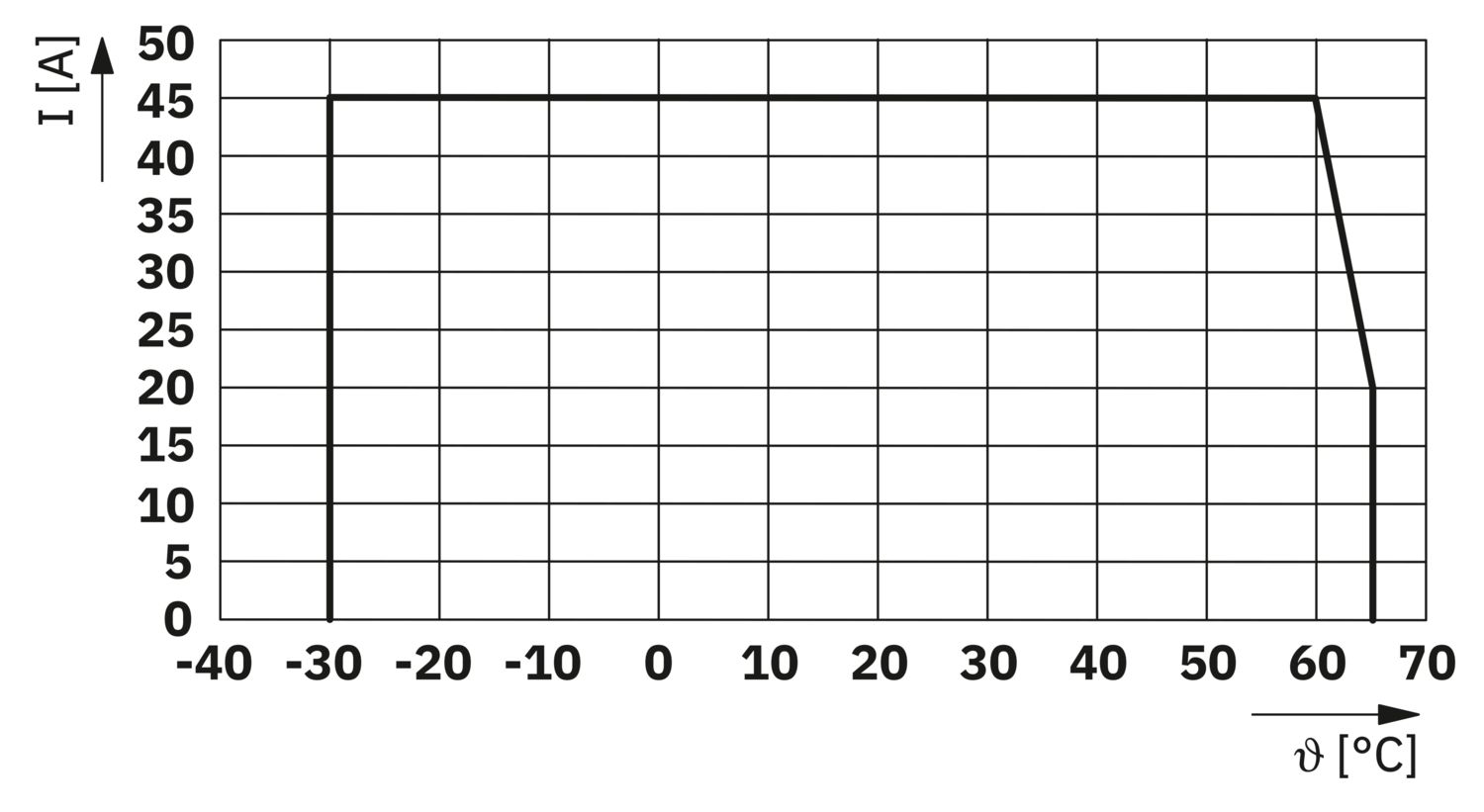
| 온도 경감 | 45 A (60°C에서의 총 전류) |
| 20 A (65°C에서 총 전류) | |
| 45 A (60°C에서 총 전류, UL에 따름) | |
| MTBF (IEC 61709, SN 29500) | 7242508.37 h (21 % 부하가 있는 25 °C의 경우) |
| 3958056.77 h (34.25 % 부하가 있는 40 °C의 경우) | |
| 764697.81 h (100% 부하가 있는 60°C의 경우) | |
| 전압 강하 | 0.082 V (40 A) |
| 부하 회로 | |
| 저전압 스위치-오프 | ≤ 9.2 V DC (액티브) |
| ≥ 10.2 V DC (비활성) | |
| 과전압 스위치-오프 | ≥ 30.5 V DC (액티브) |
| ≤ 29.5 V DC (비활성) | |
| 주 회로 IN+ | |
| 연결 타입 | 푸쉬인 연결 |
| 스트리핑 길이 | 18 mm |
| AWG 케이블 사이즈 | 20 ... 8 |
| 케이블 사이즈, 연선, 페룰 있음, 플라스틱 슬리브 있음 | 0.5 mm² ... 16 mm² |
| 케이블 사이즈 연선, 플라스틱 슬리브가 없는 페룰 있음 | 0.5 mm² ... 16 mm² |
| 주 회로 IN- | |
| 연결 타입 | 푸쉬인 연결 |
| 스트리핑 길이 | 18 mm |
| AWG 케이블 사이즈 | 20 ... 8 |
| 케이블 사이즈, 연선, 페룰 있음, 플라스틱 슬리브 있음 | 0.5 mm² ... 16 mm² |
| 케이블 사이즈 연선, 플라스틱 슬리브가 없는 페룰 있음 | 0.5 mm² ... 16 mm² |
| 시스템 통신 | |
| 연결 타입 | 푸쉬인 연결 |
| 스트리핑 길이 | 8 mm |
| 단선 케이블 사이즈 | 0.2 mm² ... 1.5 mm² |
| AWG 케이블 사이즈 | 24 ... 16 |
| 케이블 사이즈, 연선, 페룰 있음, 플라스틱 슬리브 있음 | 0.2 mm² ... 0.75 mm² |
| 케이블 사이즈 연선, 플라스틱 슬리브가 없는 페룰 있음 | 0.2 mm² ... 1.5 mm² |
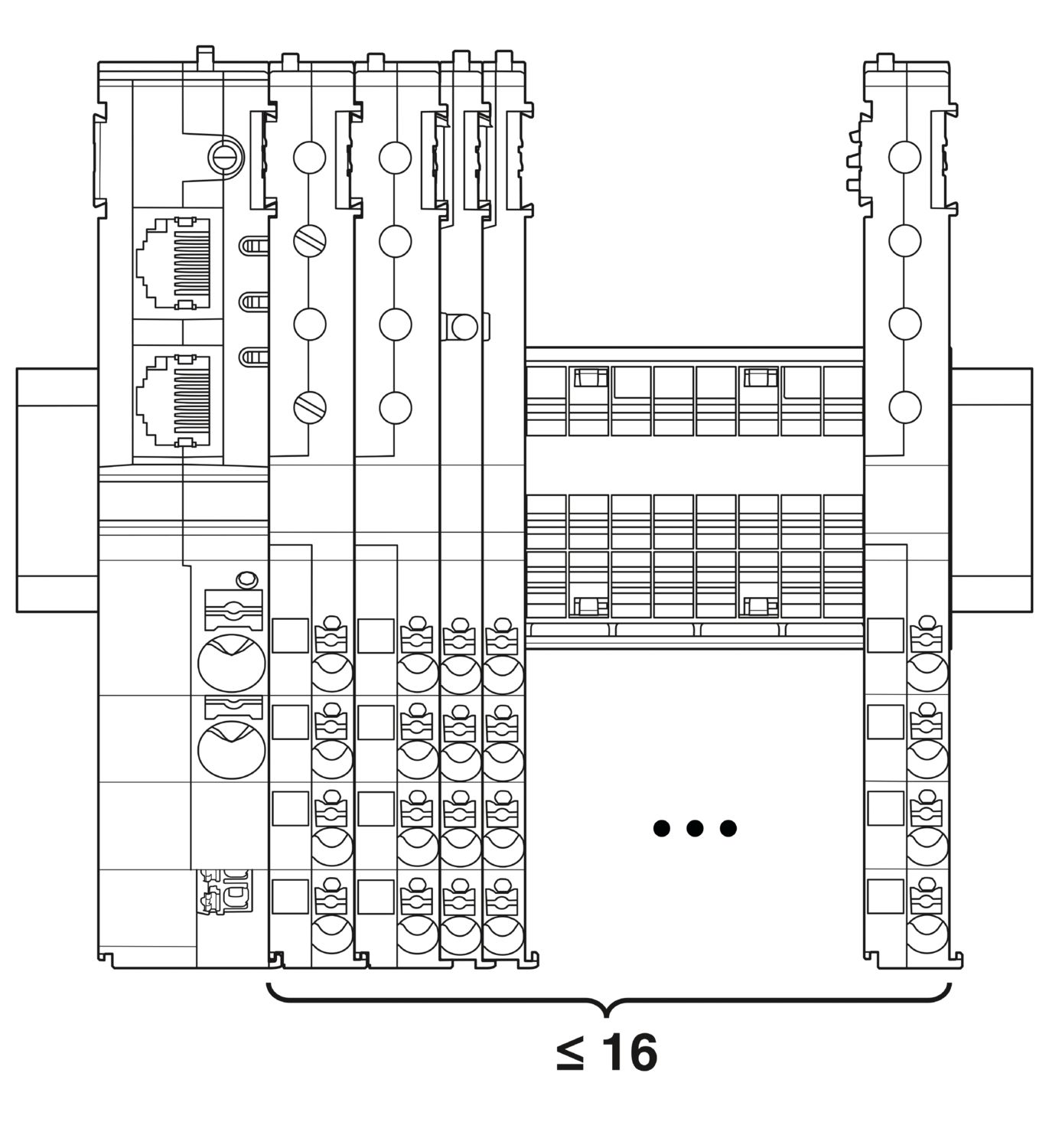
| 최대 시스템 확장 | ≤ 16 (CAPAROC 모듈 정렬 가능) |
| 인터페이스 유형 | Ethernet |
| 번호 | 2 |
| 전송 속도 | 10 Mbps 100 Mbps |
| 전송 물리 | RJ45 트위스티드 페어의 이더넷 |
| 지원 프로토콜 | EtherCAT® SubDevice, CoE, FoE, EoE |
| 전원(PWR) LED 녹색 | 켜짐 (작동 전압 범위 내 공급 전압) |
| 3x 깜박임 (전역 프로그래밍 잠금이 비활성화되었습니다) | |
| 전원(PWR) LED 빨간색 | 켜짐 (작동 전압 범위 외 공급 전압) |
| 5x 깜박임 (공장 초기화 명령이 승인되었습니다) | |
| 전원(PWR) LED 노란색 | 켜짐 (PWR 버튼 눌림) |
| 3x 깜박임 (전역 프로그래밍 잠금이 활성화되었습니다) | |
| 준비 완료(RDY) LED 노란색 | 깜박임 (펌웨어 업데이트 진행 중) |
| 준비 완료(RDY) LED 녹색 | 켜짐 (펌웨어가 성공적으로 시작되었습니다) |
| 오류(ERR) LED 빨간색 | 꺼짐 (통신 오류 없음. 장치의 EtherCAT® 통신이 정상적으로 작동 중입니다.) |
| 빠르게 깜박임 (잘못된 구성/일반 구성 오류 가능한 원인:레지스터 또는 객체 설정으로 인해 메인 장치에 의해 트리거된 상태 변경이 불가능합니다.가장 일반적인 원인은 오래된 모듈 슬롯 구성입니다.) | |
| 깜박임 (로컬 오류: 하위 장치 애플리케이션이 EtherCAT® 상태를 독립적으로 변경했습니다. 가능한 원인 1: 호스트 워치독 시간 초과가 발생했습니다.가능한 원인 2: 동작 중 모듈 구성 오류가 발생했습니다. 모듈이 잘못된 모듈로 교체됨.) | |
| 두 번 깜박임 (애플리케이션의 워치독 시간 초과) | |
| 실행(RUN) LED 녹색 | 꺼짐 (장치가 초기화 상태에 있음) |
| 빠르게 깜박임 (2,5 Hz) (장치가 작동 전 상태에 있음) | |
| 깜박임 (장치가 안전 작동 상태에 있음) | |
| 켜짐 (장치가 작동 상태에 있음) |
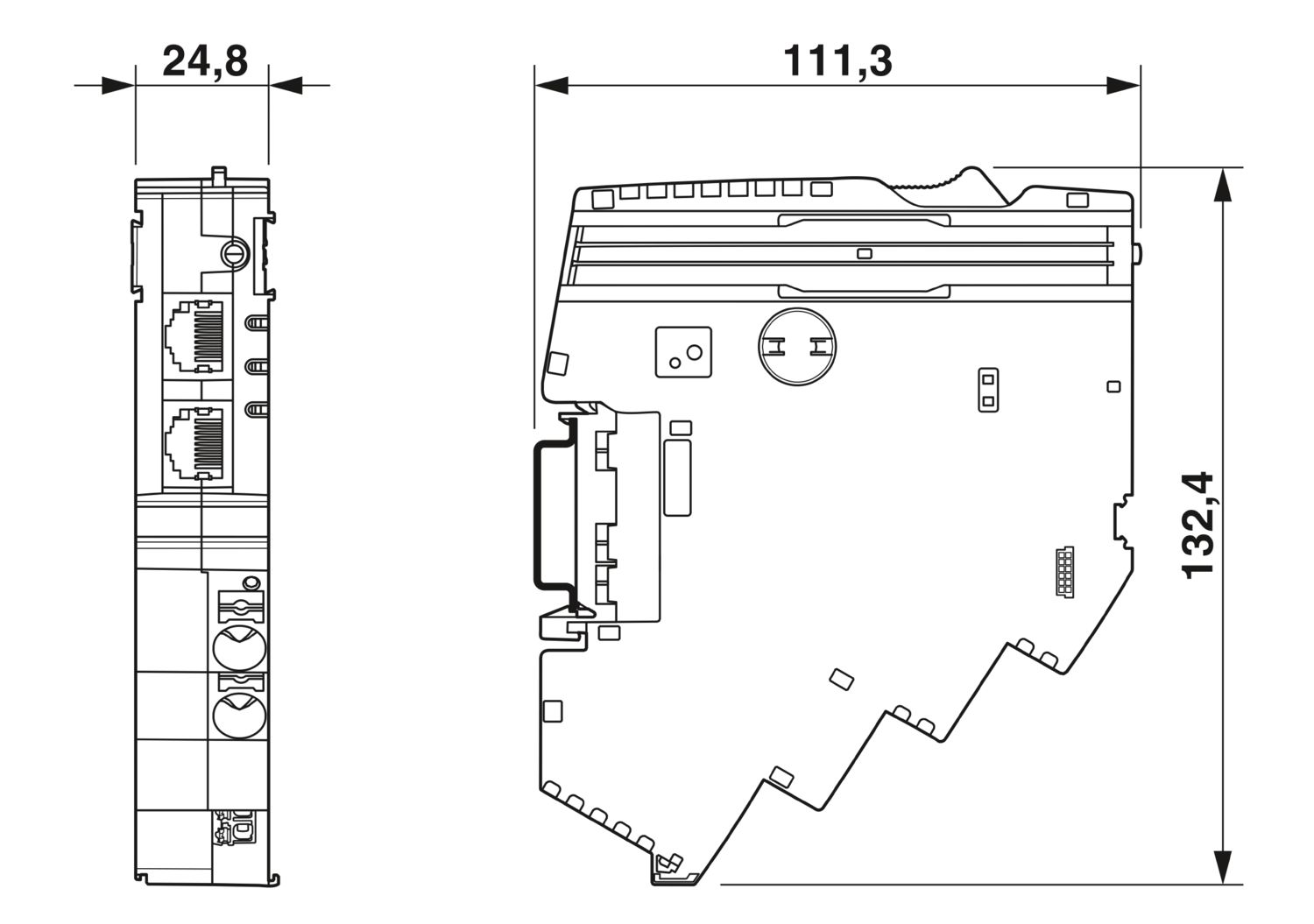
| 치수 도면 |
|
| 폭 | 24.8 mm |
| 높이 | 132.4 mm |
| 깊이 | 111.3 mm (DIN 레일 7.5 mm 포함) |
| 색상 | 밝은 회색 (RAL 7035) |
| 소재 | PA 6 |
| PA 6 | |
| PA 6 | |
| PC | |
| UL 94에 따른 난연성등급 | V-0 |
| 주변 조건 | |
| 보호 수준 | IP20 |
| 주변 온도(작동) | -30 °C ... 65 °C |
| -30 °C ... 60 °C (UL에 따름) | |
| 주변 온도(보관/운송) | -40 °C ... 70 °C |
| 고도 | ≤ 4000 m (amsl) |
| 습도 테스트 | 96 h, 95 % RH, 40 °C |
| 충격(작동) | 30g (11 ms 기간, 하프-사인 충격 펄스, IEC 60068-2-27에 따름) |
| 25g (6 ms 지속 시간, IEC 60068-2-27에 따른 하프-사인 충격 펄스, 연속 충격) | |
| 진동(작동) | 5g (10 Hz ... 150 Hz / 10 싸이클 / 축 / X, Y, Z) |
| UL 인증 | |
| 마킹 | UL/C-UL Listed UL 508 |
| UL 121201 Class I, Division 2, Groups A, B, C, D, T4A | |
| 표준/사양 | EN 61000-6-2 |
| 참고 | EMC – 산업 영역을 위한 내성 |
| 표준/사양 | EN 61000-6-4 |
| 참고 | EMC – 산업 영역을 위한 내성 |
| 표준/사양 | EN 61000-6-8 |
| 참고 | 비즈니스 및 상업 분야와 중소기업에서 사용되는 전문 장치에 대한 EMC 간섭 방출 |
| 표준/사양 | EN 60068-2-78 |
| 참고 | 환경 영향 – 습기와 열, 일정 |
| 표준/사양 | EN 50178 |
| 참고 | 전기 설비에 사용되는 전자 장비 |
| 표준/사양 | EN 60068-2-6 |
| 참고 | 환경 영향 – 진동(정현) |
| 표준/사양 | EN 60068-2-27 |
| 참고 | 환경 영향 – 충격 |
| 마운트 타입 | CAPAROC CR… 전류 레일에 장착 가능 |
cUL Listed
승인 ID: E123528EtherCAT
승인 ID: 0x84_009cULus Listed
승인 ID: E483407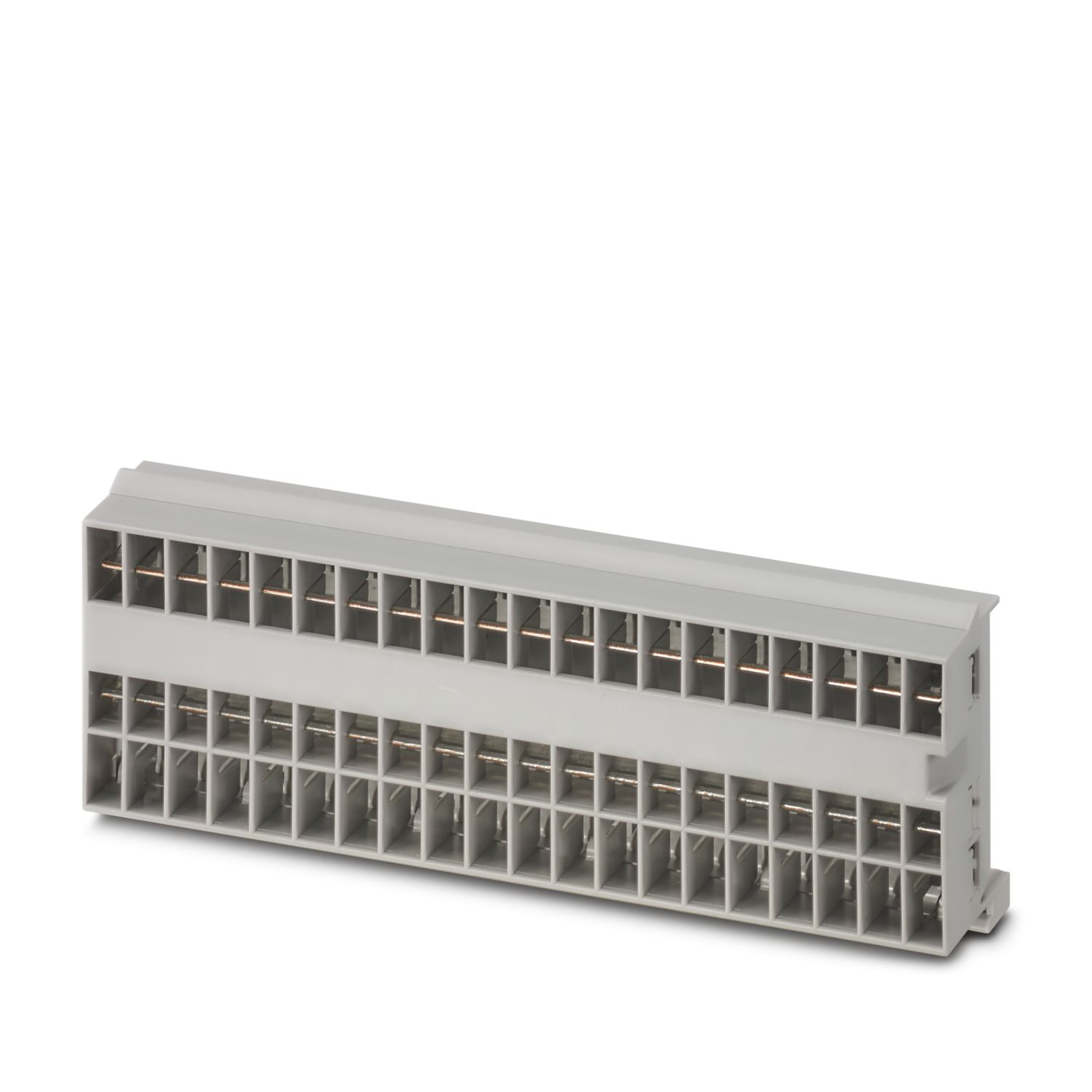
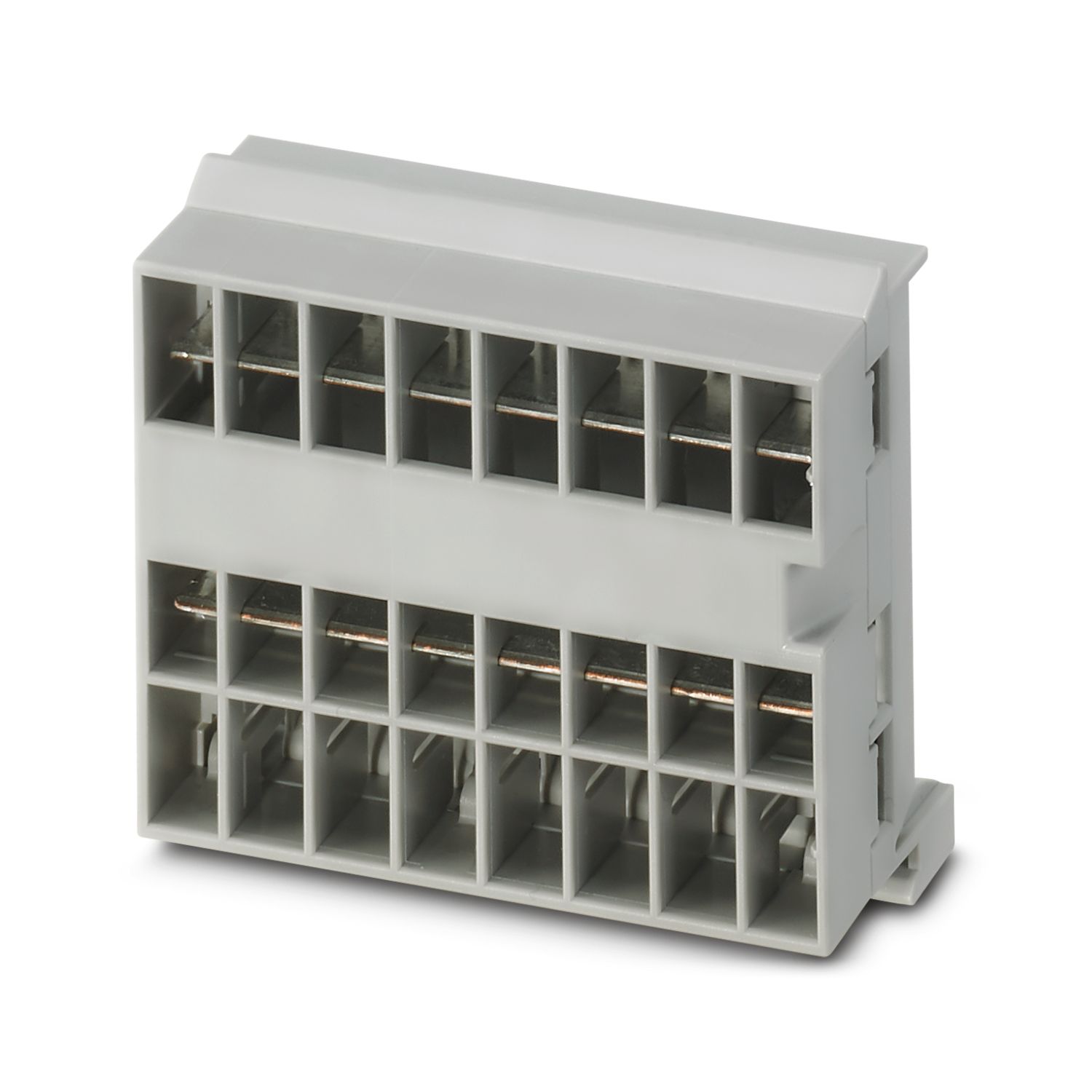
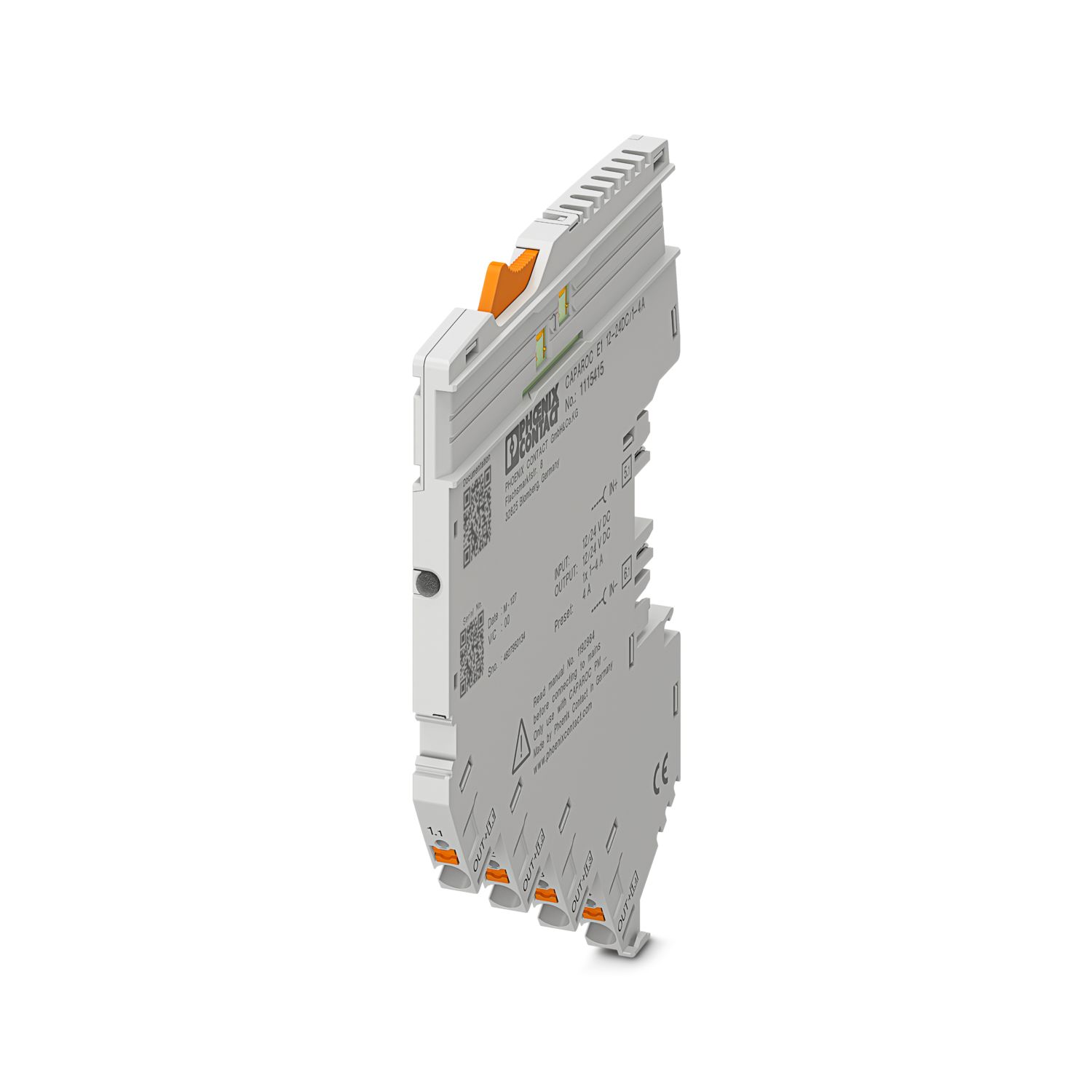
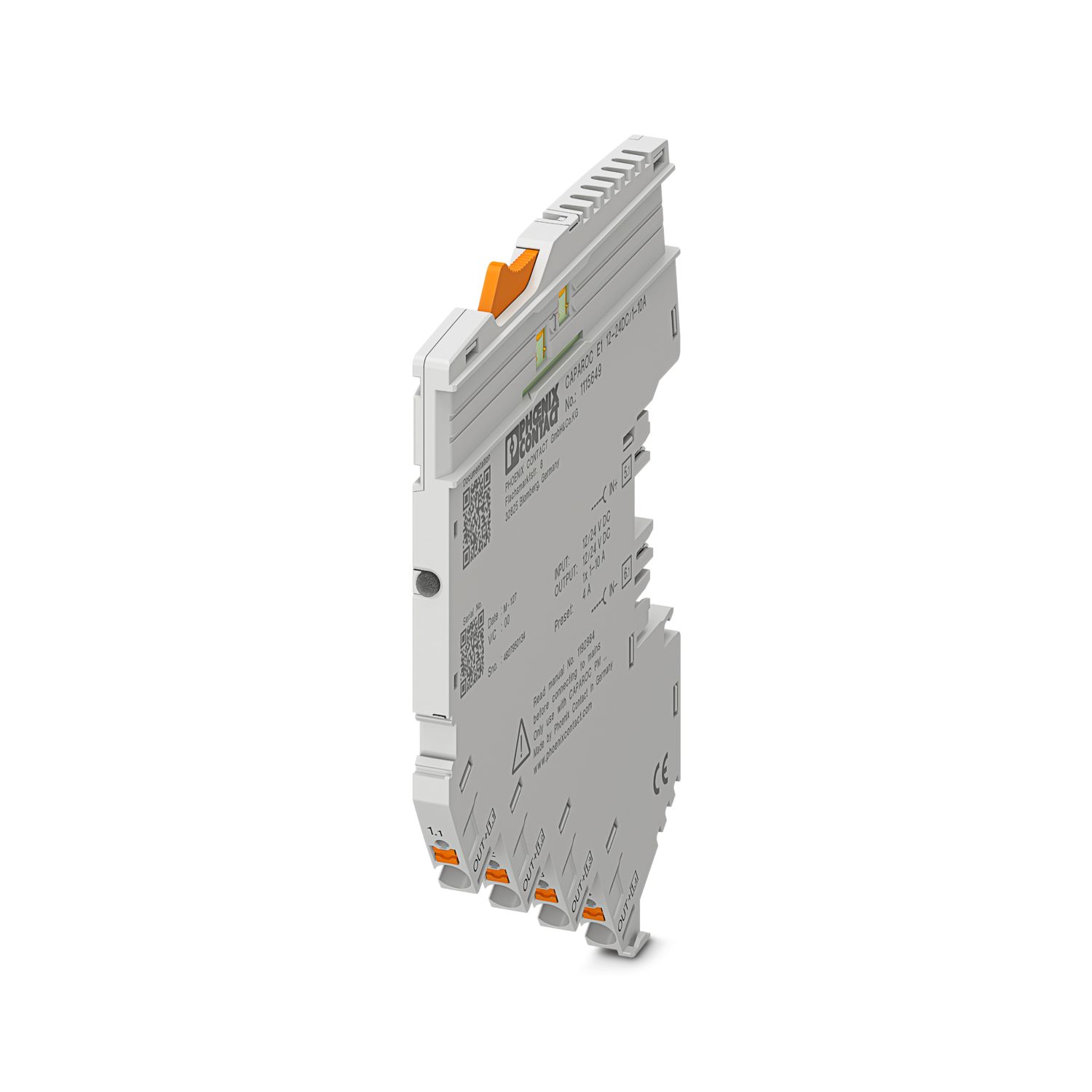
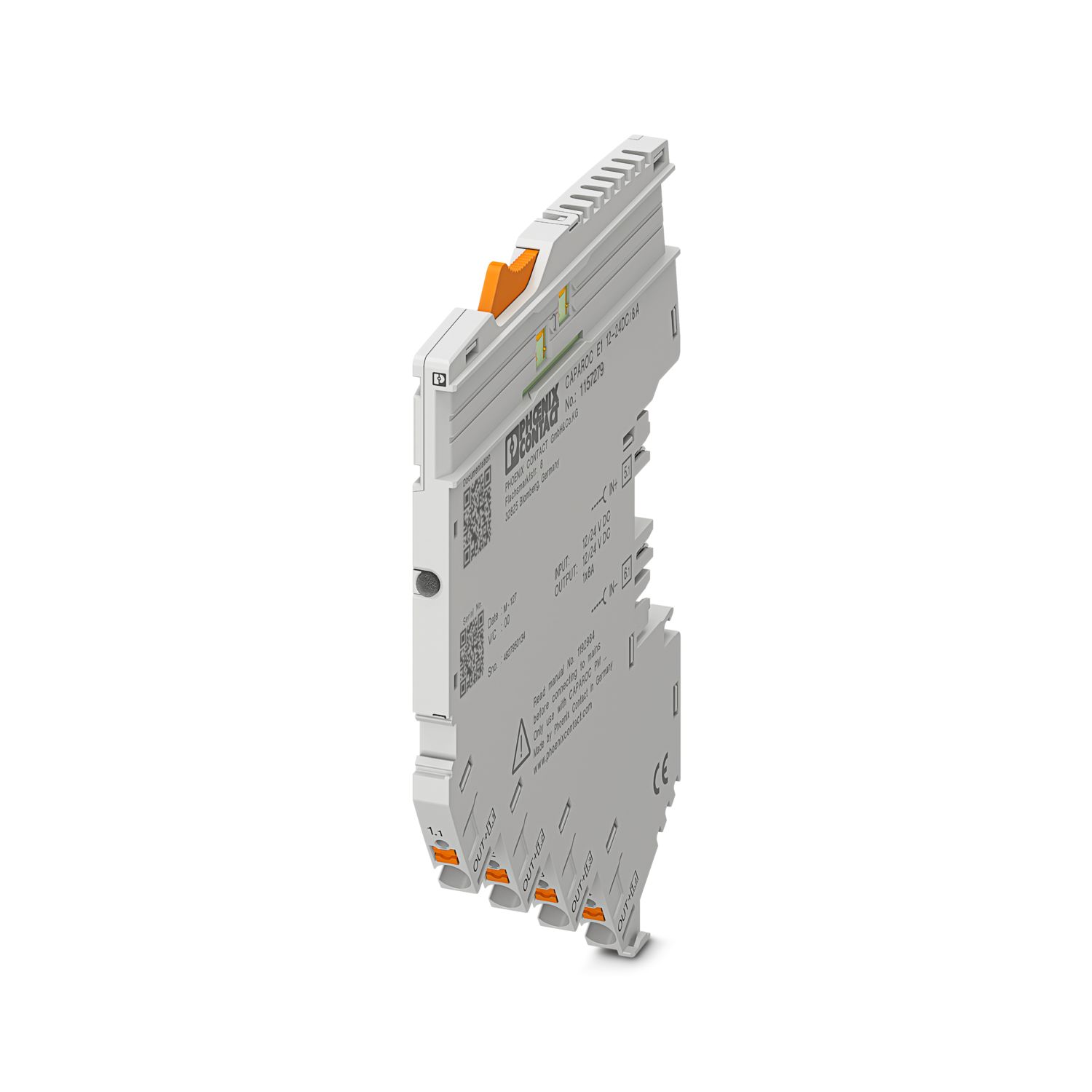
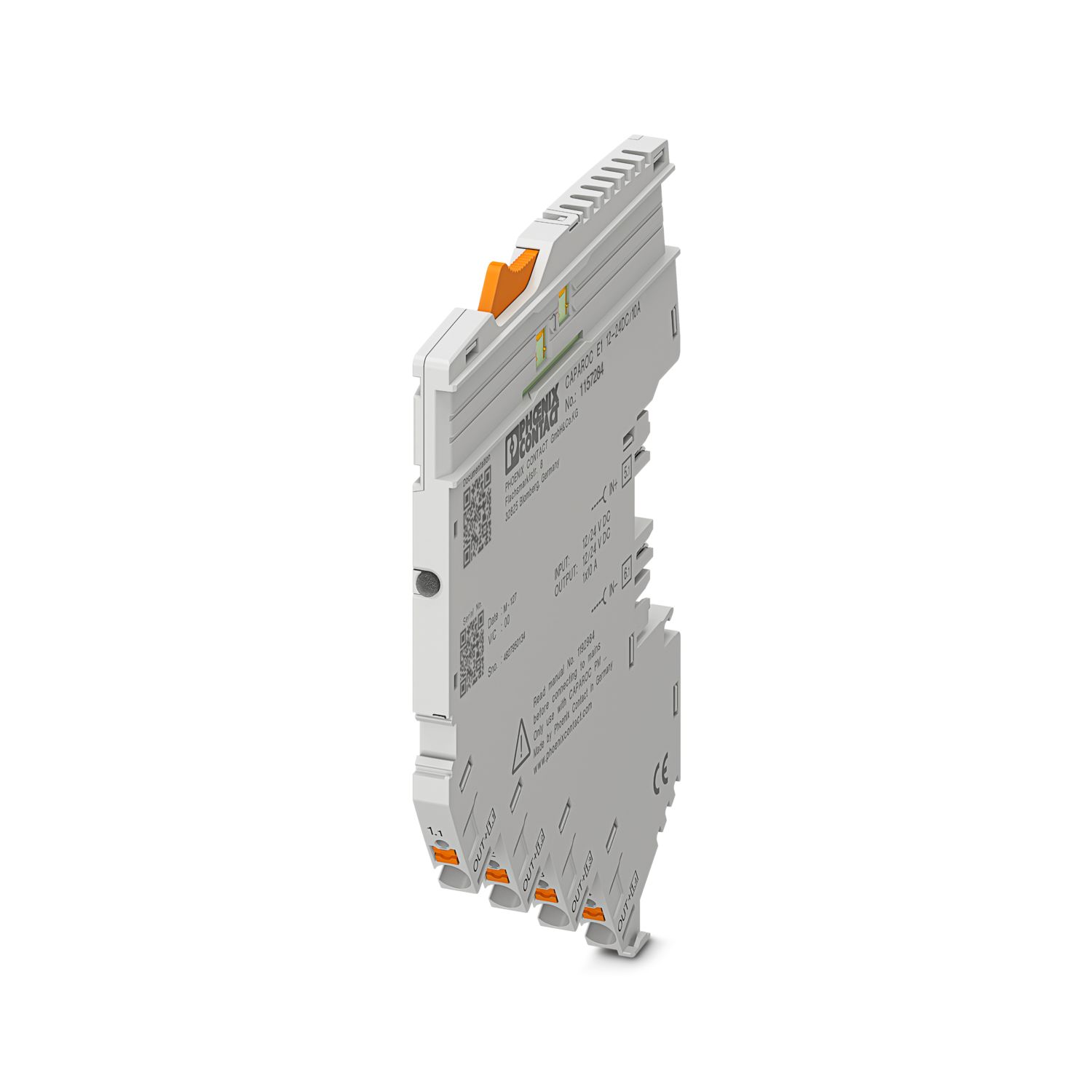
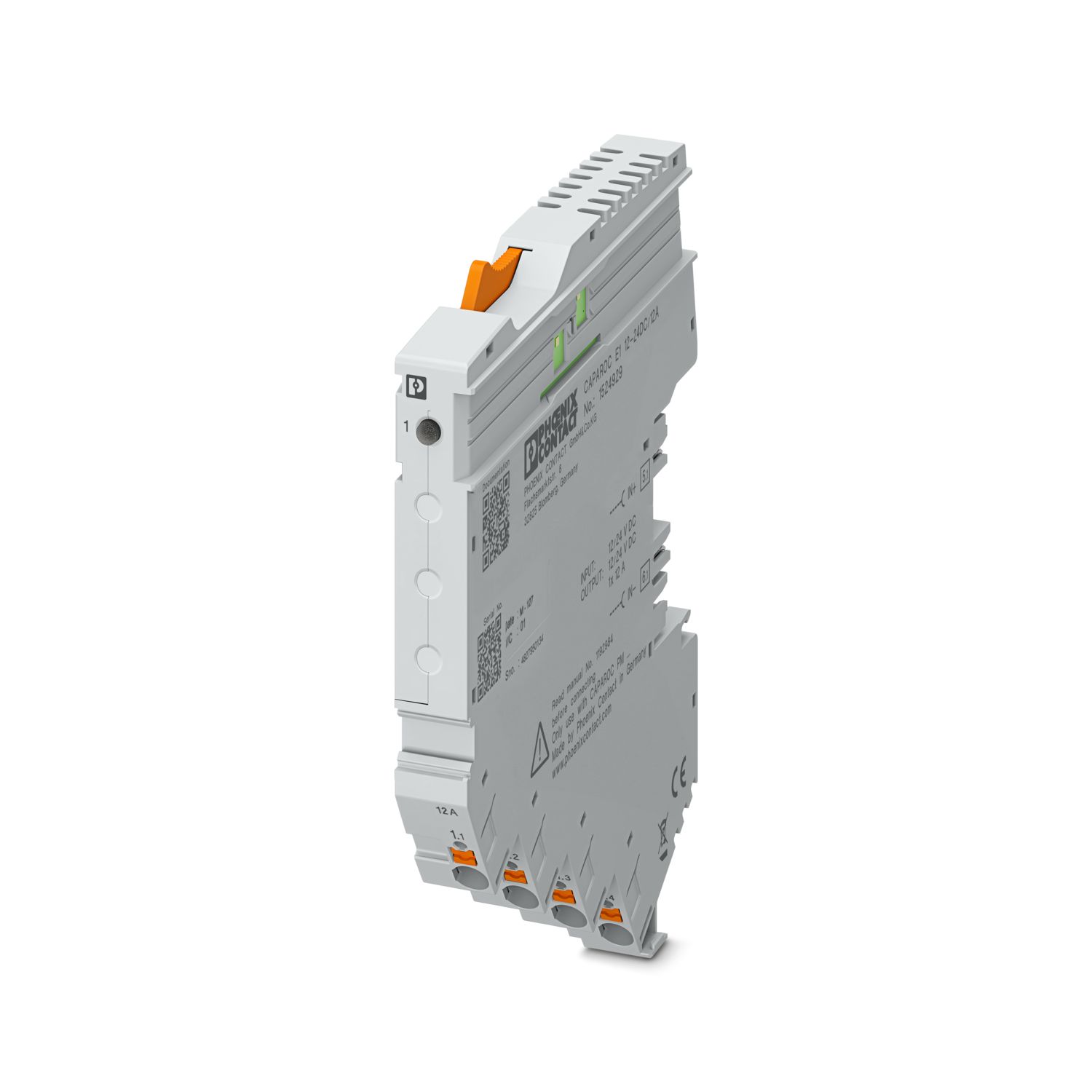
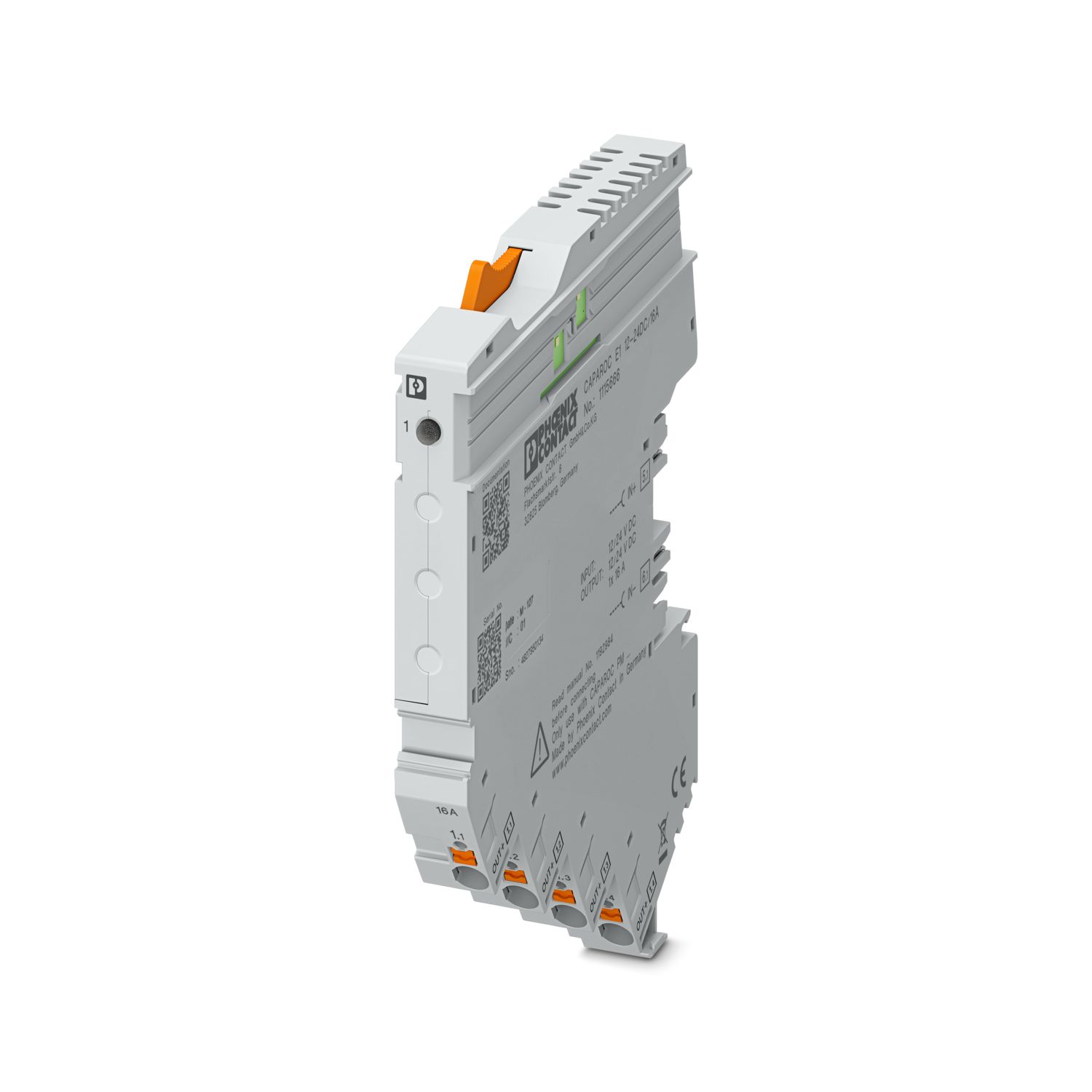

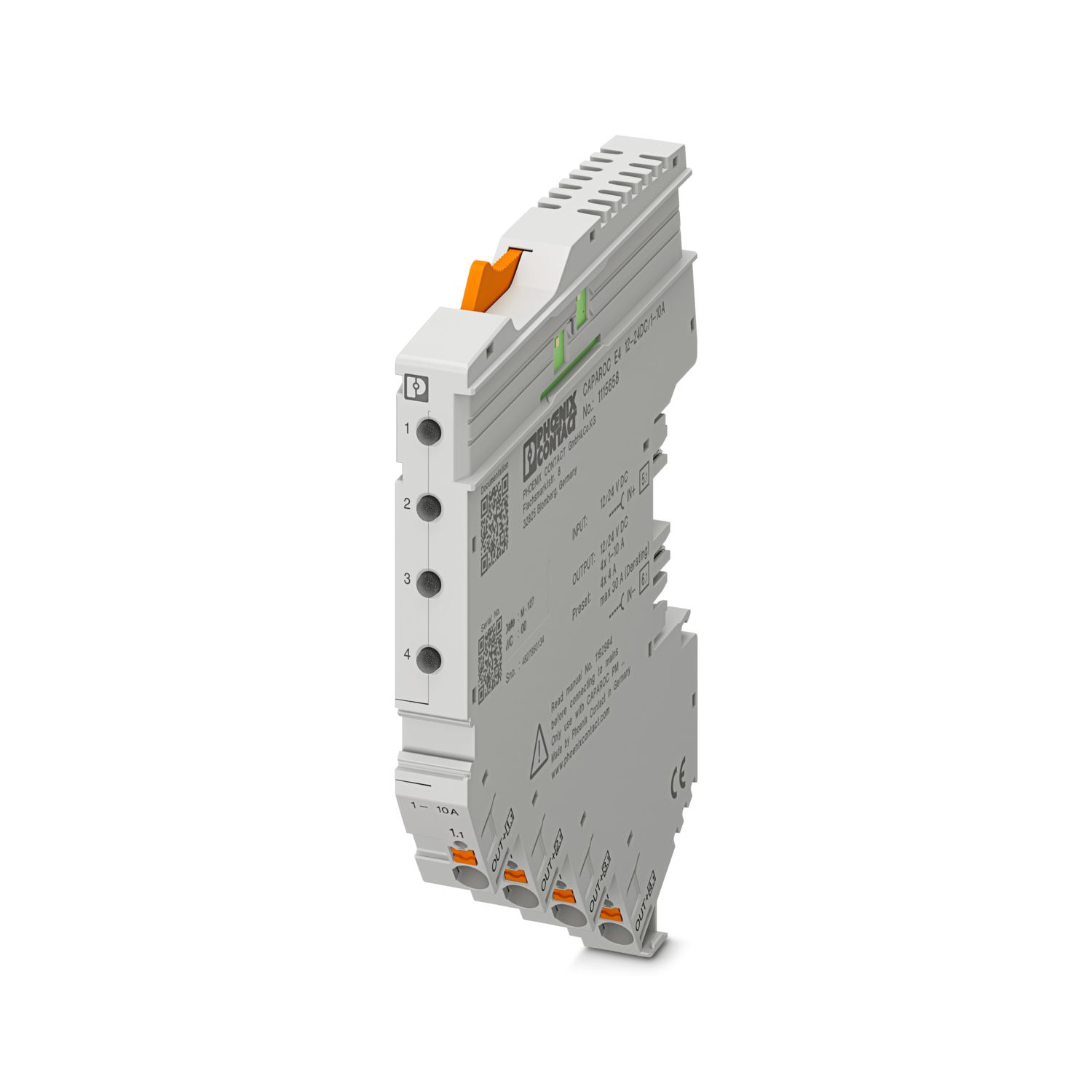
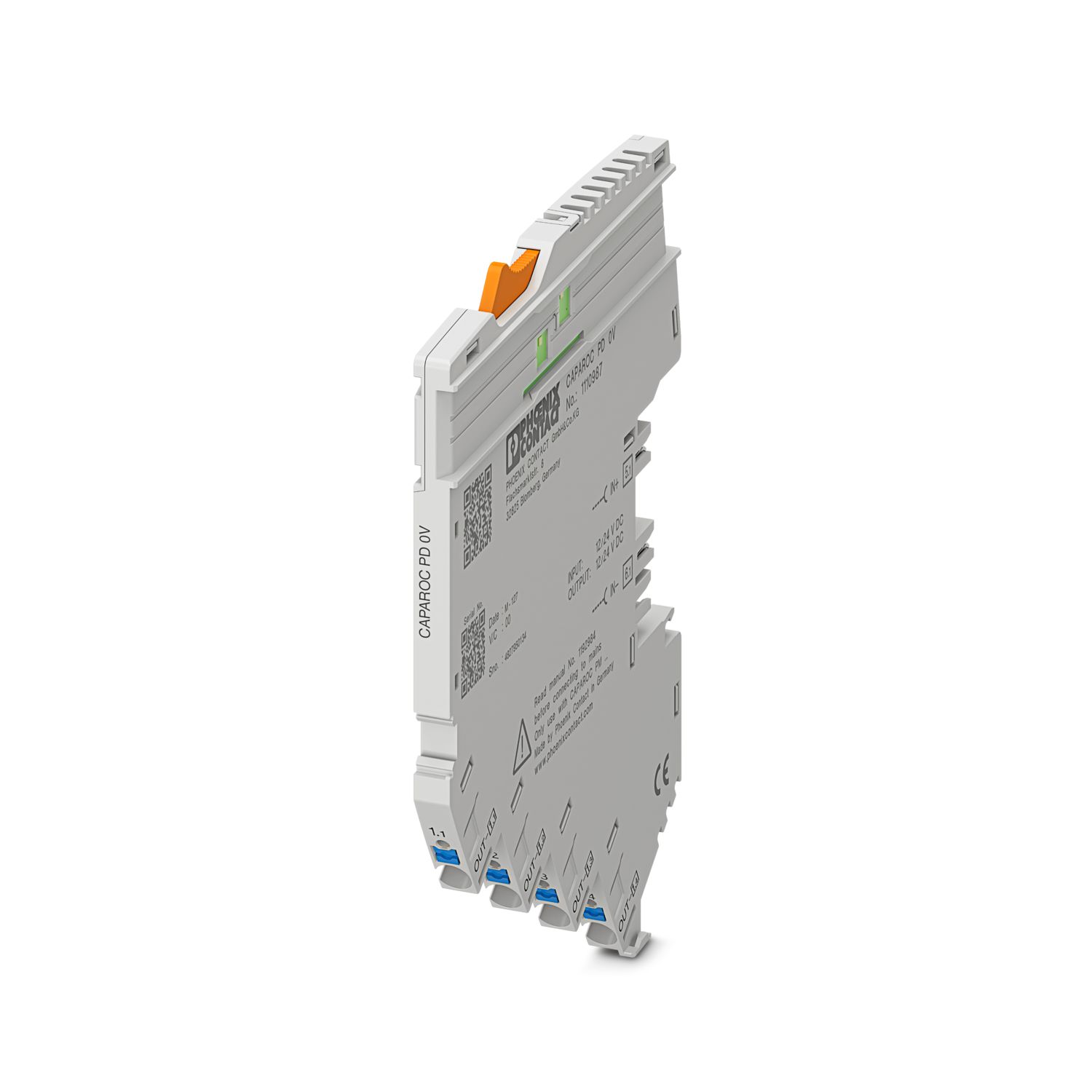
이점
단일 신호를 선택하여 맞춤형으로 구성할 수 있고 EtherCAT® 통신까지 재설정할 수 있는 벤치마크
공구가 필요 없는 조립, 부스바에 직접 피드-인 및 명확한 작동 상태를 통해 누구나 손쉽게 작동 가능
EtherCAT® 애플리케이션에 적합한 포괄적인 디지털 데이터 패킷 덕분에 매우 손쉬운 설계 적용
자주 묻는 질문
CAPAROC 기능을 설명하는 하드웨어 튜토리얼이 있습니까?
전원 입력 모듈의 다운스트림에 회로 차단기 모듈을 몇 개까지 연결할 수 있습니까?
CAPAROC PM S-R: 20개의 회로 차단기 모듈
CAPAROC PM IOL: 20채널
CAPAROC PM PN: 16개의 회로 차단기 모듈
CAPAROC PM EIP: 16개의 회로 차단기 모듈
CAPAROC PM MB: 16개의 회로 차단기 모듈
CAPAROC PM EC: 16개의 회로 차단기 모듈
채널 LED가 4초마다 노란색으로 두 번 점멸합니다. 무슨 뜻입니까?
이는 전원 모듈에 대한 내부 통신이 중단되었거나 결함이 있음을 의미합니다.
모듈이 올바르게 장착되었는지, 모듈 사이에 틈이 없는지 확인하십시오. 그래도 통신이 중단되면 점멸하는 첫 번째 모듈(왼쪽)의 측면 접점을 확인하고, 모듈 내부로 너무 깊게 들어갔거나 하우징 개구부의 중앙에 있지 않거나 기타 손상된 모듈을 교체하십시오.
설정된 전류의 설정을 차단할 수 있습니까?
전류 설정은 다양한 방식으로 잠글 수 있습니다.
1. 프로그래밍 잠금: 전원 모듈의 PWR 버튼을 3초 이상 누르면 PWR LED가 노란색으로 3번 점멸하며 설정이 잠깁니다. 3초 이상 다시 누르면 LED가 녹색으로 3번 점멸하며 잠금이 다시 해제됩니다.
2. 통신 인터페이스를 통해 잠금 및 해제를 할 수 있으며, 여기에서 조작 잠금을 설정하여 장치의 조작 및 설정을 방지할 수도 있습니다. 그러면 인터페이스를 통해서만 잠금을 해제할 수 있습니다.