
CAPAROC E1 12-24DC/4A
-
전자 회로 차단기
1157285
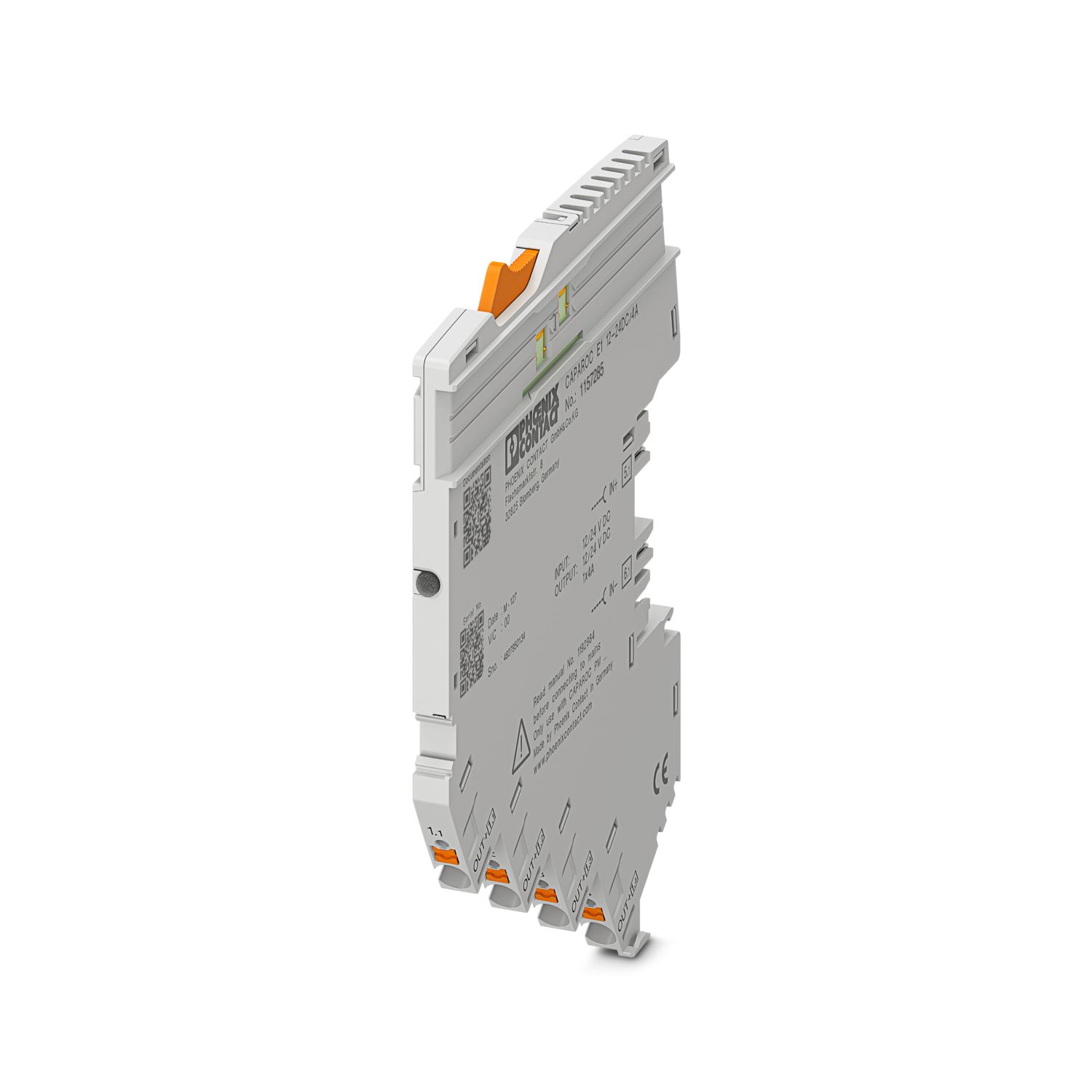

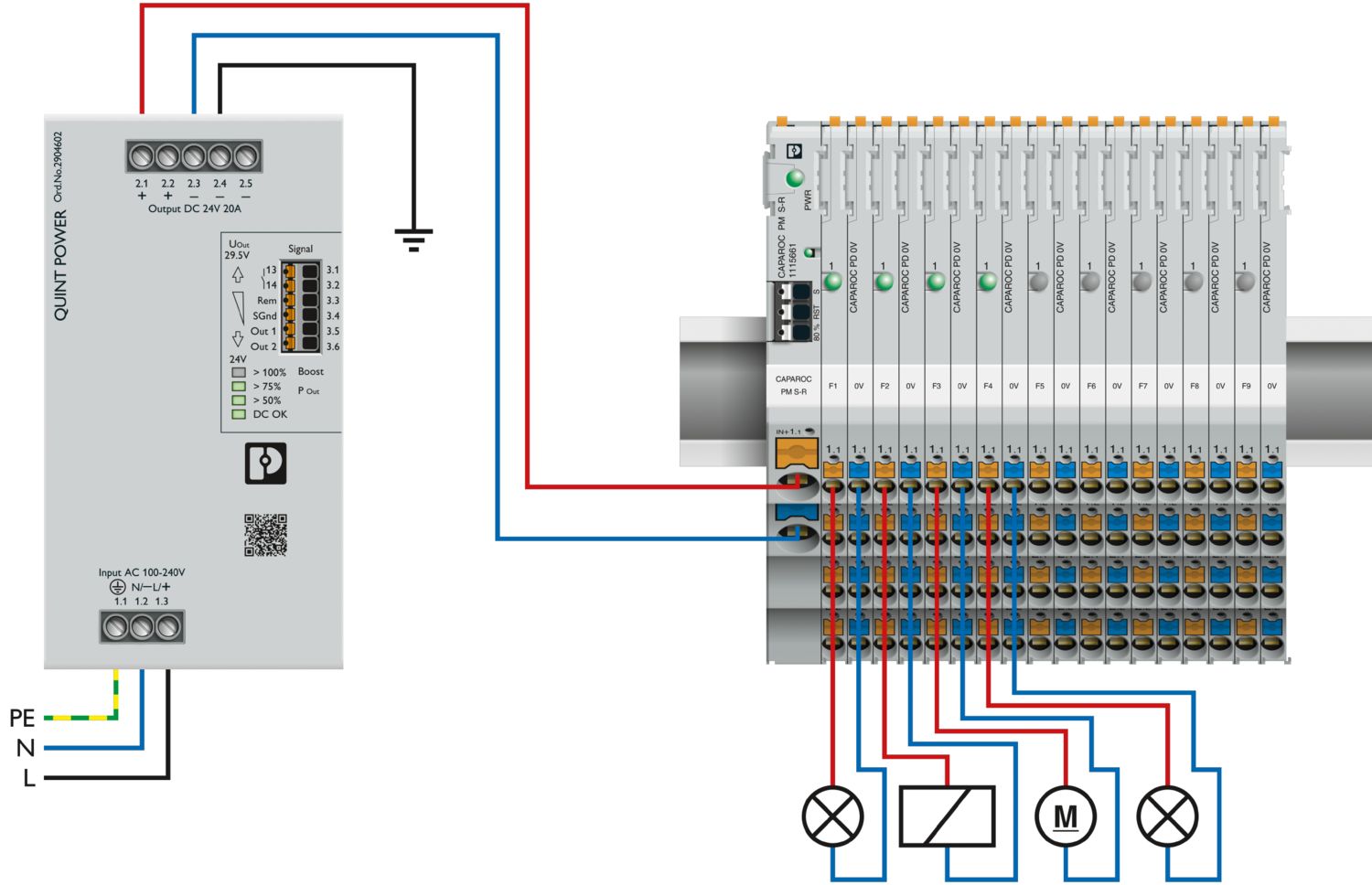
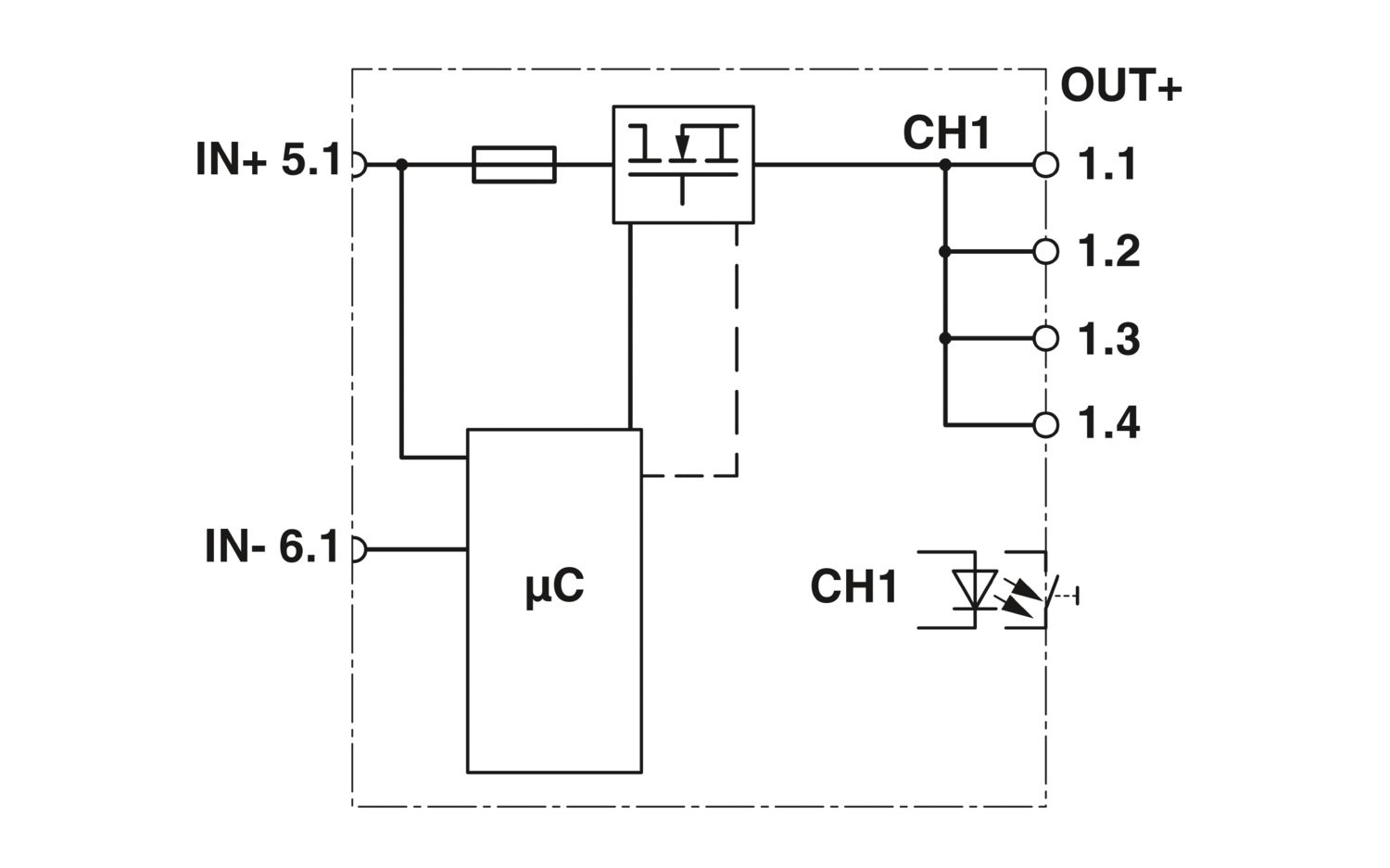

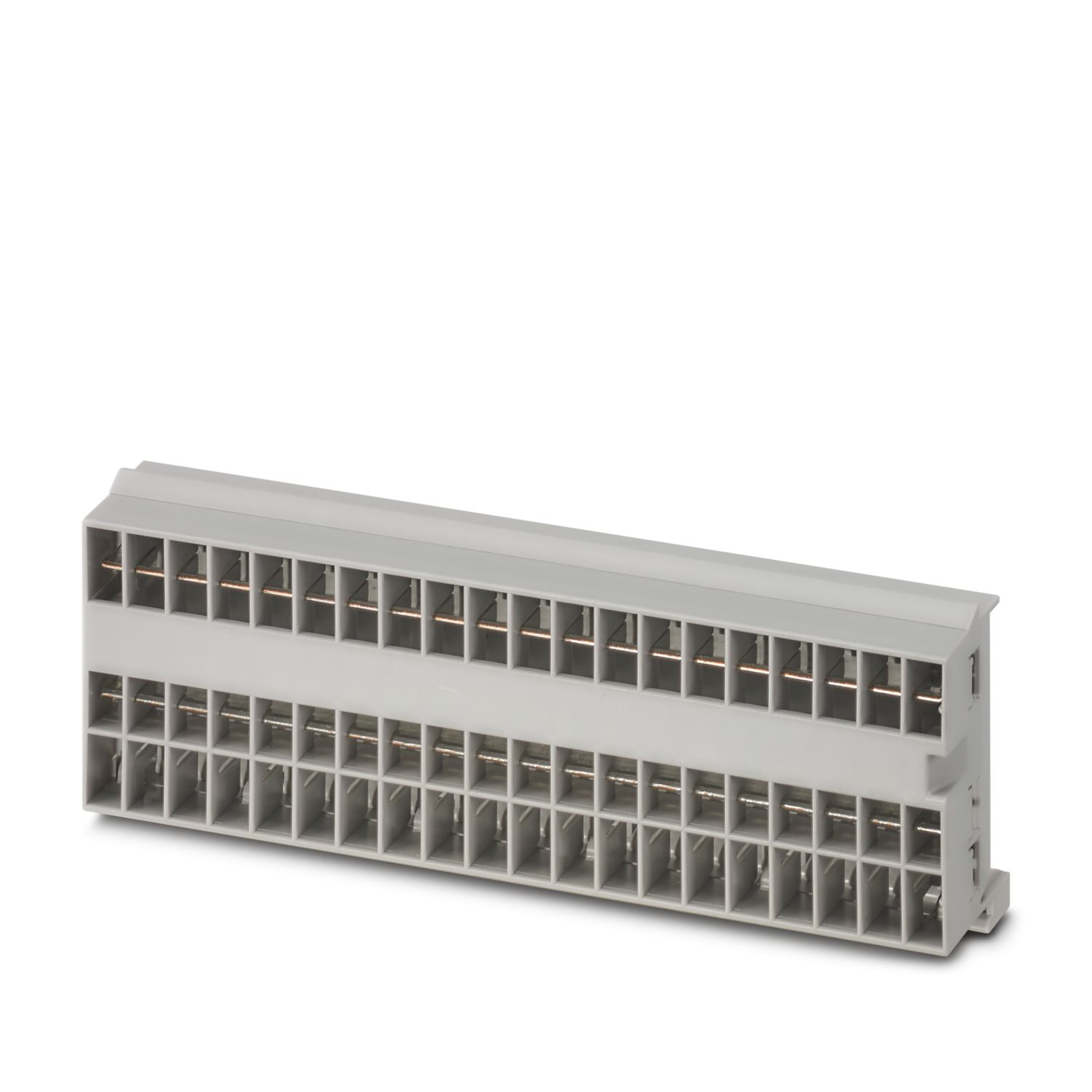
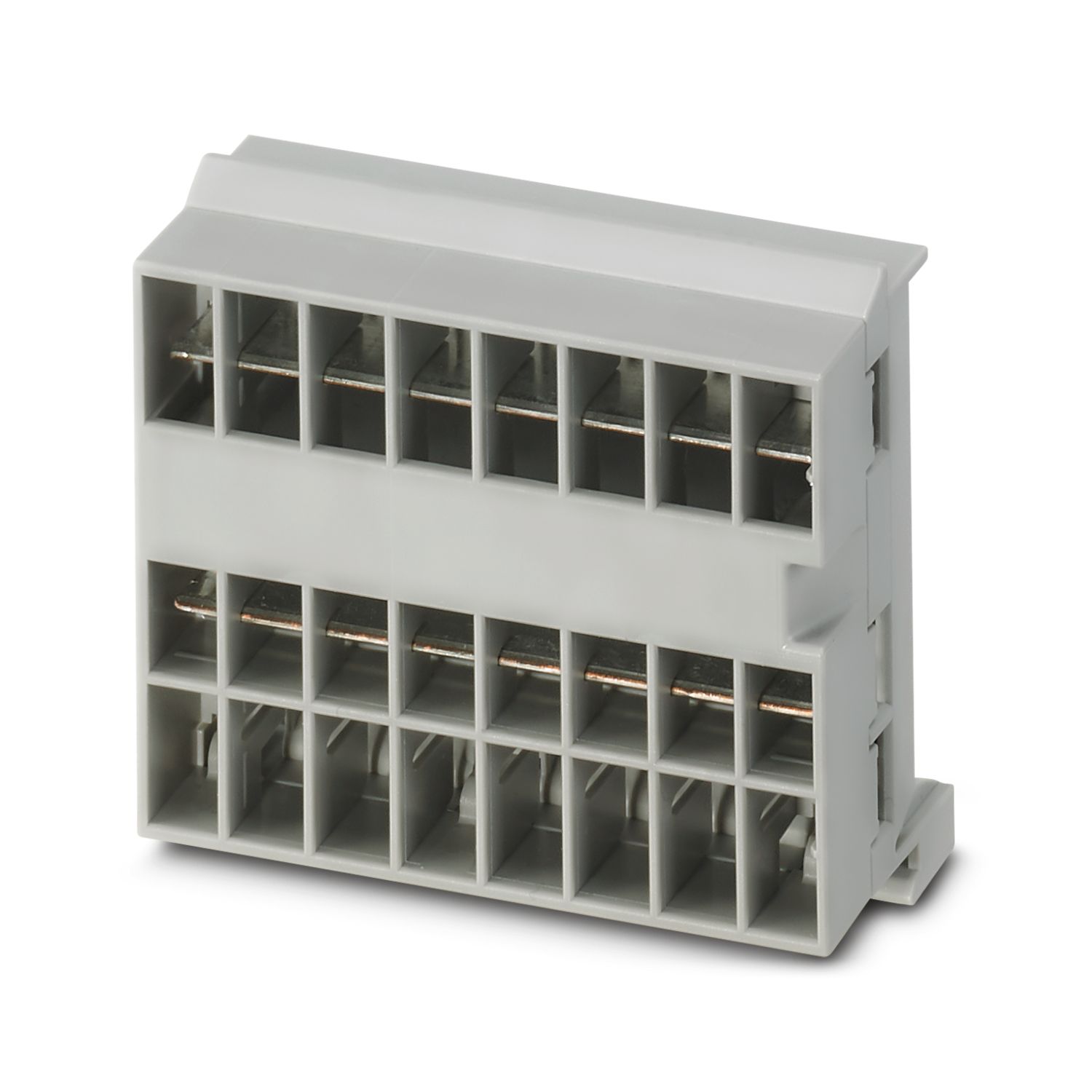
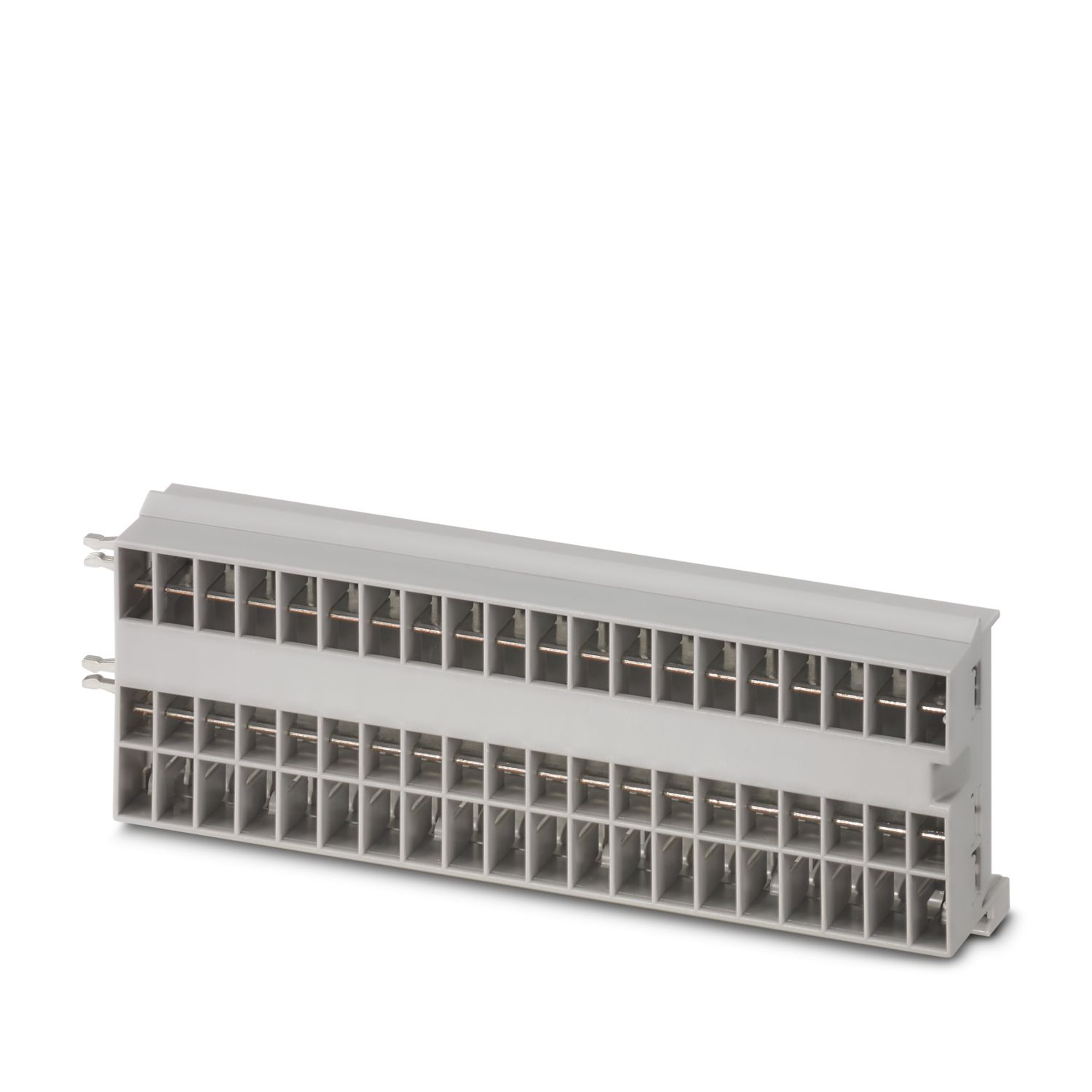
1-채널 전자 회로 차단기 모듈, 과부하 및 단락 시에 12 및 24 V DC 부하 보호용. 고정 정격 전류 있음. CAPAROC 전류 레일을 통한 DIN 레일 설치용.
이 제품을 작동하려면 추가의 제품이 필요합니다.
필수 액세서리
제품의 세부 정보
| 적용 참고 사항 | 현재 당사는 CRA에 대해 현재 이용 가능한 정보를 바탕으로, 2027년 12월 11일부터 이 제품이 EU Cyber Resilience Act(CRA)의 요구 사항을 준수할 수 있도록 준비하고 있습니다. |
| 일반 | |
| 참고 | LABS 릴리스 – 테스트 사양 VW PV 3.10.7:2005-0에 따름 |
| 제품 타입 | 장치 회로 차단기 |
| 제품군 | CAPAROC |
| 설계 | 플러그-인 모듈 |
| 핀 수 | 1 |
| 채널 수 | 1 |
| 슬롯 수 | 1 |
| 절연 특성 | |
| 보호 등급 | III |
| 오염도 | 2 |
| 일반 | |
| 작동 전압 | 10 V DC ... 30 V DC |
| 정격 전압 | 12 V DC |
| 24 V DC | |
| 정격 전류 IN | 4 A (채널당) |
| 정격 전류(사전 조정됨) | 4 A |
| 정격 서지 전압 | 0.5 kV |
| 트리핑 방법 | E(전자) |
| 필수 백업 퓨즈 | 파워 서플라이의 최대 출력 전류 > 단락 스위칭 용량인 경우 통합 페일세이프 부품. |
| 단락-회로 스위칭 용량 | 300 A |
| 절연 내력 | 35 V DC (부하 회로) |
| 퓨즈 | 전자 |
| 효율성 | > 99 % |
| 폐쇄 회로 전류 I0 | 타입 8.5 mA (24 V에서 부하 없음) |
| 전력 손실 | 타입 0.2 W (24 V에서 부하 없음) |
| < 0.57 W (24 V 및 4 A에서 정상 작동 시) | |
| 측정 허용 오차 I | ± 15 % (일반) |
| MTBF (IEC 61709, SN 29500) | 21274544 h (21 % 부하가 있는 25 °C의 경우) |
| 9809987 h (34.25 % 부하가 있는 40 °C의 경우) | |
| 1482752 h (40°C에서 100% 부하) | |
| 전압 강하 | 0.09 V (4 A) |
| 페일세이프 부품 | 5 A DC (출력 채널당) |
| 접점 유형 | 전기 절연 없음 |
| 부하 회로 | |
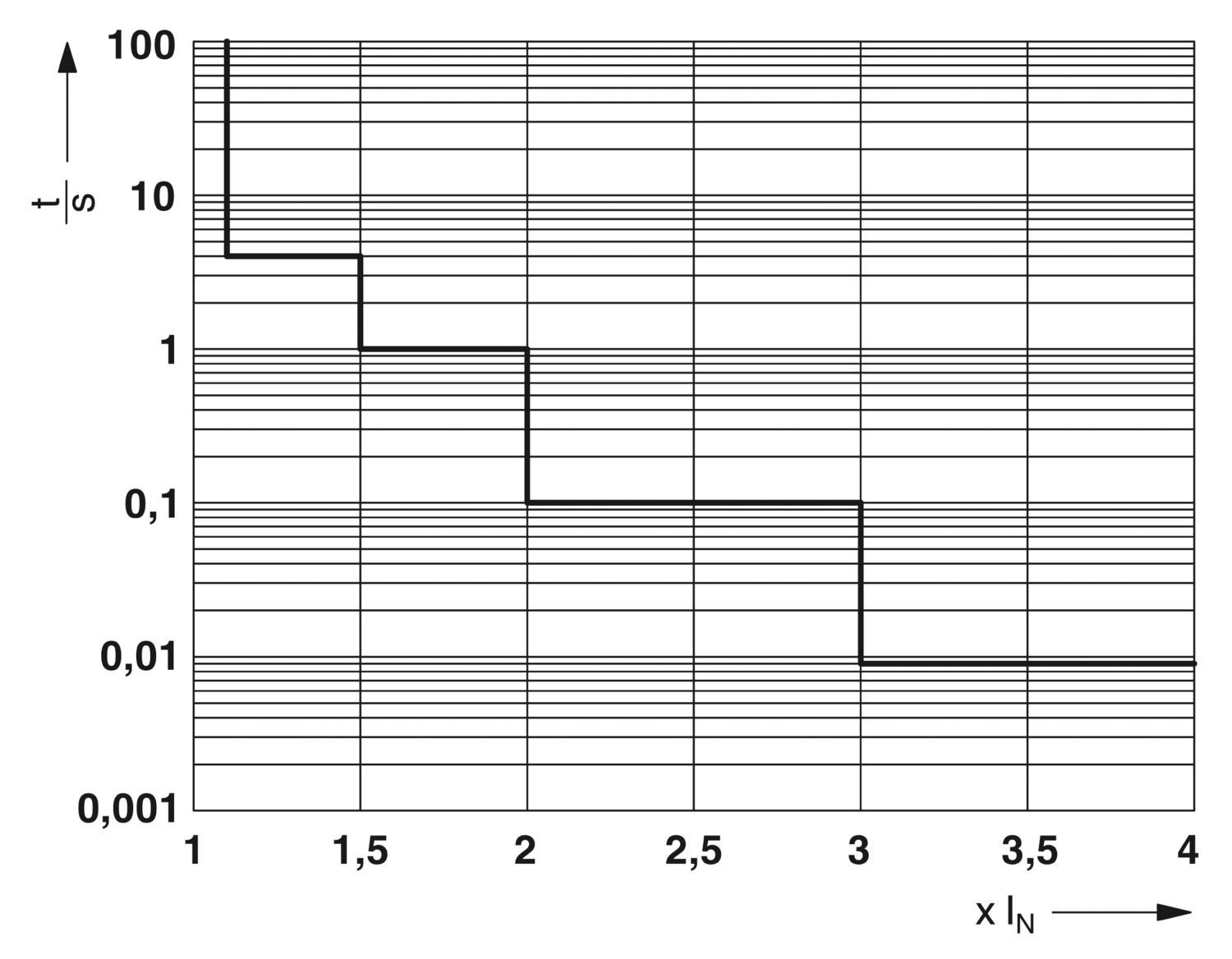
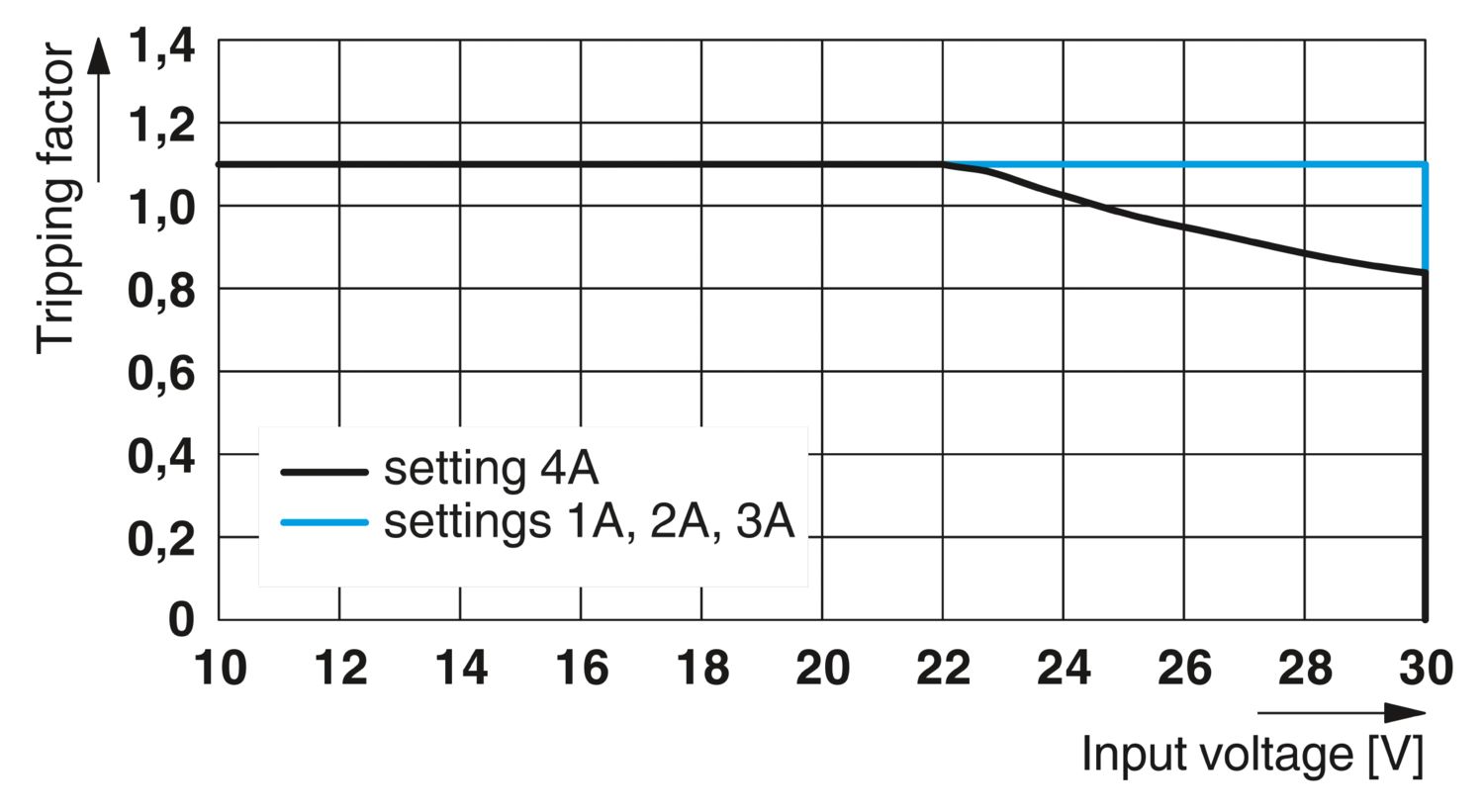
| 종료 시간 | 4 s (과부하 1.1…1.5 x IN) |
| 1 s (과부하 1.5…2.0 x IN) | |
| 0.1 s (과부하 2.0…3.0 x IN) | |
| 타입 10 ms (단락 > 3.0 x IN의 경우) | |
| 저전압 스위치-오프 | ≤ 8.5 V DC (액티브) |
| ≥ 9.2 V DC (비활성) | |
| 과전압 스위치-오프 | ≥ 32.5 V DC (액티브) |
| ≤ 30.5 V DC (비활성) | |
| 최대 용량성 부하 | ≤ 20000 µF (사용 가능한 전류 설정 및 단락-회로 전류에 따라 다름) |
| 스위치-온 지연 | 50 ms (CAPAROC PM IOL 및 CAPAROC PM PN 전원 모듈을 사용해 조정 가능) |
| 퓨즈 보호 출력 | |
| 연결 타입 | 푸쉬인 연결 |
| 스트리핑 길이 | 10 mm |
| 연선 케이블 사이즈 | 0.2 mm² ... 4 mm² |
| 단선 케이블 사이즈 | 0.2 mm² ... 4 mm² |
| AWG 케이블 사이즈 | 24 ... 12 |
| 케이블 사이즈, 연선, 페룰 있음, 플라스틱 슬리브 있음 | 0.25 mm² ... 4 mm² |
| 케이블 사이즈 연선, 플라스틱 슬리브가 없는 페룰 있음 | 0.25 mm² ... 4 mm² |
| 채널 LED 꺼짐 | 꺼짐 (채널 스위치 꺼짐) |
| 채널 LED 노란색 | 켜짐 (채널 스위치 켜짐, 채널 부하 > 80% ) |
| 깜박임 (프로그래밍 모드 액티브) | |
| 두 번 깜박임 (설치 확인, 전원 모듈에 대한 통신 없음) | |
| 채널 LED 녹색 | 켜짐 (채널 스위치 켜짐) |
| 채널 LED 빨간색 | 켜짐 (채널 스위치 꺼짐, 과전압 또는 저전압) |
| 일시적으로 켜짐 (채널 스위치 꺼짐, 5 s 냉각 단계, 과부하 또는 단락-회로 해제) | |
| 깜박임 (채널 스위치 꺼짐, 즉시 스위치를 다시 켤 수 있음, 과부하 또는 단락-회로 해제) |
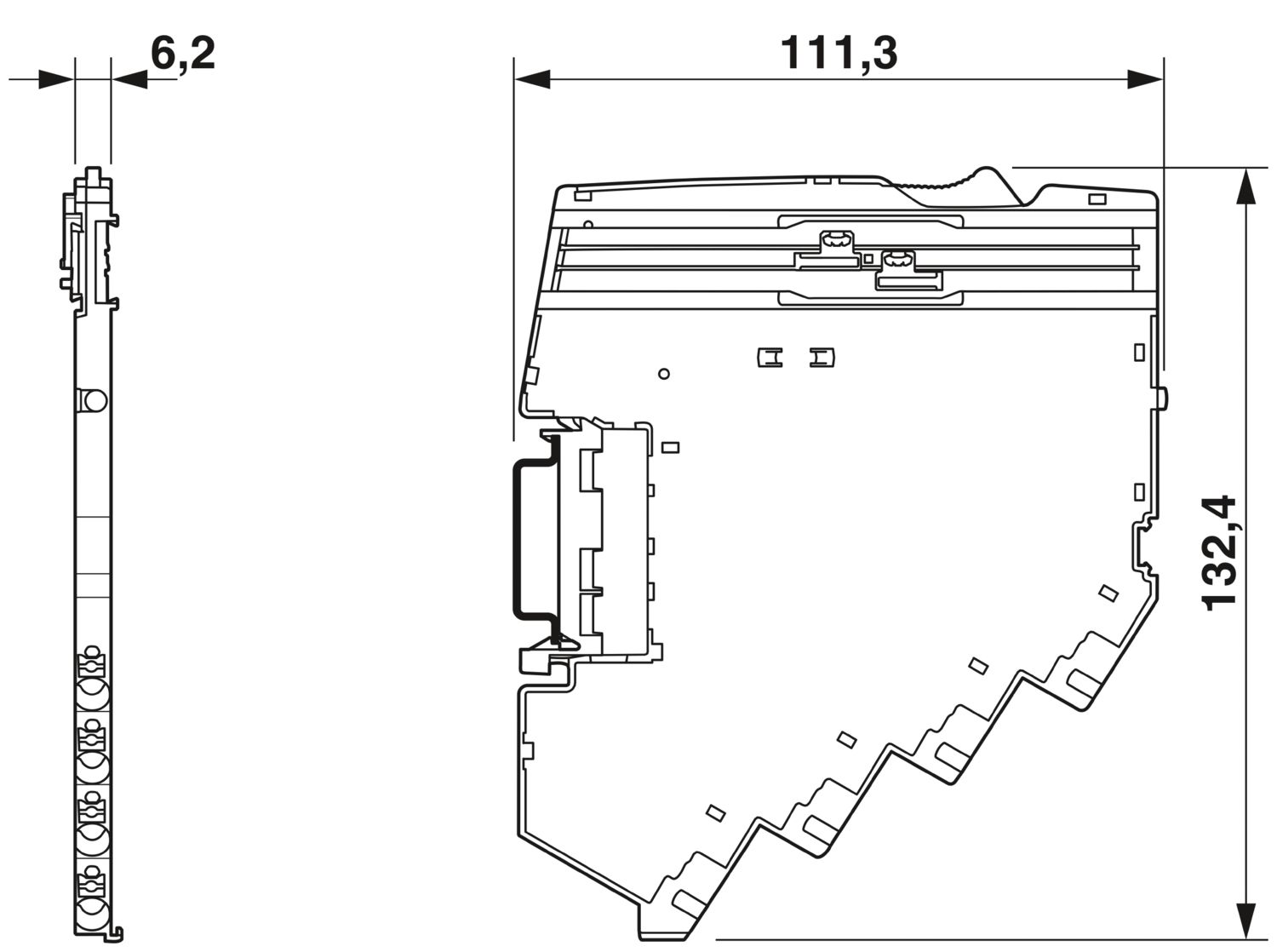
| 치수 도면 |
|
| 폭 | 6.2 mm |
| 높이 | 132.4 mm |
| 깊이 | 111.3 mm (DIN 레일 7.5 mm 포함) |
| 색상 | 밝은 회색 (RAL 7035) |
| 소재 | PA 6 |
| PA 6 | |
| PA 6 | |
| PC | |
| UL 94에 따른 난연성등급 | V-0 |
| 주변 조건 | |
| 보호 수준 | IP20 |
| 주변 온도(작동) | -30 °C ... 65 °C (전원 모듈의 온도 범위를 고려해야 합니다.) |
| 주변 온도(보관/운송) | -40 °C ... 70 °C |
| 고도 | ≤ 4000 m (amsl) |
| 습도 테스트 | 96 h, 95 % RH, 40 °C |
| 충격(작동) | 30g (11 ms 기간, 하프-사인 충격 펄스, IEC 60068-2-27에 따름) |
| 25g (6 ms 지속 시간, IEC 60068-2-27에 따른 하프-사인 충격 펄스, 연속 충격) | |
| 15g (6 ms 지속 시간, IEC 60068-2-27에 따른 하프-사인 충격 펄스, 연속 충격. 시스템에서 6개 이상의 CAPAROC E1 모듈이 사용될 경우.) | |
| 진동(작동) | 5g (10 Hz ... 150 Hz / 10 싸이클 / 축 / X, Y, Z) |
| UL 인증 | |
| 마킹 | UL/C-UL Listed UL 508 |
| UL Recognized UL 2367 | |
| UL 121201 Class I, Division 2, Groups A, B, C, D, T4A | |
| NEC Class 2 according to UL 1310 | |
| 부식성 가스 테스트 | |
| 마킹 | ISA S71.04.2013 G3 Harsh Group A |
| 표준/사양 | EN 61000-6-2 |
| 참고 | EMC – 산업 영역을 위한 내성 |
| 표준/사양 | EN 61000-6-3 |
| 참고 | EMC – 주거, 영업 및 상업용 부동산 및 소규모 운영을 위한 배출 |
| 표준/사양 | EN 60068-2-78 |
| 참고 | 환경 영향 – 습기와 열, 일정 |
| 표준/사양 | EN 50178 |
| 참고 | 전기 설비에 사용되는 전자 장비 |
| 표준/사양 | EN 60068-2-6 |
| 참고 | 환경 영향 – 진동(정현) |
| 표준/사양 | EN 60068-2-27 |
| 참고 | 환경 영향 – 충격 |
| 마운트 타입 | CAPAROC CR… 전류 레일에 장착 가능 |
이점
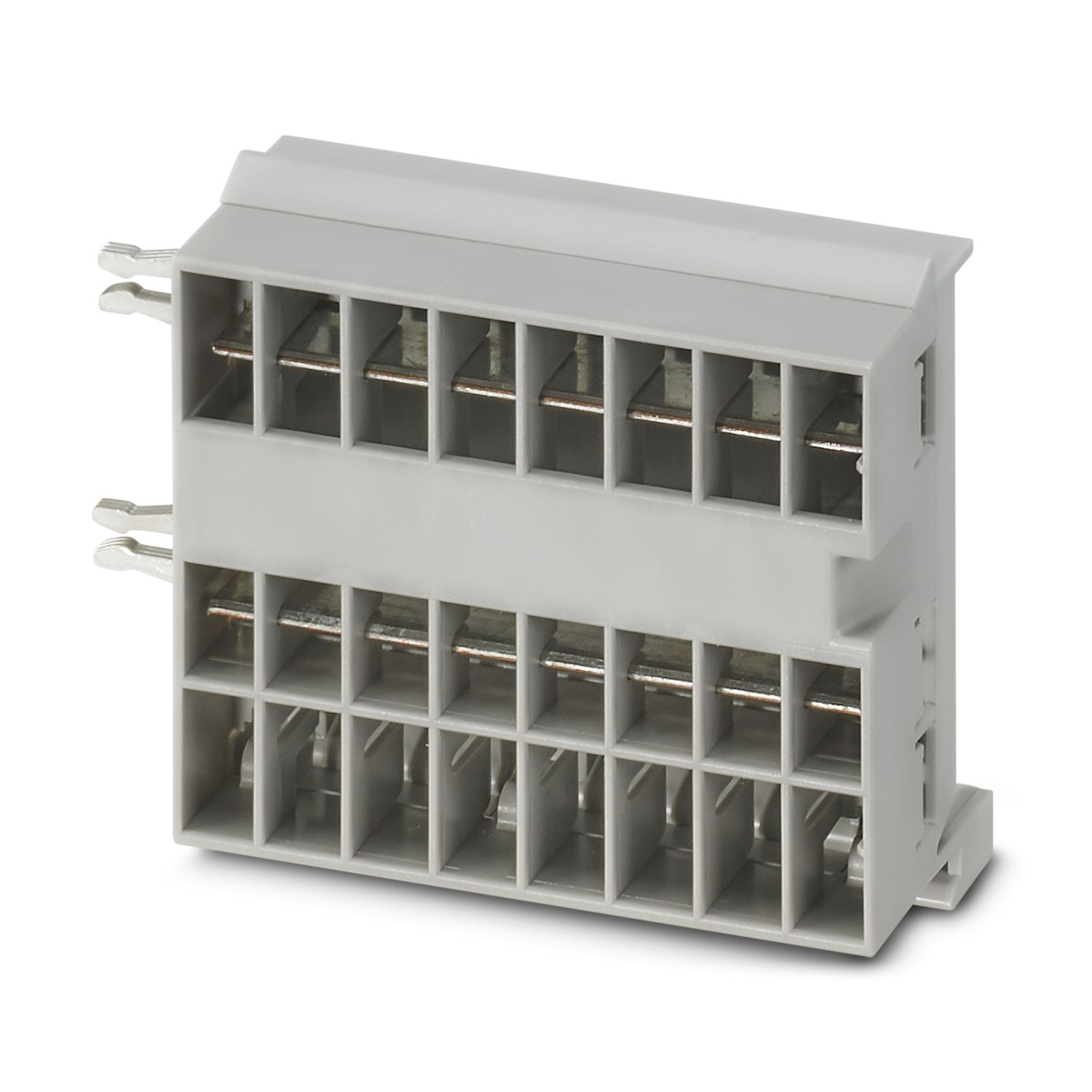
통합 전위 분배가 있는 채널 정밀 설계를 통해 맞춤형으로 구성할 수있는 벤치마크
공구가 필요 없는 조립, 무중단 설치 및 투명한 작동 상태를 통해 누구나 손쉽게 작동 가능
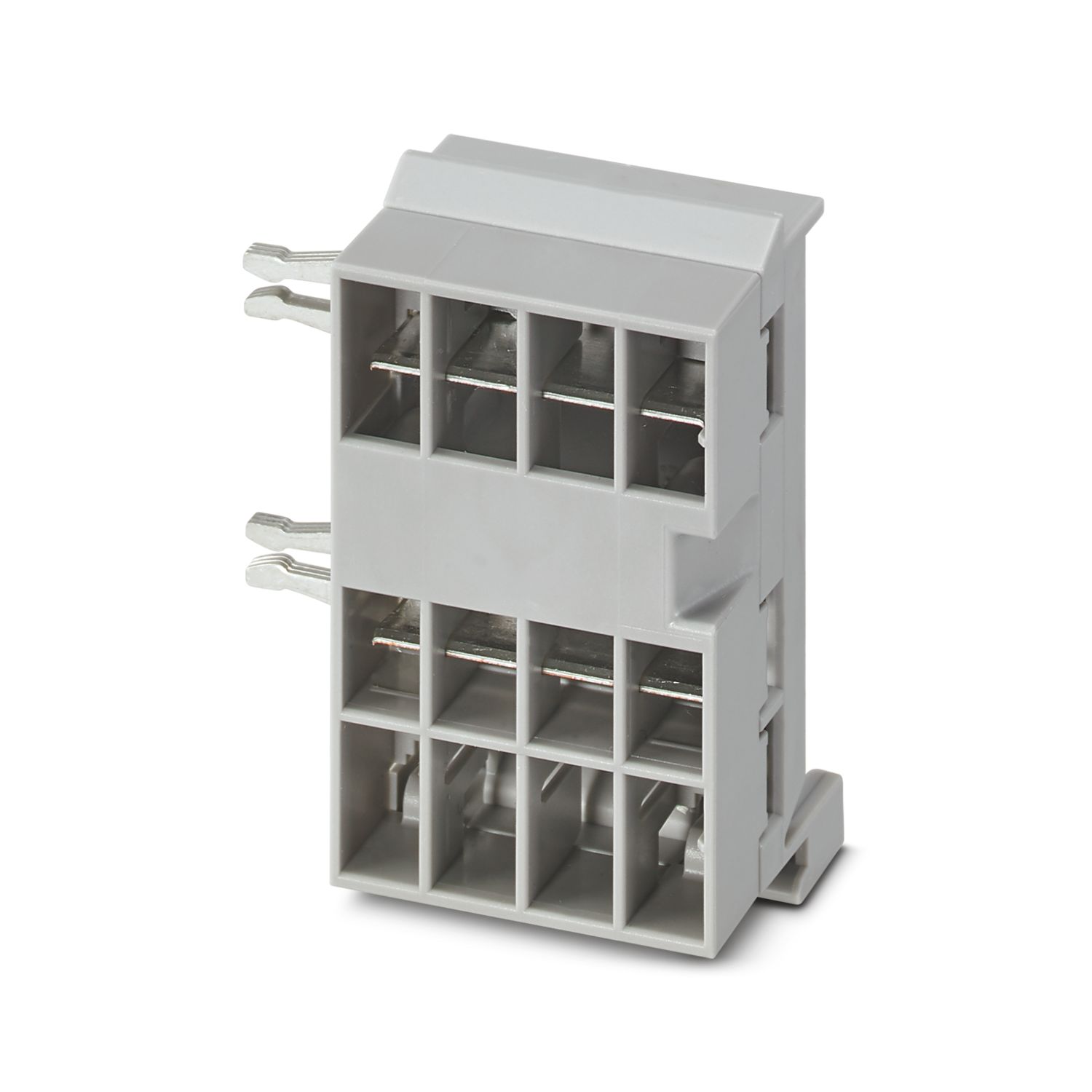
가장 좁은 공간 요구 사항을 충족하고 4개의 보호된 출력이 있는 매우 쉬운 디자인 적용
자주 묻는 질문
회로 차단기 모듈에는 몇 개의 퓨즈 보호 출력 회로가 있습니까?
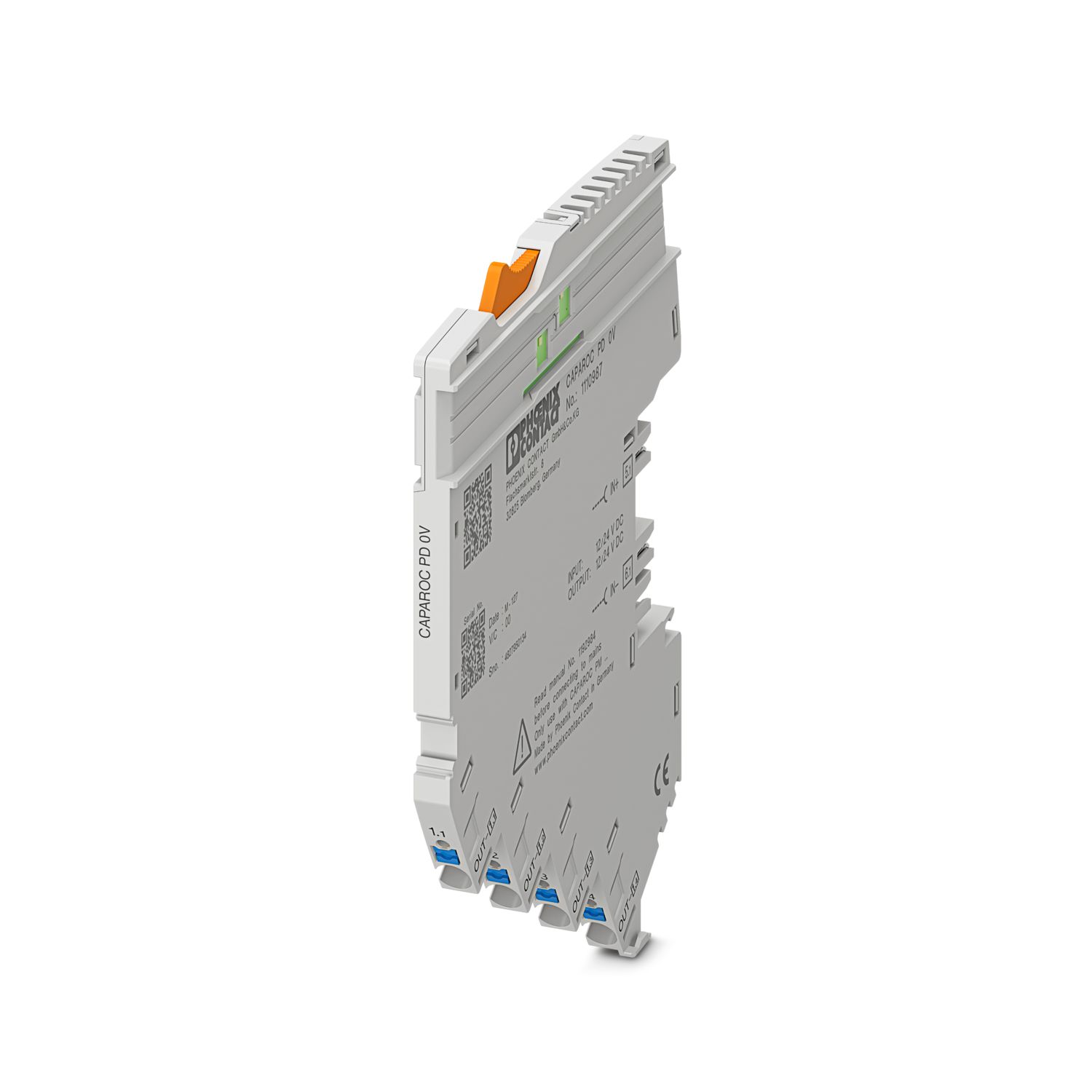
CAPAROC 1채널 모듈에는 동일한 퓨즈로 보호된 전위를 가진 4개의 연결 지점이 있습니다.
CAPAROC 2채널 모듈에는 채널당 2개의 연결 지점이 있습니다.
CAPAROC 4채널 모듈에는 채널당 하나의 연결 지점이 있습니다.
CAPAROC 기능을 설명하는 하드웨어 튜토리얼이 있습니까?
전원 입력 모듈의 다운스트림에 회로 차단기 모듈을 몇 개까지 연결할 수 있습니까?
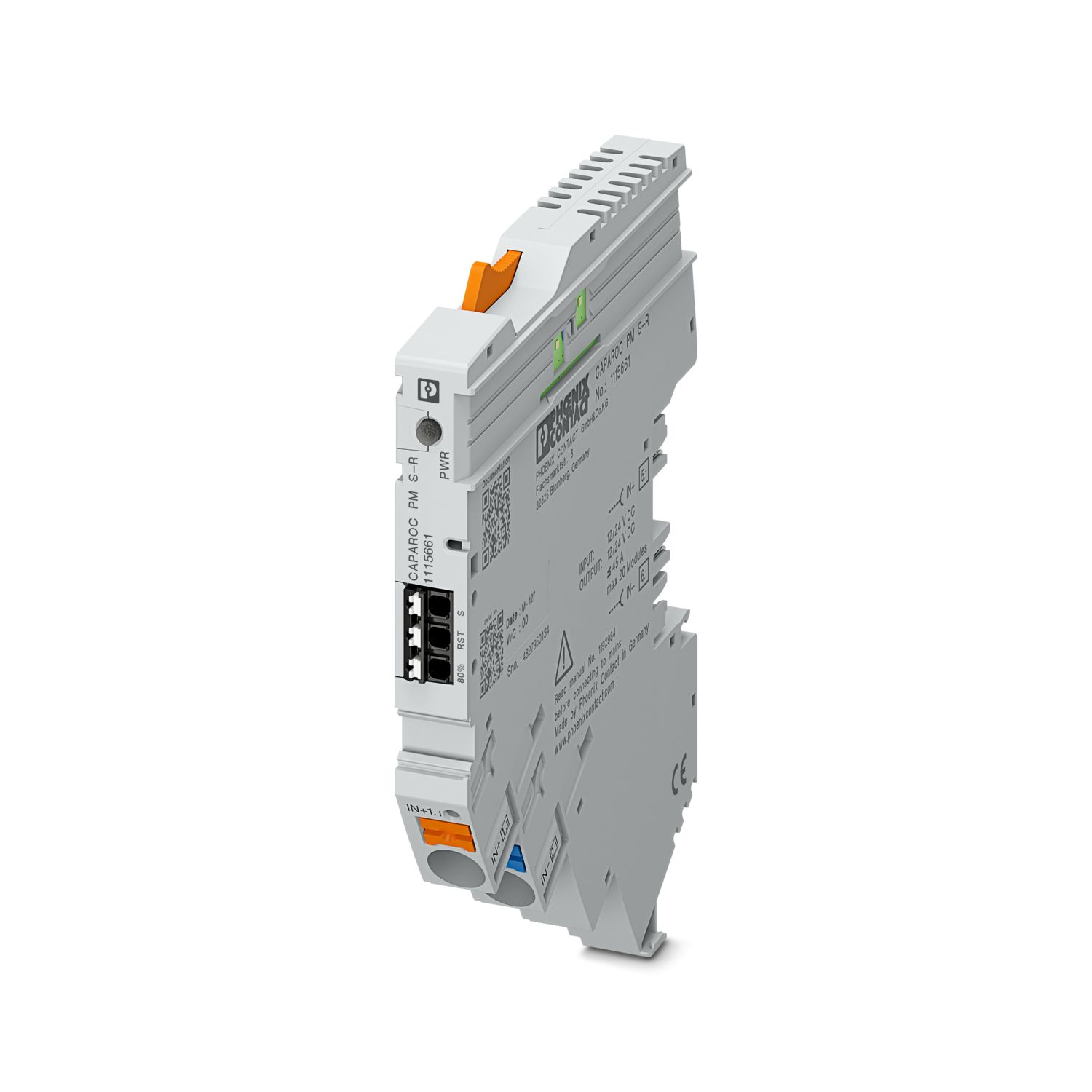
CAPAROC PM S-R: 20개의 회로 차단기 모듈
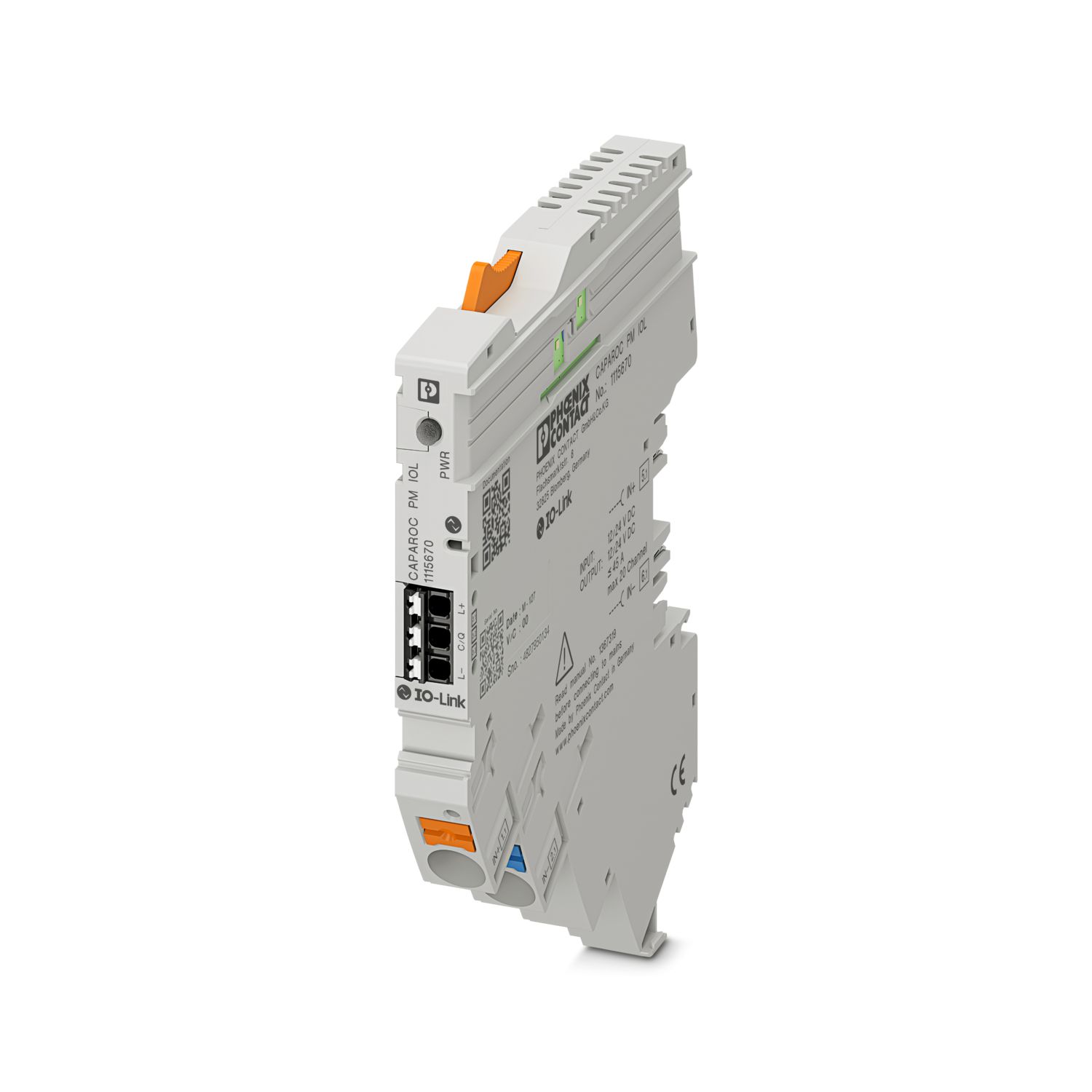
CAPAROC PM IOL: 20채널
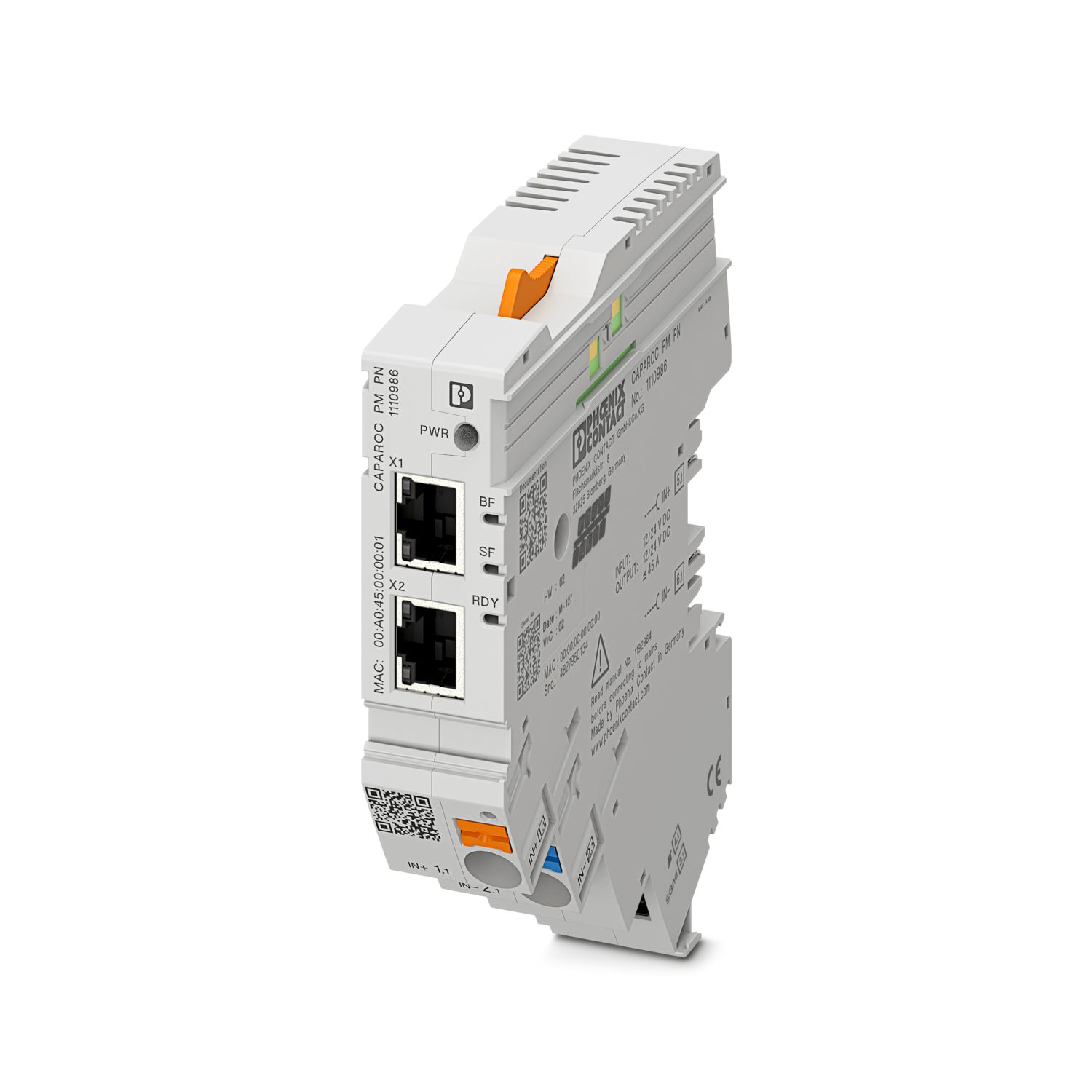
CAPAROC PM PN: 16개의 회로 차단기 모듈
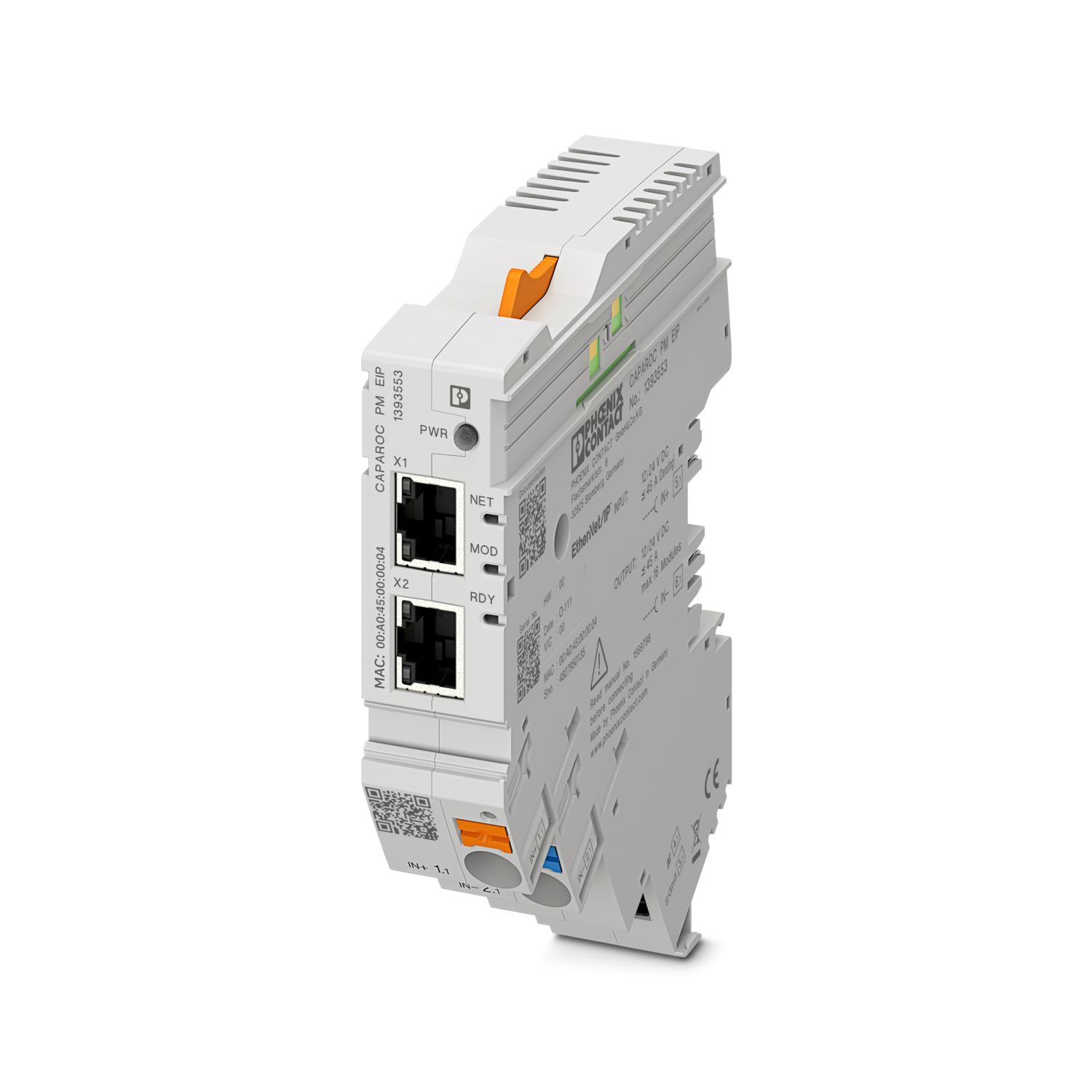
CAPAROC PM EIP: 16개의 회로 차단기 모듈
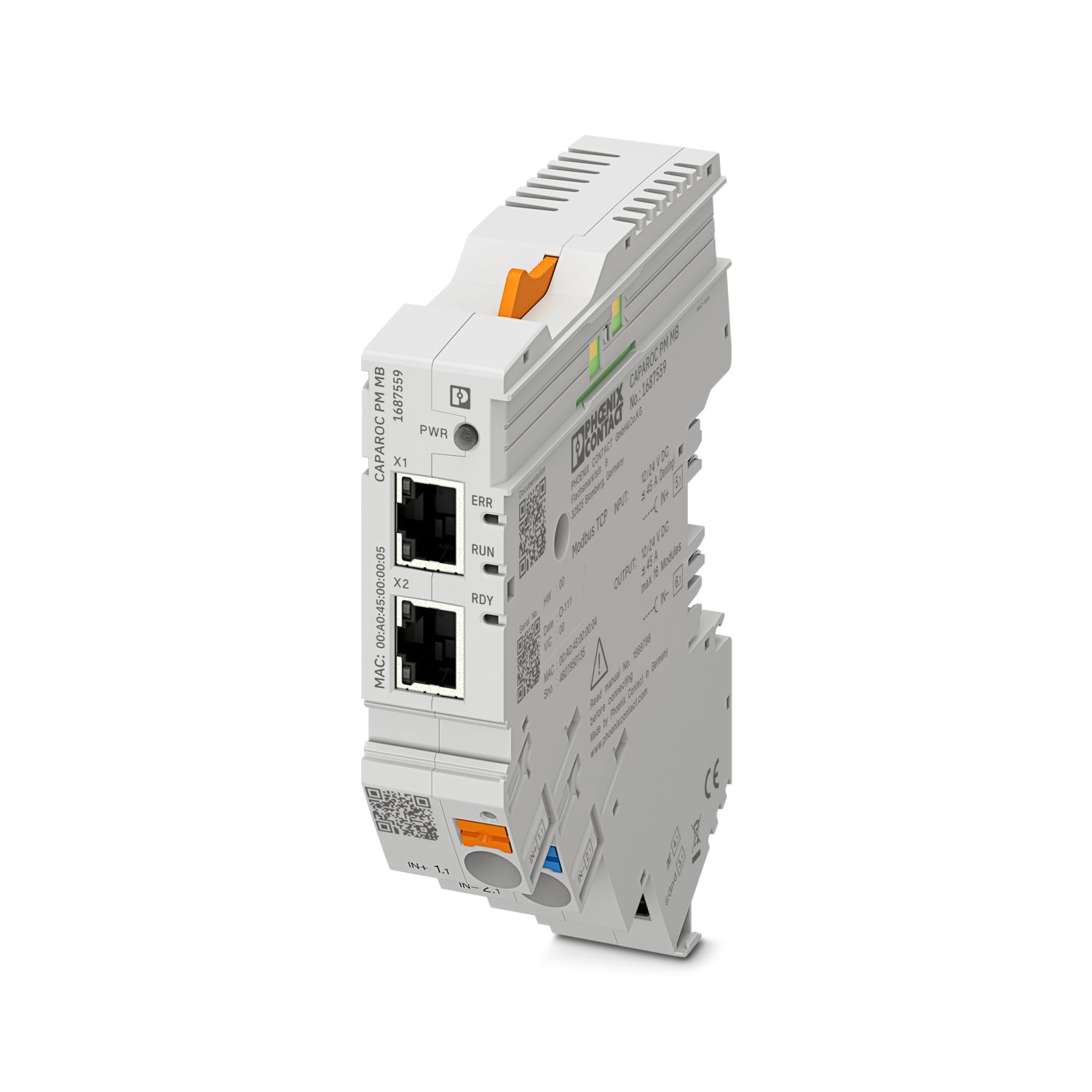
CAPAROC PM MB: 16개의 회로 차단기 모듈
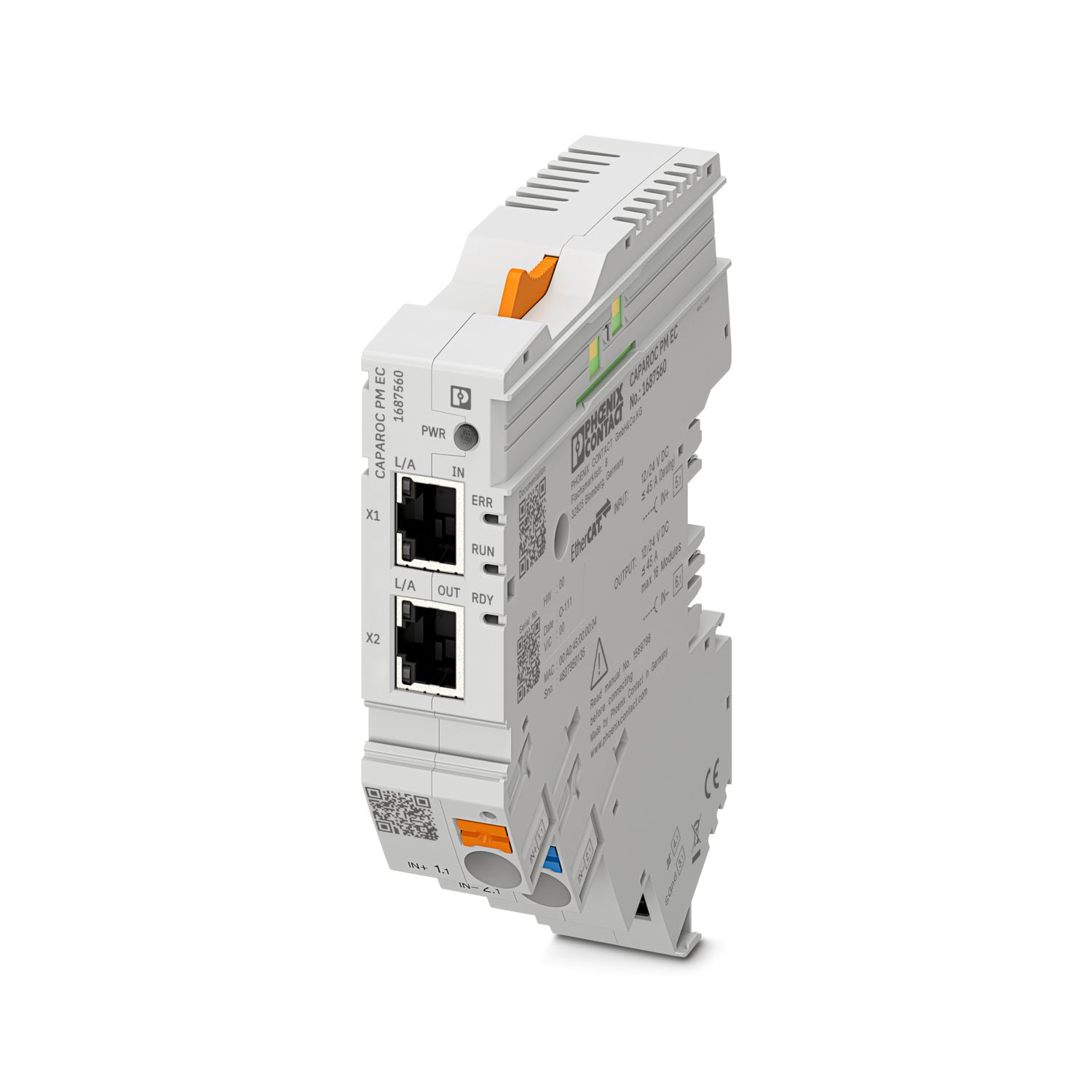
CAPAROC PM EC: 16개의 회로 차단기 모듈
채널 LED가 4초마다 노란색으로 두 번 점멸합니다. 무슨 뜻입니까?
이는 전원 모듈에 대한 내부 통신이 중단되었거나 결함이 있음을 의미합니다.
모듈이 올바르게 장착되었는지, 모듈 사이에 틈이 없는지 확인하십시오. 그래도 통신이 중단되면 점멸하는 첫 번째 모듈(왼쪽)의 측면 접점을 확인하고, 모듈 내부로 너무 깊게 들어갔거나 하우징 개구부의 중앙에 있지 않거나 기타 손상된 모듈을 교체하십시오.
설정된 전류의 설정을 차단할 수 있습니까?
전류 설정은 다양한 방식으로 잠글 수 있습니다.
1. 프로그래밍 잠금: 전원 모듈의 PWR 버튼을 3초 이상 누르면 PWR LED가 노란색으로 3번 점멸하며 설정이 잠깁니다. 3초 이상 다시 누르면 LED가 녹색으로 3번 점멸하며 잠금이 다시 해제됩니다.
2. 통신 인터페이스를 통해 잠금 및 해제를 할 수 있으며, 여기에서 조작 잠금을 설정하여 장치의 조작 및 설정을 방지할 수도 있습니다. 그러면 인터페이스를 통해서만 잠금을 해제할 수 있습니다.