
CAPAROC ürün gamı hakkında daha fazla bilgiye şu adresteki çevrimiçi kılavuzdan ulaşabilirsiniz: phoenixcontact.com/caparoc-help
CAPAROC PM MB
-
Güç modülü
1687559
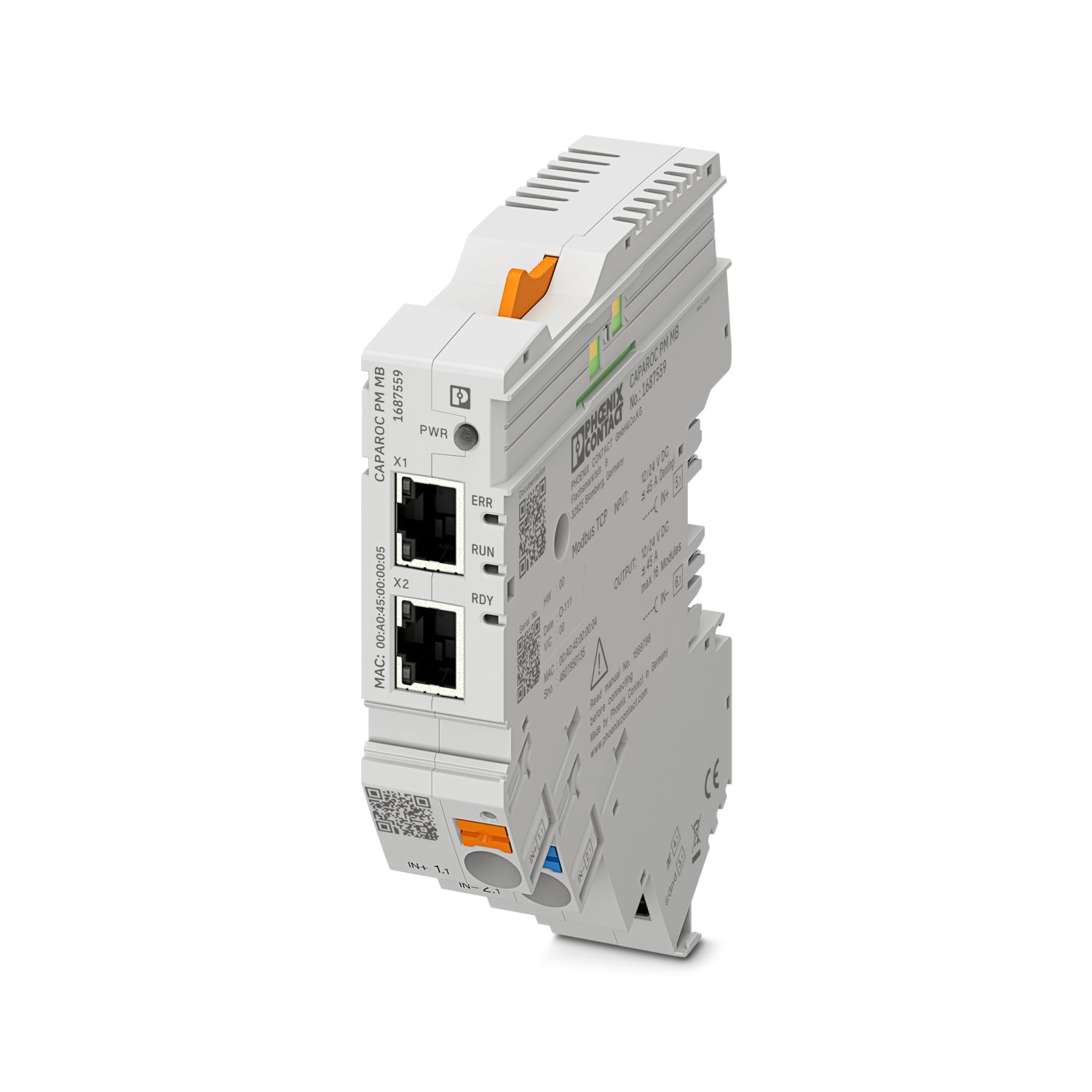

CAPAROC devre kesici sistemini 12 V DC veya 24 V DC ile beslemek için Modbus/TCP arabirimine sahip güç modülü. Güç kaynağı ile haberleşme için ek sistem arabirimi. CAPAROC akım baraları aracılığıyla DIN rayı montajı için.
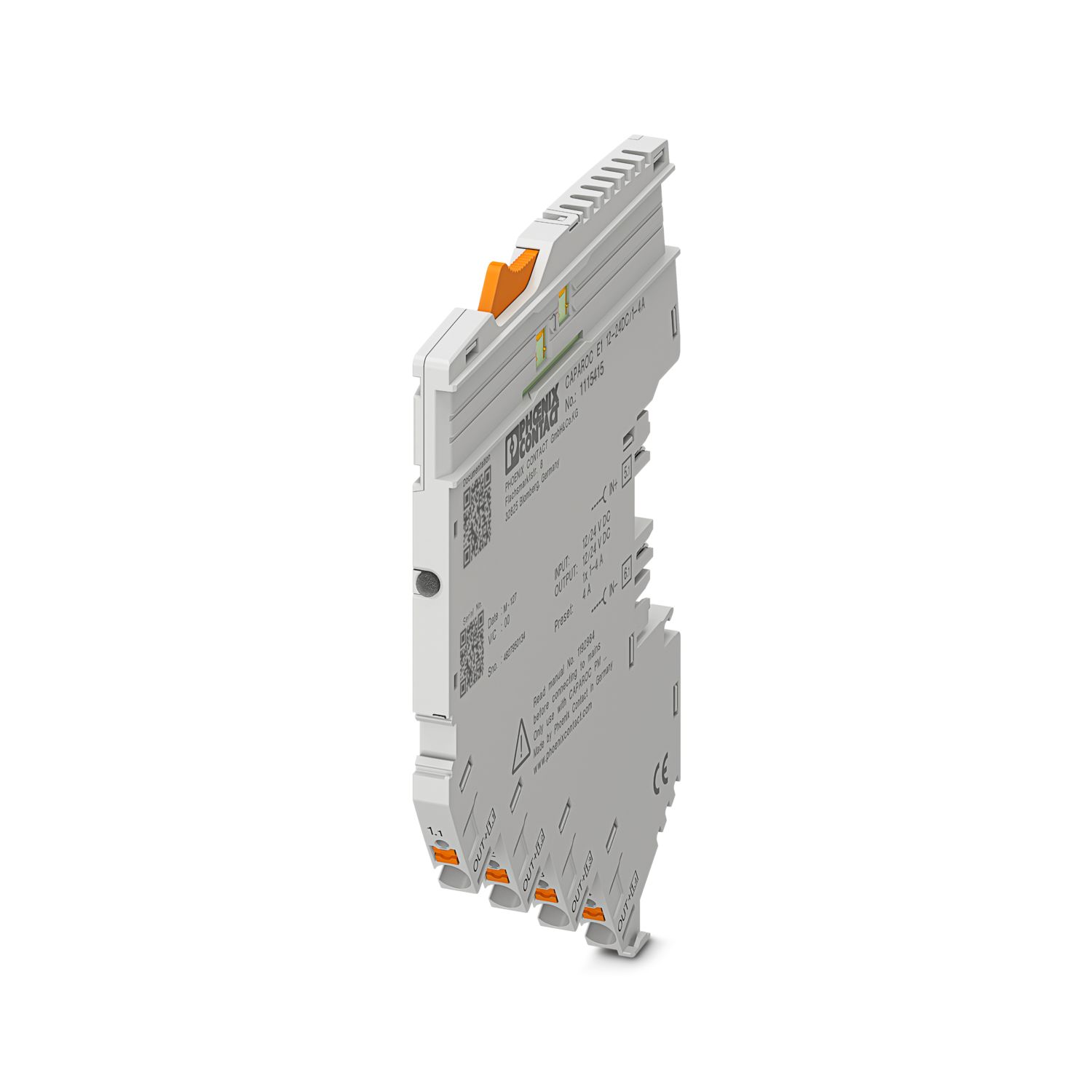
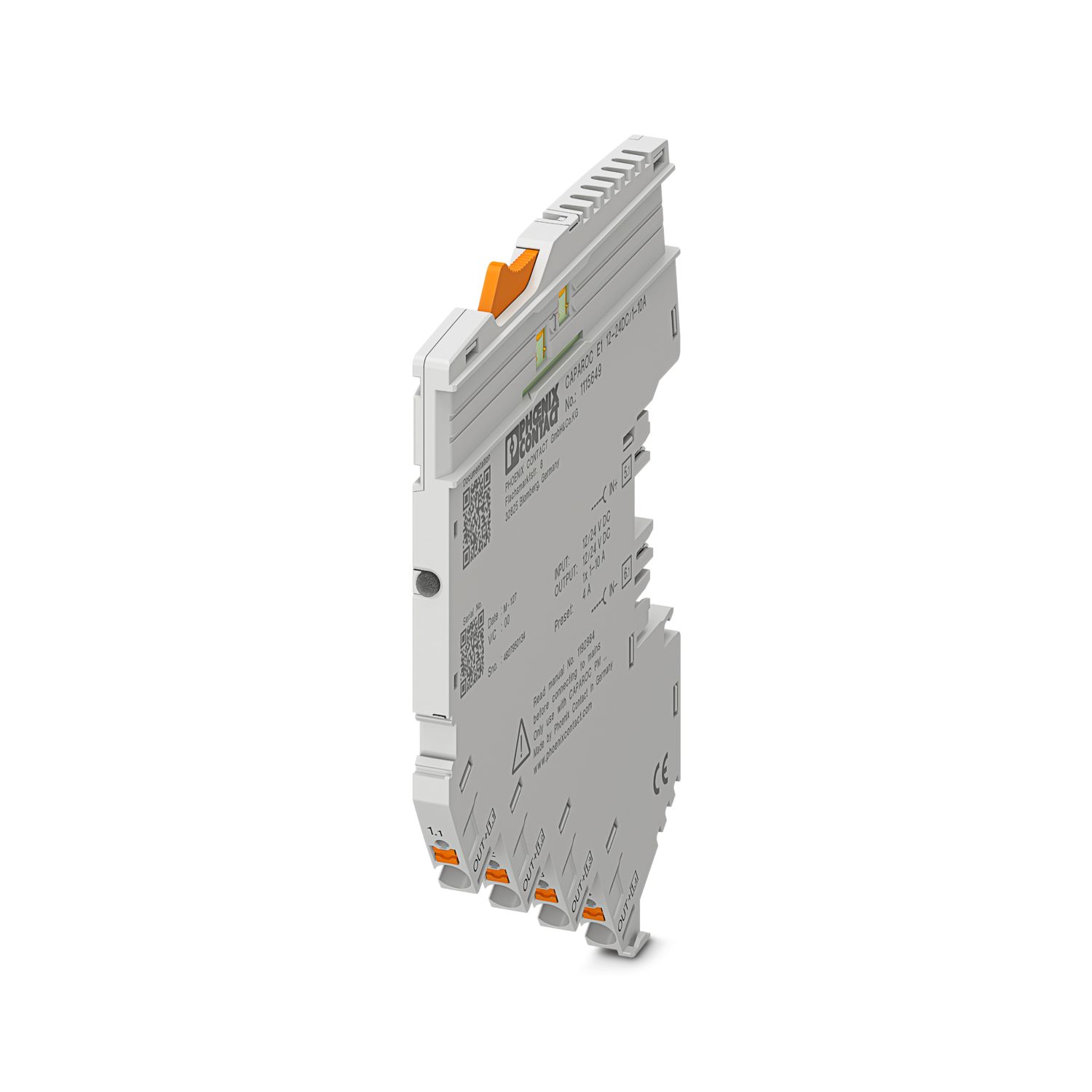
Bu ürünün çalışması için ilave ürünler gerekli.
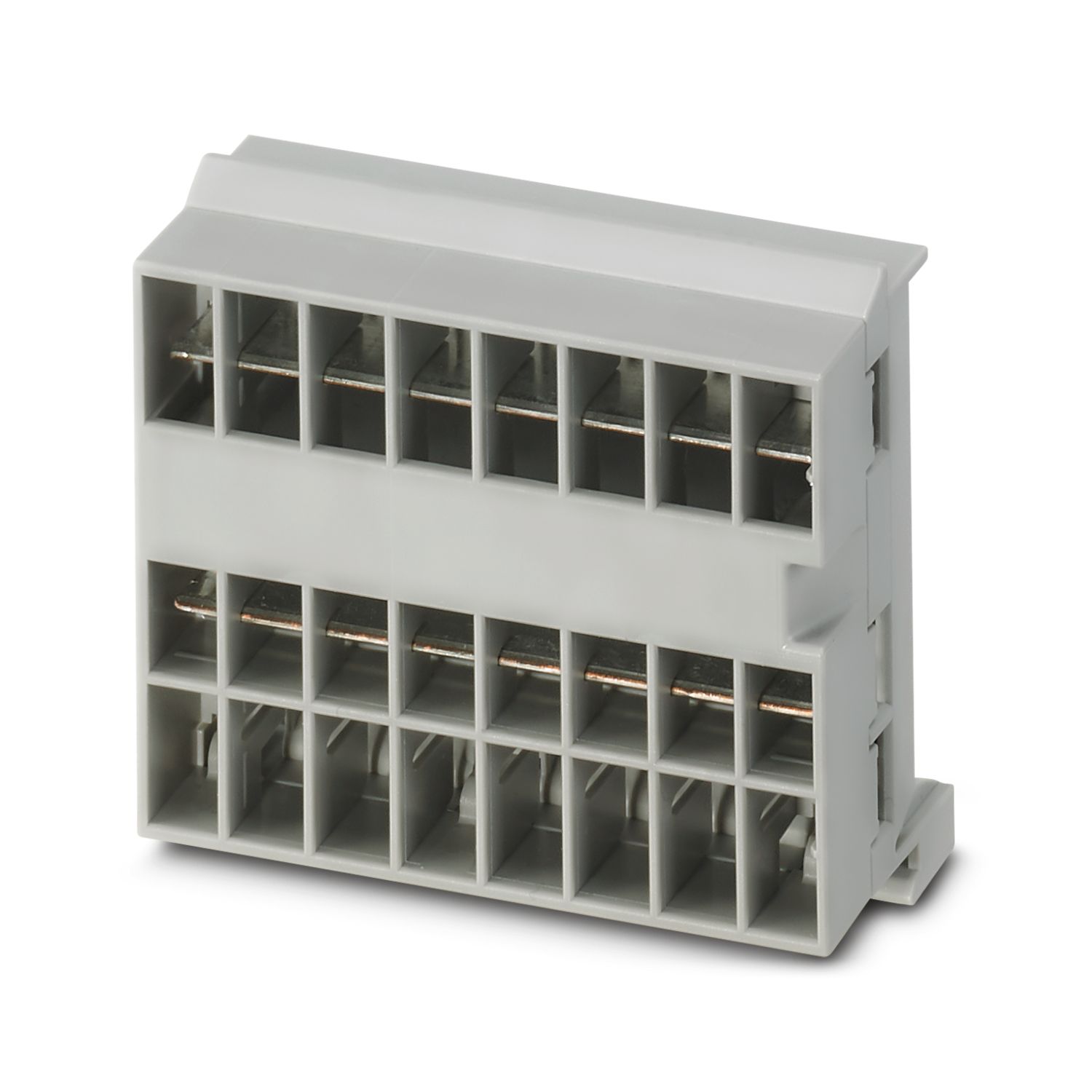
Zorunlu Aksesuarlar
Ürün Ayrıntıları
| Uygulamaya yönelik not | Mevcut durumda ürünü, AB Siber Dayanıklılık Yasası (CRA) hakkında şu anda mevcut olan bilgilere dayanarak 11 Aralık 2027 itibarıyla CRA gereksinimlerine uyum sağlayacak şekilde hazırlıyoruz. |
| Genel | |
| Not | LABS sürümü - VW PV 3.10.7: 2005-0 test spesifikasyonuna uygun |
| Kabloyu bağlarken CAPAROC modüllerinin çekme kuvveti nedeniyle ayrılmadığından emin olun. Modüller arasında boşluk oluşturulmamalıdır. | |
| Ürün tipi | Aygıt devre kesicileri |
| Ürün gamı | CAPAROC |
| Tasarım | Geçmeli modül |
| Slot sayısı | 4 |
| İzolasyon karakteristikleri | |
| Koruma sınıfı | III |
| Kirlilik sınıfı | 2 |
| Modbus/TCP sunucusu | |
| Cihaz fonksiyonu | MODBUS TCP/IP Server |
| Adresleme | DHCP, BootP, statik (varsayılan: 192.168.1.2) |
| Genel | |
| Çalışma gerilimi | 10 V DC ... 30 V DC |
| Nominal gerilim | 12 V DC |
| 24 V DC | |
| Nominal akım IN | 45 A (Toplam akım girişi) |
| Nominal darbe gerilimi | 0,5 kV |
| Kapama yöntemi | E (elektronik) |
| Geri besleme direnci | maks. 35 V DC |
| Dielektrik dayanım | 35 V DC (Yük devresi) |
| Verimlilik | > 99 % |
| Kapalı-devre akım I0 | tip. 46 mA (24 V'de yüksüz) |
| Güç kaybı | tip. 1,1 W (24 V'de yüksüz) |
| < 4,5 W (40 A'da) | |
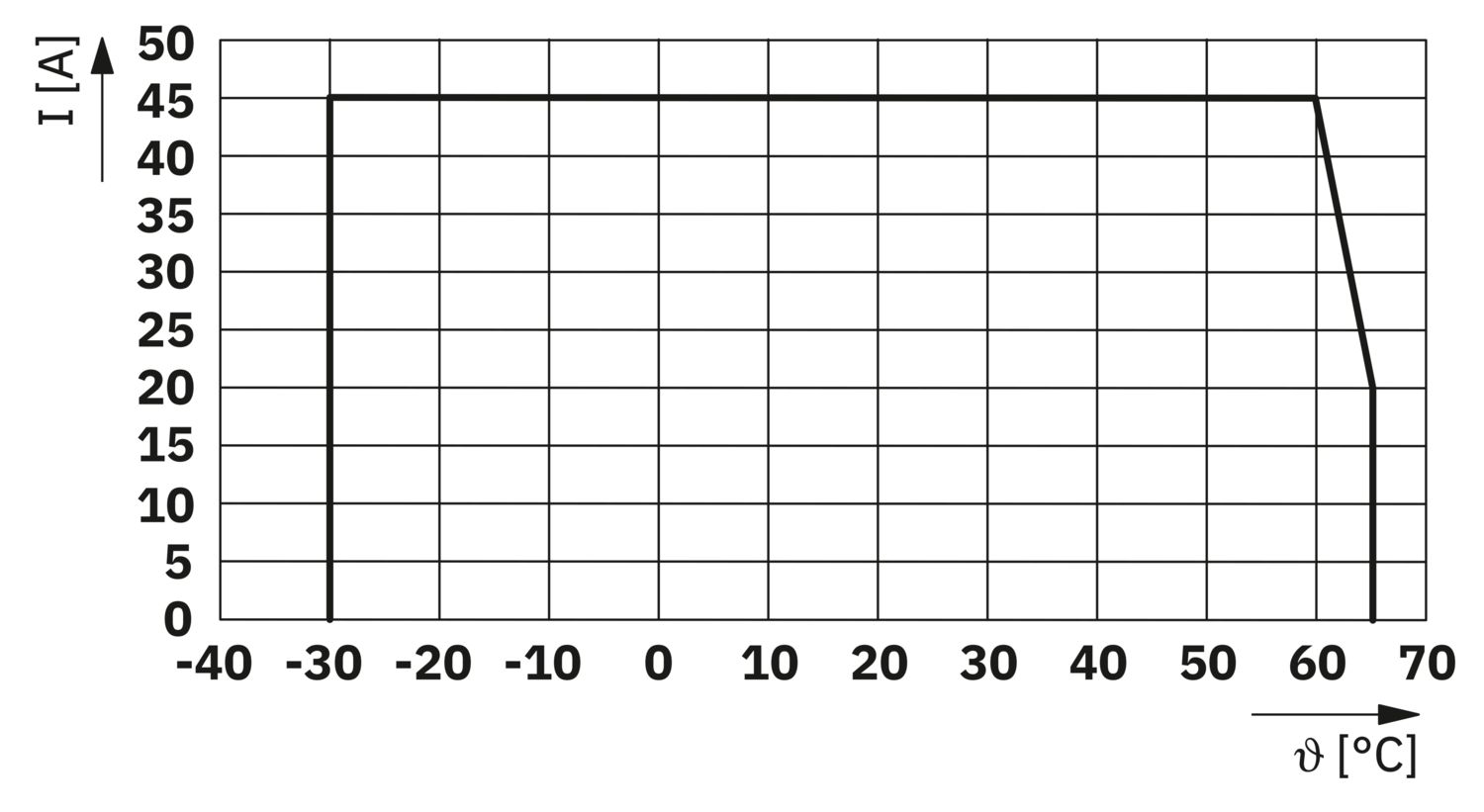
| Sıcaklık azalması | 45 A (Toplam akım, 60°C'de) |
| 20 A (Toplam akım 65 °C'de) | |
| 45 A (60°C'de toplam akım, UL uyarınca) | |
| MTBF (IEC 61709, SN 29500) | 7242508,37 h (25°C'de %21 yük ile) |
| 3958056,77 h (40°C'de %34,25 yük ile) | |
| 764697,81 h (60°C'de %100 yük ile) | |
| Gerilim düşümü | 0,082 V (40 A'da) |
| Yük devresi | |
| Düşük gerilim kesme | ≤ 9,2 V DC (aktif) |
| ≥ 10,2 V DC (aktif değil) | |
| Aşırı gerilim kesme | ≥ 30,5 V DC (aktif) |
| ≤ 29,5 V DC (aktif değil) | |
| Ana devre IN+ | |
| Bağlantı yöntemi | Push-in bağlantı |
| Kablo soyma uzunluğu | 18 mm |
| Kablo kesiti AWG | 20 ... 8 |
| Kablo kesiti, çok telli, yüksüklü, plastik kılıflı | 0,5 mm² ... 16 mm² |
| Kablo kesiti çok telli, yüksüklü, plastik kılıfsız | 0,5 mm² ... 16 mm² |
| Ana devre IN- | |
| Bağlantı yöntemi | Push-in bağlantı |
| Kablo soyma uzunluğu | 18 mm |
| Kablo kesiti AWG | 20 ... 8 |
| Kablo kesiti, çok telli, yüksüklü, plastik kılıflı | 0,5 mm² ... 16 mm² |
| Kablo kesiti çok telli, yüksüklü, plastik kılıfsız | 0,5 mm² ... 16 mm² |
| Sistem haberleşmesi | |
| Bağlantı yöntemi | Push-in bağlantı |
| Kablo soyma uzunluğu | 8 mm |
| İletken kesiti, tek telli | 0,2 mm² ... 1,5 mm² |
| Kablo kesiti AWG | 24 ... 16 |
| Kablo kesiti, çok telli, yüksüklü, plastik kılıflı | 0,2 mm² ... 0,75 mm² |
| Kablo kesiti çok telli, yüksüklü, plastik kılıfsız | 0,2 mm² ... 1,5 mm² |
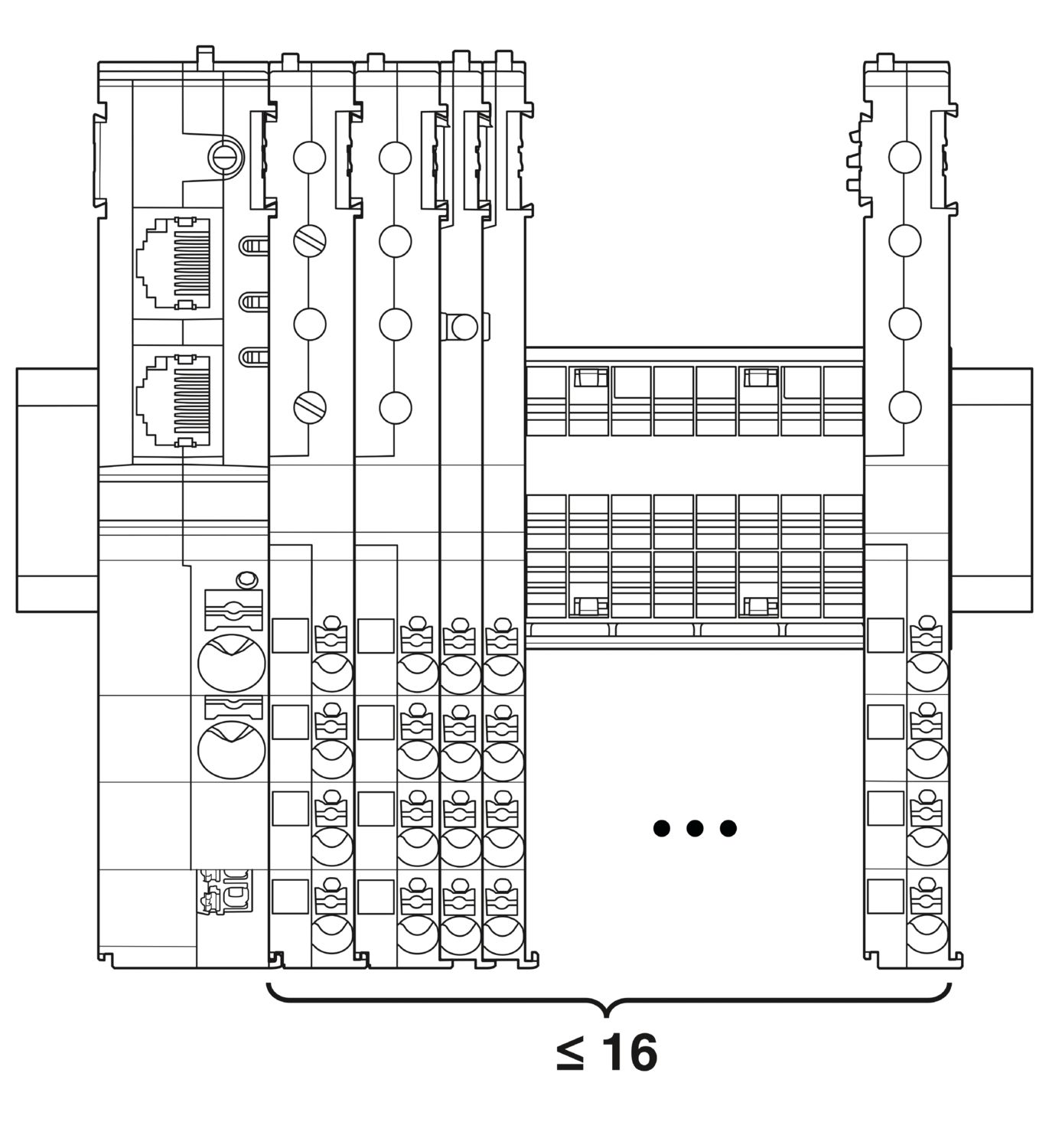
| Maksimum sistem genişlemesi | ≤ 16 (CAPAROC modülleri yan yana dizilebilir) |
| Arabirim tipi | Ethernet |
| Hayır | 2 |
| İletim hızı | 10 Mbps 100 Mbps |
| İletim fiziği | RJ45 bükümlü çift Ethernet |
| Desteklenen protokoller | MODBUS TCP/IP |
| Bağlantı X1 LED yeşil | açik (bağla) |
| Bağlantı X1 LED sarı | açik (trafik) |
| Bağlantı X2 LED yeşil | açik (bağla) |
| Bağlantı X2 LED sarı | açik (trafik) |
| Güç (PWR) LED yeşil | açik (Besleme gerilimi, çalışma gerilimi aralığının içinde) |
| 3x yanıp söner (Global programlama kilidi devre dışı) | |
| Güç (PWR) LED kırmızı | açik (Besleme gerilimi, çalışma gerilimi aralığının dışında) |
| 5x yanıp söner (Fabrika sıfırlama komutu kabul edildi) | |
| Güç (PWR) LED'i sarı | açik (PWR butonuna basıldı) |
| 3x yanıp söner (Global programlama kilidi etkin) | |
| Hazır (RDY) LED'i yeşil | açik (FW başarıyla başladı) |
| Hata (ERR) LED'i kırmızı | kapalı (İletişim hatası yok) |
| yanıp söner (Sistem hatası aktif) | |
| açik (İletişim hatası aktif) | |
| Çalışma (RUN) LED'i yeşil | açik (En az bir TCP bağlantısı kuruldu) |
| yanıp söner (TCP bağlantısı bekleniyor) | |
| kapalı (Hazır değil) |
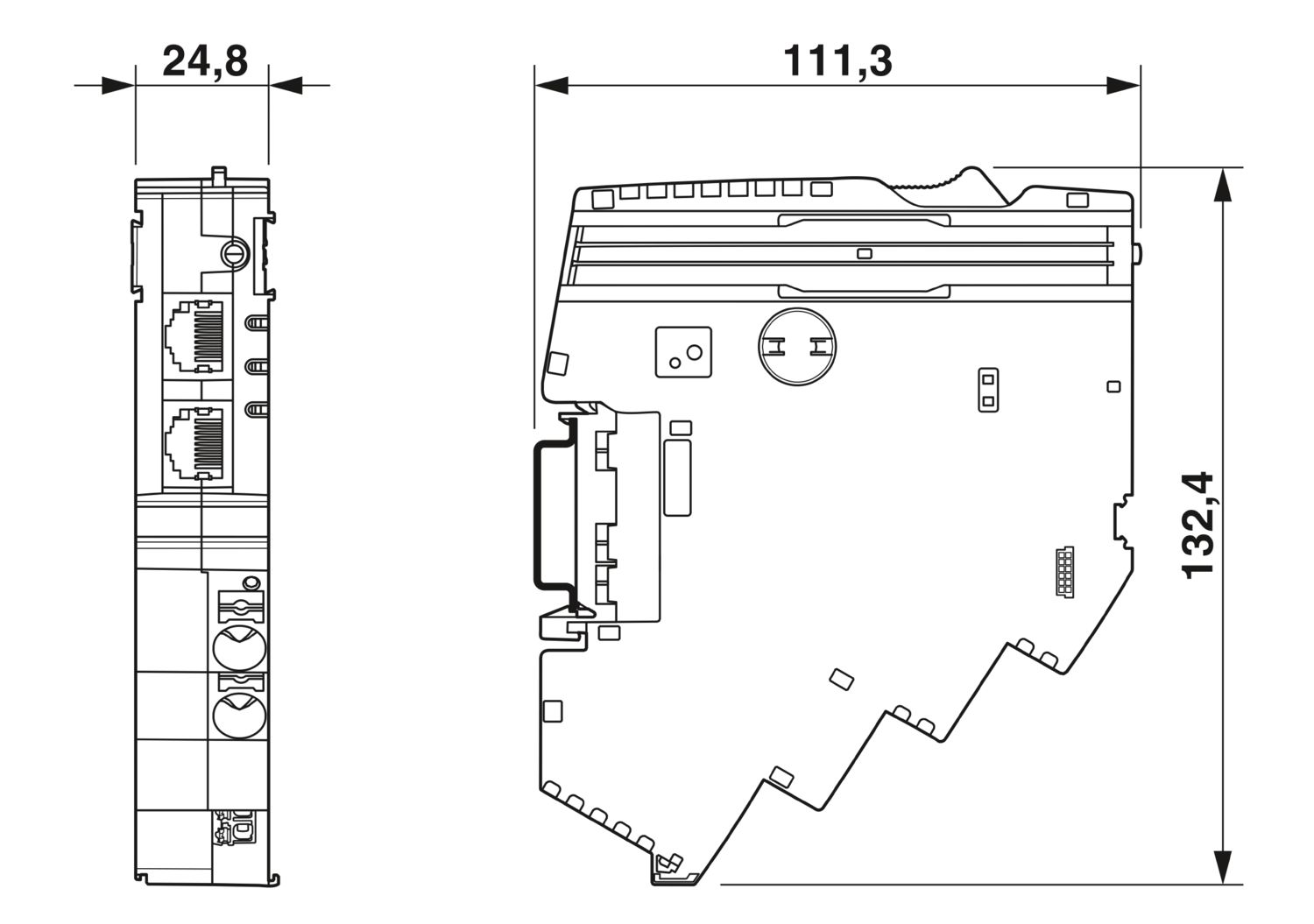
| Boyutlu çizim |
|
| Genişlik | 24,8 mm |
| Yükseklik | 132,4 mm |
| Derinlik | 111,3 mm (7.5 mm DIN rayı dahil) |
| Renk | açık gri (RAL 7035) |
| Malzeme | PA 6 |
| PA 6 | |
| PA 6 | |
| PC | |
| UL 94'e uygun yanmazlık sınıfı | V-0 |
| Ortam koşulları | |
| Koruma sınıf | IP20 |
| Ortam sıcaklığı (çalışma) | -30 °C ... 65 °C |
| -30 °C ... 60 °C (UL'ye uygun) | |
| Ortam sıcaklığı (stok/nakliye) | -40 °C ... 70 °C |
| Rakım | ≤ 4000 m (amsl) |
| Nem testi | 96 h, 95 % RH, 40 °C |
| Darbe (çalışma) | 30g (11 ms periyot, yarı sinüs pals, IEC 60068-2-27'ye uygun) |
| 25g (6 ms süre, IEC 60068-2-27'ye göre yarım sinüs şok darbesi, kesintisiz şok) | |
| Titreşim (çalışma) | 5g (10 Hz ... 150 Hz / 10 çevrim / eksenler / X, Y, Z) |
| UL onayı | |
| Tanımlama | UL/C-UL Listed UL 508 |
| UL 121201 Class I, Division 2, Groups A, B, C, D, T4A | |
| Standartlar/spesifikasyonlar | EN 61000-6-2 |
| Not | Elektromanyetik uyumluluk – Endüstriyel ortamlar için bağışıklık |
| Standartlar/spesifikasyonlar | EN 61000-6-4 |
| Not | Elektromanyetik uyumluluk – Endüstriyel ortamlar için bağışıklık |
| Standartlar/spesifikasyonlar | EN 61000-6-8 |
| Not | Küçük işletmelerin yanı sıra iş ve ticari alanlarda kullanılan profesyonel cihazlar için EMC parazit emisyonu |
| Standartlar/spesifikasyonlar | EN 60068-2-78 |
| Not | Çevresel etkiler – Nem ve sıcaklık, sabit |
| Standartlar/spesifikasyonlar | EN 50178 |
| Not | Güç tesisatlarının elektronik ekipmanlar ile donatılması |
| Standartlar/spesifikasyonlar | EN 60068-2-6 |
| Not | Çevresel etkiler – Titreşimler (sinüzoidal) |
| Standartlar/spesifikasyonlar | EN 60068-2-27 |
| Not | Çevresel etkiler – Şoklar |
| Montaj tipi | CAPAROC CR… akım barasına takılabilir |
cUL Listed
Onay kimliği: E123528cUL Listed
Onay kimliği: E123528UL onaylı
Onay kimliği: E123528cULus Listed
Onay kimliği: E483407cULus Listed
Onay kimliği: E483407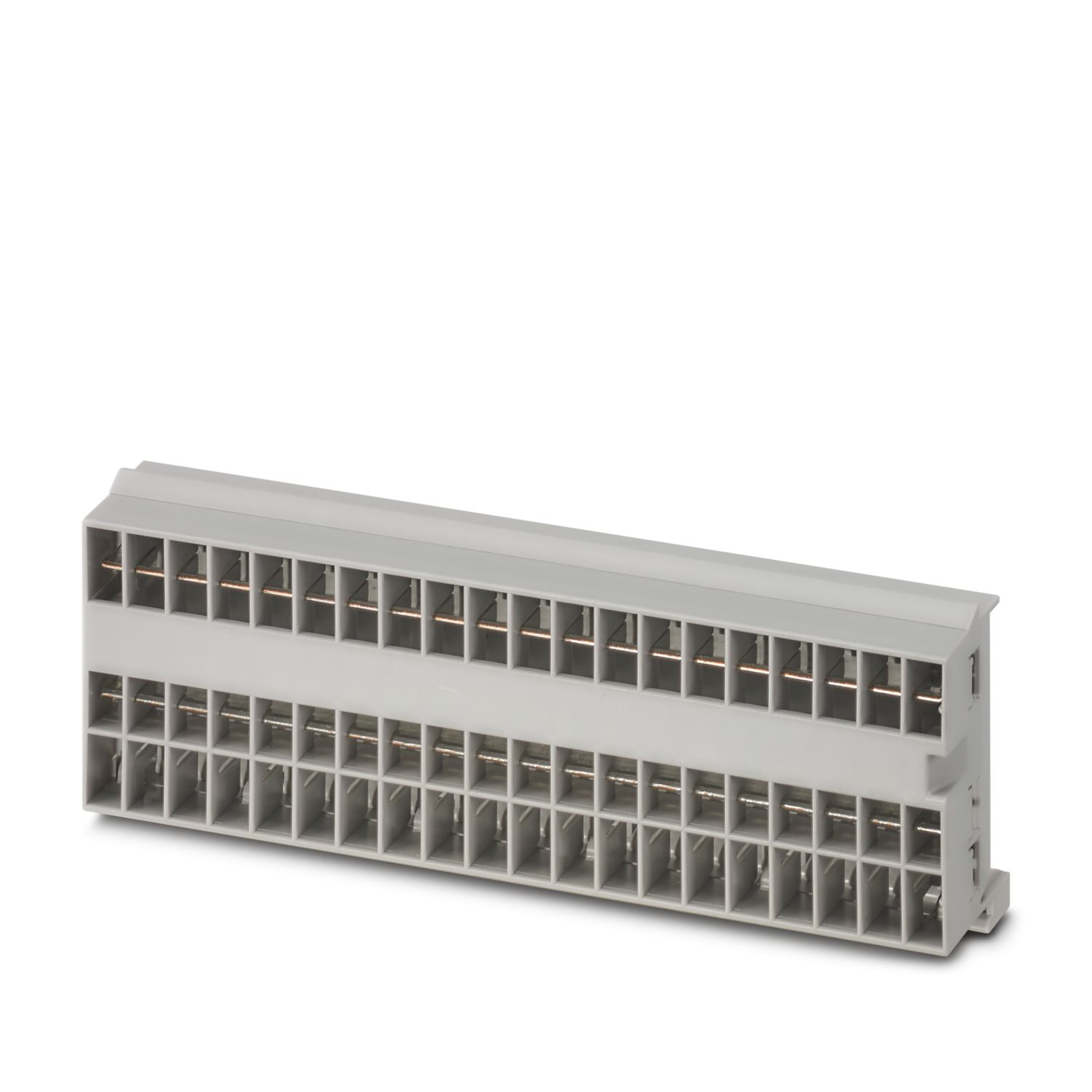
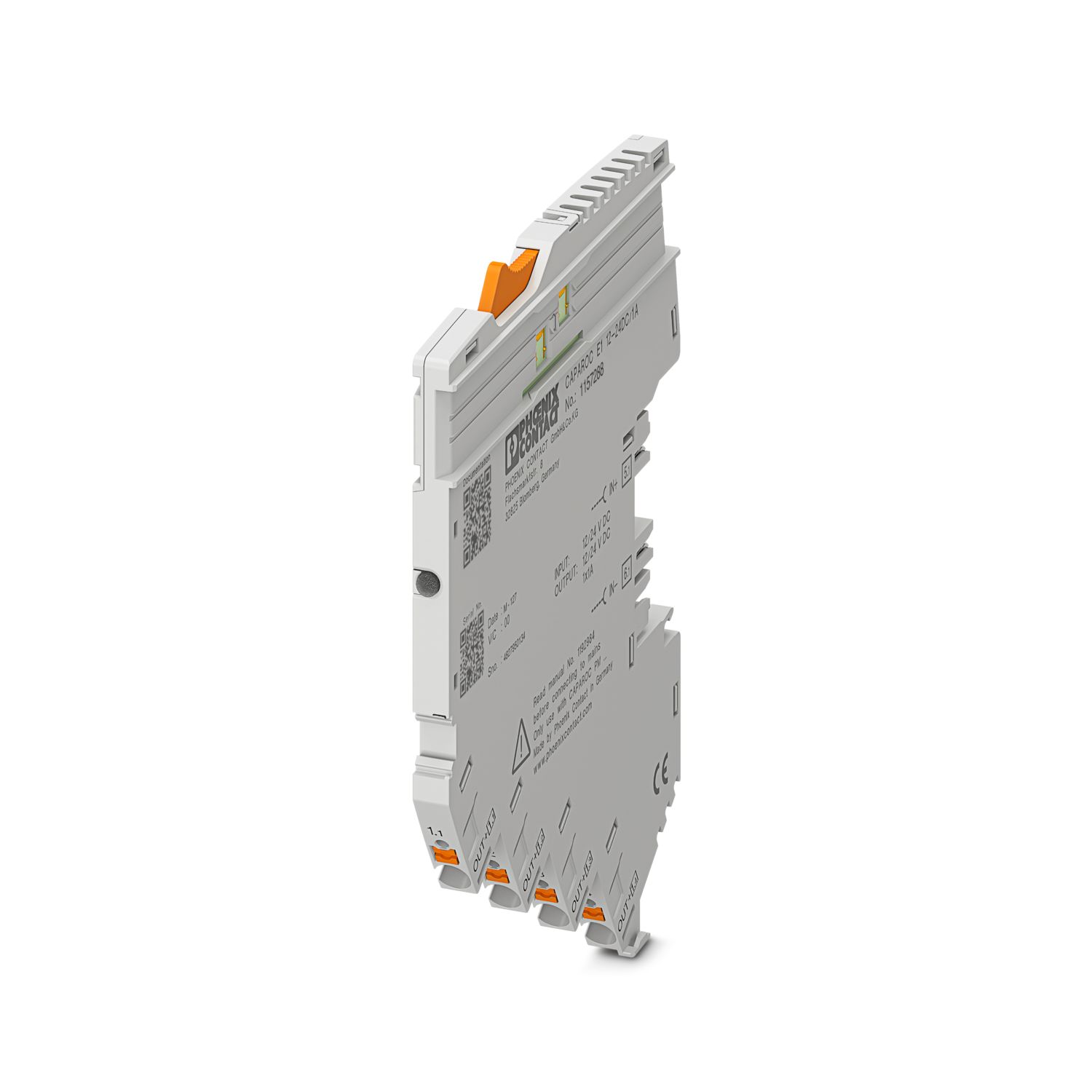
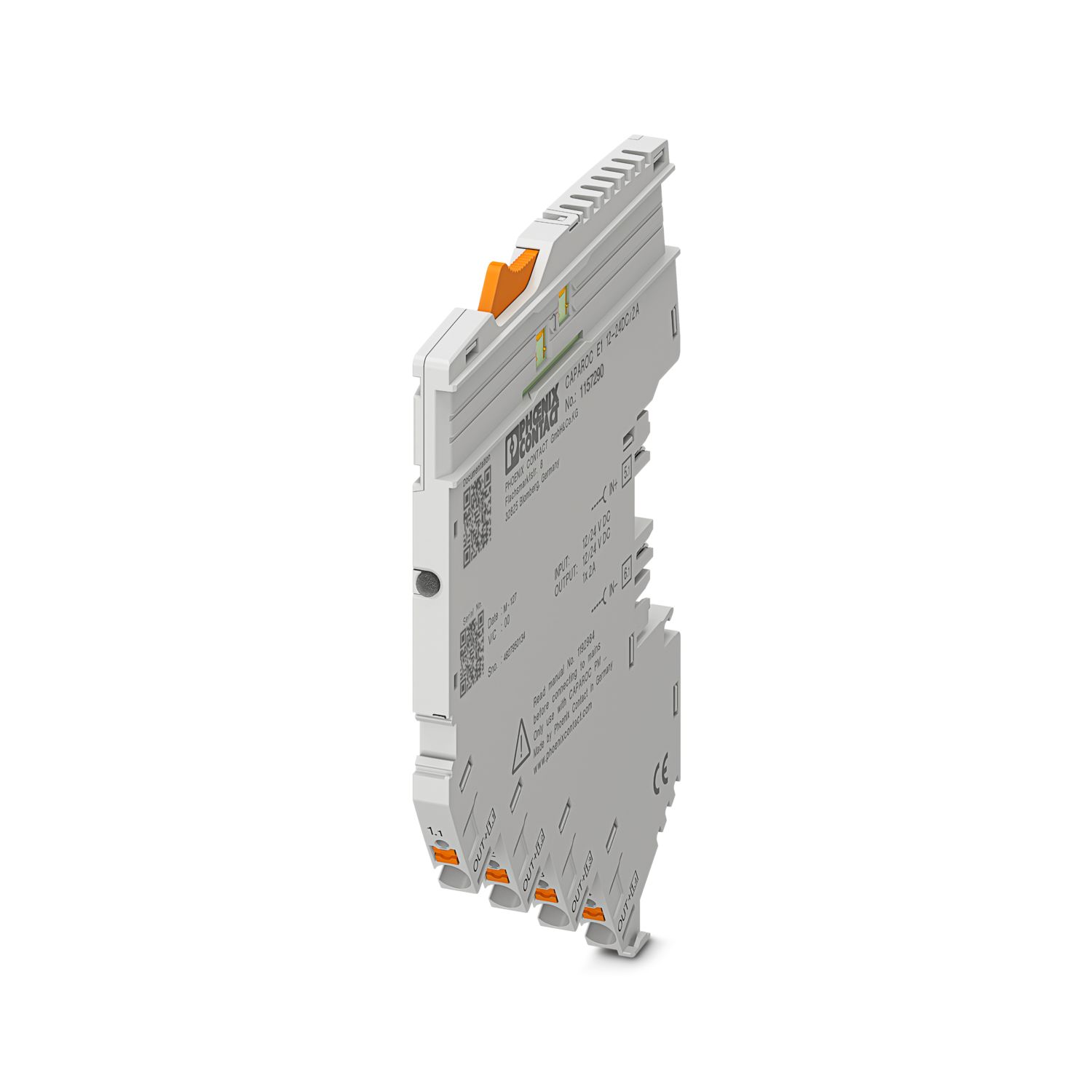
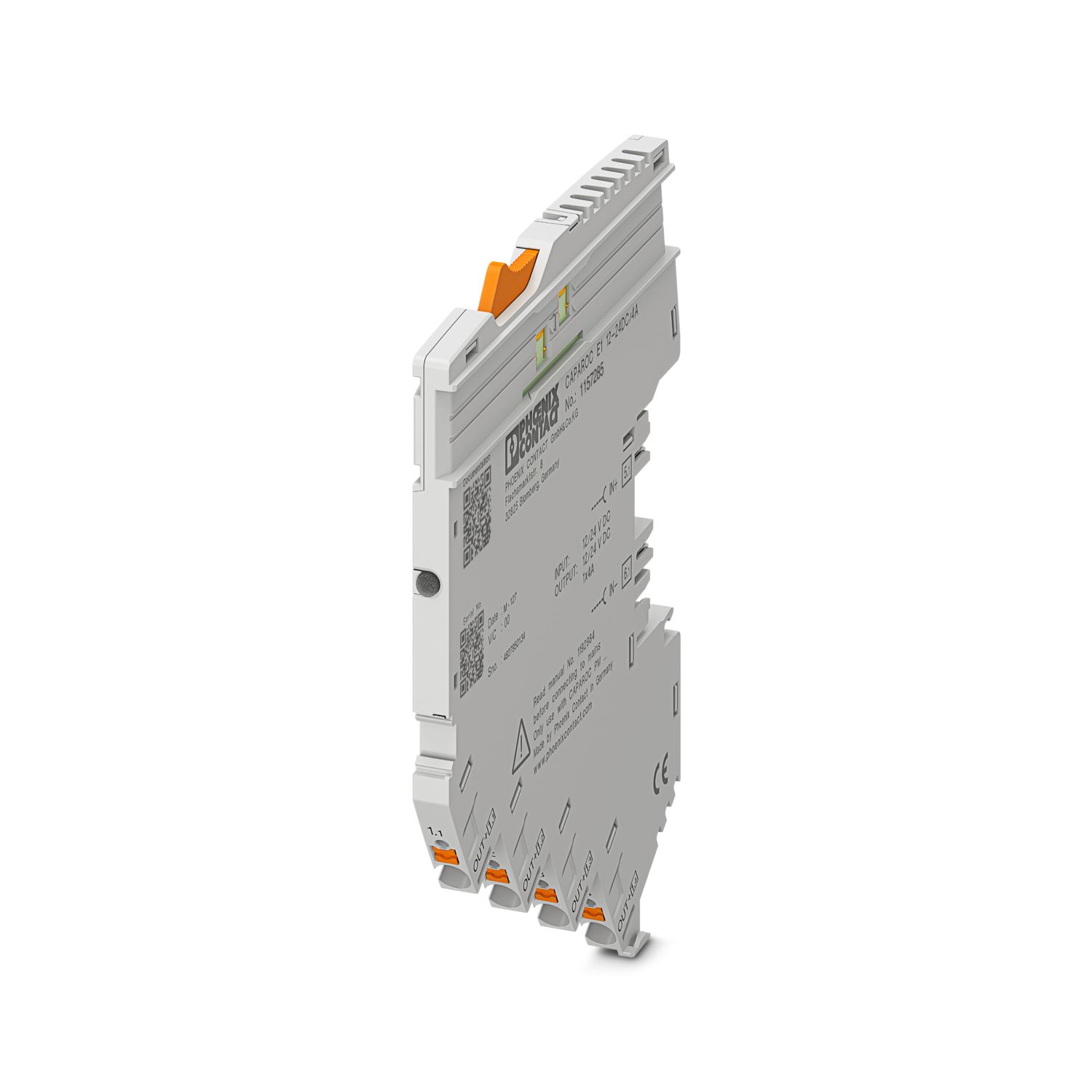
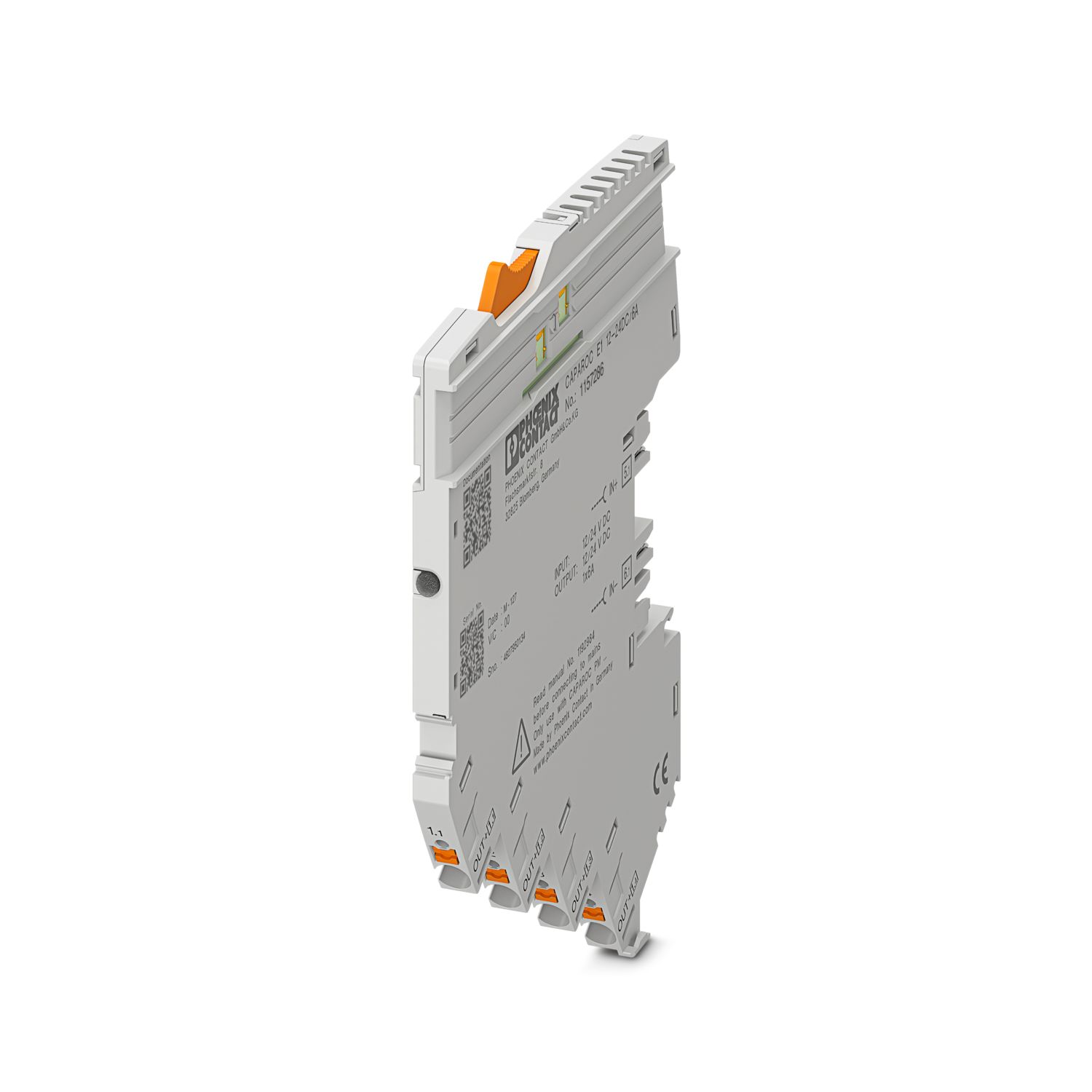
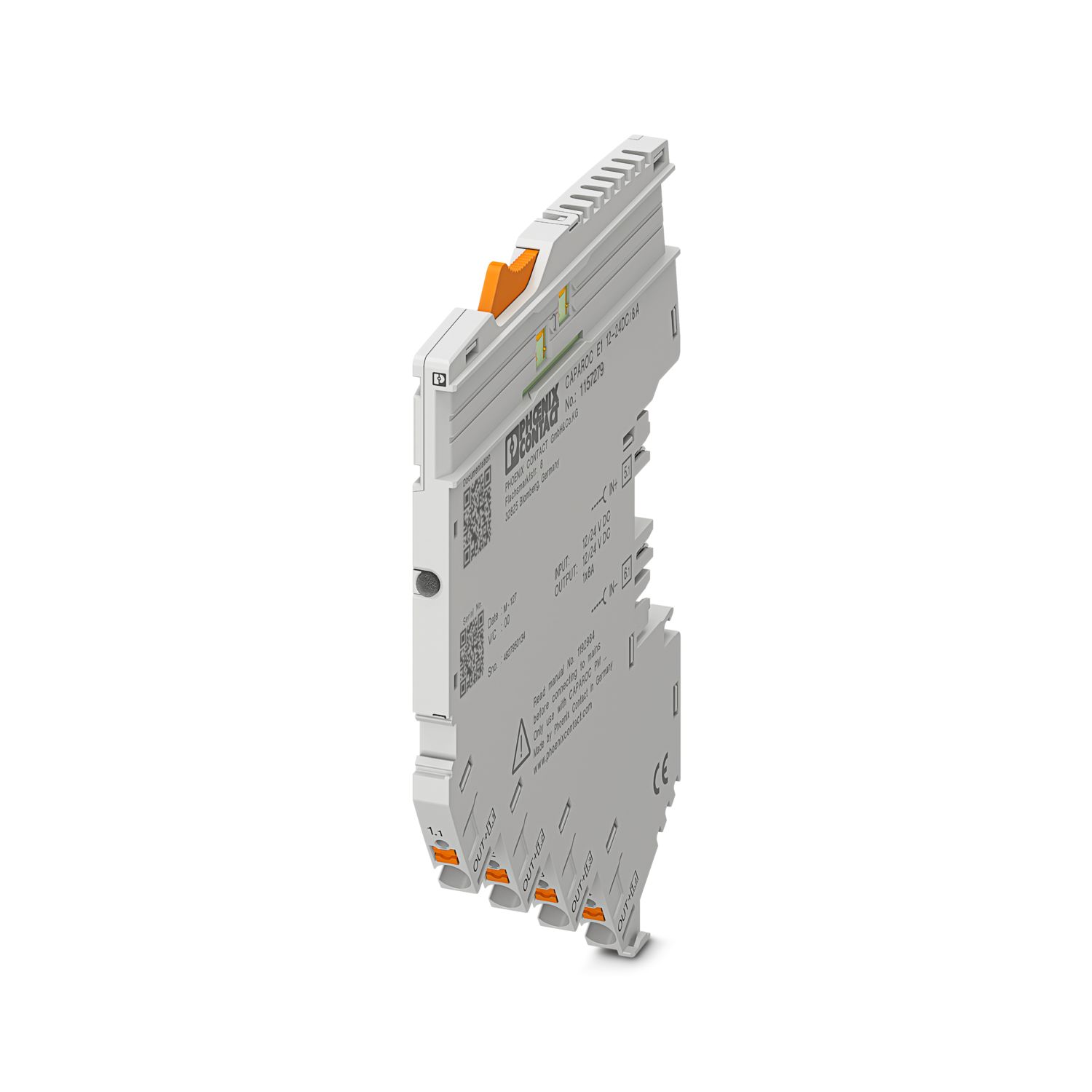
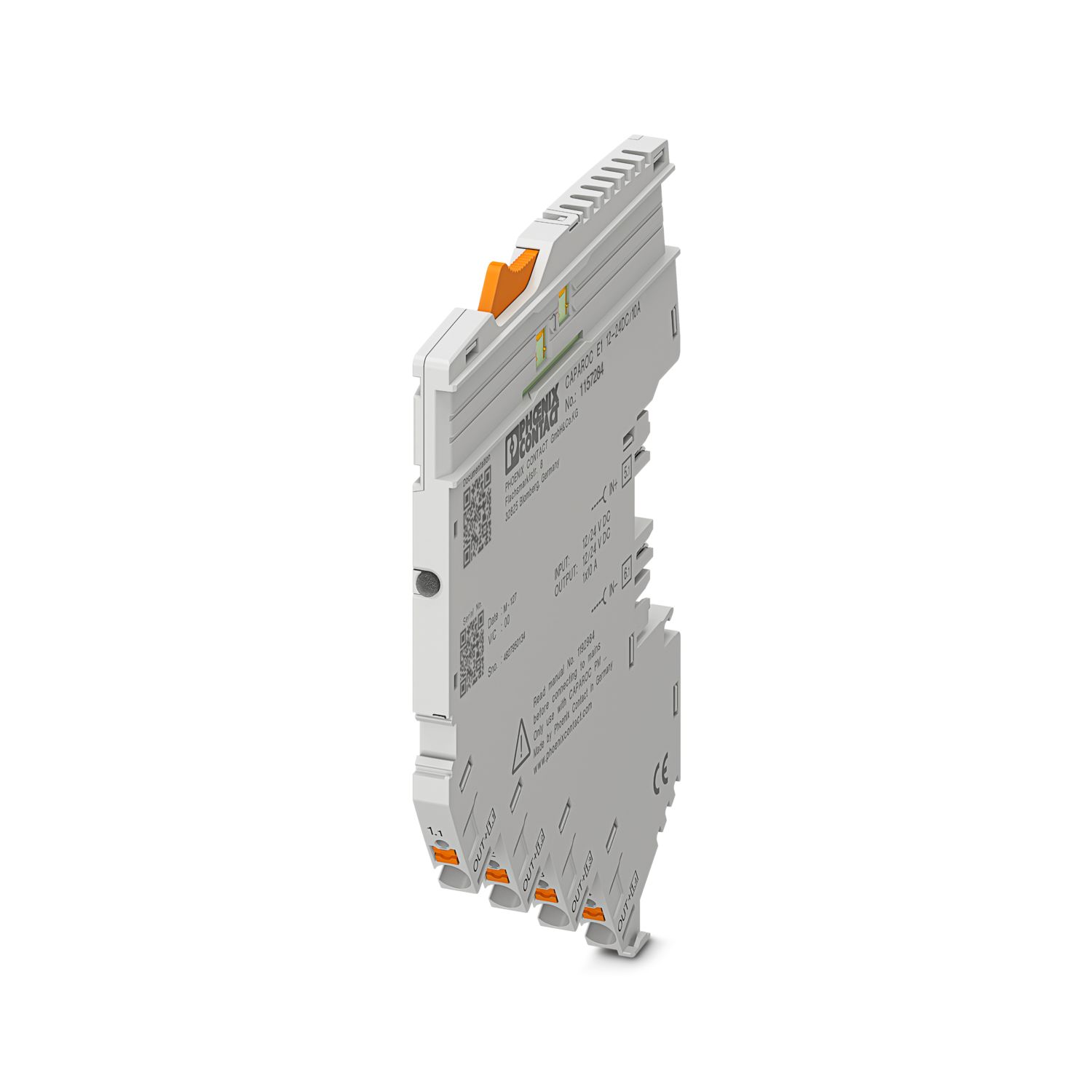
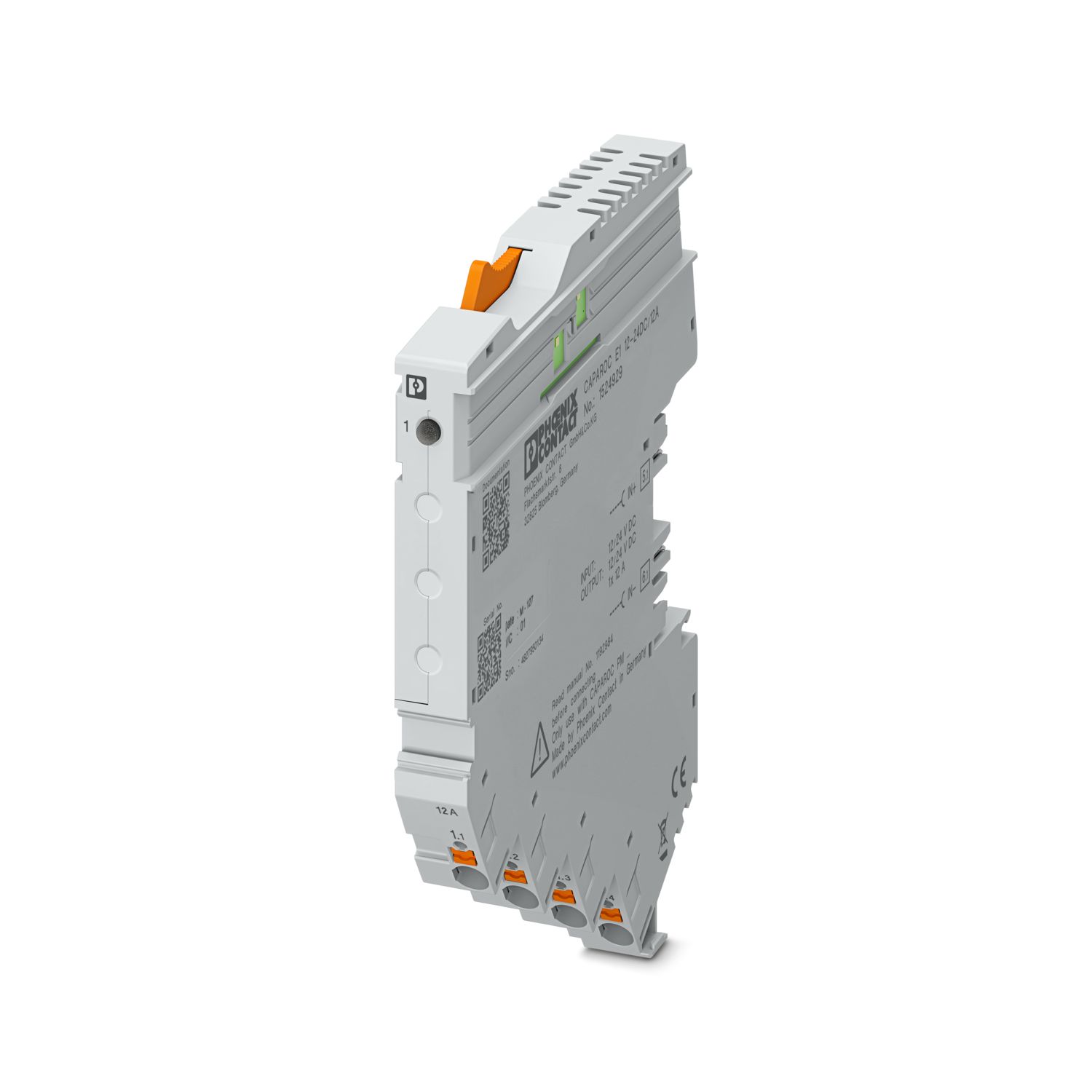
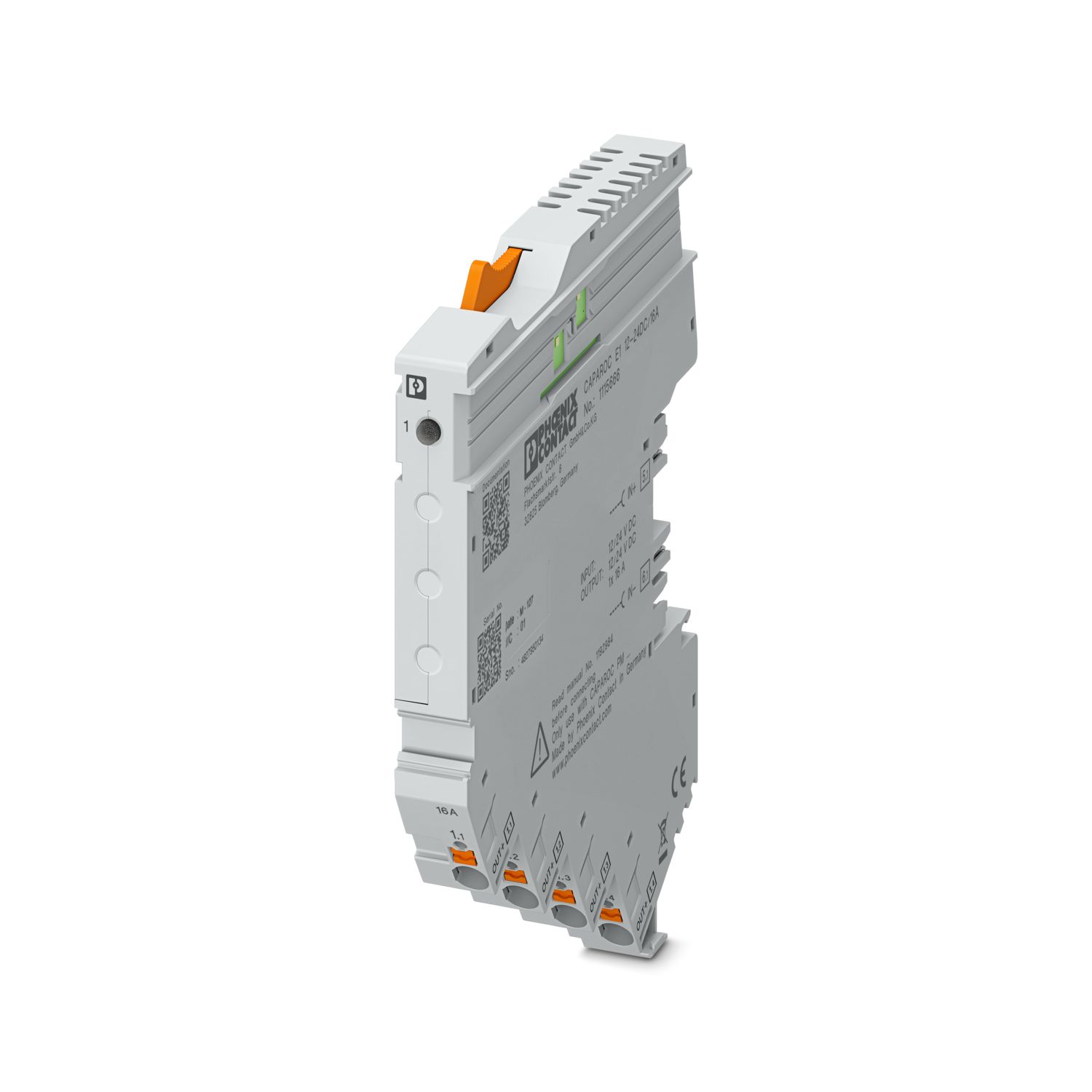

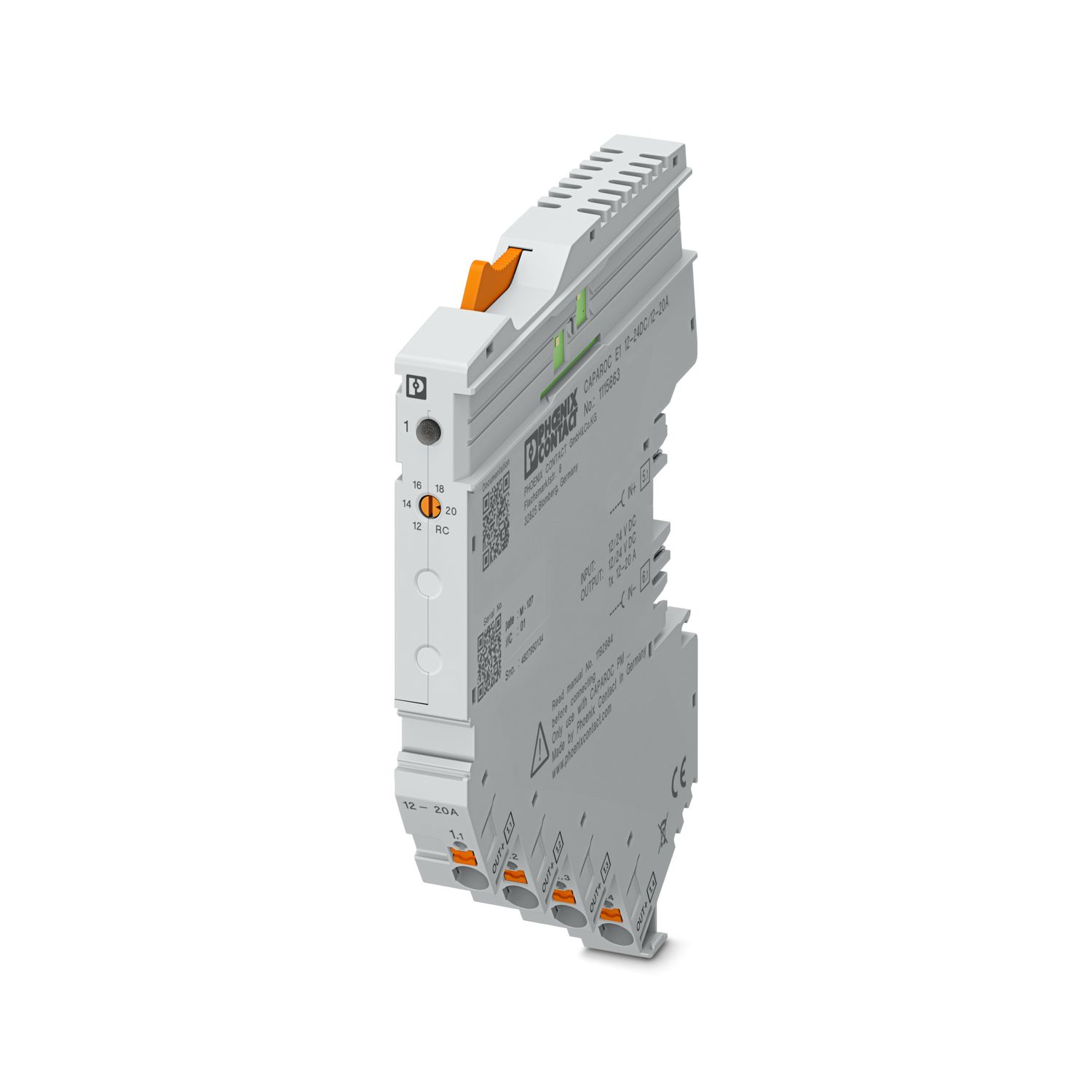
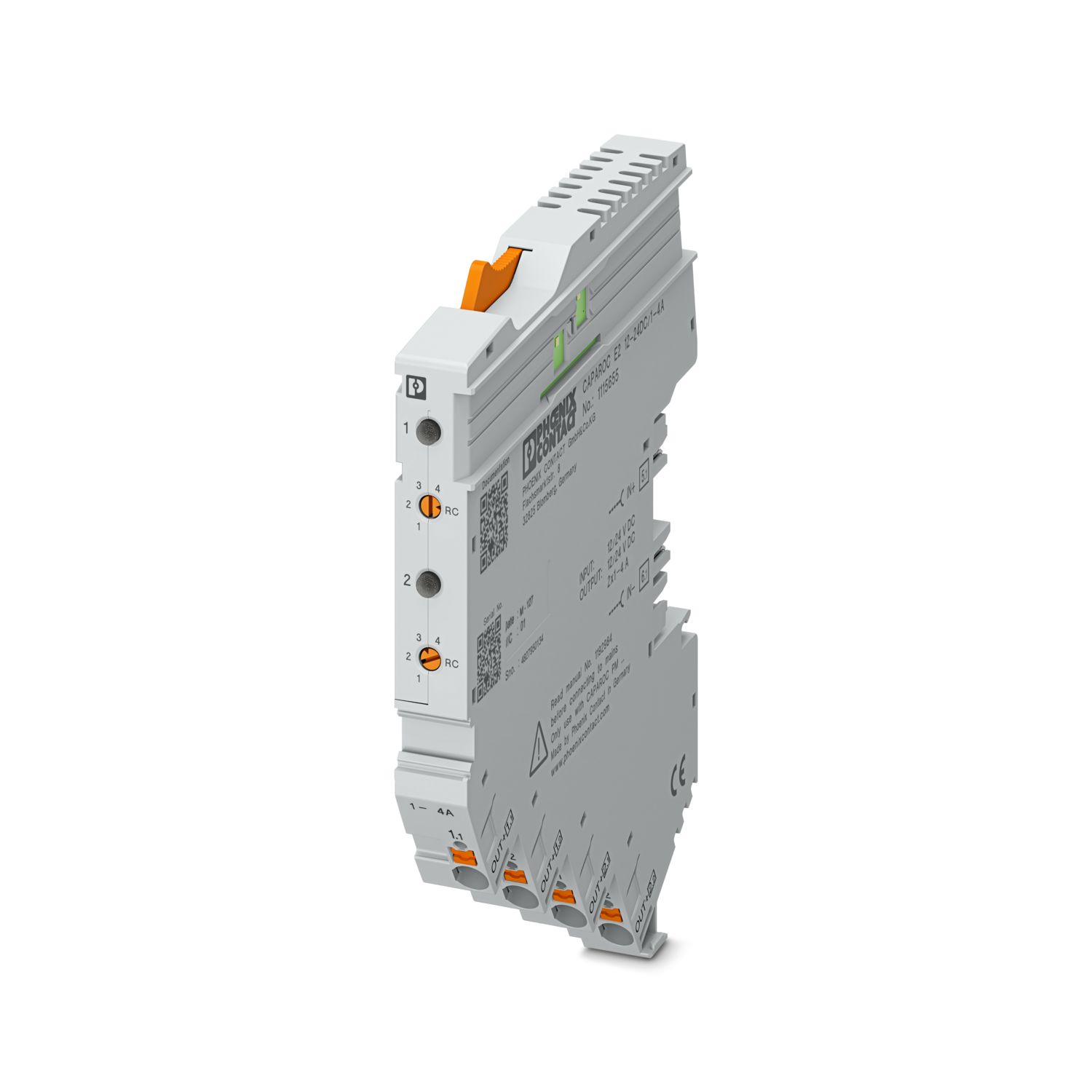
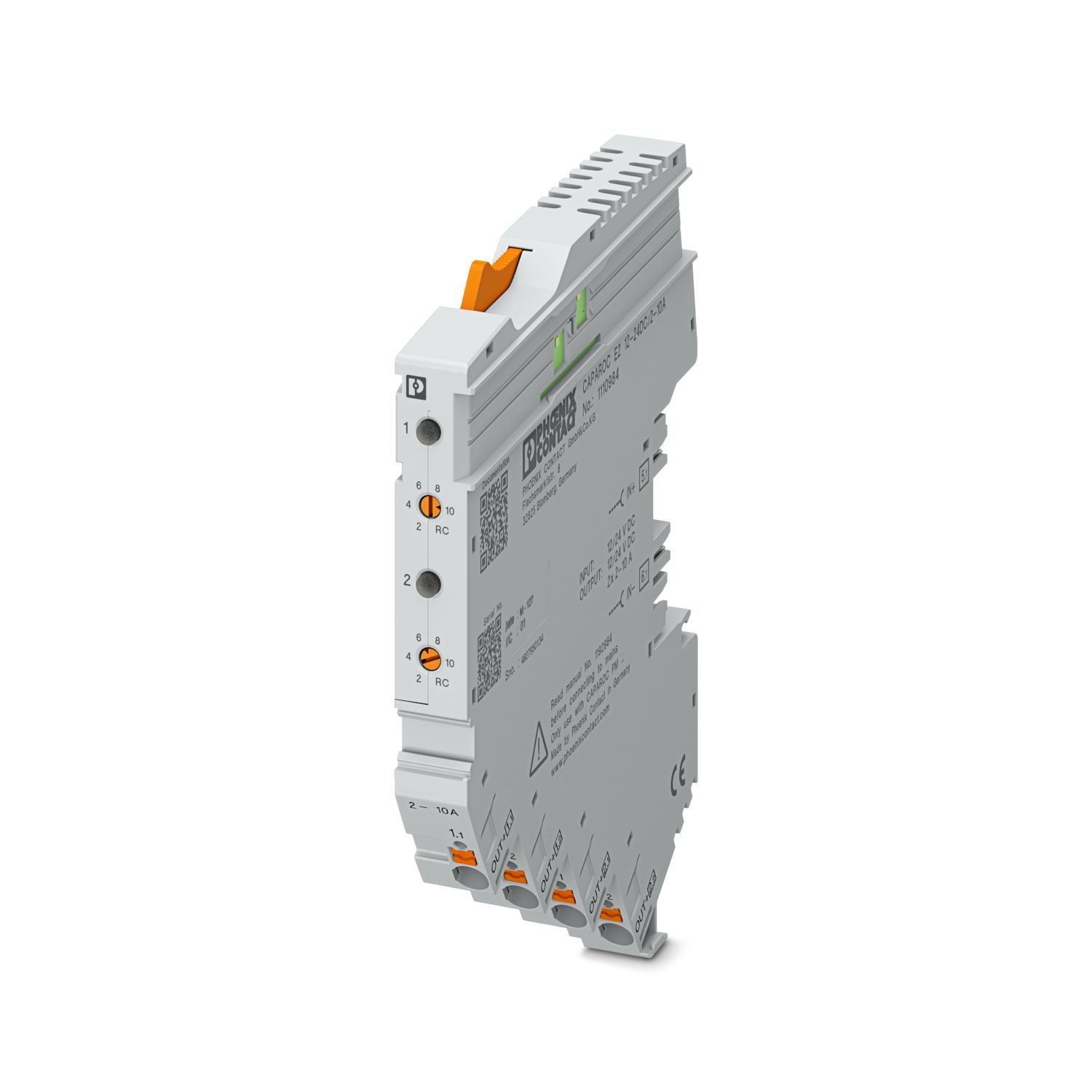
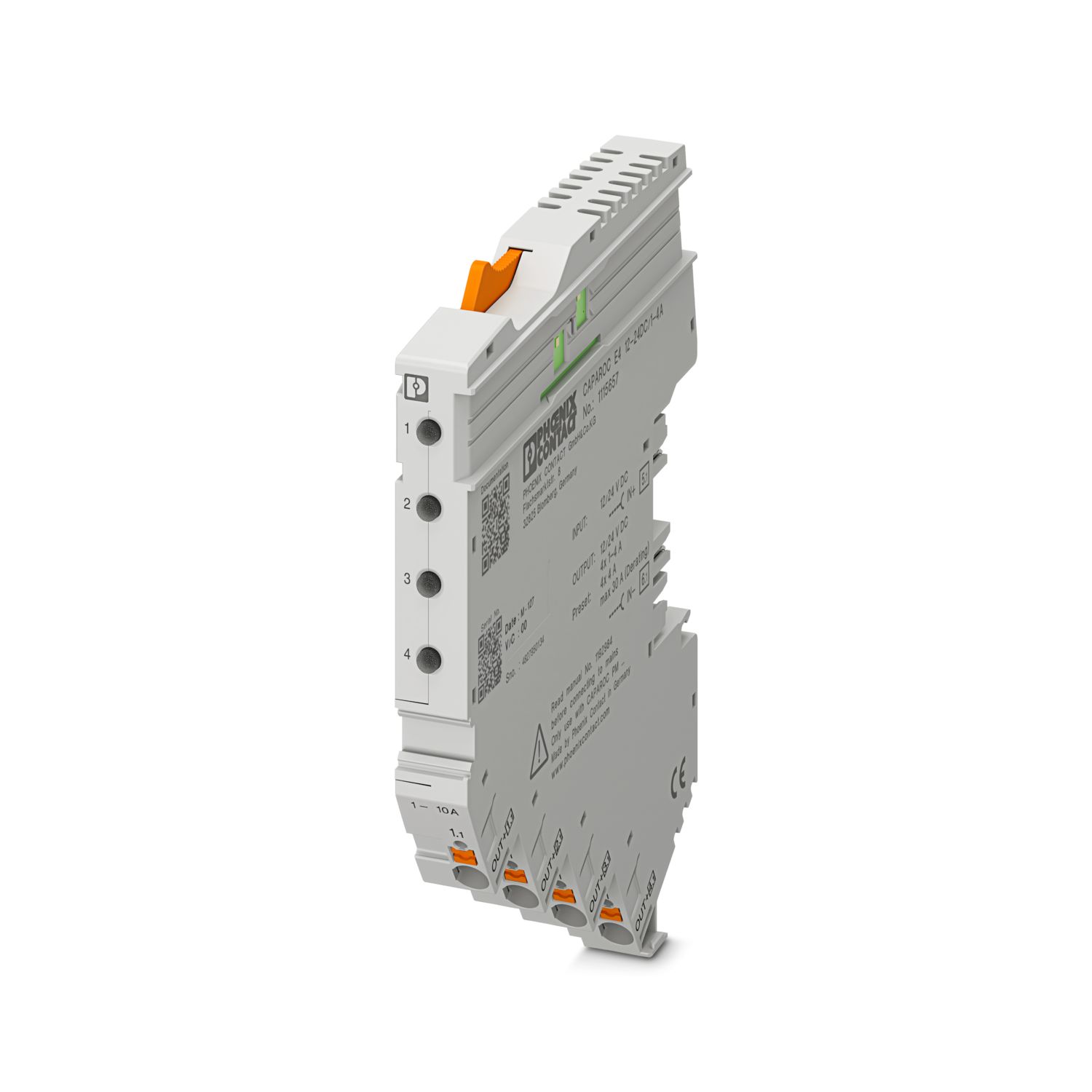
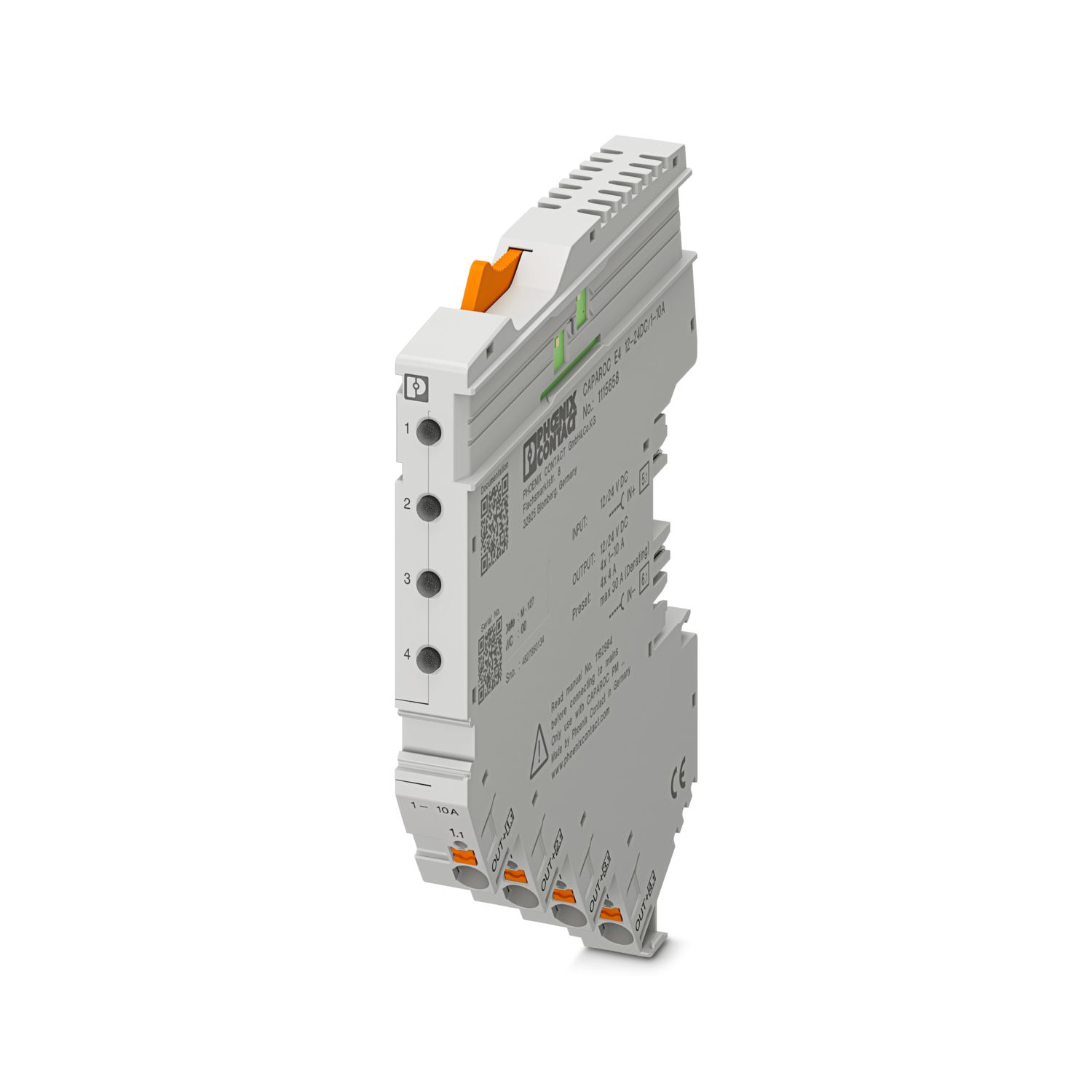
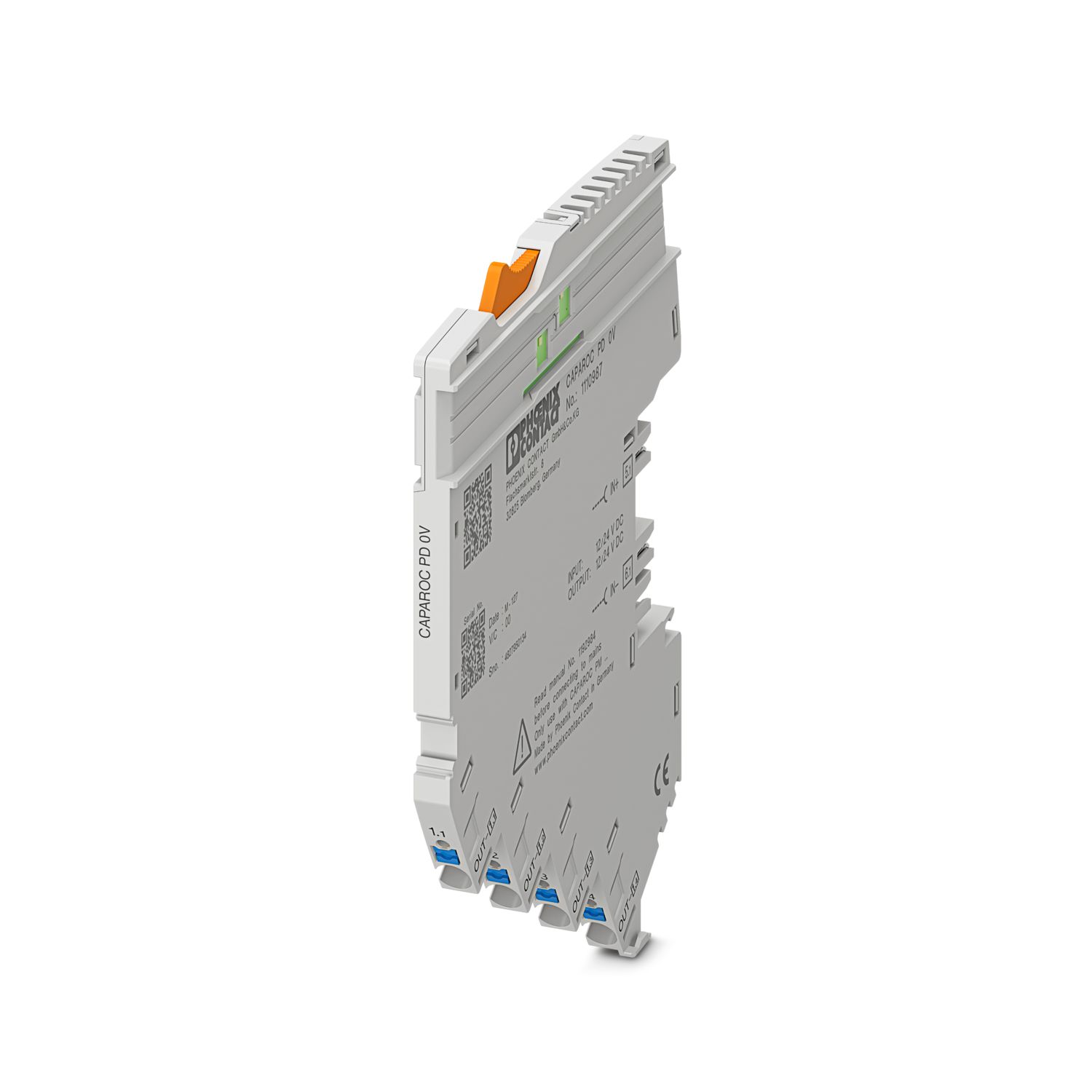
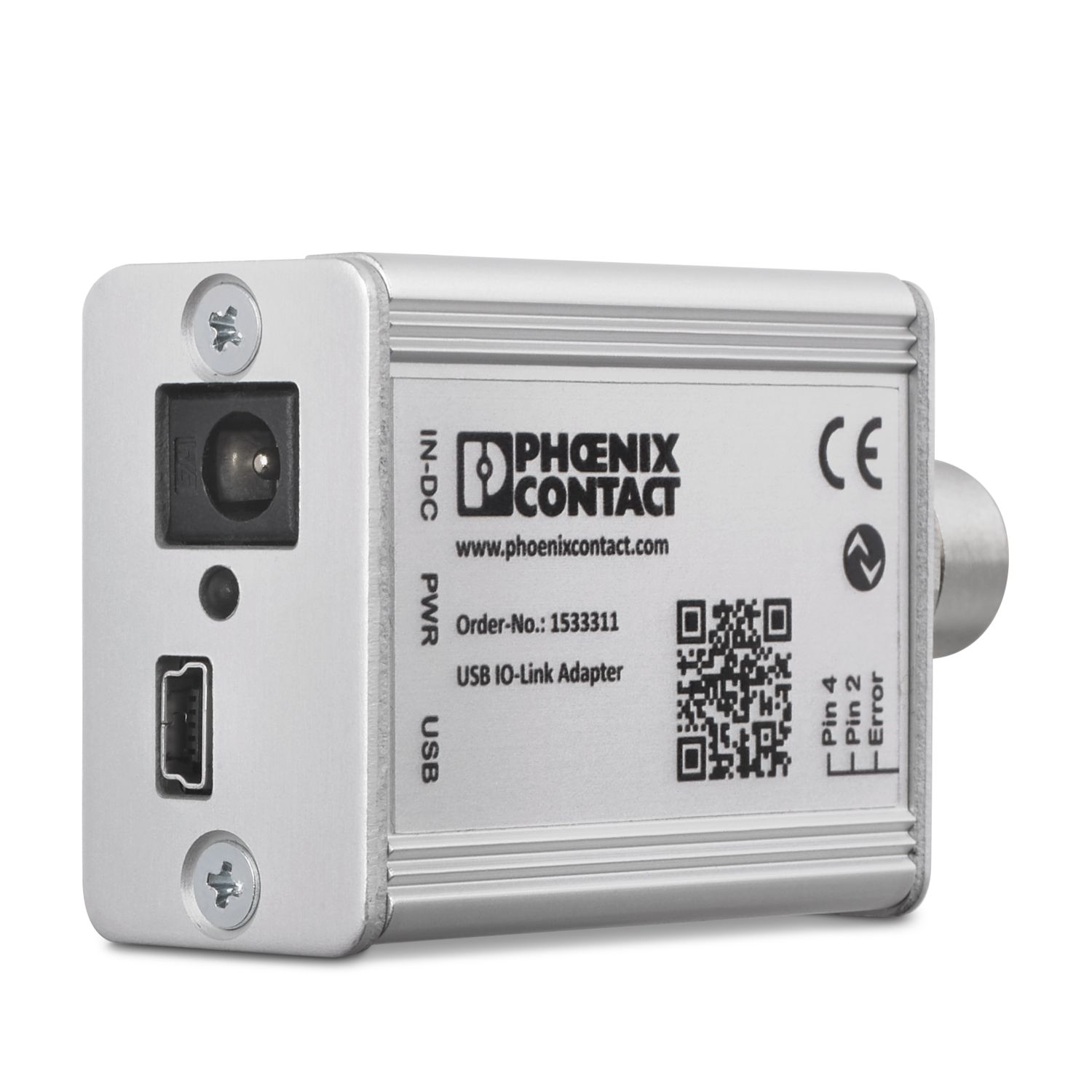
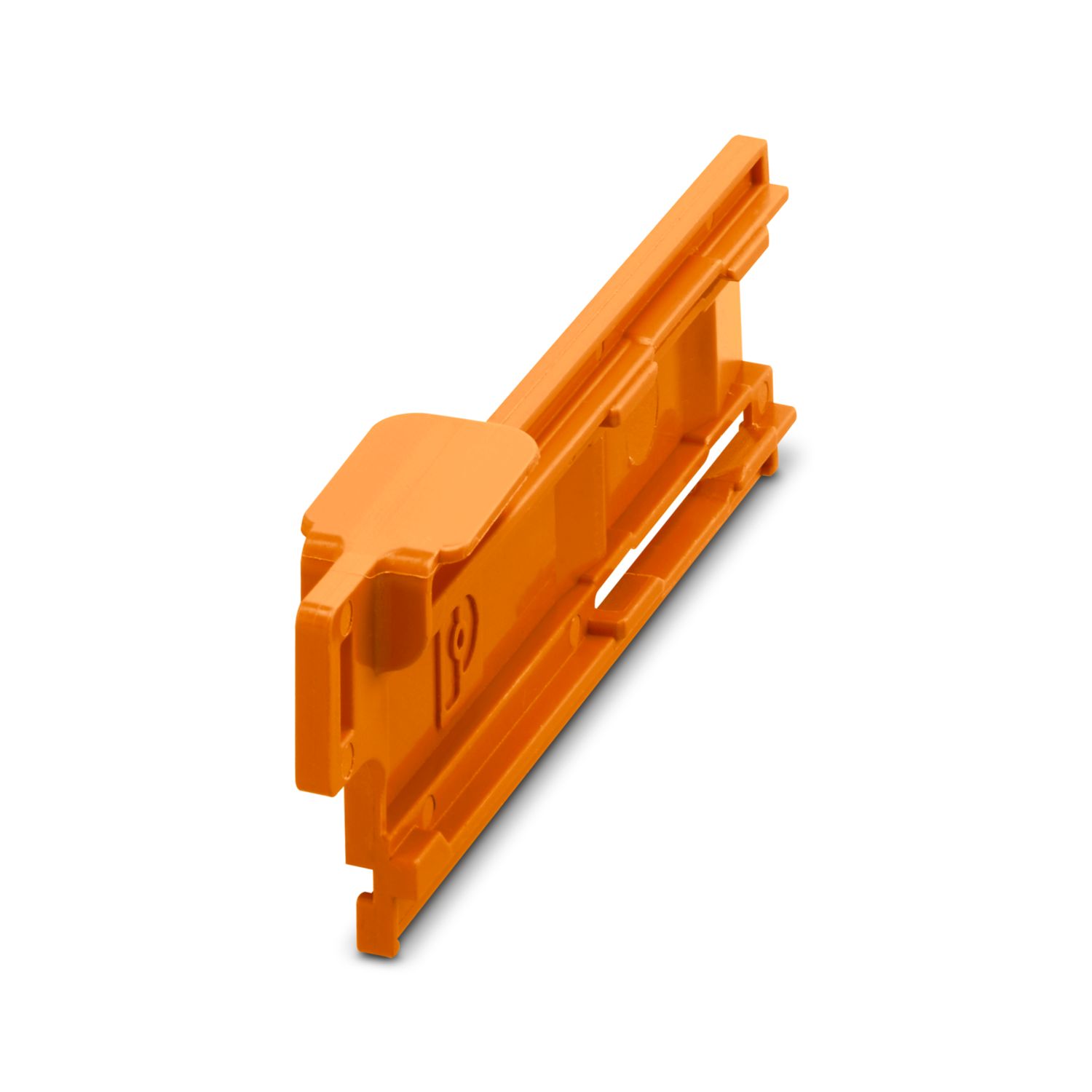
Avantajlarınız
Modbus/TCP haberleşmesine yönelik tüm tekil sinyalleri ve sıfırlamaları seçerek özelleştirebileceğiniz referans ölçütü
Aletsiz birleştirme, güç rayına doğrudan besleme ve net işletim durumları ile, herkes için son derece kolay işletim
Haberleşme uygulamalarında evrensel kullanım için kapsamlı dijital veri paketi ile son derece kolay tasarım
Sıkça Sorulan Sorular
CAPAROC fonksiyonlarının açıklandığı bir donanım öğreticisi var mı?
Evet, CAPAROC ile çalışmaya başlamayı kolaylaştırmak için bir donanım öğreticisi var.... Daha fazla görüntüle
Evet, CAPAROC ile çalışmaya başlamayı kolaylaştırmak için bir donanım öğreticisi var.
Daha az görüntüleBir besleme modülünden aşağı akış yönünde kaç devre kesici modülü bağlayabilirim?
CAPAROC PM S-R: 20 devre kesici modülü
CAPAROC PM IOL: 20 kanal
CAPAROC PM PN: 16 devre kesici modülü
CAPAROC PM EIP: 16 devre kesici modülü
CAPAROC PM MB: 16 devre kesici modülü
CAPAROC PM EC: 16 devre kesici modülü
Kanal LED'i her 4 saniyede bir iki kez sarı renkte yanıp söner. Bunun anlamı nedir?
Bu, güç modülüyle dahili haberleşmenin kesildiği veya arızalı olduğu anlamına gelir.
Modüllerin doğru monte edildiğini ve modüller arasında boşluk olmadığını kontrol edin. Haberleşme hâlâ kesikse, yanıp sönen ilk modülün (sol) yan kontaklarını kon...
Daha fazla görüntüle
Bu, güç modülüyle dahili haberleşmenin kesildiği veya arızalı olduğu anlamına gelir.
Modüllerin doğru monte edildiğini ve modüller arasında boşluk olmadığını kontrol edin. Haberleşme hâlâ kesikse, yanıp sönen ilk modülün (sol) yan kontaklarını kontrol edin; eğer bükülmüşlerse, modülün içine çok fazla girmişlerse, muhafaza açıklığında ortalanmamışlarsa veya başka bir şekilde hasar görmüşlerse modülü değiştirin.
Ayarlanan akımların değiştirilmesini engelleyebilir miyim?
Akımlar farklı şekillerde kilitlenebilir:
1. Programlama kilidi: Güç modülü üzerindeki PWR butonuna > 3 saniye basın; PWR LED'i 3 x kez sarı renkte yanıp söner, ayarlar artık kilitlenmiştir. Butona tekrar > 3 saniye basarsanız, LED 3 kez yeş...
Daha fazla görüntüle
Akımlar farklı şekillerde kilitlenebilir:
1. Programlama kilidi: Güç modülü üzerindeki PWR butonuna > 3 saniye basın; PWR LED'i 3 x kez sarı renkte yanıp söner, ayarlar artık kilitlenmiştir. Butona tekrar > 3 saniye basarsanız, LED 3 kez yeşil yanıp söner ve kilit tekrar açılır.
2. Kilit ayrıca haberleşme arayüzü üzerinden de ayarlanabilir ve devre dışı bırakılabilir; cihaz üzerinde çalışmayı ve ayarları engelleyen işletim kilidi de burada ayarlanabilir. Bu şekilde yapıldığında kilit daha sonra yalnızca arayüz üzerinden devre dışı bırakılabilir.