
Yderligere oplysninger om CAPAROC-produktfamilien kan findes i online manualen på phoenixcontact.com/caparoc-help
CAPAROC PM EC
-
Forsyningsmodul
1687560
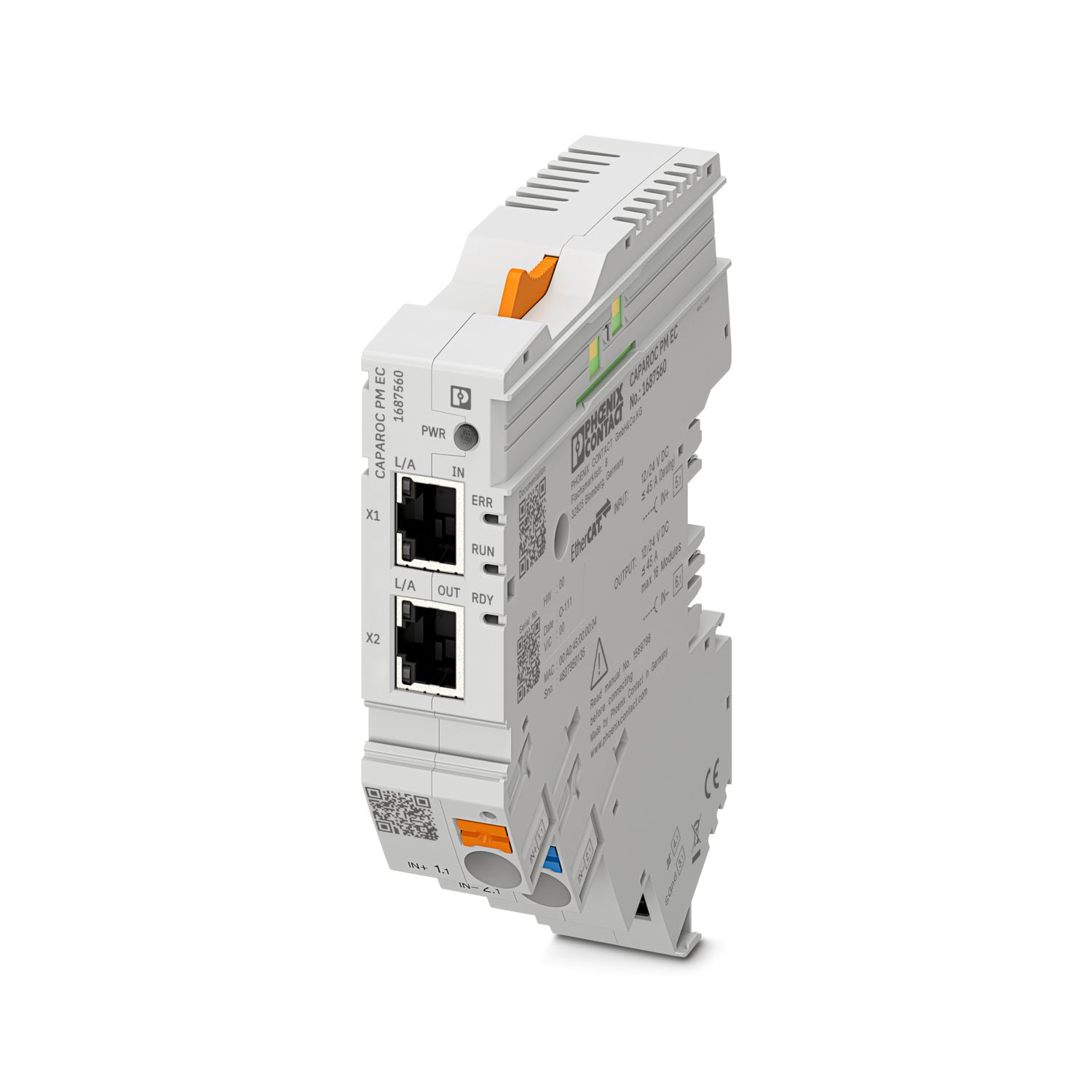

Forsyningsmodul med EtherCAT®-grænseflade til forsyning af CAPAROC-sikkerhedsafbryder med 12 eller 24 V DC. Ekstra systemgrænseflade til kommunikation med strømforsyningen. Til installation på DIN-skinne via CAPAROC-strømskinnerne.
Dette produkt kræver flere produkter til drift.
Nødvendigt tilbehør
Gratis download tilgængelig.
Downloads
Produktdetaljer
| Bemærkning vedr. anvendelse | Som situationen ser ud i øjeblikket, forbereder vi produktet, så det fra den 11.12.2027 vil overholde kravene i EU’s Cyber Resilience Act (CRA) på baggrund af de oplysninger, der på nuværende tidspunkt er tilgængelige om CRA. |
| Generelt | |
| Bemærk | LABS-fri – iht. testspecifikation VW PV 3.10.7:2005-0 |
| Ved tilslutning af ledningerne skal der tages højde for, at CAPAROC-modulet ikke trækkes fra hinanden af trækkrafter. Der må ikke dannes mellemrum mellem modulerne. | |
| EtherCAT® er et registreret varemærke og en patenteret teknologi, der er licenseret af Beckhoff Automation GmbH, Tyskland. | |
| Produkttype | Elektronisk sikkerhedsafbryder |
| Produktfamilie | CAPAROC |
| Konstruktion | Påsætningsmodul |
| Antal stikpladser | 4 |
| Isoleringsegenskaber | |
| Kapslingsklasse | III |
| Forureningsgrad | 2 |
| EtherCAT® | |
| Apparatfunktion | EtherCAT® SubDevice |
| Generelt | |
| Driftsspænding | 10 V DC ... 30 V DC |
| Isolationsmærkespænding | 12 V DC |
| 24 V DC | |
| Målestrøm IN | 45 A (Samlet strøm indgang) |
| Mærkeimpulsholdespænding | 0,5 kV |
| Udløsemåde | E (elektronisk) |
| Returforsyningsstyrke | maks. 35 V DC |
| Mærkespænding | 35 V DC (Belastningskreds) |
| Virkningsgrad | > 99 % |
| Hvilestrøm I0 | typ. 46 mA (I tomgang ved 24 V) |
| Tabseffekt | typ. 1,1 W (I tomgang ved 24 V) |
| < 4,5 W (ved 40 A) | |
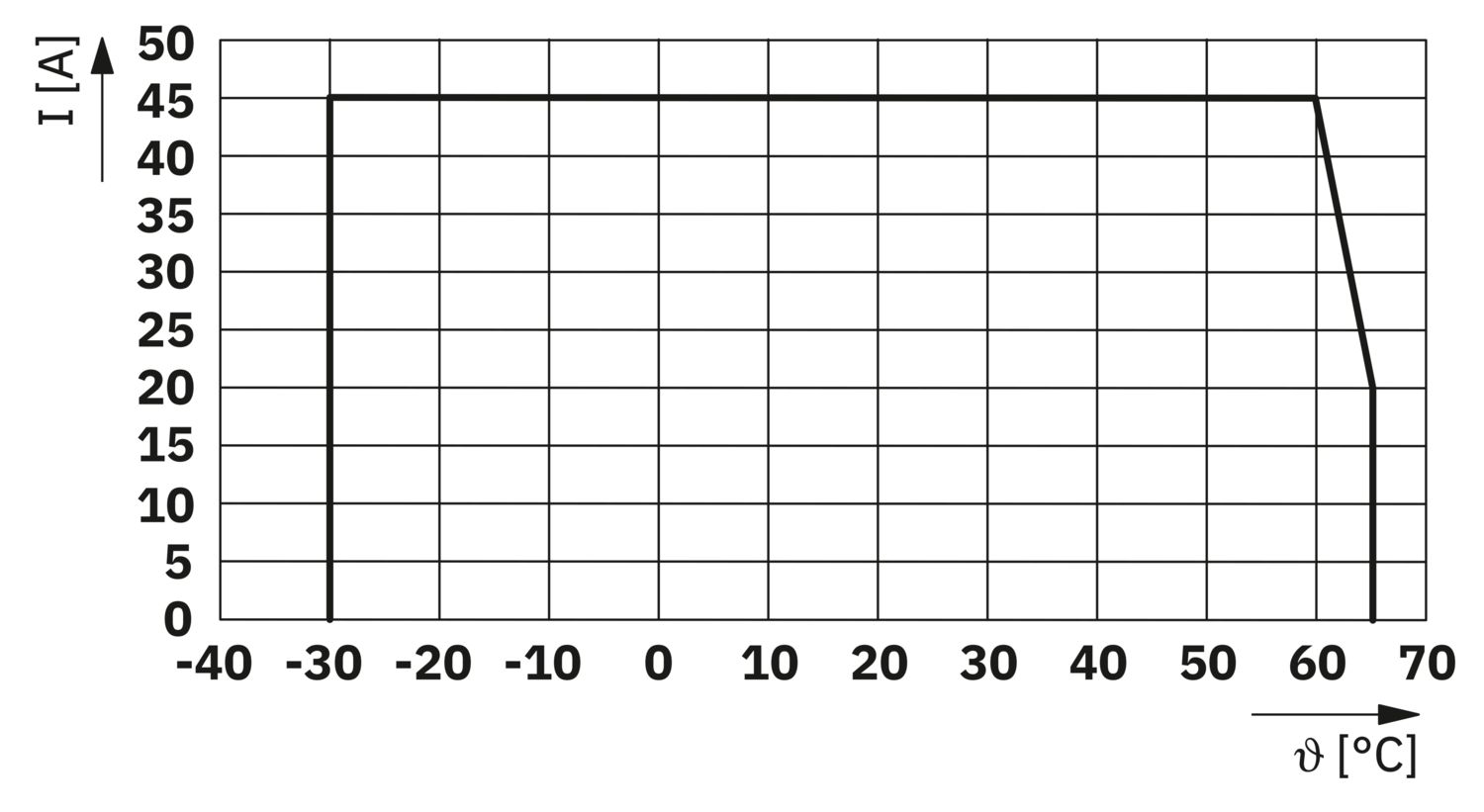
| Temperaturderating | 45 A (Samlet strøm ved 60 °C) |
| 20 A (Samlet strøm ved 65 °C) | |
| 45 A (Samlet strøm ved 60 °C, iht. UL) | |
| MTBF (IEC 61709, SN 29500) | 7242508,37 h (ved 25 °C med 21 % belastning) |
| 3958056,77 h (ved 40 °C med 34,25 % belastning) | |
| 764697,81 h (ved 60 °C med 100 % belastning) | |
| Spændingsfald | 0,082 V (ved 40 A) |
| Belastningskreds | |
| Underspændingsfrakobling | ≤ 9,2 V DC (aktiv) |
| ≥ 10,2 V DC (inaktiv) | |
| Overspændingsfrakobling | ≥ 30,5 V DC (aktiv) |
| ≤ 29,5 V DC (inaktiv) | |
| Hovedstrømkreds IN+ | |
| Tilslutningstype | Push-in-tilslutning |
| Afisoleringslængde | 18 mm |
| Ledertværsnit AWG | 20 ... 8 |
| Ledertværsnit for fleksible ledere med terminalrør med kunststofkrave | 0,5 mm² ... 16 mm² |
| Ledertværsnit for fleksible ledere med terminalrør uden kunststofkrave | 0,5 mm² ... 16 mm² |
| Hovedstrømkreds IN- | |
| Tilslutningstype | Push-in-tilslutning |
| Afisoleringslængde | 18 mm |
| Ledertværsnit AWG | 20 ... 8 |
| Ledertværsnit for fleksible ledere med terminalrør med kunststofkrave | 0,5 mm² ... 16 mm² |
| Ledertværsnit for fleksible ledere med terminalrør uden kunststofkrave | 0,5 mm² ... 16 mm² |
| Systemkommunikation | |
| Tilslutningstype | Push-in-tilslutning |
| Afisoleringslængde | 8 mm |
| Ledertværsnit stiv | 0,2 mm² ... 1,5 mm² |
| Ledertværsnit AWG | 24 ... 16 |
| Ledertværsnit for fleksible ledere med terminalrør med kunststofkrave | 0,2 mm² ... 0,75 mm² |
| Ledertværsnit for fleksible ledere med terminalrør uden kunststofkrave | 0,2 mm² ... 1,5 mm² |
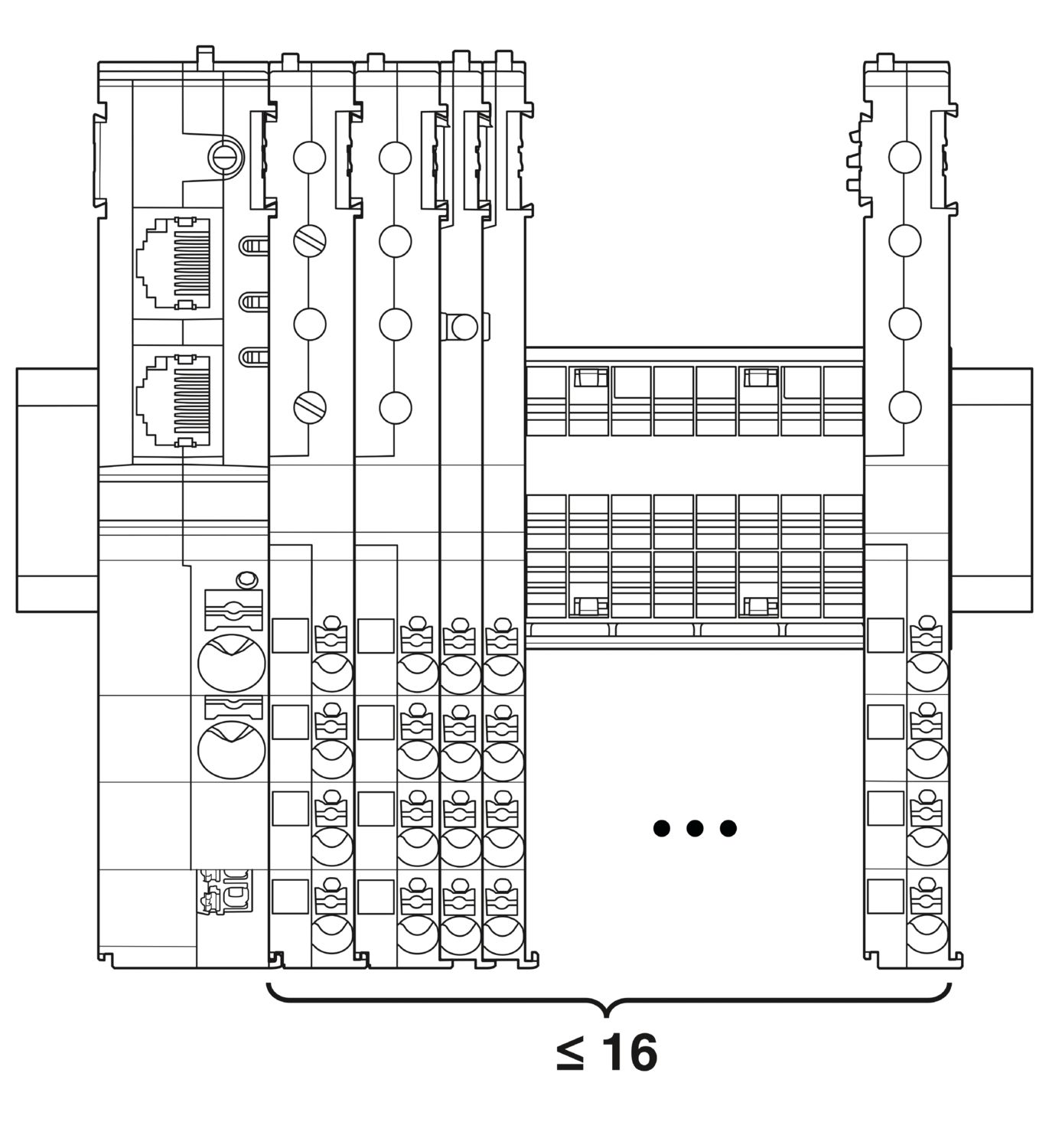
| Maksimal systemudbygning | ≤ 16 (CAPAROC-moduler kan monteres) |
| Grænsefladetype | Ethernet |
| Antal | 2 |
| Overførselshastighed | 10 Mbit/s 100 Mbit/s |
| Overførselsfysik | Ethernet i RJ45 Twisted-Pair |
| Understøttede protokoller | EtherCAT® SubDevice, CoE, FoE, EoE |
| Power (PWR) LED grøn | lyser (Forsyningsspænding er inden for driftspændingsområdet) |
| 3x blinker (Global programmeringslås er deaktiveret) | |
| Power (PWR) LED rød | lyser (Forsyningsspænding er uden for driftspændingsområdet) |
| 5x blinker (Fabriksnulstillingskommando er accepteret) | |
| Power (PWR) LED gul | lyser (Der er trykket på PWR-knappen) |
| 3x blinker (Global programmeringslås er aktiveret) | |
| Ready (RDY) LED gul | blinker (Firmwareopdatering i gang) |
| Ready (RDY) LED grøn | lyser (Firmware er startet korrekt) |
| Error (ERR) LED rød | sluk (Ingen kommunikationsfejl Enhedens EtherCAT®-kommunikation fungerer fejlfrit.) |
| blinker hurtigt (Ugyldig konfiguration/generel konfigurationsfejl Mulig årsag:En tilstandsændring udløst af hovedenheden er ikke mulig på grund af register- eller objektindstillinger.Den mest almindelige årsag er en forældet modul-slot-konfiguration.) | |
| blinker (Lokal fejl: SubDevice-applikationen har ændret EtherCAT®-tilstanden selvstændigt. Mulig årsag 1: Der er optræder en host watchdog-timeout.Mulig årsag 2: Forkert modulkonfiguration opstod under drift. Modul erstattet med forkert modul.) | |
| blinker dobbelt (Applikationens watchdog-timeout) | |
| Run (RUN) LED grøn | sluk (Enheden er i tilstanden INIT) |
| blinker hurtigt (2,5 Hz) (Enheden er i tilstanden PRE-OPERATIONAL) | |
| blinker (Enheden er i tilstanden SAFE-OPERATIONAL) | |
| lyser (Enheden er i tilstanden OPERATIONAL) |
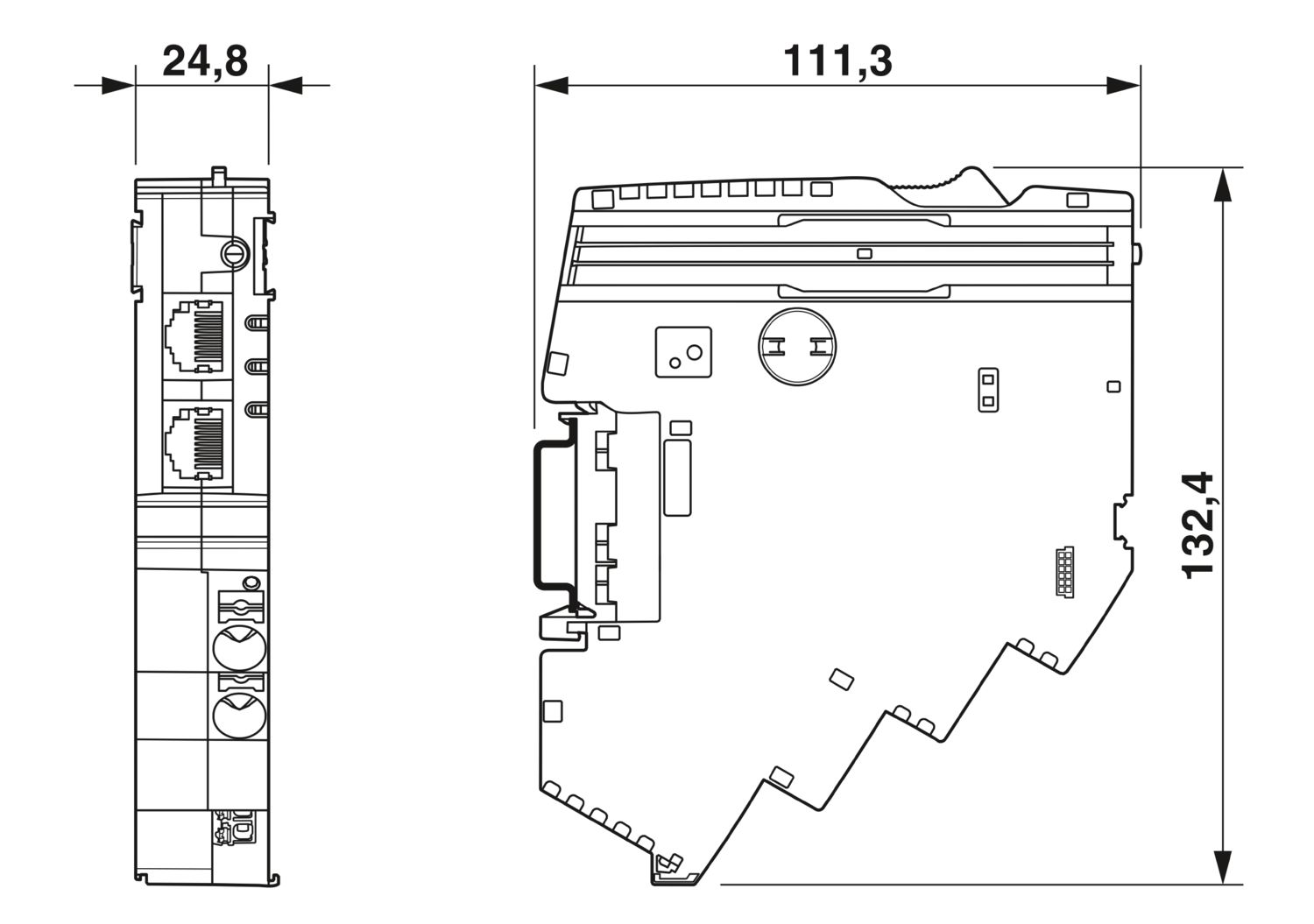
| Målskitse |
|
| Bredde | 24,8 mm |
| Højde | 132,4 mm |
| Dybde | 111,3 mm (inkl. bæreskinne 7,5 mm) |
| Farve | lysegrå (RAL 7035) |
| Materiale | PA 6 |
| PA 6 | |
| PA 6 | |
| PC | |
| Brændbarhedsklasse efter UL 94 | V-0 |
| Omgivelser | |
| Kapslingsklasse | IP20 |
| Omgivelsestemperatur (drift) | -30 °C ... 65 °C |
| -30 °C ... 60 °C (efter UL) | |
| Omgivelsestemperatur (lagring/transport) | -40 °C ... 70 °C |
| Højde | ≤ 4000 m (m.o.h.) |
| Fugtighedstest | 96 h, 95 % RH, 40 °C |
| Chok (drift) | 30g (11 ms varighed, halvsinus-chokimpuls, efter IEC 60068-2-27) |
| 25g (6 ms varighed, halvsinus-chokimpuls iht. IEC 60068-2-27, vedvarende chok) | |
| Vibration (drift) | 5g (10 Hz ... 150 Hz / 10 cyklusser / akse / X, Y, Z) |
| UL-godkendelse | |
| Mærkning | UL/C-UL Listed UL 508 |
| UL 121201 Class I, Division 2, Groups A, B, C, D, T4A | |
| Standarder | EN 61000-6-2 |
| Bemærk | EMC - Støjimmunitet for industriområder |
| Standarder | EN 61000-6-4 |
| Bemærk | EMC - Støjimmunitet for industriområder |
| Standarder | EN 61000-6-8 |
| Bemærk | EMC - interferensemission for professionelle enheder, der bruges i forretnings- og kommercielle områder samt i små virksomheder |
| Standarder | EN 60068-2-78 |
| Bemærk | Miljøpåvirkninger - Fugt og varme, konstant |
| Standarder | EN 50178 |
| Bemærk | Udrustning af stærkstrømsanlæg med elektronisk materiel |
| Standarder | EN 60068-2-6 |
| Bemærk | Miljøpåvirkninger - Sving (sinusformede) |
| Standarder | EN 60068-2-27 |
| Bemærk | Miljøpåvirkninger - stød |
| Monteringstype | Kan isættes strømskinne CAPAROC CR… |
cUL Listed
Godkendelses-ID: E123528EtherCAT
Godkendelses-ID: 0x84_009cULus Listed
Godkendelses-ID: E483407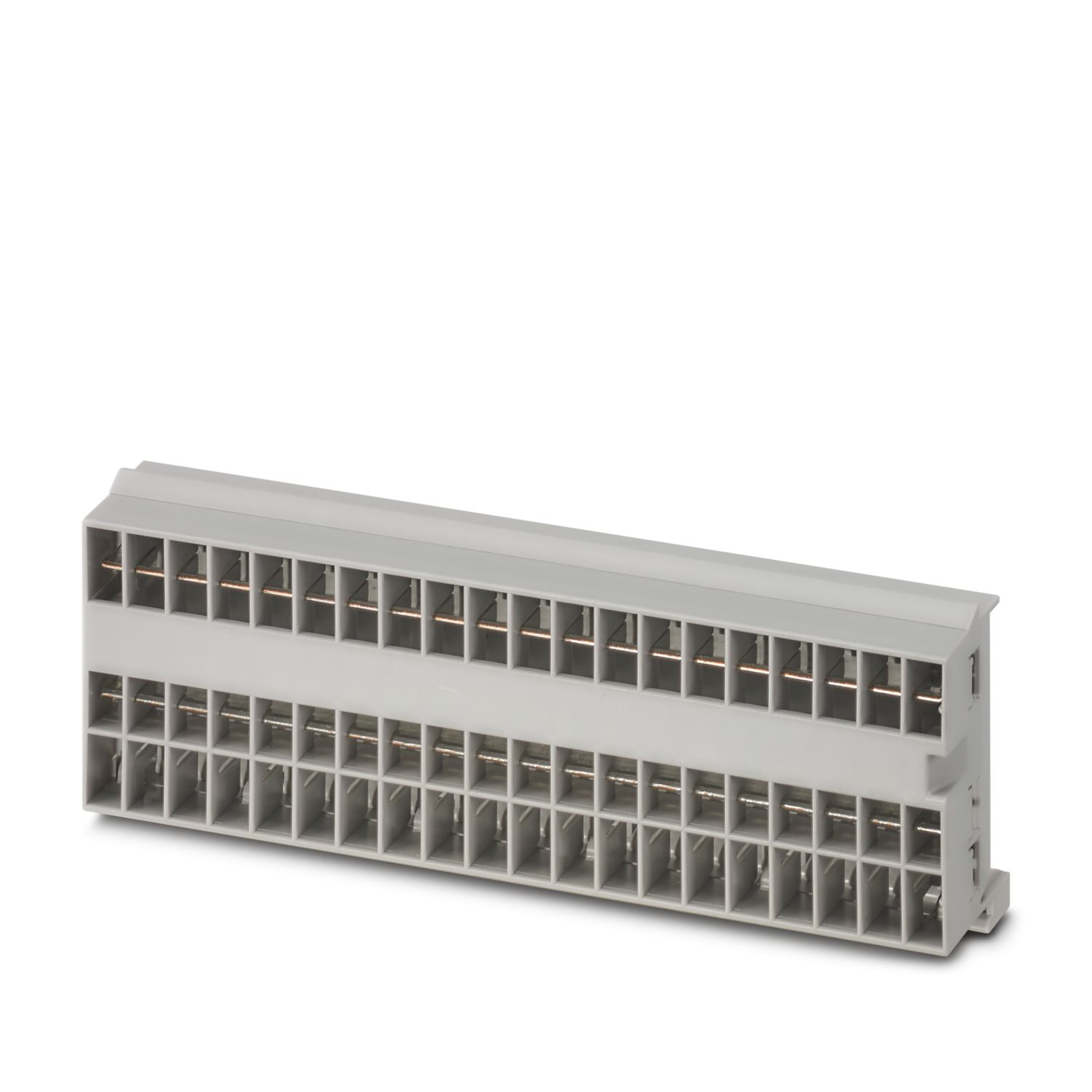
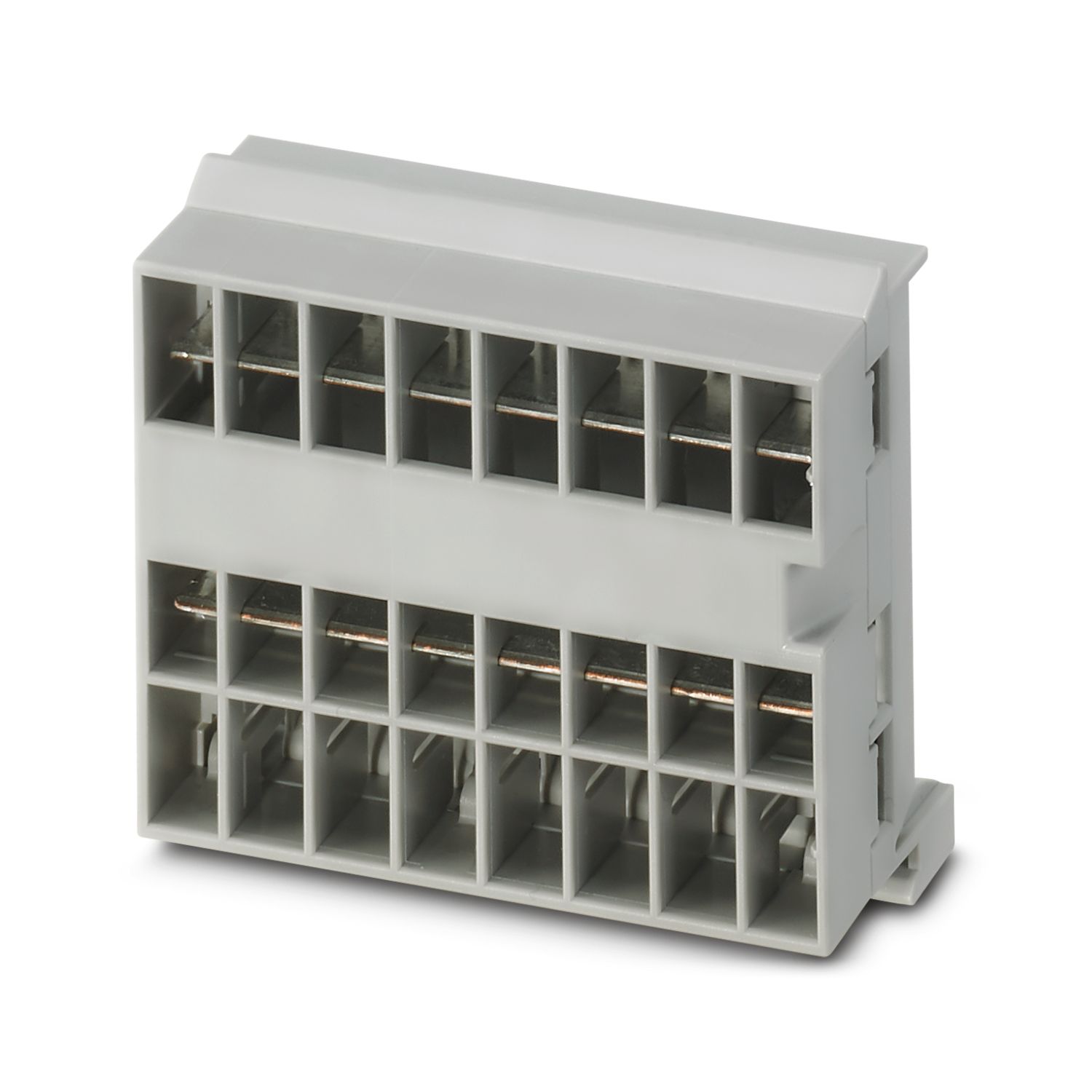
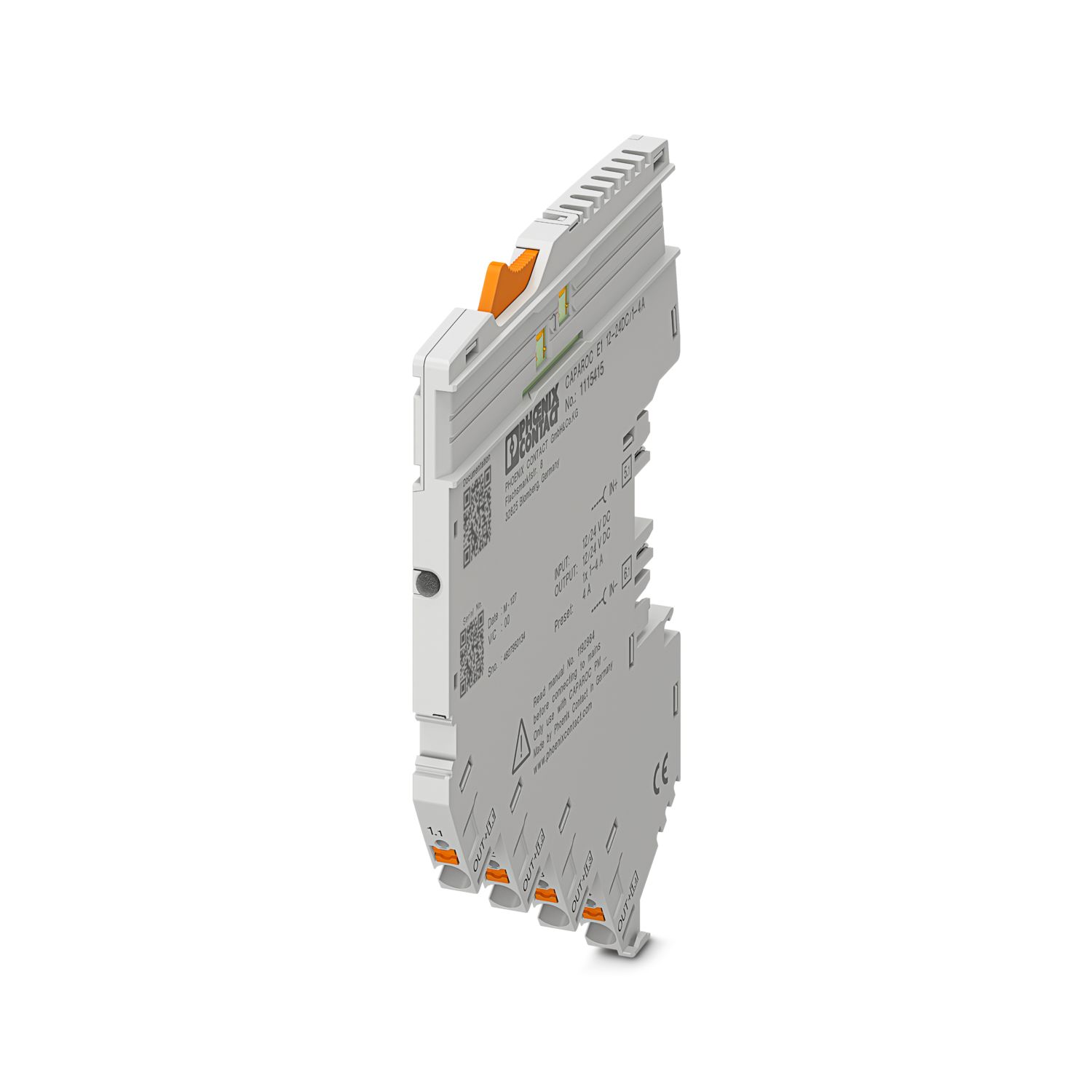
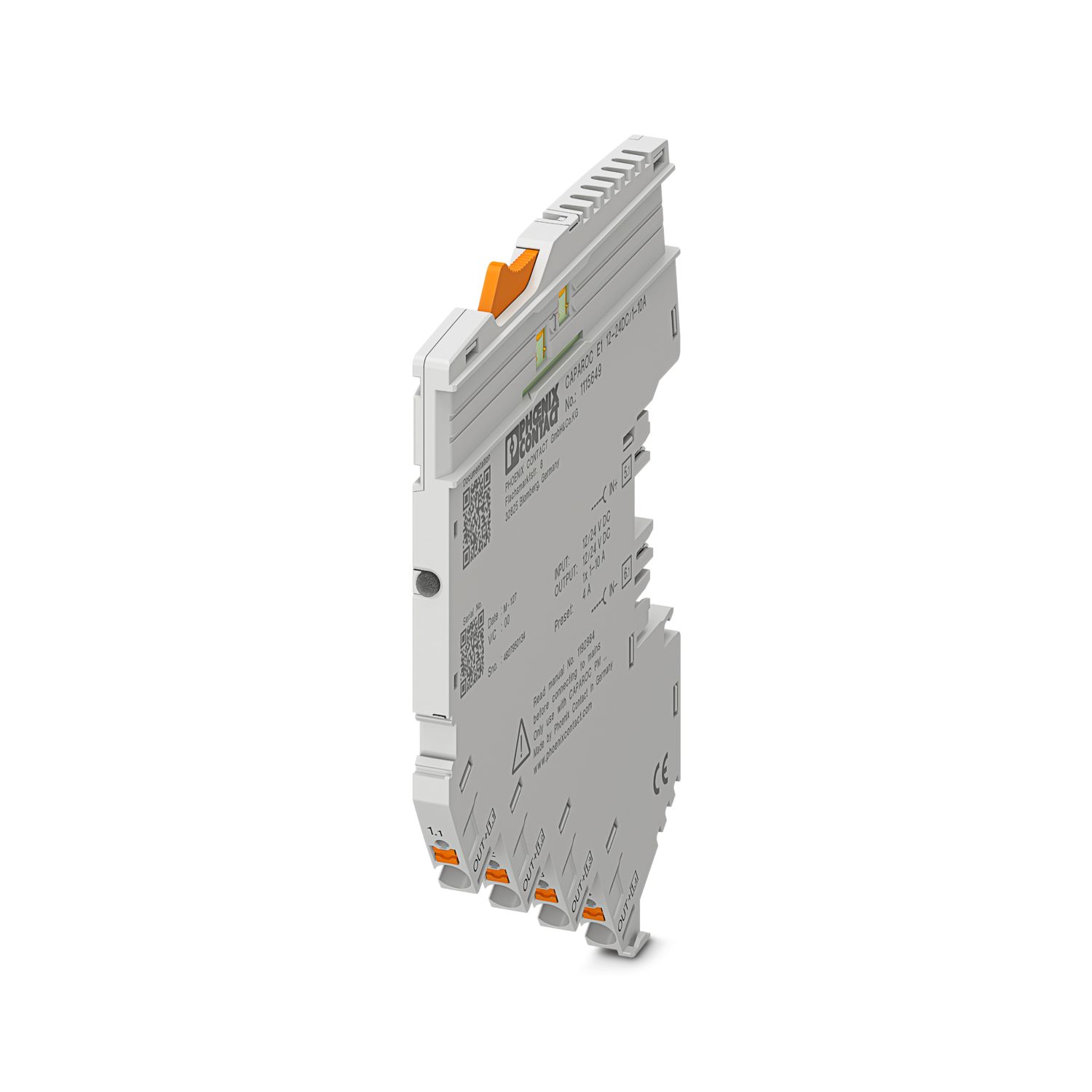

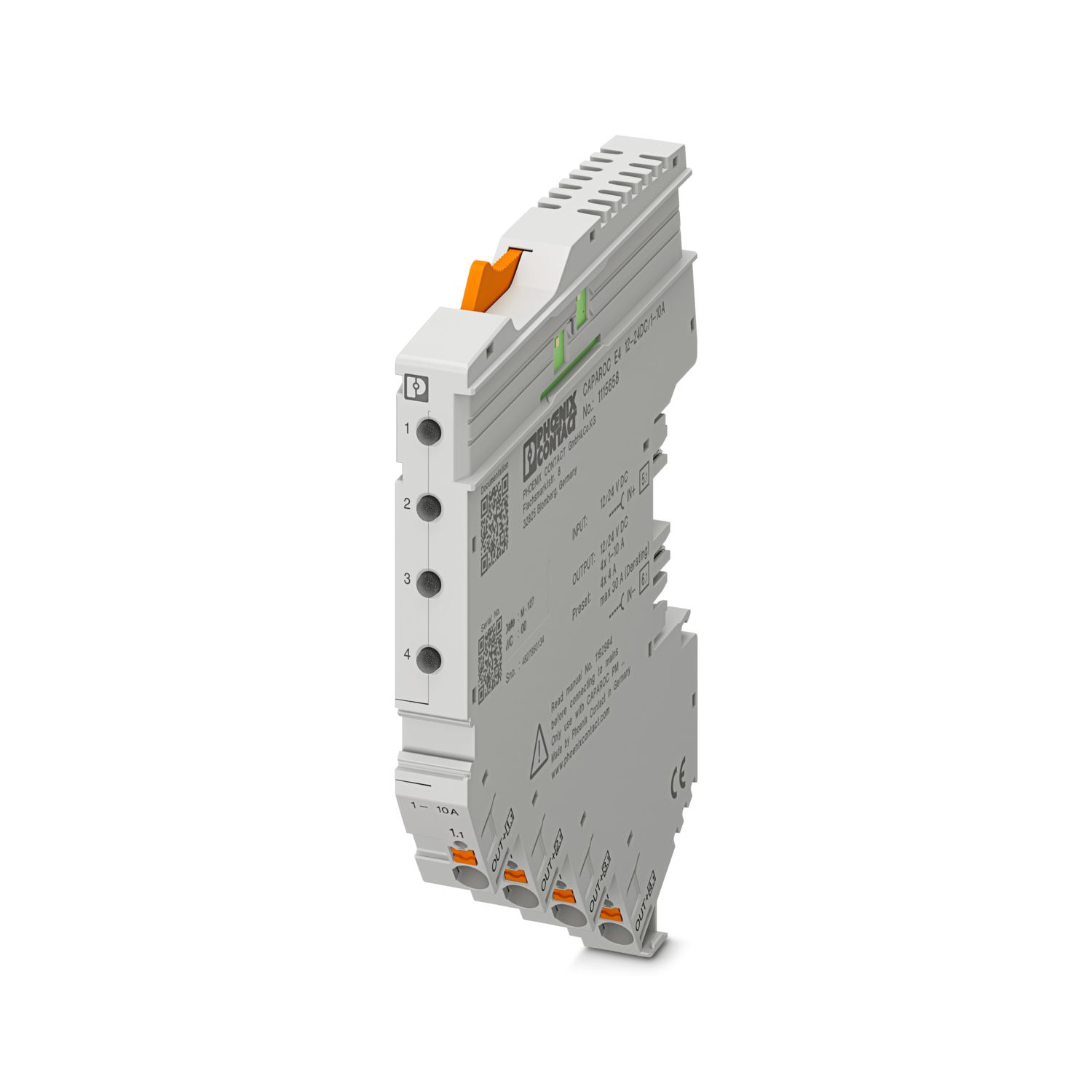
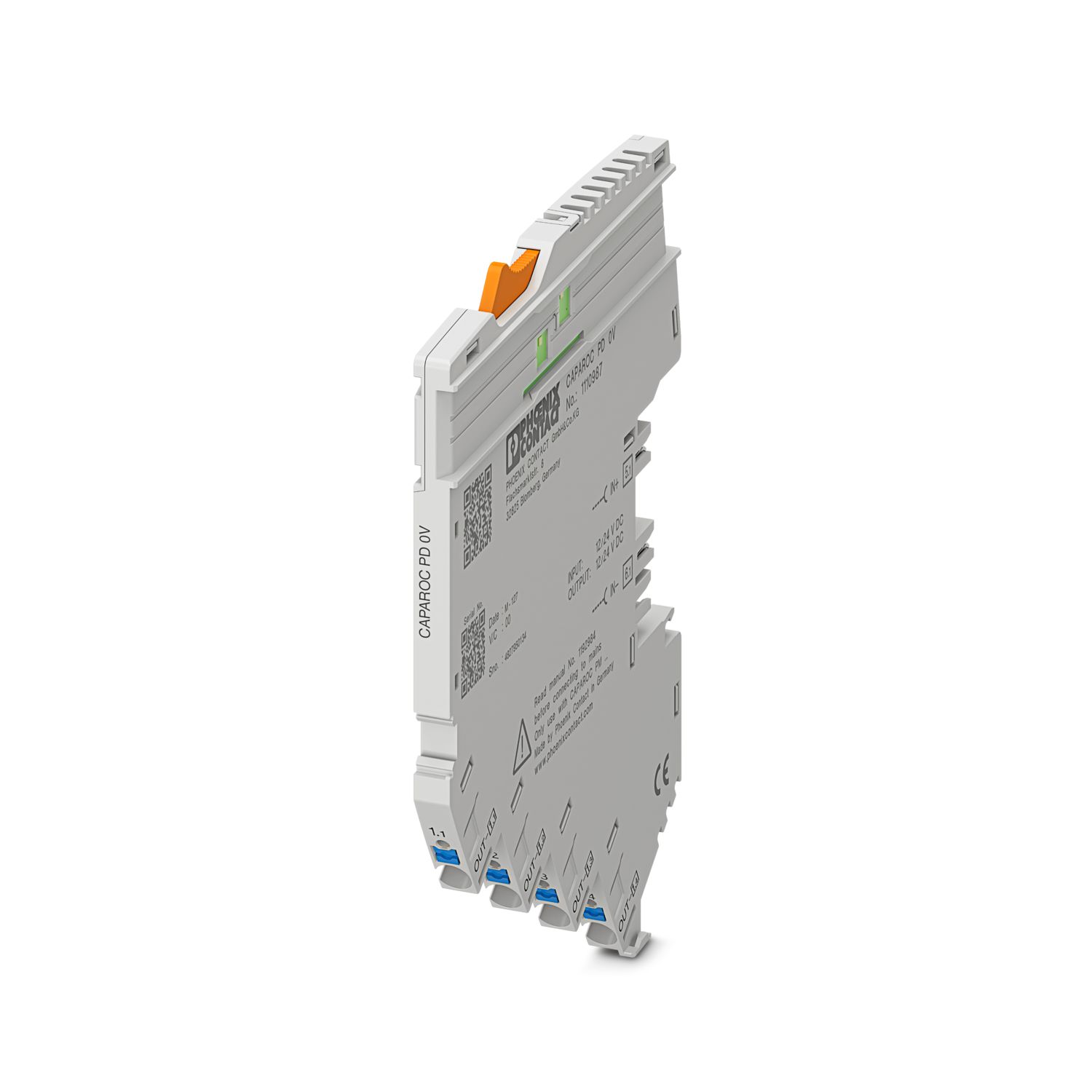
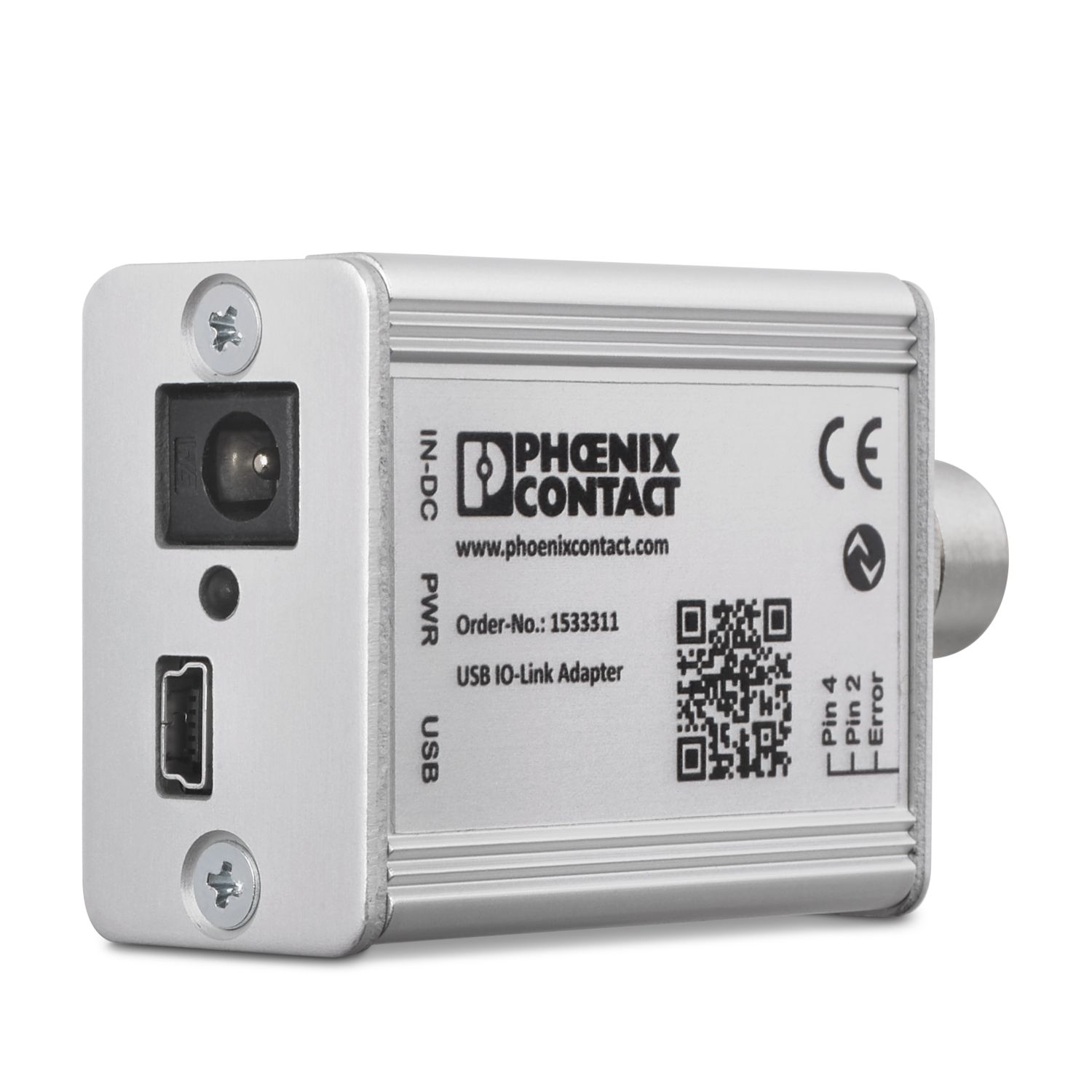
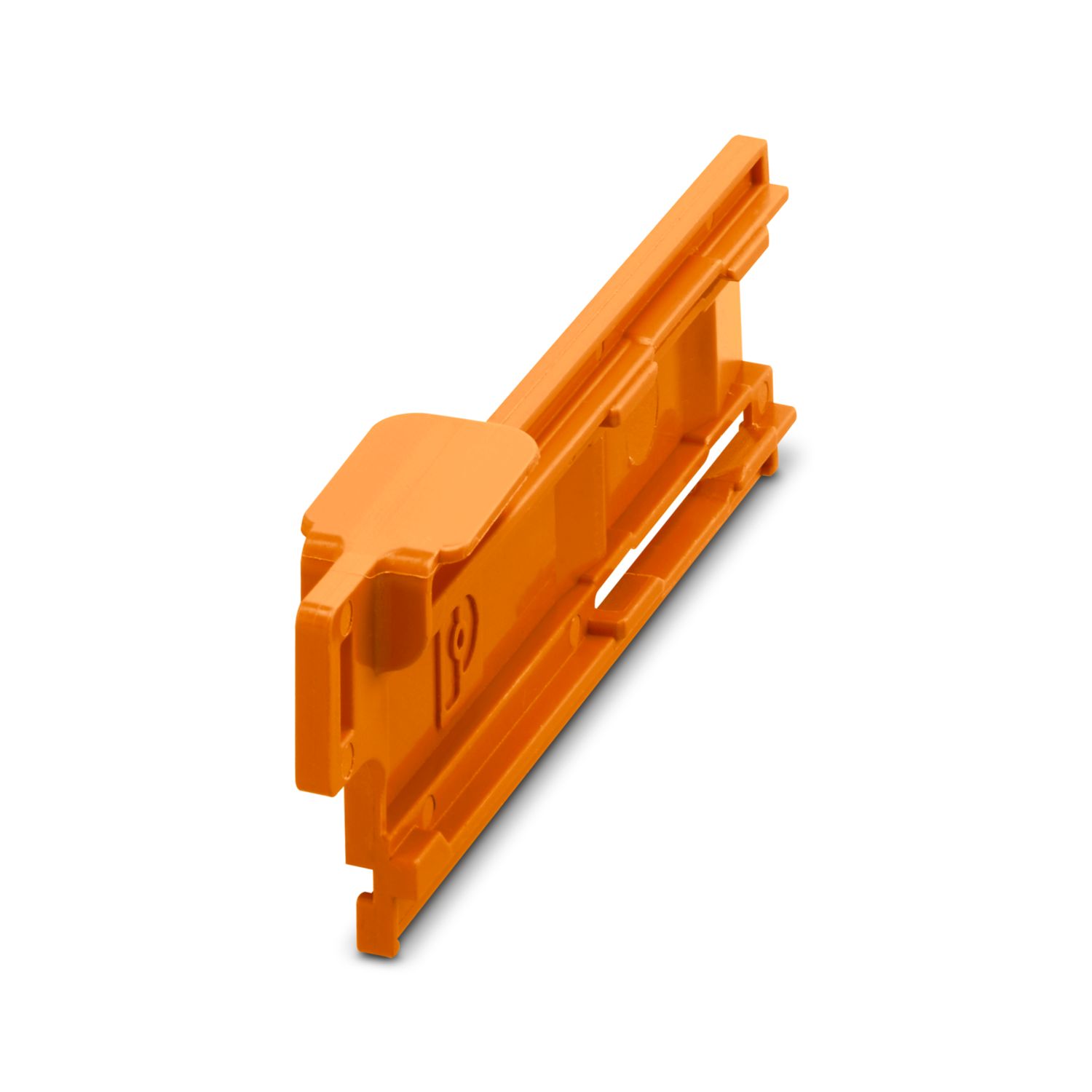
Dine fordele
Standard, der kan tilpasses individuelt takket være valg af enkle signaler og nulstilling til EtherCAT®-kommunikation
Særdeles let at betjene for alle pga. den værktøjsfrie opbygning, den direkte forsyning på strømskinnen og den gennemsigtige driftstilstand
Påfaldende nem design-in takket være komplet digital datapakke til anvendelse i EtherCAT®-applikationer
Ofte stillede spørgsmål
Findes der en hardwarevejledning, der forklarer funktionerne i CAPAROC?
Hvor mange effektafbrydermoduler kan jeg tilslutte bag et forsyningsmodul?
CAPAROC PM S-R: 20 effektafbrydermoduler
CAPAROC PM IOL: 20 kanaler
CAPAROC PM PN: 16 effektafbrydermoduler
CAPAROC PM EIP: 16 effektafbrydermoduler
CAPAROC PM MB: 16 effektafbrydermoduler
CAPAROC PM EC: 16 effektafbrydermoduler
Kanalens LED blinker gult to gange hvert 4. sekund. Hvad betyder dette?
Det betyder, at den interne kommunikation til forsyningsmodulet er afbrudt eller fejlbehæftet.
Kontrollér, at modulerne er monteret korrekt, og at der ikke er noget mellemrum mellem modulerne. Hvis kommunikationen stadig er afbrudt, skal du kontro...
Se mere
Det betyder, at den interne kommunikation til forsyningsmodulet er afbrudt eller fejlbehæftet.
Kontrollér, at modulerne er monteret korrekt, og at der ikke er noget mellemrum mellem modulerne. Hvis kommunikationen stadig er afbrudt, skal du kontrollere kontakterne på siden på det første blinkende modul (til venstre). Hvis de er bøjede, enten sat for langt ind i modulet, ikke centreret i husets åbning eller på anden måde beskadiget, skal modulet udskiftes.
Kan jeg låse indstillingen af de indstillede strømme?
Strømmene kan låse på forskellige måder:
1. Programmeringslås: Tryk på PWR-knappen på forsyningsmodulet i > 3 sekunder, PWR-LED'en blinker gult 3 gange, indstillingerne er nu låst. Ved at trykke igen i > 3 sekunder blinker LED'en grønt 3 gan...
Se mere
Strømmene kan låse på forskellige måder:
1. Programmeringslås: Tryk på PWR-knappen på forsyningsmodulet i > 3 sekunder, PWR-LED'en blinker gult 3 gange, indstillingerne er nu låst. Ved at trykke igen i > 3 sekunder blinker LED'en grønt 3 gange, og låsen ophæves igen.
2. Låsen kan også indstilles og annulleres via kommunikationsinterfacet. Her kan man også indstille betjeningslåsen, som forhindrer betjening og indstillinger på enheden. Låsen kan derefter kun annulleres via grænsefladen.