
Meer informatie over de CAPAROC-productfamilie vindt u in de online handleiding op: phoenixcontact.com/caparoc-help
CAPAROC PM EIP
-
Voedingsmodule
1393553
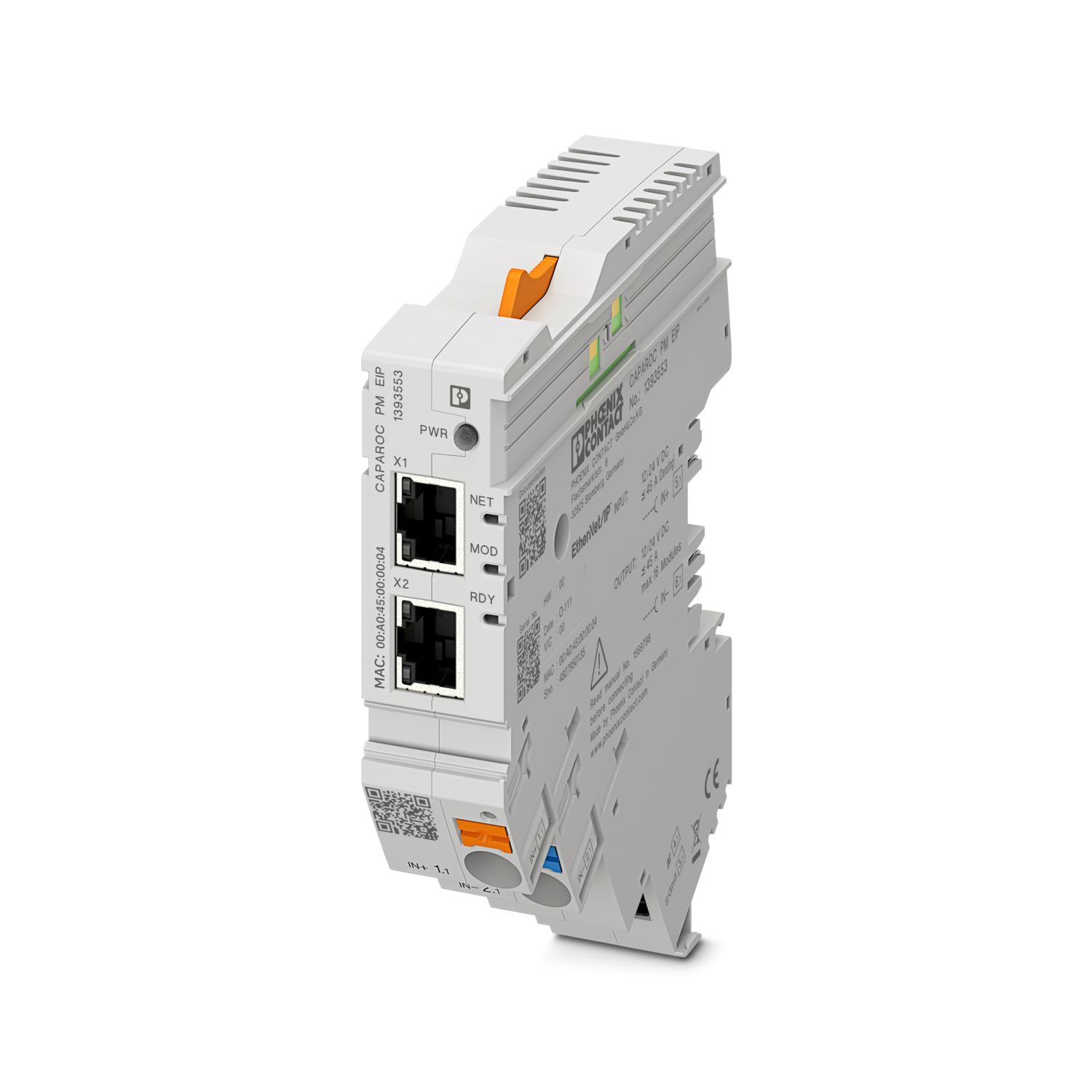
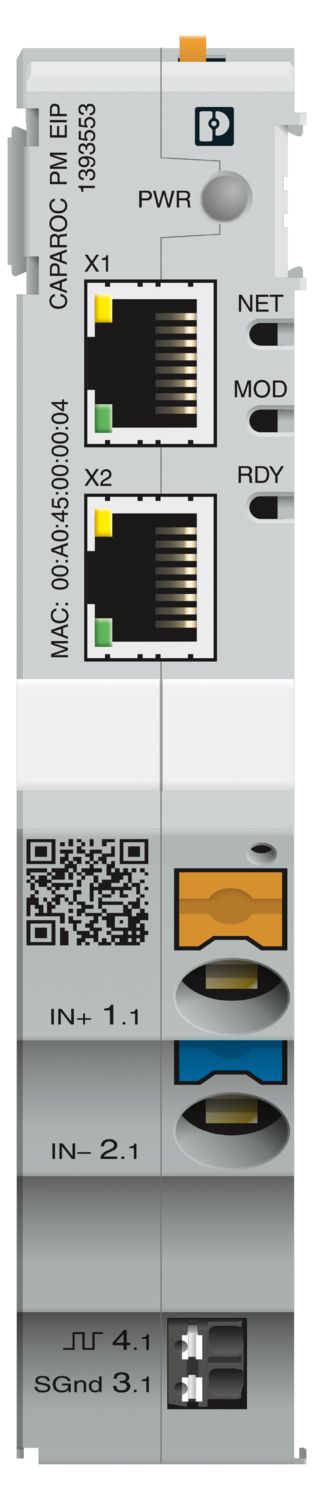

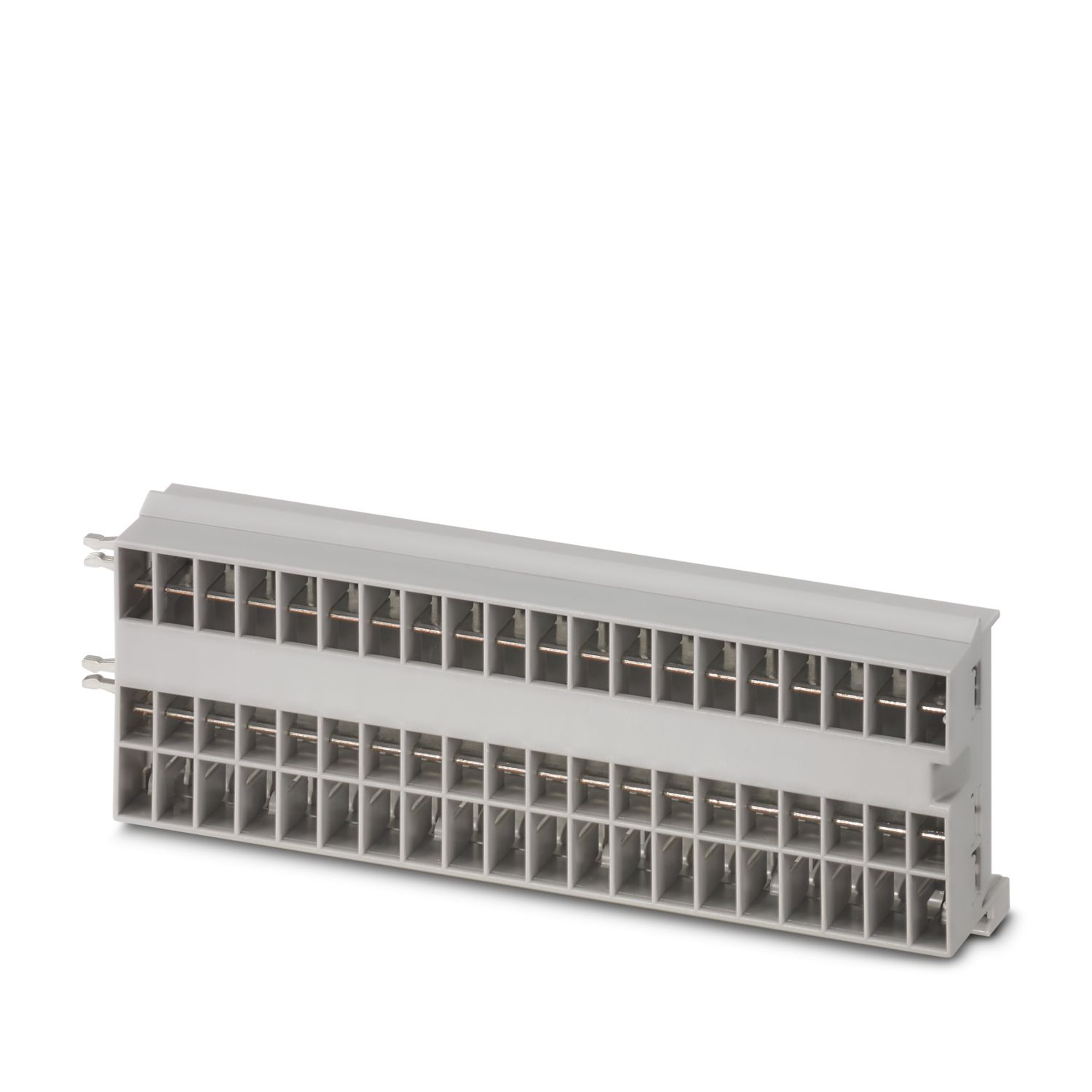
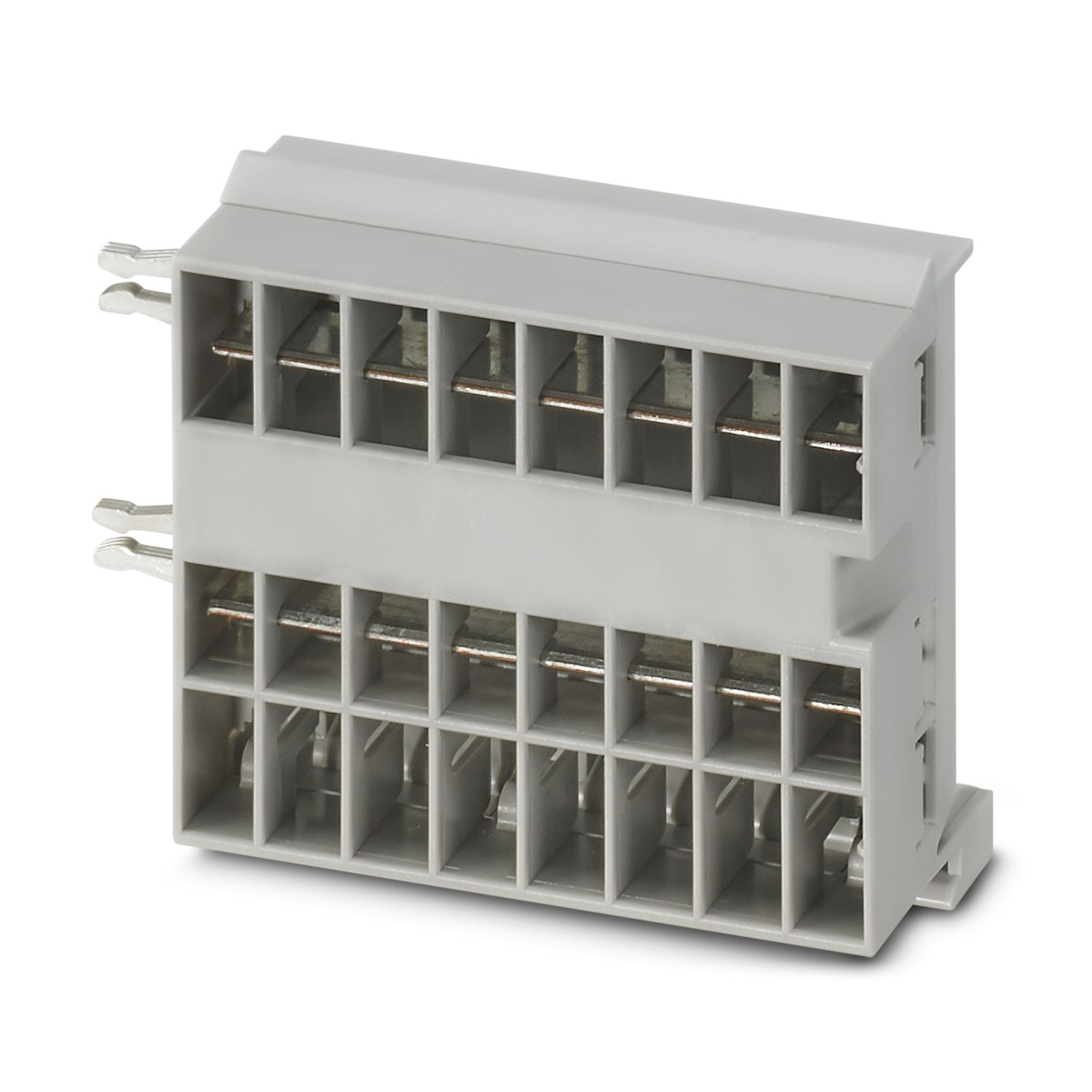
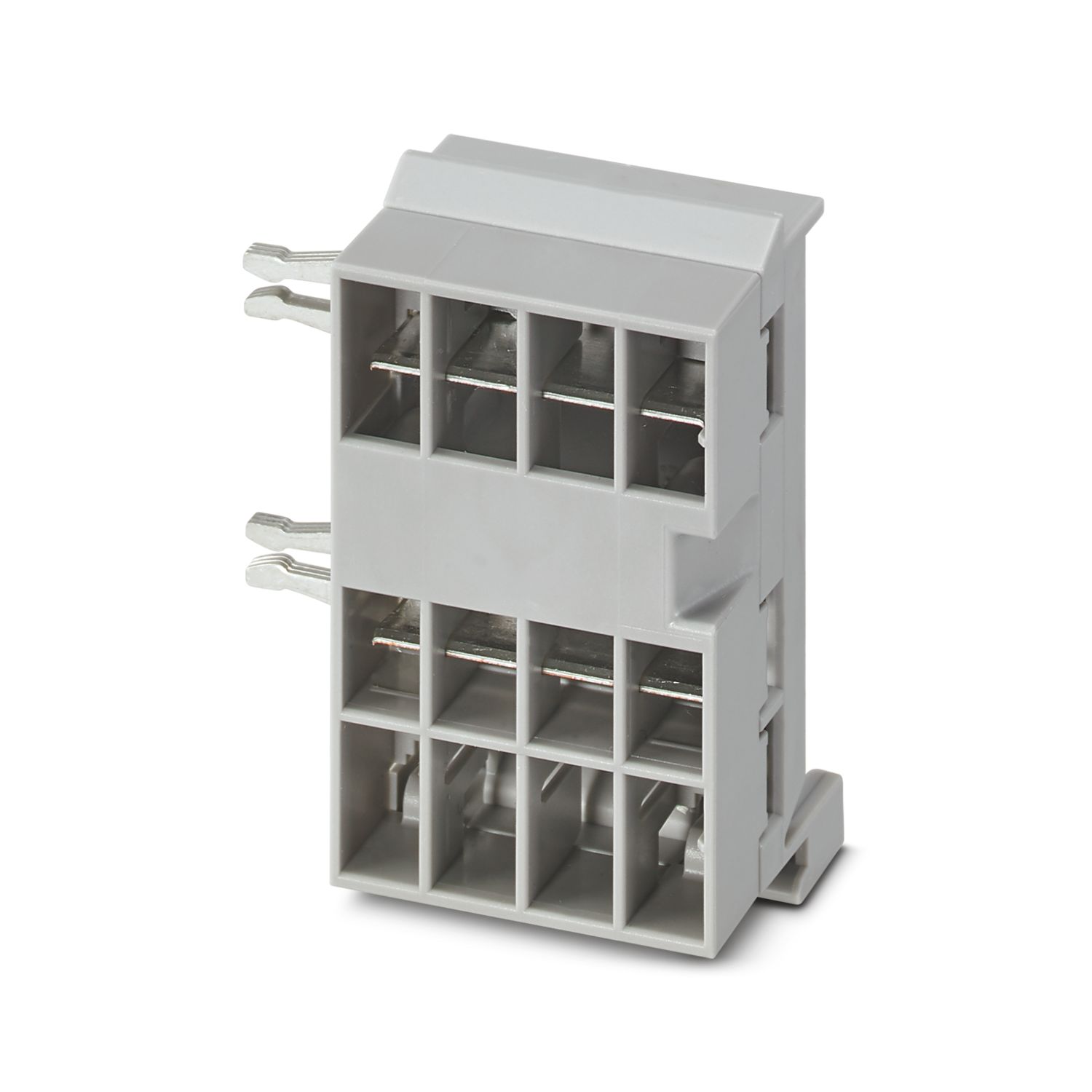
Voedingsmodule met EtherNet/IP™-interface voor de voeding van het CAPAROC-systeem van apparatenbeveiligingsschakelaars met 12 of 24 V DC. Extra systeeminterface voor de communicatie met de voeding. Voor installatie op een DIN-montagerail via de CAPAROC-verzamelrails.
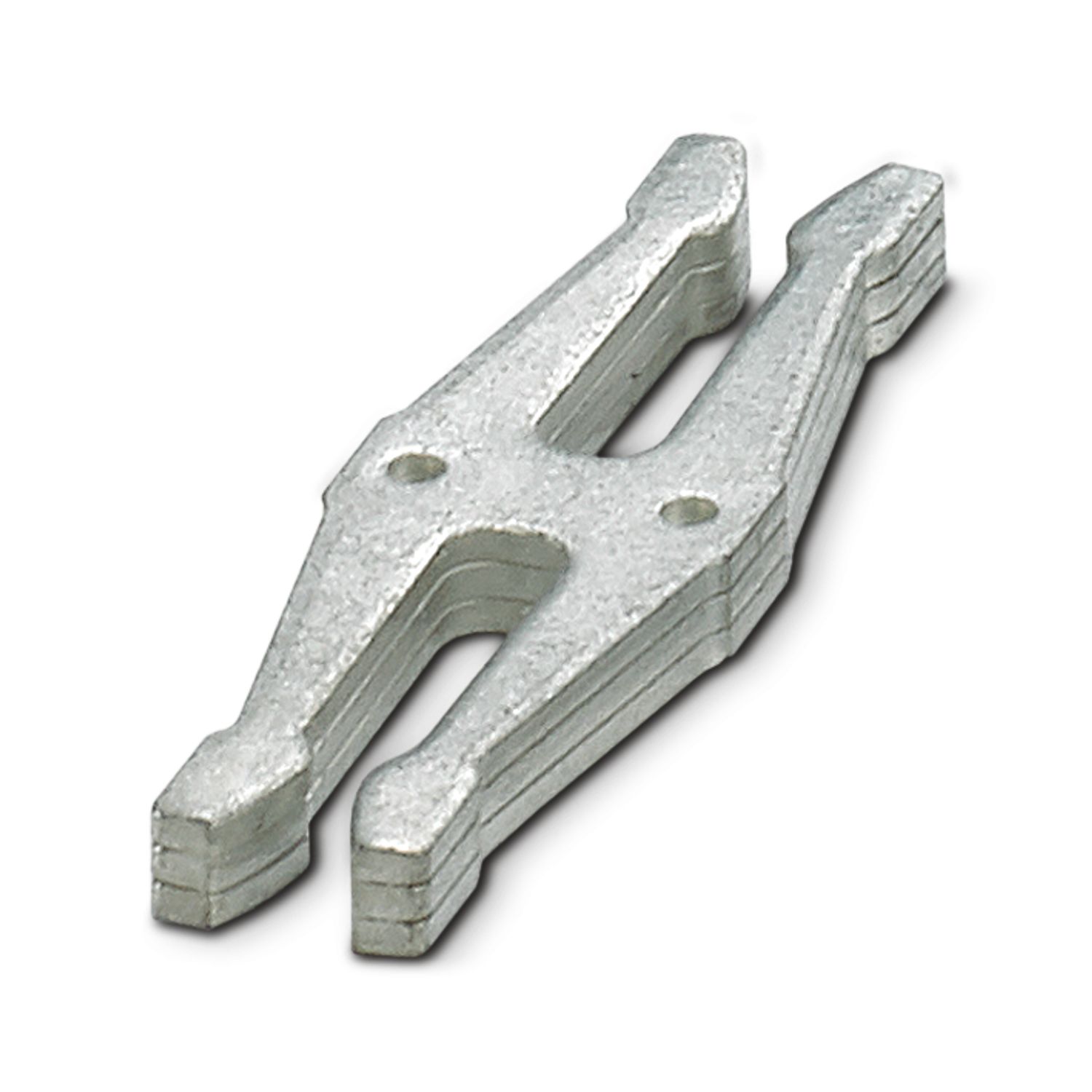
Voor de werking van dit artikel zijn aanvullende artikelen nodig.
Naar het noodzakelijke toebehoren
Gratis download beschikbaar.
Downloads
Productdetails
| Opmerking met betrekking tot de toepassing | Zoals de zaken er nu voorstaan, bereiden we het product zo voor dat het vanaf 11 december 2027 zal voldoen aan de eisen van de Cyber Resilience Act van de EU (CRA), op basis van de informatie die momenteel over de CRA beschikbaar is. |
| Algemeen | |
| Opmerking | LABS vrij – conform testspecificatie VW PV 3.10.7:2005-0 |
| Bij het aansluiten van de aders dient erop te worden gelet dat de CAPAROC-modulen door trekkrachten niet uit elkaar worden getrokken. Er mag geen spleet tussen de modulen ontstaan. | |
| Producttype | apparatenbeveiligingsschakelaar elektronisch |
| Productfamilie | CAPAROC |
| bouwvorm | Aansluitbare module |
| Aantal steekplAatsen | 4 |
| Isolatie-eigenschappen | |
| Beveiligingsklasse | III |
| Vervuilingsgraad | 2 |
| EtherNet/IP™ | |
| moduulfunctie | EtherNet/IP™-adapter |
| adressering | DHCP (standaard), BootP, statisch, ACD |
| Topologie | lijn |
| ster | |
| Ring | |
| Algemeen | |
| bedrijfsspanning | 10 V DC ... 30 V DC |
| Nominale spanning | 12 V DC |
| 24 V DC | |
| nominale stroom IN | 45 A (totaalstroom ingang) |
| test-stootspanning | 0,5 kV |
| activering | E (elektronisch) |
| Retourstroombestendig | max. 35 V DC |
| Spanningsvastheid | 35 V DC (belastingscircuit) |
| rendement | > 99 % |
| ruststroom I0 | typ. 46 mA (tijdens nullast bij 24 V) |
| Vermogensdissipatie | typ. 1,1 W (tijdens nullast bij 24 V) |
| < 4,5 W (bij 40 A) | |
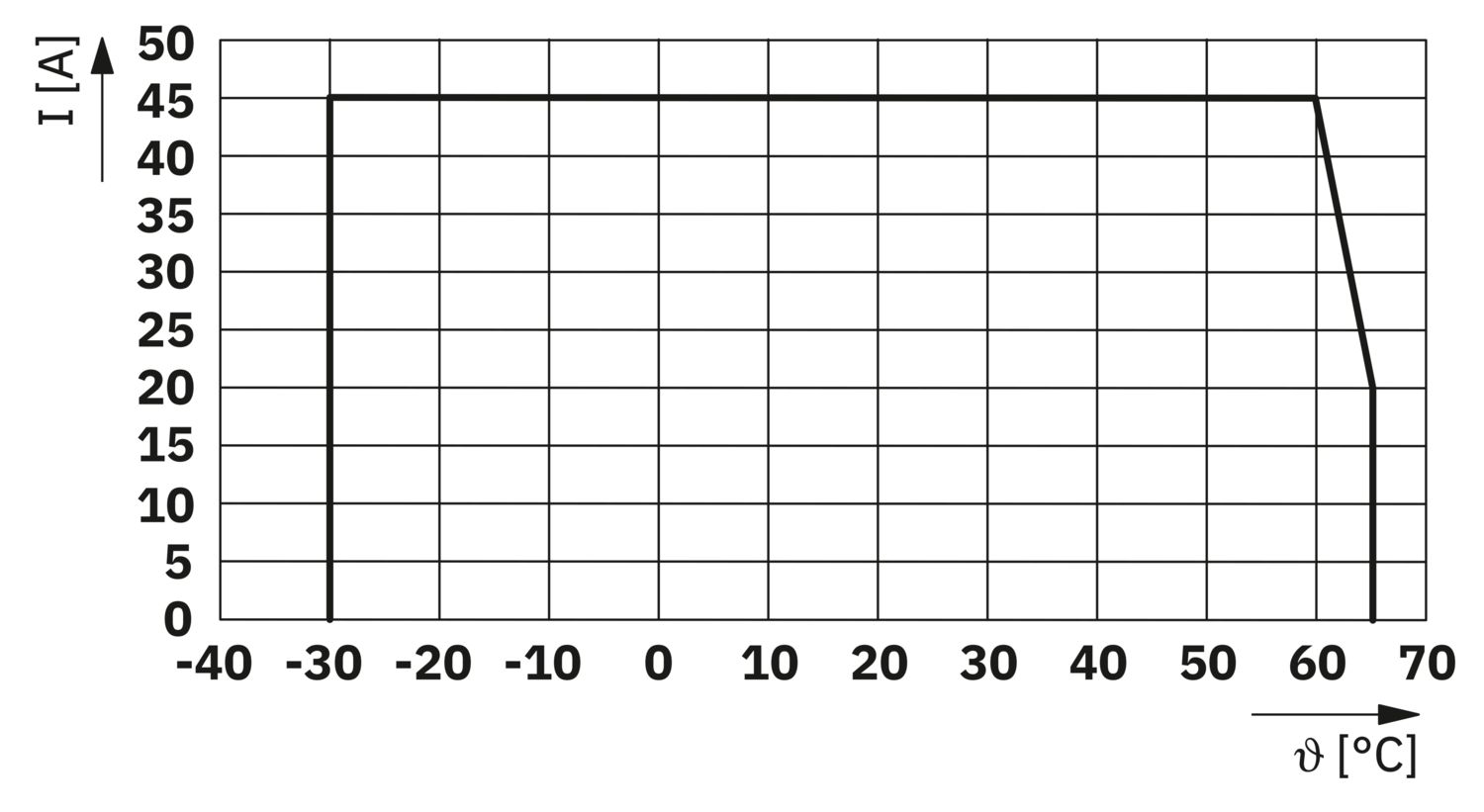
| temperatuur-derating | 45 A (totaalstroom bij 60 °C) |
| 20 A (totale stroom bij 65 °C) | |
| 45 A (Totale stroom bij 60 °C, volgens UL) | |
| MTBF (IEC 61709, SN 29500) | 7242508,37 h (bij 25 °C met 21% belasting) |
| 3958056,77 h (bij 40 °C met 34,25% belasting) | |
| 764697,81 h (bij 60 °C met 100% belasting) | |
| Spanningsval | 0,082 V (bij 40 A) |
| Belastingscircuit | |
| Uitschakeling bij onderspanning | ≤ 9,2 V DC (actief) |
| ≥ 10,2 V DC (inactief) | |
| Uitschakeling bij overspanning | ≥ 30,5 V DC (actief) |
| ≤ 29,5 V DC (inactief) | |
| hoofdstroomcircuit IN+ | |
| Aansluitmethode | Push-in-aansluiting |
| Striplengte | 18 mm |
| Aderdoorsnede AWG | 20 ... 8 |
| aderdoorsnede soepel met adereindhuls met kunststofhuls | 0,5 mm² ... 16 mm² |
| aderdoorsnede soepel met adereindhuls zonder kunststofhuls | 0,5 mm² ... 16 mm² |
| hoofdstroomcircuit IN- | |
| Aansluitmethode | Push-in-aansluiting |
| Striplengte | 18 mm |
| Aderdoorsnede AWG | 20 ... 8 |
| aderdoorsnede soepel met adereindhuls met kunststofhuls | 0,5 mm² ... 16 mm² |
| aderdoorsnede soepel met adereindhuls zonder kunststofhuls | 0,5 mm² ... 16 mm² |
| Systeemcommunicatie | |
| Aansluitmethode | Push-in-aansluiting |
| Striplengte | 8 mm |
| Aderdoorsnede massief | 0,2 mm² ... 1,5 mm² |
| Aderdoorsnede AWG | 24 ... 16 |
| aderdoorsnede soepel met adereindhuls met kunststofhuls | 0,2 mm² ... 0,75 mm² |
| aderdoorsnede soepel met adereindhuls zonder kunststofhuls | 0,2 mm² ... 1,5 mm² |
| EtherNet/IP™ | |
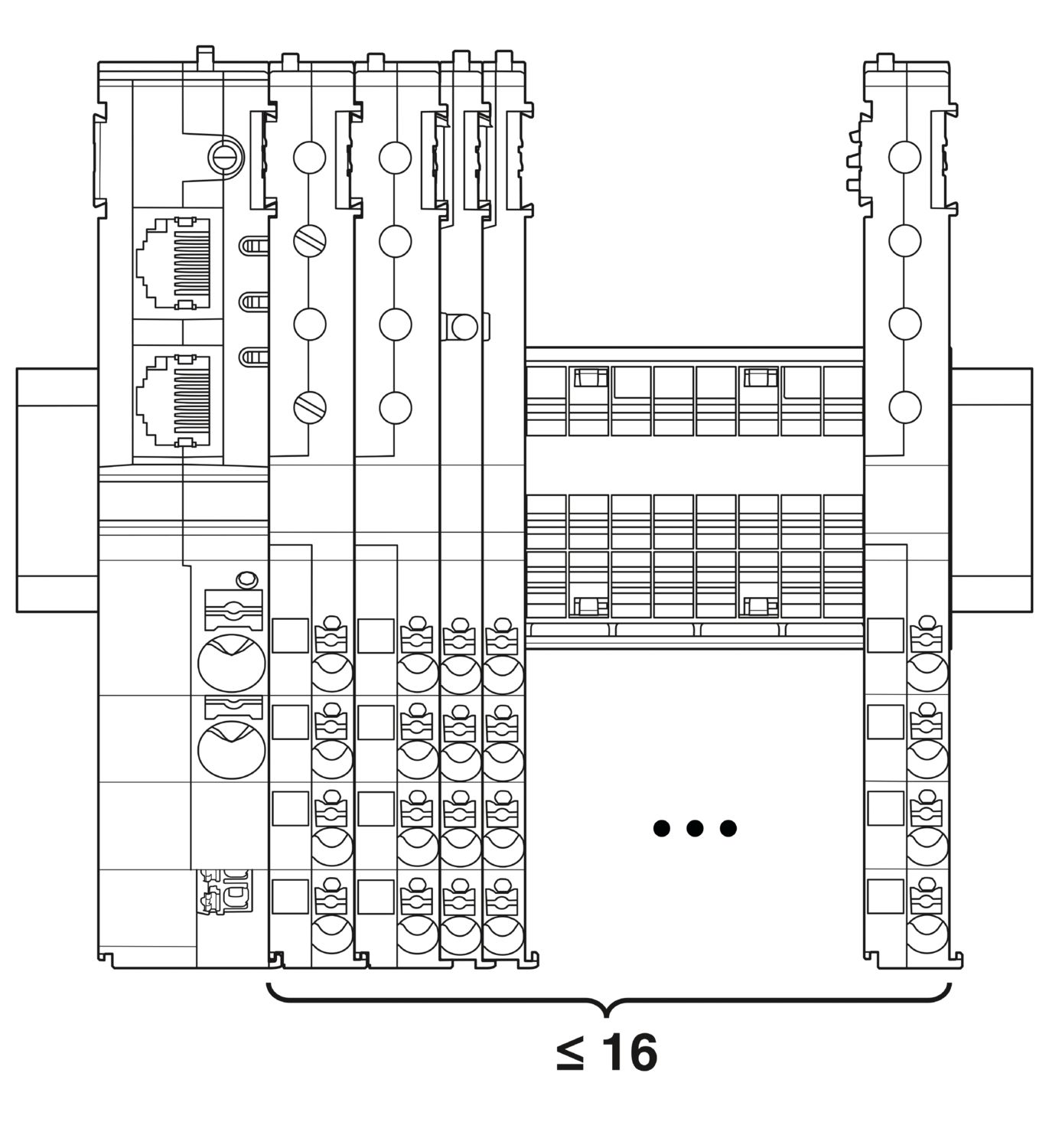
| Maximale systeemuitbreiding | ≤ 16 (CAPAROC-modules rijgbaar) |
| type interface | Ethernet |
| Aantal | 2 |
| overdrachtssnelheid | 10 Mbit/s 100 Mbit/s |
| overdrachtsmedium | Ethernet in RJ45-Twisted-Pair |
| ondersteunde protocollen | EtherNet/IP™ |
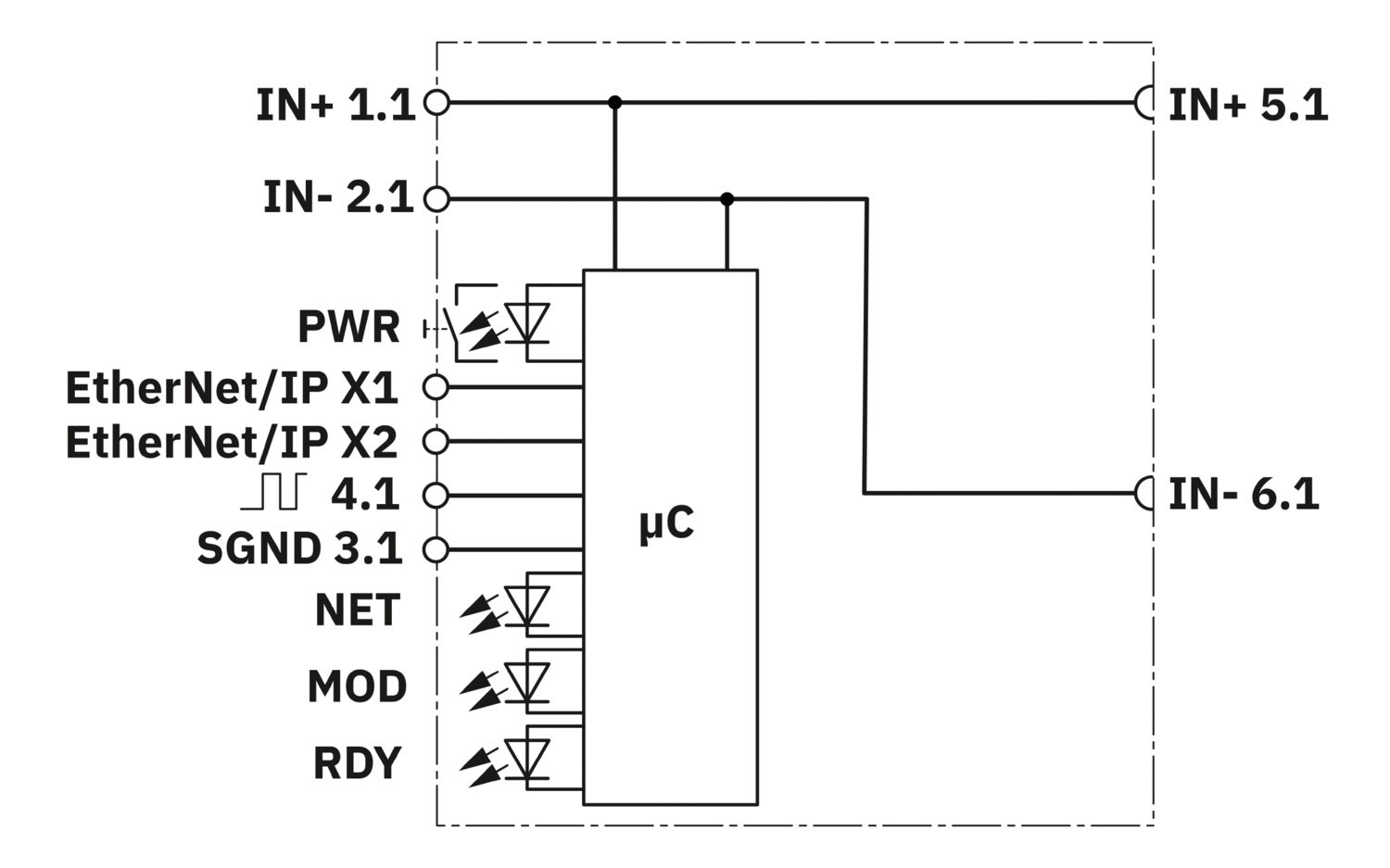
| Aansluiting X1 LED groen | brandt (Verbonden) |
| Aansluiting X1 LED geel | brandt (Overdracht) |
| Aansluiting X2 LED groen | brandt (Verbonden) |
| Aansluiting X2 LED geel | brandt (Overdracht) |
| Power (PWR) LED groen | brandt (Voedingsspanning binnen het bedrijfsspanningsbereik) |
| 3x knippert (Globale programmeringsvergrendeling gedeactiveerd) | |
| Power (PWR) LED rood | brandt (Voedingsspanning buiten het bedrijfsspanningsbereik) |
| 5x knippert (Commando fabrieksreset geaccepteerd) | |
| Power (PWR) led rood | brandt (PWR-knop is ingedrukt) |
| 3x knippert (Globale programmeringsvergrendeling geactiveerd) | |
| NET-led uit | uit (Geen spanning aanwezig op het apparaat of geen IP-adres geconfigureerd) |
| NET-led groen | brandt (Communicatie met de besturing aanwezig) |
| knippert (IP-adres aanwezig, geen communicatie met besturing) | |
| NET-led rood | brandt (Address Conflict Detection (ACD): "Duplicate IP". Apparaat heeft herkend dat zijn IP-adres al wordt gebruikt in het netwerk.) |
| NET-led rood-groen | knippert (Zelftest initialisatie apparaat) |
| MOD-led uit | uit (Geen voedingsspanning) |
| MOD-led groen | brandt (normaal bedrijf) |
| knippert (Het apparaat is nog niet geconfigureerd) | |
| MOD-led rood-groen | knippert (Zelftest initialisatie apparaat) |
| MOD-led rood | brandt (Fout (EtherNet/IP™: "Major unrecoverable fault"), bijv. programmacrash in de besturing) |
| knippert (Fout (EtherNet/IP™: "Major recoverable fault"), bijv. inconsistente of onjuiste parametrisering) | |
| Ready (RDY) led geel-groen | knippert (Firmware wordt geïnstalleerd) |
| Ready (RDY) led geel | brandt (Firmware-installatie mislukt, voer handmatige spanningsreset uit) |
| Ready (RDY) led groen | brandt (Firmware succesvol gestart) |
| Maatschets |
|
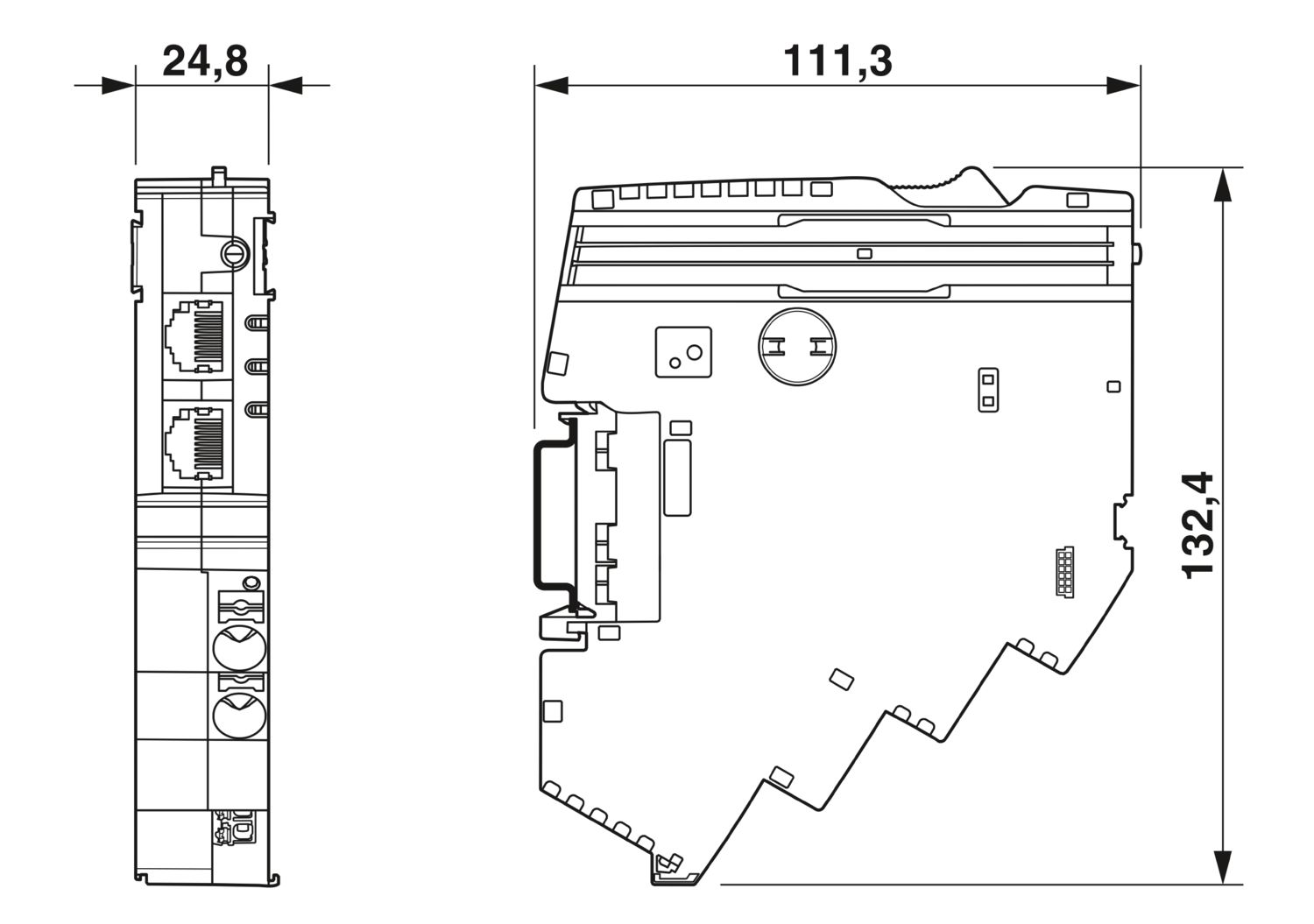
| Breedte | 24,8 mm |
| Hoogte | 132,4 mm |
| diepte | 111,3 mm (incl. montagerail 7,5 mm) |
| Kleur | lichtgrijs (RAL 7035) |
| materiaal | PA 6 |
| PA 6 | |
| PA 6 | |
| PC | |
| Brandbaarheidsklasse volgens UL 94 | V-0 |
| Omgevingsomstandigheden | |
| beschermklasse | IP20 |
| omgevingstemperatuur (bedrijf) | -30 °C ... 65 °C |
| -30 °C ... 60 °C (volgens UL) | |
| Omgevingstemperatuur (opslag/transport) | -40 °C ... 70 °C |
| hoogtepositie | ≤ 4000 m (amsl) |
| vochttest | 96 h, 95 % RH, 40 °C |
| schok (bedrijf) | 30g (11 ms, halfsinus-schokimpuls, volgens IEC 60068-2-27) |
| 25g (6 ms continu, halfsinus-schokimpuls volgens IEC 60068-2-27, continuschok) | |
| trillingen (bedrijf) | 5g (10 Hz ... 150 Hz / 10 cycli / as / X, Y, Z) |
| normen/bepalingen | EN 61000-6-2 |
| Opmerking | Elektromagnetische compatibiliteit - Stoorvastheid voor industriële omgevingen |
| normen/bepalingen | EN 61000-6-4 |
| Opmerking | Elektromagnetische compatibiliteit - Stoorvastheid voor industriële omgevingen |
| normen/bepalingen | EN 61000-6-8 |
| Opmerking | EMC - storingsemissie voor professionele apparaten die worden gebruikt in zakelijke en commerciële omgevingen en in kleine bedrijven |
| normen/bepalingen | EN 60068-2-78 |
| Opmerking | Omgevingsinvloeden - Vochtigheid en warmte, constant |
| normen/bepalingen | EN 50178 |
| Opmerking | Elektronische bedrijfsmiddelen voor gebruik in sterkstroominstallaties |
| normen/bepalingen | EN 60068-2-6 |
| Opmerking | Omgevingsinvloeden - Trillingen (sinusvormig) |
| normen/bepalingen | EN 60068-2-27 |
| Opmerking | Omgevingsinvloeden - Schokken |
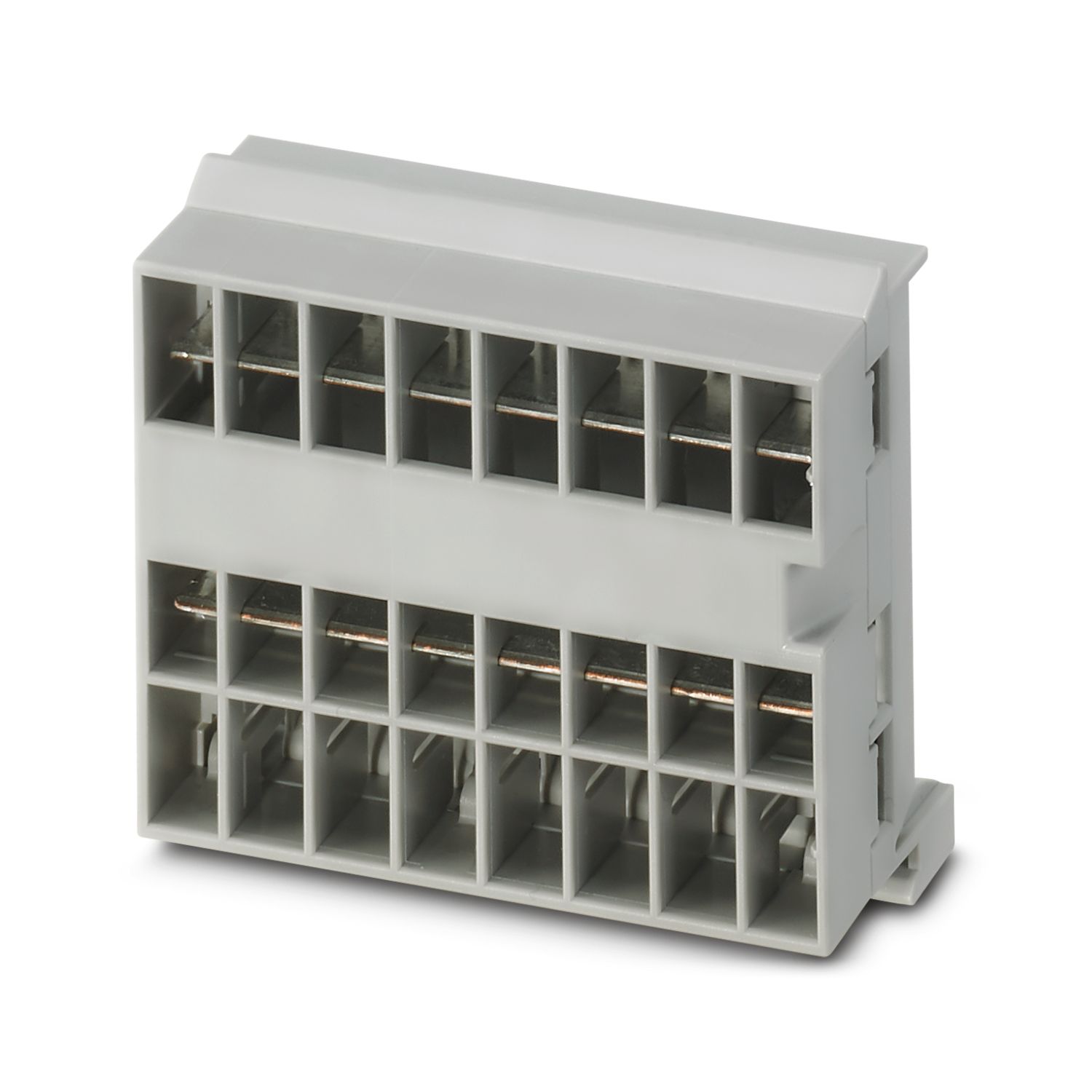
| montagetechniek | steekbaar op verzamelrail CAPAROC CR… |
cUL Listed
Toelatings-ID: E123528EtherNet/IP CONFORMANCE TESTED TM
Toelatings-ID: 12382.01cULus Listed
Toelatings-ID: E483407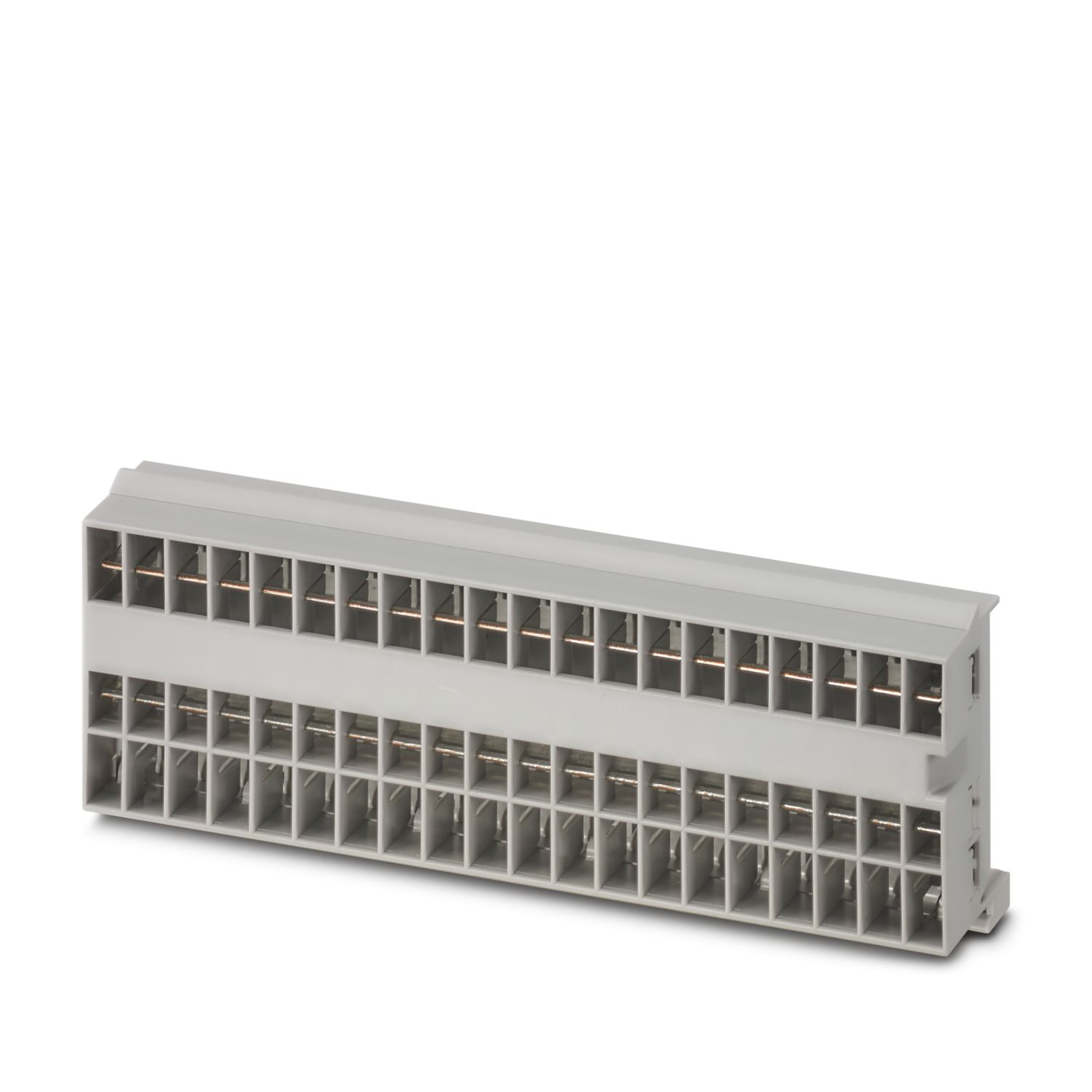
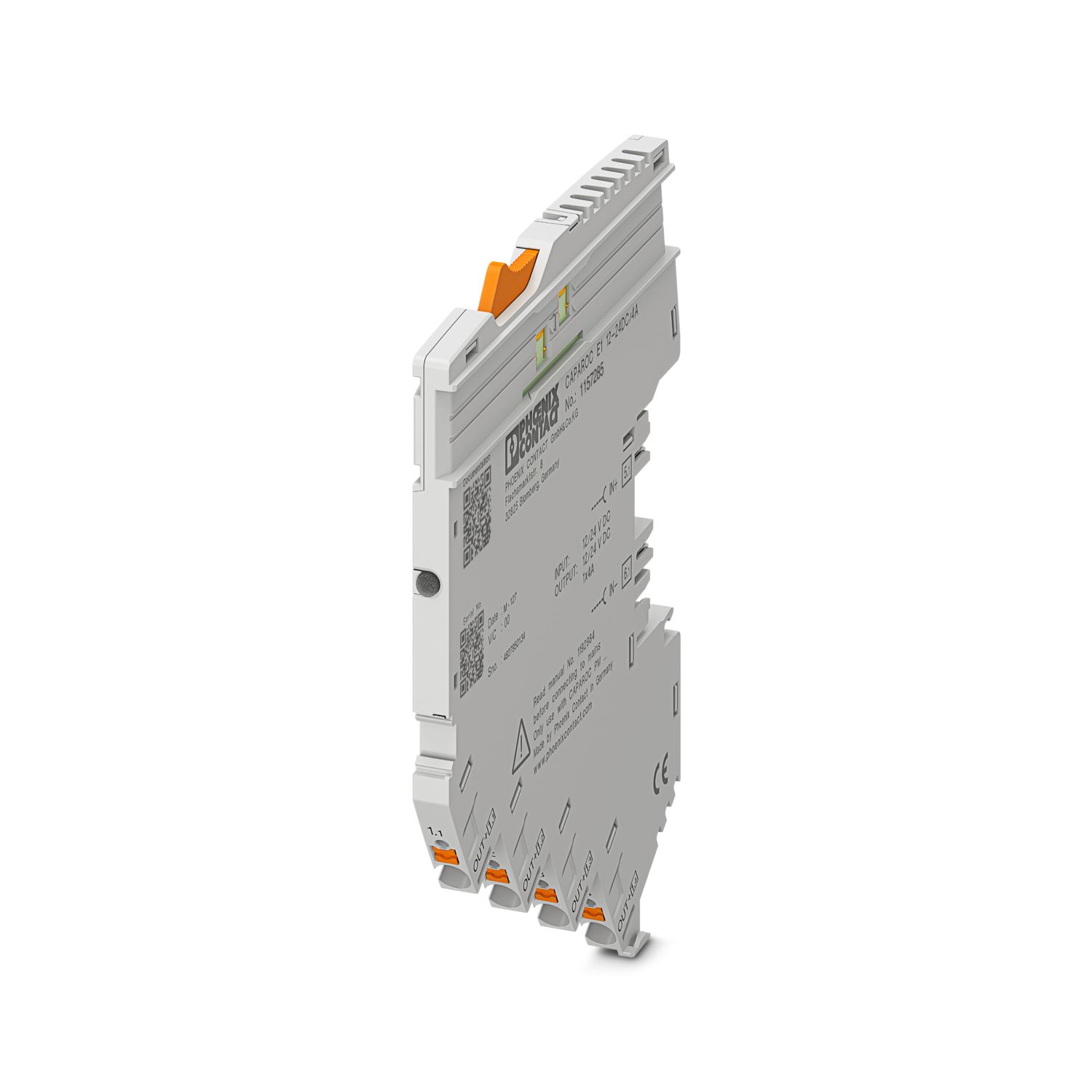
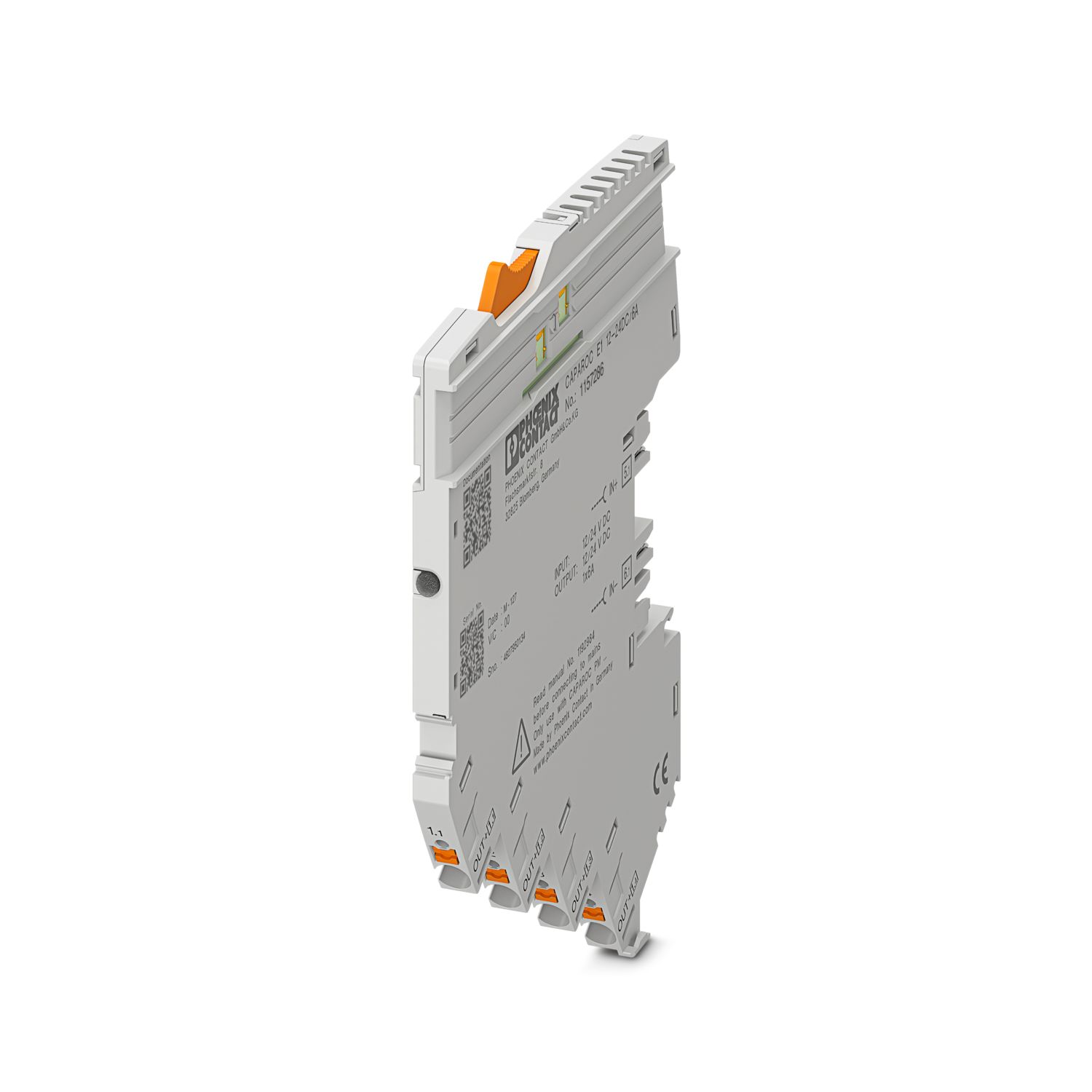
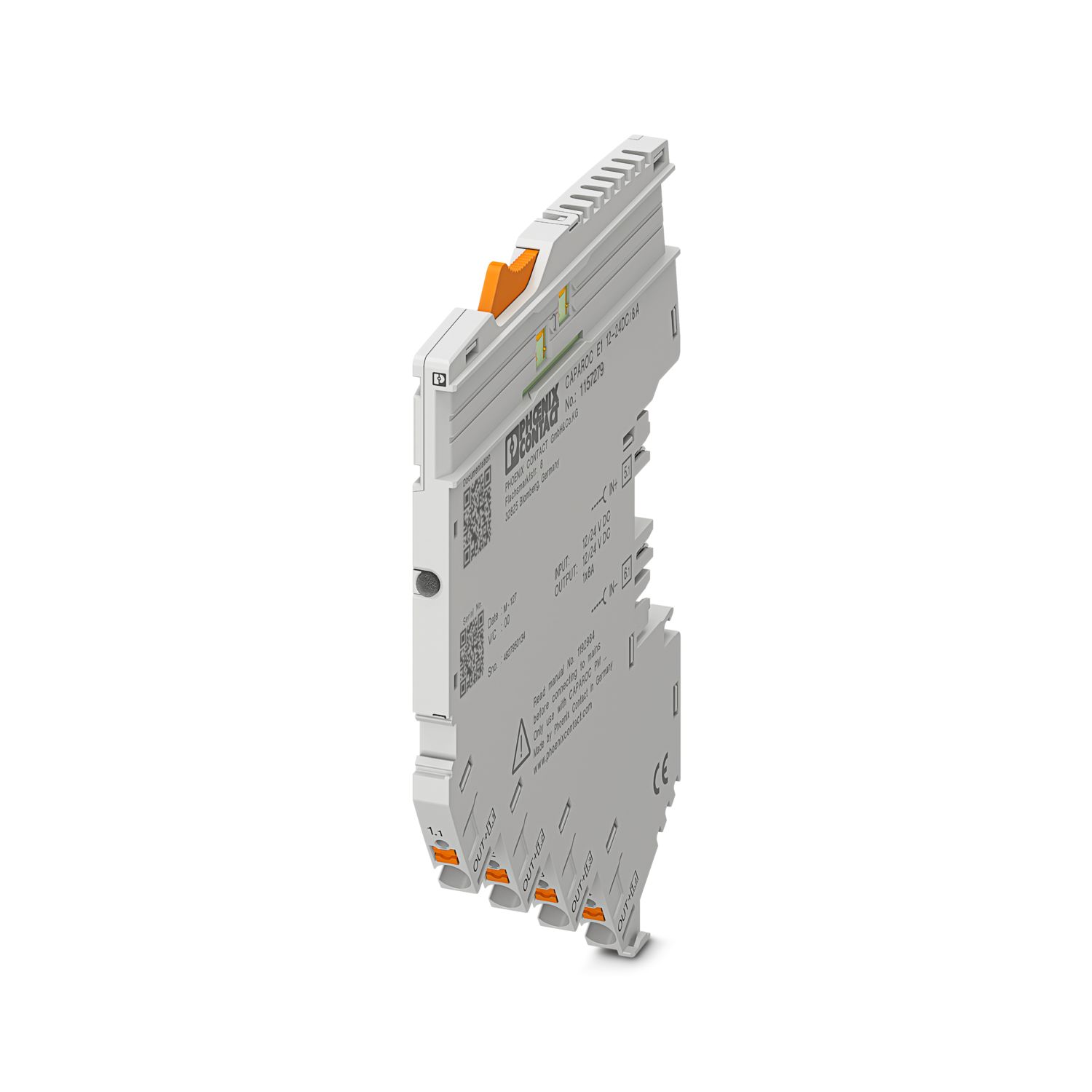
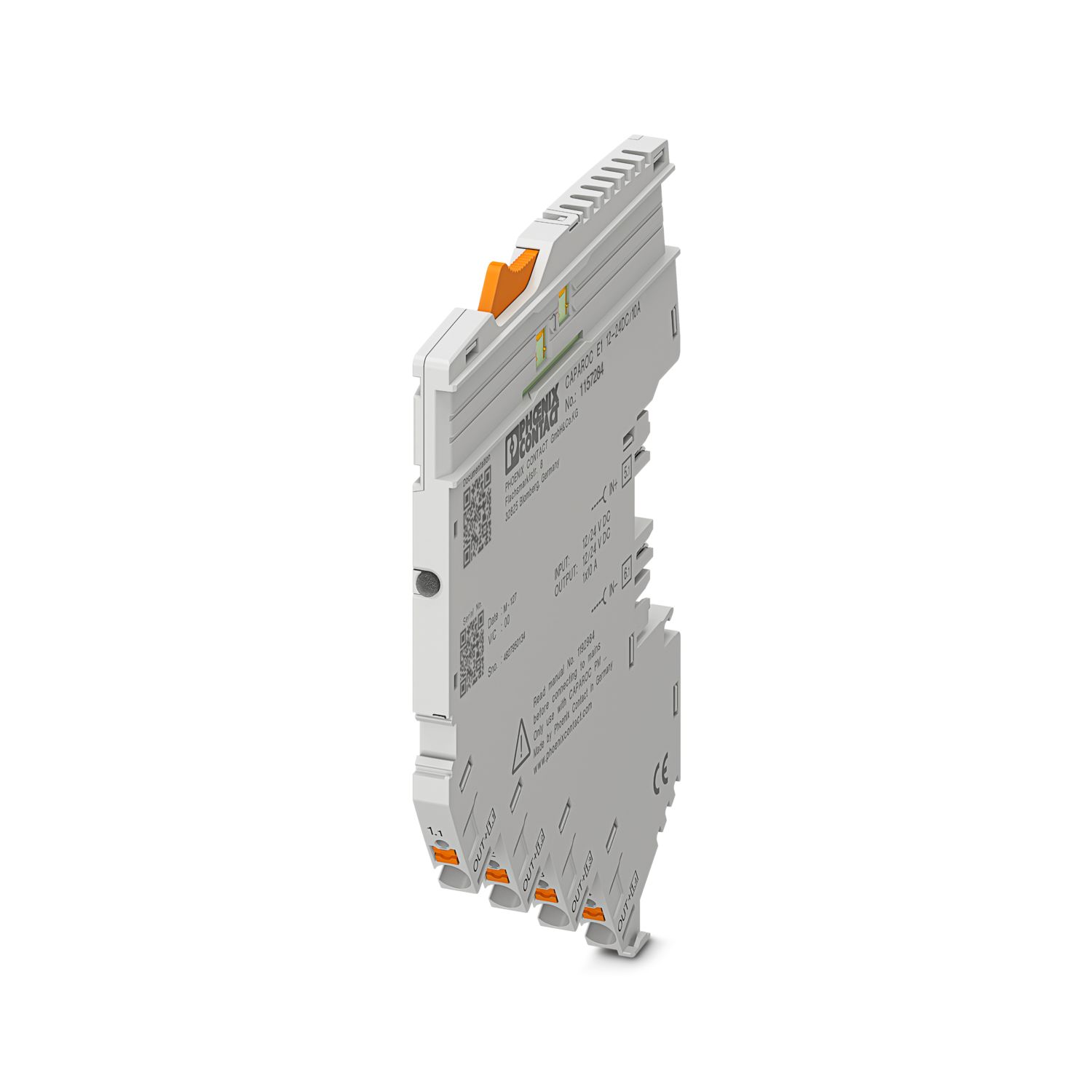

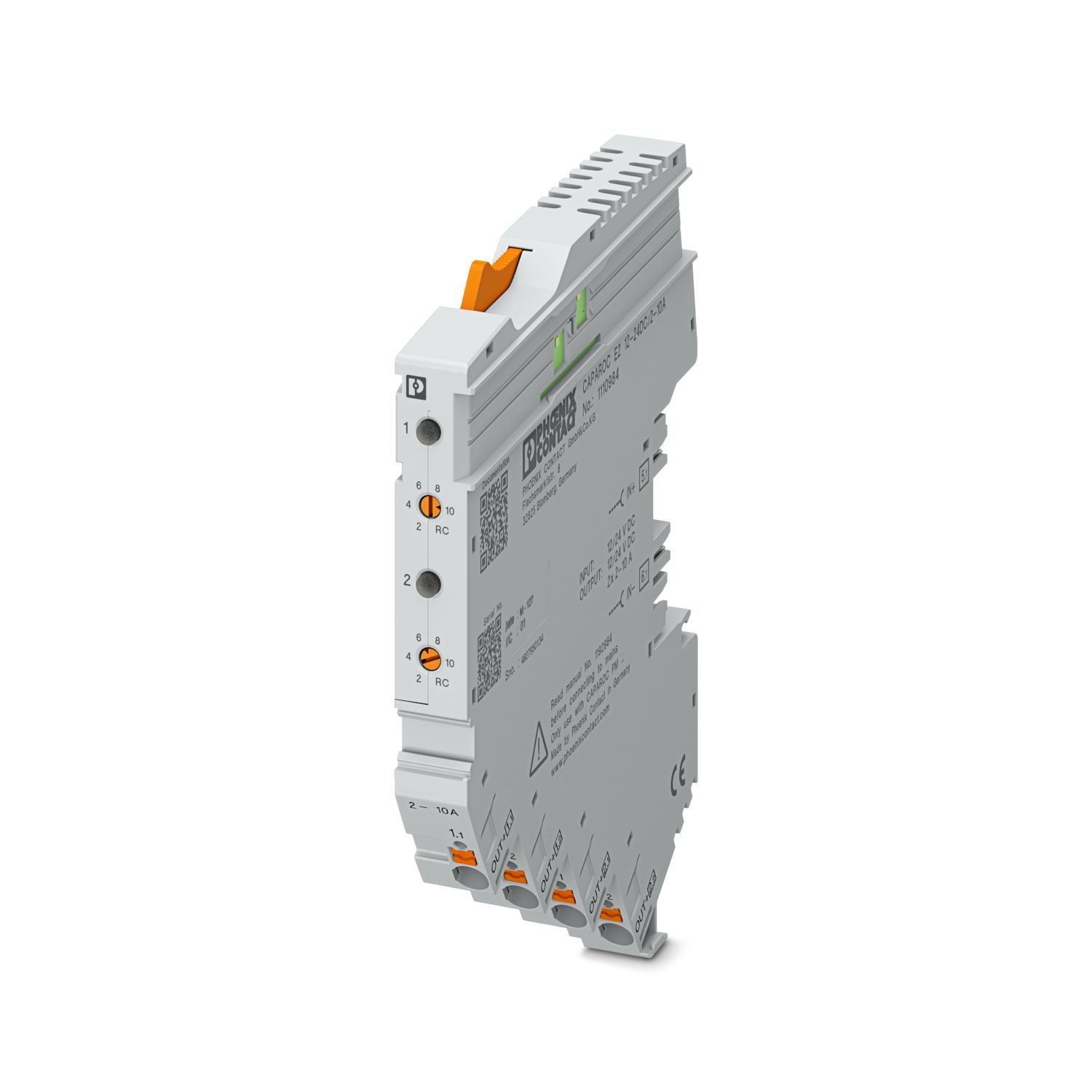
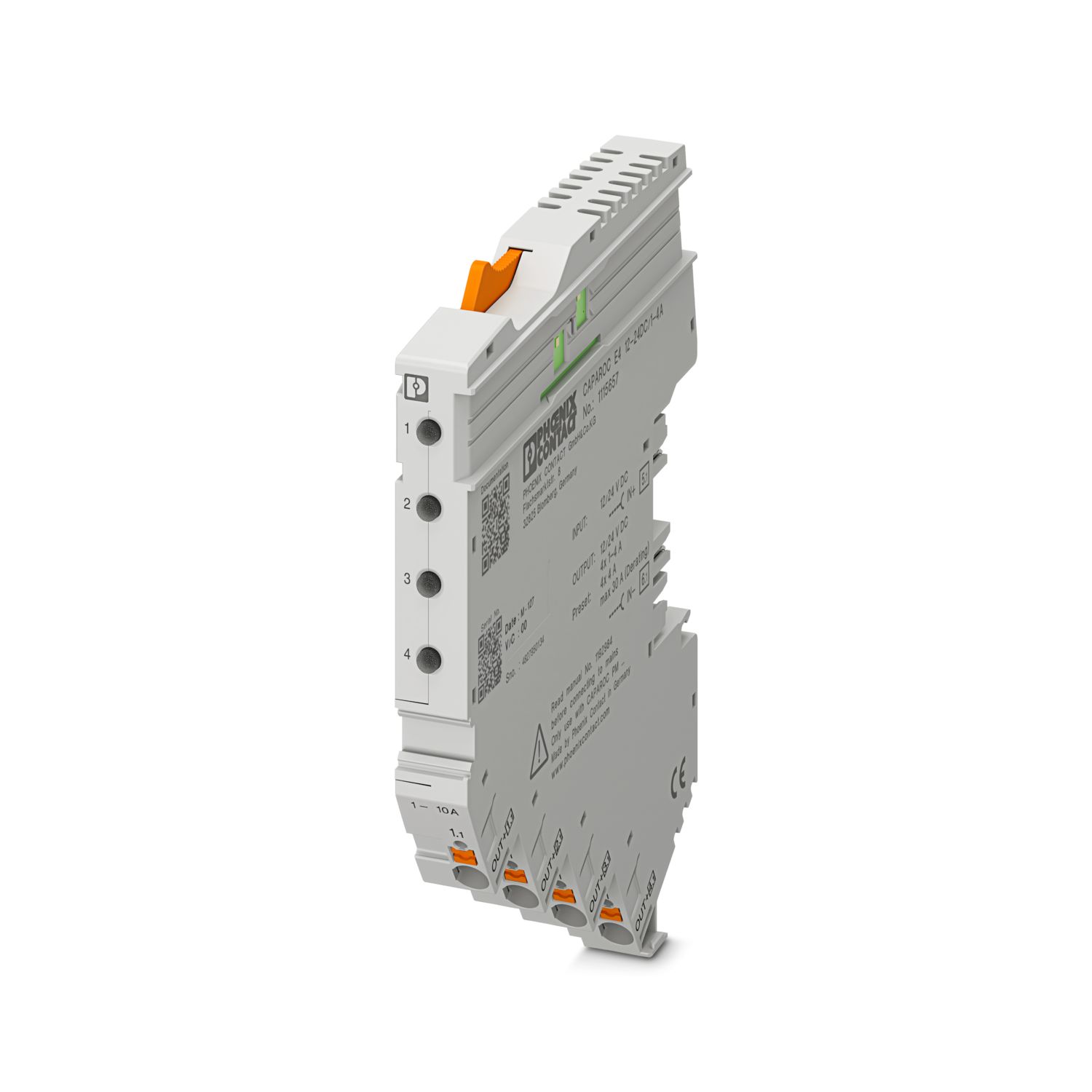
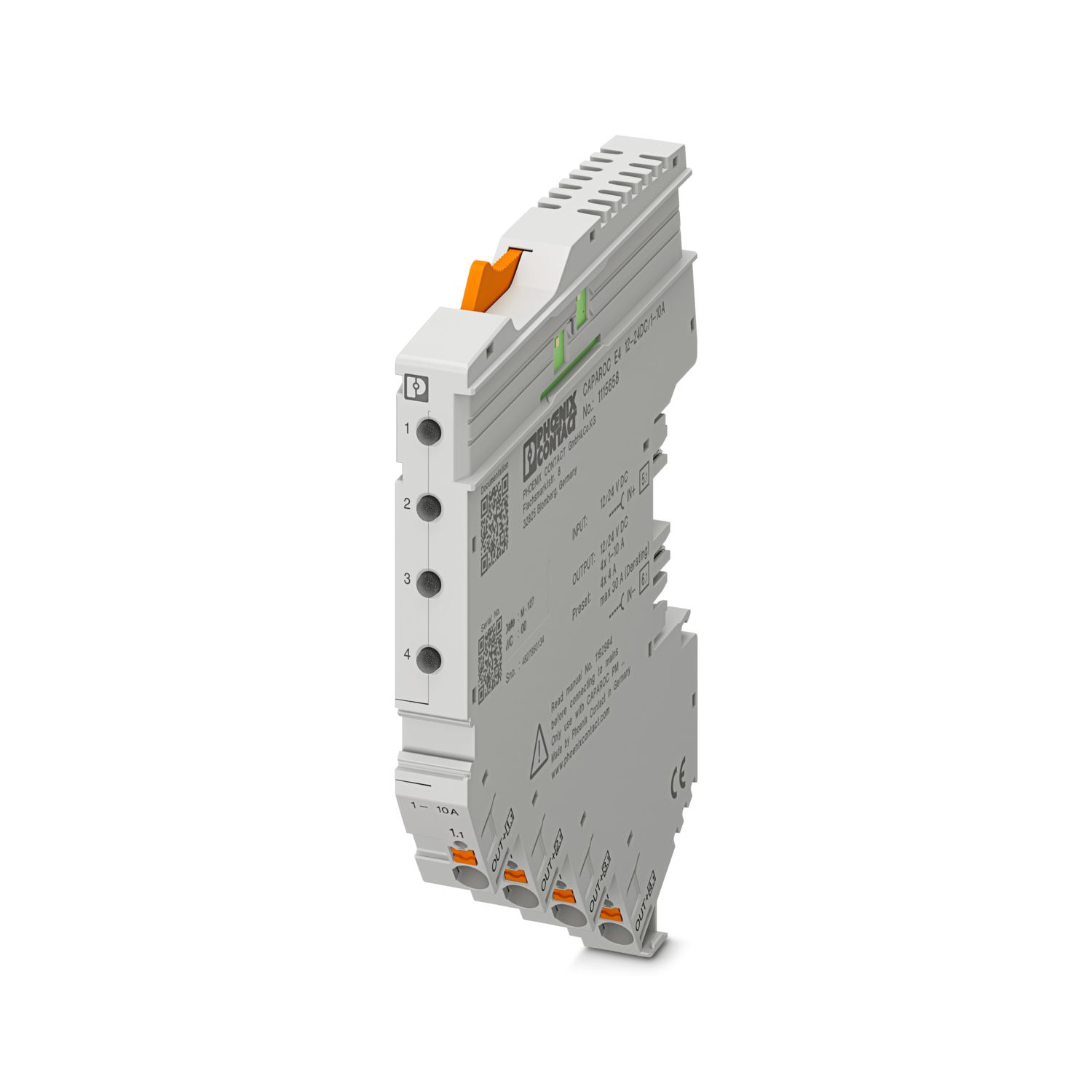
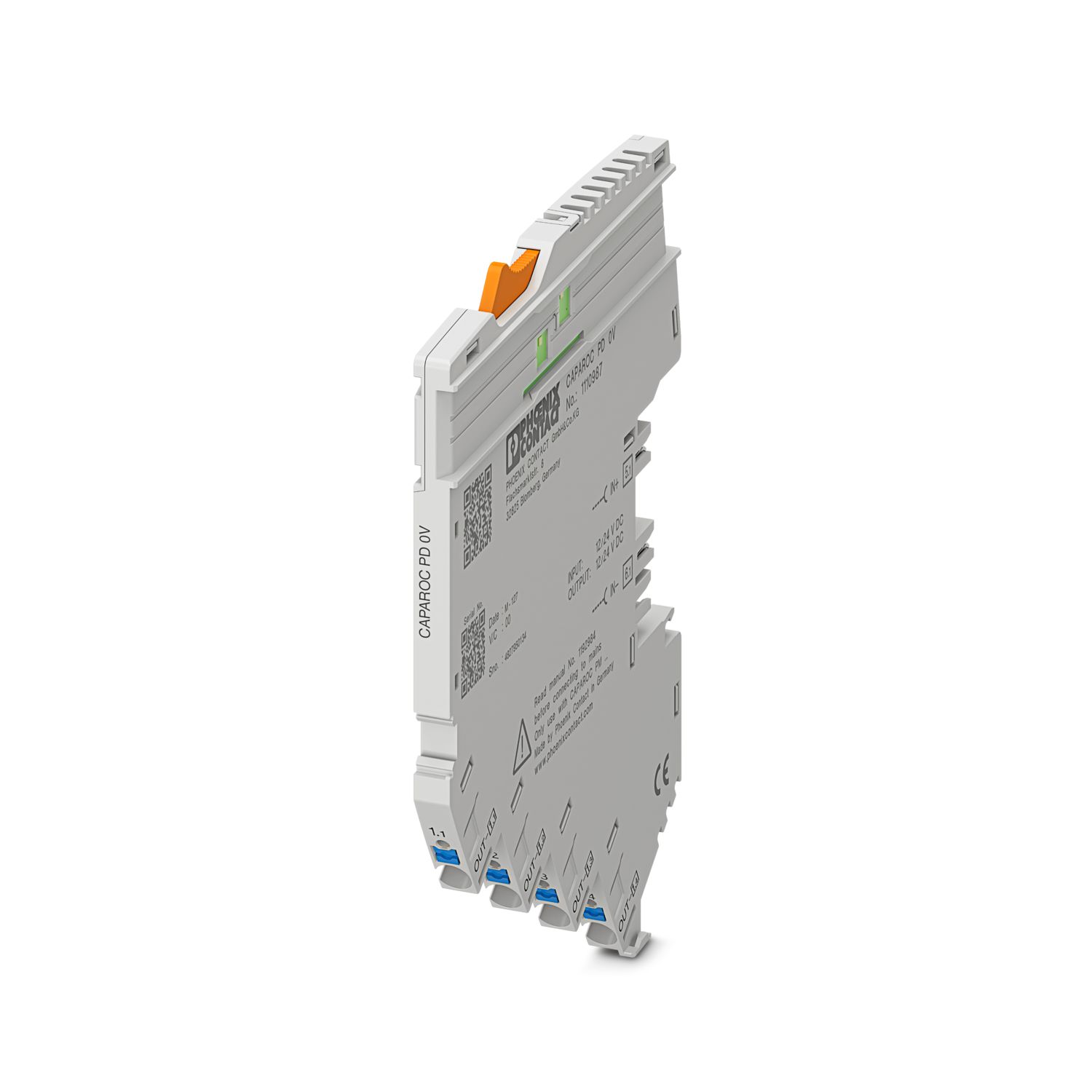
Uw voordelen
De personaliseerbare standaard dankzij de selectie van eenvoudige signalen en reset tot en met de EtherNet/IP™-communicatie
Zeer eenvoudige bediening voor iedereen dankzij de opbouw zonder gereedschap, directe voeding op de verzamelrail en transparante bedrijfstoestand
Opvallend eenvoudig design-in dankzij het volledig digitale datapakket en de EtherNet/IP™-functieblokken voor Studio 5000
Vaak gestelde vragen
Bestaat er een hardwaretutorial waarin de functies van CAPAROC worden uitgelegd?
Ja, er is een hardwaretutorial om u te helpen aan de slag te gaan met CAPAROC.... Meer bekijken
Ja, er is een hardwaretutorial om u te helpen aan de slag te gaan met CAPAROC.
Minder bekijkenHoeveel beveiligingsschakelaarmodules kan ik achter een voedingsmodule aansluiten?
CAPAROC PM S-R: 20 beveiligingsschakelaarmodules
CAPAROC PM IOL: 20 kanalen
CAPAROC PM PN: 16 beveiligingsschakelaarmodules
CAPAROC PM EIP: 16 beveiligingsschakelaarmodules
CAPAROC PM MB: 16 beveiligingsschakelaarmodules
CAPAROC PM EC: 16 beveiligingsschakelaarmodules
De kanaal-led knippert om de 4 seconden twee keer geel. Wat betekent dat hier?
Dat betekent dat de interne communicatie met de voedingsmodule onderbroken is of een storing heeft.
Controleer of de modules correct gemonteerd zijn en of er geen opening tussen de modules is. Als de communicatie nog steeds onderbroken is, control...
Meer bekijken
Dat betekent dat de interne communicatie met de voedingsmodule onderbroken is of een storing heeft.
Controleer of de modules correct gemonteerd zijn en of er geen opening tussen de modules is. Als de communicatie nog steeds onderbroken is, controleer dan de zijdelingse contacten van de eerste knipperende module (links). Als die verbogen zijn, te ver in de module gestoken, niet in de behuizingsopening gecentreerd of op een andere manier beschadigd, vervang dan de module.
Kan ik de instelling van de ingestelde stromen blokkeren?
De stromen kunnen op verschillende manieren geblokkeerd worden:
1. Programmeerblokkering: druk de toets PWR op de voedingsmodule gedurende > 3 seconden in, de PWR led knippert 3 x geel, de instellingen zijn nu geblokkeerd. Door opnieuw indrukke...
Meer bekijken
De stromen kunnen op verschillende manieren geblokkeerd worden:
1. Programmeerblokkering: druk de toets PWR op de voedingsmodule gedurende > 3 seconden in, de PWR led knippert 3 x geel, de instellingen zijn nu geblokkeerd. Door opnieuw indrukken gedurende > 3 seconden knippert de led 3 keer groen en wordt de blokkering weer opgeheven.
2. De blokkering kan ook via de communicatie-interface worden ingesteld en opgeheven. Hier kan ook de bedieningsblokkering worden ingesteld die de bediening en instellingen op het apparaat verhindert. De blokkering kan dan alleen nog via de interface worden opgeheven.
Biedt het systeem voor apparatenbeveiligingsschakelaars CAPAROC functieblokken?
Ja, er zijn functieblokken voor de voedingsmodule met PROFINET-interface voor het TIA portaal en CODESYS in het downloadgedeelte van het artikel, evenals voor PLCnext Engineer in de PLCnext Store.