
CAPAROC PM PN
-
电源模块
1110986
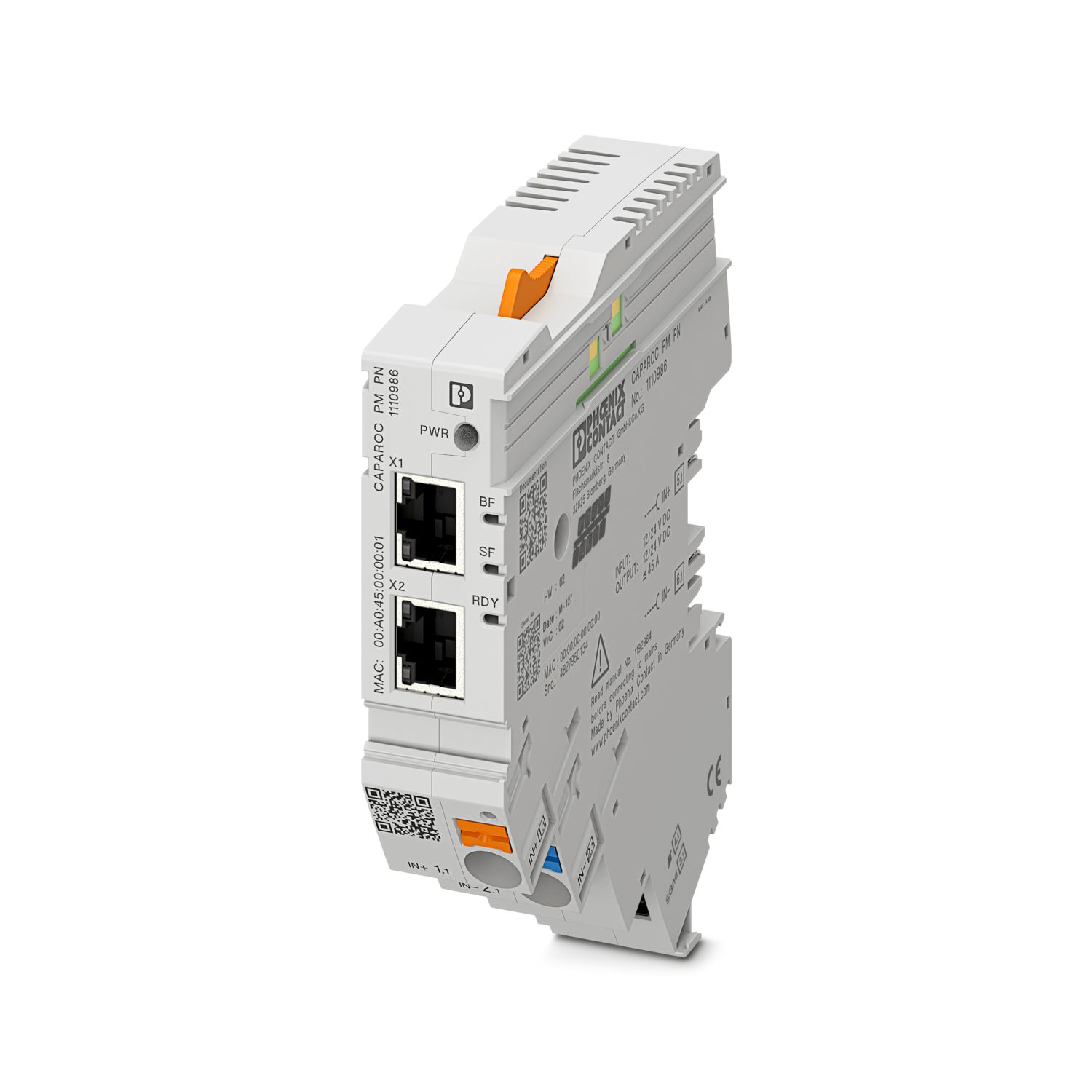
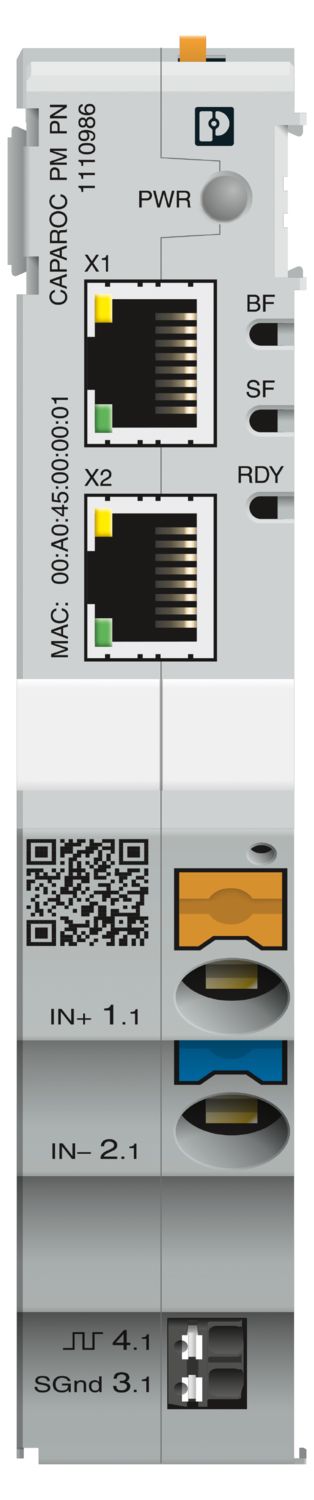
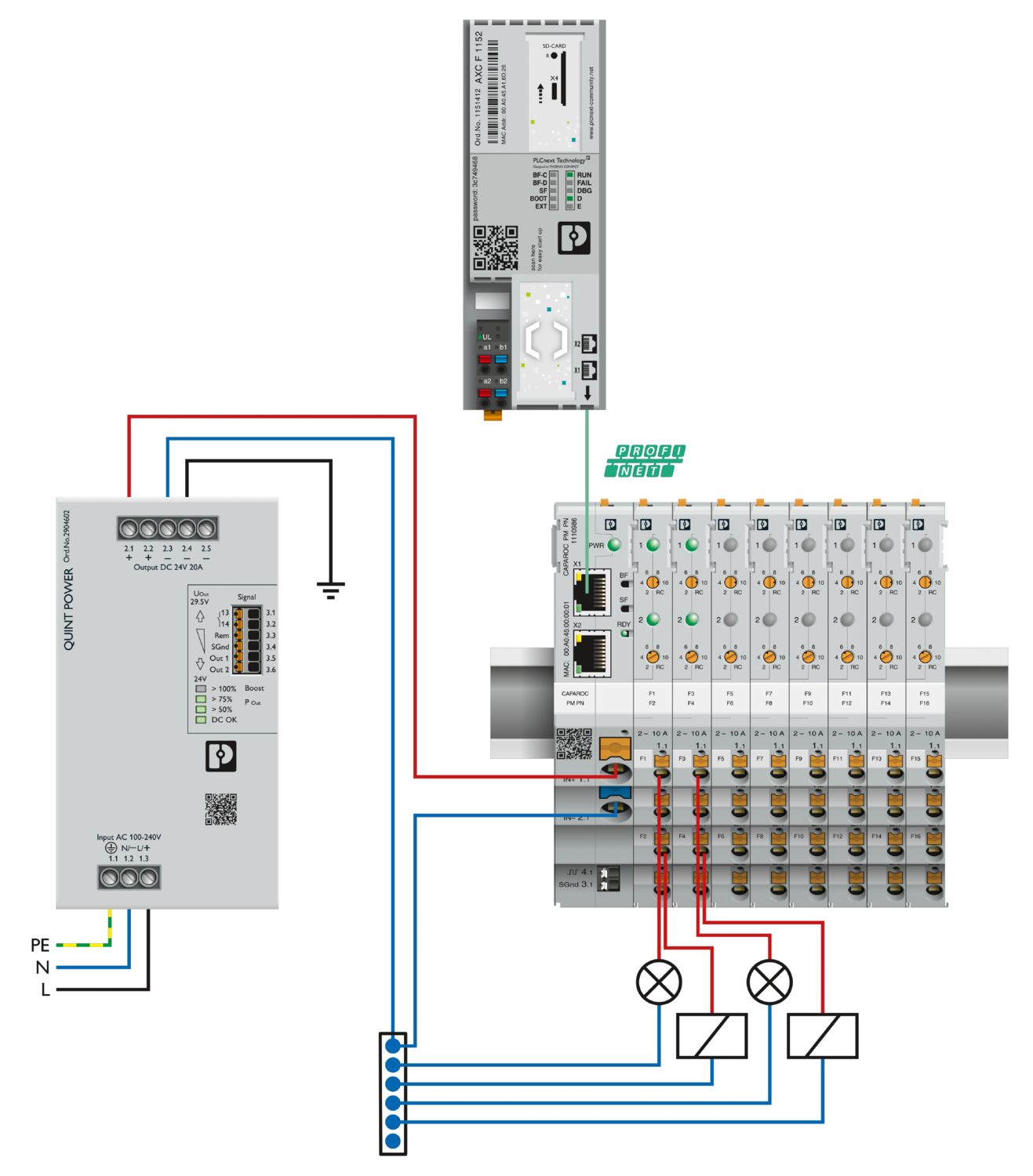
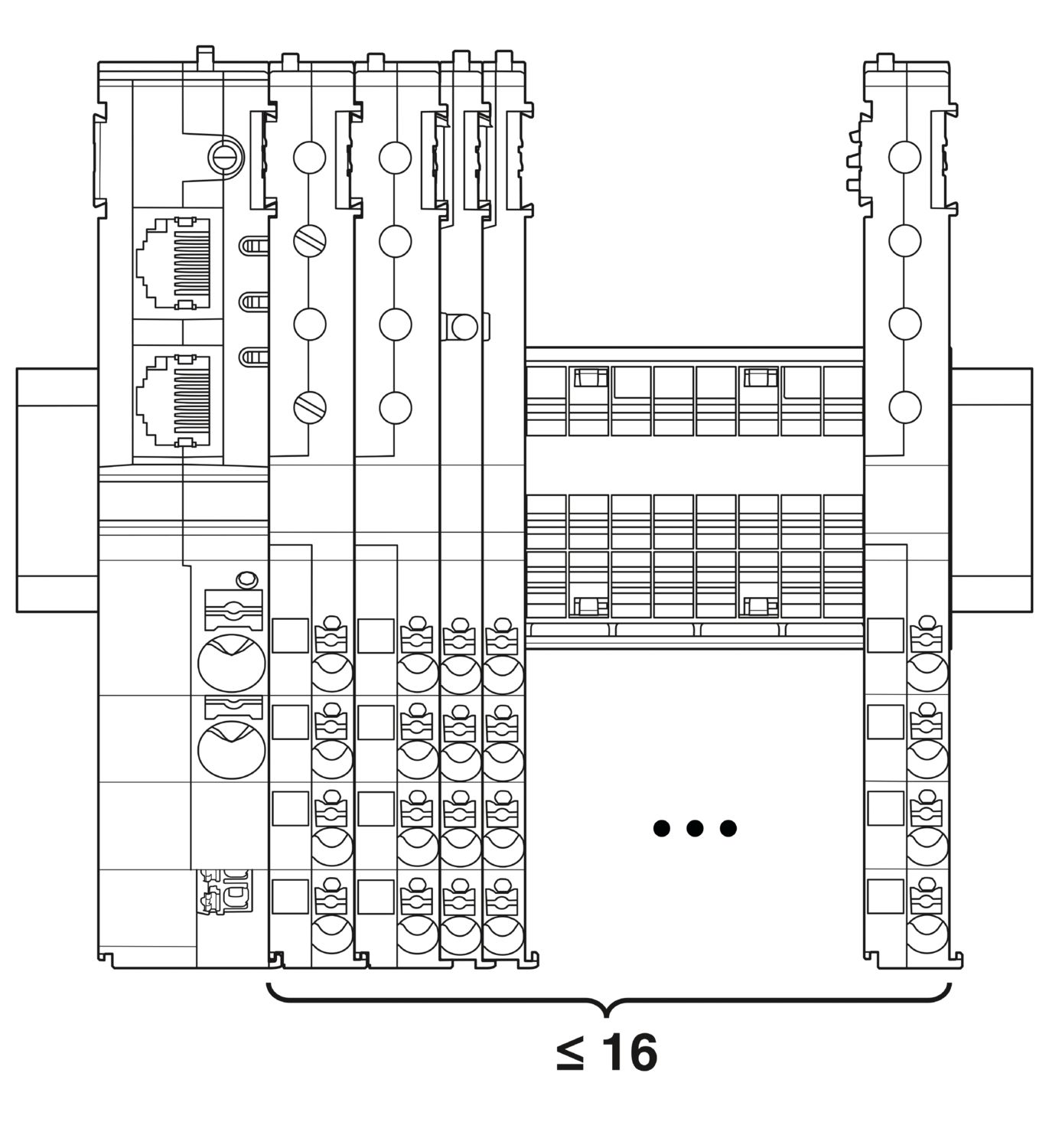
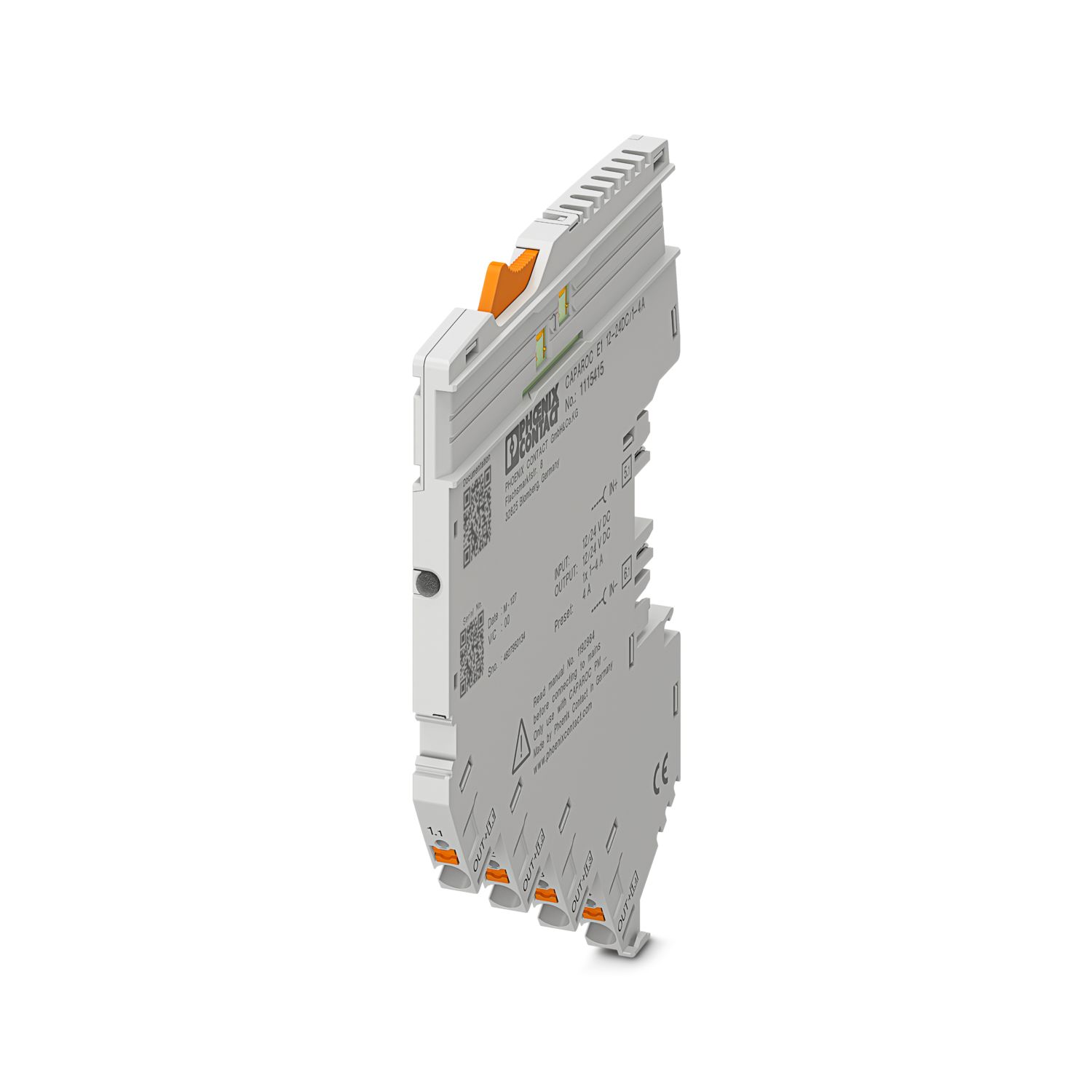
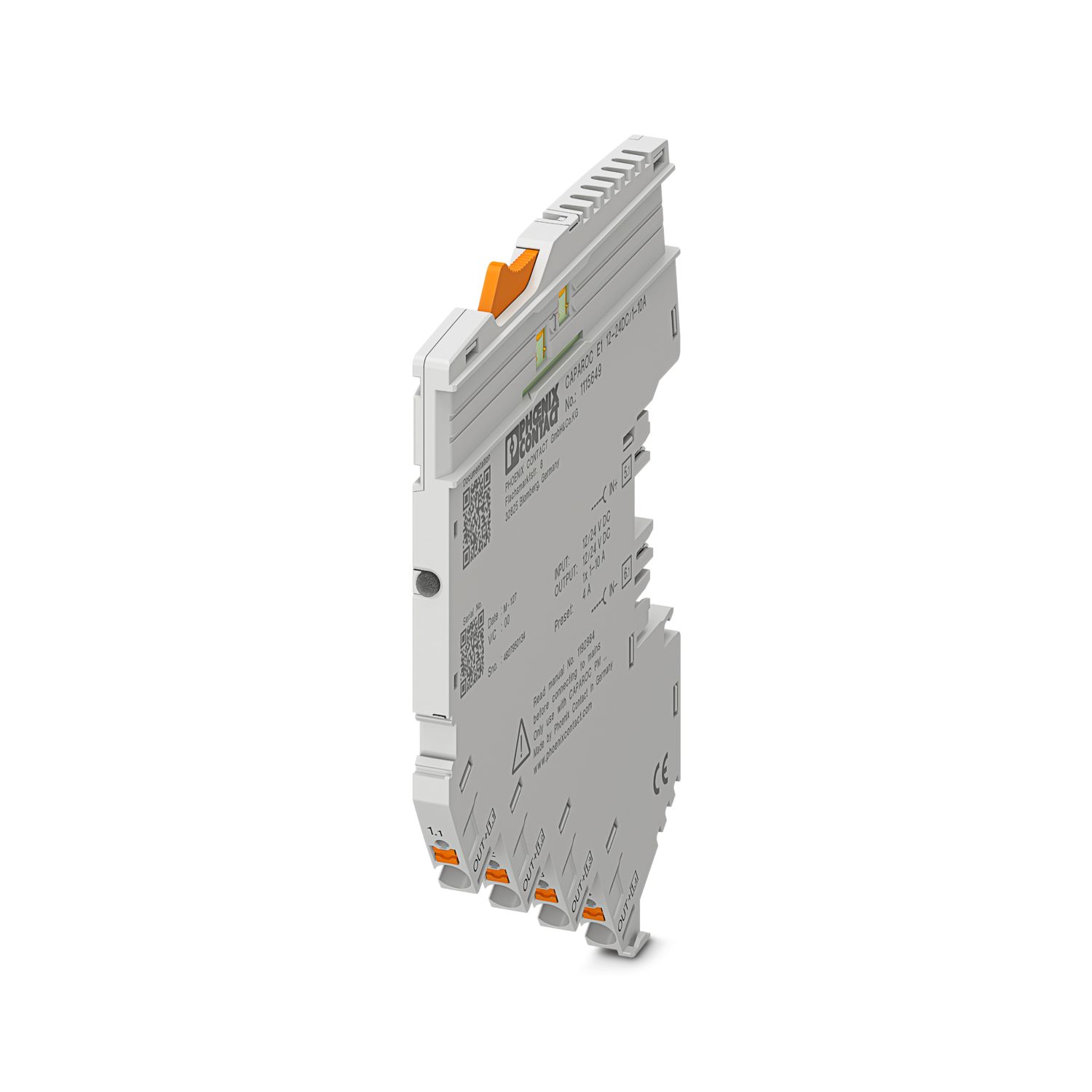
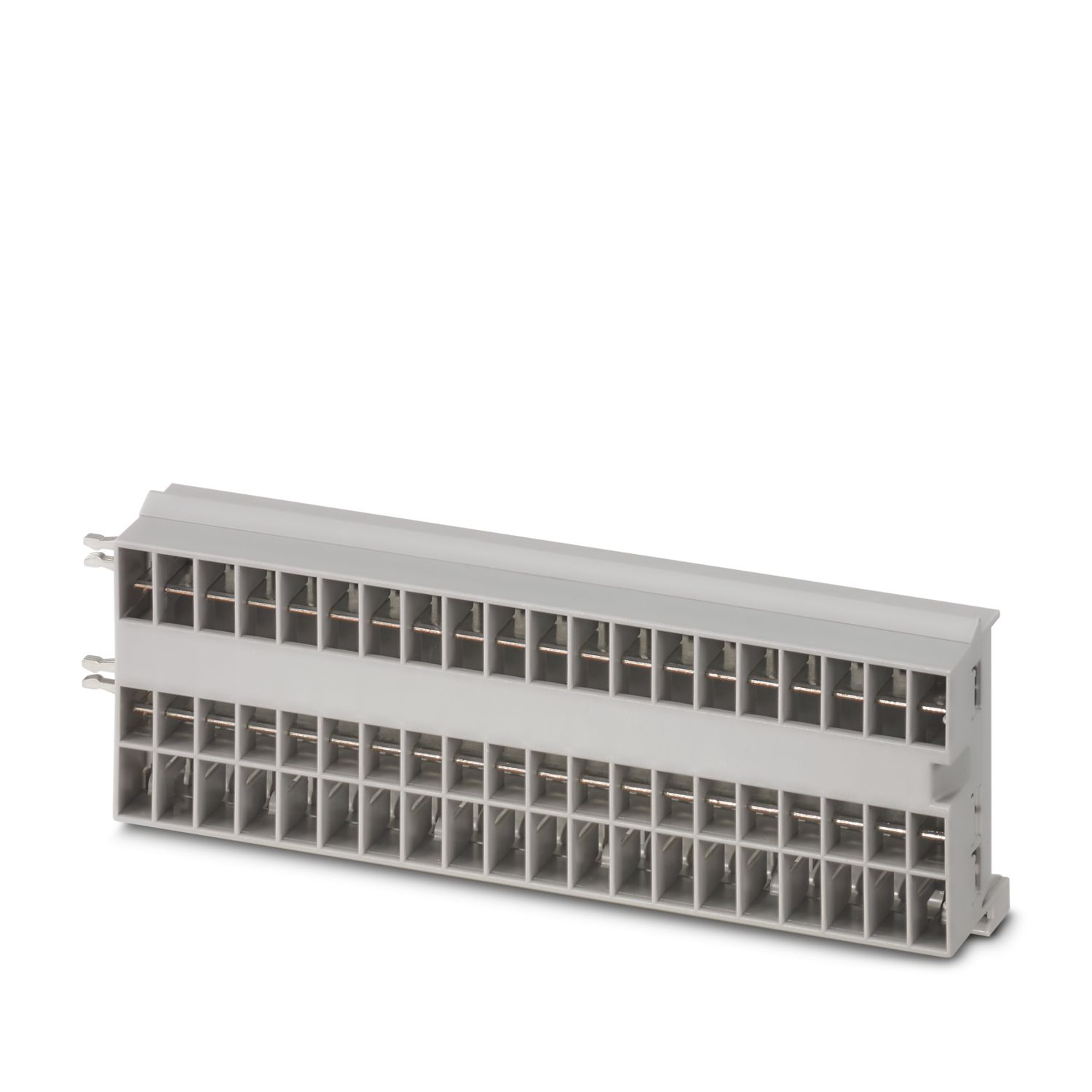
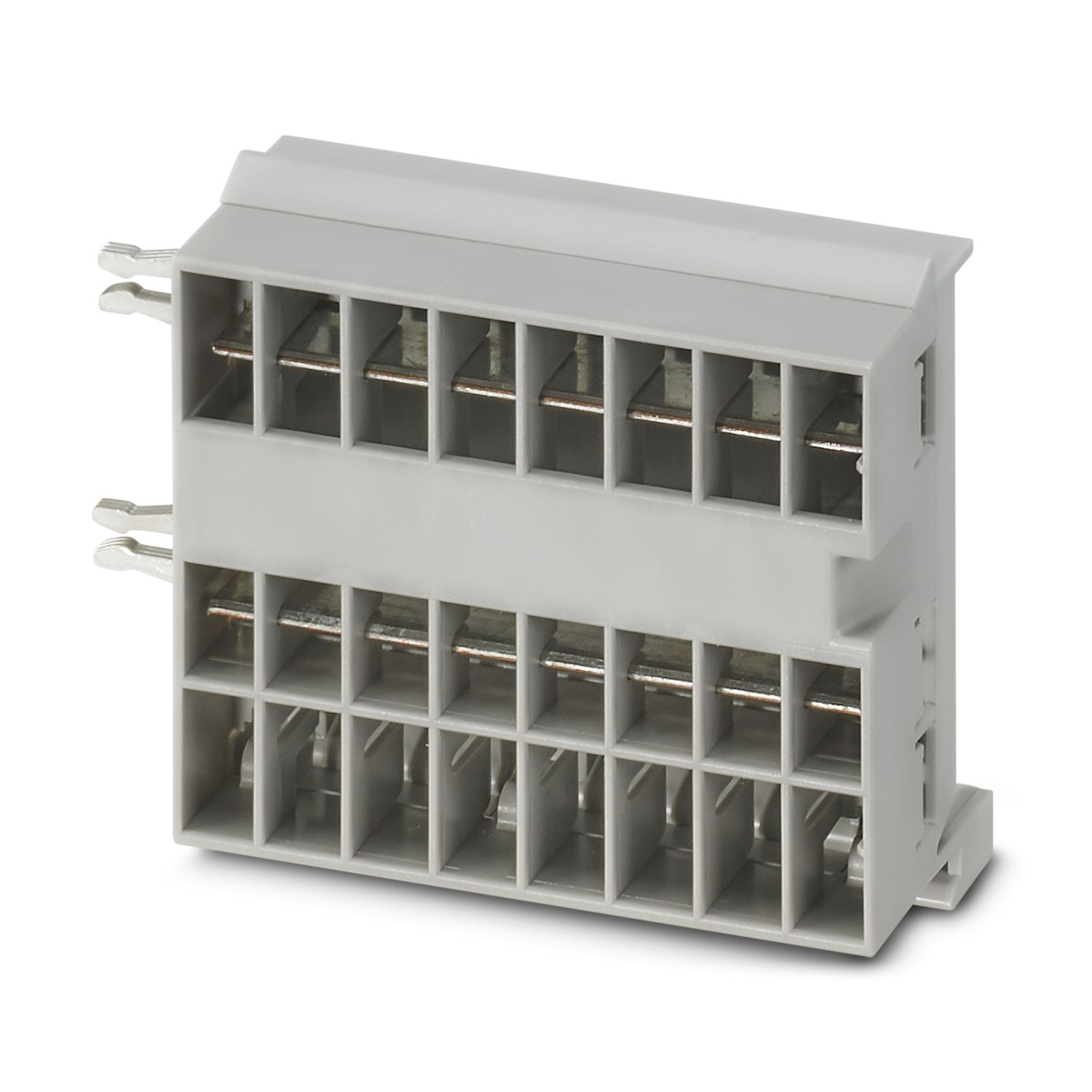
电源模块带PROFINET接口,用于为CAPAROC设备断路器系统供应12 V DC或24 V DC。额外的系统接口可用于与电源进行通信。适用于通过CAPAROC汇流条进行DIN导轨安装。
该产品需搭配其他产品才可正常运行。
必选附件
提供免费下载。
下载
产品详情
| 概述 | |
| 注意事项 | LABS释放——符合测试规范VW PV 3.10.7:2005-0 |
| 接线时,请确保CAPAROC模块未因拉力脱落。模块须紧密相邻。 | |
| 产品类型 | 设备断路器 |
| 产品系列 | CAPAROC |
| 类型 | 插拔式模块 |
| 插槽数目 | 4 |
| 绝缘特性 | |
| 保护等级 | III |
| 污染等级 | 2 |
| PROFINET | |
| 设备功能 | PROFINET设备 |
| 规范 | PROFINET-IO RT/IRT, Spec. 2.x |
| Conformance Class | Conformance Class C |
| 冗余功能 | MRP (Media Redundancy Protocol) |
| 概述 | |
| 工作电压 | 10 V DC ... 30 V DC |
| 额定电压 | 12 V DC |
| 24 V DC | |
| 标称工作电流IN | 45 A (总电流入口) |
| 额定过电压 | 0.5 kV |
| 分断方法 | E (电子) |
| 反馈电阻 | 最大 35 V DC |
| 介电强度 | 35 V DC (负载电路) |
| 效率 | > 99 % |
| 闭路电流 I0 | 典型值 85 mA (24 V时无负载) |
| 功耗 | 典型值 2 W (24 V时无负载) |
| < 3.6 W (40 A时) | |
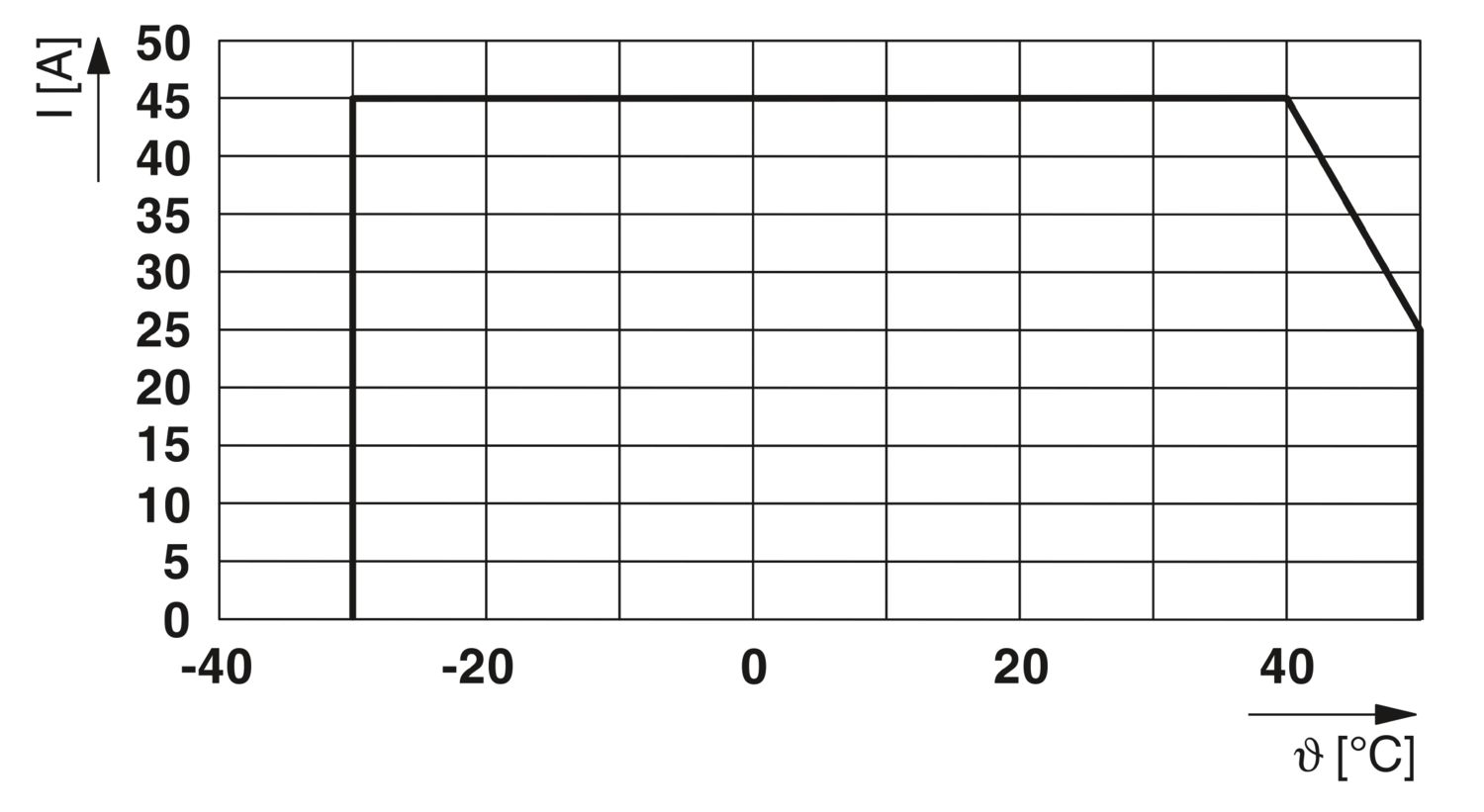
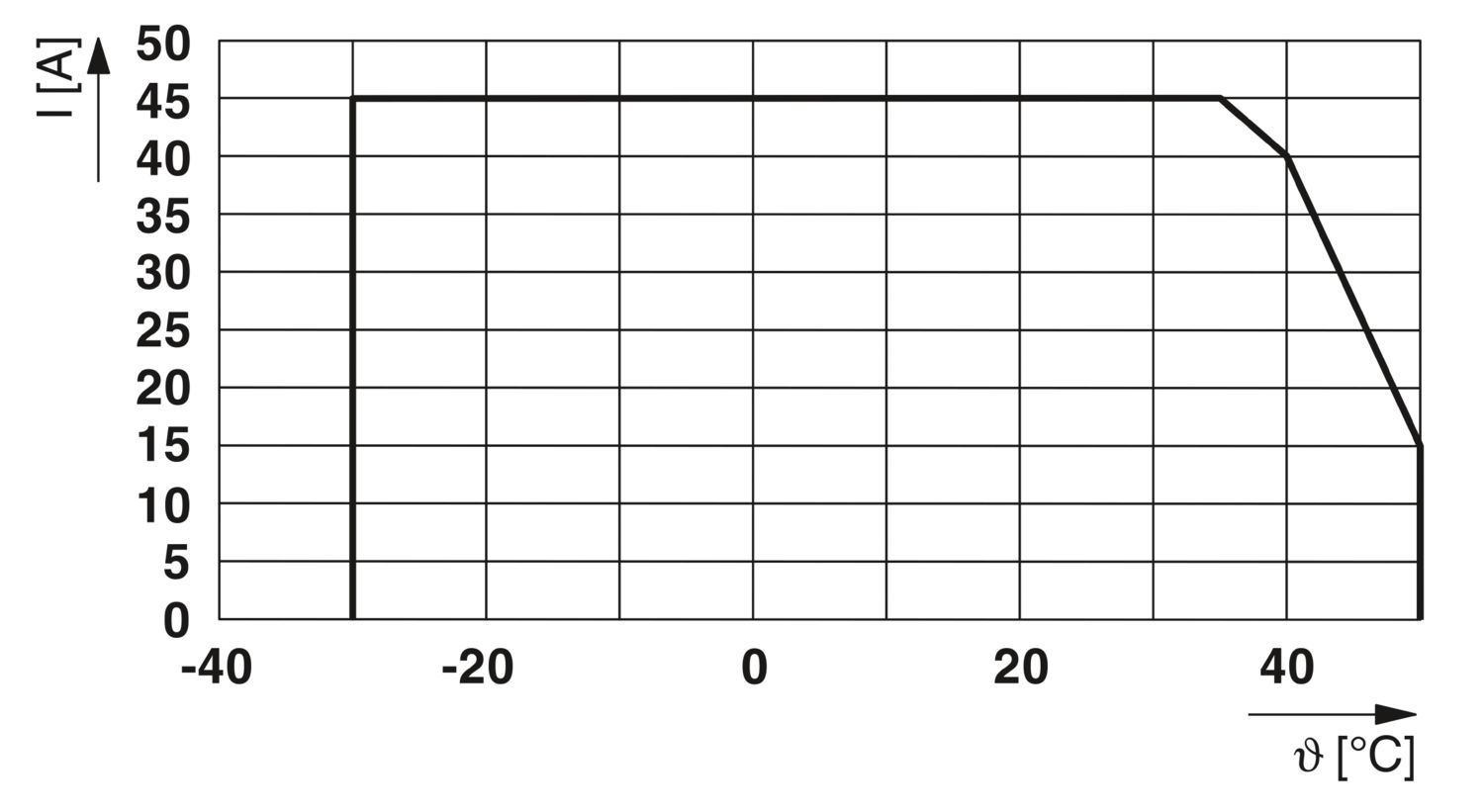
| 温度衰减 | 45 A (在 35°C时的总电流) |
| 40 A (40°C时的总电流) | |
| 15 A (50 C时的总电流) | |
| MTBF (IEC 61709, SN 29500) | 3985174.15 h (25 °C、21 %负载时) |
| 1760834.9 h (40 °C,34.25 %负载时) | |
| 601892.76 h (在35 °C下,100 %负载时) | |
| 电压压降 | 0.048 V (40 A时) |
| 负载电路 | |
| 欠压关闭 | ≤ 9.2 V DC (有源) |
| ≥ 10.2 V DC (无源) | |
| 过电压关闭 | ≥ 30.5 V DC (有源) |
| ≤ 29.5 V DC (无源) | |
| 主电路IN+ | |
| 连接方式 | 直插式连接 |
| 剥线长度 | 18 mm |
| 可连接导向横截面 AWG | 20 ... 8 |
| 柔性导线横截面,带套管,带塑料绝缘套管 | 0.5 mm² ... 16 mm² |
| 柔性导线横截面,带不含绝缘套管的冷压头 | 0.5 mm² ... 16 mm² |
| 主电路IN- | |
| 连接方式 | 直插式连接 |
| 剥线长度 | 18 mm |
| 可连接导向横截面 AWG | 20 ... 8 |
| 柔性导线横截面,带套管,带塑料绝缘套管 | 0.5 mm² ... 16 mm² |
| 柔性导线横截面,带不含绝缘套管的冷压头 | 0.5 mm² ... 16 mm² |
| 系统通信 | |
| 连接方式 | 直插式连接 |
| 剥线长度 | 8 mm |
| 刚性导线横截面 | 0.2 mm² ... 1.5 mm² |
| 可连接导向横截面 AWG | 24 ... 16 |
| 柔性导线横截面,带套管,带塑料绝缘套管 | 0.2 mm² ... 0.75 mm² |
| 柔性导线横截面,带不含绝缘套管的冷压头 | 0.2 mm² ... 1.5 mm² |
| PROFINET | |
| 最大系统扩展 | ≤ 16 (CAPAROC模块可并排安装) |
| 支持的协议 | PROFINET |
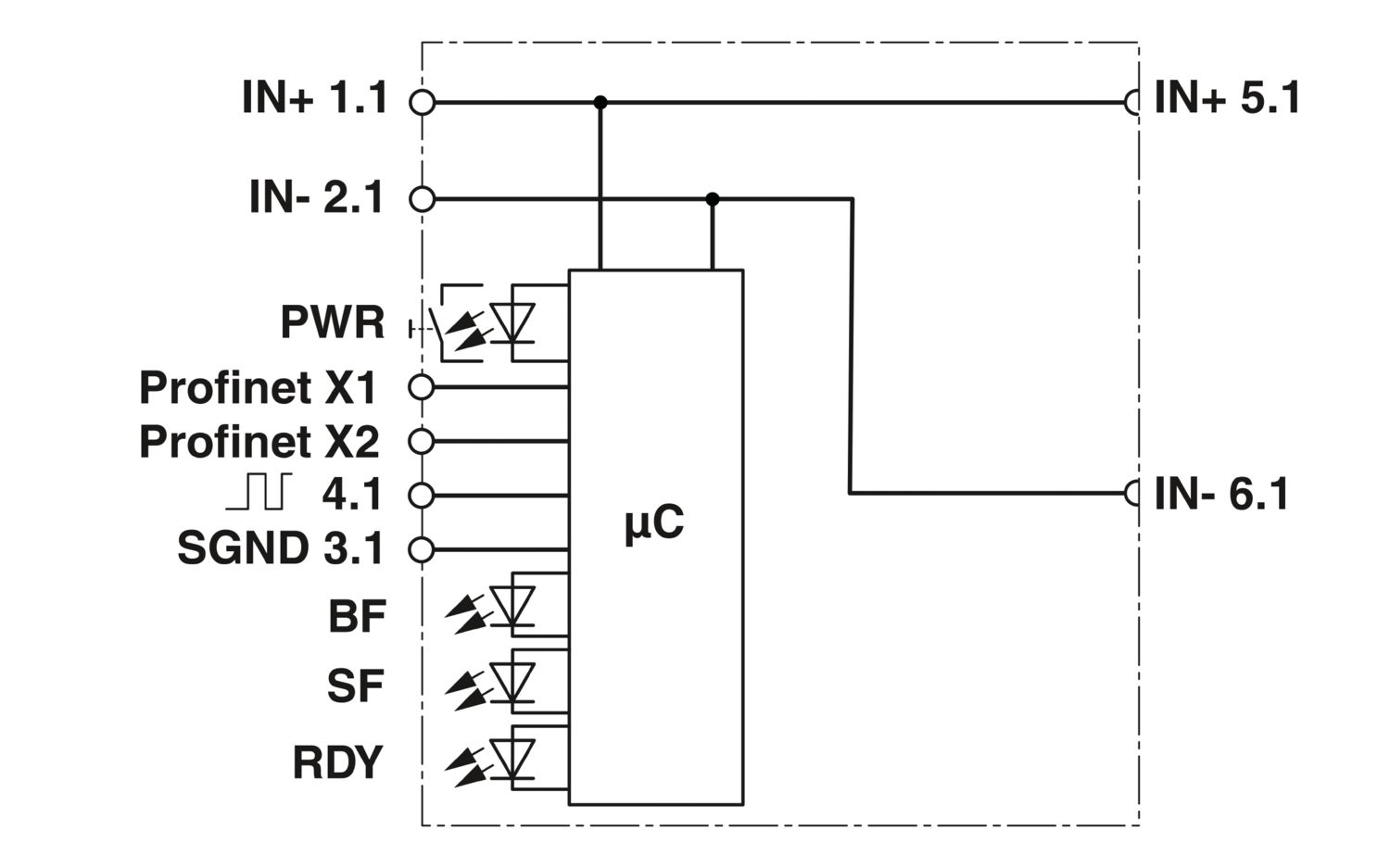
| 连接 X1 LED绿灯 | 闪烁 (连接) |
| 连接 X1 LED黄灯 | 闪烁 (流量) |
| 连接 X2 LED绿灯 | 闪烁 (连接) |
| 连接 X2 LED黄灯 | 闪烁 (流量) |
| PROFINET总线故障 (BF) LED红灯 | 闪烁 (连接状态不可用) |
| 闪烁 (连接状态正常,与PROFINET控制器之间没有通信连接) | |
| 关 (与PROFINET控制器之间建立有效通信连接) | |
| PROFINET群组错误 (SF) LED红灯 | 闪烁 (PROFINET错误) |
| 关 (无PROFINET错误) | |
| PROFINET准备就绪 (RDY) LED绿灯 | 闪烁 (操作正确) |
| 闪烁 (等待应用程序启动) | |
| 关 (操作不正确) | |
| 电源 (PWR) LED绿灯 | 闪烁 (供电电压) |
| 电源 (PWR) LED红灯 | 闪烁 (额定范围外的电源电压) |
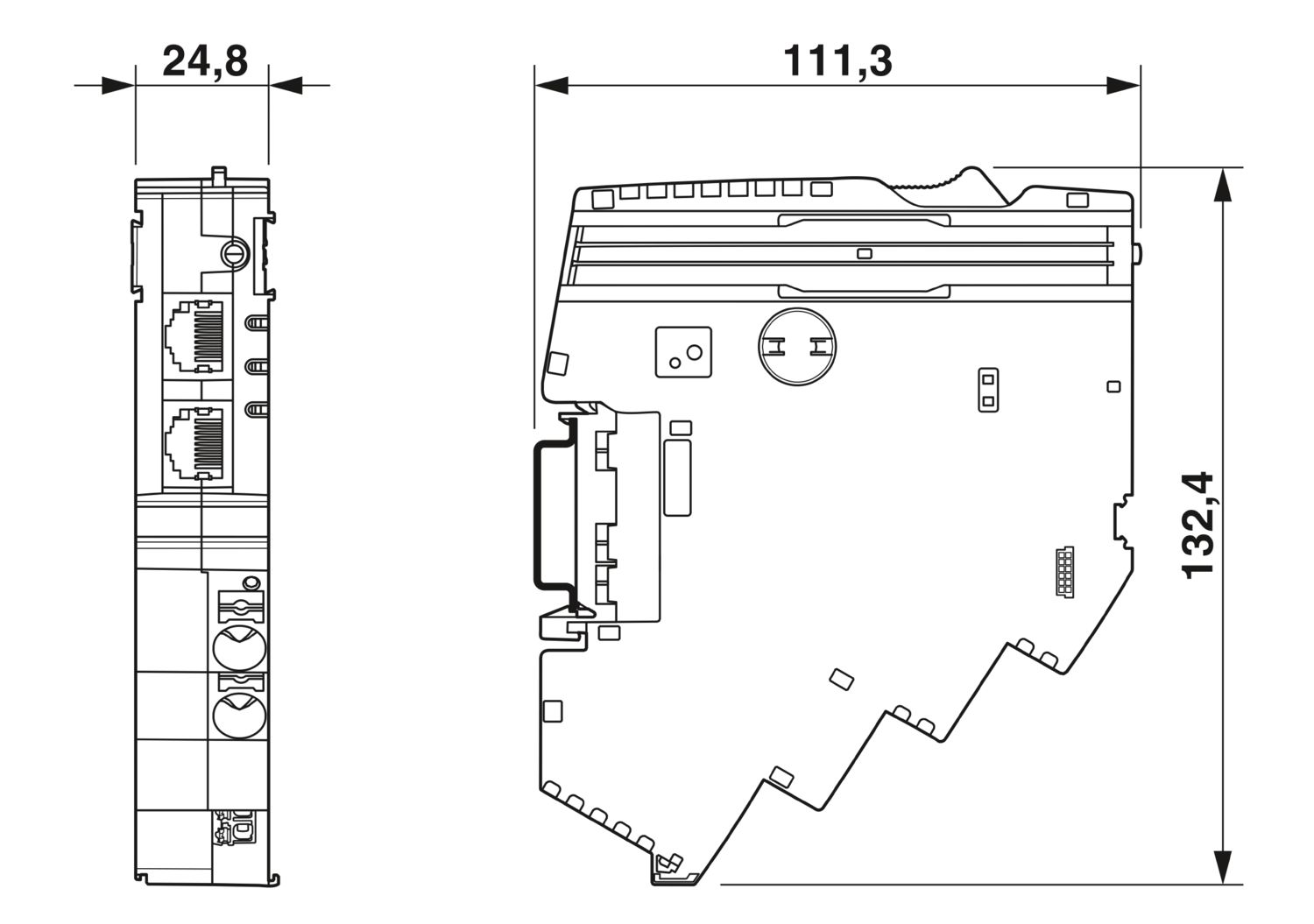
| 尺寸图 |
|
| 宽度 | 24.8 mm |
| 高度 | 132.4 mm |
| 深度 | 111.3 mm (7.5 mm(含DIN导轨)) |
| 颜色 | 浅灰 (RAL 7035) |
| 标识材料 | PA 6 |
| PA 6 | |
| PA 6 | |
| PC | |
| 阻燃等级,符合UL 94 | V-0 |
| 环境条件 | |
| 保护等级 | IP20 |
| 环境温度(运行) | -30 °C ... 50 °C |
| 环境温度(存放/运输) | -40 °C ... 70 °C |
| 海拔 | ≤ 4000 m (amsl) |
| 湿度测定 | 96 h,95 % RH,40 °C |
| 冲击力(运行) | 30g (11 ms周期,半正弦冲击脉冲,符合IEC 60068-2-27标准) |
| 25g (持续6 ms,符合IEC 60068-2-27标准的半正弦冲击脉冲,持续冲击) | |
| 振动(操作) | 5g (10 Hz ... 150 Hz / 10 次 / 轴 / X、Y、Z) |
| UL认证 | |
| 标识 | UL/C-UL Listed UL 508 |
| UL 121201 Class I, Division 2, Groups A, B, C, D, T4A | |
| 腐蚀性气体测试 | |
| 标识 | ISA S71.04.2013 G3 Harsh Group A |
| 标准/规格 | EN 61000-6-2 |
| 注意事项 | 电磁兼容 – 工业区域的抗干扰性 |
| 标准/规格 | EN 61000-6-3 |
| 注意事项 | 电磁兼容 – 住宅、商业和商业物业及小型企业的排放 |
| 标准/规格 | EN 60068-2-78 |
| 注意事项 | 环境影响 – 湿度和热,恒定 |
| 标准/规格 | EN 50178 |
| 注意事项 | 电源装置配备电子设备 |
| 标准/规格 | EN 60068-2-6 |
| 注意事项 | 环境影响 – 振动(正弦) |
| 标准/规格 | EN 60068-2-27 |
| 注意事项 | 环境影响 – 冲击 |
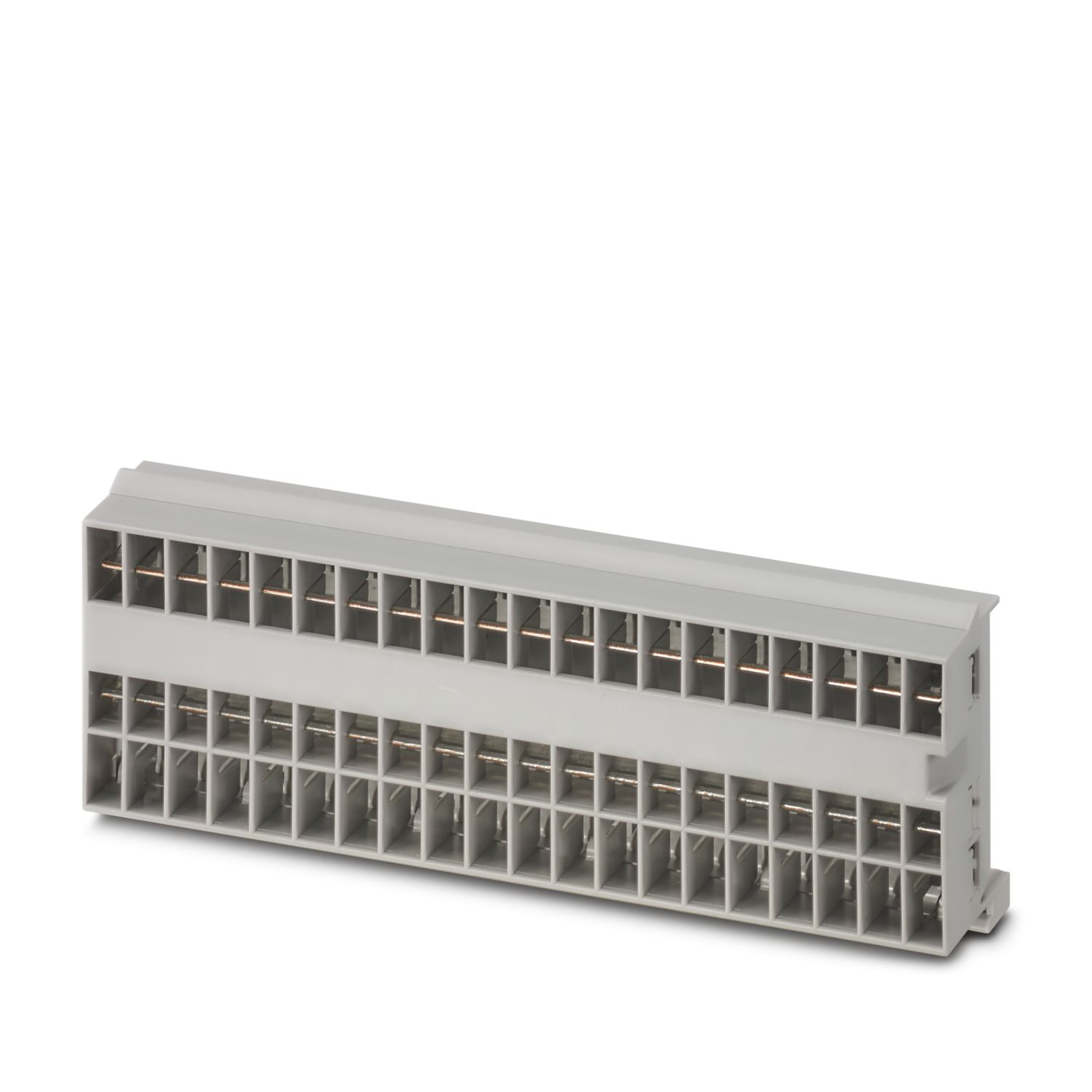
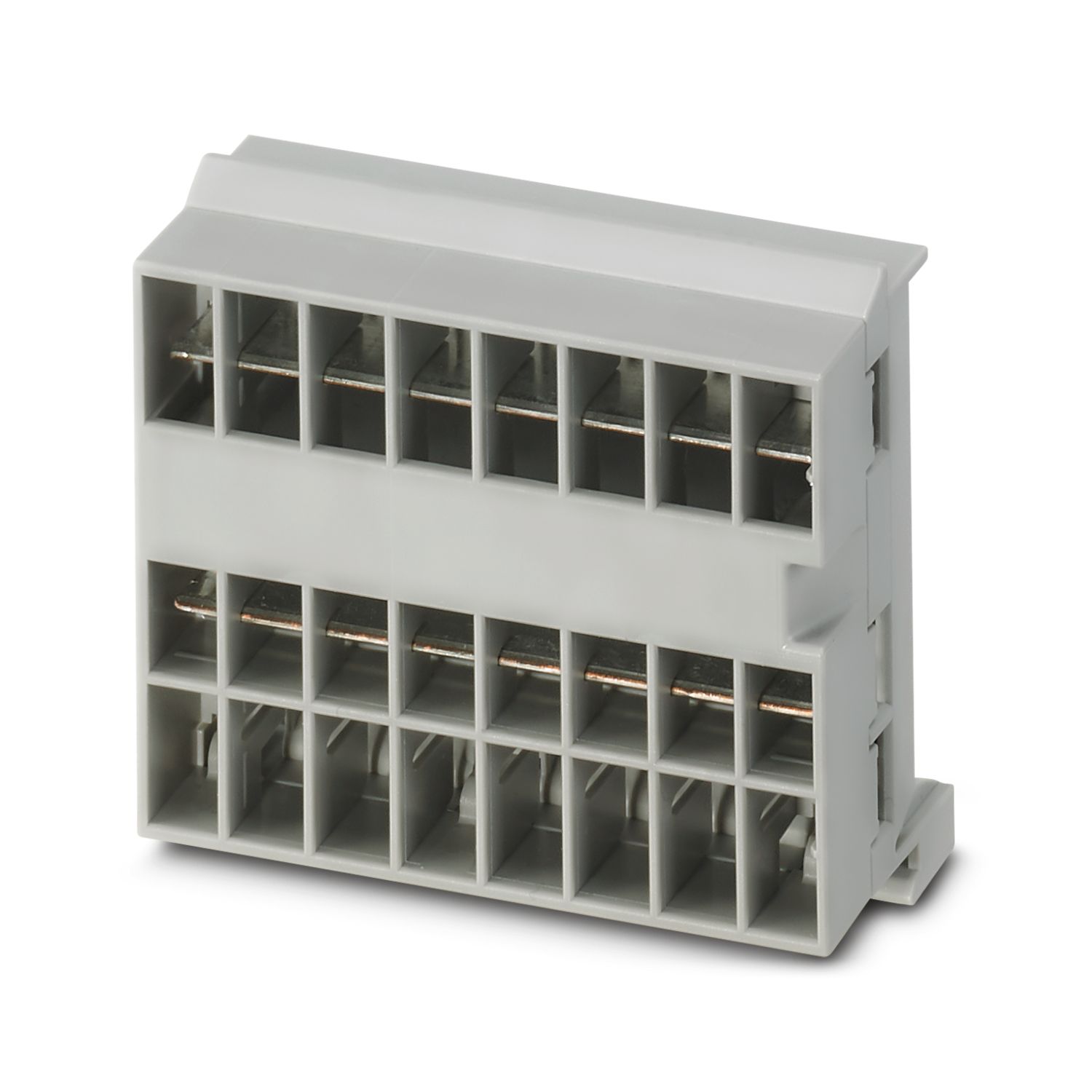
| 安装类型 | 可插接在CAPAROC CR…汇流条上 |

优势
您可以通过选择单个信号自定义基准,并一直复位至PROFINET通讯
无需工具即可组装、直接馈入汇流条,以及清晰的运行状态,任何人都可以轻松操作
采用全面的数字数据包和PROFINET功能块,设计非常简单
常见问题
可以连接多少个汇流条?
可连接任意数量的汇流条,但可持续流动的最大电流为45 A。
CAPAROC PM PN适用哪些PROFINET系统冗余?
CAPAROC断路器系统适合PROFINET系统冗余S1。
但是,可以通过CAPAROC断路器系统将S2信号转发到控制器。
在哪里可以找到CAPAROC断路器系统的系统手册?
可以在相应产品下载区域的“用户手册”下找到用户手册。
CAPAROC断路器系统是否提供功能块?
是的,在产品的下载区域内,以及在PLCnext Engineer的PLCnext Store中,都可以提供适用于具有适合TIA Portal和CODESYS的PROFINET接口的电源模块功能块。
一个馈电模块的下游可以连接多少个断路器模块?
CAPAROC PM S-R:20个断路器模块
CAPAROC PM IOL:20个通道
CAPAROC PM PN:16个断路器模块
CAPAROC PM EIP:16个断路器模块
CAPAROC PM MB:16个断路器模块
CAPAROC PM EC:16个断路器模块
通道LED每4 秒闪烁两次黄灯。这意味着什么?
这意味着与电源模块的内部通信中断或出现故障。
检查模块是否正确安装,以及模块之间是否存在间隙。如果通信仍然中断,检查第一个闪烁的模块(左侧)的侧面触点,如果其弯曲、过度插入模块、未对准壳体开口中心或存在其他损坏,则更换模块。
是否可以锁定设定电流的设置?
电流可通过不同的方式锁定:
1. 编程锁定:按住电源模块上的PWR 按钮> 3 秒,PWR LED闪烁黄灯3 x,此时设置已锁定。再次按住按钮> 3 秒,LED闪烁绿灯3 次即可解锁。
2. 也可通过通信接口设定和释放锁定;此处也可设置操作锁定,以禁止在设备上进行操作和设置。此后,只能通过接口释放锁定。