
Mais informações sobre a família de produtos CAPAROC podem ser encontradas no manual on-line em phoenixcontact.com/caparoc-help
CAPAROC PM EC
-
Módulo de alimentação
1687560
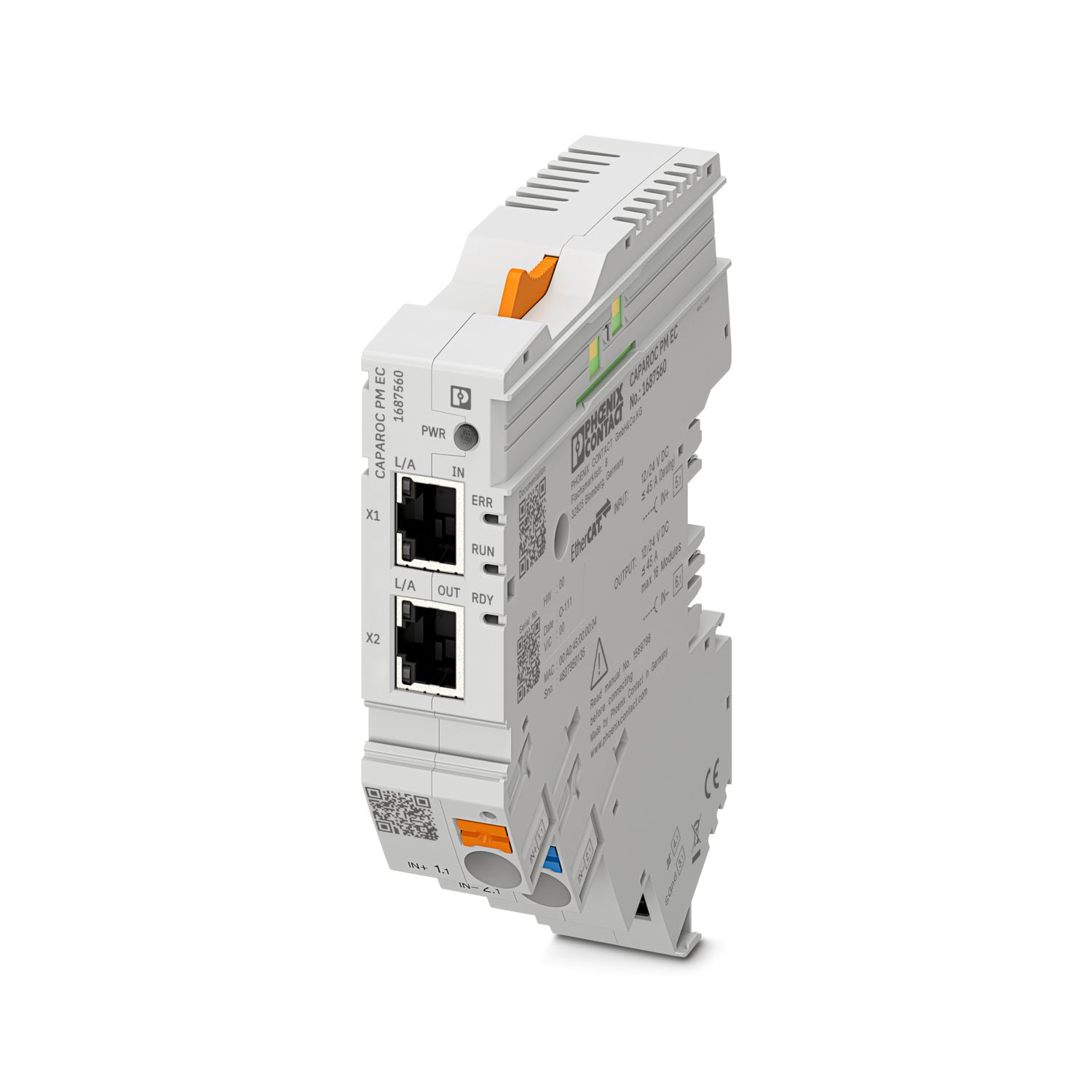

Módulo de alimentação com interface EtherCAT® para a alimentação do sistema de disjuntores de proteção CAPAROC com 12 ou 24 V DC. Interface adicional do sistema para a comunicação com a fonte de alimentação. Para a instalação em trilho de fixação DIN através dos barramentos CAPAROC.
Este produto necessita de outros produtos para a operação.
Acessórios requeridos
Download gratuito disponível.
Downloads
Detalhes do produto
| Indicação sobre a aplicação | No momento, estamos preparando o produto para que ele esteja em conformidade com os requisitos da Lei de Resiliência Cibernética (CRA) da UE a partir de 11 de dezembro de 2027, com base nas informações atualmente disponíveis sobre a CRA. |
| Geral | |
| Nota | Isento de LABS – conforme especificação de teste VW PV 3.10.7:2005-0 |
| Na conexão dos condutores é necessário prestar atenção para os módulos CAPAROC não serem puxados por forças de tração. Não se podem formar fendas entre os módulos. | |
| EtherCAT® é uma marca registrada e uma tecnologia patenteada, licenciada pela Beckhoff Automation GmbH, Alemanha. | |
| Tipo de produto | Disjuntor de proteção de equipamento eletrônico |
| Família de produtos | CAPAROC |
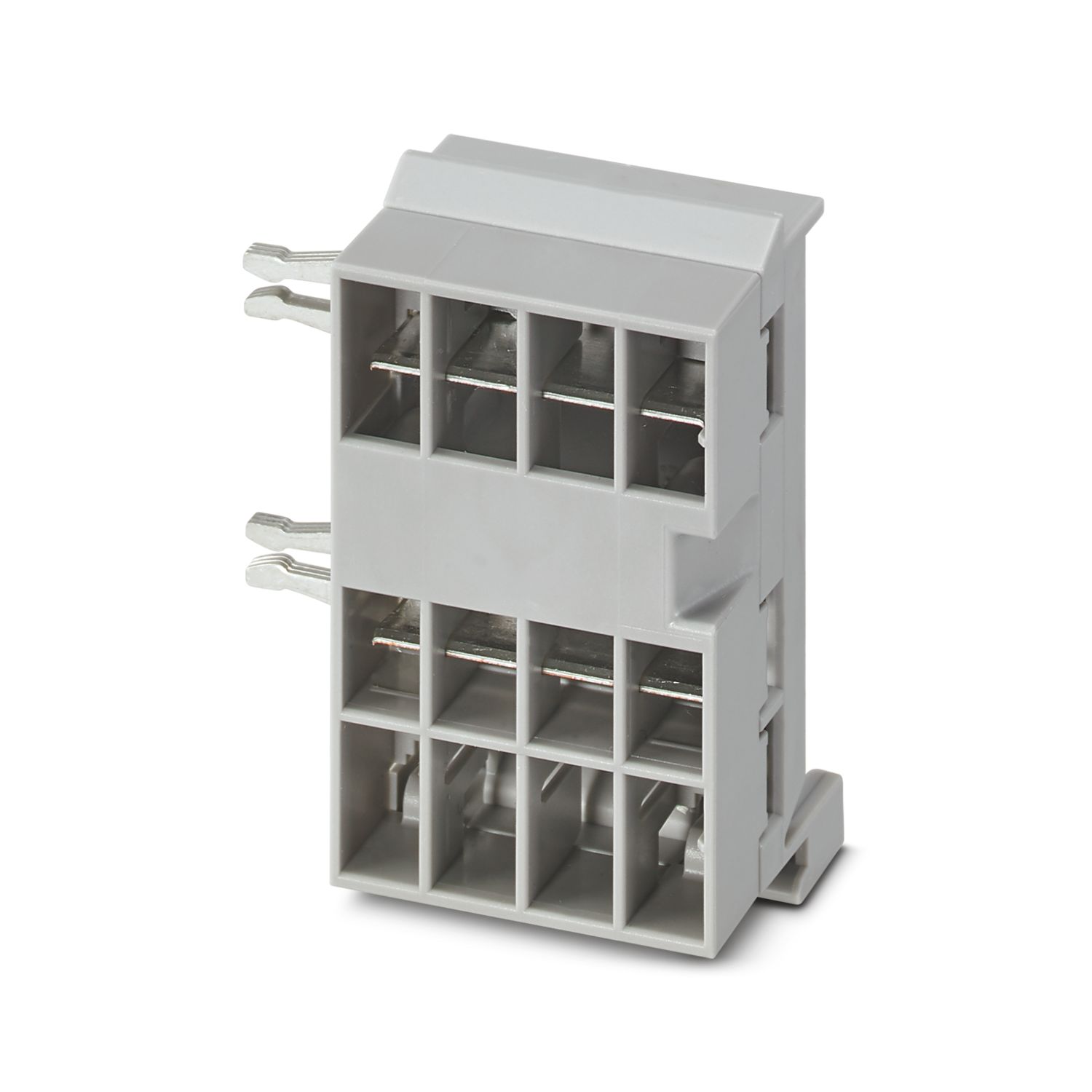
| Formato | Módulo de conexão |
| Número de pontos de encaixe | 4 |
| Propriedades de isolamento | |
| Classe de proteção | III |
| Grau de impurezas | 2 |
| EtherCAT® | |
| Função do aparelho | EtherCAT® SubDevice |
| Geral | |
| Tensão operacional | 10 V DC ... 30 V DC |
| Tensão nominal | 12 V DC |
| 24 V DC | |
| Corrente nominal IN | 45 A (Corrente total entrada) |
| Tensão de teste | 0,5 kV |
| Tipo de disparo | E (eletrônico) |
| Resistência de feedback | máx. 35 V DC |
| Resistência dielétrica | 35 V DC (Circuito de carga) |
| Eficiência | > 99 % |
| Corrente de repouso I0 | típ. 46 mA (24 V em estado ocioso) |
| Potência de dissipação | típ. 1,1 W (24 V em estado ocioso) |
| < 4,5 W (com 40 A) | |
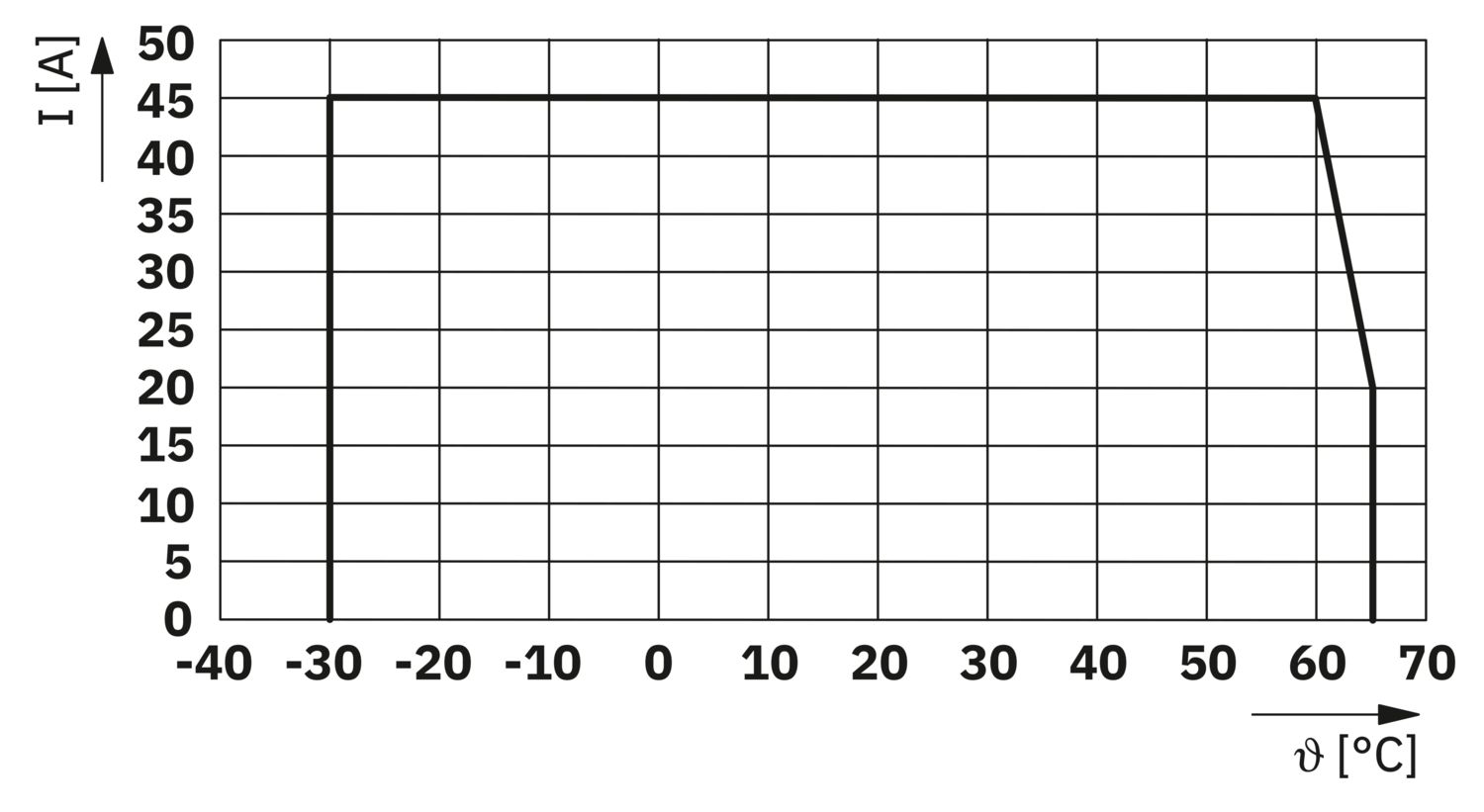
| Redução da temperatura | 45 A (Corrente total com 60 °C) |
| 20 A (Corrente total com 65 °C) | |
| 45 A (Corrente total com 60 °C, conforme UL) | |
| MTBF (IEC 61709, SN 29500) | 7242508,37 h (com 25 °C com 21 % de carga) |
| 3958056,77 h (com 40 °C com 34,25 % de carga) | |
| 764697,81 h (com 60 °C com 100 % de carga) | |
| Queda de tensão | 0,082 V (com 40 A) |
| Circuito de carga | |
| Corte de subtensão | ≤ 9,2 V DC (ativo) |
| ≥ 10,2 V DC (inativo) | |
| Desligamento de sobretensão | ≥ 30,5 V DC (ativo) |
| ≤ 29,5 V DC (inativo) | |
| Circuito de corrente principal IN+ | |
| Tipo de conexão | Conexão Push-in |
| Comprimento de decapagem | 18 mm |
| Bitola do condutor AWG | 20 ... 8 |
| Bitola do condutor flexível com terminal tubular com capa isolante | 0,5 mm² ... 16 mm² |
| Bitola do condutor flexível com terminal tubular sem capa isolante | 0,5 mm² ... 16 mm² |
| Circuito de corrente principal IN- | |
| Tipo de conexão | Conexão Push-in |
| Comprimento de decapagem | 18 mm |
| Bitola do condutor AWG | 20 ... 8 |
| Bitola do condutor flexível com terminal tubular com capa isolante | 0,5 mm² ... 16 mm² |
| Bitola do condutor flexível com terminal tubular sem capa isolante | 0,5 mm² ... 16 mm² |
| Comunicação do sistema | |
| Tipo de conexão | Conexão Push-in |
| Comprimento de decapagem | 8 mm |
| Bitola do condutor, fixa | 0,2 mm² ... 1,5 mm² |
| Bitola do condutor AWG | 24 ... 16 |
| Bitola do condutor flexível com terminal tubular com capa isolante | 0,2 mm² ... 0,75 mm² |
| Bitola do condutor flexível com terminal tubular sem capa isolante | 0,2 mm² ... 1,5 mm² |
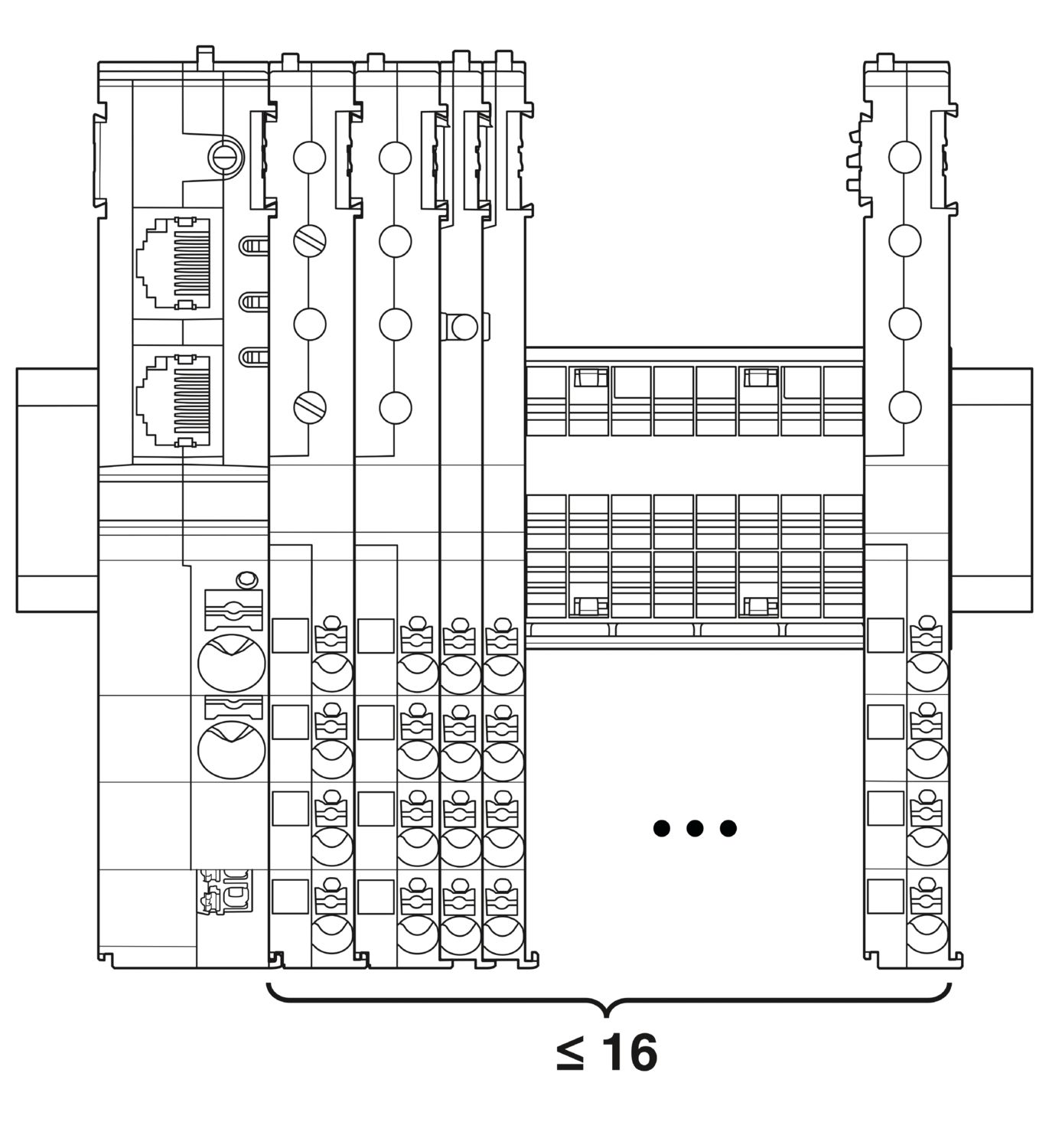
| Expansão máxima do sistema | ≤ 16 (Os módulos CAPAROC podem ser colocados em baias) |
| Tipo de interface | Ethernet |
| Quantidade | 2 |
| Velocidade de transmissão | 10 Mbit/s 100 Mbit/s |
| Tipo de conexão | Ethernet em par trançado RJ45 |
| Protocolos compatíveis | EtherCAT® SubDevice, CoE, FoE, EoE |
| Power (PWR) LED verde | acende (Tensão de alimentação dentro da faixa de tensão operacional) |
| 3x piscando (Bloqueio de programação global desativado) | |
| Power (PWR) LED vermelho | acende (Tensão de alimentação fora da faixa de tensão operacional) |
| 5x piscando (Comando de redefinição de fábrica aceito) | |
| LED Power (PWR) amarelo | acende (O botão PWR é pressionado) |
| 3x piscando (Bloqueio de programação global ativado) | |
| LED Ready (RDY) amarelo | piscando (Atualização do firmware em curso) |
| LED Ready (RDY) verde | acende (O firmware foi iniciado com sucesso) |
| LED vermelho de erro (ERR) | desligado (Nenhum erro de comunicação. A comunicação EtherCAT® do dispositivo funciona perfeitamente.) |
| pisca rapidamente (Configuração inválida/erro geral de configuração Possível motivo:Uma alteração de status acionada pelo dispositivo principal não é possível devido a configurações de registro ou objeto.O motivo mais comum é uma configuração desatualizada do slot do módulo.) | |
| piscando (Erro local: o aplicativo SubDevice alterou o estado do EtherCAT® de forma independente. Possível motivo 1: ocorreu um tempo limite de watchdog do host.Possível motivo 2: Ocorreu uma configuração incorreta do módulo durante a operação. Módulo substituído por módulo incorreto.) | |
| piscando duas vezes (Tempo limite de watchdog do aplicativo) | |
| LED verde de funcionamento (RUN) | desligado (O dispositivo está no estado INIT) |
| pisca rapidamente (2,5 Hz) (O dispositivo está no estado PRE-OPERATIONAL) | |
| piscando (O dispositivo está no estado SAFE-OPERATIONAL) | |
| acende (O dispositivo está no estado OPERACIONAL) |
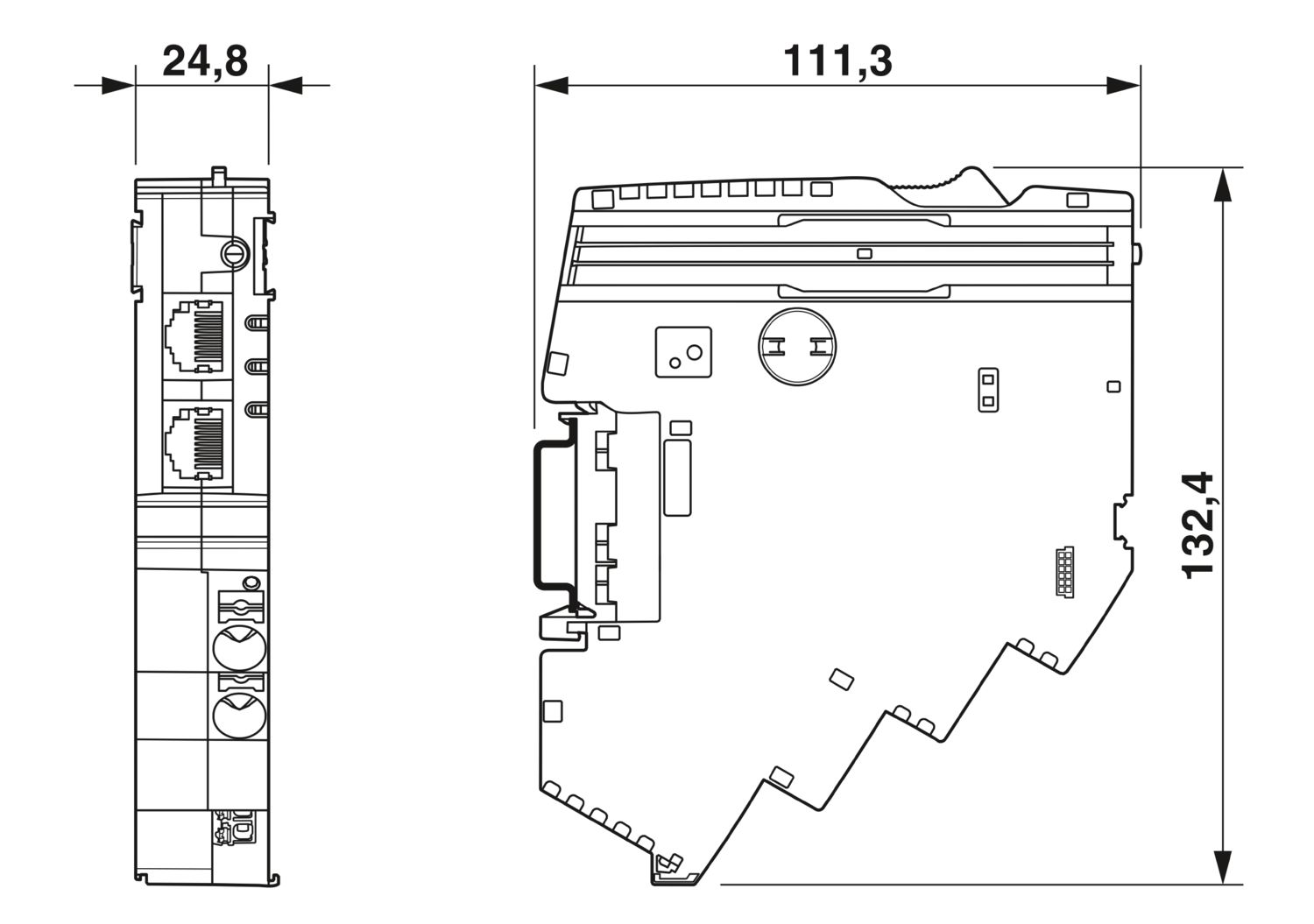
| Desenho de medidas |
|
| Largura | 24,8 mm |
| Altura | 132,4 mm |
| Profundidade | 111,3 mm (incl. trilho de fixação de 7,5 mm) |
| Cor | cinza claro (RAL 7035) |
| Material | PA 6 |
| PA 6 | |
| PA 6 | |
| PC | |
| Classe de inflamabilidade conforme UL 94 | V-0 |
| Condições ambientais | |
| Grau de proteção | IP20 |
| Temperatura ambiente (funcionamento) | -30 °C ... 65 °C |
| -30 °C ... 60 °C (conforme UL) | |
| Temperatura ambiente (armazenamento/transporte) | -40 °C ... 70 °C |
| Altitude | ≤ 4000 m (a.n.m.) |
| Teste de umidade | 96 h, 95 % RH, 40 °C |
| Impactos (Operação) | 30g (duração 11 ms, impulso de choque semissenoidal, conforme IEC 60068-2-27) |
| 25g (6 ms de duração, impulso de choque semissenoidal conforme IEC 60068-2-27, choque contínuo) | |
| Vibração (funcionamento) | 5g (10 Hz ... 150 Hz / 10 ciclos / eixo / X, Y, Z) |
| Certificação UL | |
| Identificação | UL/C-UL Listed UL 508 |
| UL 121201 Class I, Division 2, Groups A, B, C, D, T4A | |
| Normas/disposições | EN 61000-6-2 |
| Observação | EMC - Imunidade a interferência para áreas industriais |
| Normas/disposições | EN 61000-6-4 |
| Observação | EMC - Imunidade a interferência para áreas industriais |
| Normas/disposições | EN 61000-6-8 |
| Observação | EMC - emissão de interferências para dispositivos profissionais usados em áreas comerciais e de negócios, bem como em pequenas empresas |
| Normas/disposições | EN 60068-2-78 |
| Observação | Influências ambientais - Umidade e calor constantes |
| Normas/disposições | EN 50178 |
| Observação | Equipamento de instalações de alta tensão com componentes eletrônicos |
| Normas/disposições | EN 60068-2-6 |
| Observação | Influências ambientais - Oscilação (senoidal) |
| Normas/disposições | EN 60068-2-27 |
| Observação | Influências ambientais - Choque |
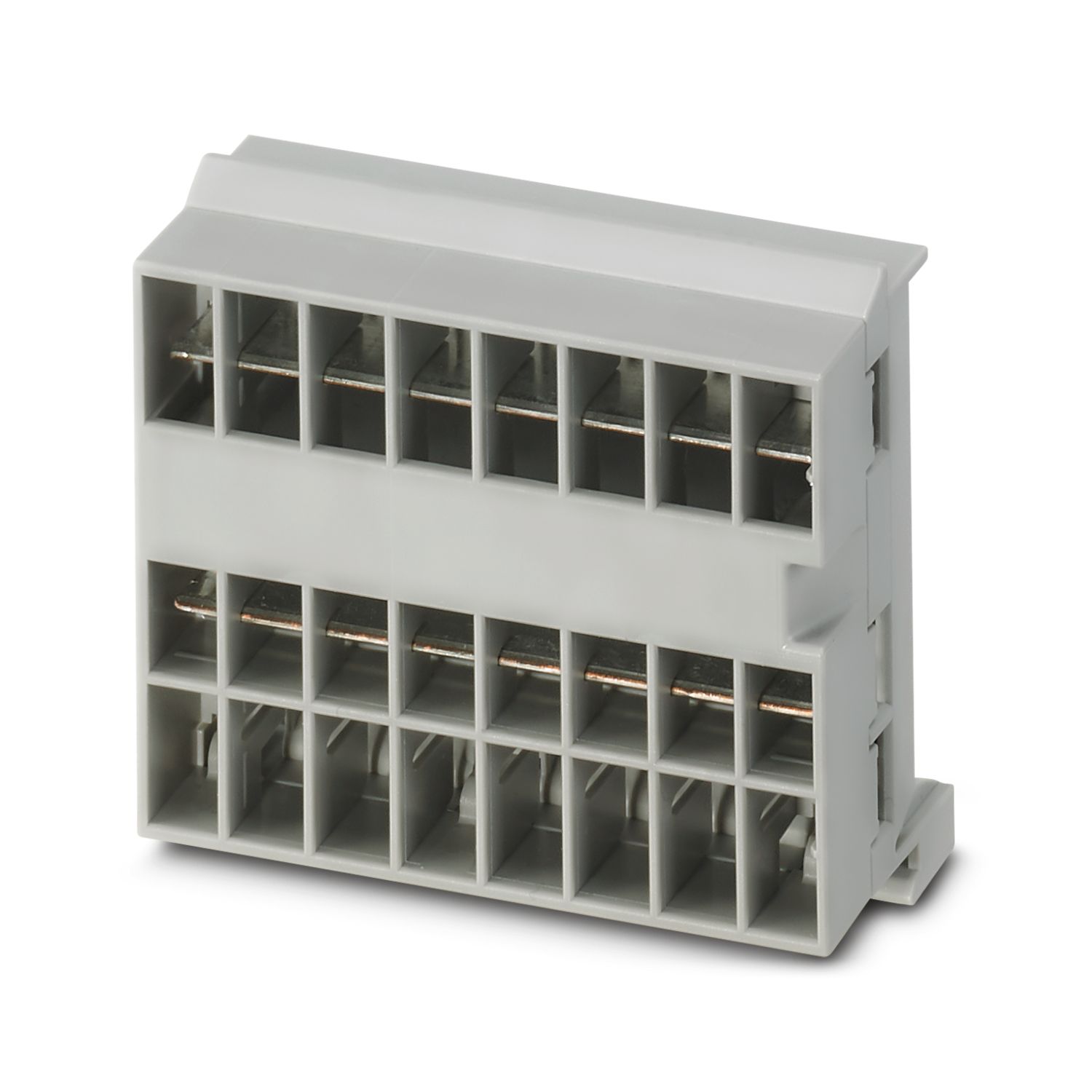
| Tipo de montagem | plugável no barramento CAPAROC CR… |
cUL Listed
ID de certificação: E123528EtherCAT
ID de certificação: 0x84_009cULus Listed
ID de certificação: E483407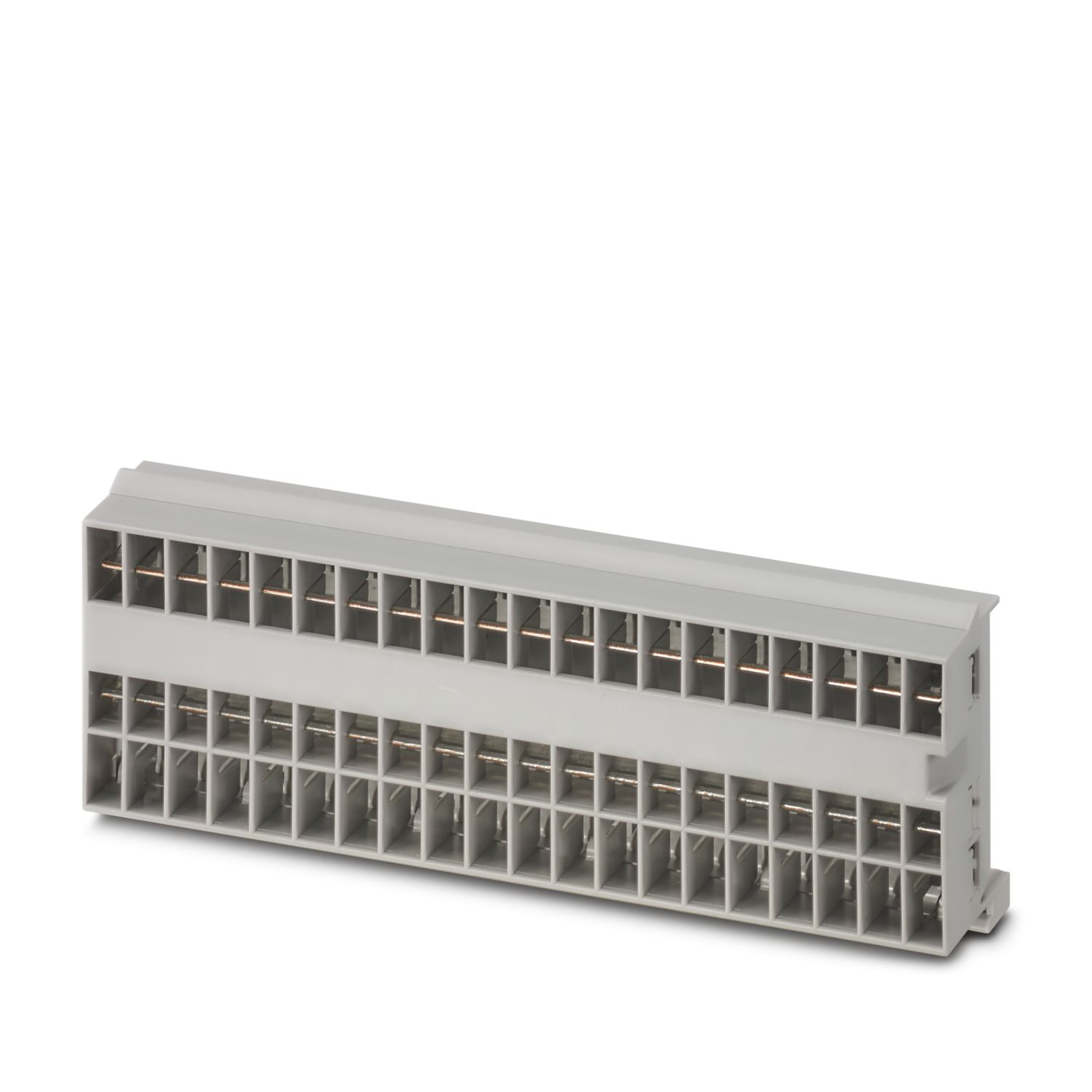
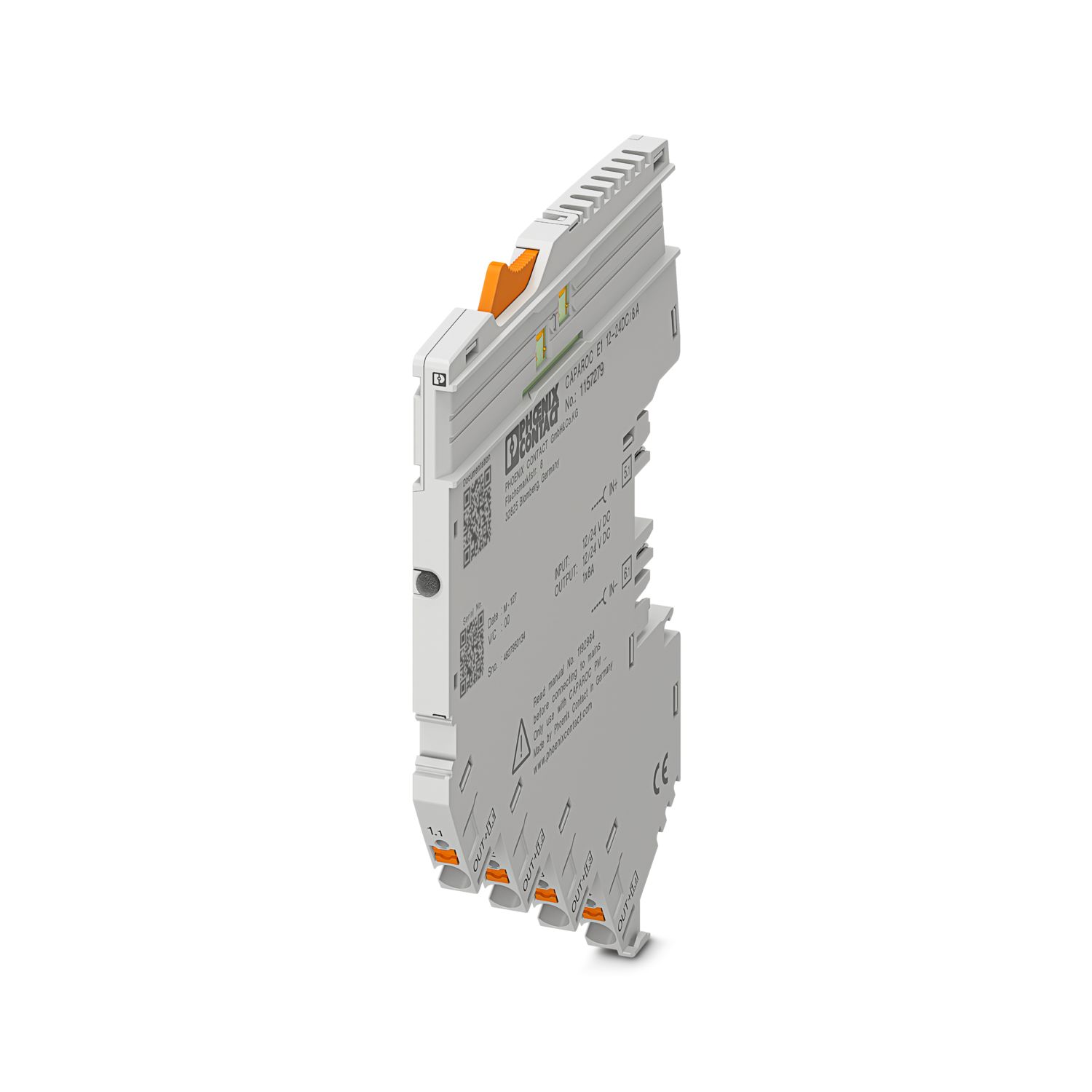
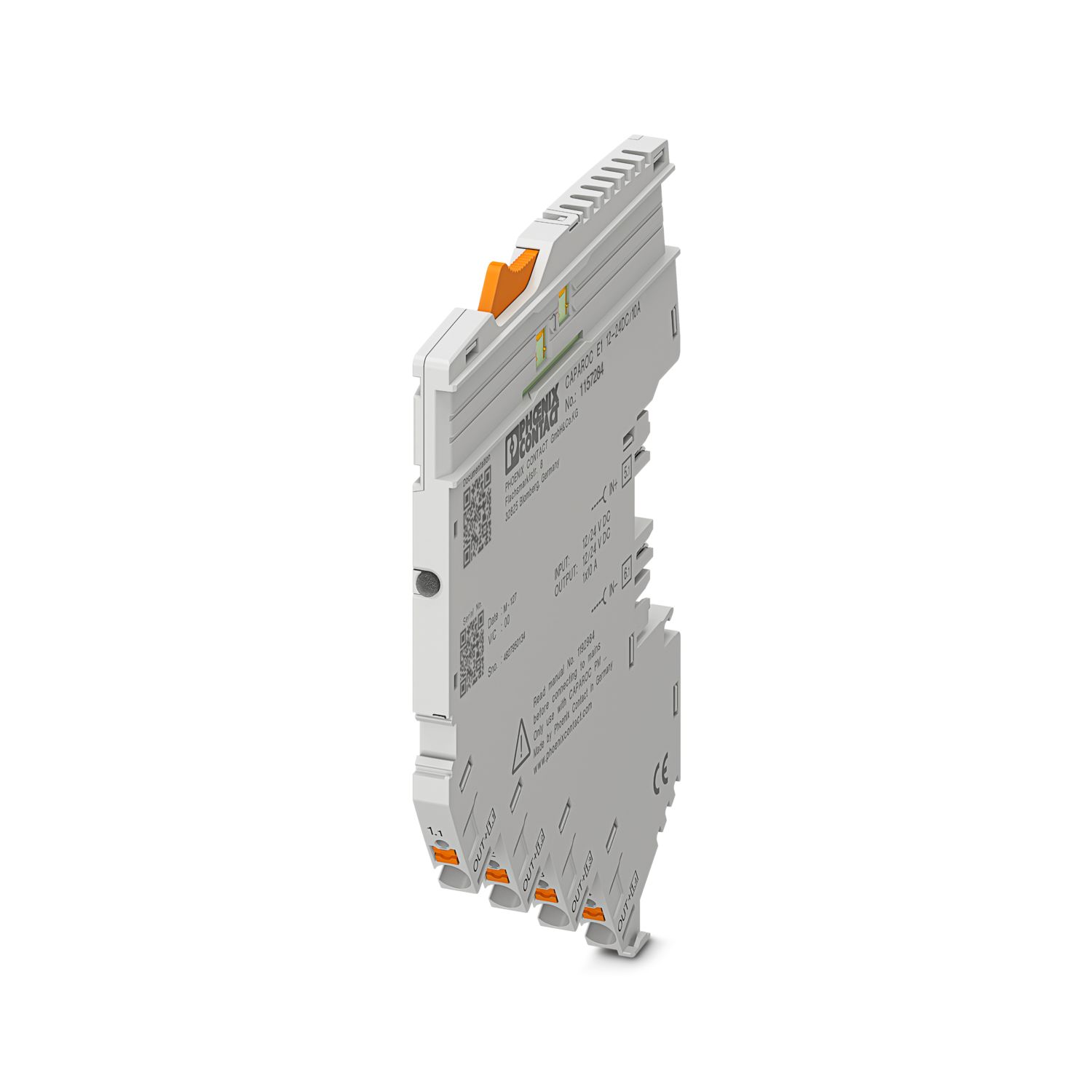
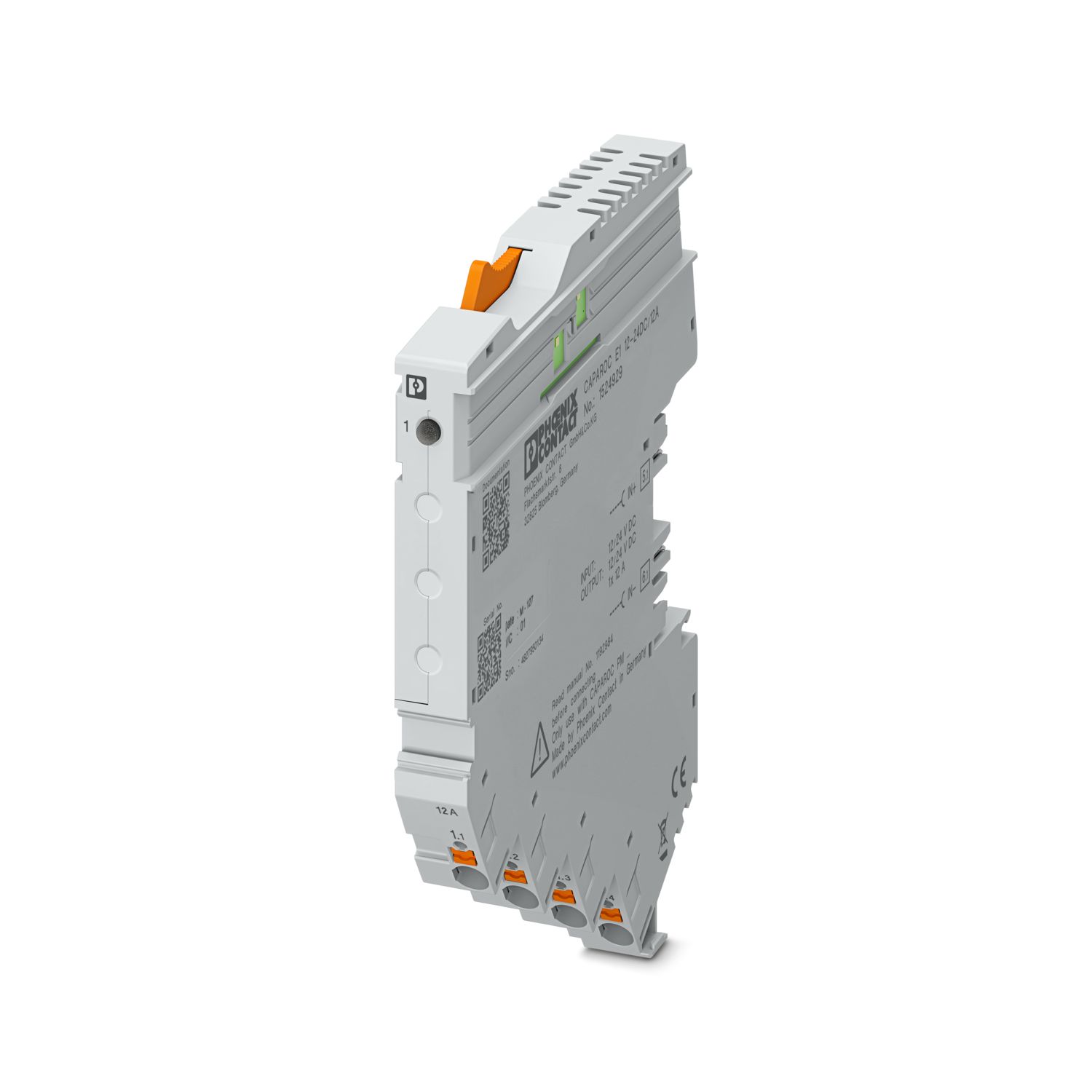
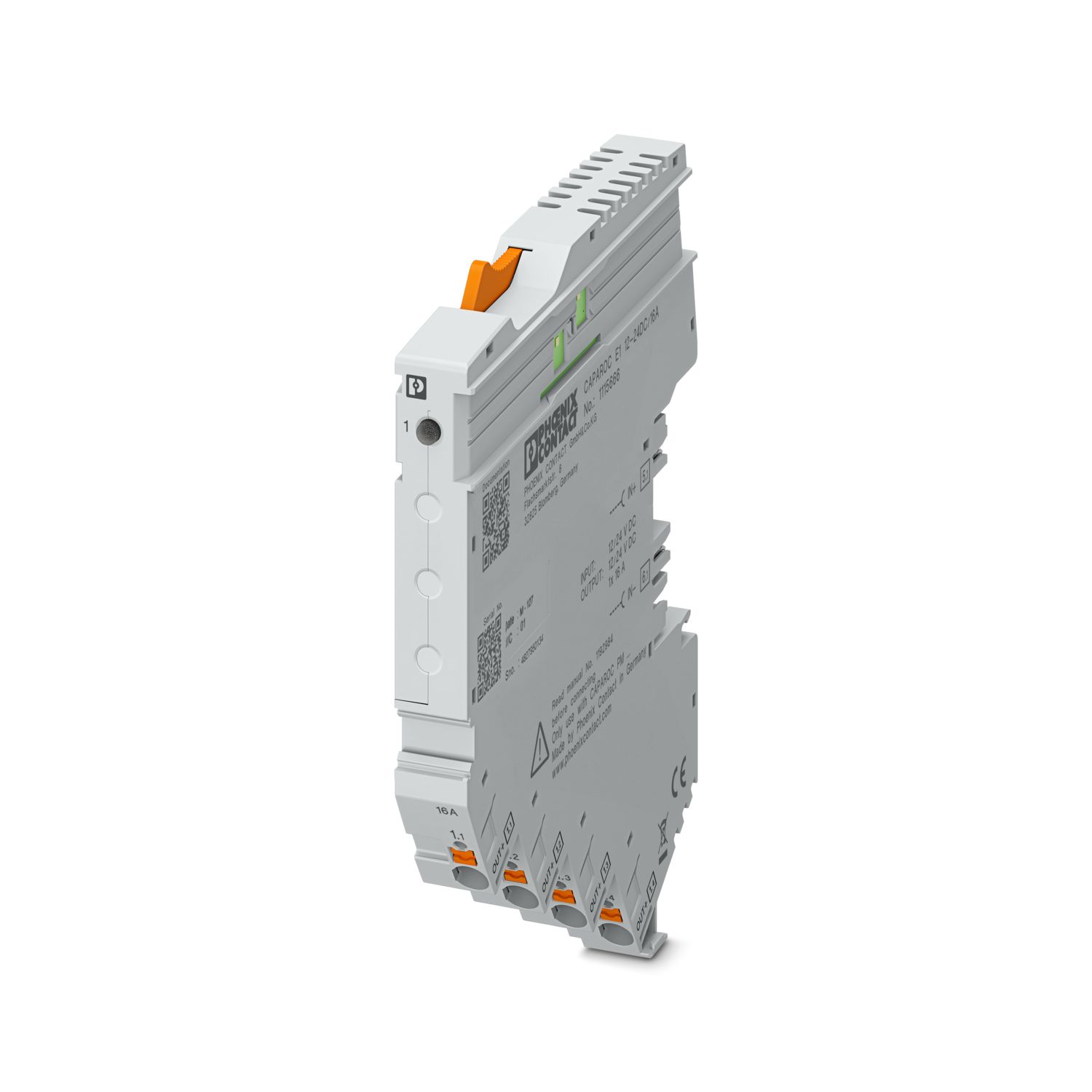

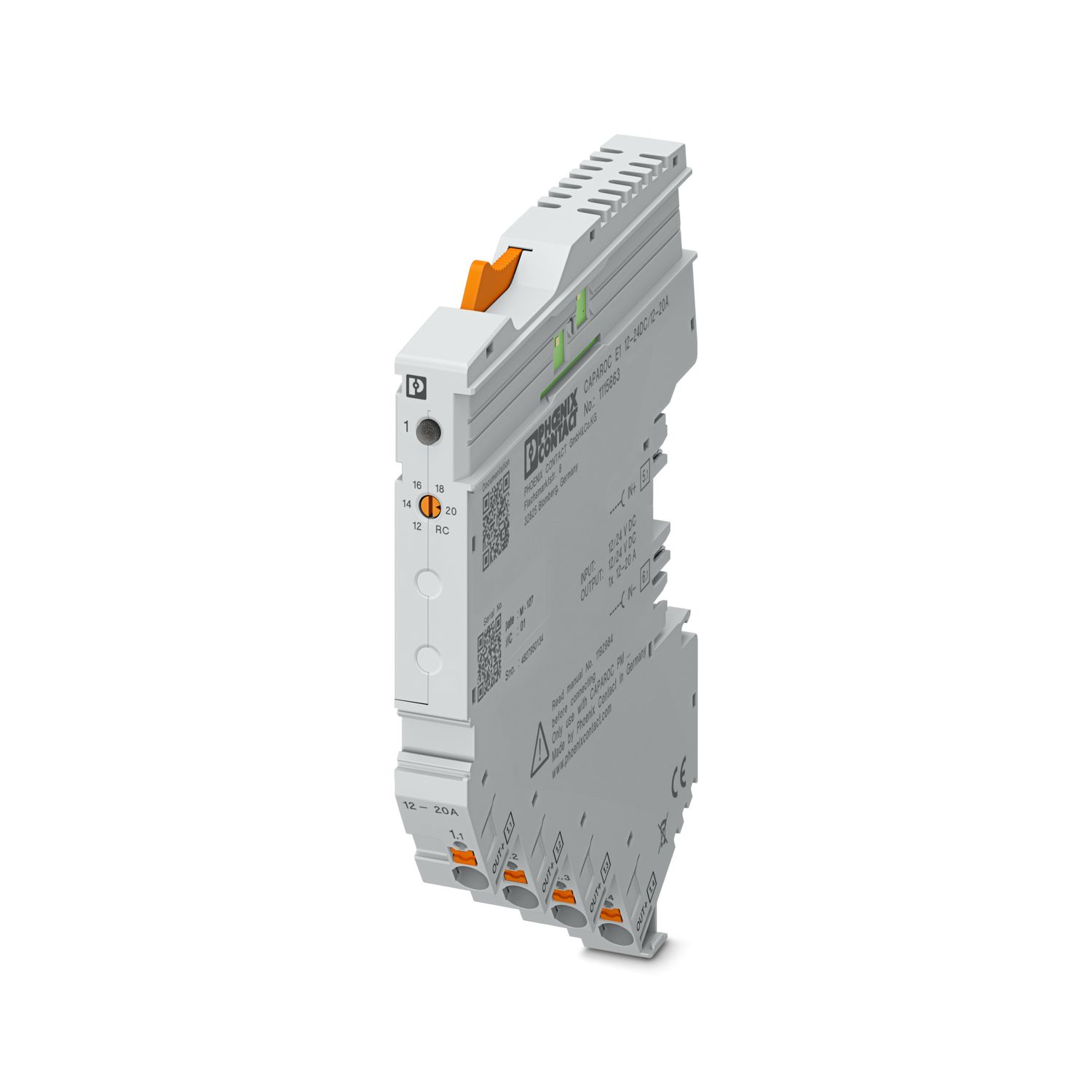
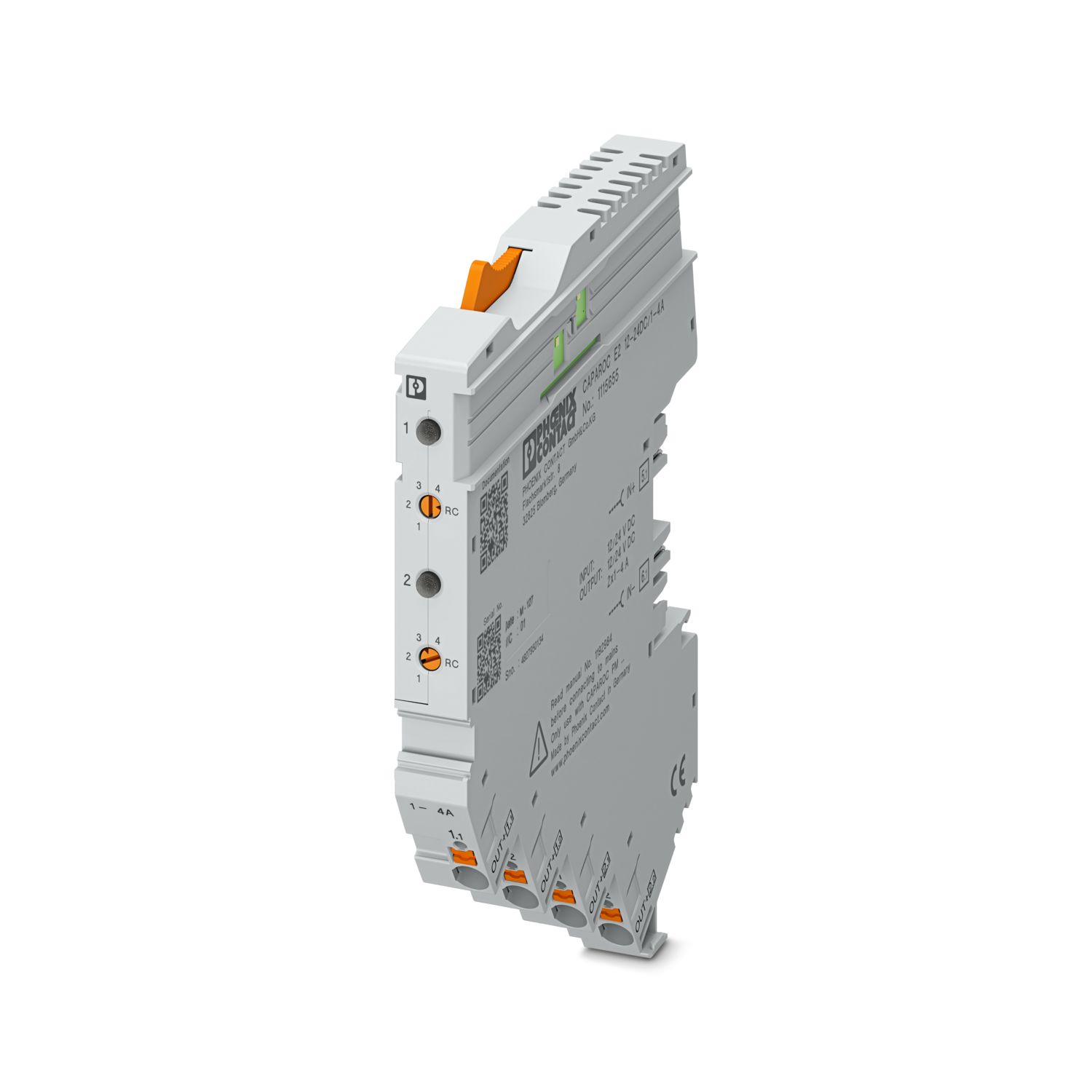
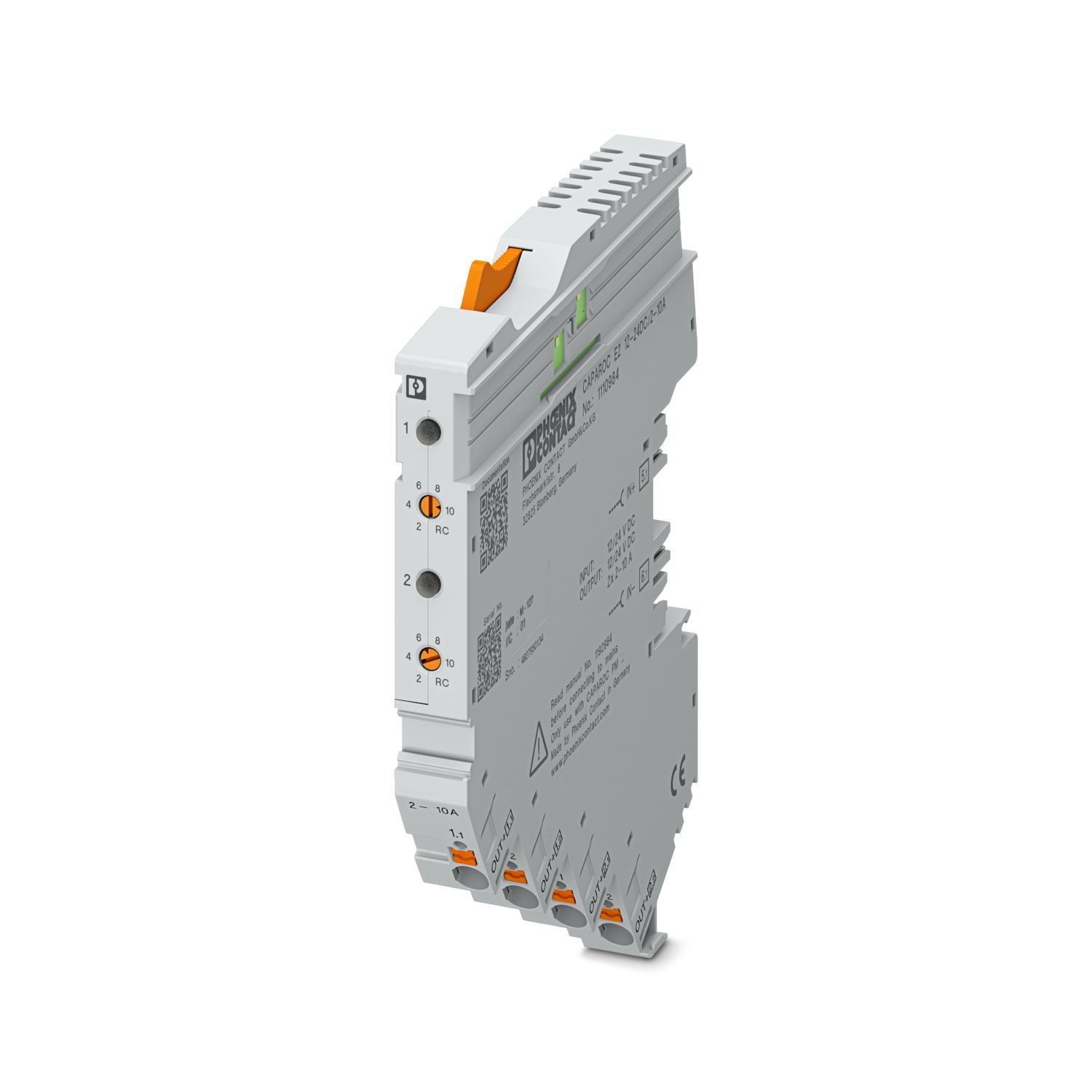
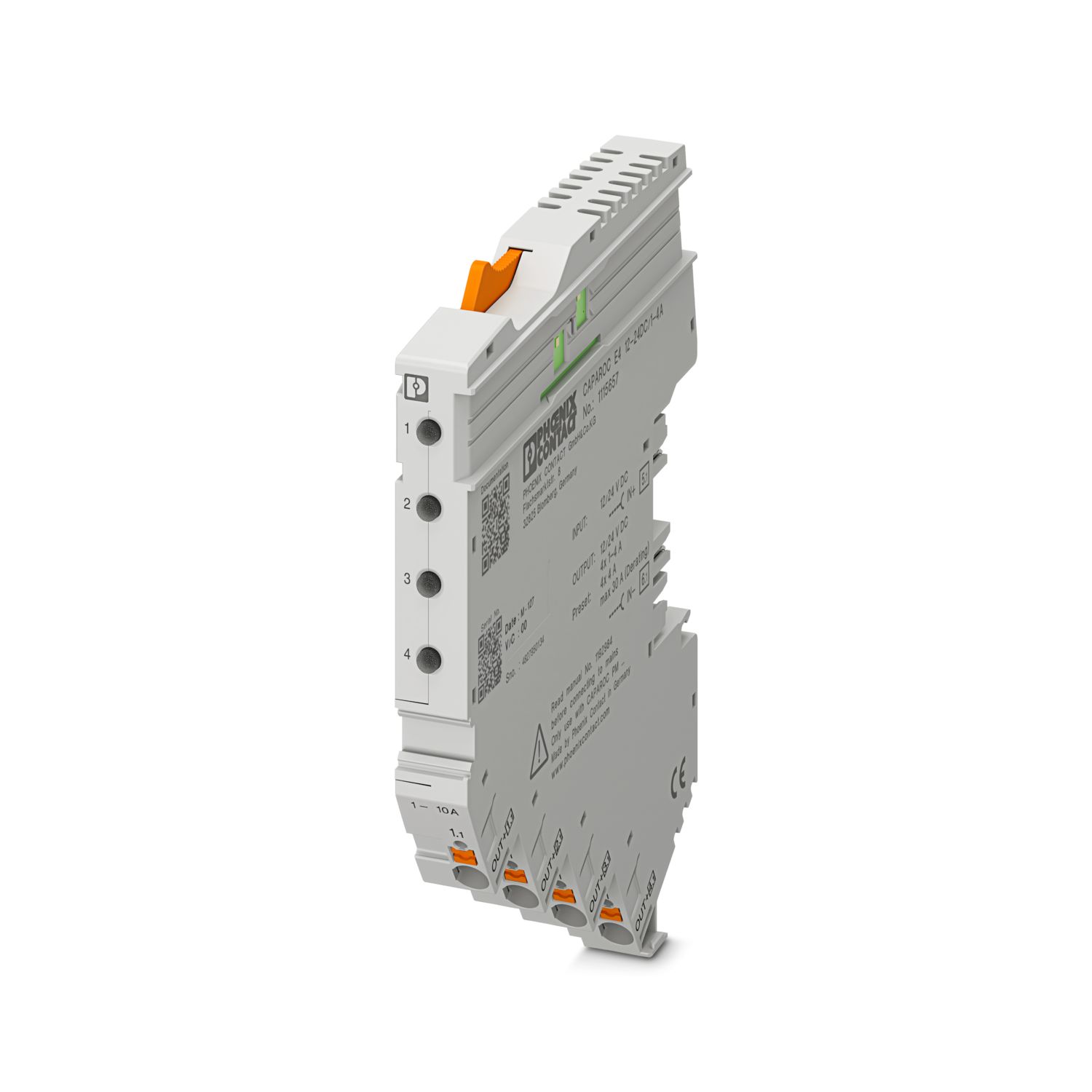
Suas vantagens
O padrão personalizável graças à seleção de sinais simples e reset até a comunicação EtherCAT®
Operação particularmente fácil para qualquer pessoa graças à montagem sem ferramenta, alimentação direta para o barramento e estado operacional transparente
Design-in incrivelmente simples graças ao pacote de dados digital completo para utilização em aplicações EtherCAT®
Perguntas frequentes
Existe um tutorial de hardware que explique as funções do CAPAROC?
Quantos módulos de disjuntor posso conectar atrás de um módulo de alimentação?
CAPAROC PM S-R: 20 módulos de disjuntor
CAPAROC PM IOL: 20 canais
CAPAROC PM PN: 16 módulos de disjuntor
CAPAROC PM EIP: 16 módulos de disjuntor
CAPAROC PM MB: 16 módulos de disjuntor
CAPAROC PM EC: 16 módulos de disjuntor
O LED do canal pisca em amarelo duas vezes a cada 4 segundos. O que significa isso?
Isso significa que a comunicação interna com o módulo de alimentação está interrompida ou com defeito.
Verifique se os módulos estão montados corretamente e se não há espaço entre os módulos. Se a comunicação ainda estiver interrompida, verifique ...
Ver mais
Isso significa que a comunicação interna com o módulo de alimentação está interrompida ou com defeito.
Verifique se os módulos estão montados corretamente e se não há espaço entre os módulos. Se a comunicação ainda estiver interrompida, verifique os contatos laterais do primeiro módulo que está piscando (à esquerda). Se eles estiverem deformados, inseridos muito profundamente no módulo, não estiverem centralizados na abertura da caixa ou estiverem danificados de alguma outra forma, substitua o módulo.
Posso bloquear a configuração das correntes definidas?
As correntes podem ser bloqueadas de diferentes maneiras:
1. Bloqueio de programação: Pressione a tecla PWR no módulo de alimentação por > 3 segundos, o LED PWR pisca em amarelo 3 vezes e as configurações são bloqueadas. Ao pressionar novamente...
Ver mais
As correntes podem ser bloqueadas de diferentes maneiras:
1. Bloqueio de programação: Pressione a tecla PWR no módulo de alimentação por > 3 segundos, o LED PWR pisca em amarelo 3 vezes e as configurações são bloqueadas. Ao pressionar novamente por > 3 segundos, o LED pisca em verde 3 vezes e o bloqueio é cancelado novamente.
2. O bloqueio também pode ser definido e cancelado por meio da interface de comunicação. O bloqueio de operação também pode ser definido aqui, o que impede a operação e as configurações no dispositivo. O bloqueio só pode ser cancelado por meio da interface.