
CAPAROC CR EXT4
-
Barramento
1110991
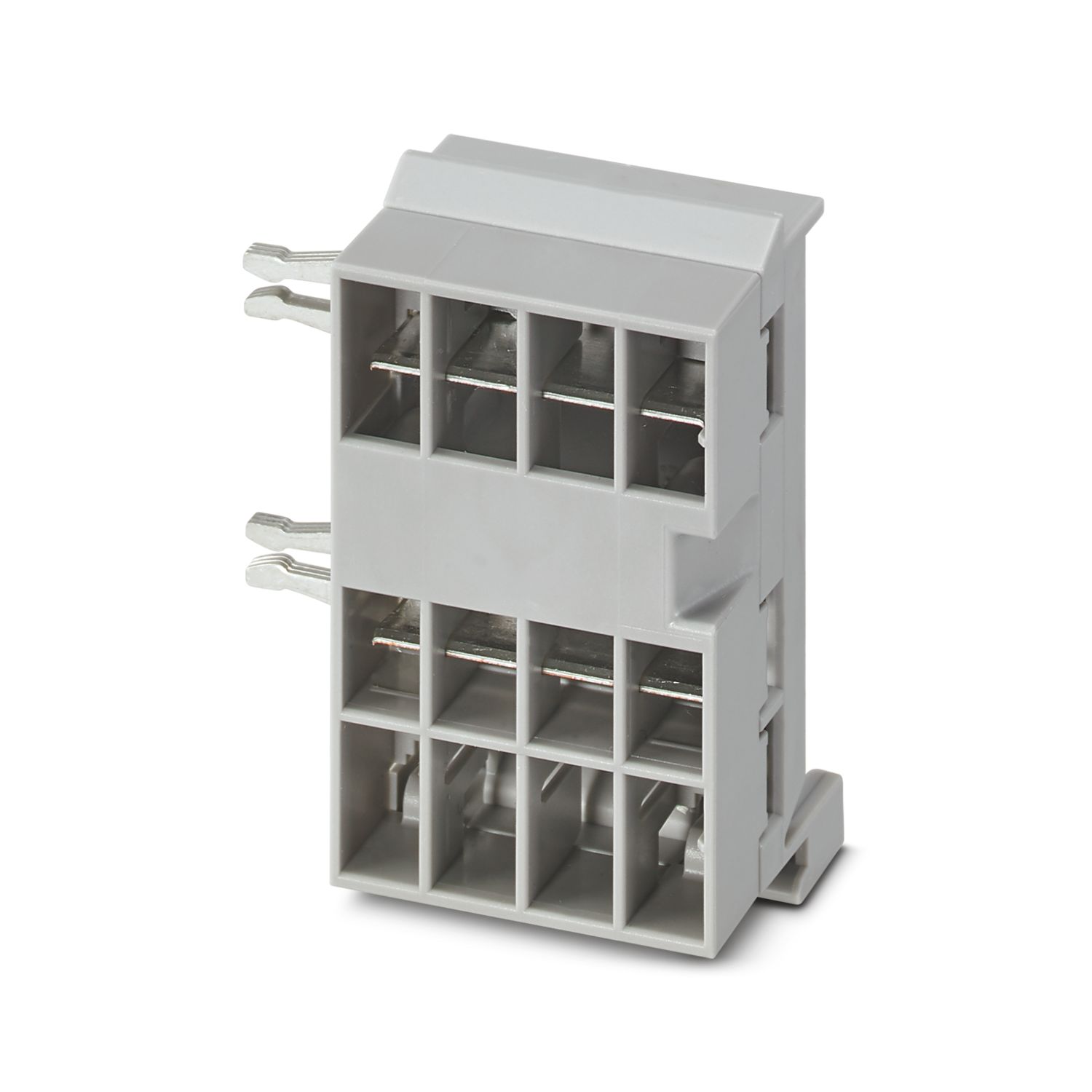
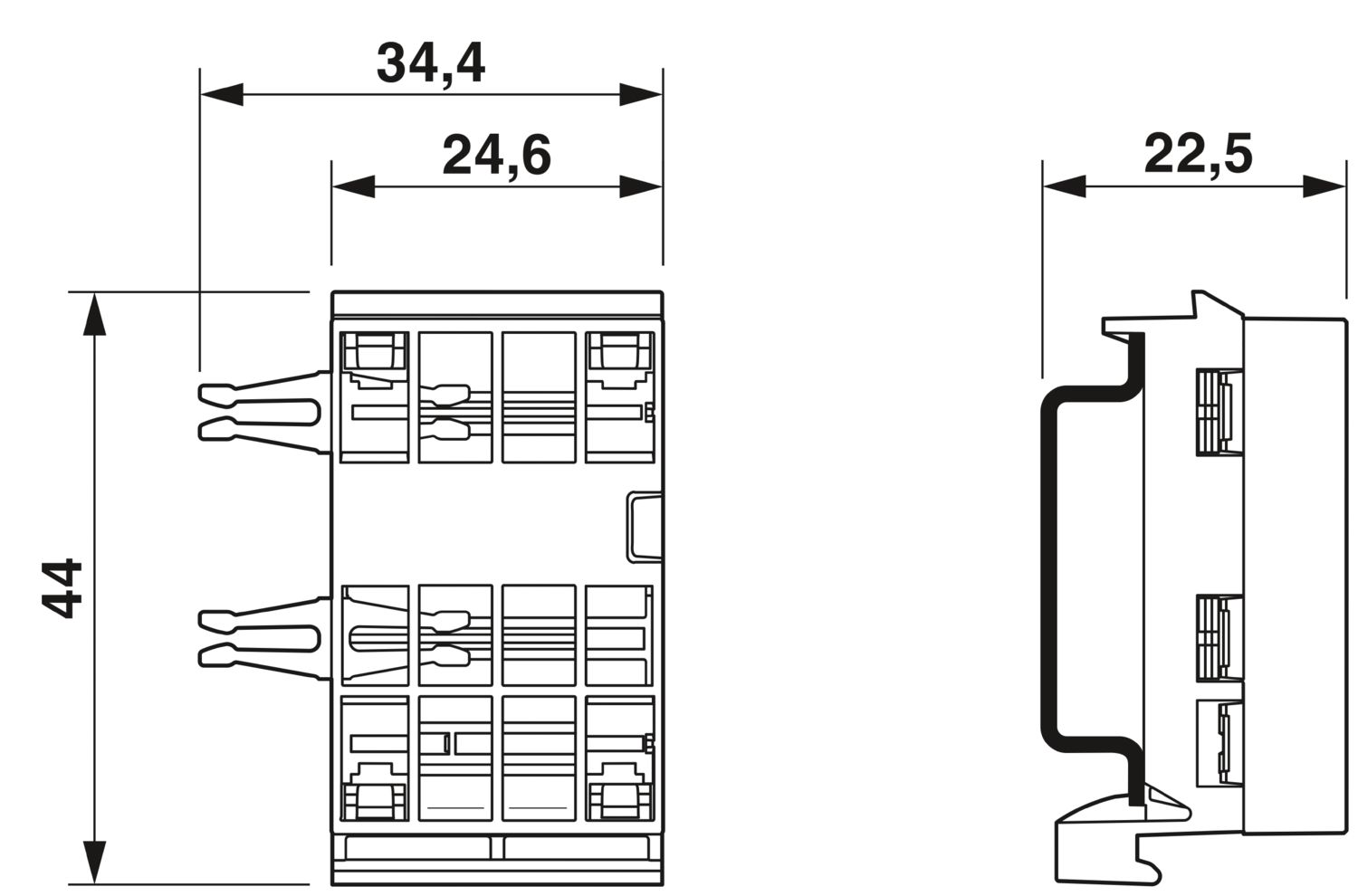
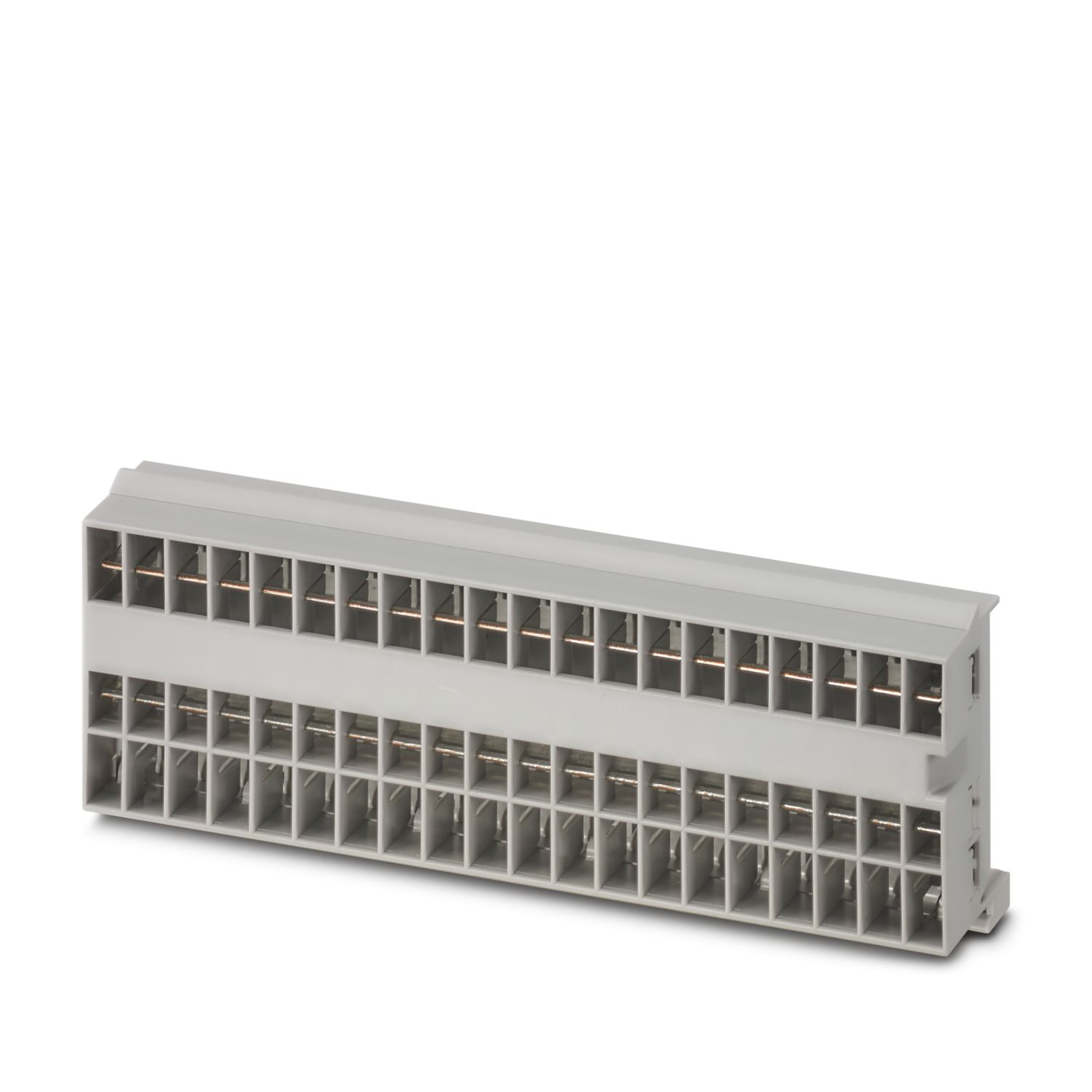
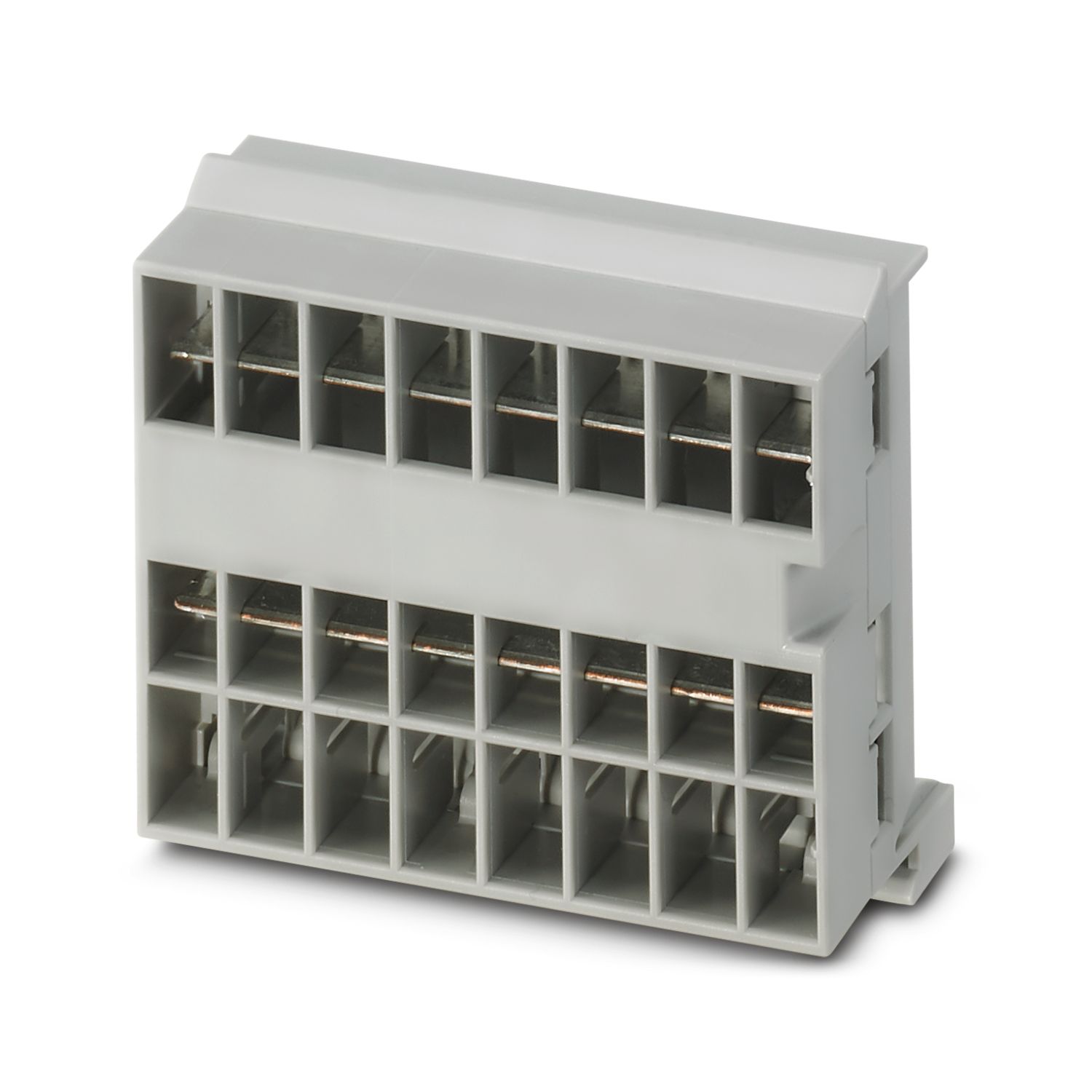
Barramento de expansão com 4 slots para sistema CAPAROC. Para a instalação em trilho de fixação DIN.
Detalhes do produto
| Geral | |
| Nota | Isento de LABS – conforme especificação de teste VW PV 3.10.7:2005-0 |
| Na utilização de módulos CAPAROC E1..., para choque contínuo conforme IEC 60068-2-27 é aplicável o nível de intensidade 6 ms / 15g | |
| Tipo de produto | Disjuntor de proteção de equipamento eletrônico |
| Família de produtos | CAPAROC |
| Formato | Módulo de conexão |
| Número de pontos de encaixe | 4 |
| Propriedades de isolamento | |
| Classe de proteção | III |
| Grau de impurezas | 2 |
| Geral | |
| Tensão nominal | 24 V DC |
| Corrente nominal IN | 45 A (Corrente total entrada) |
| Potência de dissipação | < 0,2 W (Com 45 A no caminho positivo) |
| Desenho de medidas |
|
| Largura | 34,4 mm |
| Altura | 44 mm |
| Profundidade | 22,5 mm (incl. trilho de fixação de 7,5 mm) |
| Cor | cinza claro (RAL 7035) |
| Material | Cobre |
| PC | |
| Classe de inflamabilidade conforme UL 94 | V-0 |
| Condições ambientais | |
| Grau de proteção | IP20 |
| Temperatura ambiente (funcionamento) | -30 °C ... 65 °C (deve ser considerada a faixa de temperatura do módulo de alimentação) |
| Temperatura ambiente (armazenamento/transporte) | -40 °C ... 70 °C |
| Altitude | ≤ 4000 m (a.n.m.) |
| Teste de umidade | 96 h, 95 % RH, 40 °C |
| Impactos (Operação) | 30g (duração 11 ms, impulso de choque semissenoidal, conforme IEC 60068-2-27) |
| 25g (6 ms de duração, impulso de choque semissenoidal conforme IEC 60068-2-27, choque contínuo) | |
| 15g (6 ms de duração, impulso de choque semissenoidal conforme IEC 60068-2-27, choque contínuo. Se no sistema forem utilizados mais de seis módulos CAPAROC E1.) | |
| Vibração (funcionamento) | 5g (10 Hz ... 150 Hz / 10 ciclos / eixo / X, Y, Z) |
| Certificação UL | |
| Identificação | UL/C-UL Listed UL 508 |
| UL 121201 Class I, Division 2, Groups A, B, C, D, T4A | |
| Teste de gases nocivos | |
| Identificação | ISA S71.04.2013 G3 Harsh Group A |
| Normas/disposições | EN 61000-6-2 |
| Observação | EMC - Imunidade a interferência para áreas industriais |
| Normas/disposições | EN 61000-6-3 |
| Observação | EMC - Emissão de interferência para áreas residenciais, áreas industriais e comerciais, bem como pequenas empresas |
| Normas/disposições | EN 60068-2-78 |
| Observação | Influências ambientais - Umidade e calor constantes |
| Normas/disposições | EN 50178 |
| Observação | Equipamento de instalações de alta tensão com componentes eletrônicos |
| Normas/disposições | EN 60068-2-6 |
| Observação | Influências ambientais - Oscilação (senoidal) |
| Normas/disposições | EN 60068-2-27 |
| Observação | Influências ambientais - Choque |
| Tipo de montagem | Trilho de fixação: 35 mm |
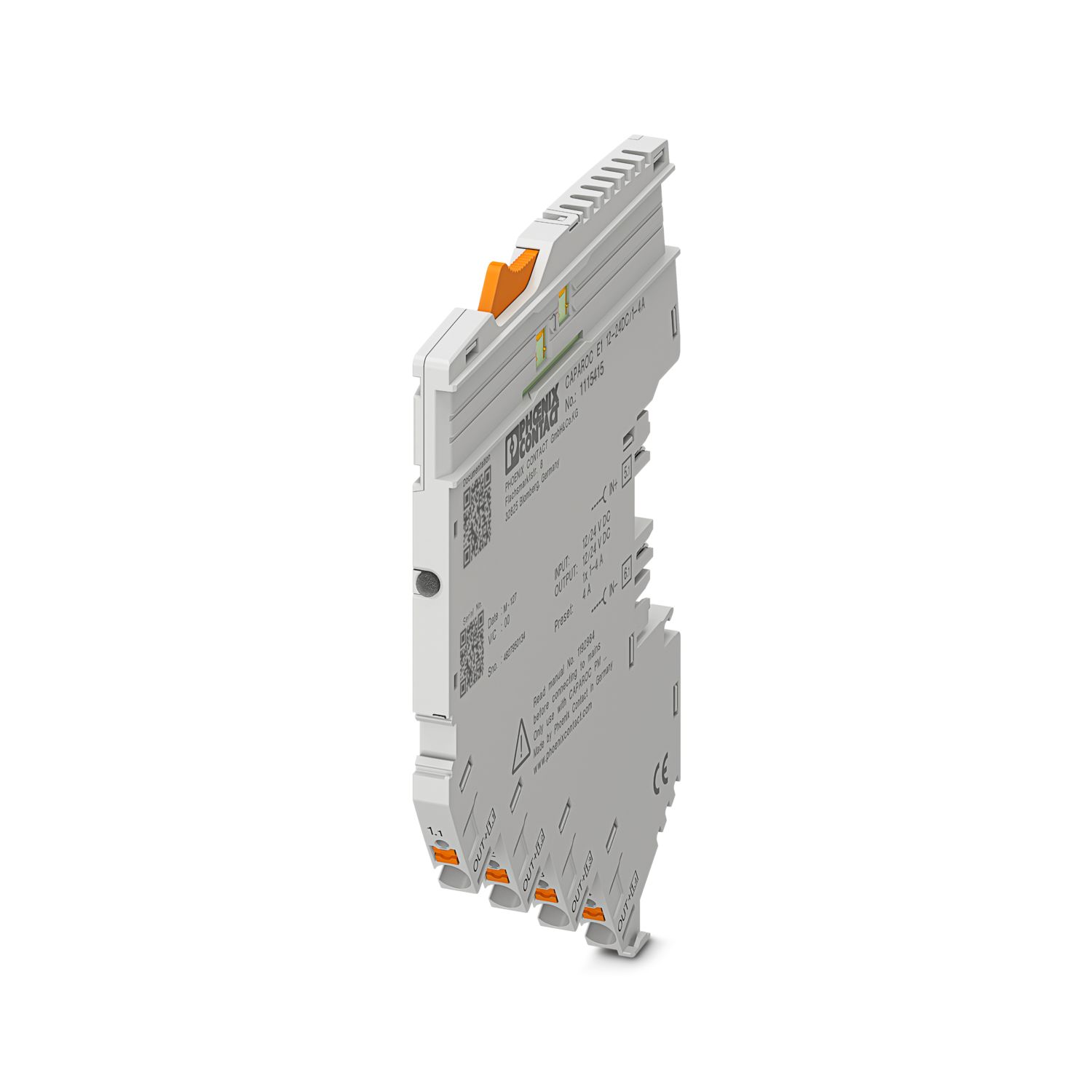
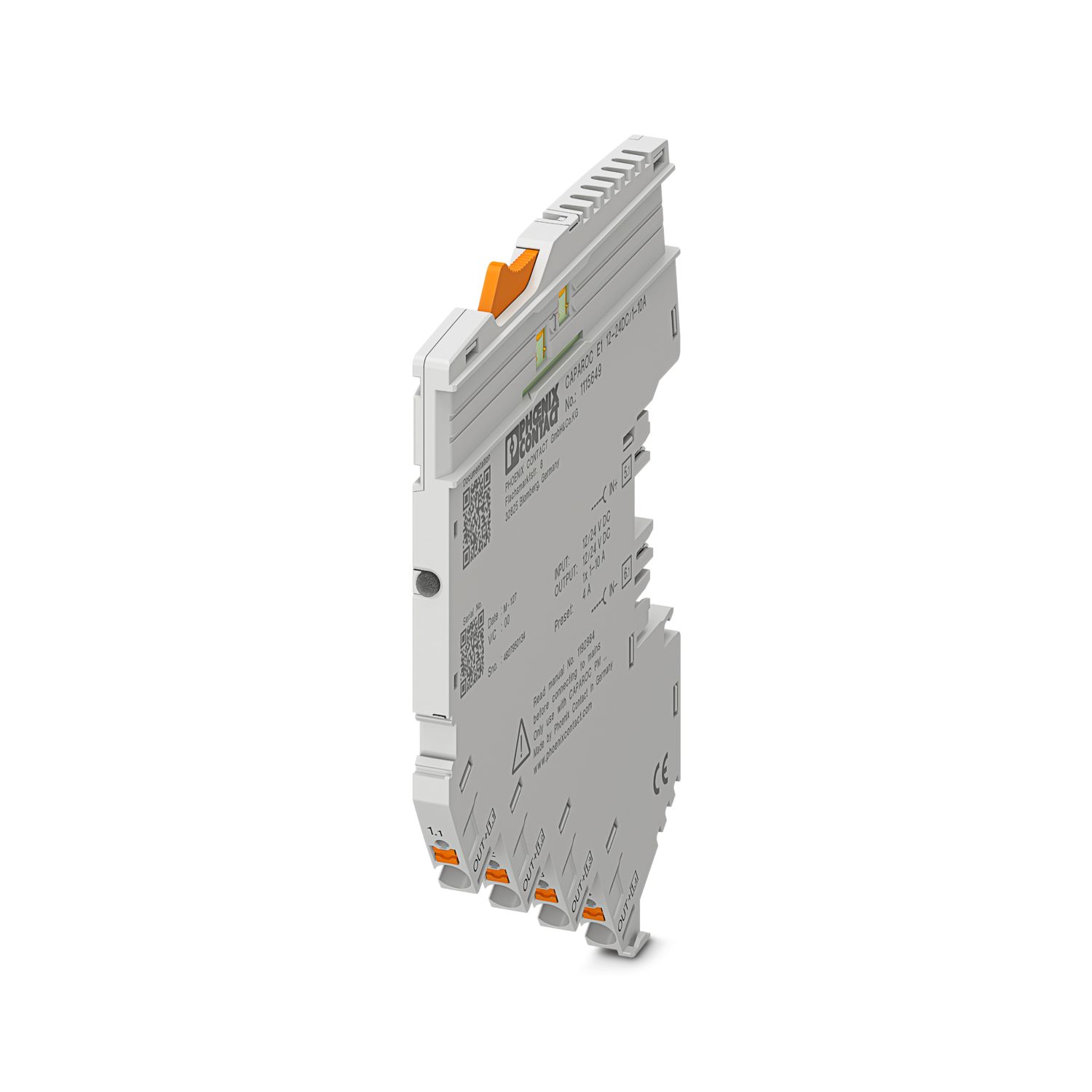
Suas vantagens
O padrão personalizável graças ao comprimento adaptável individualmente em função da demanda
Operação particularmente fácil para qualquer pessoa graças à simples montagem Plug & Play
Design-in incrivelmente simples graças a barramentos de utilização universal até 45 A
Perguntas frequentes
Quantos trilhos condutores podem ser conectados juntos?
É possível conectar qualquer número de barramentos, mas uma corrente máxima de 45 A pode fluir continuamente.
Existe um tutorial de hardware que explique as funções do CAPAROC?
Quantos módulos de disjuntor posso conectar atrás de um módulo de alimentação?
CAPAROC PM S-R: 20 módulos de disjuntor
CAPAROC PM IOL: 20 canais
CAPAROC PM PN: 16 módulos de disjuntor
CAPAROC PM EIP: 16 módulos de disjuntor
CAPAROC PM MB: 16 módulos de disjuntor
CAPAROC PM EC: 16 módulos de disjuntor
O LED do canal pisca em amarelo duas vezes a cada 4 segundos. O que significa isso?
Isso significa que a comunicação interna com o módulo de alimentação está interrompida ou com defeito.
Verifique se os módulos estão montados corretamente e se não há espaço entre os módulos. Se a comunicação ainda estiver interrompida, verifique ...
Ver mais
Isso significa que a comunicação interna com o módulo de alimentação está interrompida ou com defeito.
Verifique se os módulos estão montados corretamente e se não há espaço entre os módulos. Se a comunicação ainda estiver interrompida, verifique os contatos laterais do primeiro módulo que está piscando (à esquerda). Se eles estiverem deformados, inseridos muito profundamente no módulo, não estiverem centralizados na abertura da caixa ou estiverem danificados de alguma outra forma, substitua o módulo.
Posso bloquear a configuração das correntes definidas?
As correntes podem ser bloqueadas de diferentes maneiras:
1. Bloqueio de programação: Pressione a tecla PWR no módulo de alimentação por > 3 segundos, o LED PWR pisca em amarelo 3 vezes e as configurações são bloqueadas. Ao pressionar novamente...
Ver mais
As correntes podem ser bloqueadas de diferentes maneiras:
1. Bloqueio de programação: Pressione a tecla PWR no módulo de alimentação por > 3 segundos, o LED PWR pisca em amarelo 3 vezes e as configurações são bloqueadas. Ao pressionar novamente por > 3 segundos, o LED pisca em verde 3 vezes e o bloqueio é cancelado novamente.
2. O bloqueio também pode ser definido e cancelado por meio da interface de comunicação. O bloqueio de operação também pode ser definido aqui, o que impede a operação e as configurações no dispositivo. O bloqueio só pode ser cancelado por meio da interface.