
CAPAROC PM IOL
-
Módulo de alimentación
1115670
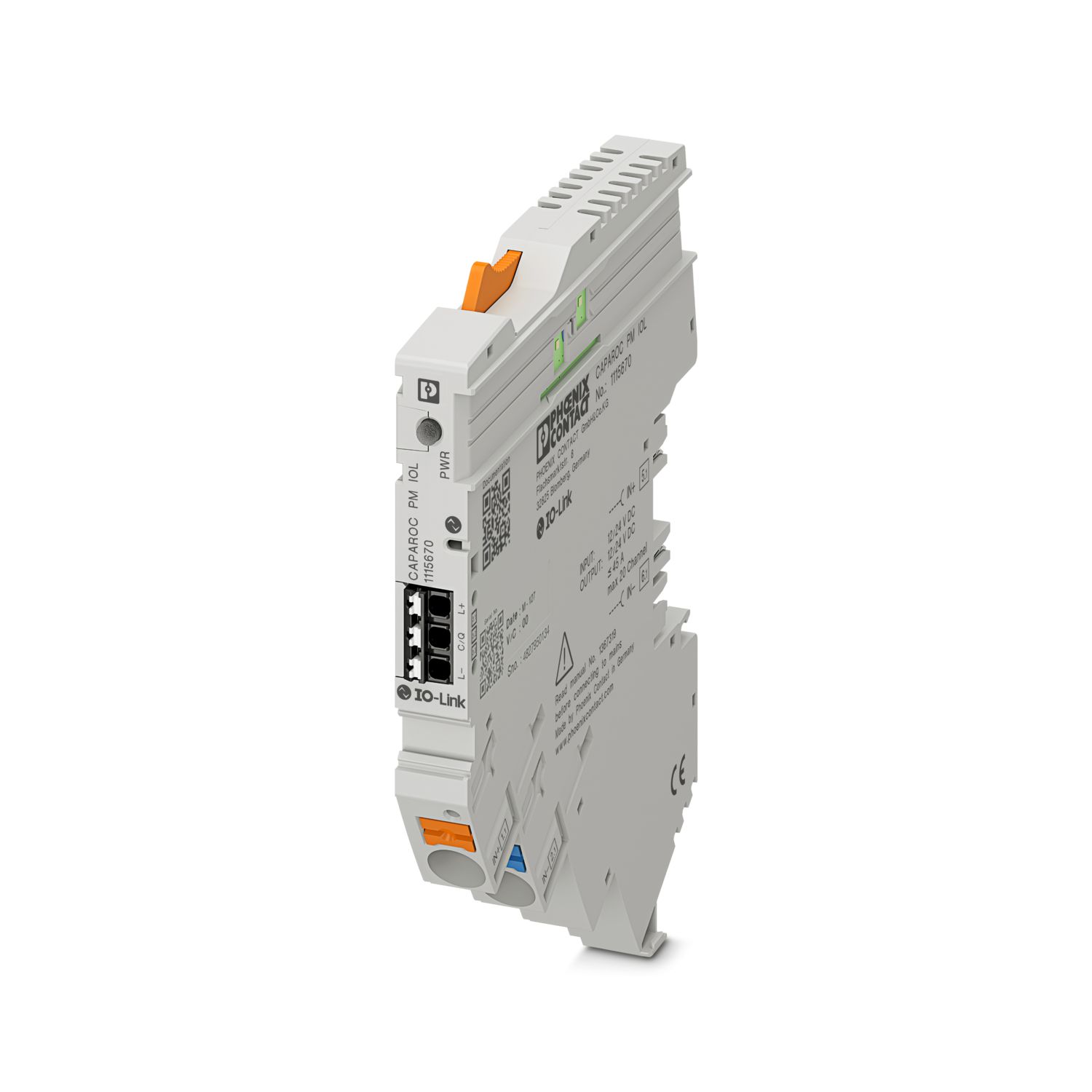
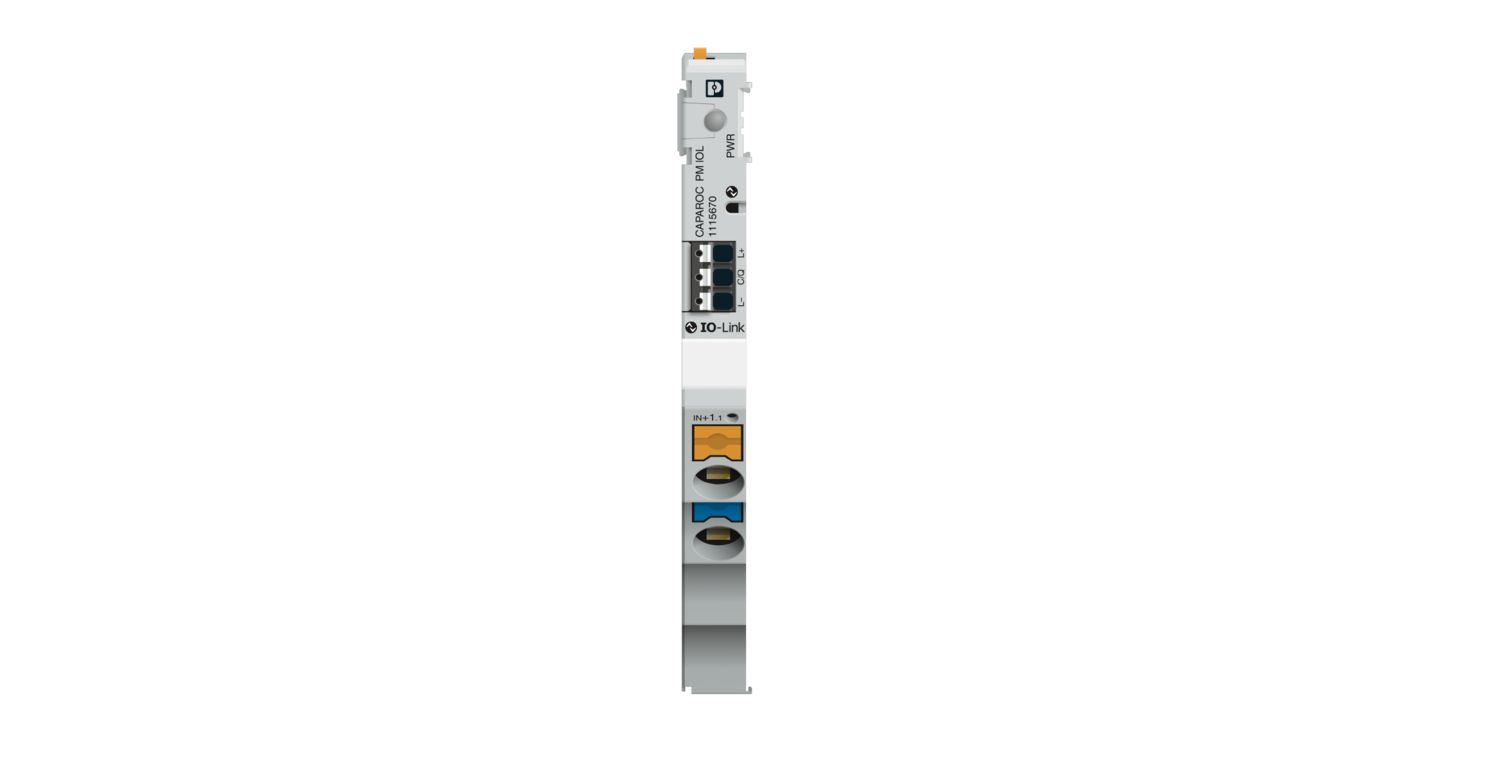
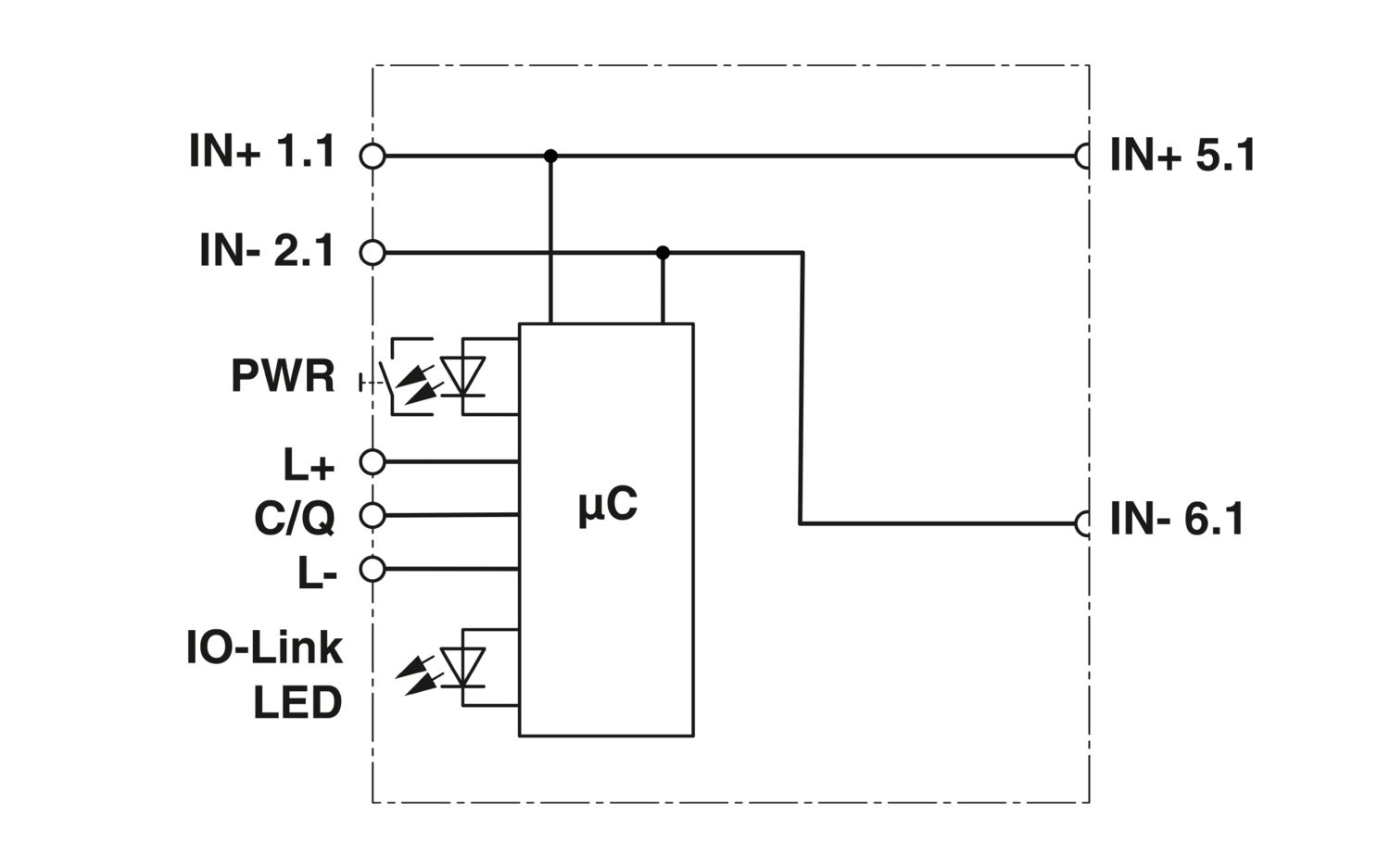

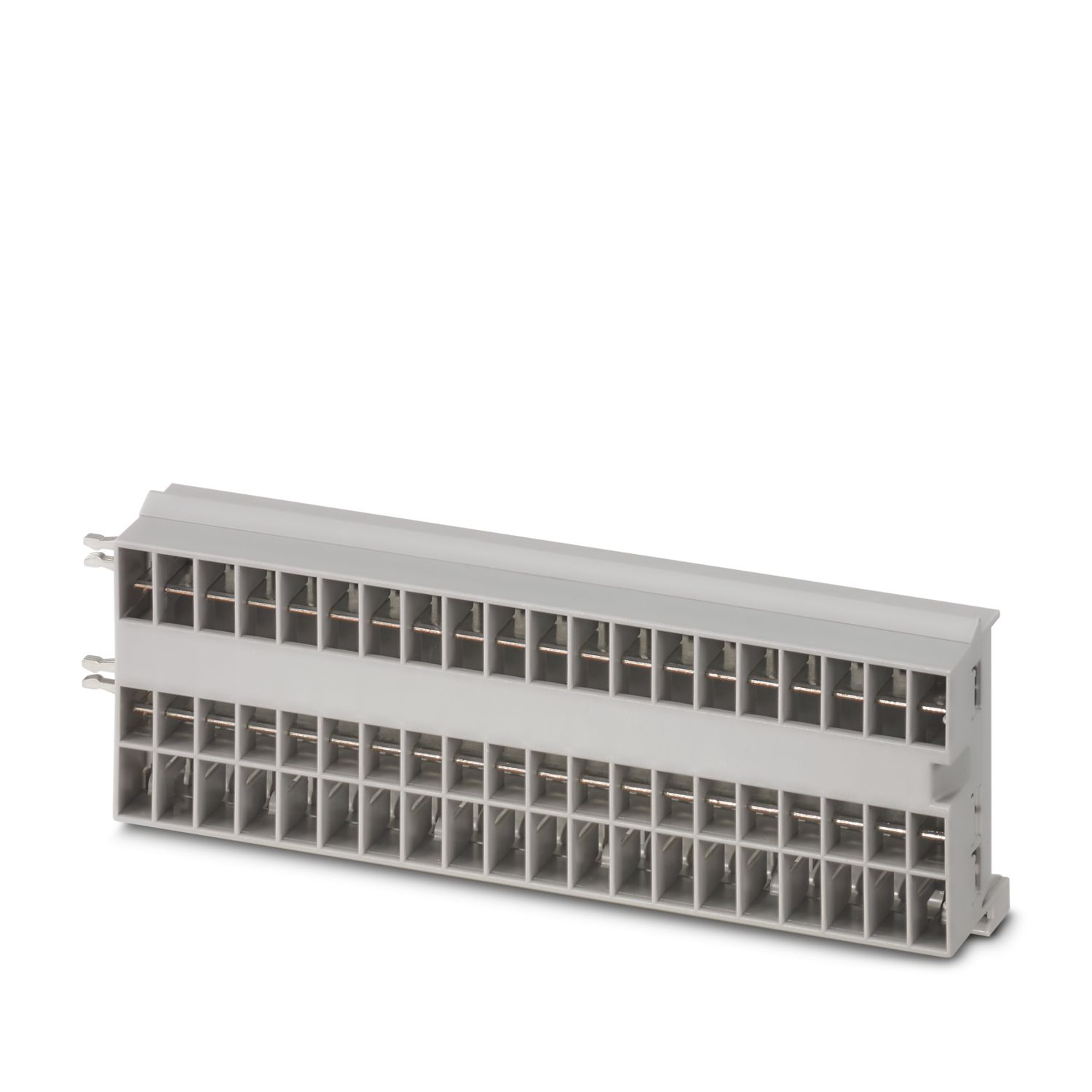
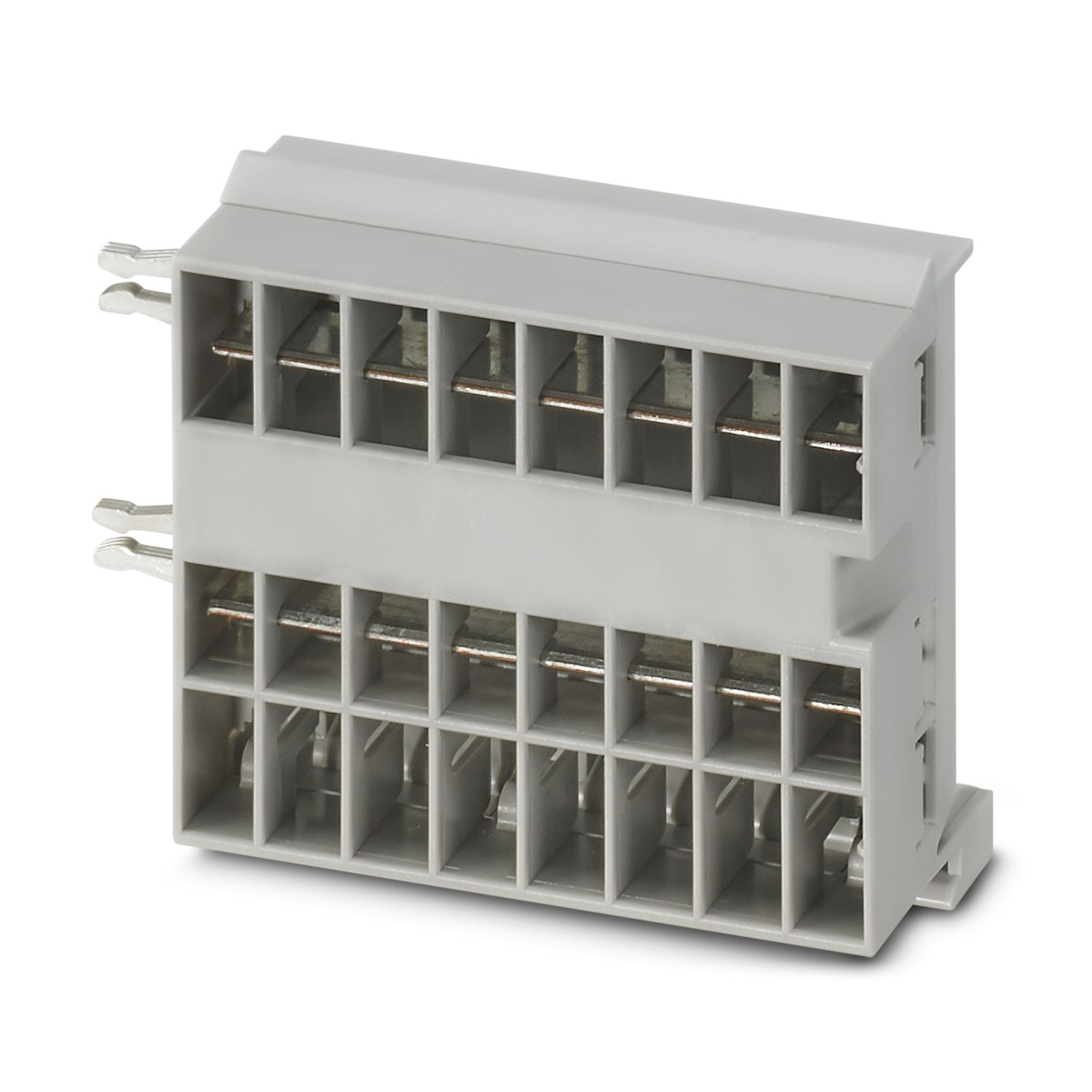
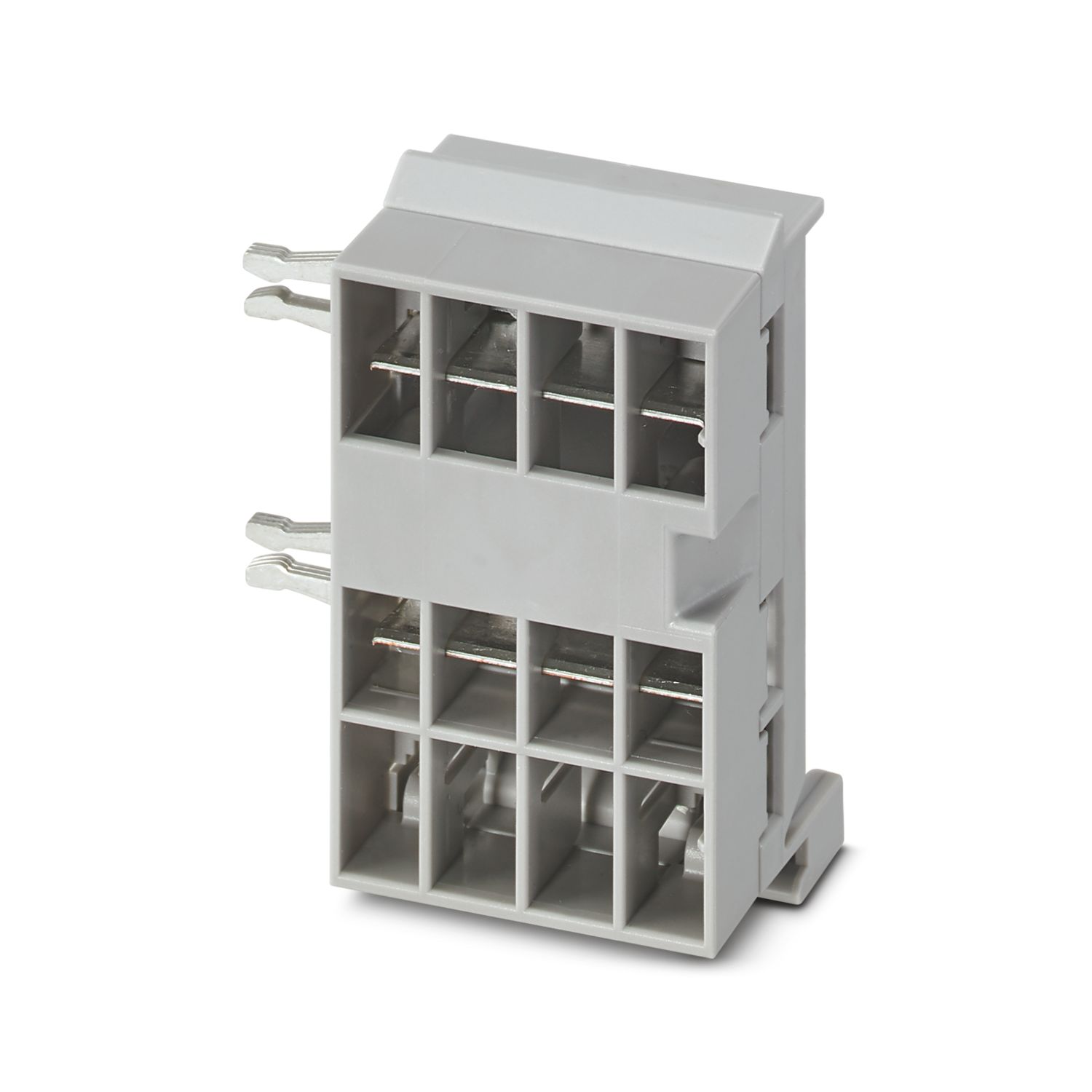
Módulo de alimentación con interfaz IO-Link para la alimentación del sistema de interruptores para protección de equipos CAPAROC con 12 o 24 V DC para hasta 20 canales. Para instalar sobre el carril DIN mediante las barras colectoras CAPAROC.
Este producto precisa otros productos para su funcionamiento.
Accesorios necesarios
Descarga gratuita disponible.
Descargas
Detalles de producto
| Nota sobre la aplicación | Según la situación actual, estamos preparando el producto para que, a partir del 11 de diciembre de 2027, cumpla los requisitos de la Ley de Resiliencia Cibernética de la UE (CRA), de acuerdo con la información disponible actualmente sobre dicha ley. |
| Tipo de producto | Interruptores de protección de aparatos, electrónicos |
| Familia de productos | CAPAROC |
| Construcción | Módulo insertable |
| Número de puestos enchufables | 2 |
| Propiedades de aislamiento | |
| Clase de protección | III |
| Grado de polución | 2 |
| Generalidades | |
| Tensión de servicio | 10 V DC ... 30 V DC |
| Tensión nominal | 12 V DC |
| 24 V DC | |
| Corriente asignada IN | 45 A (Corriente total entrada) |
| Tipo de disparo | E (electrónico) |
| Resistencia de recirculación | máx. 35 V DC |
| Rigidez dieléctrica | 35 V DC (Circuito de carga) |
| Rendimiento | > 99 % |
| Corriente de reposo I0 | típ. 12 mA (en marcha en vacío a 24 V) |
| Potencia disipada | típ. 0,27 W (en marcha en vacío a 24 V) |
| < 1,5 W (en funcionamiento nominal con 24 V y 45 A) | |
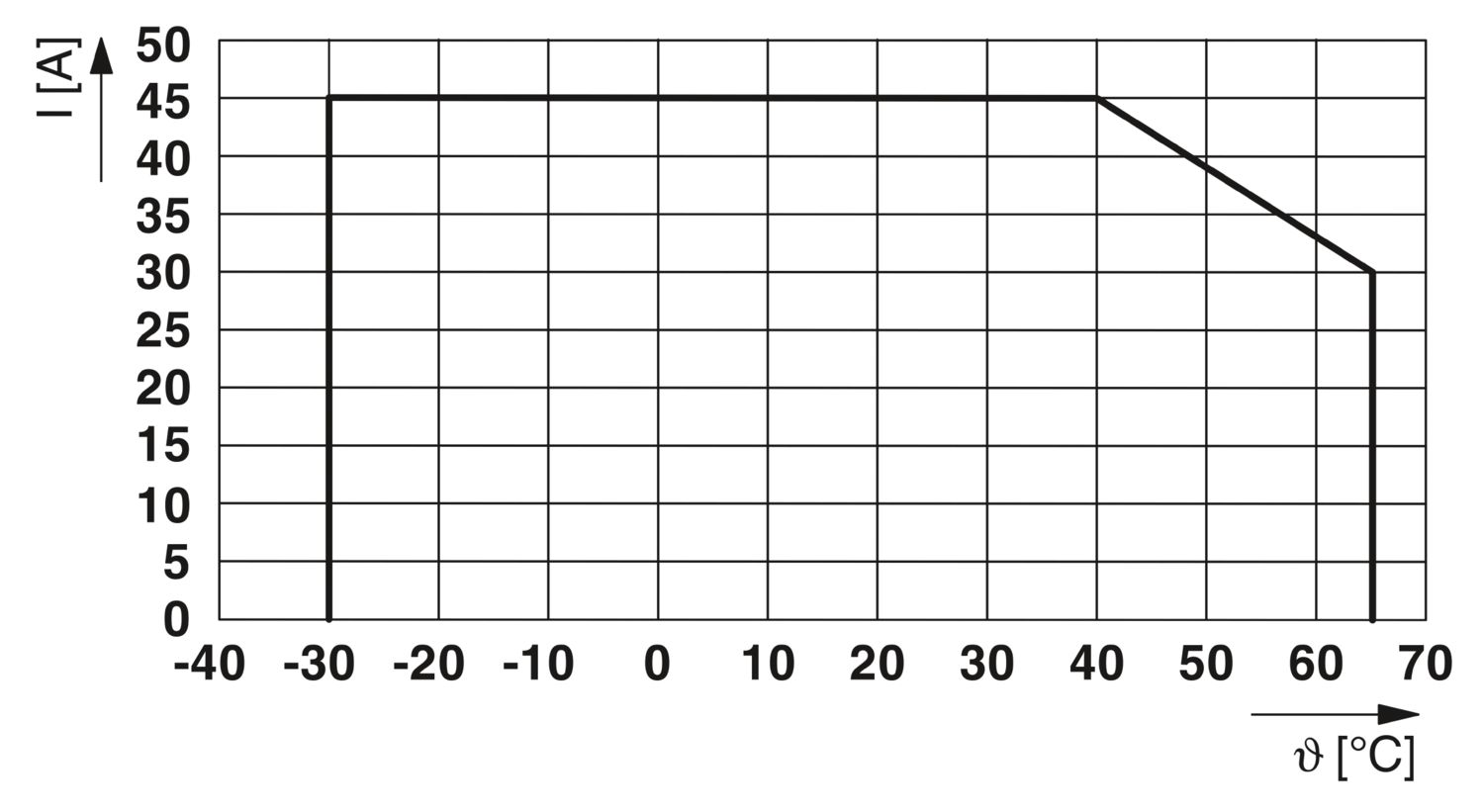
| Derating de temperatura | 45 A (Corriente total a 40 °C) |
| 30 A (Corriente total a 65 °C) | |
| MTBF (IEC 61709, SN 29500) | 13826266,85 h (a 25 °C con 21 % de carga) |
| 5534344,72 h (a 40 °C con 34,25 % de carga) | |
| 687502,35 h (a 65 °C con 100 % de carga) | |
| Caída de tensión | 5 mV (con 10 A) |
| Circuito de carga | |
| Desconexión de subtensión | ≤ 9,2 V DC (activo) |
| ≥ 10,2 V DC (inactivo) | |
| Desconexión de sobretensión | ≥ 30,5 V DC (activo) |
| ≤ 29,5 V DC (inactivo) | |
| Reset | |
| Absorción de corriente | típ. 0,5 mA (con 24 V DC) |
| Longitud de impulso | ≥ 50 ms |
| Circuito principal IN+ | |
| Tipo de conexión | Conexión push-in |
| Longitud de pelado | 18 mm |
| Sección de conductor rígido | 0,5 mm² ... 16 mm² |
| Sección de conductor AWG | 20 ... 8 |
| Sección de conductor flexible con puntera, con manguito de plástico | 0,5 mm² ... 16 mm² |
| Sección de conductor flexible con puntera, sin manguito de plástico | 0,5 mm² ... 16 mm² |
| Circuito principal IN- | |
| Tipo de conexión | Conexión push-in |
| Longitud de pelado | 18 mm |
| Sección de conductor rígido | 0,5 mm² ... 16 mm² |
| Sección de conductor AWG | 20 ... 8 |
| Sección de conductor flexible con puntera, con manguito de plástico | 0,5 mm² ... 16 mm² |
| Sección de conductor flexible con puntera, sin manguito de plástico | 0,5 mm² ... 16 mm² |
| IO-Link | |
| Tipo de conexión | Conexión push-in |
| Longitud de pelado | 8 mm |
| Sección de conductor rígido | 0,2 mm² ... 1,5 mm² |
| Sección de conductor AWG | 24 ... 16 |
| Sección de conductor flexible con puntera, con manguito de plástico | 0,2 mm² ... 0,75 mm² |
| Sección de conductor flexible con puntera, sin manguito de plástico | 0,2 mm² ... 1,5 mm² |
| IO-Link | |
| Tipo de interfaz | IO-Link |
| Especificación | V1.1 |
| Protección contra inversión de polaridad | Sí |
| Velocidad de transmisión | 230,4 kBit/s (COM3) |
| Tiempo de ciclo | min. 20 ms |
| Número de datos de proceso | 8 Byte (Datos de entrada) |
| 3 Byte (Datos de salida) | |
| Tensión nominal de alimentación periférica | 24 V DC |
| Absorción de corriente | típ. 30 mA (IO-Link L+) |
| IO-Link Vendor ID | 176dec, 00 B0hex |
| IO-Link Device ID | 393760dec, 06 02 20hex |
| Ampliación del sistema máxima | ≤ 20 (Canales) |
| LED IO-Link desconectado | apagado (No hay comunicación) |
| LED IO-Link verde | parpadea (Hay conexión de IO-Link) |
| LED Power (PWR) verde | encendido (Tensión de alimentación OK) |
| LED Power (PWR) rojo | encendido (Tensión de alimentación fuera del rango nominal) |
| parpadea (Topología del sistema modificada) |
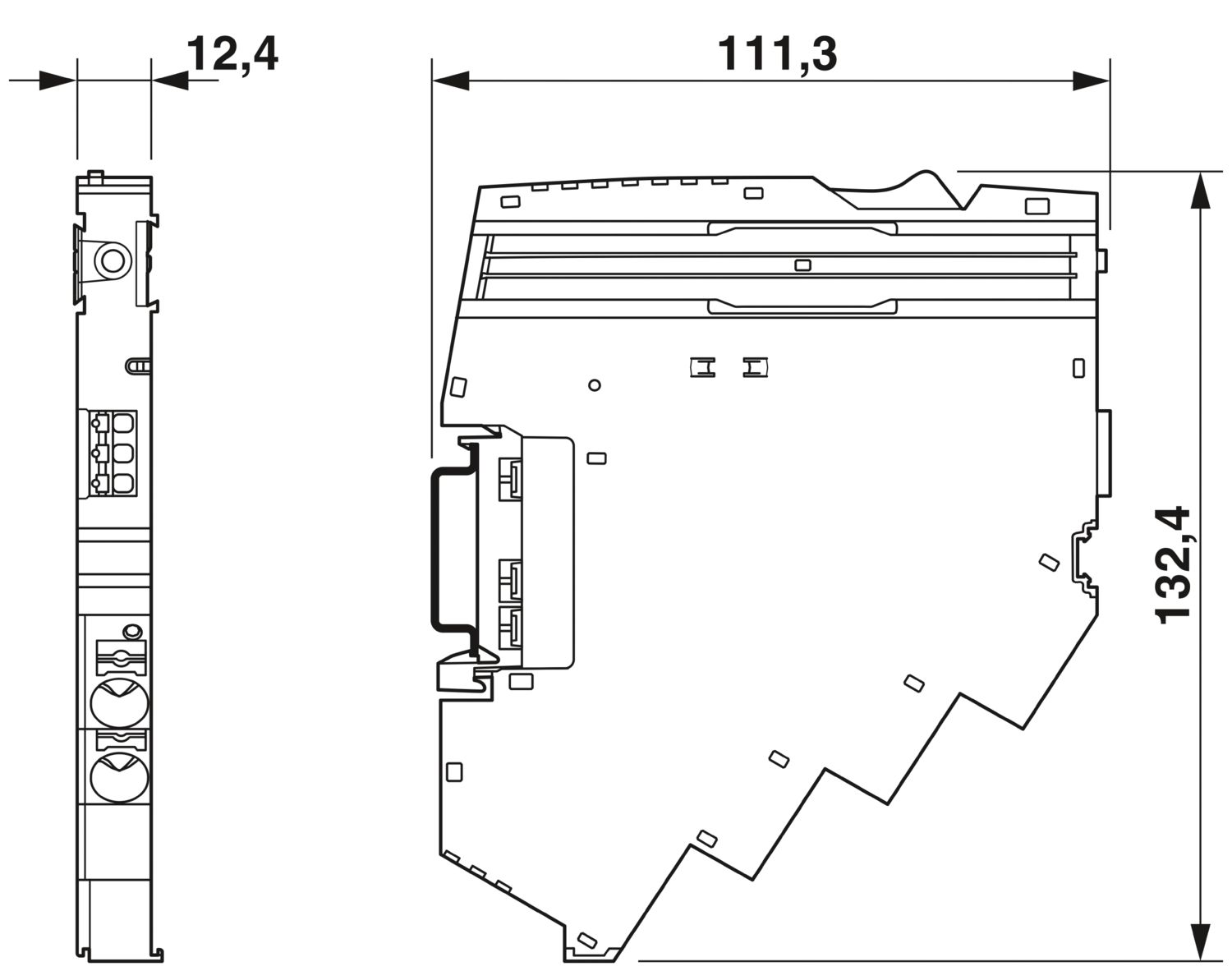
| Esquema de dimensiones |
|
| Anchura | 12,4 mm |
| Altura | 132,4 mm |
| Profundidad | 111,3 mm (Con carril de 7,5 mm) |
| Color | gris claro (RAL 7035) |
| Material | PA 6 |
| PA 6 | |
| PA 6 | |
| PC | |
| Clase de inflamabilidad según UL 94 | V-0 |
| Condiciones ambientales | |
| Índice de protección | IP20 |
| Temperatura ambiente (servicio) | -30 °C ... 65 °C |
| Temperatura ambiente (almacenamiento / transporte) | -40 °C ... 70 °C |
| Altitud | ≤ 4000 m (s. n. m.) |
| Comprobación de humedad | 96 h, 95 % RH, 40 °C |
| Choques (en servicio) | 30g (Duración 11 ms, impulso de choque en forma de semisinusoide, conforme a IEC 60068-2-27) |
| 25g (Duración 6 ms, impulso de choque semisinusoidal conforme a IEC 60068-2-27, choque continuo) | |
| Vibración (en servicio) | 5g (10 Hz ... 150 Hz / 10 ciclos/eje / X, Y, Z) |
| Homologación UL | |
| Marcado | UL/C-UL Listed UL 508 |
| Prueba de gases nocivos | |
| Marcado | ISA S71.04.2013 G3 Harsh Group A |
| Normas/disposiciones | EN 61000-6-2 |
| Observación | CEM - Inmunidad a interferencias para zonas industriales |
| Normas/disposiciones | EN 61000-6-3 |
| Observación | CEM - Emisión de perturbaciones para entornos domésticos, comerciales e industriales, así como pequeñas empresas |
| Normas/disposiciones | EN 60068-2-78 |
| Observación | Influencias ambientales - Humedad y calor, constante |
| Normas/disposiciones | EN 50178 |
| Observación | Equipamiento de instalaciones de alta intensidad con equipamientos electrónicos |
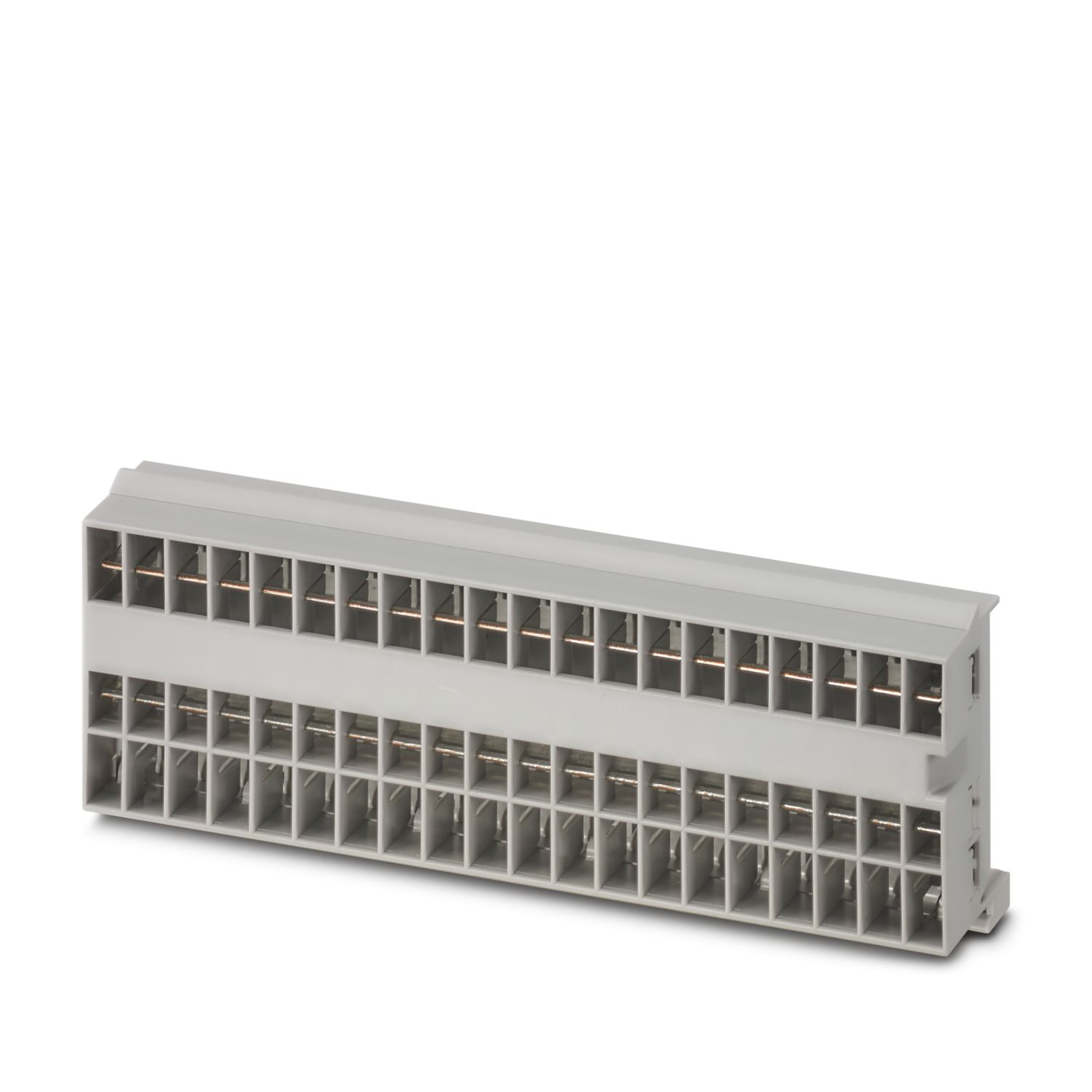
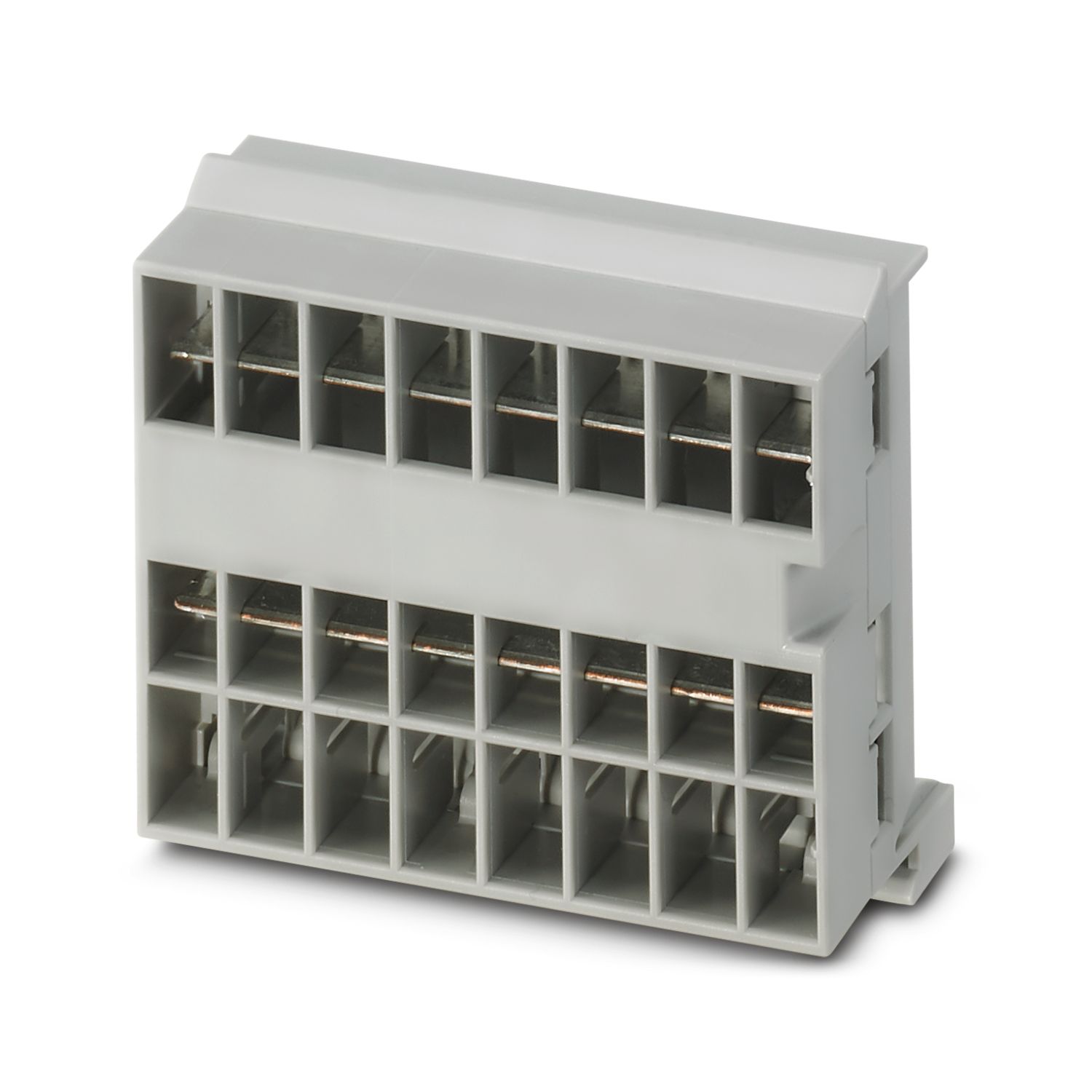
| Tipo de montaje | enchufable en barra colectora CAPAROC CR… |
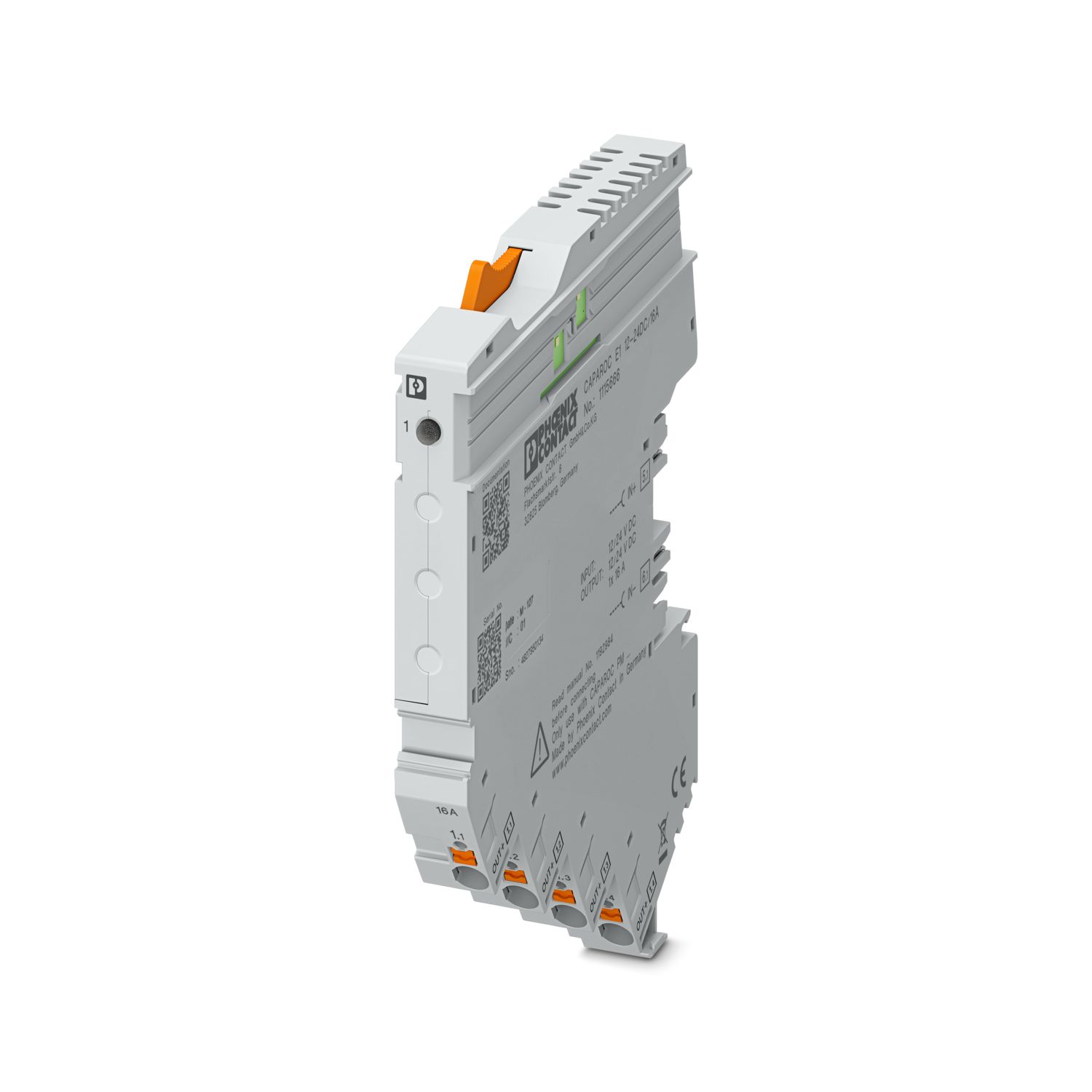

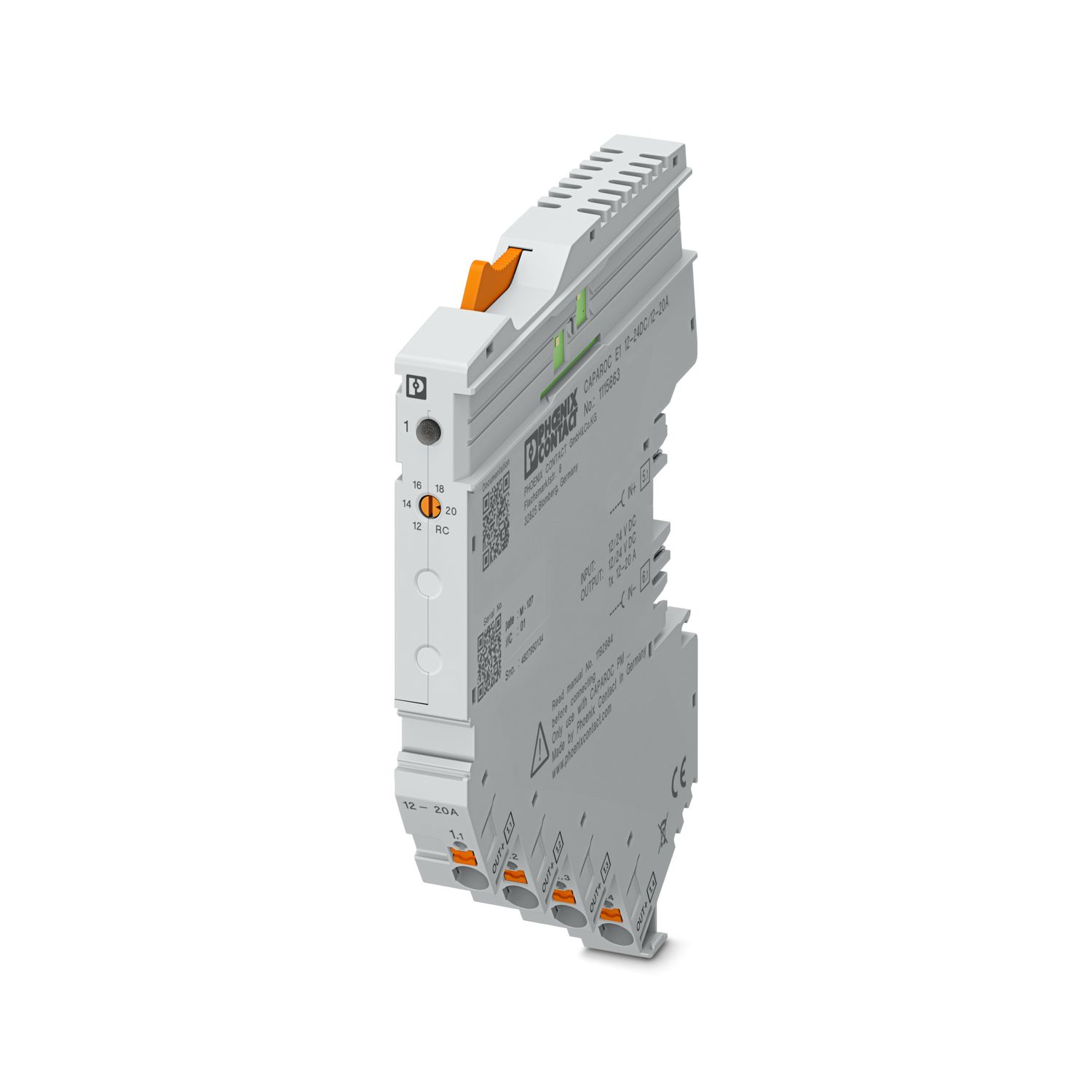
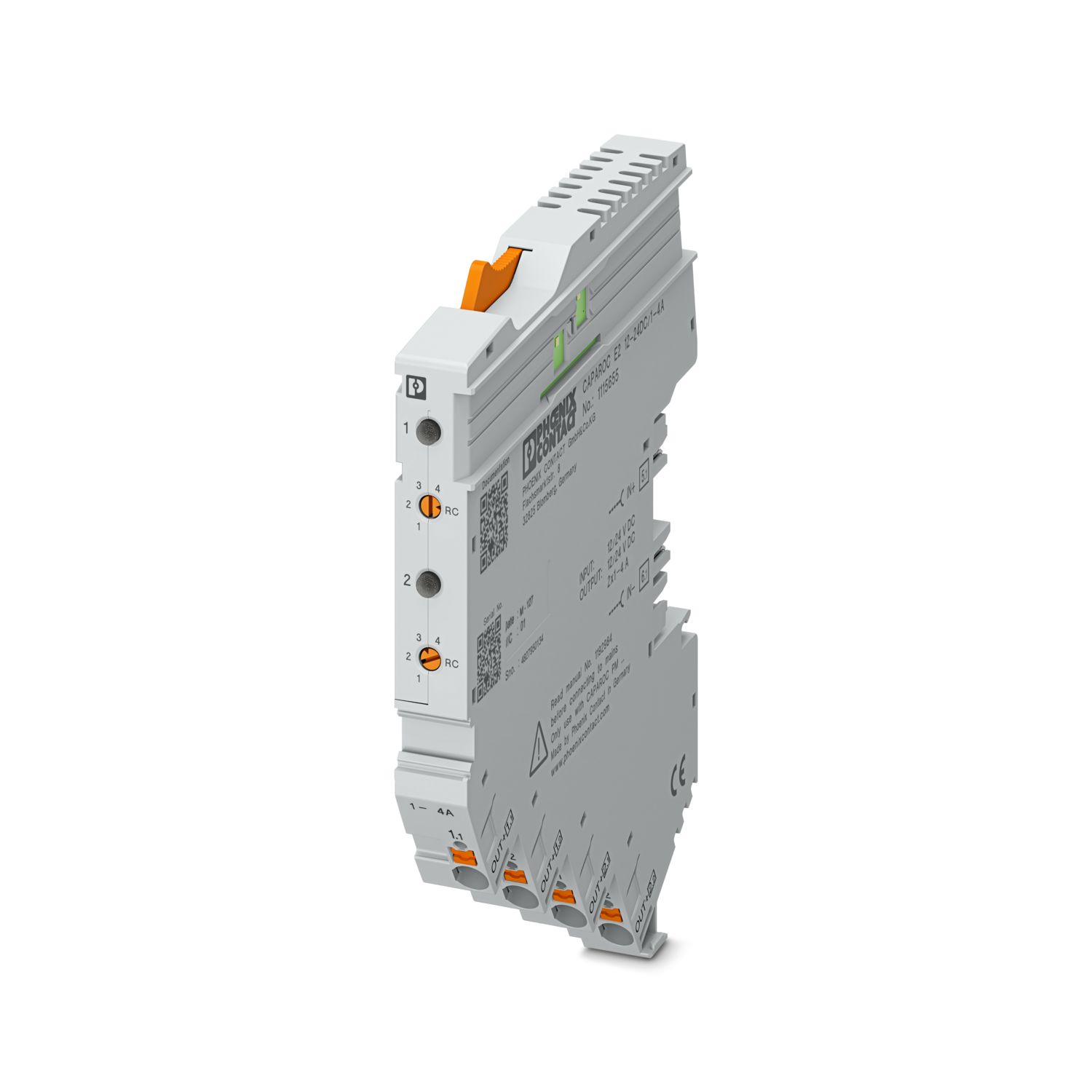
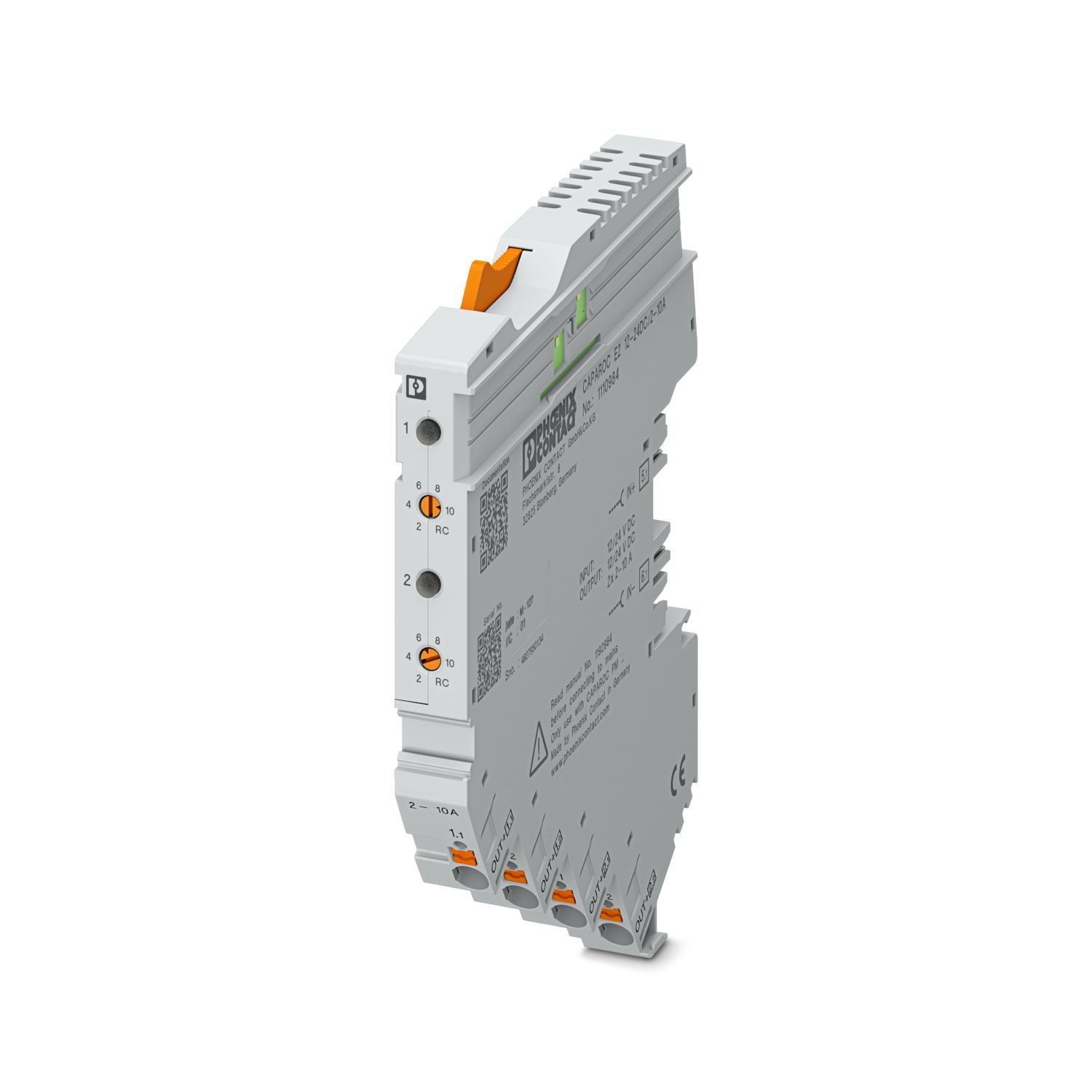
Sus ventajas
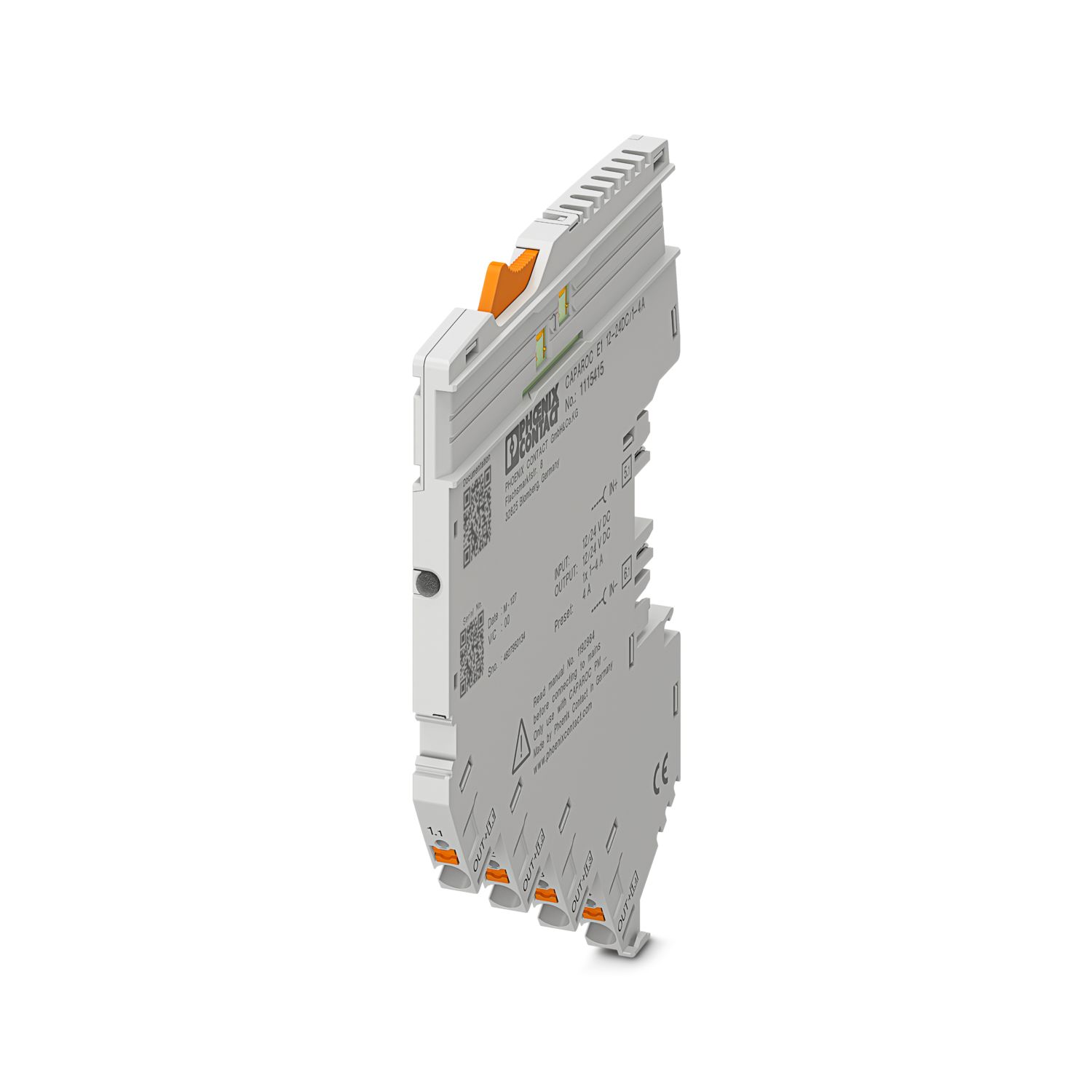
El estándar personalizable gracias a la selección de señales sencillas y al reset hasta la comunicación IO-Link y PROFINET
Manejo especialmente sencillo para cualquier persona mediante un diseño sin herramientas, alimentación directa en la barra colectora y estado de funcionamiento transparente
Diseño sorprendentemente sencillo gracias al completo paquete de datos digital
Preguntas frecuentes
¿Por qué parpadea en rojo el LED de alimentación (PWR) del CAPAROC PM IOL?
Un LED de alimentación rojo parpadeante del módulo de alimentación IO-Link indica un cambio en la configuración del hardware. Durante la primera puesta en servicio, esta advertencia puede confirmarse sin problemas mediante una pulsación larga de la t... Ver más
Un LED de alimentación rojo parpadeante del módulo de alimentación IO-Link indica un cambio en la configuración del hardware. Durante la primera puesta en servicio, esta advertencia puede confirmarse sin problemas mediante una pulsación larga de la tecla (más de 2 segundos).
Si esta advertencia aparece mientras el proceso está en curso, la configuración del hardware ha cambiado desde la última confirmación y debe comprobarse. Si el número de canales de un módulo aumenta debido a una sustitución previa del módulo, la confirmación de la advertencia provoca inevitablemente un desplazamiento de los datos de proceso.
¿Hay un tutorial de hardware en el que se expliquen las funciones de CAPAROC?
¿Cuántos módulos de interruptores de protección puedo conectar detrás de un módulo de alimentación?
CAPAROC PM S-R: 20 módulos de interruptores de protección
CAPAROC PM IOL: 20 canales
CAPAROC PM PN: 16 módulos de interruptores de protección
CAPAROC PM EIP: 16 módulos de interruptores de protección
CAPAROC PM MB: 16 módulos de interrupt...
Ver más
CAPAROC PM S-R: 20 módulos de interruptores de protección
CAPAROC PM IOL: 20 canales
CAPAROC PM PN: 16 módulos de interruptores de protección
CAPAROC PM EIP: 16 módulos de interruptores de protección
CAPAROC PM MB: 16 módulos de interruptores de protección
CAPAROC PM EC: 16 módulos de interruptores de protección
El LED de canal parpadea en amarillo dos veces cada 4 segundos. ¿Qué significa esto?
Esto significa que la comunicación interna con el módulo de alimentación está interrumpida o es defectuosa.
Compruebe que los módulos estén montados correctamente y que no hay huecos entre ellos. Si la comunicación sigue interrumpida, compruebe lo...
Ver más
Esto significa que la comunicación interna con el módulo de alimentación está interrumpida o es defectuosa.
Compruebe que los módulos estén montados correctamente y que no hay huecos entre ellos. Si la comunicación sigue interrumpida, compruebe los contactos laterales del primer módulo que parpadee (a la izquierda). Si estos están doblados, excesivamente insertados en el módulo, no centrados en la abertura de la carcasa o dañados de cualquier otra forma, sustituya el módulo.
¿Puedo bloquear el ajuste de las corrientes ajustadas?
Las corrientes pueden bloquearse de diferentes maneras:
1. Bloqueo de programación: pulse la tecla PWR del módulo de alimentación durante más de 3 segundos; el LED PWR parpadea 3 veces en amarillo; los ajustes están ahora bloqueados. Pulsando de n...
Ver más
Las corrientes pueden bloquearse de diferentes maneras:
1. Bloqueo de programación: pulse la tecla PWR del módulo de alimentación durante más de 3 segundos; el LED PWR parpadea 3 veces en amarillo; los ajustes están ahora bloqueados. Pulsando de nuevo durante más de 3 segundos, el LED parpadea 3 veces en verde y el bloqueo se anula.
2. El bloqueo también puede ajustarse y anularse a través de la interfaz de comunicación. Aquí también se puede configurar el bloqueo de funcionamiento, que impide manejar y realizar ajustes en el equipo. En ese caso, el bloqueo solo puede anularse a través de la interfaz.