
Ulteriori informazioni sulla famiglia di prodotti CAPAROC sono disponibili nel manuale online all'indirizzo phoenixcontact.com/caparoc-help
CAPAROC PM EC
-
Modulo di alimentazione
1687560
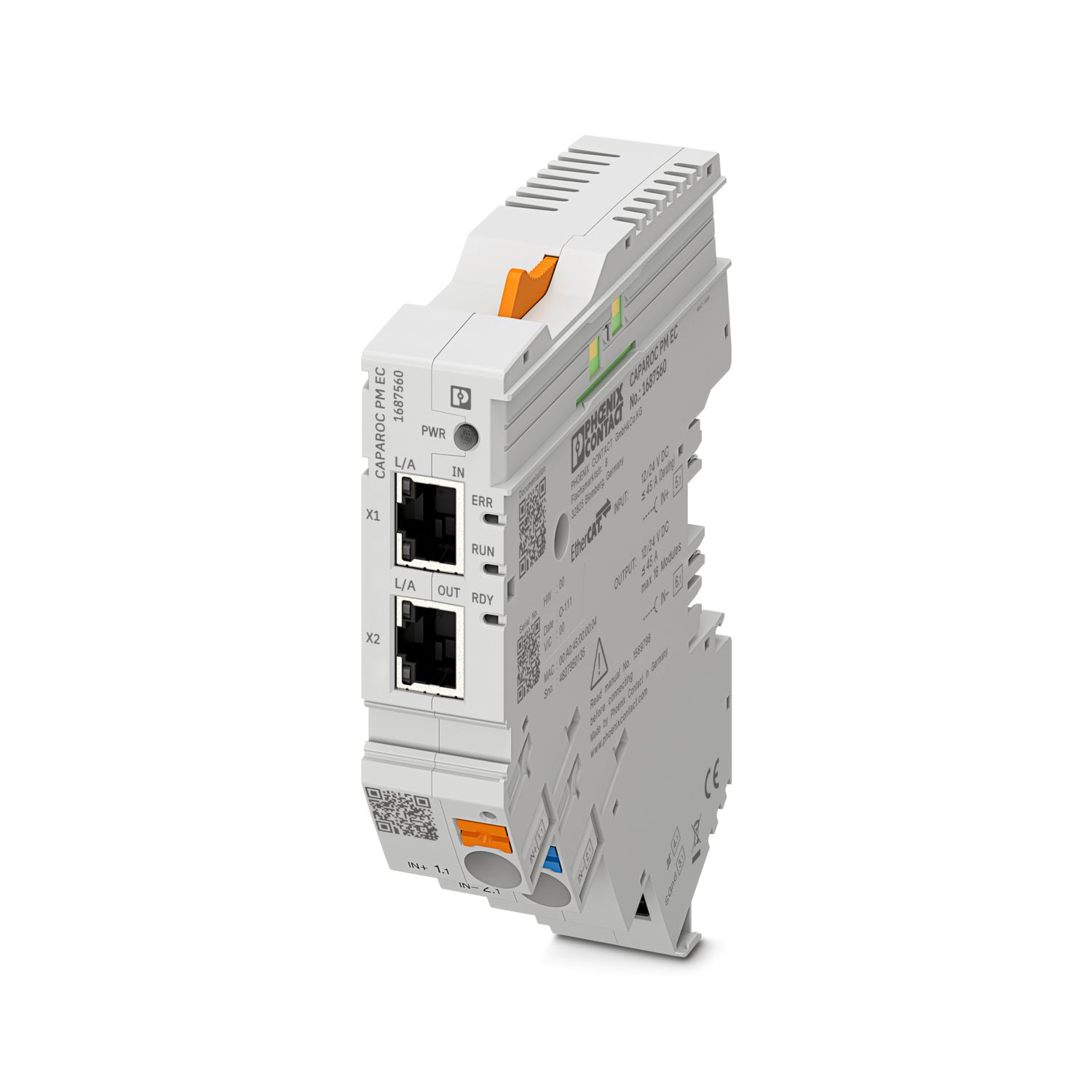

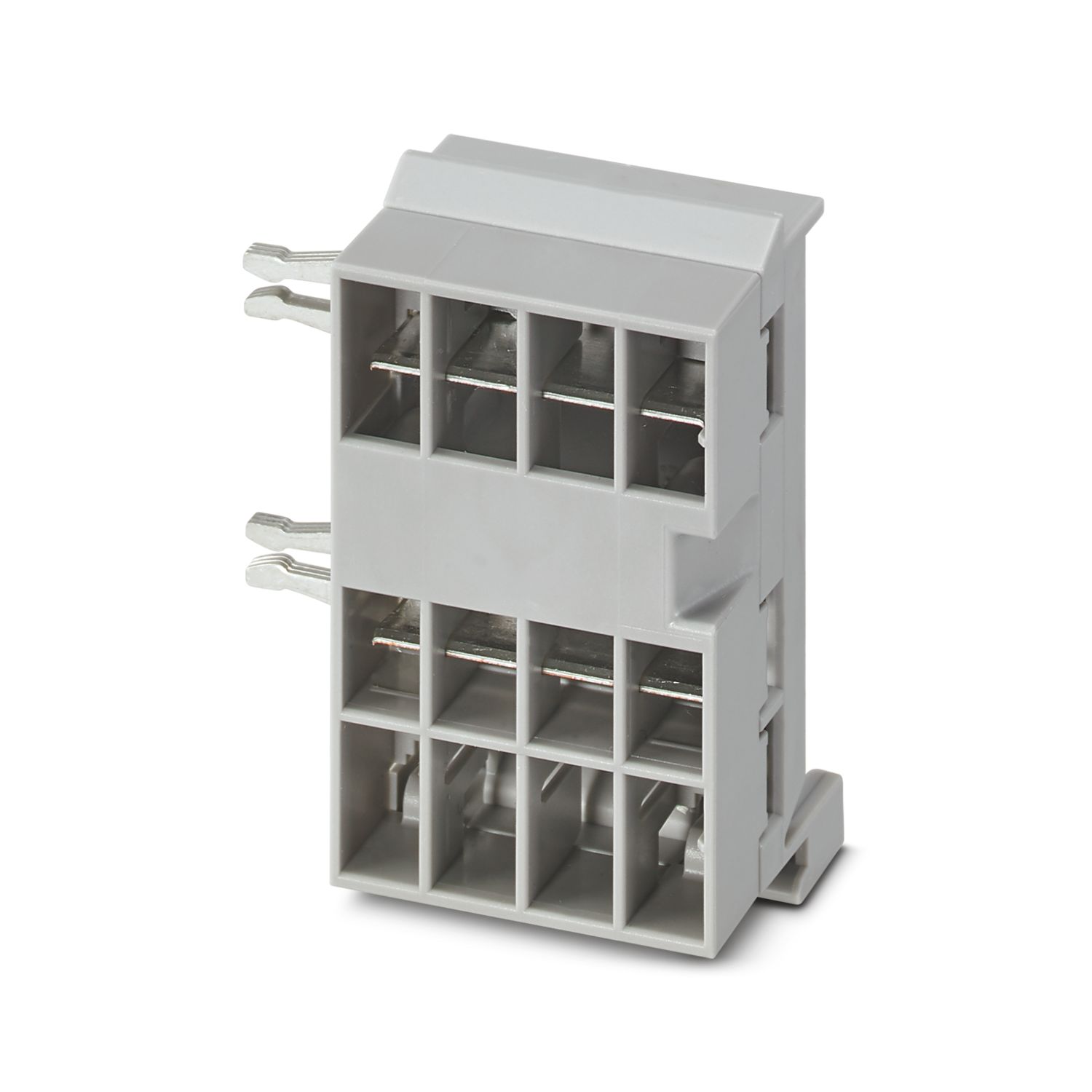
Modulo di alimentazione con interfaccia EtherCAT® per l'alimentazione del sistema a interruttori di protezione CAPAROC con 12 o 24 V DC. Interfaccia di sistema aggiuntiva per la comunicazione con l'alimentatore. Per l'installazione su guida DIN tramite le barre collettrici CAPAROC.
Per il suo funzionamento questo prodotto necessita di altri prodotti.
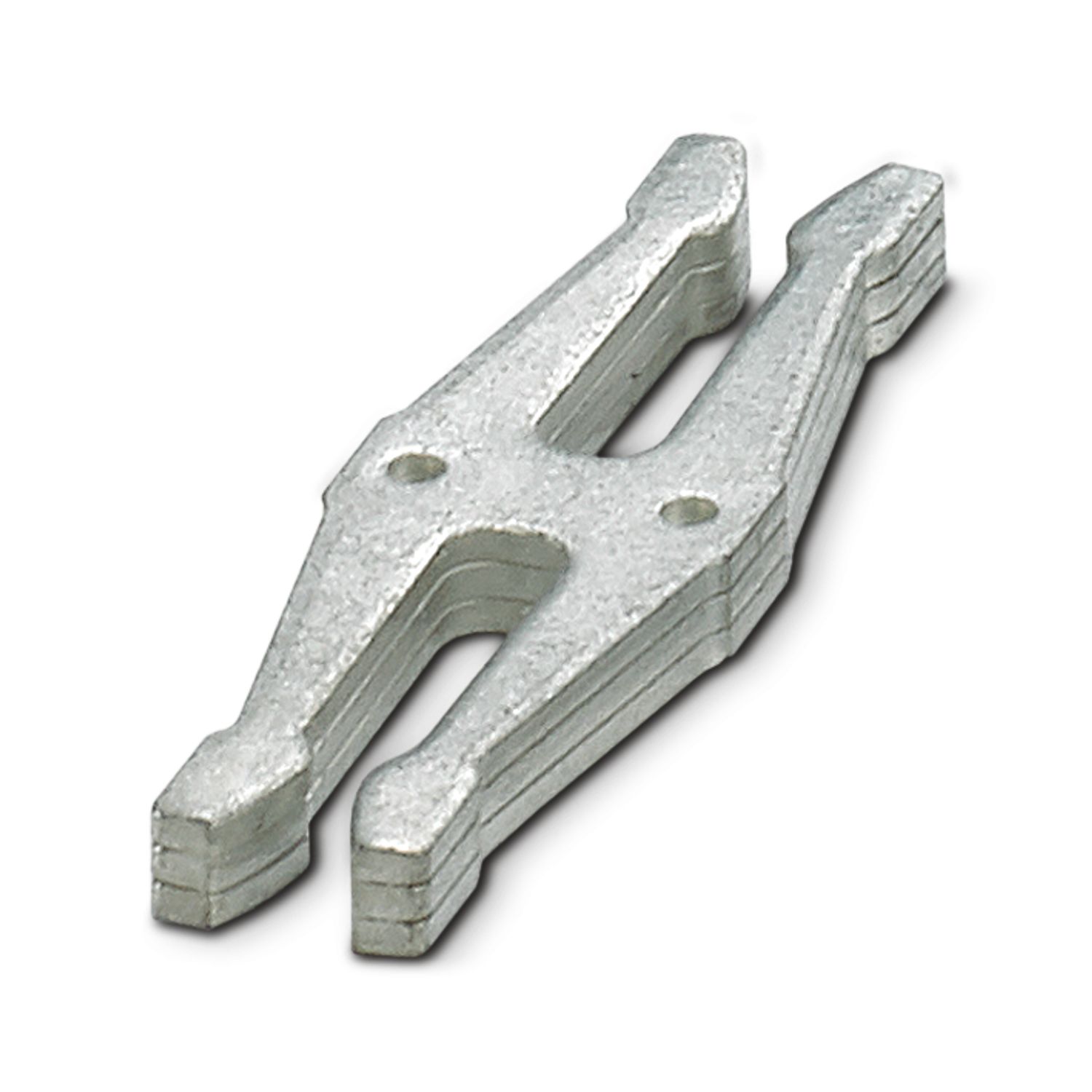
Accessori necessari
Download gratuito disponibile.
Downloads
Dettagli prodotto
| Nota per l'utilizzo | Allo stato attuale stiamo predisponendo il prodotto affinché rispetti, a partire dal giorno 11.12.2027, i requisiti del Cyber Resilience Act (CRA) dell'UE sulla base delle informazioni attualmente disponibili sul CRA. |
| Note generali | |
| Nota | Senza LABS, secondo la specifica di prova VW PV 3.10.7:2005-0 |
| Durante la connessione del conduttore occorre assicurarsi che i moduli CAPAROC non si separino a causa delle forze di trazione. Non devono esserci spazi tra i moduli. | |
| EtherCAT® è un marchio registrato e una tecnologia brevettata, concessa in licenza da Beckhoff Automation GmbH, Germania. | |
| Tipo di prodotto | Interruttore di protezione elettronico |
| Famiglia di prodotti | CAPAROC |
| Tipo | Modulo a innesto |
| Numero degli slot | 4 |
| Caratteristiche di isolamento | |
| Classe di protezione | III |
| Grado di inquinamento | 2 |
| EtherCAT® | |
| Funzionalità dell’apparecchiatura | EtherCAT® SubDevice |
| Note generali | |
| Tensione di esercizio | 10 V DC ... 30 V DC |
| Tensione nominale | 12 V DC |
| 24 V DC | |
| Corr. di dimensionam. IN | 45 A (Corrente complessiva ingresso) |
| Tensione impulsiva di dimensionamento | 0,5 kV |
| Tipo di sgancio | E (elettronico) |
| Resistenza alimentazione di ritorno | max. 35 V DC |
| Resistenza alla tensione | 35 V DC (Circuito di carico) |
| Efficienza | > 99 % |
| Corrente di riposo I0 | tip. 46 mA (a vuoto a 24 V) |
| Potenza dissipata | tip. 1,1 W (a vuoto a 24 V) |
| < 4,5 W (con 40 A) | |
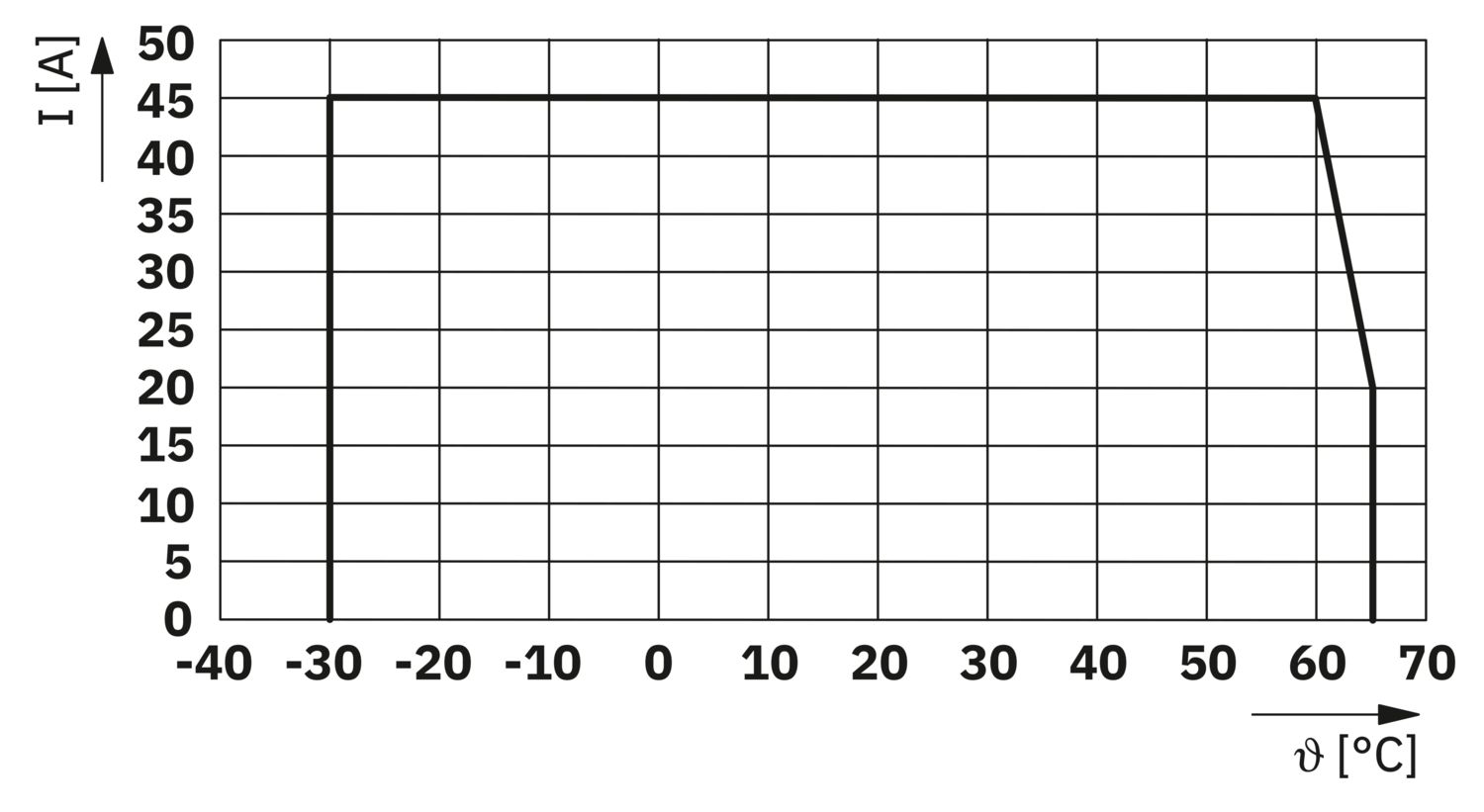
| Derating della temperatura | 45 A (Corrente complessiva a 60 °C) |
| 20 A (Corrente complessiva a 65 °C) | |
| 45 A (Corrente complessiva a 60 °C, secondo UL) | |
| MTBF (IEC 61709, SN 29500) | 7242508,37 h (a 25 °C con carico al 21 %) |
| 3958056,77 h (a 40 °C con carico al 34,25 %) | |
| 764697,81 h (a 60 °C con carico al 100 %) | |
| Tensione dissipata | 0,082 V (con 40 A) |
| Circuito di carico | |
| DIsattivazione per sottotensioni | ≤ 9,2 V DC (attivo) |
| ≥ 10,2 V DC (inattivo) | |
| Disattivazione per sovratensioni | ≥ 30,5 V DC (attivo) |
| ≤ 29,5 V DC (inattivo) | |
| Circuito principale IN+ | |
| Collegamento | Connessione Push-in |
| Lunghezza del tratto da spelare | 18 mm |
| Sezione conduttore AWG | 20 ... 8 |
| Sezione conduttore flessibile con capocorda montato e collare in plastica | 0,5 mm² ... 16 mm² |
| Sezione del conduttore flessibile con capocorda senza collare in plastica | 0,5 mm² ... 16 mm² |
| Circuito principale IN- | |
| Collegamento | Connessione Push-in |
| Lunghezza del tratto da spelare | 18 mm |
| Sezione conduttore AWG | 20 ... 8 |
| Sezione conduttore flessibile con capocorda montato e collare in plastica | 0,5 mm² ... 16 mm² |
| Sezione del conduttore flessibile con capocorda senza collare in plastica | 0,5 mm² ... 16 mm² |
| Comunicazione di sistema | |
| Collegamento | Connessione Push-in |
| Lunghezza del tratto da spelare | 8 mm |
| Sezione conduttore rigida | 0,2 mm² ... 1,5 mm² |
| Sezione conduttore AWG | 24 ... 16 |
| Sezione conduttore flessibile con capocorda montato e collare in plastica | 0,2 mm² ... 0,75 mm² |
| Sezione del conduttore flessibile con capocorda senza collare in plastica | 0,2 mm² ... 1,5 mm² |
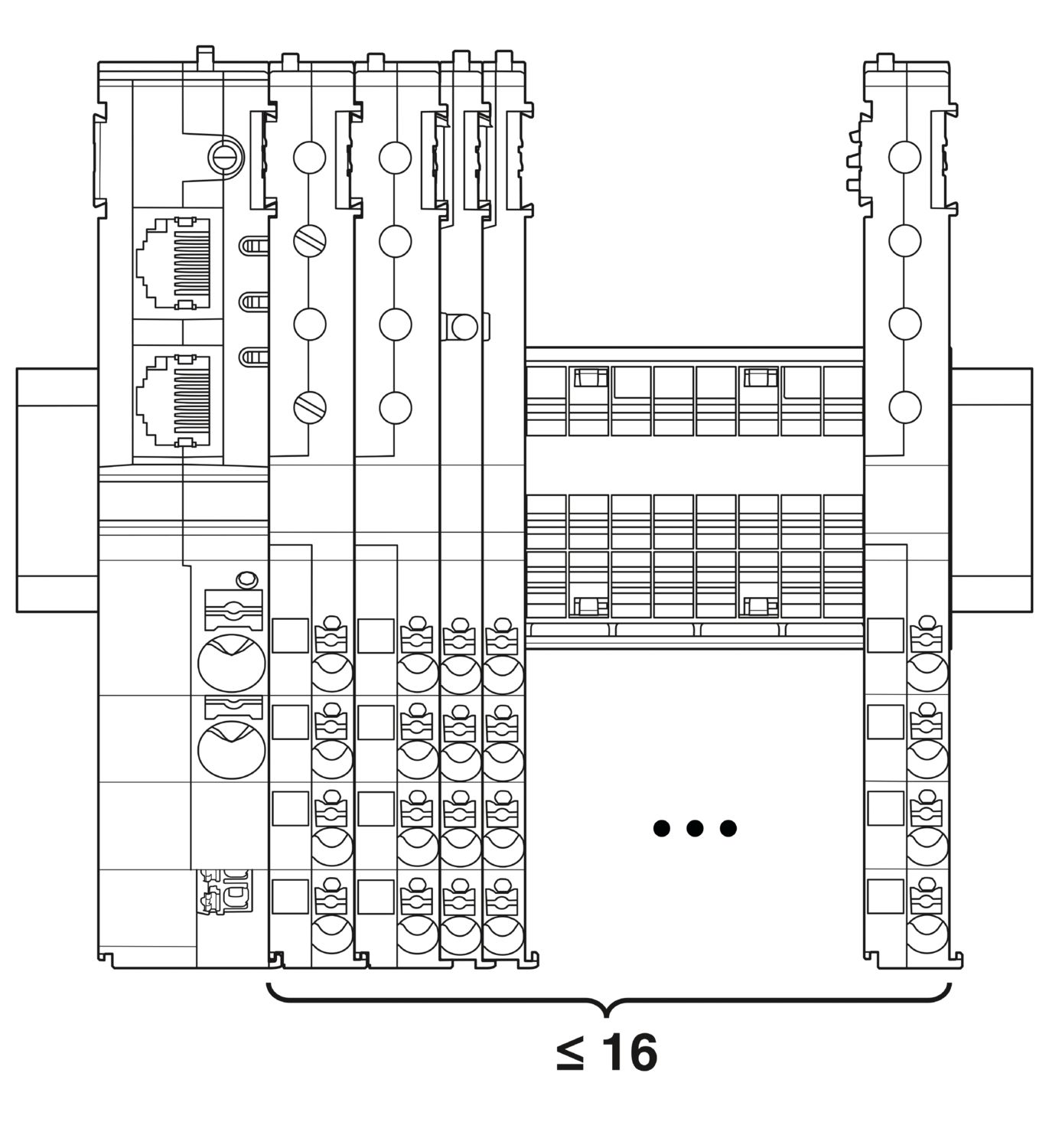
| Ampliamento massimo del sistema | ≤ 16 (Moduli CAPAROC componibili) |
| Tipo di interfaccia | Ethernet |
| Numero | 2 |
| Velocità di trasmissione | 10 Mbit/s 100 Mbit/s |
| Fisica di trasmissione | Ethernet in RJ45-Twisted-Pair |
| Protocolli | EtherCAT® SubDevice, CoE, FoE, EoE |
| Power (PWR) LED verde | acceso (Tensione di alimentazione compresa nel range della tensione di esercizio) |
| 3x lampeggia (Blocco della programmazione globale disattivato) | |
| Power (PWR) LED rosso | acceso (Tensione di alimentazione al di fuori del range della tensione di esercizio) |
| 5x lampeggia (Comando di reset di fabbrica accettato) | |
| LED Power (PWR) giallo | acceso (Il pulsante PWR è premuto) |
| 3x lampeggia (Blocco della programmazione globale attivato) | |
| LED Ready (RDY) giallo | lampeggia (Aggiornamento firmware in corso) |
| LED Ready (RDY) verde | acceso (Il firmware è stato avviato con successo) |
| LED Error (ERR) rosso | spento (Nessun errore di comunicazione. La comunicazione EtherCAT® del dispositivo funziona perfettamente.) |
| lampeggio veloce (Configurazione non valida/Errore di configurazione generico Possibile motivo:un cambiamento di stato attivato dal dispositivo principale non è possibile a causa delle impostazioni del registro o dell'oggetto.Il motivo più comune è una configurazione obsoleta degli slot dei moduli.) | |
| lampeggia (Errore locale: l'applicazione Sottodispositivo ha modificato autonomamente lo stato EtherCAT®. Possibile motivo 1: si è verificato un timeout del watchdog dell'host.Possibile motivo 2: durante il funzionamento si è verificata una configurazione del modulo errata. Modulo sostituito con un modulo non corretto.) | |
| lampeggia due volte (Timeout del watchdog dell'applicazione) | |
| Led Run (RUN) verde | spento (Il dispositivo si trova nello stato INIT) |
| lampeggio veloce (2,5 Hz) (Il dispositivo si trova nello stato PRE-OPERATIONAL) | |
| lampeggia (Il dispositivo si trova nello stato SAFE OPERATIONAL) | |
| acceso (Il dispositivo si trova nello stato OPERATIONAL) |
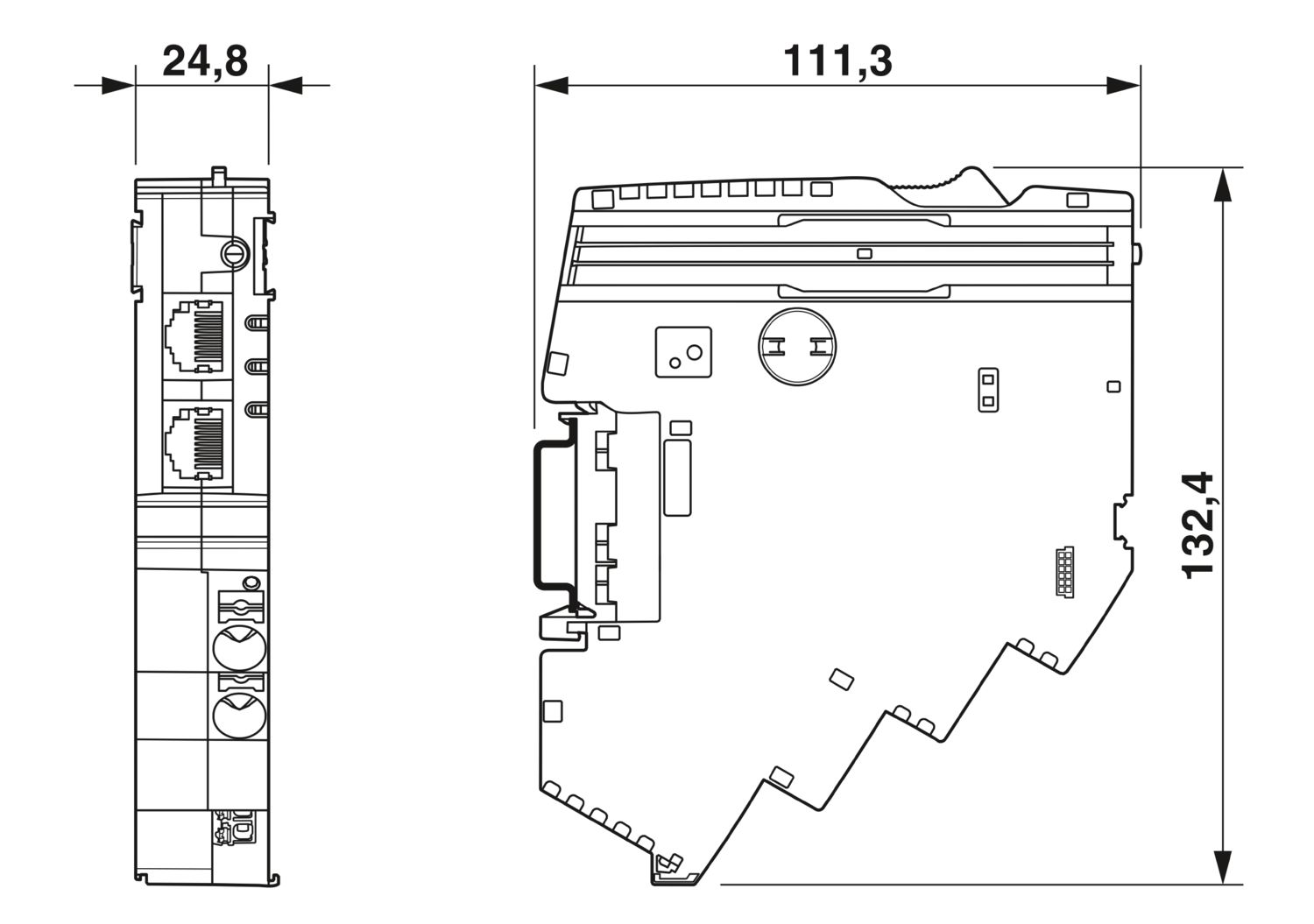
| Disegno quotato |
|
| Larghezza | 24,8 mm |
| Altezza | 132,4 mm |
| Profondità | 111,3 mm (Con guida DIN da 7,5 mm) |
| Colore | grigio chiaro (RAL 7035) |
| Materiale | PA 6 |
| PA 6 | |
| PA 6 | |
| PC | |
| Classe di combustibilità a norma UL 94 | V-0 |
| Condizioni ambientali | |
| Grado di protezione | IP20 |
| Temperatura ambiente (esercizio) | -30 °C ... 65 °C |
| -30 °C ... 60 °C (secondo UL) | |
| Temperatura ambiente (stoccaggio/trasporto) | -40 °C ... 70 °C |
| Posizione elevata | ≤ 4000 m (s.l.m.) |
| Prova dell'umidità | 96 h, 95 % RH, 40 °C |
| Urti (esercizio) | 30g (11 ms durata, pulsazione d'urto d'onda semisinusoidale, secondo IEC 60068-2-27) |
| 25g (6 ms di durata, pulsazione d'urto d'onda semisinusoidale secondo IEC 60068-2-27, urto permanente) | |
| Vibrazione (esercizio) | 5g (10 Hz ... 150 Hz / 10 cicli / asse / X, Y, Z) |
| Omologazione UL | |
| Siglatura | UL/C-UL Listed UL 508 |
| UL 121201 Class I, Division 2, Groups A, B, C, D, T4A | |
| Norme/disposizioni | EN 61000-6-2 |
| Nota | EMC - Immunità ai disturbi per ambienti industriali |
| Norme/disposizioni | EN 61000-6-4 |
| Nota | EMC - Immunità ai disturbi per ambienti industriali |
| Norme/disposizioni | EN 61000-6-8 |
| Nota | EMC - Emissione di interferenze per dispositivi professionali utilizzati in aree aziendali e commerciali e in piccole imprese |
| Norme/disposizioni | EN 60068-2-78 |
| Nota | Influssi ambientali - Umidità e calore, costante |
| Norme/disposizioni | EN 50178 |
| Nota | Equipaggiamento elettronico per uso in installazioni di potenza |
| Norme/disposizioni | EN 60068-2-6 |
| Nota | Influssi ambientali - Vibrazioni (sinusoidali) |
| Norme/disposizioni | EN 60068-2-27 |
| Nota | Influssi ambientali - Urti |
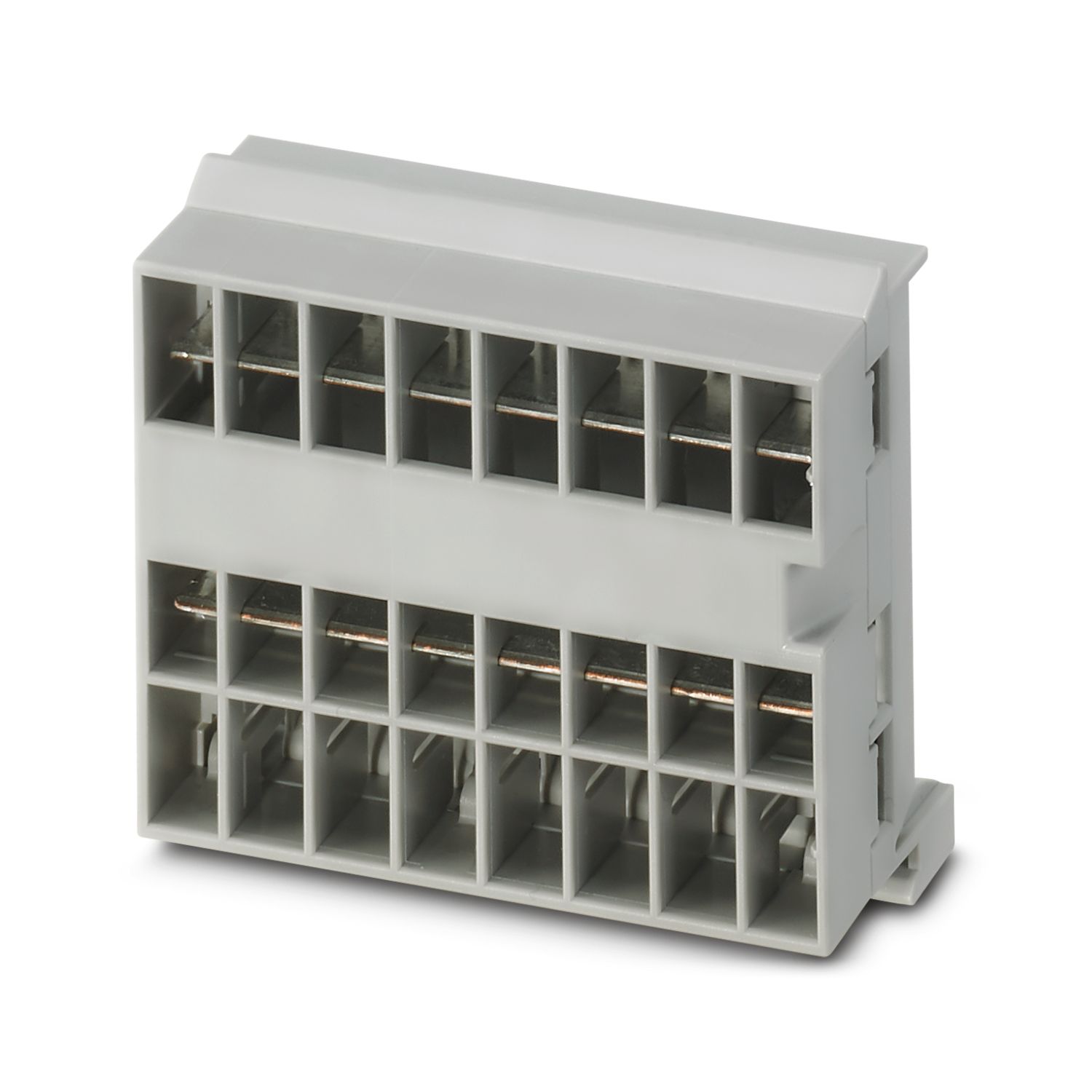
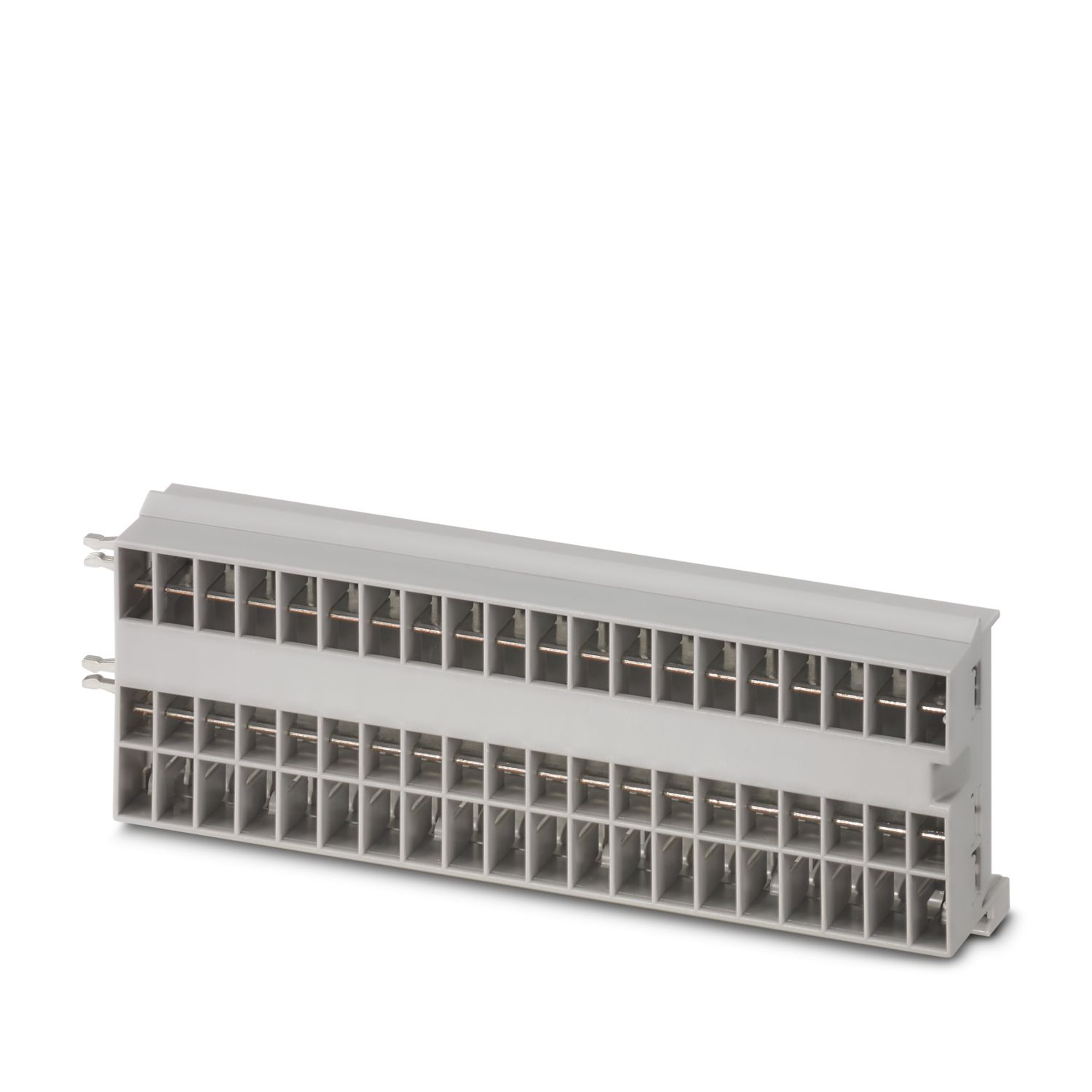
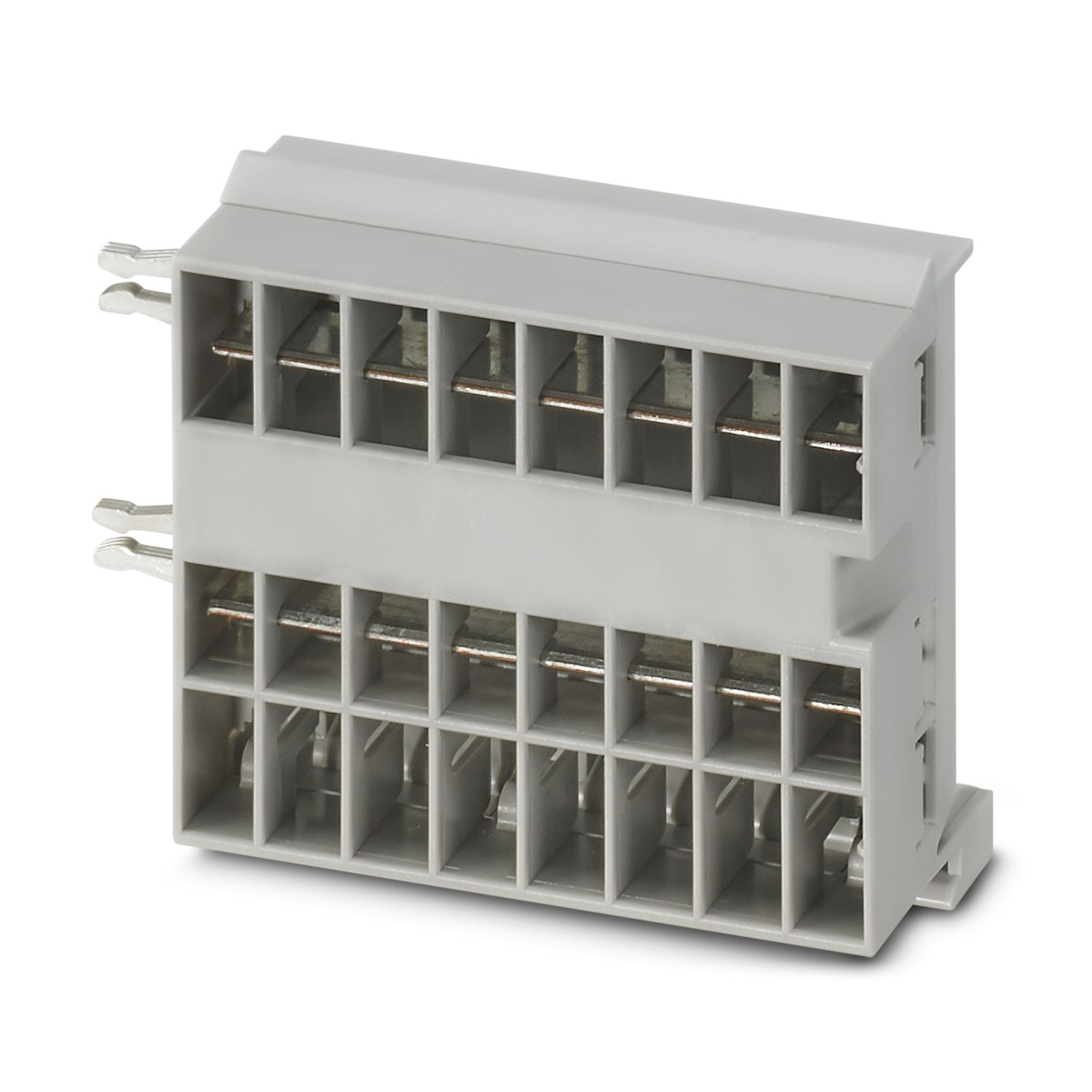
| Tipo di montaggio | a innesto su barra collettrice CAPAROC CR… |
cUL Listed
ID omologazione: E123528EtherCAT
ID omologazione: 0x84_009cULus Listed
ID omologazione: E483407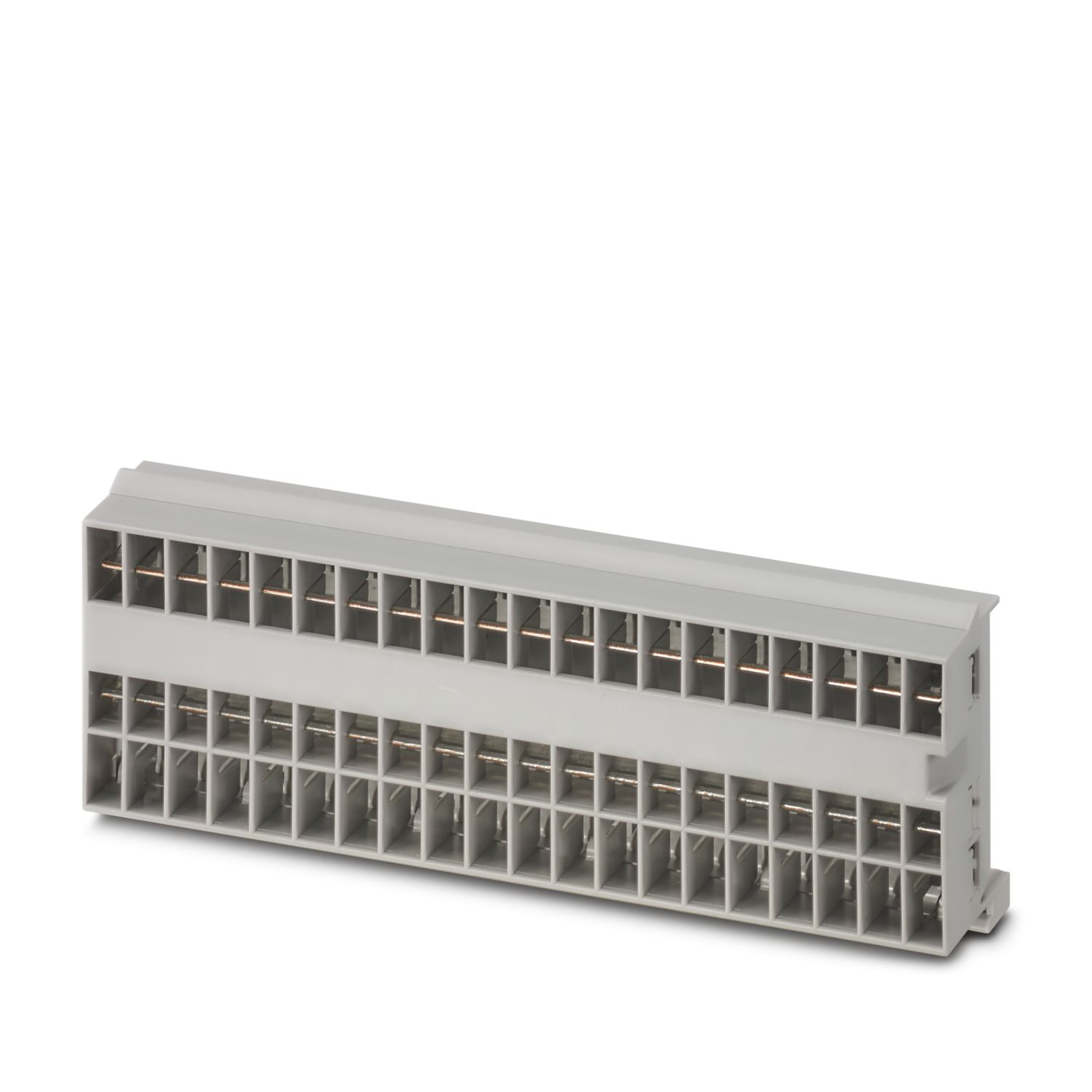

I vantaggi
Standard personalizzabile grazie alla selezione tra semplici segnali e reset fino alla comunicazione EtherCAT®
Particolarmente facile da usare grazie al montaggio senza utensili, all'alimentazione diretta sulla barra collettrice e allo stato operativo trasparente
Design-in particolarmente semplice grazie al pacchetto dati completamente digitale per l'uso in applicazioni EtherCAT®
Domande frequenti
Esiste un tutorial sull'hardware che spieghi le funzioni di CAPAROC?
Sì, è disponibile un tutorial sull'hardware che spiega come iniziare a utilizzare CAPAROC.... Vedi di più
Sì, è disponibile un tutorial sull'hardware che spiega come iniziare a utilizzare CAPAROC.
Vedi di menoQuanti interruttori di protezione è possibile collegare dietro un modulo di alimentazione?
CAPAROC PM S-R: 20 interruttori di protezione
CAPAROC PM IOL: 20 canali
CAPAROC PM PN: 16 interruttori di protezione
CAPAROC PM EIP: 16 interruttori di protezione
CAPAROC PM MB: 16 interruttori di protezione
CAPAROC PM EC: 16 interruttori di protezione
Il LED del canale lampeggia due volte in giallo ogni 4 secondi. Cosa significa in questo caso?
Significa che la comunicazione interna con il modulo di alimentazione è interrotta o difettosa.
Verificare che i moduli siano montati correttamente e che non vi siano spazi vuoti tra i moduli. Se la comunicazione è ancora interrotta, controllare i...
Vedi di più
Significa che la comunicazione interna con il modulo di alimentazione è interrotta o difettosa.
Verificare che i moduli siano montati correttamente e che non vi siano spazi vuoti tra i moduli. Se la comunicazione è ancora interrotta, controllare i contatti laterali del primo modulo lampeggiante (a sinistra). Se sono piegati, inseriti troppo all'interno del modulo, non centrati nell'apertura della custodia o altrimenti danneggiati, sostituire il modulo.
È possibile disattivare l'impostazione delle correnti impostate?
Le correnti possono essere bloccate in diversi modi:
1. Blocco della programmazione: premere il tasto PWR sul modulo di alimentazione per > 3 secondi, il LED PWR lampeggia 3 volte in giallo, ora le impostazioni sono bloccate. Premendo nuovament...
Vedi di più
Le correnti possono essere bloccate in diversi modi:
1. Blocco della programmazione: premere il tasto PWR sul modulo di alimentazione per > 3 secondi, il LED PWR lampeggia 3 volte in giallo, ora le impostazioni sono bloccate. Premendo nuovamente per > 3 secondi, il LED lampeggia 3 volte in verde e il blocco viene nuovamente annullato.
2. Il blocco può essere impostato e annullato anche tramite l'interfaccia di comunicazione. Qui è possibile impostare anche il blocco operativo, che impedisce il funzionamento e le impostazioni del dispositivo. Il blocco può essere annullato solo tramite l'interfaccia.