
CAPAROC PD 0V
-
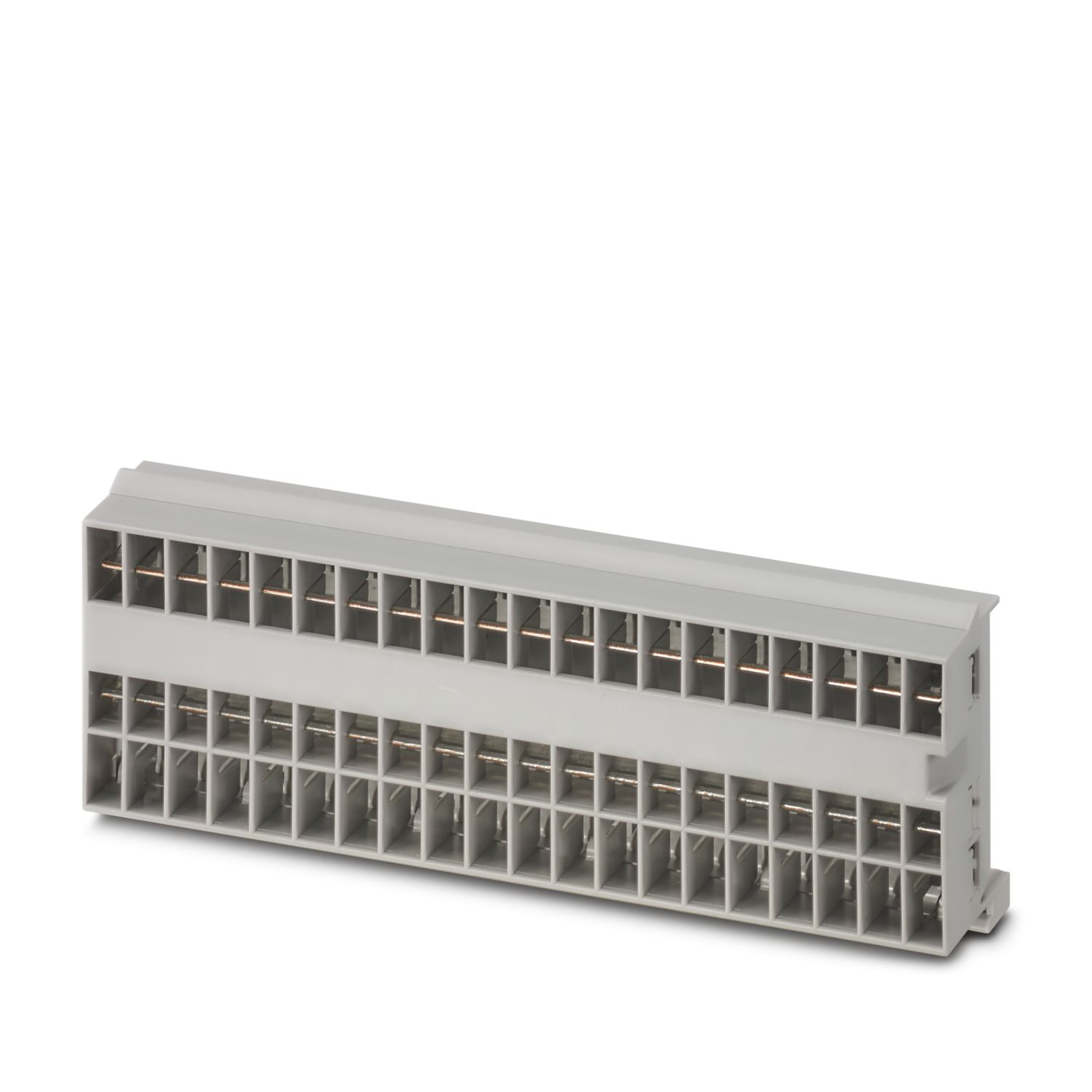
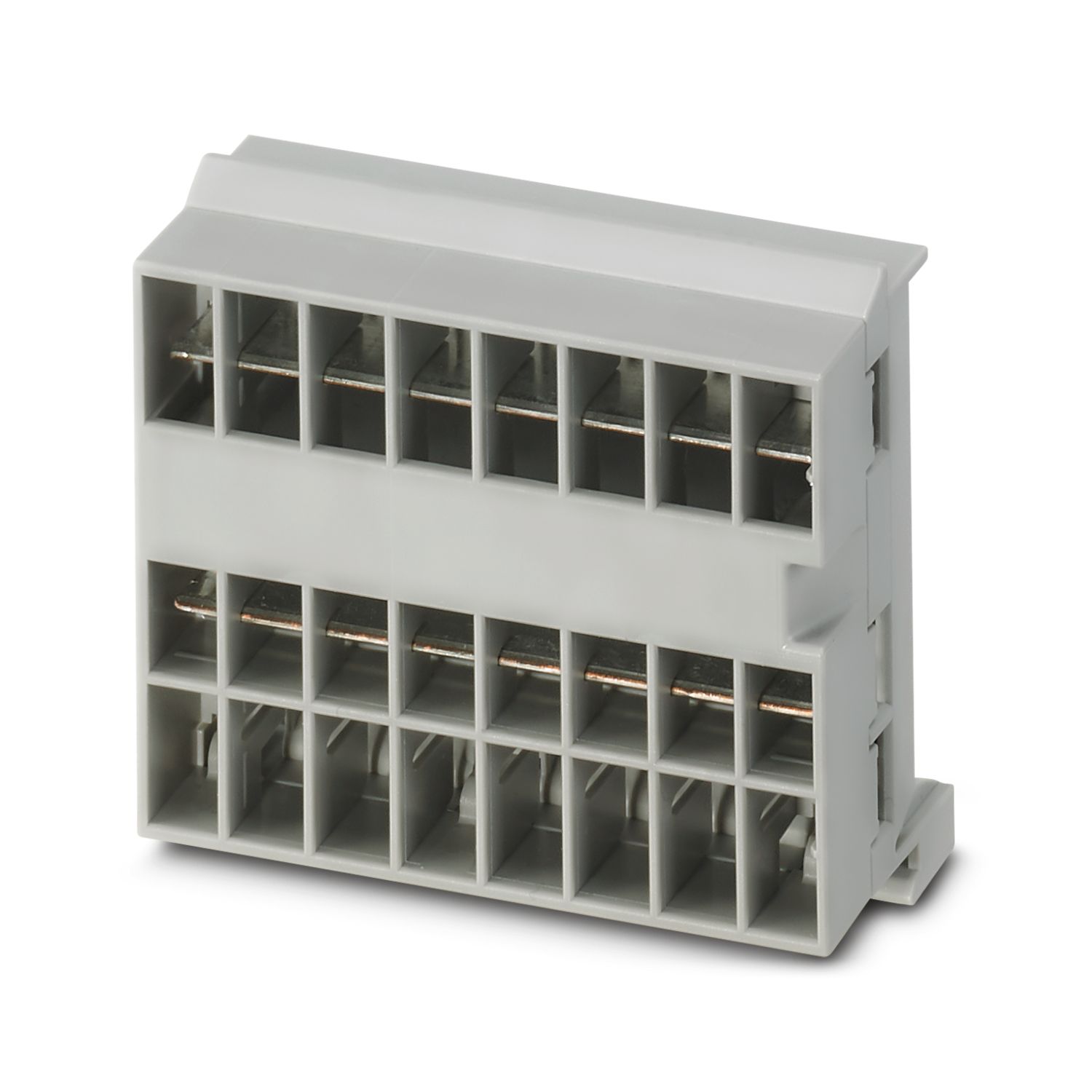
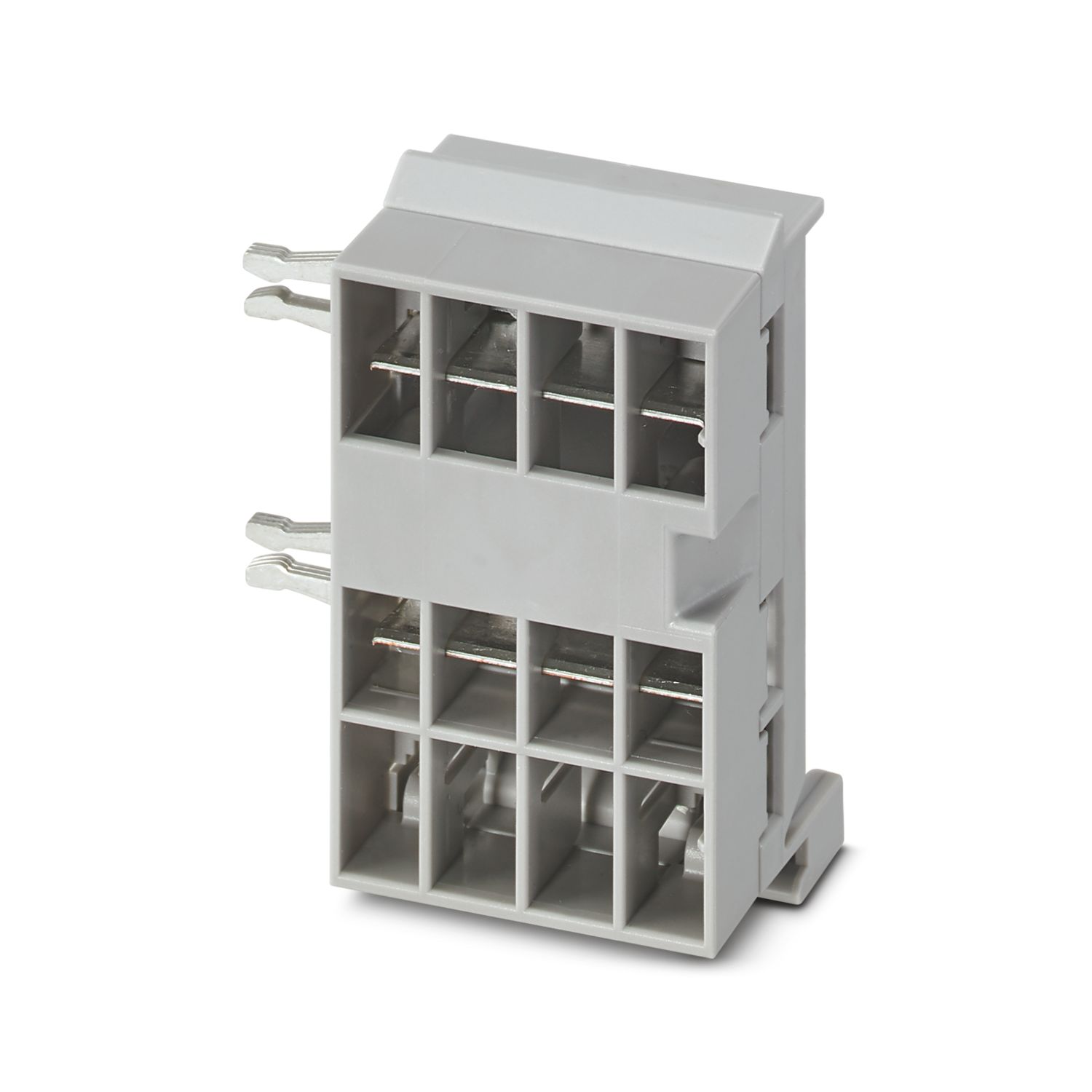
电位分配端子
1110987

產品細節
| 概述 | |
| 注意事项 | LABS释放——符合测试规范VW PV 3.10.7:2005-0 |
| 接线时,请确保CAPAROC模块未因拉力脱落。模块须紧密相邻。 | |
| 产品类型 | 设备断路器 |
| 产品系列 | CAPAROC |
| 类型 | 插拔式模块 |
| 插槽数目 | 1 |
| 绝缘特性 | |
| 保护等级 | III |
| 污染等级 | 2 |
| 概述 | |
| 工作电压 | 0 V DC ... 30 V DC |
| 额定电压 | 12 V DC |
| 24 V DC | |
| 标称工作电流IN | 4x 10 A (每个输出) |
| 2x 20 A (每个输出) | |
| 40 A (总计) | |
| 额定过电压 | 0.5 kV |
| 效率 | > 99 % |
| 功耗 | < 0.4 W (在24 V和4 x 10 A时标称运行) |
| MTBF (IEC 61709, SN 29500) | 269532625 h (25 °C、21 %负载时) |
| 269532334.5 h (40 °C,34.25 %负载时) | |
| 269530881.5 h (60°C、100%负载时) | |
| 电压压降 | 9.7 mV (10 A时) |
| 负载电路 | |
| 连接方式 | 直插式连接 |
| 剥线长度 | 10 mm |
| 柔性导线横截面 | 0.2 mm² ... 4 mm² |
| 刚性导线横截面 | 0.2 mm² ... 4 mm² |
| 可连接导向横截面 AWG | 24 ... 12 |
| 柔性导线横截面,带套管,带塑料绝缘套管 | 0.25 mm² ... 4 mm² |
| 柔性导线横截面,带不含绝缘套管的冷压头 | 0.25 mm² ... 4 mm² |
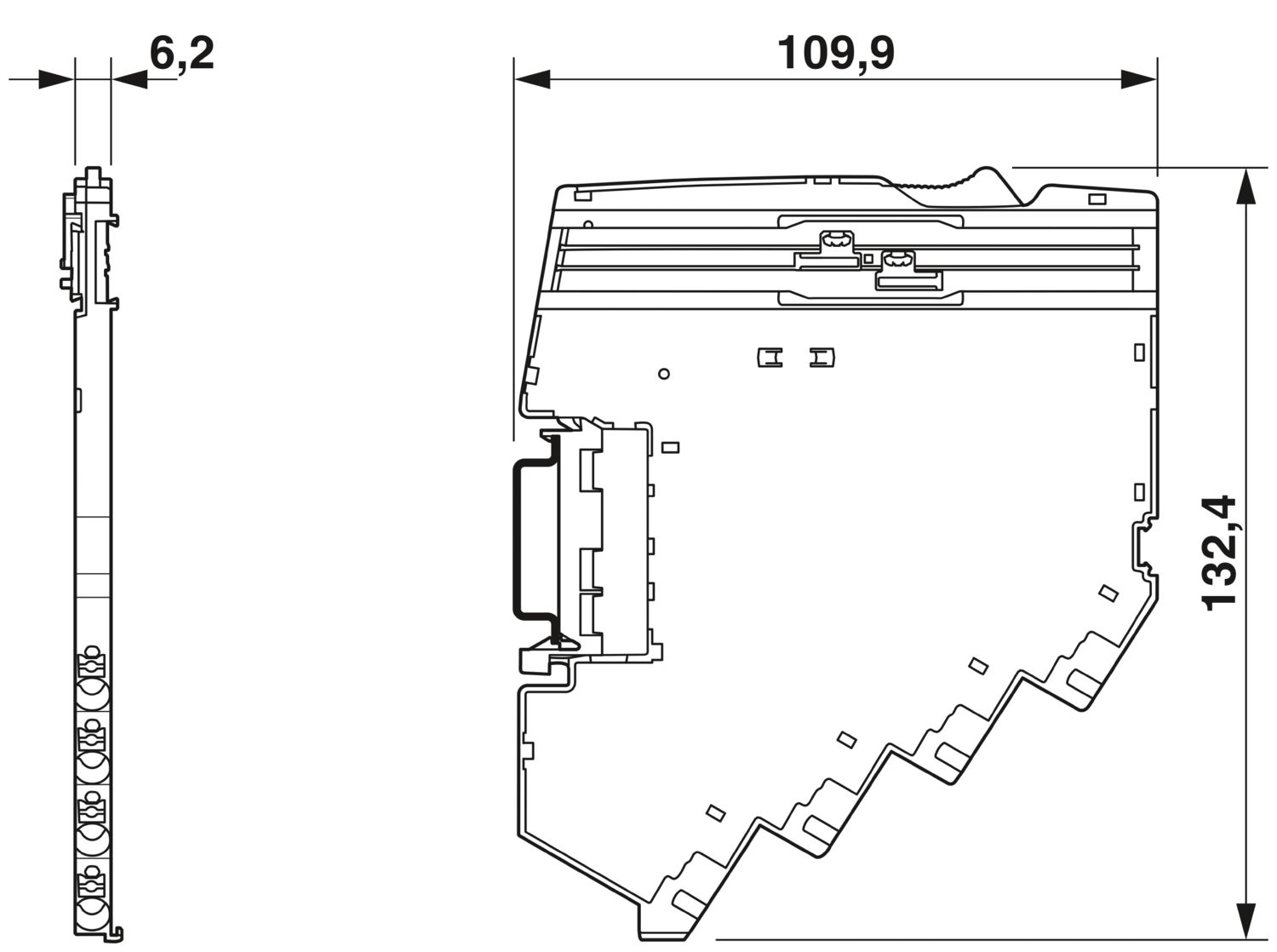
| 尺寸图 |
|
| 宽度 | 6.2 mm |
| 高度 | 132.4 mm |
| 深度 | 109.9 mm (7.5 mm(含DIN导轨)) |
| 颜色 | 浅灰 (RAL 7035) |
| 标识材料 | PA 6 |
| PA 6 | |
| PA 6 | |
| 阻燃等级,符合UL 94 | V-0 |
| 环境条件 | |
| 保护等级 | IP20 |
| 环境温度(运行) | -30 °C ... 65 °C (必须考虑到电源模块的温度范围) |
| 环境温度(存放/运输) | -40 °C ... 70 °C |
| 海拔 | ≤ 4000 m (amsl) |
| 湿度测定 | 96 h,95 % RH,40 °C |
| 冲击力(运行) | 30g (11 ms周期,半正弦冲击脉冲,符合IEC 60068-2-27标准) |
| 25g (持续6 ms,符合IEC 60068-2-27标准的半正弦冲击脉冲,持续冲击) | |
| 振动(操作) | 5g (10 Hz ... 150 Hz / 10 次 / 轴 / X、Y、Z) |
| UL认证 | |
| 标识 | UL/C-UL Listed UL 508 |
| UL 121201 Class I, Division 2, Groups A, B, C, D, T4A | |
| 腐蚀性气体测试 | |
| 标识 | ISA S71.04.2013 G3 Harsh Group A |
| 标准/规格 | EN 61000-6-2 |
| 注意事项 | 电磁兼容 – 工业区域的抗干扰性 |
| 标准/规格 | EN 61000-6-3 |
| 注意事项 | 电磁兼容 – 住宅、商业和商业物业及小型企业的排放 |
| 标准/规格 | EN 60068-2-78 |
| 注意事项 | 环境影响 – 湿度和热,恒定 |
| 标准/规格 | EN 50178 |
| 注意事项 | 电源装置配备电子设备 |
| 标准/规格 | EN 60068-2-6 |
| 注意事项 | 环境影响 – 振动(正弦) |
| 标准/规格 | EN 60068-2-27 |
| 注意事项 | 环境影响 – 冲击 |
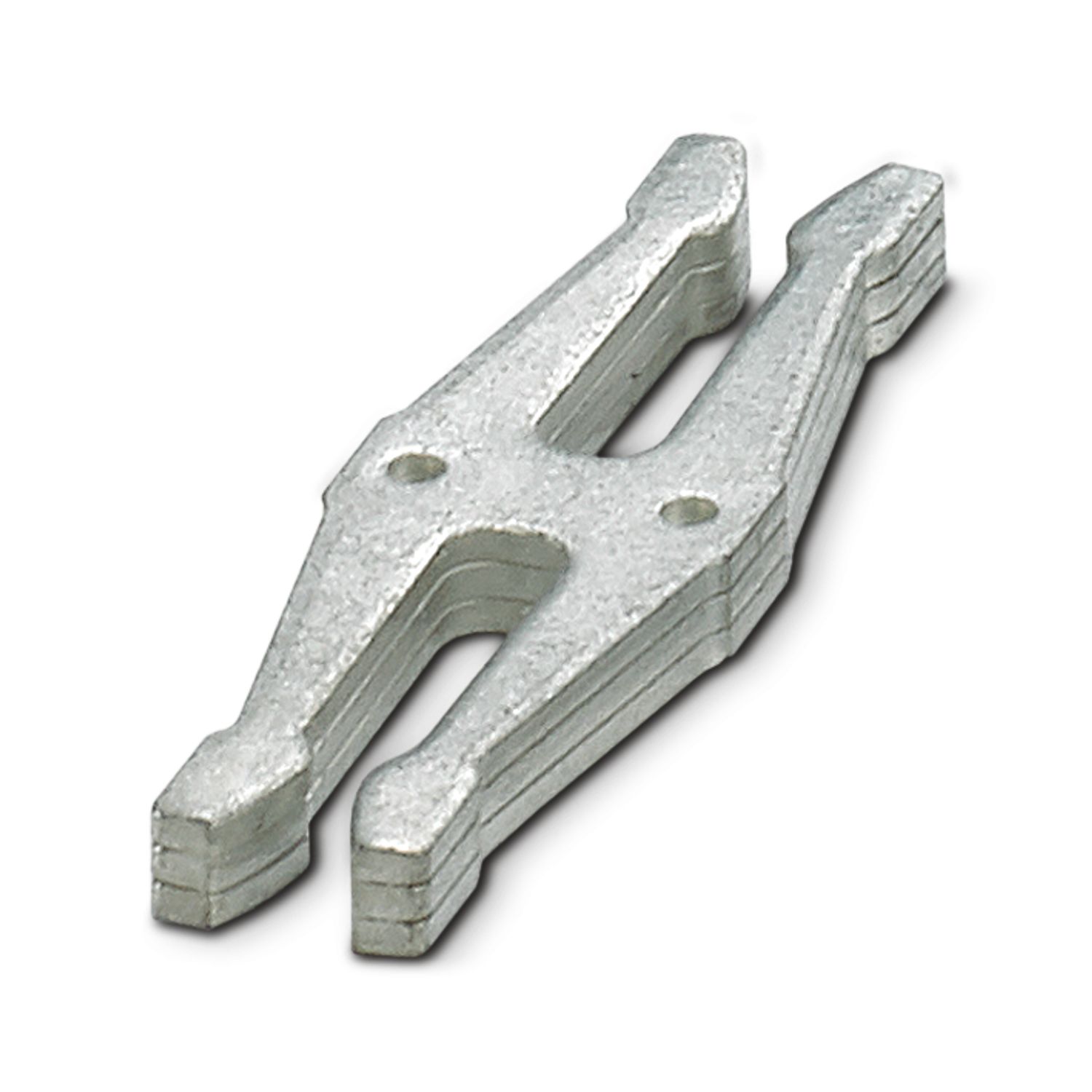
| 安装类型 | 可插接在CAPAROC CR…汇流条上 |
您的優勢
您可以通过与设备断路器模块一起直接成对集成到系统中来自定义基准
无需任何工具即可插入并且没有额外的接线工作量,任何人都可以轻松操作
极其简单的设计并配有彩色编码按钮,可明确地识别电位
經常問的問題
负电位分配器具有哪些功能?
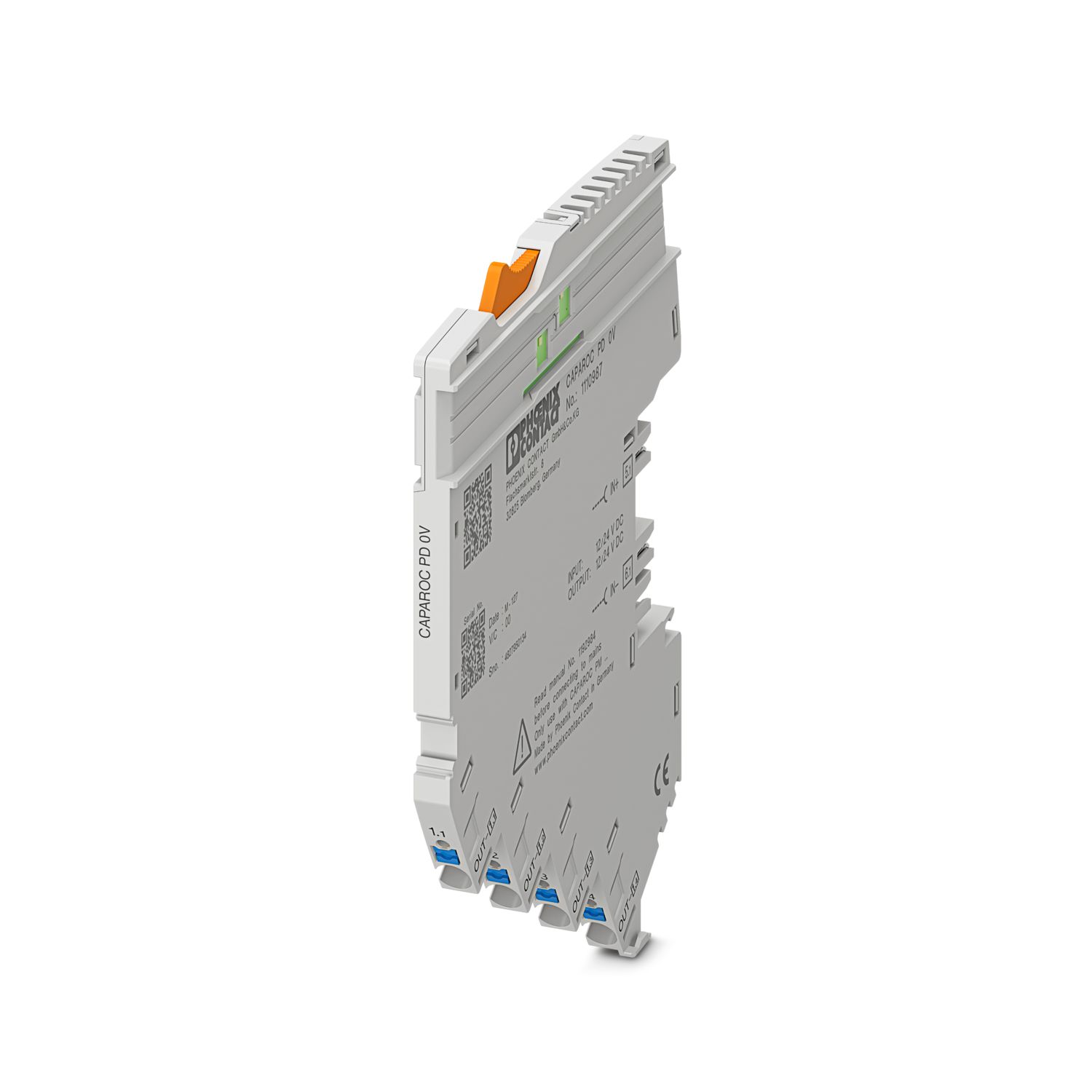
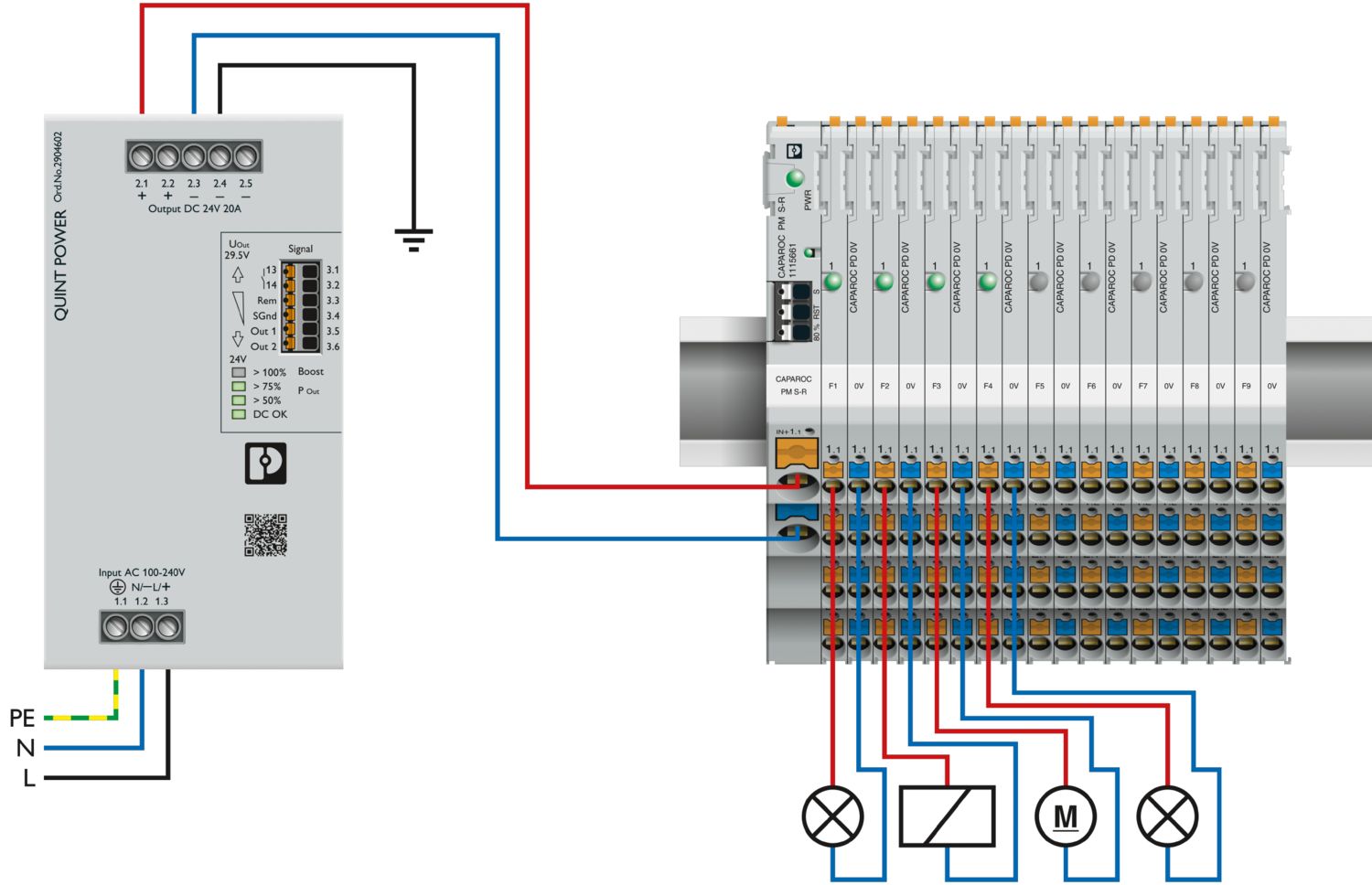
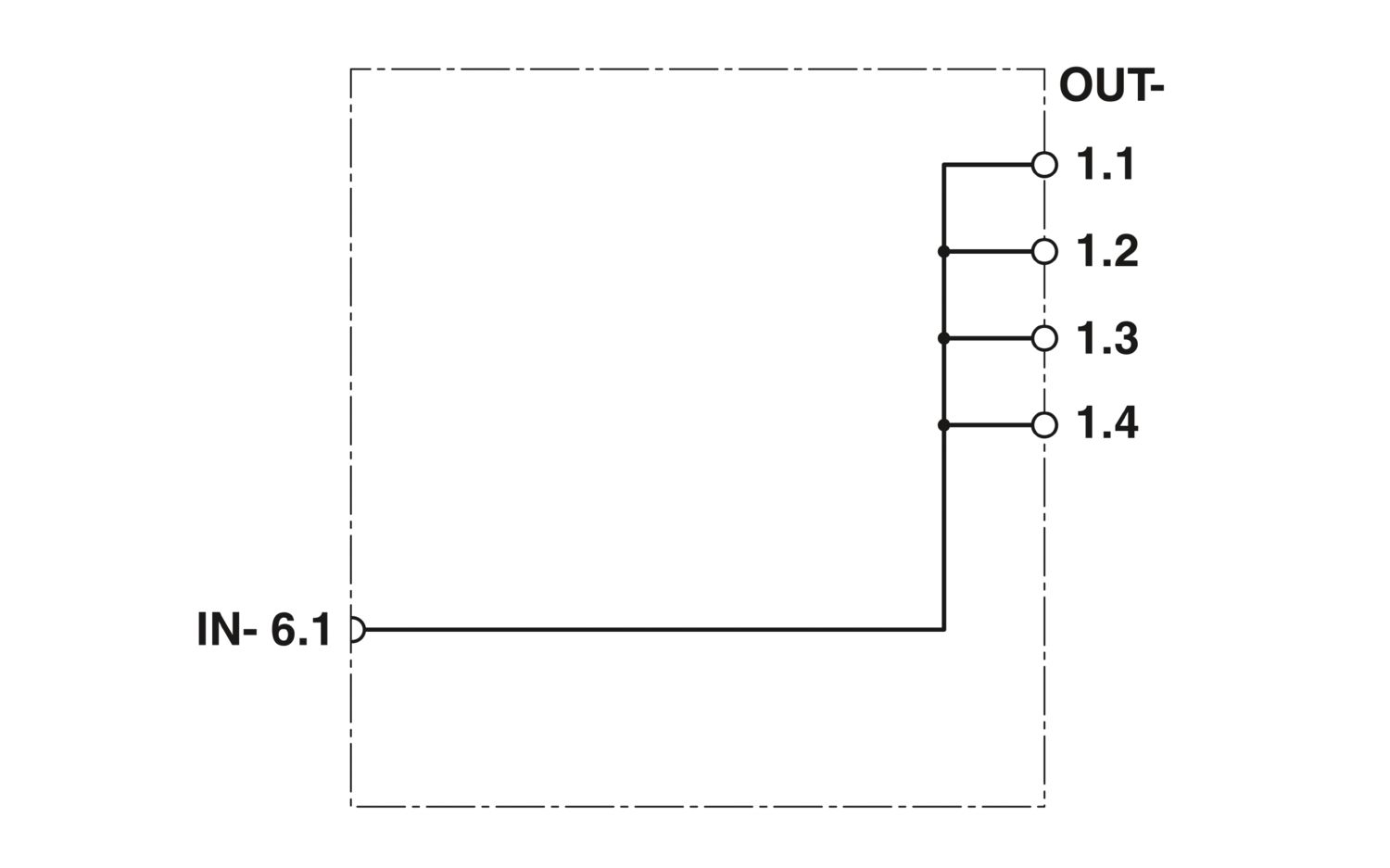
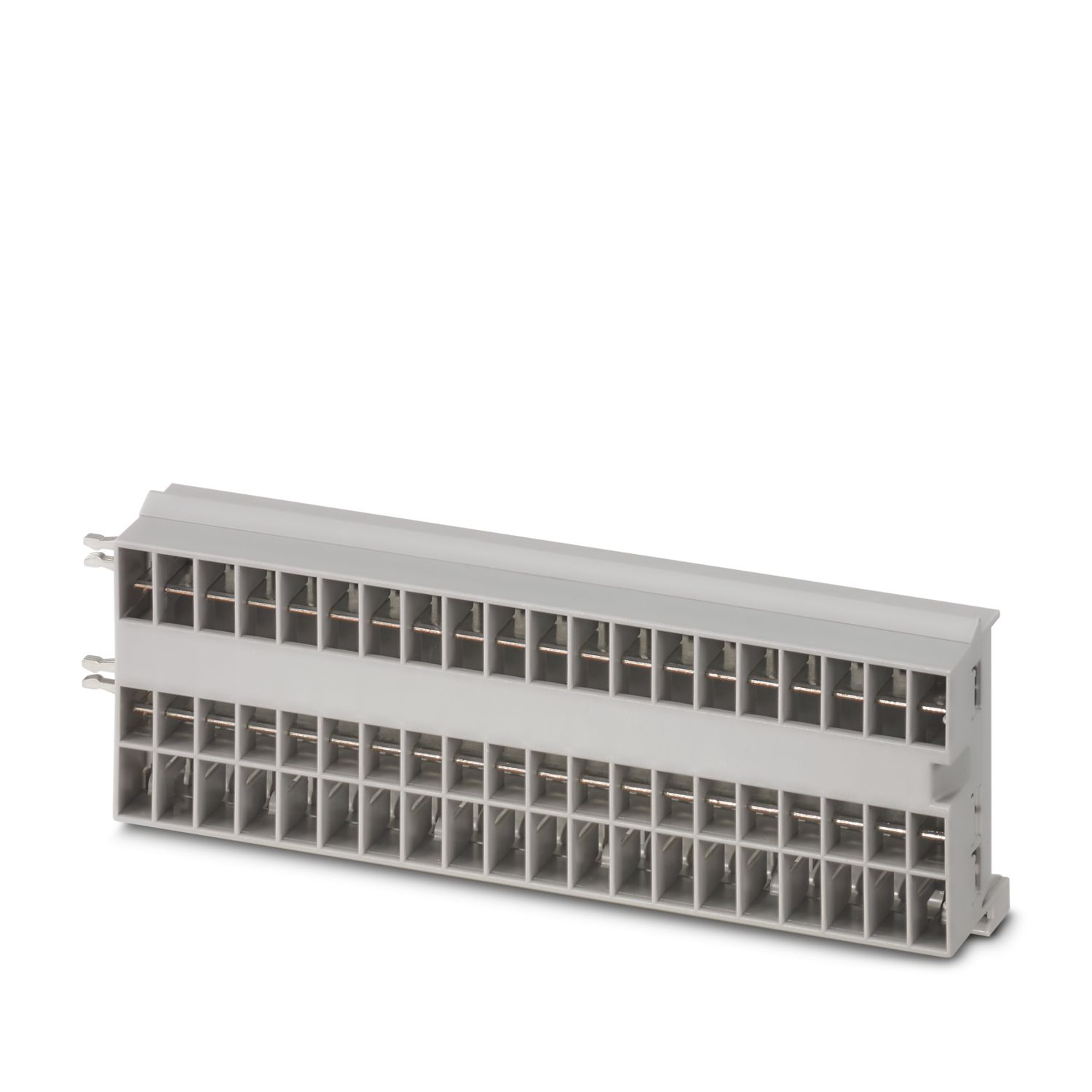
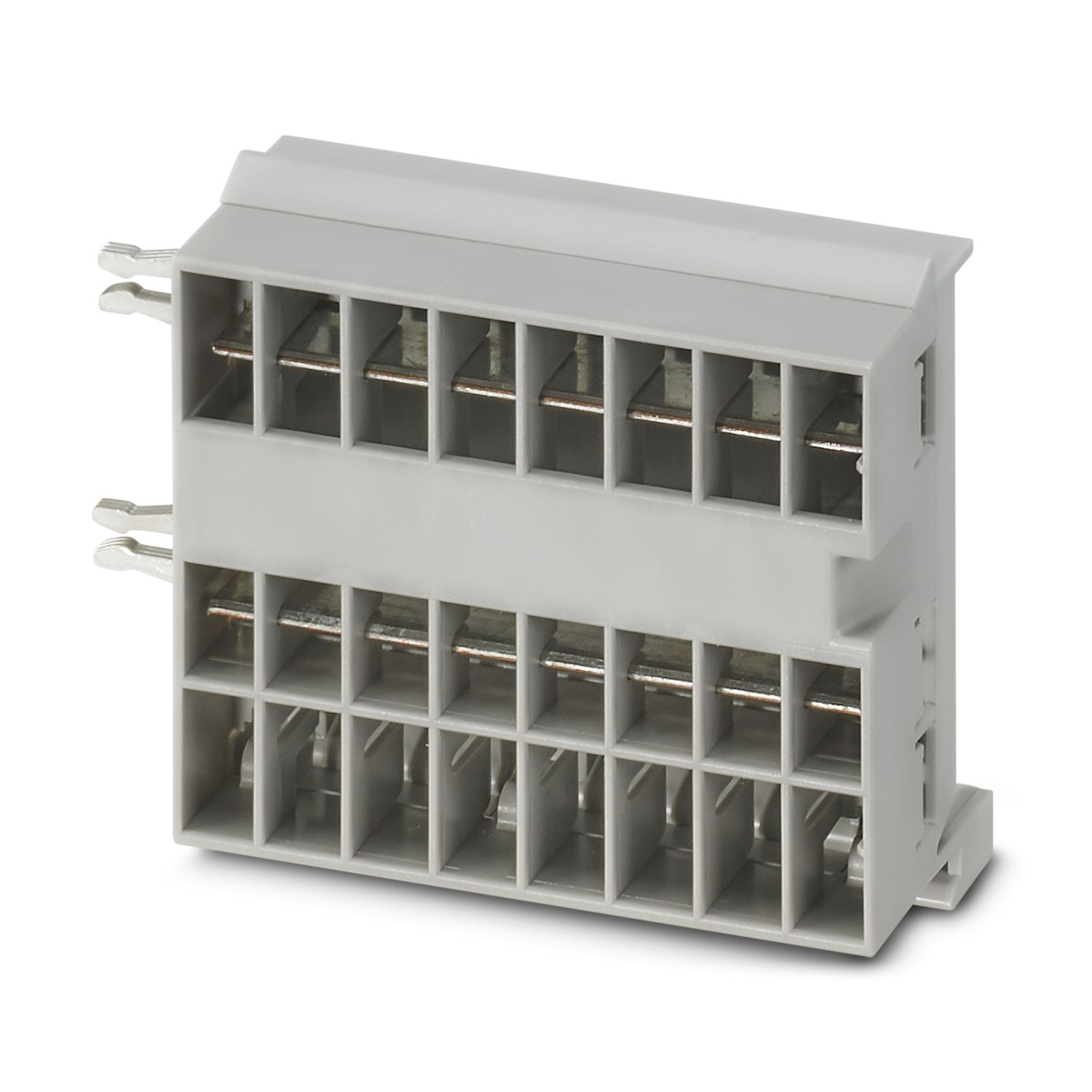
0 V电位分配器可用于在CAPAROC 系统中直接连接负载的回线。它提供四个连接点,可直接连接最多四个负载。
一个馈电模块的下游可以连接多少个断路器模块?
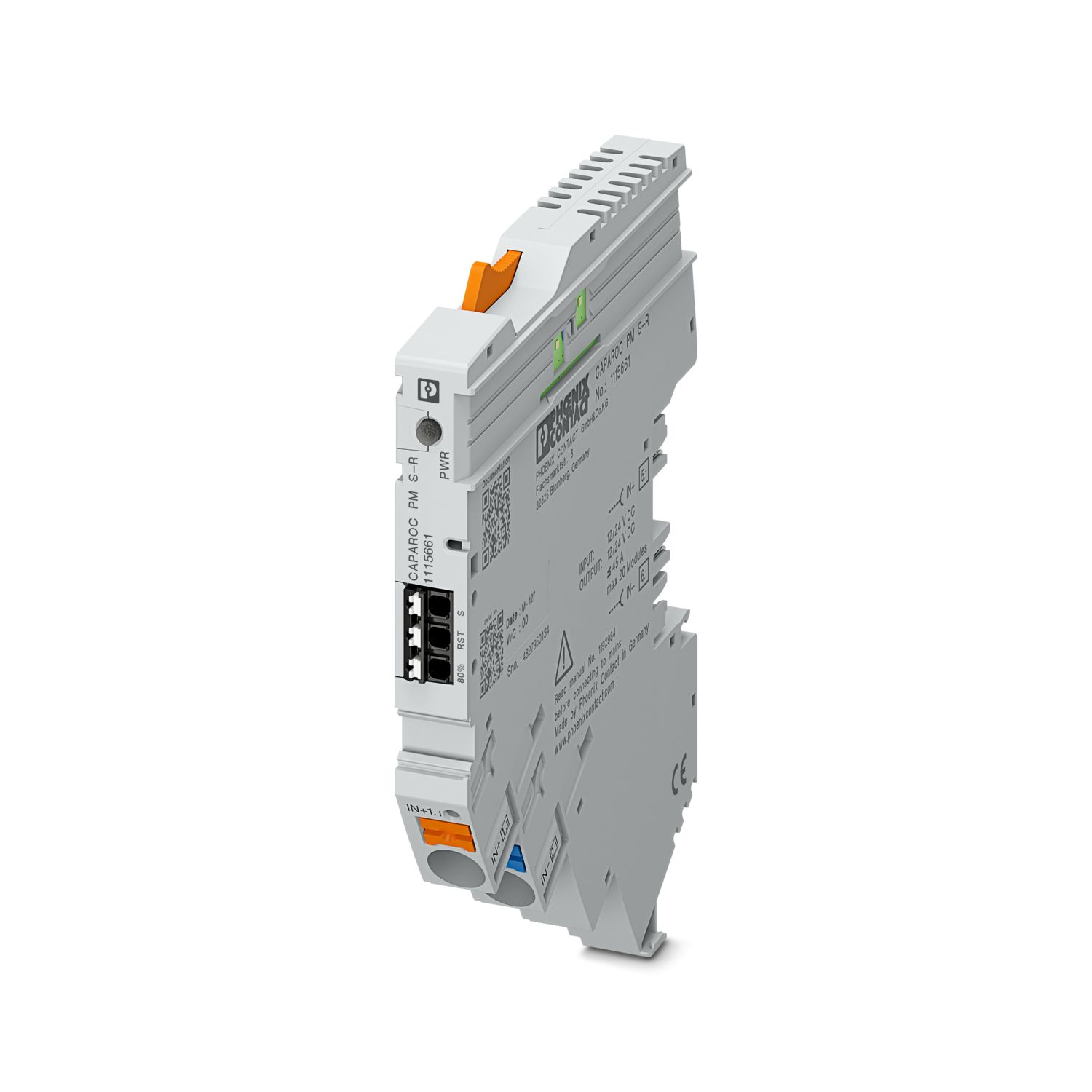
CAPAROC PM S-R:20个断路器模块
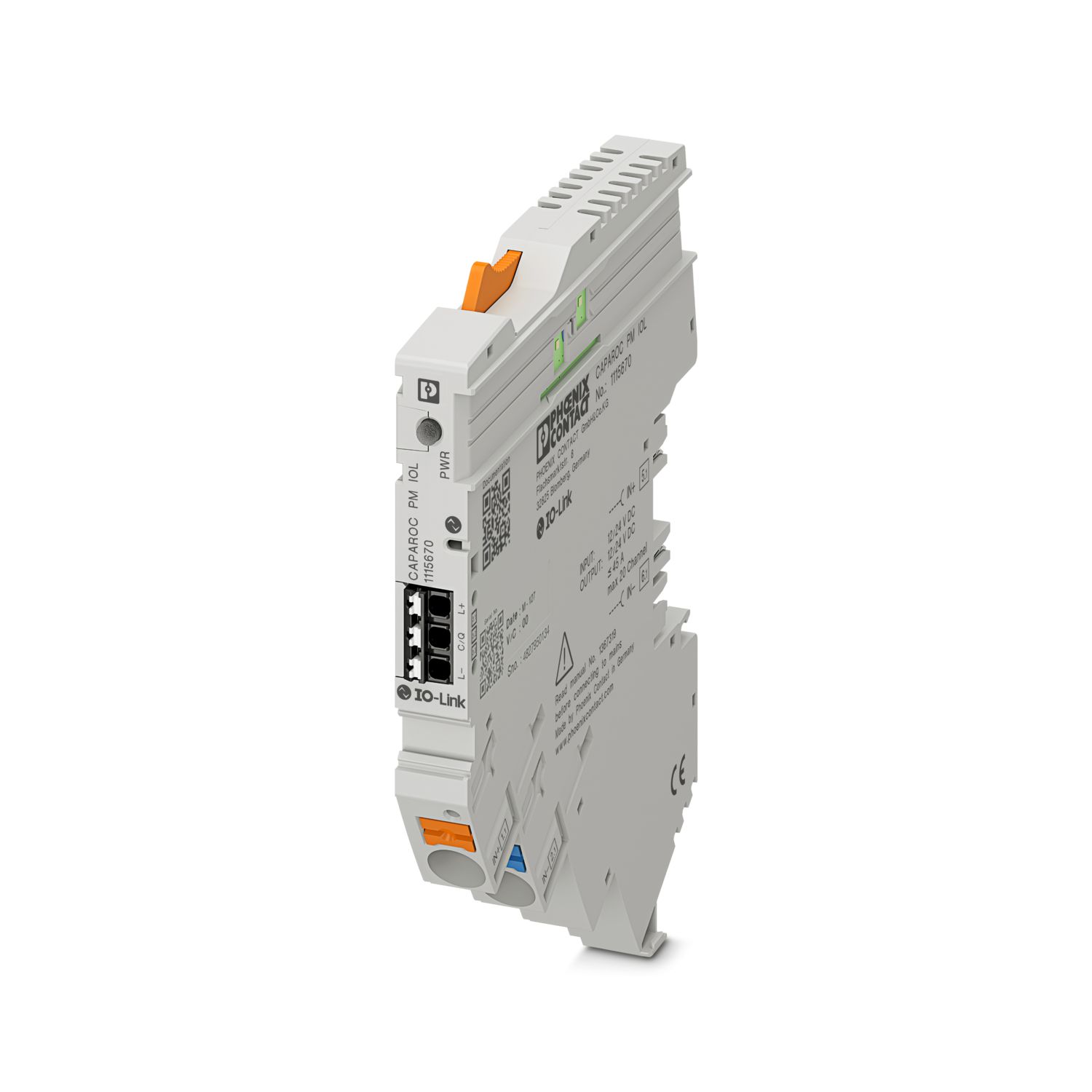
CAPAROC PM IOL:20个通道
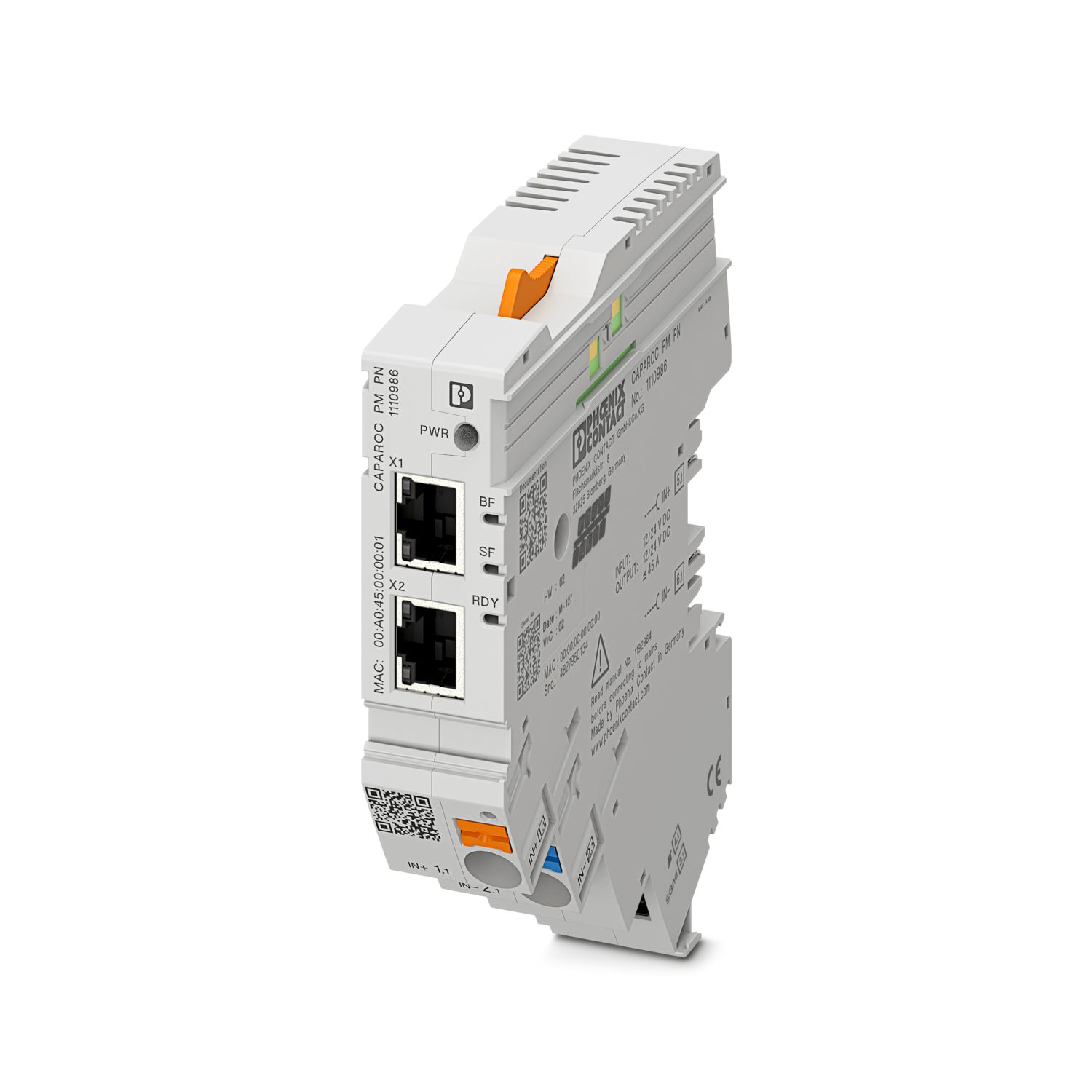
CAPAROC PM PN:16个断路器模块
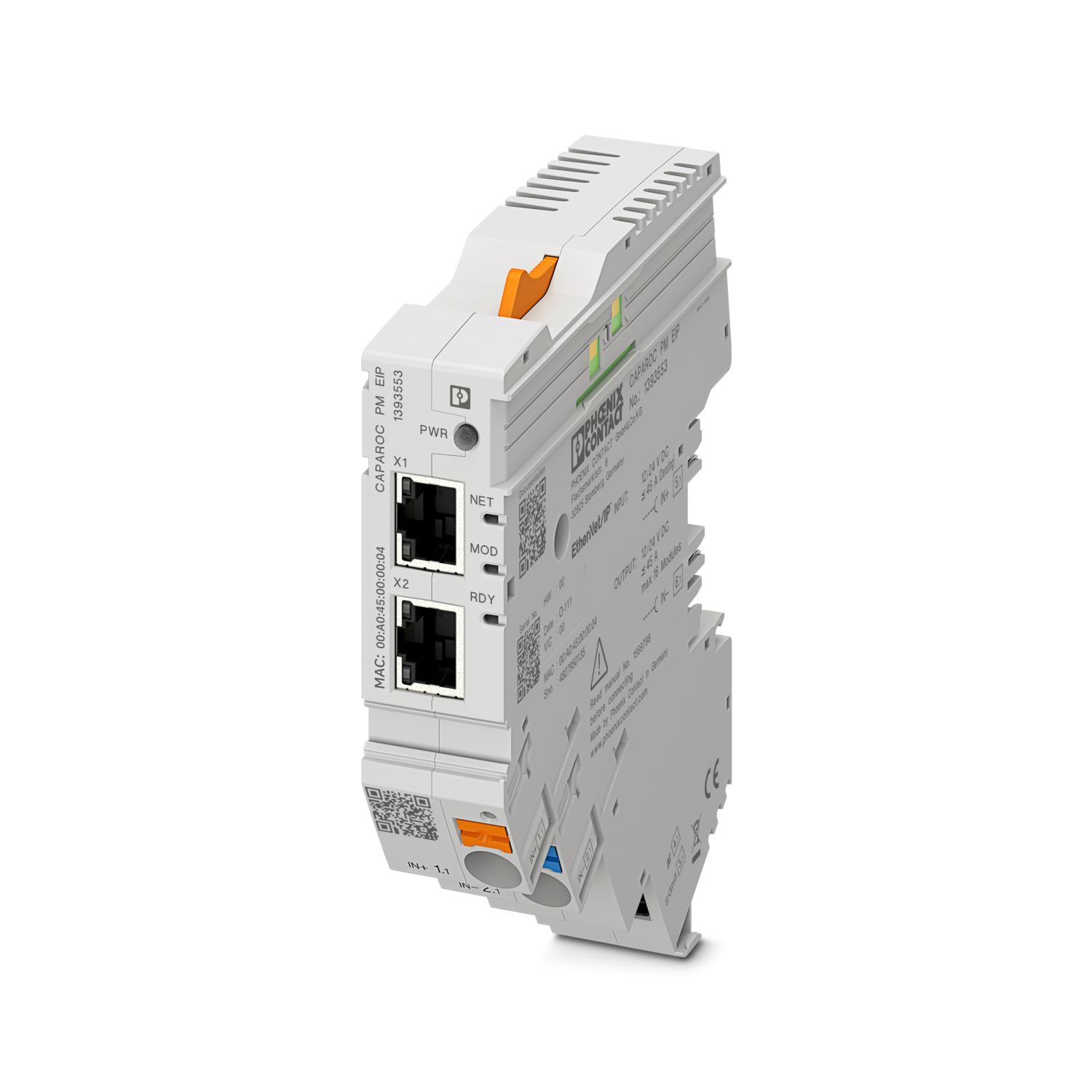
CAPAROC PM EIP:16个断路器模块
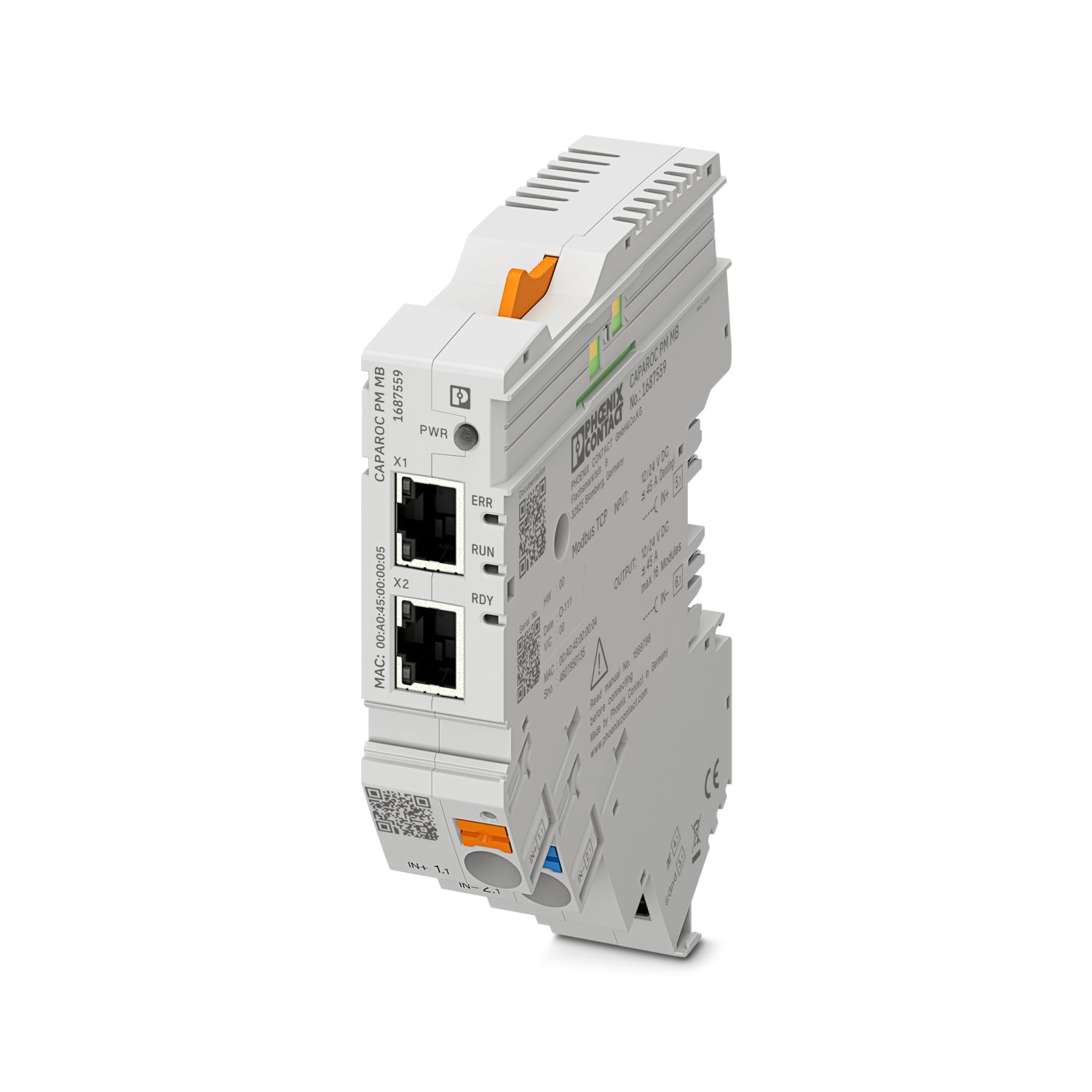
CAPAROC PM MB:16个断路器模块
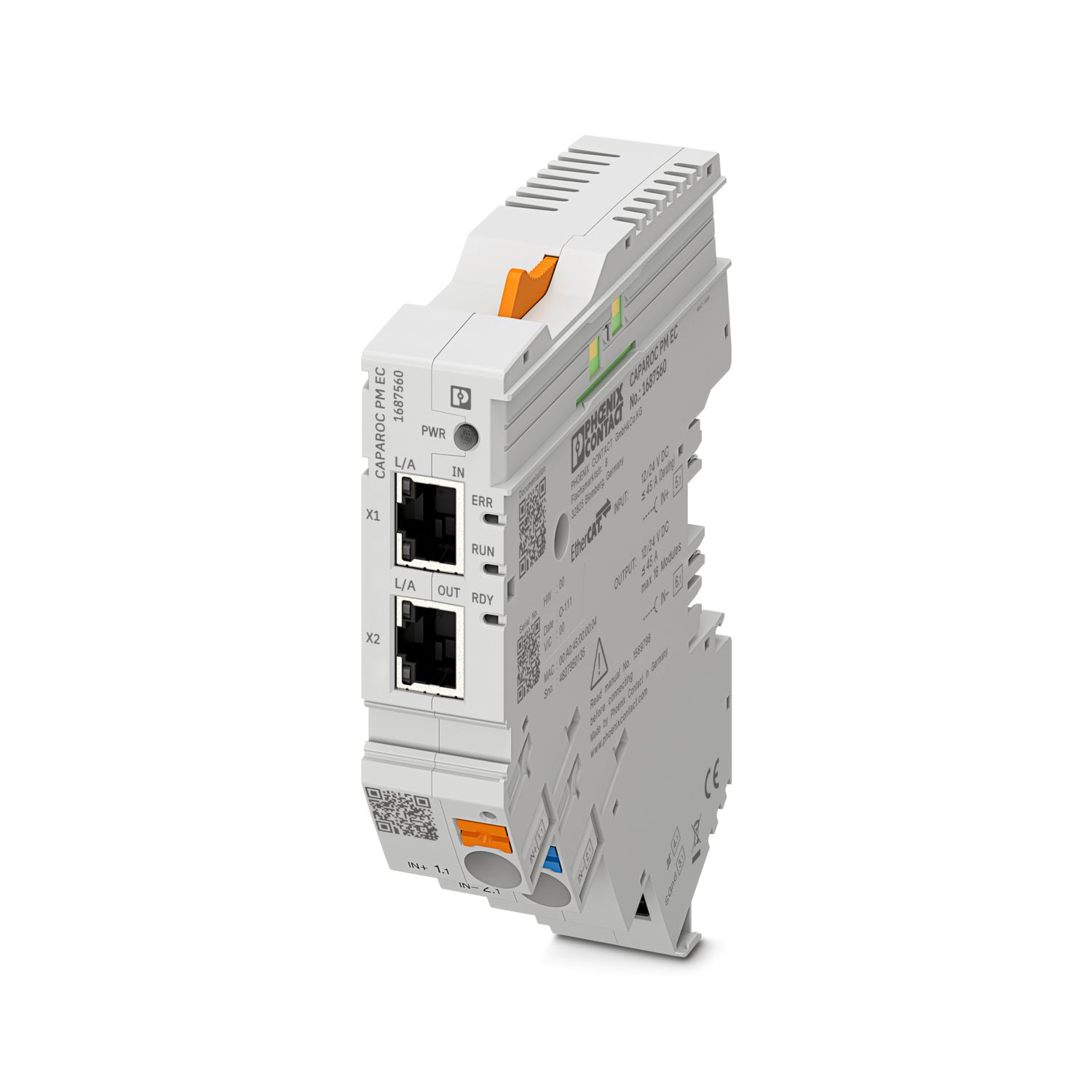
CAPAROC PM EC:16个断路器模块
通道LED每4 秒闪烁两次黄灯。这意味着什么?
这意味着与电源模块的内部通信中断或出现故障。
检查模块是否正确安装,以及模块之间是否存在间隙。如果通信仍然中断,检查第一个闪烁的模块(左侧)的侧面触点,如果其弯曲、过度插入模块、未对准壳体开口中心或存在其他损坏,则更换模块。
是否可以锁定设定电流的设置?
电流可通过不同的方式锁定:
1. 编程锁定:按住电源模块上的PWR 按钮> 3 秒,PWR LED闪烁黄灯3 x,此时设置已锁定。再次按住按钮> 3 秒,LED闪烁绿灯3 次即可解锁。
2. 也可通过通信接口设定和释放锁定;此处也可设置操作锁定,以禁止在设备上进行操作和设置。此后,只能通过接口释放锁定。