AX OPC SERVER, communication interface for OPC-capable visualization with PC WORX-based controls.
PLC programming software
Take advantage of our user-friendly and powerful PLC programming software to make your automation processes efficient. From OPC drivers to flexible software platforms for comprehensive engineering tasks – we have the ideal solution for you.With PLCnext Technology, we offer you a future-proof platform that enables seamless integration and maximum flexibility to increase your productivity and reduce operating costs.
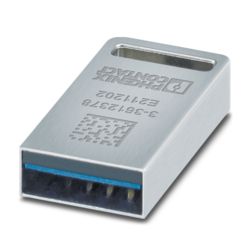
CmDongle for saving licenses for various software products
Software package for PC-based automation solutions, PC WORX BASIC license, contains all 5 IEC languages, without MSFC compiler, max. 2048 byte input and output data, version-specific license key
Engineering software platform for Phoenix Contact automation controllers. PLCnext Engineer is IEC 61131-3-compliant and is available free of charge under Downloads. Its functionality can be extended using paid add-ins. To do this, open the license configurator via the “Configure” button.
Software package for PC-based automation solutions, PC WORX PRO license, contains all 5 IEC languages, with MSFC compiler, max 128 kB input and output data, version-specific license key
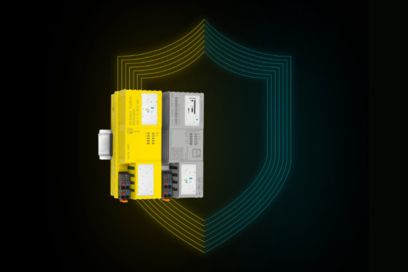
Function block library for safety-related analog value acquisition with standard I/O modules. Please contact the safety hotline (+49 5281 9-462777) before ordering the SAFE AI article.
OPC UA server for communication with a maximum of 25 controllers
Programming software for INTERBUS-Safety systems and PROFIsafe controllers from Phoenix Contact, with graphical user interface according to IEC 61131-3 in function block diagram (FBD), ladder diagram (LD), and structured text (ST).
All of the libraries from the corresponding PLCopen libraries (Basic_SF, MatHandling_SF, Muting_SF, SafeMode_SF, and TwoHand_SF) can be used per project.
Software add-on for integration and execution of MATLAB/Simulink models on Remote Field and Axioline controllers
Accelerated application development with favored engineering tools PLCnext Engineer
Commission your PLCnext Control more quickly.
Holistic programming within one interface offers enormous time and cost savings.
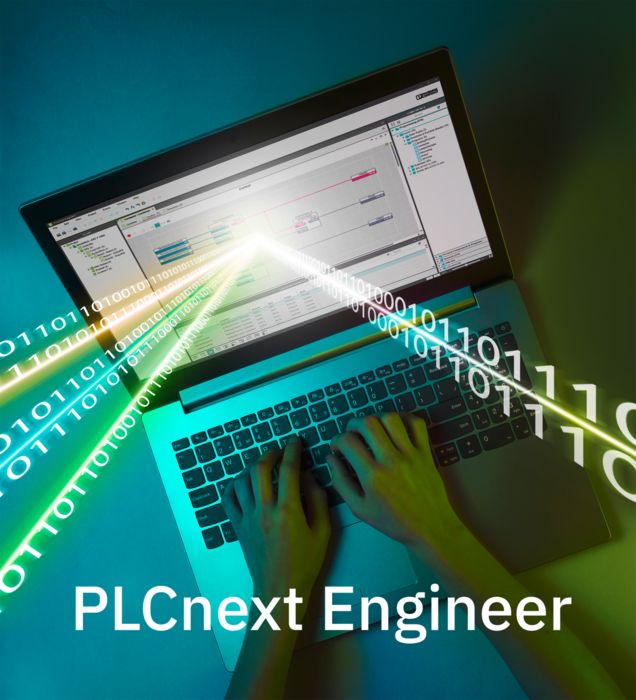
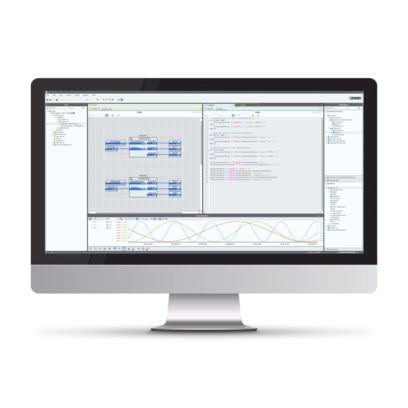
The PLCnext Engineer software platform, which can be extended flexibly and individually with function add-ins, is a free software tool for all engineering tasks associated with PLCnext Control:
- Configuration
- Programming in accordance with IEC 61131-3
- Visualization
- Diagnostics
By combining all essential functions for the engineering process in one software package, the entire project planning can be implemented in a single engineering environment.
However, the flexible engineering tool is not just an all-in-one tool for conventional programming because it combines all the essential functions for the engineering process in one software. It also provides convenient handling when connecting high-level language programs and the standard automation.
Benefit from being able to use your familiar programming environment! With PLCnext Engineer, we make it easy for you to configure your PROFINET networks, integrate high-level language programs and MATLAB® Simulink® models, and commission and manage these on a PLCnext Control.
Tailored to your application, additional function add-ins such as a safety solution, MATLAB® Simulink® viewer, and a visualization generator can be easily integrated into the engineering platform.
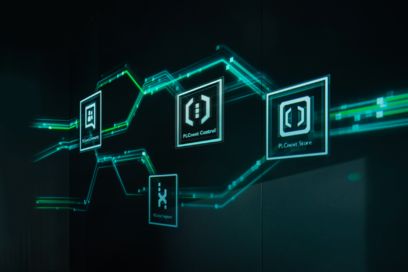
You can also accelerate your application development by using ready-made solutions and software modules from the PLCnext Store. Customize the software to your individual needs. PLCnext Engineer's modular architecture means that there are no limits to what you can do.
AI support for more efficient engineering
The integrated generative AI helps developers solve tasks more quickly, use knowledge more efficiently, and speed up development processes. It provides context-based information, assists in the creation and optimization of applications, and makes it easier to work with existing program code, configurations, and documentation. This makes it possible to realize new applications more quickly and to extend and optimize existing automation solutions efficiently.
In particular in complex applications, AI helps to make existing project and application knowledge available more quickly, shortens training times, and lightens the workload for engineering teams in their day-to-day work. The user retains control at all times: Suggestions are displayed transparently, and changes are applied only after confirmation. This allows engineering teams to free up more time for innovation, shorten development cycles, and accelerate the implementation of new automation solutions.