
Vous trouverez de plus amples informations concernant la gamme de produits CAPAROC dans le manuel disponible en ligne à l'adresse : phoenixcontact.com/caparoc-help
CAPAROC PM EC
-
Module d'alimentation
1687560
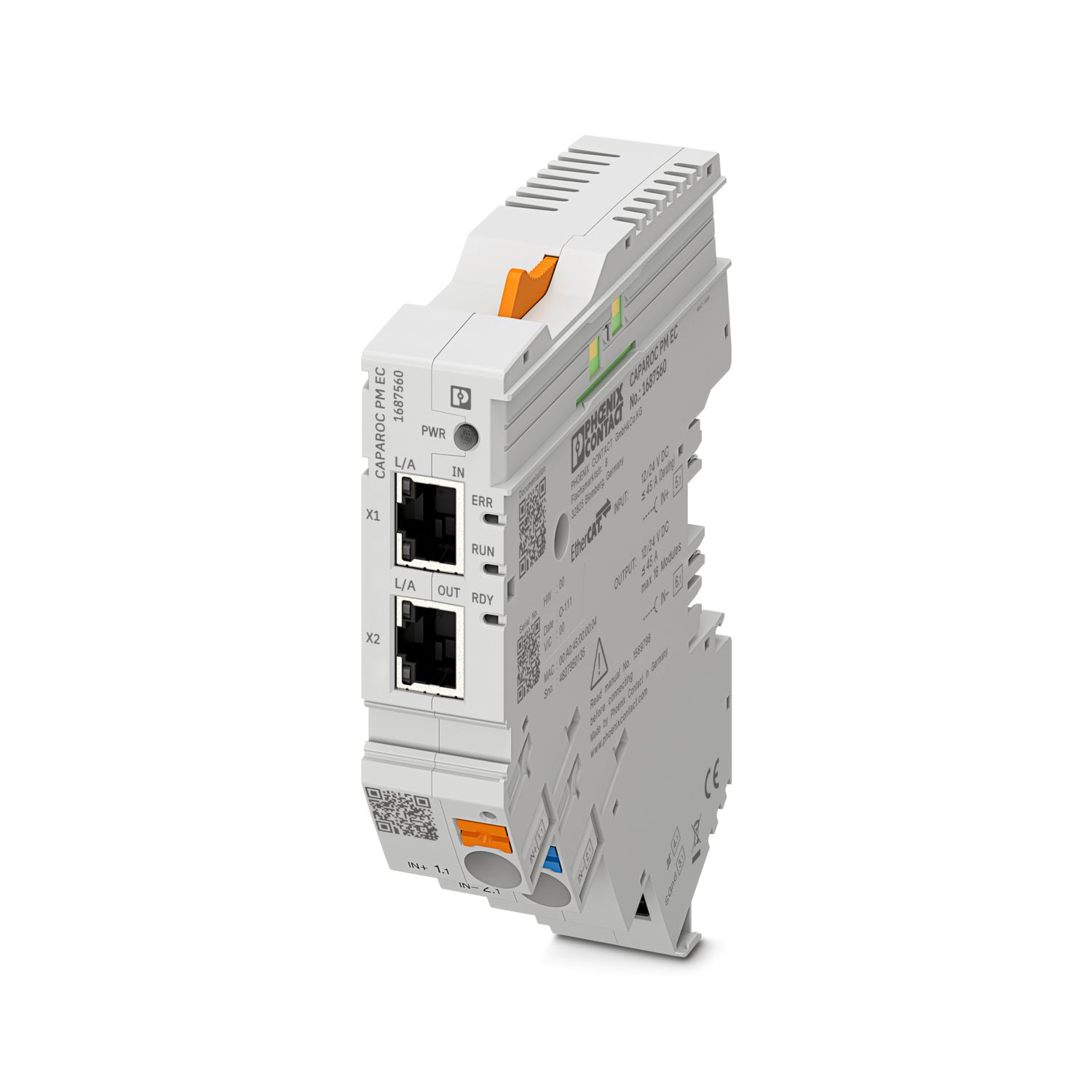

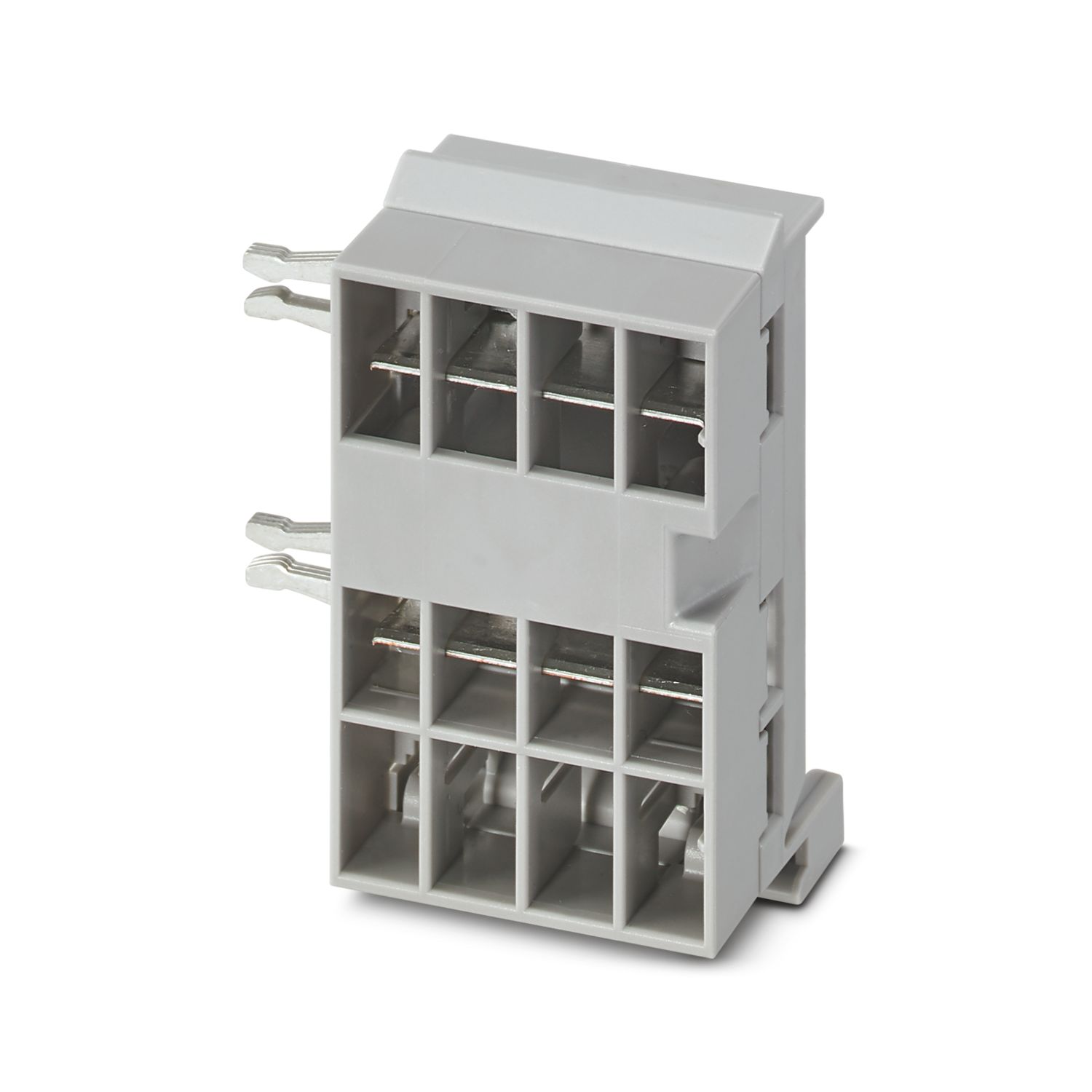
Module d'alimentation avec interface EtherCAT® destinée à l'alimentation du système de disjoncteurs CAPAROC en 12 ou 24 V DC. Interface système supplémentaire destinée à la communication avec l'alimentation. Pour l'installation sur rail DIN avec les barres collectrices CAPAROC.
Pour fonctionner, ce produit a besoin d'autres produits.
Accessoires nécessaires
Téléchargement gratuit disponible.
Téléchargements
Informations détaillées concernant le produit
| Remarque relative à l'application | À l'heure actuelle, nous préparons le produit de manière à ce qu'il soit conforme, à compter du 11 décembre 2027, aux exigences de la loi européenne sur la cyber-résilience (CRA), sur la base des informations actuellement disponibles concernant cette loi. |
| Généralités | |
| Remarque | Absence de substances nocives à l'adhérence de la peinture – selon la spécification d'essai VW PV 3.10.7:2005-0 |
| Lors du raccordement des conducteurs, il faut faire attention à ce que les modules CAPAROC ne soient pas écartés par des forces de traction. Il ne doit pas y avoir de fente entre les modules. | |
| EtherCAT® est une marque déposée et une technologie brevetée sous licence de Beckhoff Automation GmbH, Allemagne. | |
| Type de produit | Disjoncteur de protection d'appareils, électronique |
| Gamme de produits | CAPAROC |
| Type | Module enfichable |
| Nombre de prises | 4 |
| Propriétés d'isolation | |
| Classe de protection | III |
| Degré de pollution | 2 |
| EtherCAT® | |
| Fonctionnement de l'appareil | EtherCAT® SubDevice |
| Généralités | |
| Tension de service | 10 V DC ... 30 V DC |
| Tension de référence | 12 V DC |
| 24 V DC | |
| Courant de référence IN | 45 A (Courant total entrée) |
| Tension de tenue aux chocs assignée | 0,5 kV |
| Mode de déclenchement | E (électronique) |
| Résistance à l'alimentation de retour | max. 35 V DC |
| Rigidité diélectrique | 35 V DC (Circuit de charge) |
| Rendement | > 99 % |
| Courant de repos I0 | typ. 46 mA (En marche à vide à 24 V) |
| Puissance dissipée | typ. 1,1 W (En marche à vide à 24 V) |
| < 4,5 W (pour 40 A) | |
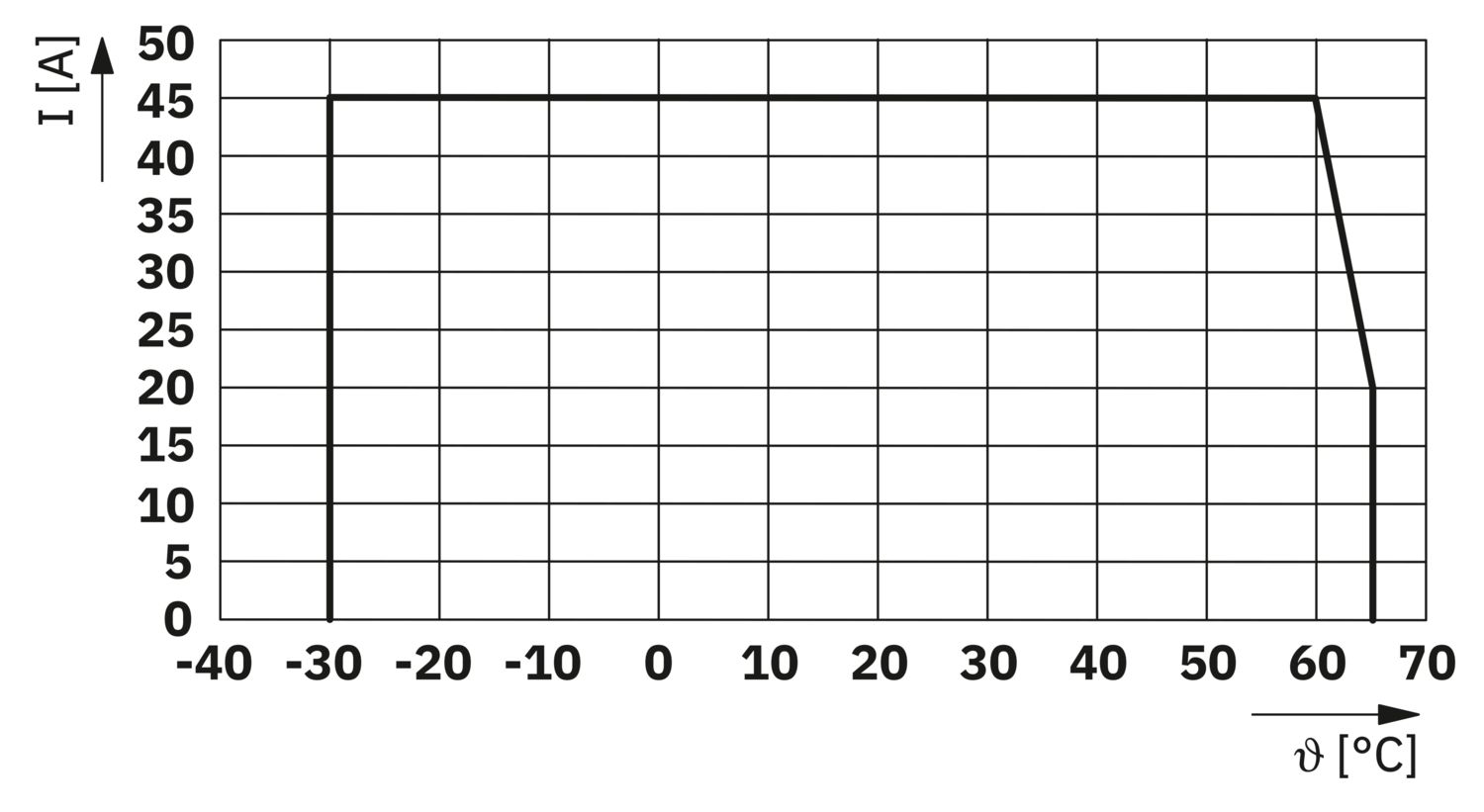
| Derating de température | 45 A (Courant total à 60 °C) |
| 20 A (Courant total à 65 °C) | |
| 45 A (Courant total à 60 °C, selon UL) | |
| MTBF (IEC 61709, SN 29500) | 7242508,37 h (à 25 °C avec 21 % de charge) |
| 3958056,77 h (à 40 °C avec 34,25 % de charge) | |
| 764697,81 h (à 60 °C avec 100 % de charge) | |
| Chute de tension | 0,082 V (pour 40 A) |
| Circuit de charge | |
| Arrêt en cas de sous-tension | ≤ 9,2 V DC (active) |
| ≥ 10,2 V DC (désactivé) | |
| Arrêt en cas de surtension | ≥ 30,5 V DC (active) |
| ≤ 29,5 V DC (désactivé) | |
| Circuit principal IN+ | |
| Type de raccordement | Raccordement Push-in |
| Longueur à dénuder | 18 mm |
| Section conduct. AWG | 20 ... 8 |
| Section de conducteur souple avec embout et douille en plastique | 0,5 mm² ... 16 mm² |
| Section de conducteur souple avec embout, sans douille en plastique | 0,5 mm² ... 16 mm² |
| Circuit principal IN- | |
| Type de raccordement | Raccordement Push-in |
| Longueur à dénuder | 18 mm |
| Section conduct. AWG | 20 ... 8 |
| Section de conducteur souple avec embout et douille en plastique | 0,5 mm² ... 16 mm² |
| Section de conducteur souple avec embout, sans douille en plastique | 0,5 mm² ... 16 mm² |
| Communication système | |
| Type de raccordement | Raccordement Push-in |
| Longueur à dénuder | 8 mm |
| Section de conducteur rigide | 0,2 mm² ... 1,5 mm² |
| Section conduct. AWG | 24 ... 16 |
| Section de conducteur souple avec embout et douille en plastique | 0,2 mm² ... 0,75 mm² |
| Section de conducteur souple avec embout, sans douille en plastique | 0,2 mm² ... 1,5 mm² |
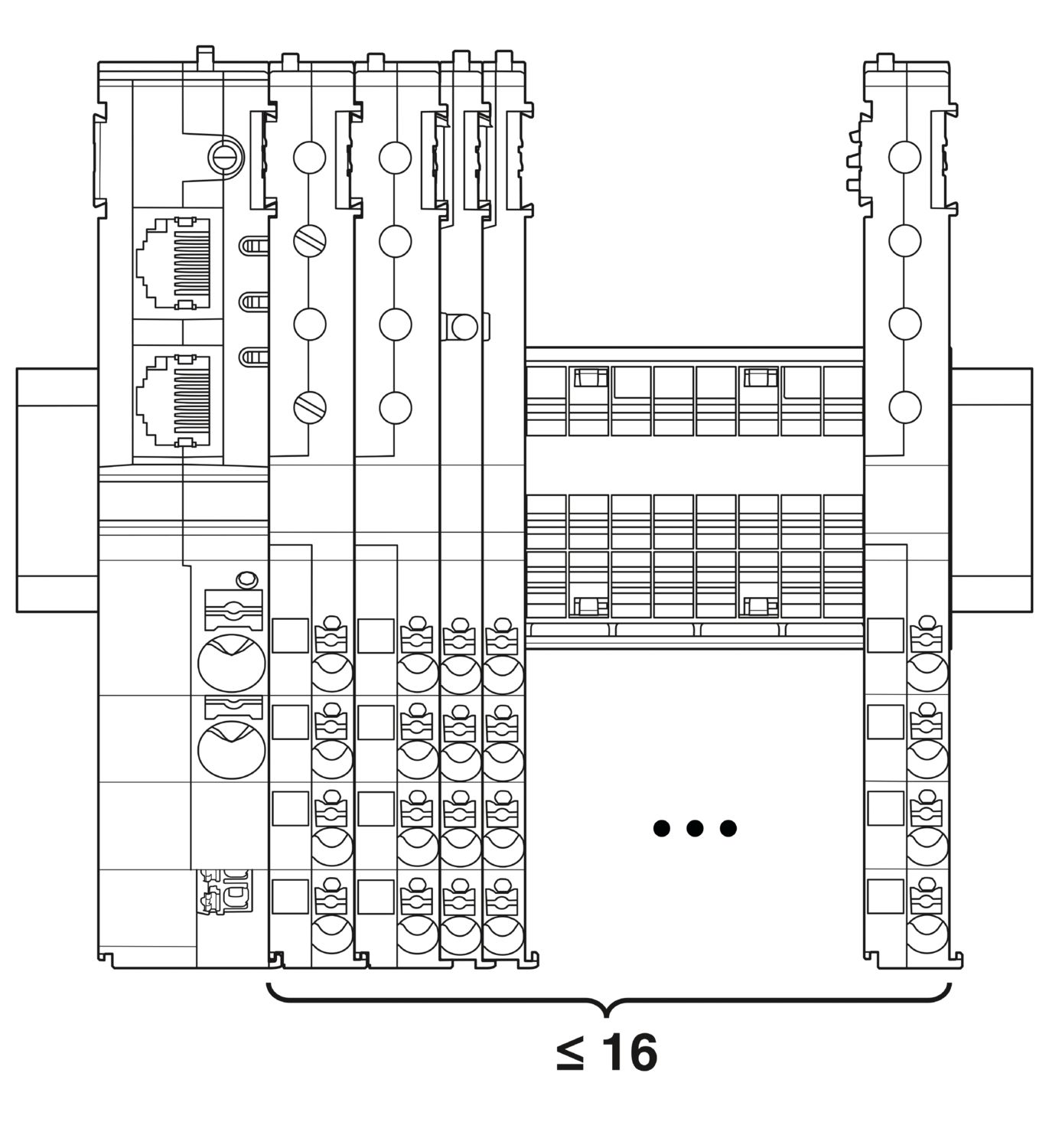
| Extension maximale du système | ≤ 16 (Modules CAPAROC juxtaposables) |
| Type d'interface | Ethernet |
| Nombre | 2 |
| Vitesse de transmission | 10 Mbit/s 100 Mbit/s |
| Physique de transmission | Ethernet par paire torsardée RJ45 |
| Protocoles supportés | EtherCAT® SubDevice, CoE, FoE, EoE |
| Power (PWR) LED verte | allumé (Tension d'alimentation dans la plage de tension de service) |
| 3x clignote (Verrouillage global de la programmation désactivé) | |
| Power (PWR) LED rouge | allumé (Tension d'alimentation hors de la plage de tension de service) |
| 5x clignote (Ordre de réinitialisation d'usine acceptée) | |
| Power (PWR) LED jaune | allumé (Le bouton PWR est actionné) |
| 3x clignote (Verrouillage global de la programmation activé) | |
| Ready (RDY) LED jaune | clignote (Mise à jour du firmware en cours) |
| Ready (RDY) LED verte | allumé (Firmware démarré avec succès) |
| LED erreur (ERR) rouge | désactivé (Aucune erreur de communication. La communication EtherCAT® de l'appareil fonctionne correctement.) |
| clignote rapidement (Configuration invalide/erreur générale de configuration Raison possible :Un changement d'état déclenché par l'unité principale est impossible en raison des réglages de registre ou d'objet.La raison la plus fréquente est une configuration obsolète du slot de module.) | |
| clignote (Défaut local : l'application SubDevice a modifié l'état EtherCAT® de manière autonome. Raison possible 1 : un timeout du chien de garde de l'hôte s'est produit.Raison possible 2 : une configuration incorrecte du module s'est produite lors du fonctionnement. Module remplacé par un module incorrect.) | |
| clignote deux fois (Timeout du chien de garde de l'application) | |
| LED fonctionnement (RUN)verte | désactivé (L'appareil est en état INIT) |
| clignote rapidement (2,5 Hz) (L'appareil est en état PRE-OPERATIONAL) | |
| clignote (L'appareil est en l'état SAFE-OPERATIONAL) | |
| allumé (L'appareil est en état OPERATIONAL) |
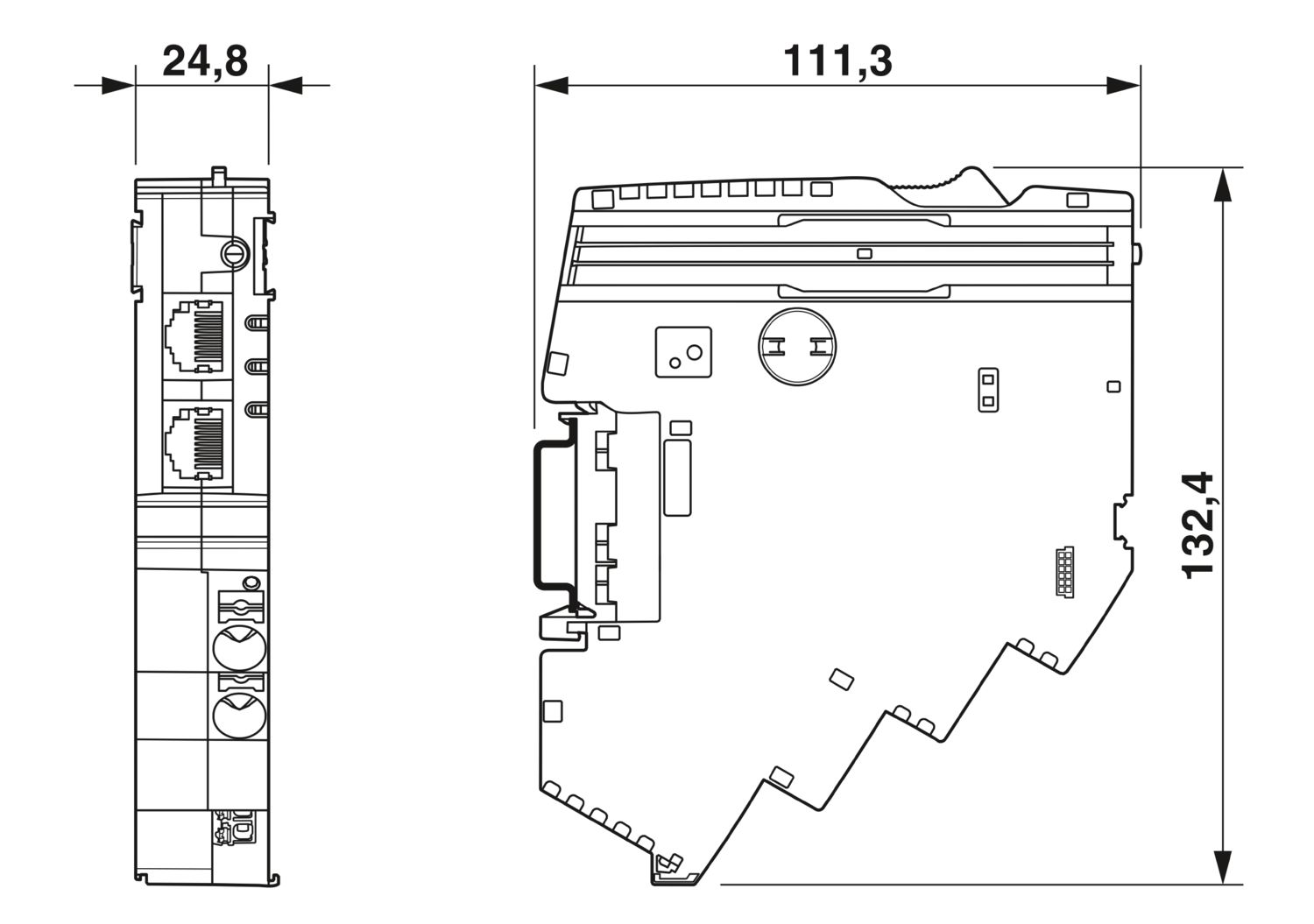
| Dessin coté |
|
| Largeur | 24,8 mm |
| Hauteur | 132,4 mm |
| Profondeur | 111,3 mm (avec profilé 7,5 mm) |
| Couleur | gris clair (RAL 7035) |
| Matériau | PA 6 |
| PA 6 | |
| PA 6 | |
| PC | |
| Classe d'inflammabilité selon UL 94 | V-0 |
| Conditions ambiantes | |
| Indice de protection | IP20 |
| Température ambiante (fonctionnement) | -30 °C ... 65 °C |
| -30 °C ... 60 °C (selon UL) | |
| Température ambiante (stockage/transport) | -40 °C ... 70 °C |
| Altitude | ≤ 4000 m (amsl) |
| Test hygrométrique | 96 h, 95 % RH, 40 °C |
| Choc (fonctionnement) | 30g (Durée 11 ms, choc sous forme d'impulsion semi-sinusoïdale selon CEI 60068-2-27) |
| 25g (Durée 6 ms, impulsion de choc semi-sinusoïdale selon la norme CEI 60068-2-27, choc permanent) | |
| Vibration (fonctionnement) | 5g (10 Hz ... 150 Hz / 10 cycles / axes /X, Y, Z) |
| Homologation UL | |
| Repérage | UL/C-UL Listed UL 508 |
| UL 121201 Class I, Division 2, Groups A, B, C, D, T4A | |
| Normes/prescriptions | EN 61000-6-2 |
| Remarque | CEM - immunité pour les domaines industriels |
| Normes/prescriptions | EN 61000-6-4 |
| Remarque | CEM - immunité pour les domaines industriels |
| Normes/prescriptions | EN 61000-6-8 |
| Remarque | CEM - Émissions pour les appareils à usage professionnel utilisés dans les zones commerciales et industrielles ainsi que dans les petites entreprises |
| Normes/prescriptions | EN 60068-2-78 |
| Remarque | Influences environnementales - humidité et chaleur constantes |
| Normes/prescriptions | EN 50178 |
| Remarque | Equipement d'installations à courant fort avec équipements électriques |
| Normes/prescriptions | EN 60068-2-6 |
| Remarque | Influences environnementales - oscillation (sinusoïdale) |
| Normes/prescriptions | EN 60068-2-27 |
| Remarque | Influences environnementales - chocs |
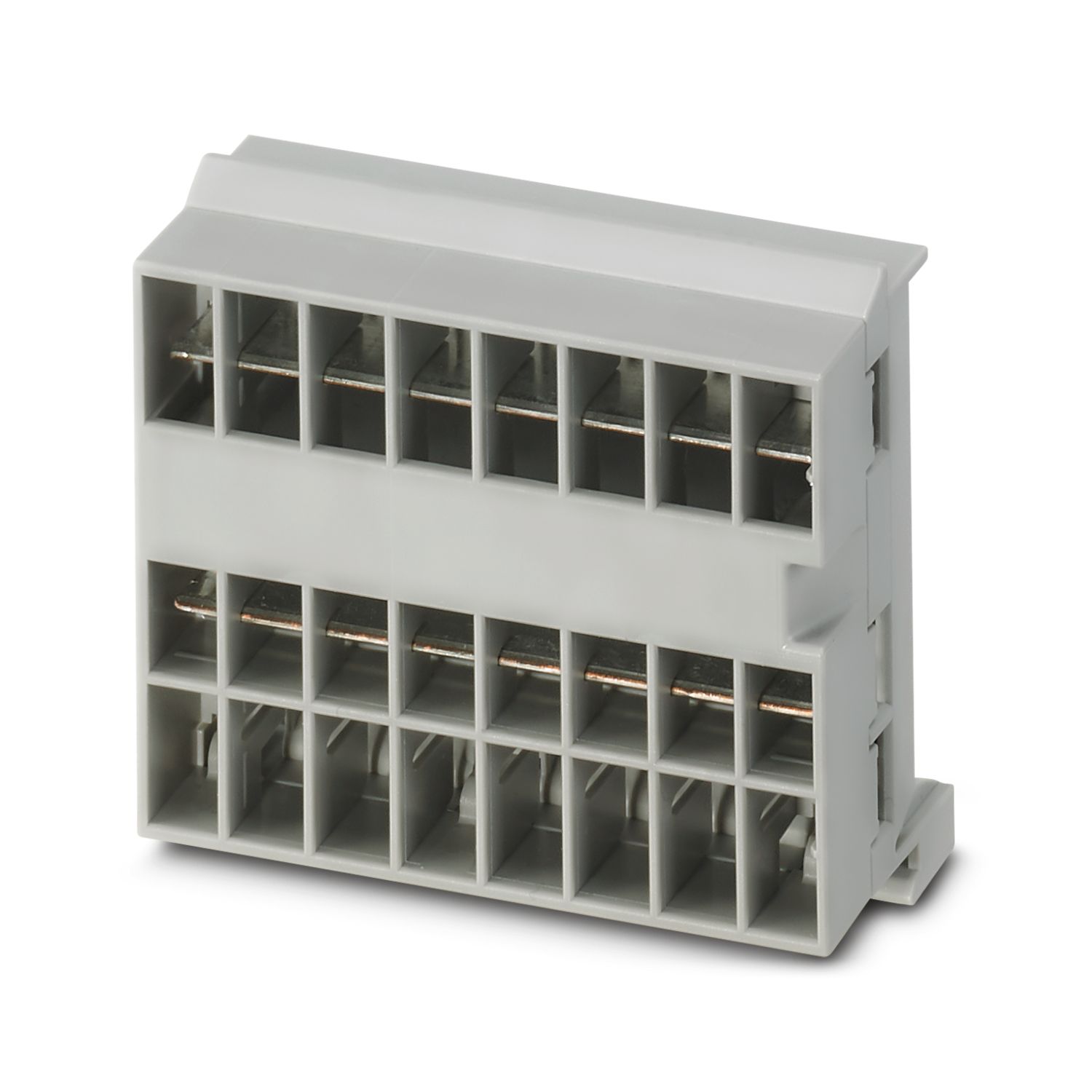
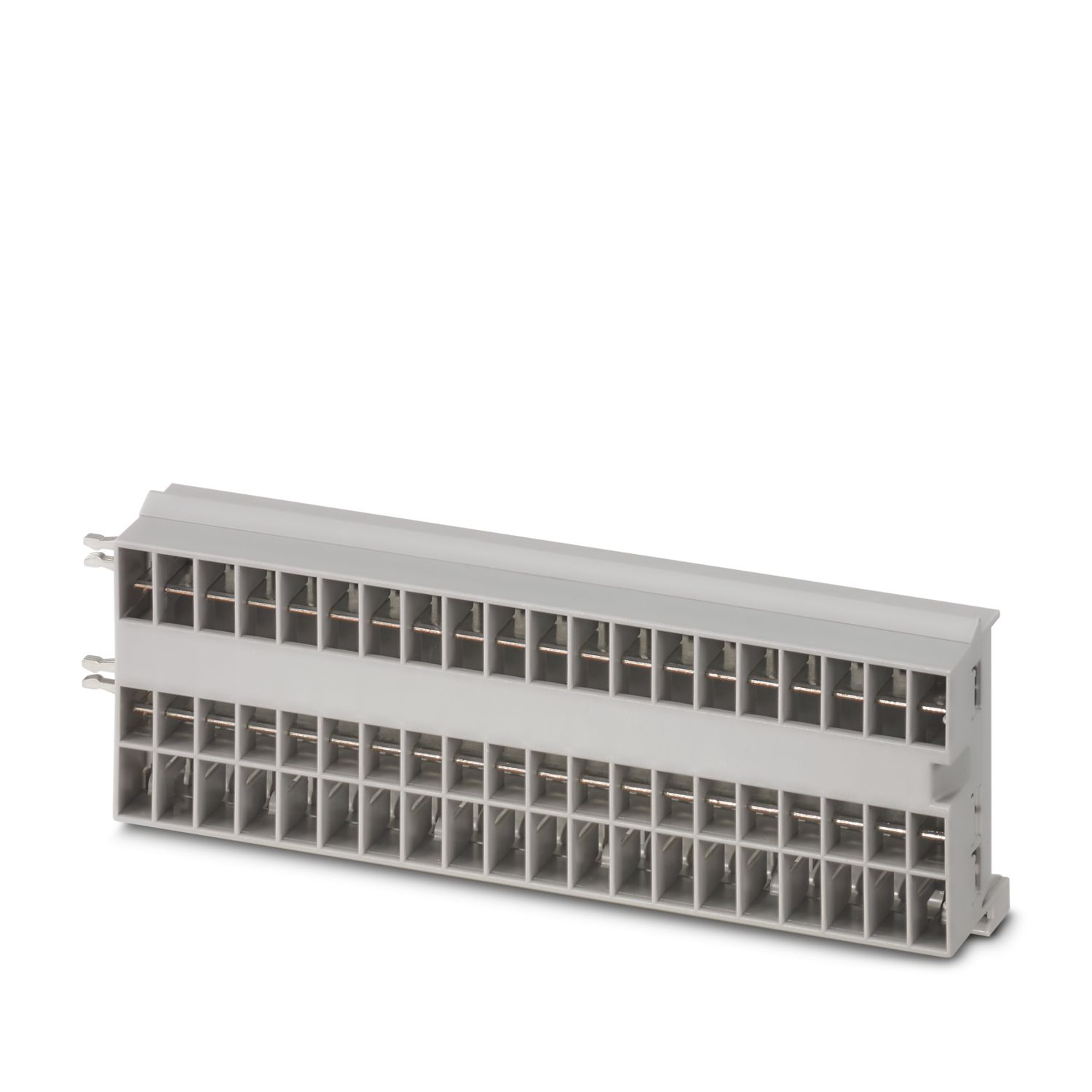
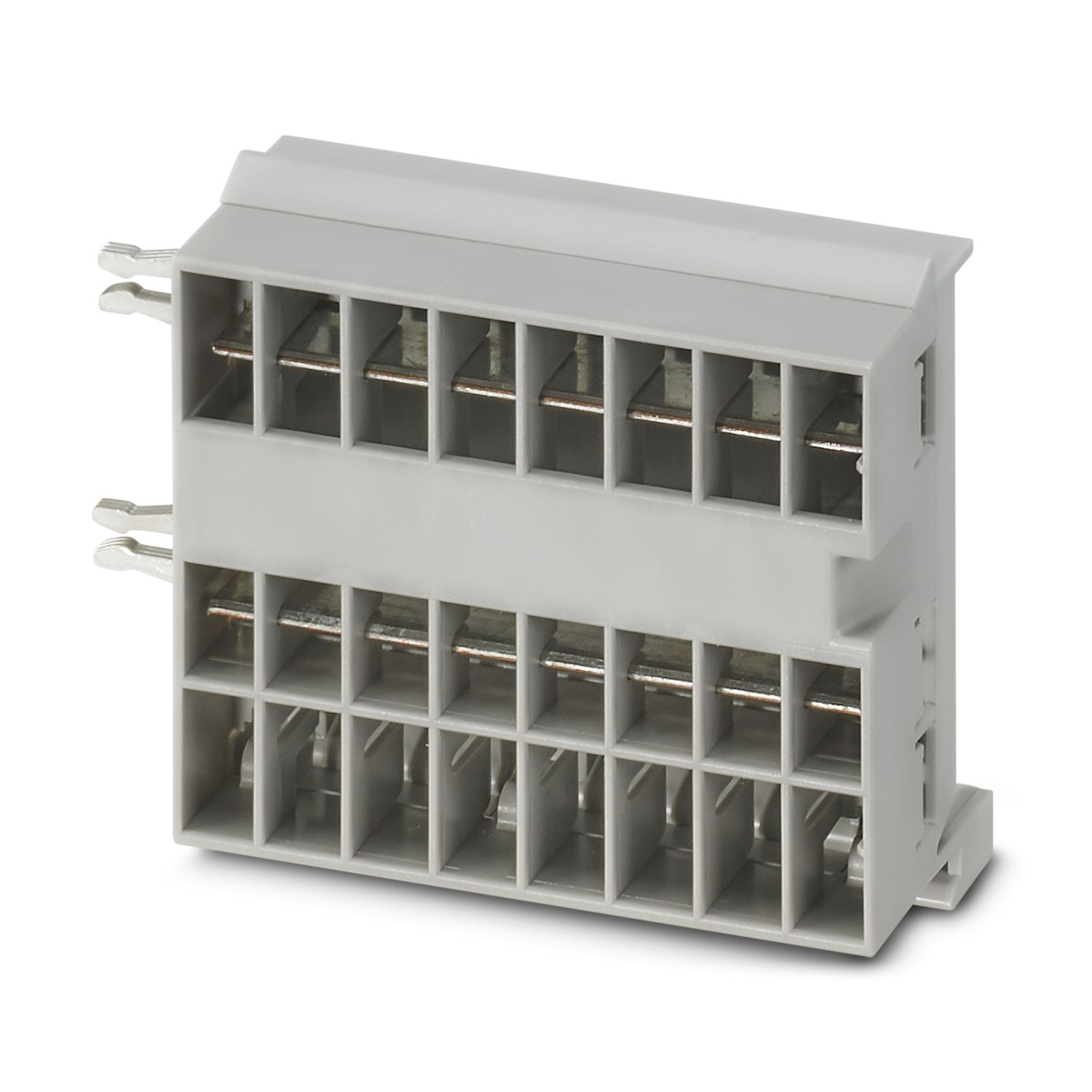
| Type de montage | enfichable sur les barres collectrices CAPAROC CR… |
cUL Listed
Identifiant de lhomologation: E123528EtherCAT
Identifiant de lhomologation: 0x84_009cULus Listed
Identifiant de lhomologation: E483407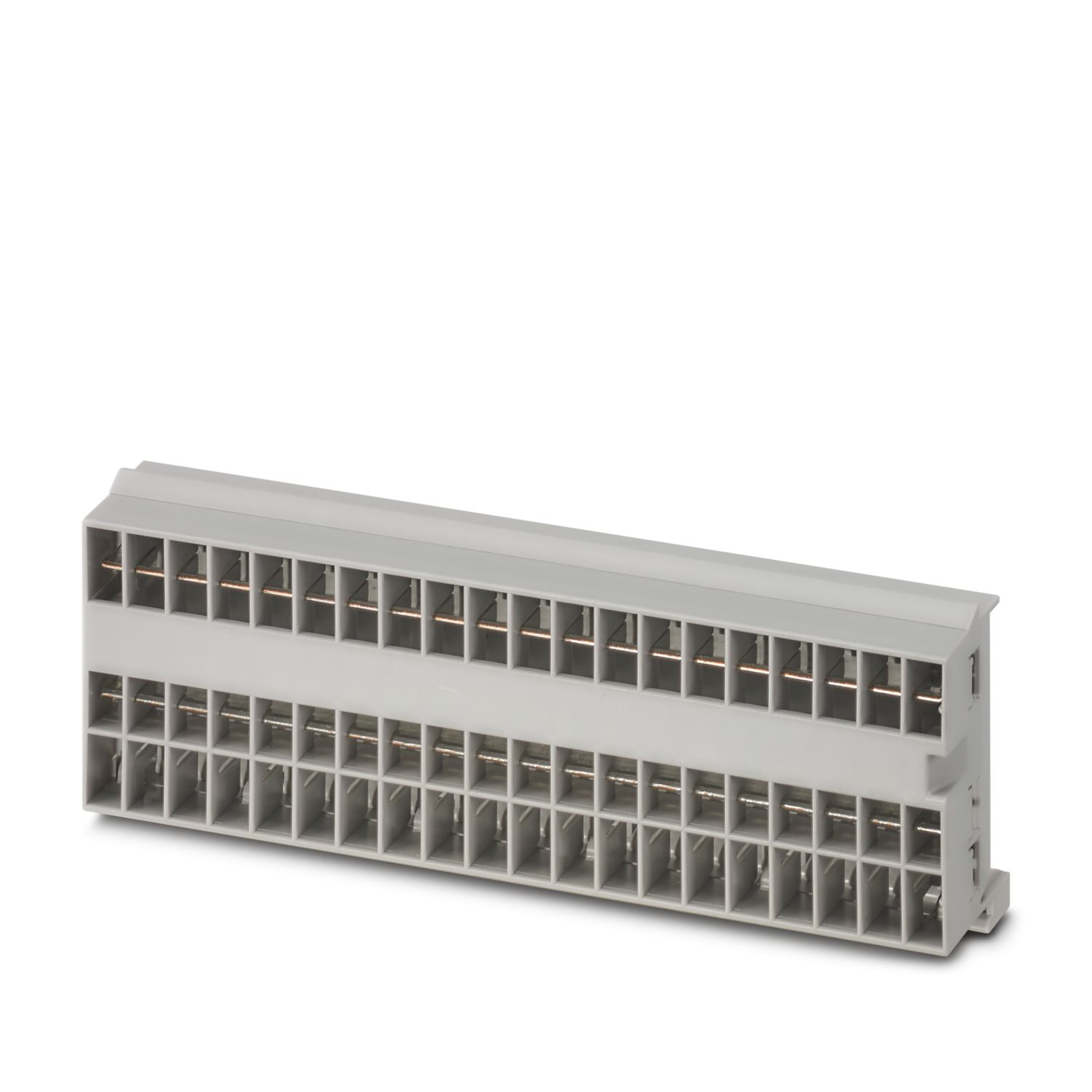

Avantages
Standard personnalisé grâce à la sélection de signaux simples et à la réinitialisation jusqu'à la communication EtherCAT®
Utilisation particulièrement simple grâce au montage sans outil, à une alimentation directe sur la barre collectrice et à un état de fonctionnement transparent
Conception très simple grâce au paquet de données entièrement numériques qui permet l'utilisation dans les applications EtherCAT®
Questions fréquemment posées
Existe-t-il un tutoriel du matériel qui explique les fonctions de CAPAROC ?
Oui, il existe un tutoriel concernant le matériel pour faciliter la prise en main de CAPAROC.... Voir plus
Oui, il existe un tutoriel concernant le matériel pour faciliter la prise en main de CAPAROC.
Voir moinsCombien de modules de disjoncteur puis-je raccorder après un module d'alimentation ?
CAPAROC PM S-R : 20 modules de disjoncteur
CAPAROC PM IOL : 20 canaux
CAPAROC PM PN : 16 modules de disjoncteur
CAPAROC PM EIP : 16 modules de disjoncteur
CAPAROC PM MB : 16 modules de disjoncteur
CAPAROC PM EC : 16 modules de disjoncteur
La LED du canal clignote deux fois en jaune toutes les 4 secondes. Qu'est-ce que cela signifie ?
Cela signifie que la communication interne avec le module d'alimentation est interrompue ou défectueuse.
Vérifiez que les modules sont correctement montés et qu'il n'existe aucun espace entre les modules. Si la communication est toujours interromp...
Voir plus
Cela signifie que la communication interne avec le module d'alimentation est interrompue ou défectueuse.
Vérifiez que les modules sont correctement montés et qu'il n'existe aucun espace entre les modules. Si la communication est toujours interrompue, vérifiez les contacts latéraux du premier module qui clignote (à gauche). S'ils sont tordus, trop enfoncés dans le module, mal centrés dans l'ouverture du boitier, ou endommagés d'une autre manière, remplacez le module.
Est-il possible de bloquer le réglage des courants programmés ?
Il est possible de bloquer les courants de différentes manières :
1. Verrouillage de la programmation : appuyez sur la touche PWR du module d'alimentation pendant > 3 secondes, la LED PWR clignote 3 fois en jaune, les réglages sont alors verrou...
Voir plus
Il est possible de bloquer les courants de différentes manières :
1. Verrouillage de la programmation : appuyez sur la touche PWR du module d'alimentation pendant > 3 secondes, la LED PWR clignote 3 fois en jaune, les réglages sont alors verrouillés. En appuyant à nouveau pendant > 3 secondes, la LED clignote 3 fois en vert et le verrouillage est à nouveau supprimé.
2. Le blocage peut également être activé et désactivé via l'interface de communication. Il est également possible de définir ici le verrouillage de l'utilisation, qui empêche toute utilisation et tout réglage sur l'appareil. Le blocage ne peut alors être levé que via l'interface.