
CAPAROC PM IOL
-
Feed-in module
1115670
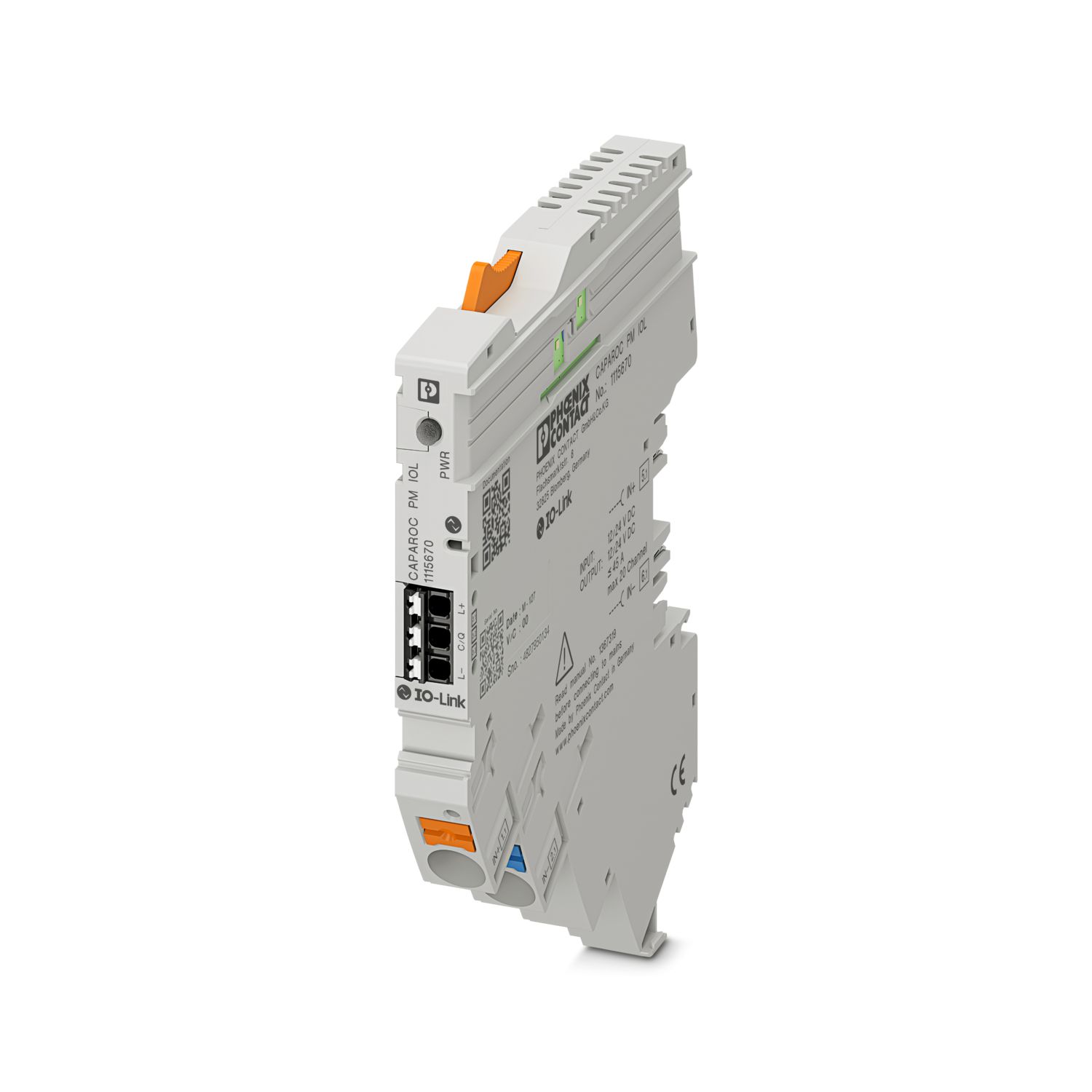
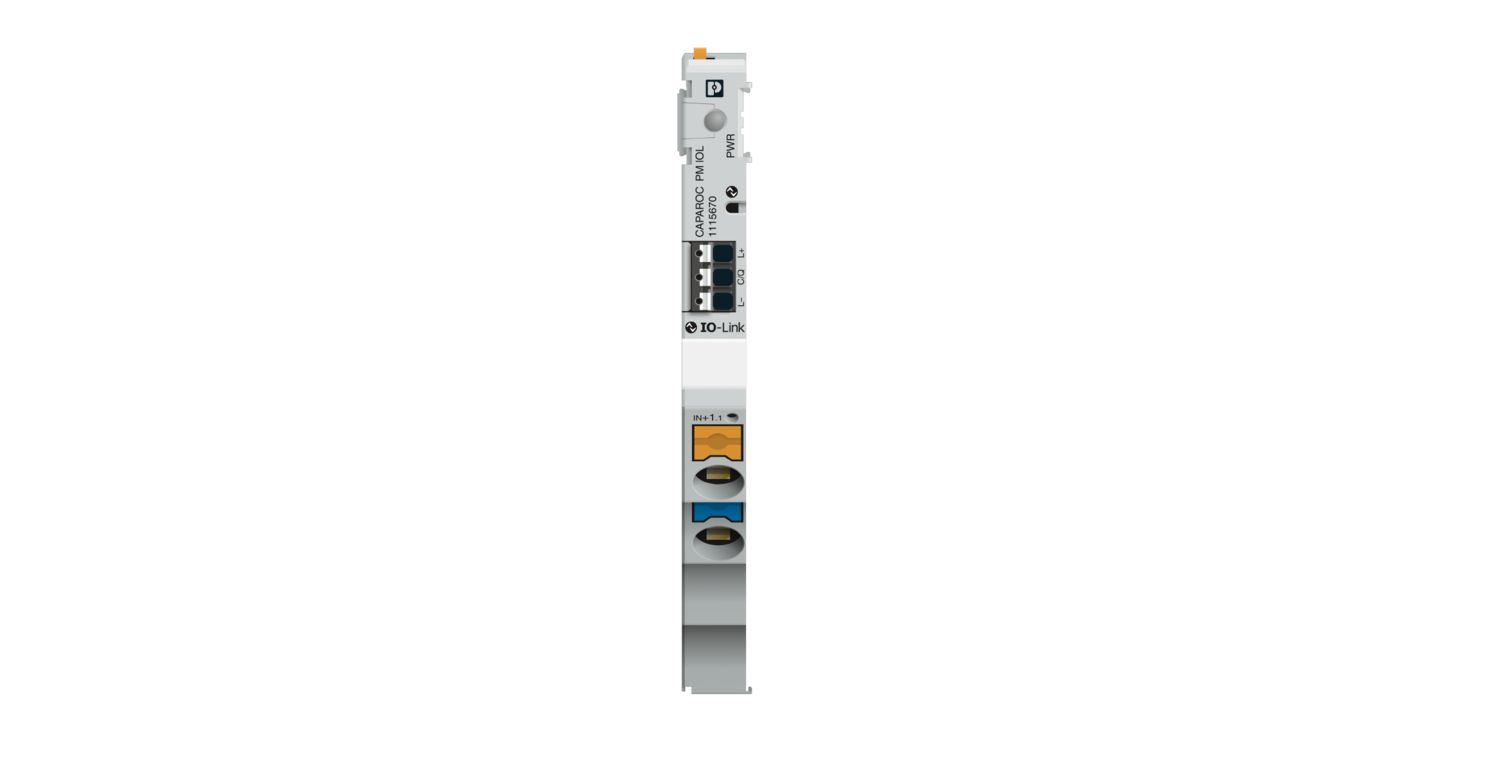
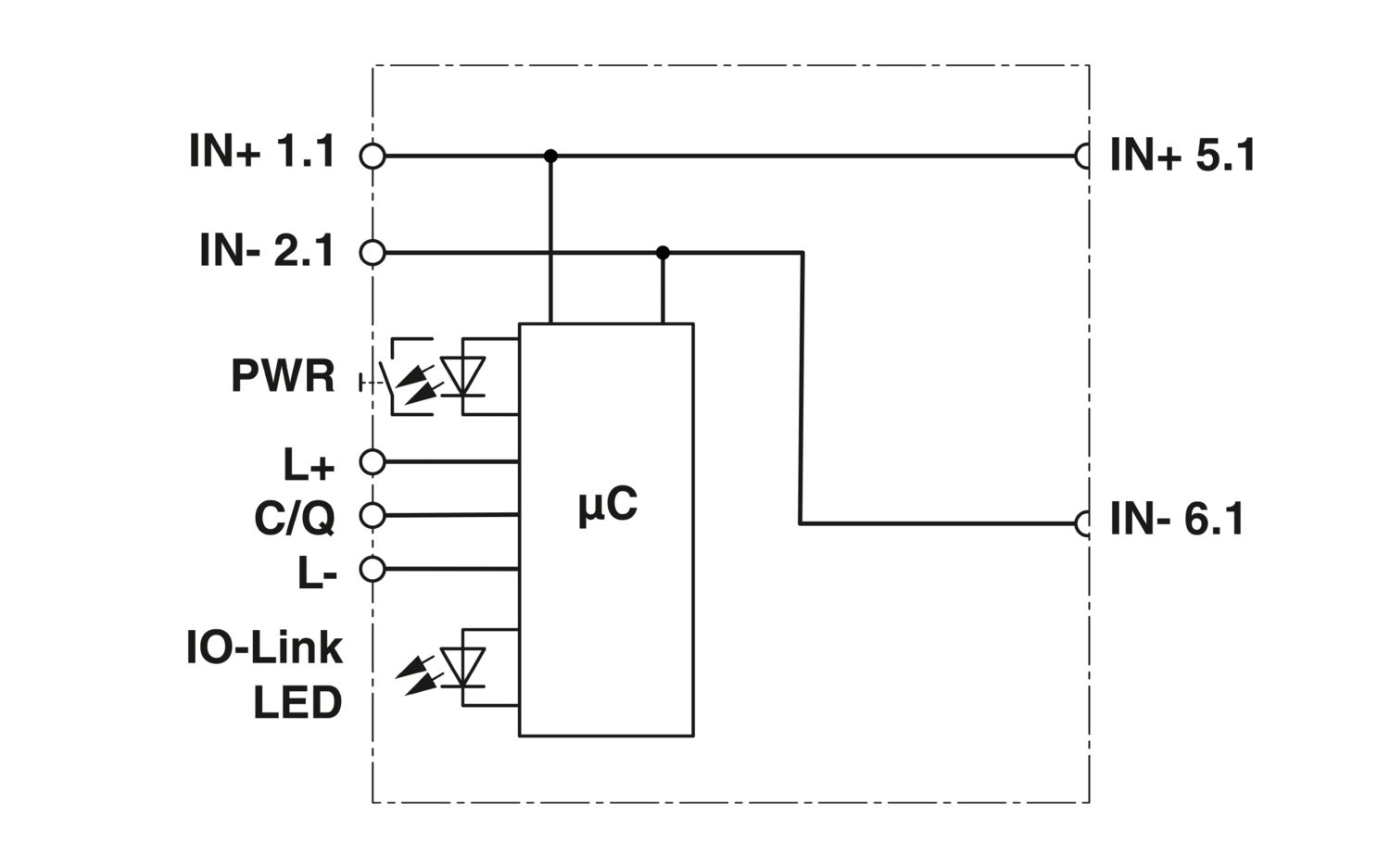

Power module with IO-Link interface for supplying the CAPAROC circuit breaker system with 12 or 24 V DC for up to 20 channels. For DIN rail installation via the CAPAROC current rails.
This product needs further products for operation.
Mandatory accessories
Free download available.
Downloads
Product details
| Note on application | As things stand now, we are preparing the product so that, as of December 11, 2027, it will comply with the requirements of the EU Cyber Resilience Act (CRA) based on the information currently available regarding the CRA. |
| Product type | Device circuit breakers |
| Product family | CAPAROC |
| Type | Plug-in module |
| Number of slots | 2 |
| Insulation characteristics | |
| Protection class | III |
| Pollution degree | 2 |
| General | |
| Operating voltage | 10 V DC ... 30 V DC |
| Rated voltage | 12 V DC |
| 24 V DC | |
| Rated current IN | 45 A (Total current input) |
| Tripping method | E (electronic) |
| Feedback resistance | max. 35 V DC |
| Dielectric strength | 35 V DC (Load circuit) |
| Efficiency | > 99 % |
| Closed circuit current I0 | typ. 12 mA (no load at 24 V) |
| Power dissipation | typ. 0.27 W (no load at 24 V) |
| < 1.5 W (in nominal operation at 24 V and 45 A) | |
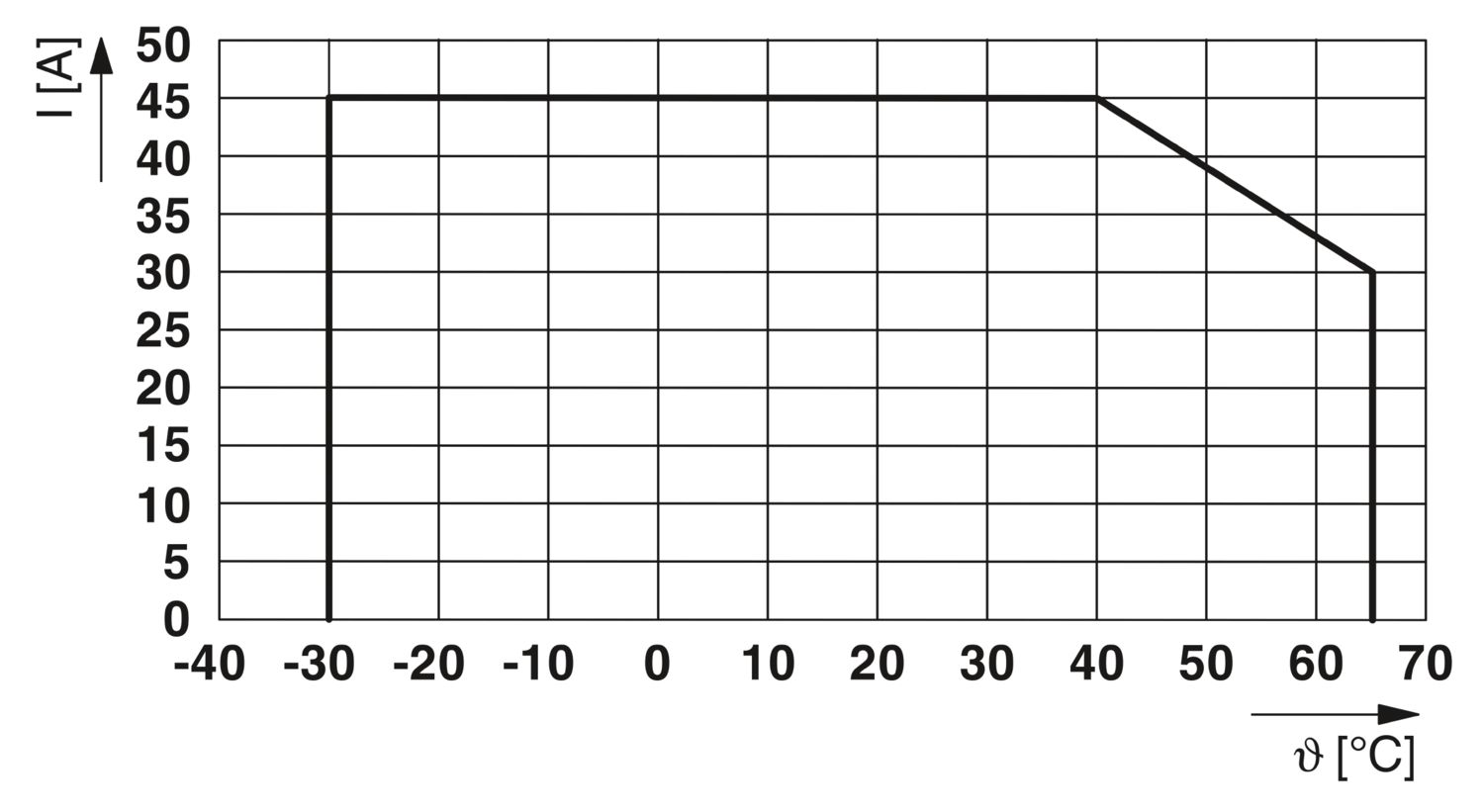
| Temperature derating | 45 A (Total current at 40°C) |
| 30 A (Total current at 65 °C) | |
| MTBF (IEC 61709, SN 29500) | 13826266.85 h (at 25 °C with 21 % load) |
| 5534344.72 h (at 40°C with 34.25% load) | |
| 687502.35 h (at 65°C with 100% load) | |
| Voltage drop | 5 mV (at 10 A) |
| Load circuit | |
| Undervoltage switch-off | ≤ 9.2 V DC (active) |
| ≥ 10.2 V DC (inactive) | |
| Overvoltage switch-off | ≥ 30.5 V DC (active) |
| ≤ 29.5 V DC (inactive) | |
| Reset | |
| Current consumption | typ. 0.5 mA (at 24 V DC) |
| Pulse length | ≥ 50 ms |
| Main circuit IN+ | |
| Connection method | Push-in connection |
| Stripping length | 18 mm |
| Conductor cross-section rigid | 0.5 mm² ... 16 mm² |
| Conductor cross-section AWG | 20 ... 8 |
| Conductor cross-section, flexible, with ferrule, with plastic sleeve | 0.5 mm² ... 16 mm² |
| Conductor cross-section, flexible, with ferrule, without plastic sleeve | 0.5 mm² ... 16 mm² |
| Main circuit IN- | |
| Connection method | Push-in connection |
| Stripping length | 18 mm |
| Conductor cross-section rigid | 0.5 mm² ... 16 mm² |
| Conductor cross-section AWG | 20 ... 8 |
| Conductor cross-section, flexible, with ferrule, with plastic sleeve | 0.5 mm² ... 16 mm² |
| Conductor cross-section, flexible, with ferrule, without plastic sleeve | 0.5 mm² ... 16 mm² |
| IO-Link | |
| Connection method | Push-in connection |
| Stripping length | 8 mm |
| Conductor cross-section rigid | 0.2 mm² ... 1.5 mm² |
| Conductor cross-section AWG | 24 ... 16 |
| Conductor cross-section, flexible, with ferrule, with plastic sleeve | 0.2 mm² ... 0.75 mm² |
| Conductor cross-section, flexible, with ferrule, without plastic sleeve | 0.2 mm² ... 1.5 mm² |
| IO-Link | |
| Interface type | IO-Link |
| Specification | V1.1 |
| Reverse polarity protection | yes |
| Transmission speed | 230.4 kbps (COM3) |
| Cycle Time | min. 20 ms |
| Amount of process data | 8 Byte (Input data) |
| 3 Byte (Output data) | |
| Nominal voltage for I/O supply | 24 V DC |
| Current consumption | typ. 30 mA (IO-Link L+) |
| IO-Link Vendor ID | 176dec, 00 B0hex |
| IO-Link Device ID | 393760dec, 06 02 20hex |
| Maximum system extension | ≤ 20 (Channels) |
| IO-Link LED off | off (No communication) |
| IO-Link LED green | flashing (IO-Link connection exists) |
| Power (PWR) LED green | lit (Supply voltage OK) |
| Power (PWR) LED red | lit (Supply voltage outside the nominal range) |
| flashing (System topology changed) |
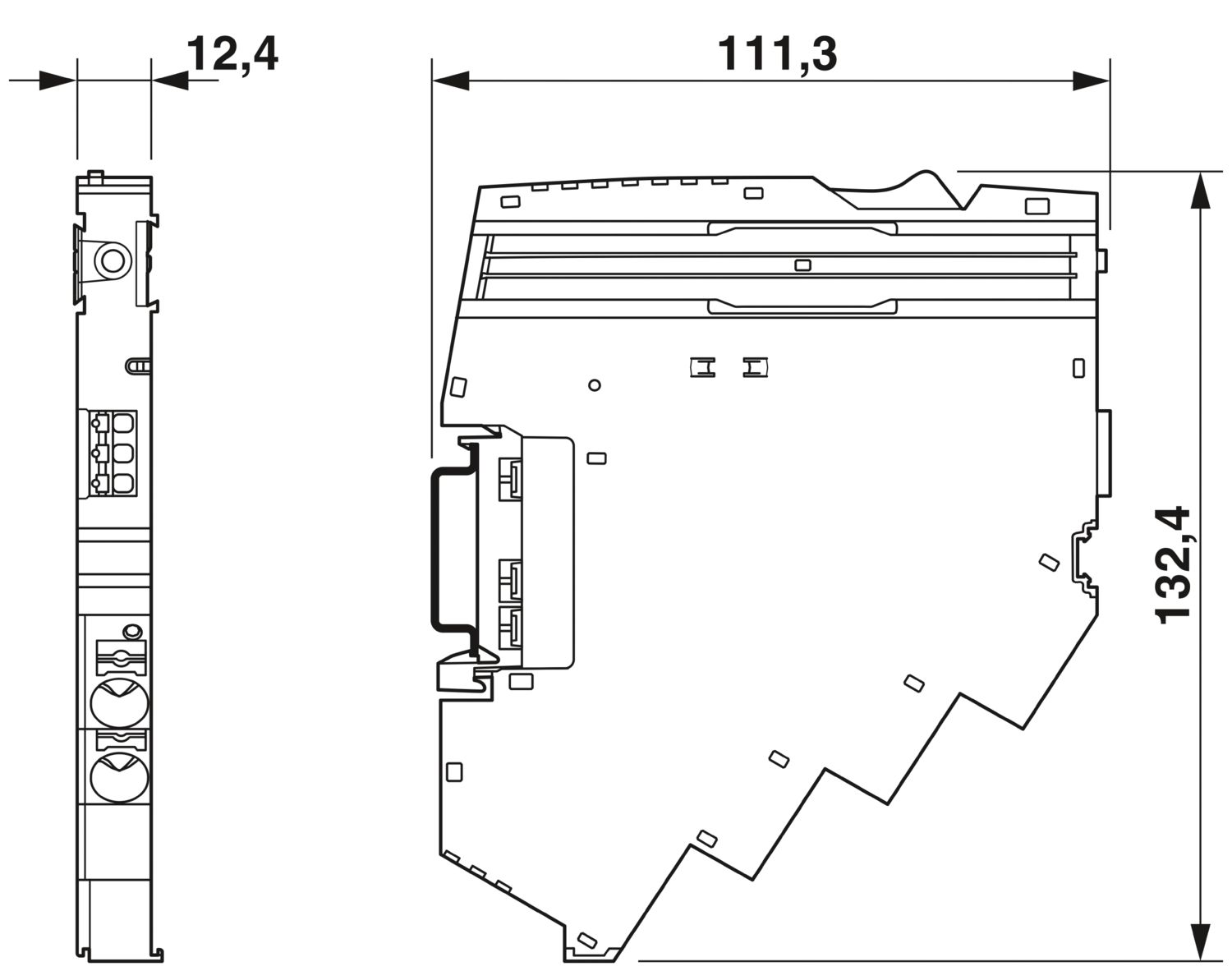
| Dimensional drawing |
|
| Width | 12.4 mm |
| Height | 132.4 mm |
| Depth | 111.3 mm (incl. DIN rail 7.5 mm) |
| Color | light gray (RAL 7035) |
| Material | PA 6 |
| PA 6 | |
| PA 6 | |
| PC | |
| Flammability rating according to UL 94 | V-0 |
| Ambient conditions | |
| Degree of protection | IP20 |
| Ambient temperature (operation) | -30 °C ... 65 °C |
| Ambient temperature (storage/transport) | -40 °C ... 70 °C |
| Altitude | ≤ 4000 m (amsl) |
| Humidity test | 96 h, 95 % RH, 40 °C |
| Shock (operation) | 30g (11 ms period, half-sine shock pulse, according to IEC 60068-2-27) |
| 25g (6 ms duration, half-sine shock pulse in accordance with IEC 60068-2-27, continuous shock) | |
| Vibration (operation) | 5g (10 Hz ... 150 Hz / 10 cycles / axis / X, Y, Z) |
| UL approval | |
| Identification | UL/C-UL Listed UL 508 |
| Corrosive gas test | |
| Identification | ISA S71.04.2013 G3 Harsh Group A |
| Standards/specifications | EN 61000-6-2 |
| Note | EMC – Immunity for industrial areas |
| Standards/specifications | EN 61000-6-3 |
| Note | EMC – Emission for residential, business and commercial properties and small operations |
| Standards/specifications | EN 60068-2-78 |
| Note | Environmental influences – Moisture and heat, constant |
| Standards/specifications | EN 50178 |
| Note | Equipping power installations with electronic equipment |
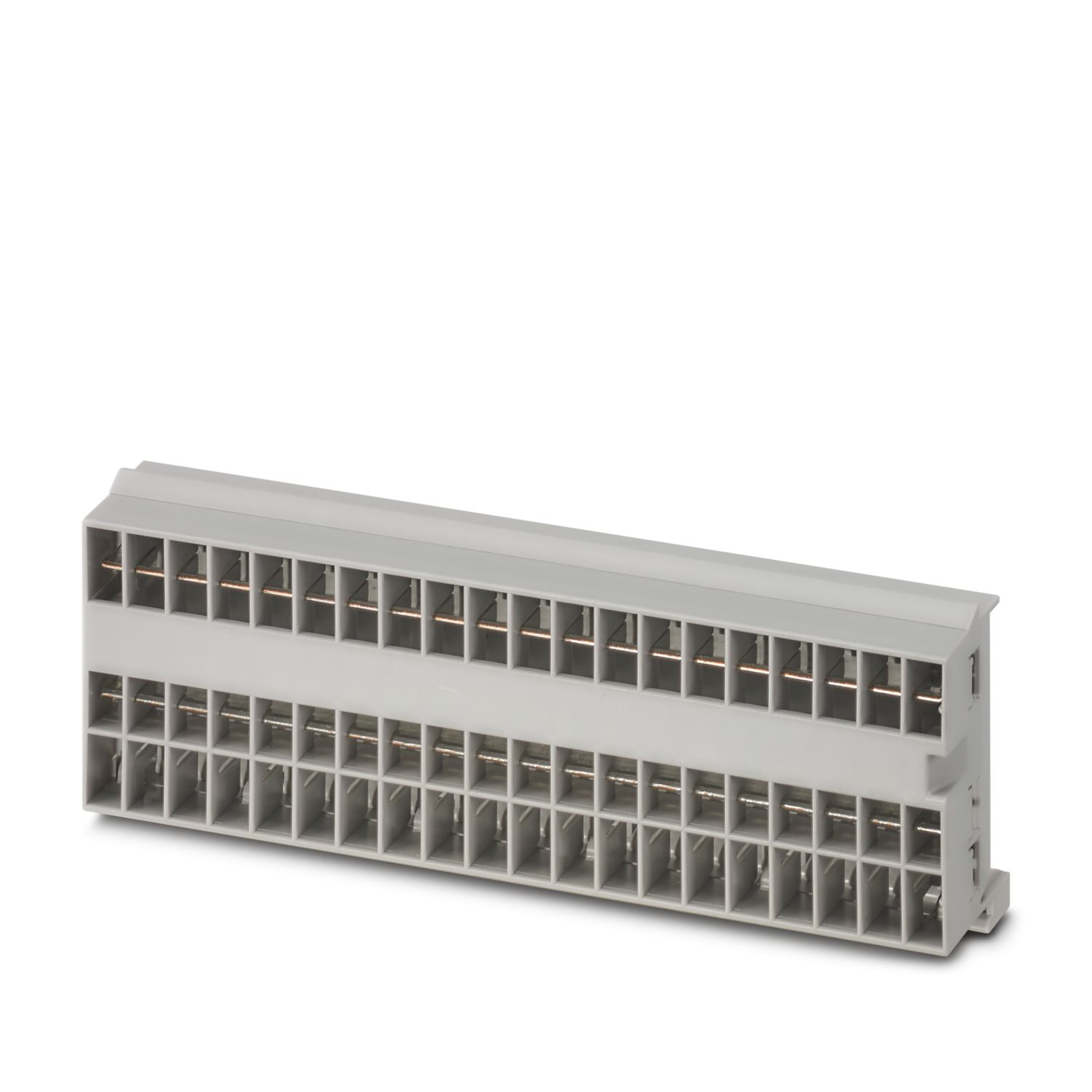
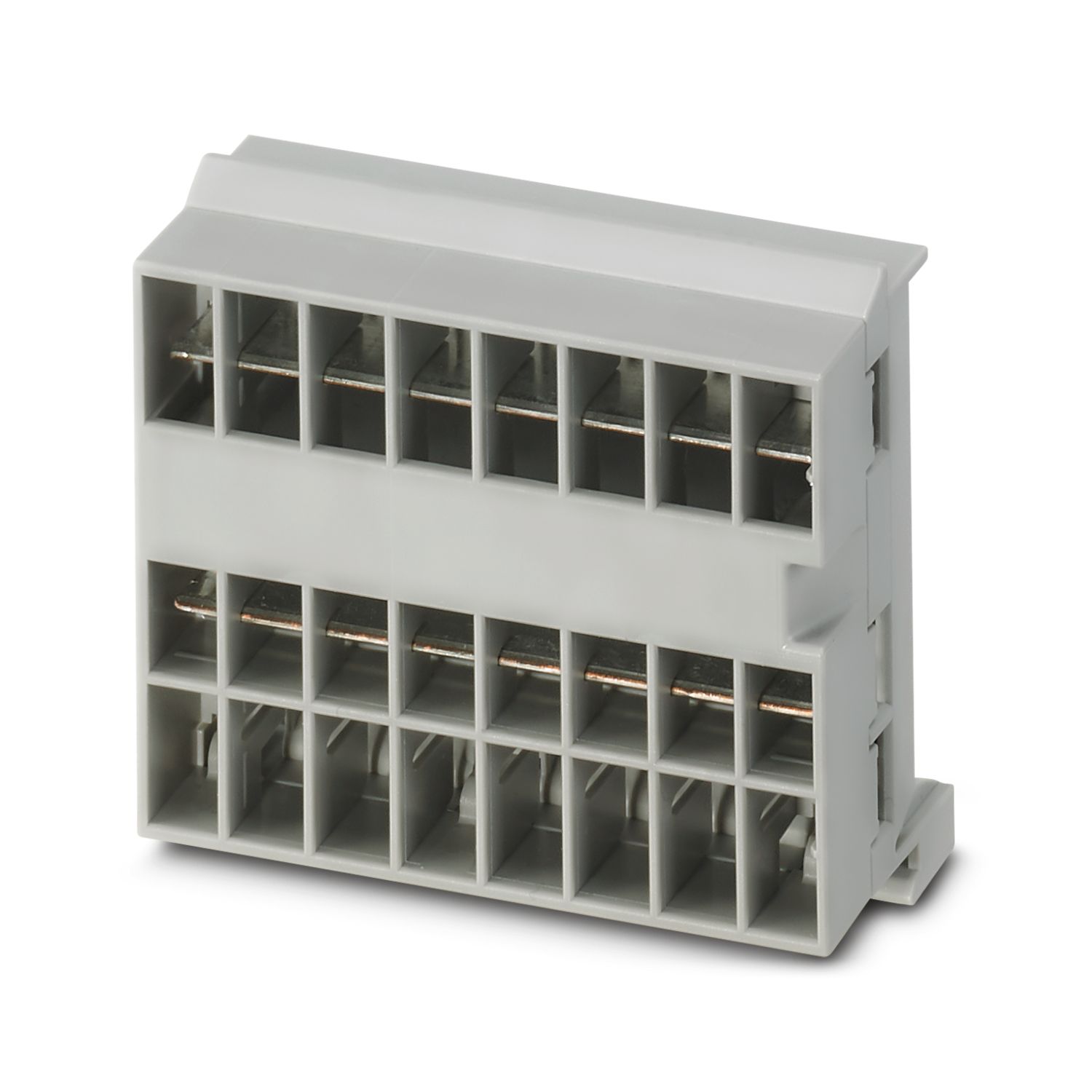
| Mounting type | pluggable onto CAPAROC CR… current rail |
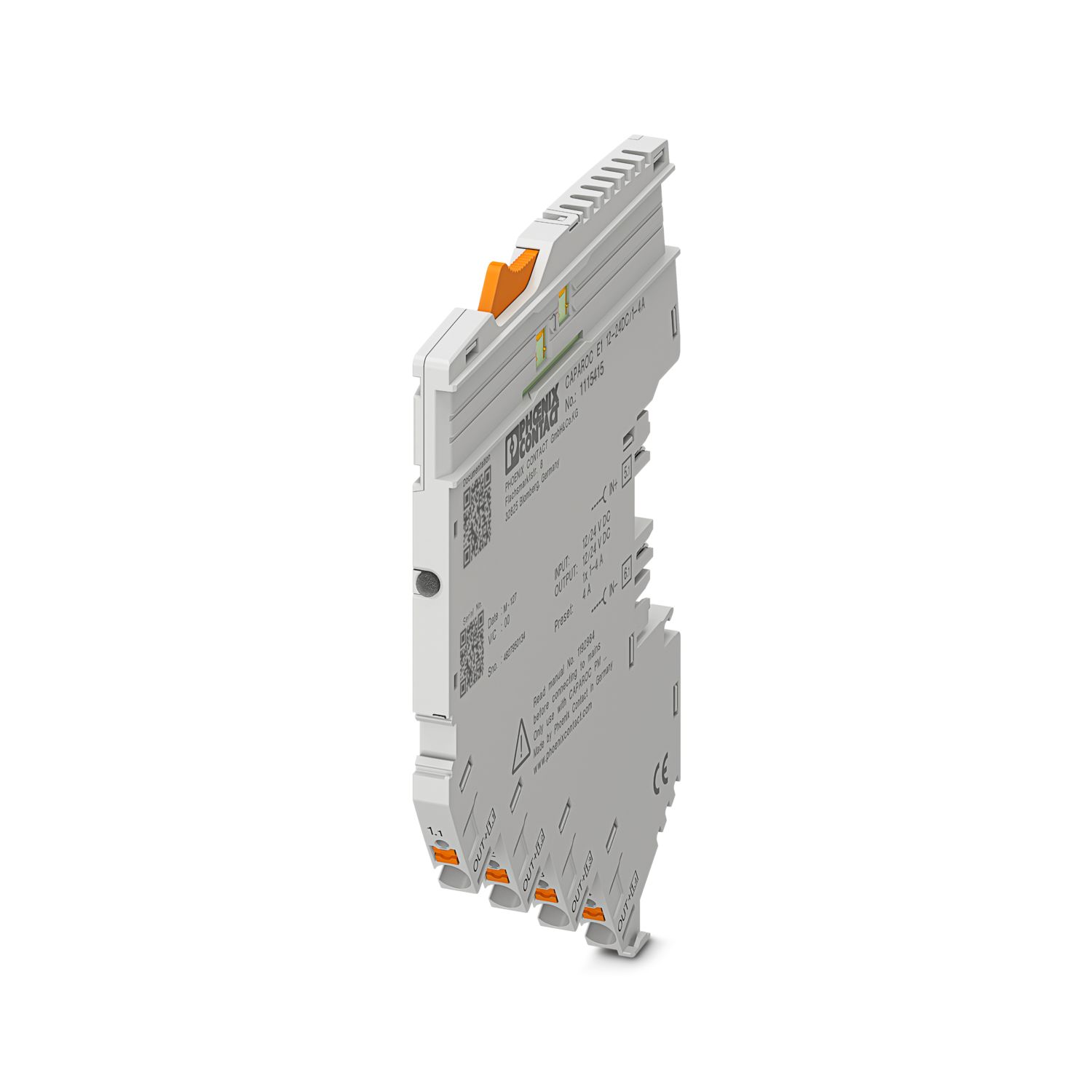

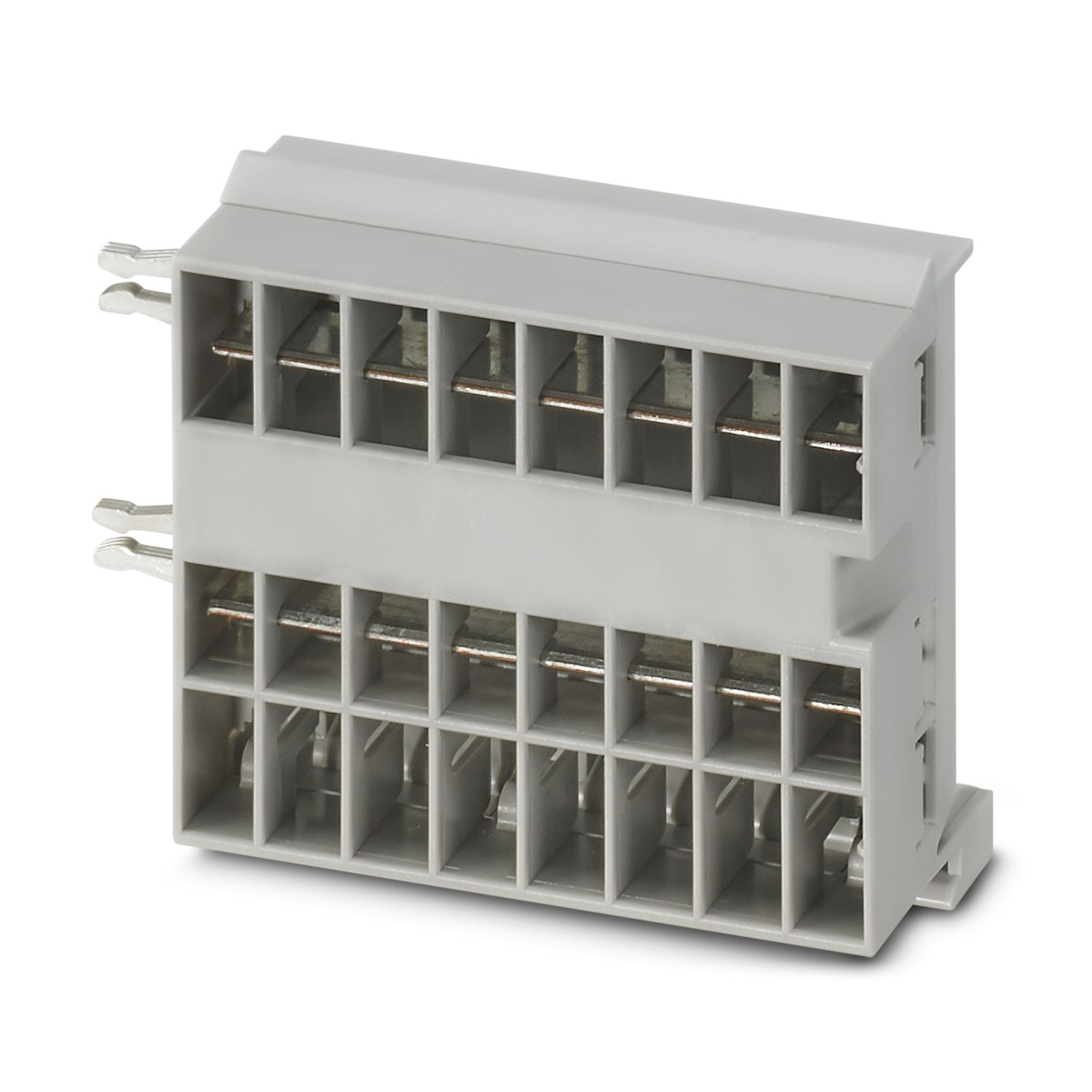
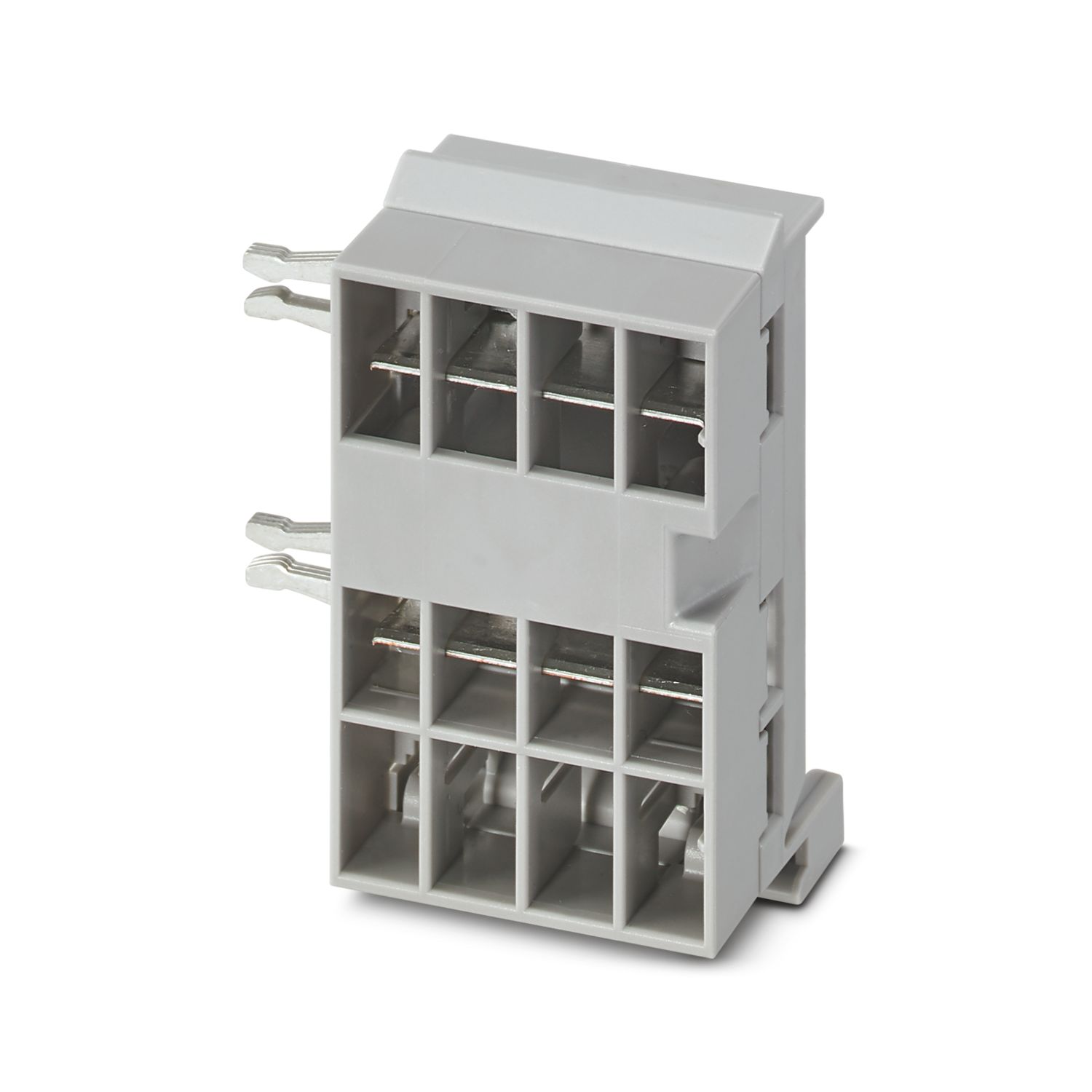
Your advantages
The benchmark that you can customize by selecting single signals and resets all the way to IO-Link and PROFINET communication
Particularly easy operation for everyone with tool-free assembly, direct feed-in to the busbar, and clear operating states
Exceptionally easy design-in with the comprehensive digital data packet
Frequently asked questions
Why does the power LED (PWR) of the CAPAROC PM IOL flash red?
A red flashing of the power LED on the IO-Link power module indicates a changed hardware configuration. When commissioning for the first time, this warning can be acknowledged without hesitation by pressing the button for longer (> 2 seconds).
...
View more
A red flashing of the power LED on the IO-Link power module indicates a changed hardware configuration. When commissioning for the first time, this warning can be acknowledged without hesitation by pressing the button for longer (> 2 seconds).
If this warning is displayed while the process is running, the hardware configuration has changed since the last acknowledgement and should be checked. If the number of channels in a module is increased due to a previous module replacement, acknowledging the warning will inevitably result in a shift in the process data.
Is there a hardware tutorial in which the CAPAROC functions are explained?
How many circuit breaker modules can I connect downstream of an infeed module?
CAPAROC PM S-R: 20 circuit breaker modules
CAPAROC PM IOL: 20 channels
CAPAROC PM PN: 16 circuit breaker modules
CAPAROC PM EIP: 16 circuit breaker modules
CAPAROC PM MB: 16 circuit breaker modules
CAPAROC PM EC: 16 circuit breaker modules
The channel LED flashes yellow twice every 4 seconds. What does this mean?
This means that the internal communication to the power module is interrupted or faulty.
Check that the modules are mounted correctly and that there is no gap between the modules. If communication is still disrupted, check the side contacts of the...
View more
This means that the internal communication to the power module is interrupted or faulty.
Check that the modules are mounted correctly and that there is no gap between the modules. If communication is still disrupted, check the side contacts of the first module (left) that is flashing, if they are bent, either too far into the module, not centered in the housing opening or otherwise damaged, replace the module.
Can I block the setting of the set currents?
The currents can be locked in different ways:
1. Programming lock: press the PWR button on the power module for > 3 seconds, the PWR LED flashes yellow 3 x, the settings are now locked. Pressing it again for > 3 seconds causes the LED to fla...
View more
The currents can be locked in different ways:
1. Programming lock: press the PWR button on the power module for > 3 seconds, the PWR LED flashes yellow 3 x, the settings are now locked. Pressing it again for > 3 seconds causes the LED to flash green 3 times and unlocks it again.
2. The lock can also be set and released via the communication interface; the operating lock can also be set here, which prevents operation and settings on the device. The lock can then only be released via the interface.