
CAPAROC CR 8
-
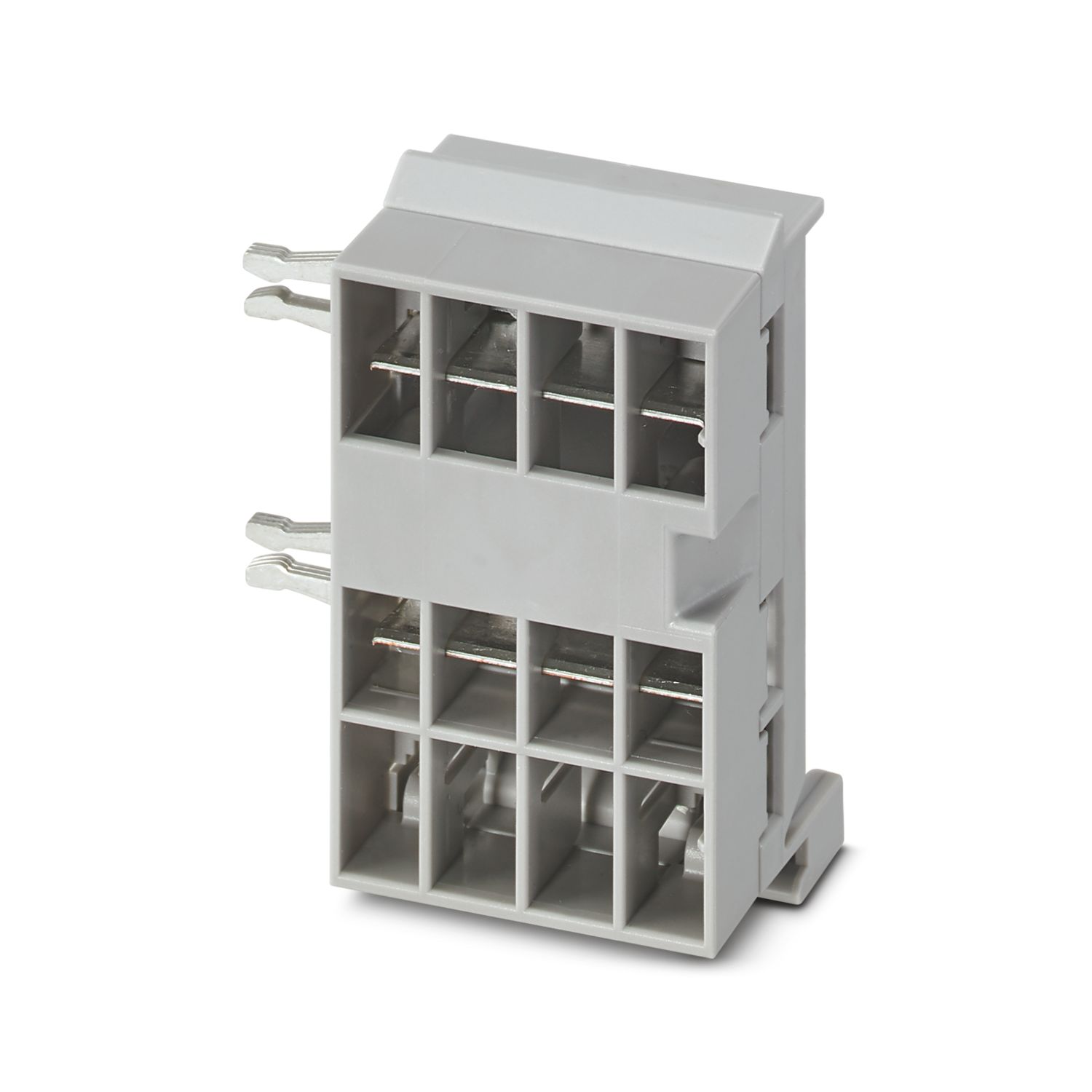
Busbar
1115672
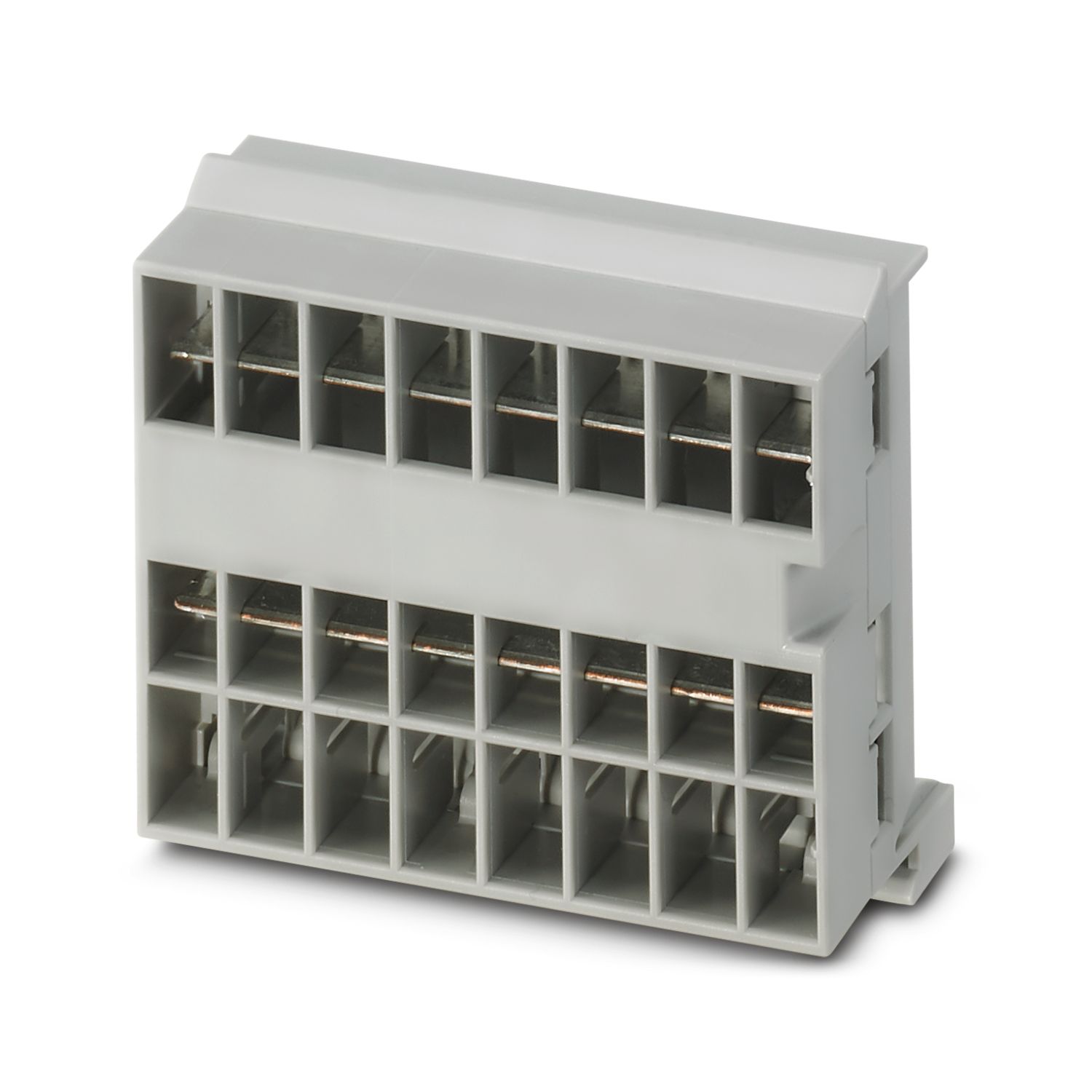
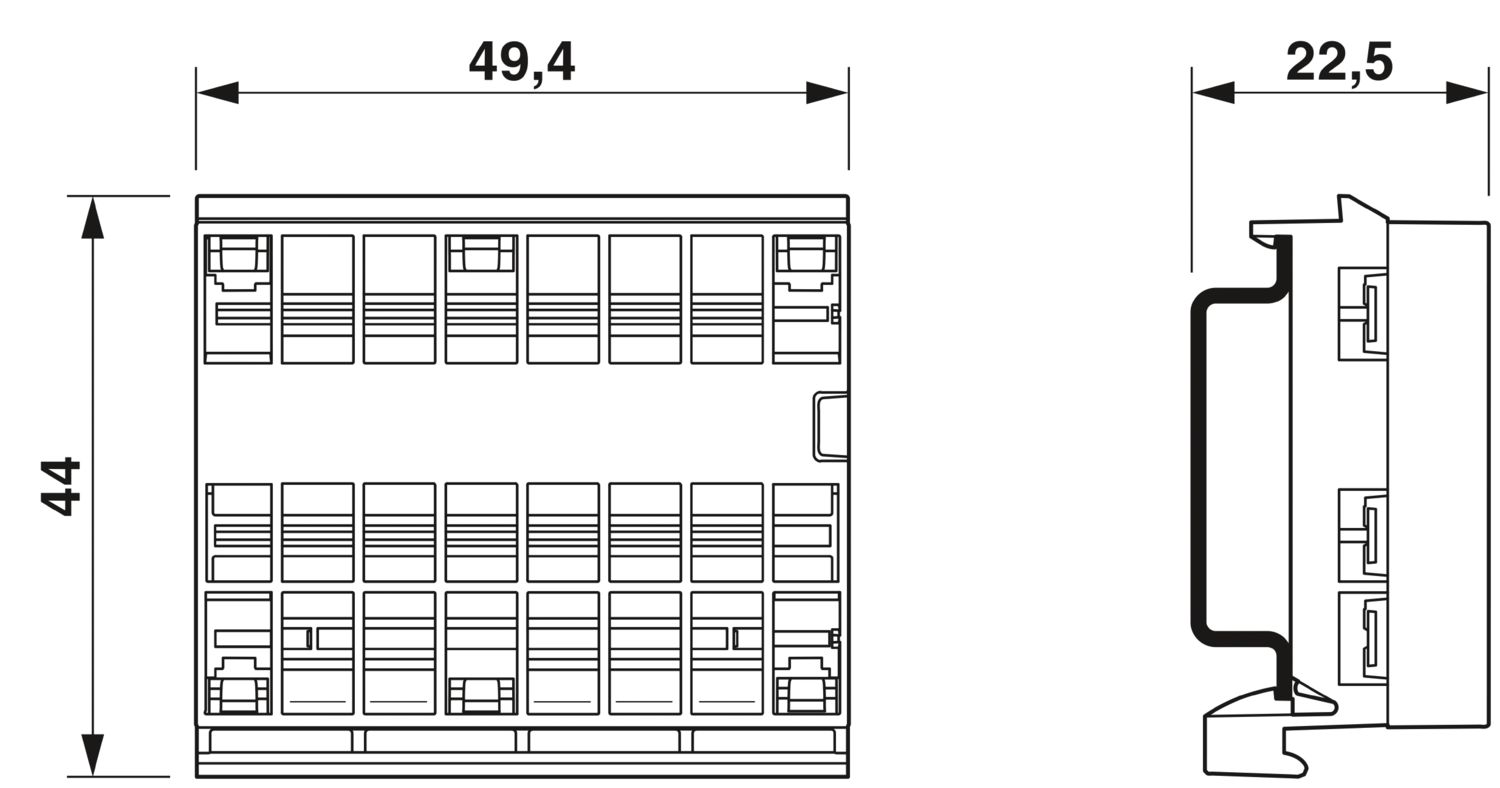
Busbar for the CAPAROC system with 8 slots. For installation on a DIN rail.
This product needs further products for operation.
Mandatory accessories
Product details
| General | |
| Note | LABS release – in accordance with test specification VW PV 3.10.7:2005-0 |
| When using CAPAROC E1... modules, for continuous shock in accordance with IEC 60068-2-27 the 6 ms / 15g degree of severity applies | |
| Product type | Device circuit breakers |
| Product family | CAPAROC |
| Type | Plug-in module |
| Number of slots | 8 |
| Insulation characteristics | |
| Protection class | III |
| Pollution degree | 2 |
| General | |
| Rated voltage | 24 V DC |
| Rated current IN | 45 A (Total current input) |
| Power dissipation | < 0.5 W (At 45 A in the plus path) |
| Dimensional drawing |
|
| Width | 49.4 mm |
| Height | 44 mm |
| Depth | 22.5 mm (incl. DIN rail 7.5 mm) |
| Color | light gray (RAL 7035) |
| Material | Copper |
| PC | |
| Flammability rating according to UL 94 | V-0 |
| Ambient conditions | |
| Degree of protection | IP20 |
| Ambient temperature (operation) | -30 °C ... 65 °C (The temperature range of the power module must be taken into consideration) |
| Ambient temperature (storage/transport) | -40 °C ... 70 °C |
| Altitude | ≤ 4000 m (amsl) |
| Humidity test | 96 h, 95 % RH, 40 °C |
| Shock (operation) | 30g (11 ms period, half-sine shock pulse, according to IEC 60068-2-27) |
| 25g (6 ms duration, half-sine shock pulse in accordance with IEC 60068-2-27, continuous shock) | |
| 15g (6 ms duration, half-sine shock pulse in accordance with IEC 60068-2-27, continuous shock. If more than six CAPAROC E1 modules are used in the system.) | |
| Vibration (operation) | 5g (10 Hz ... 150 Hz / 10 cycles / axis / X, Y, Z) |
| UL approval | |
| Identification | UL/C-UL Listed UL 508 |
| UL 121201 Class I, Division 2, Groups A, B, C, D, T4A | |
| Corrosive gas test | |
| Identification | ISA S71.04.2013 G3 Harsh Group A |
| Standards/specifications | EN 61000-6-2 |
| Note | EMC – Immunity for industrial areas |
| Standards/specifications | EN 61000-6-3 |
| Note | EMC – Emission for residential, business and commercial properties and small operations |
| Standards/specifications | EN 60068-2-78 |
| Note | Environmental influences – Moisture and heat, constant |
| Standards/specifications | EN 50178 |
| Note | Equipping power installations with electronic equipment |
| Standards/specifications | EN 60068-2-6 |
| Note | Environmental influences – Vibrations (sinusoidal) |
| Standards/specifications | EN 60068-2-27 |
| Note | Environmental influences – Shocks |
| Mounting type | DIN rail: 35 mm |
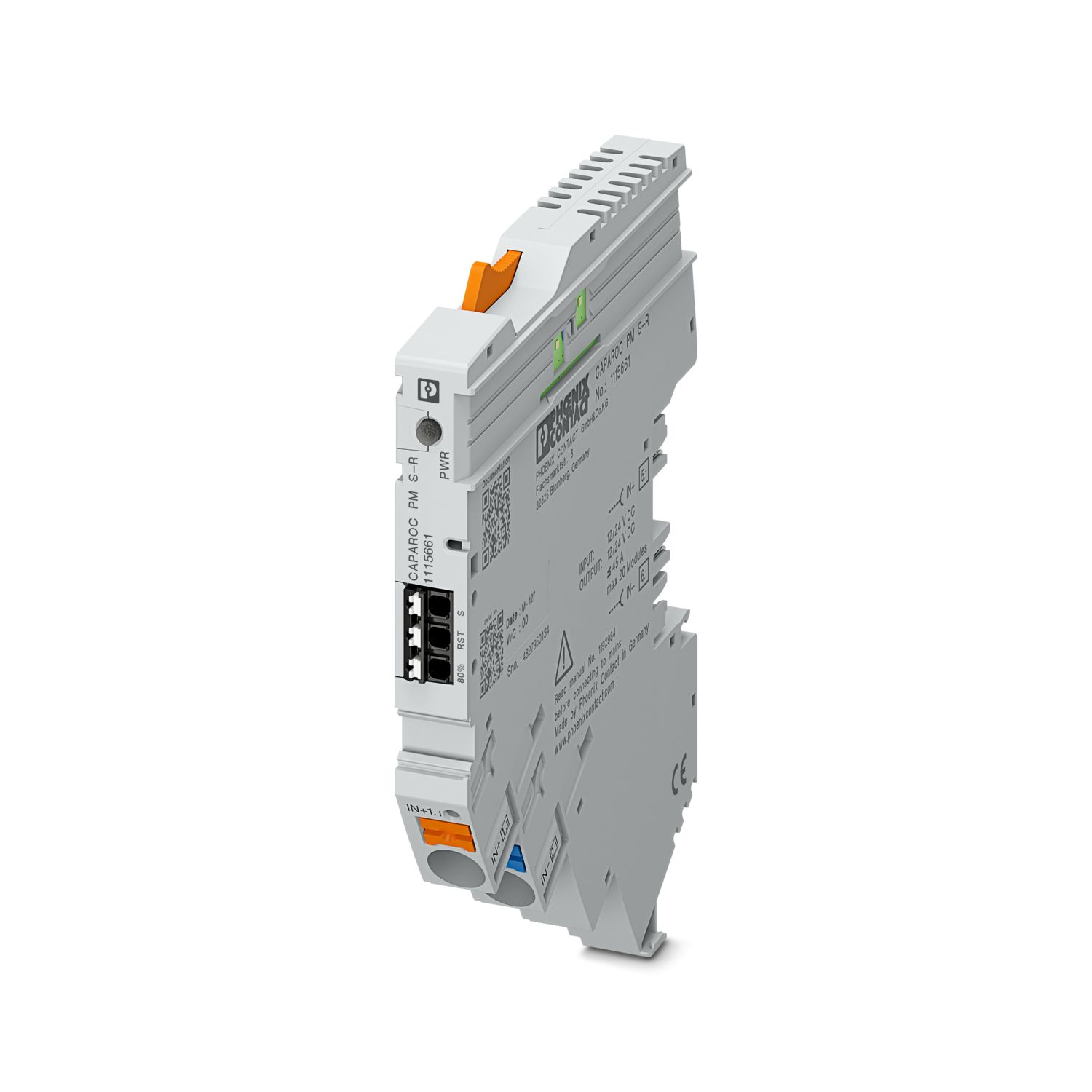
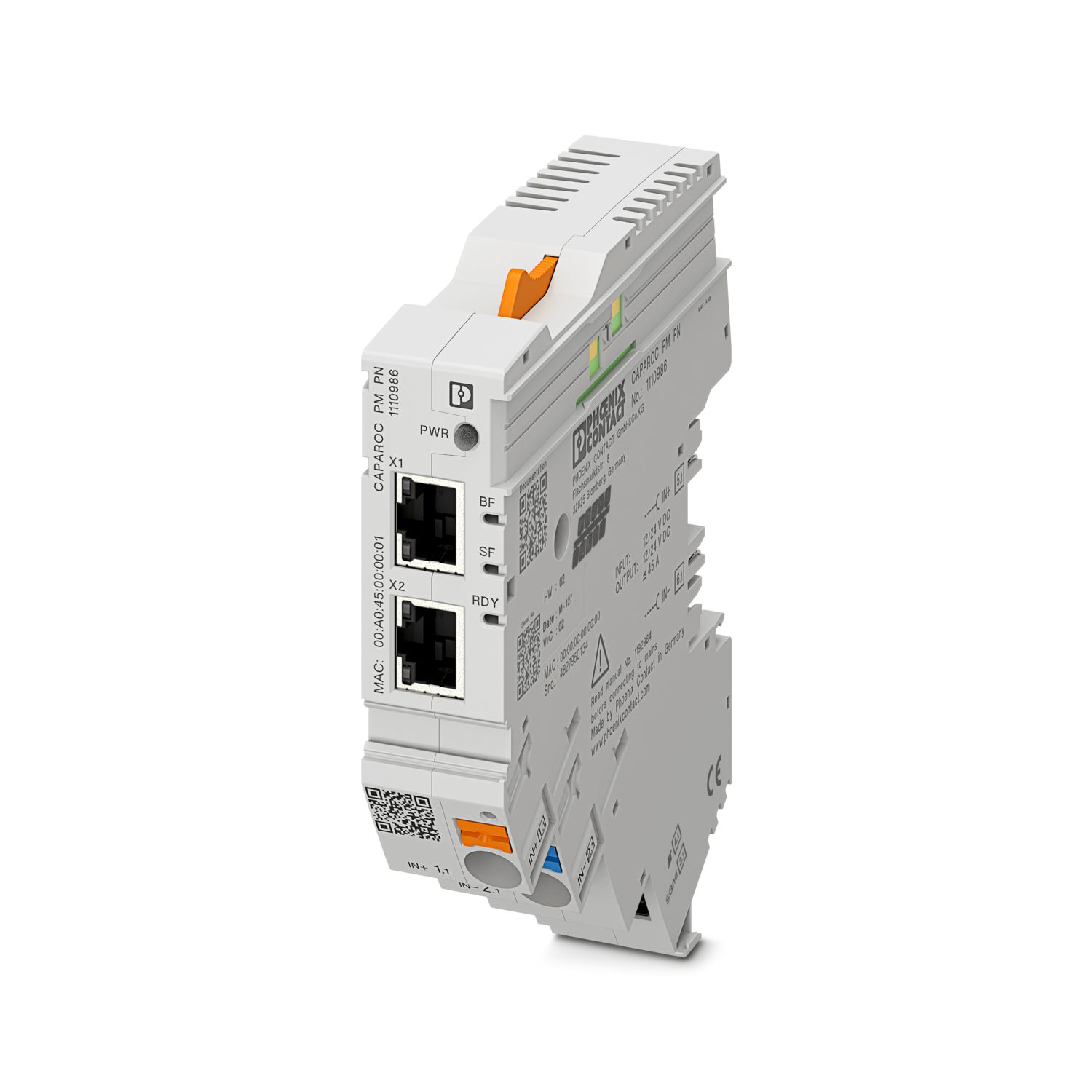
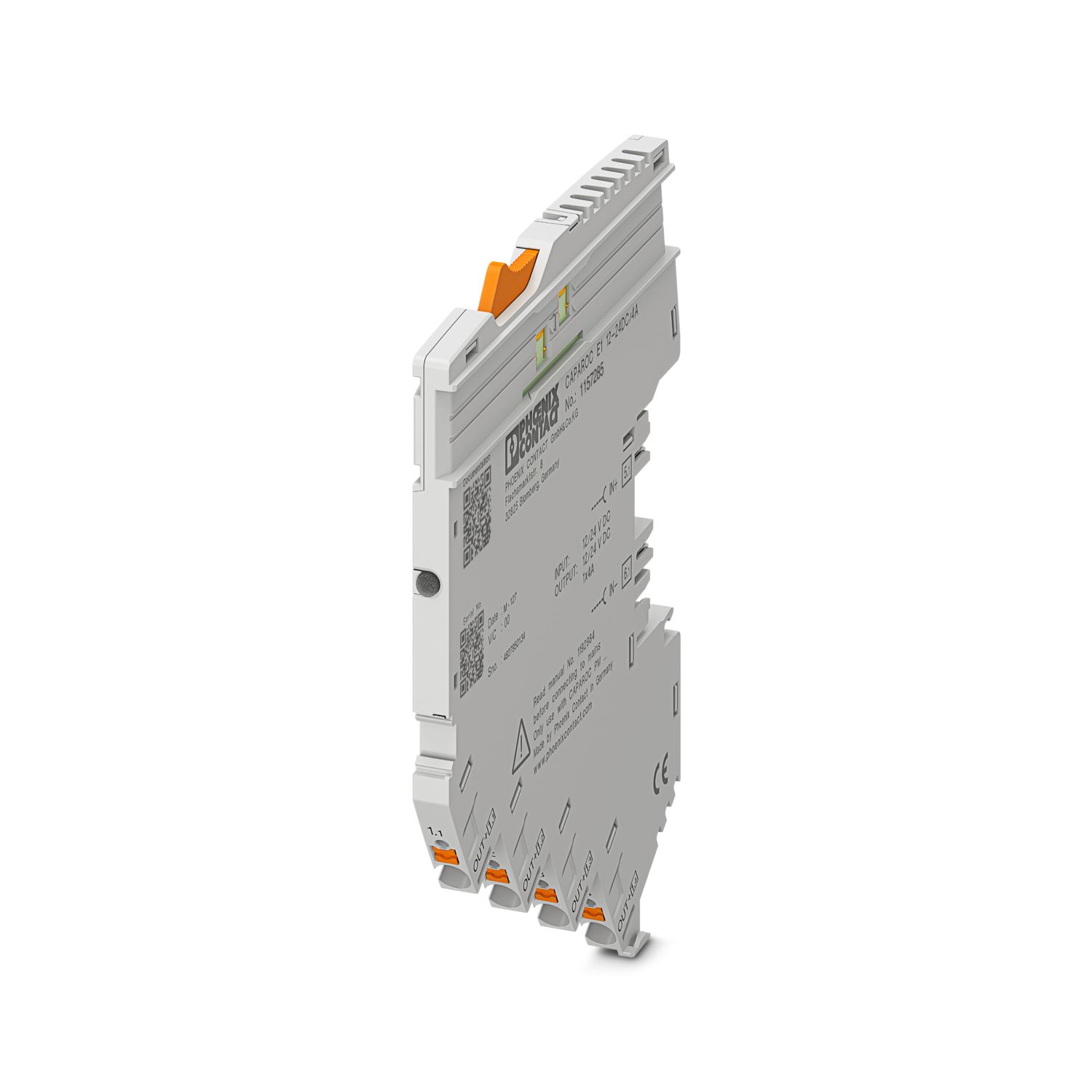
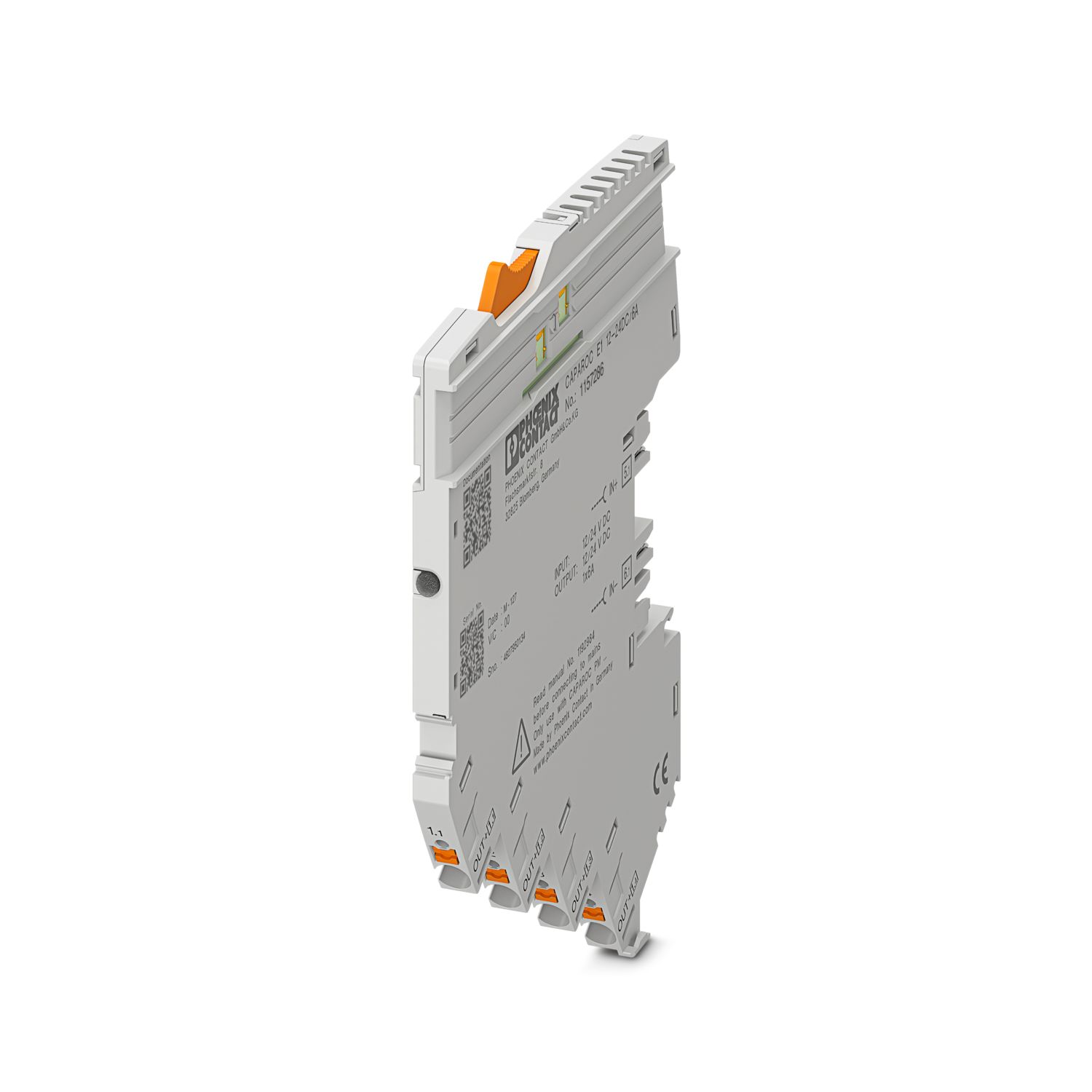
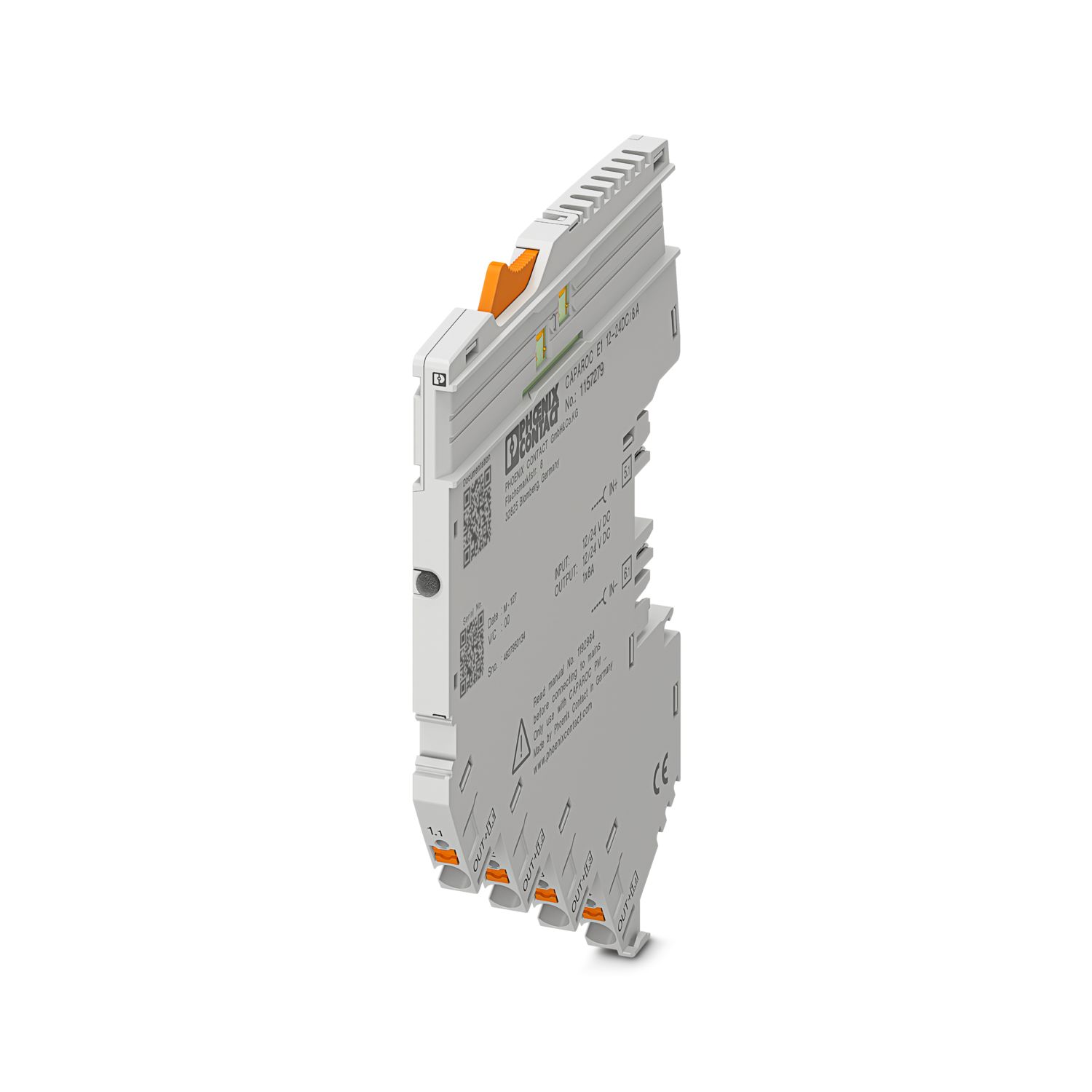
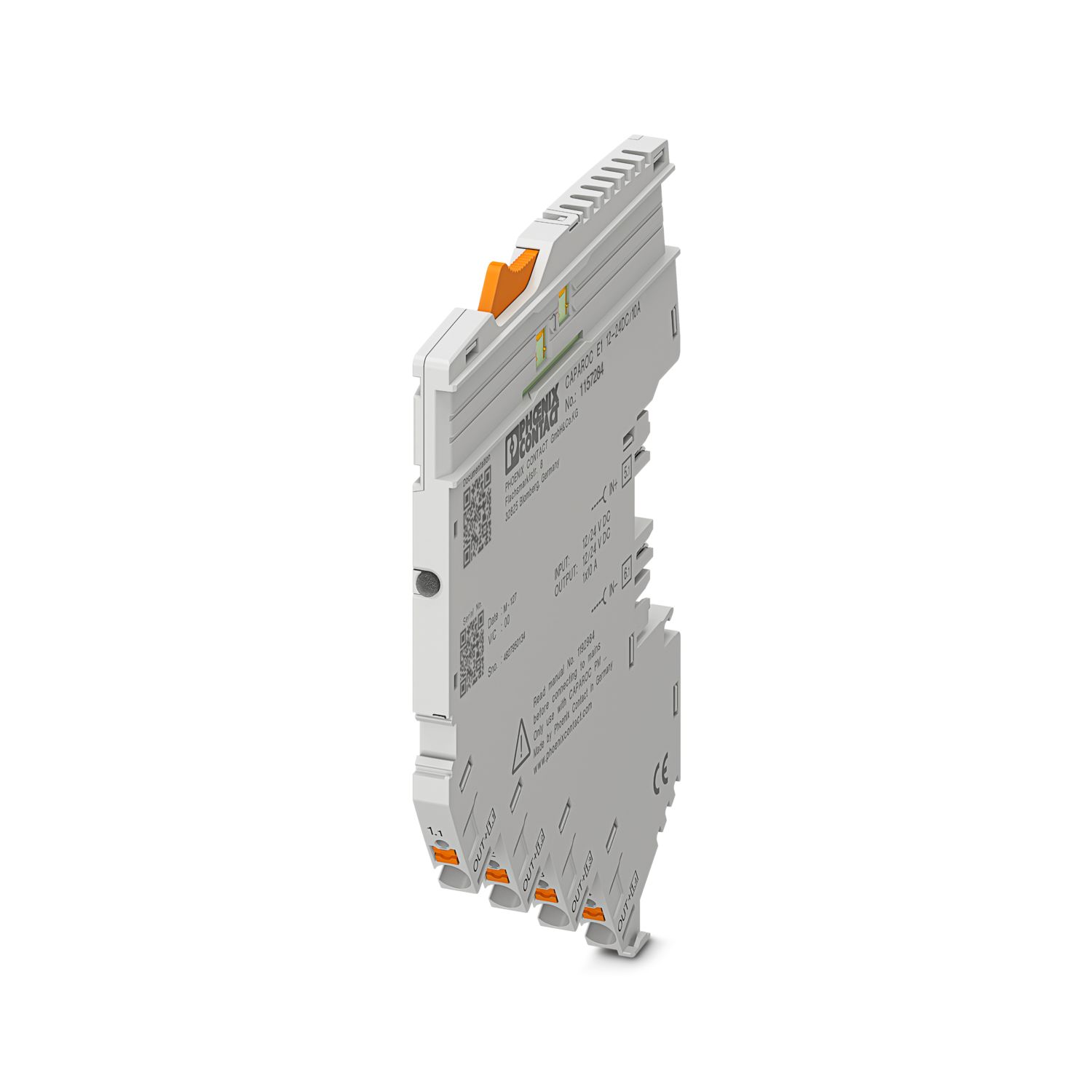
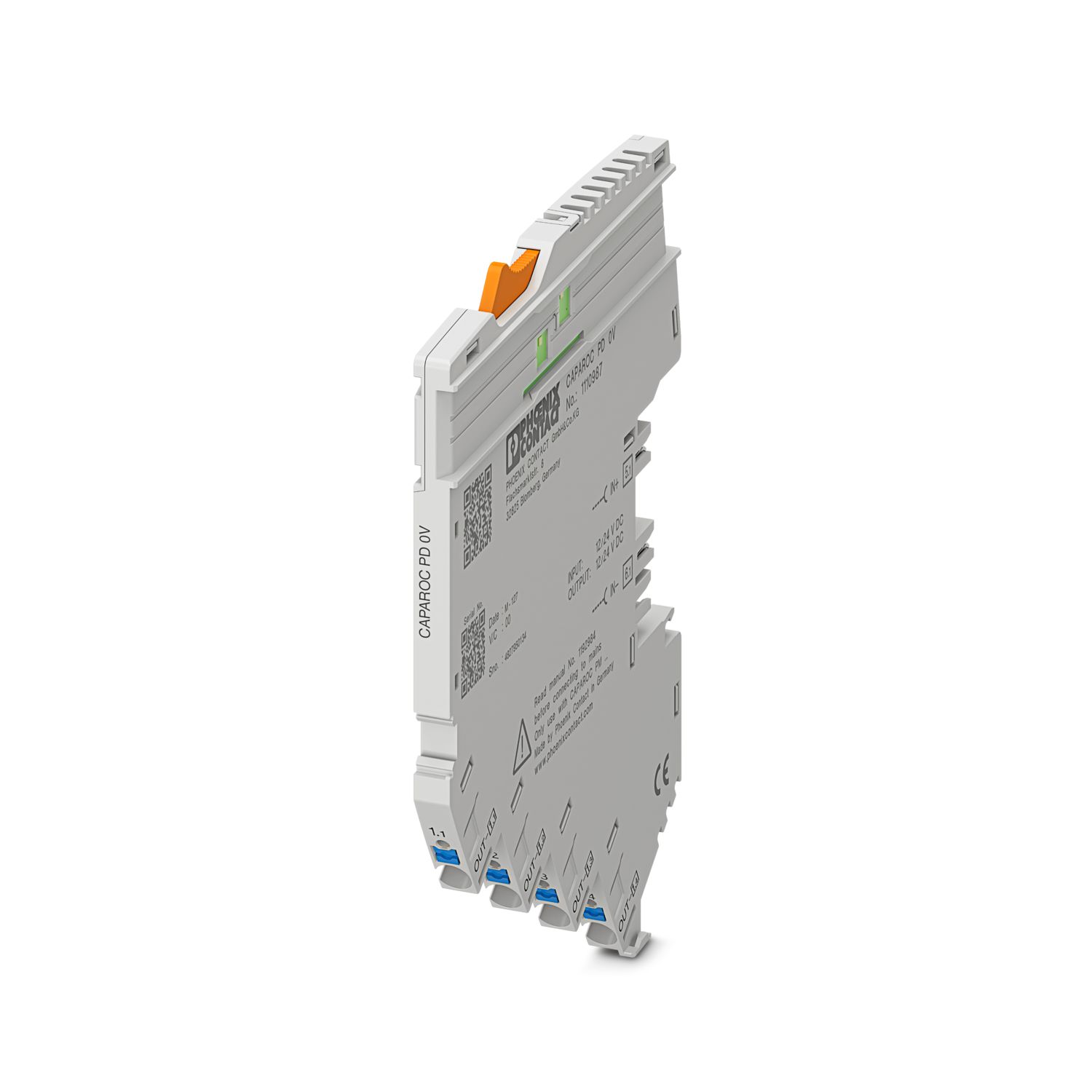
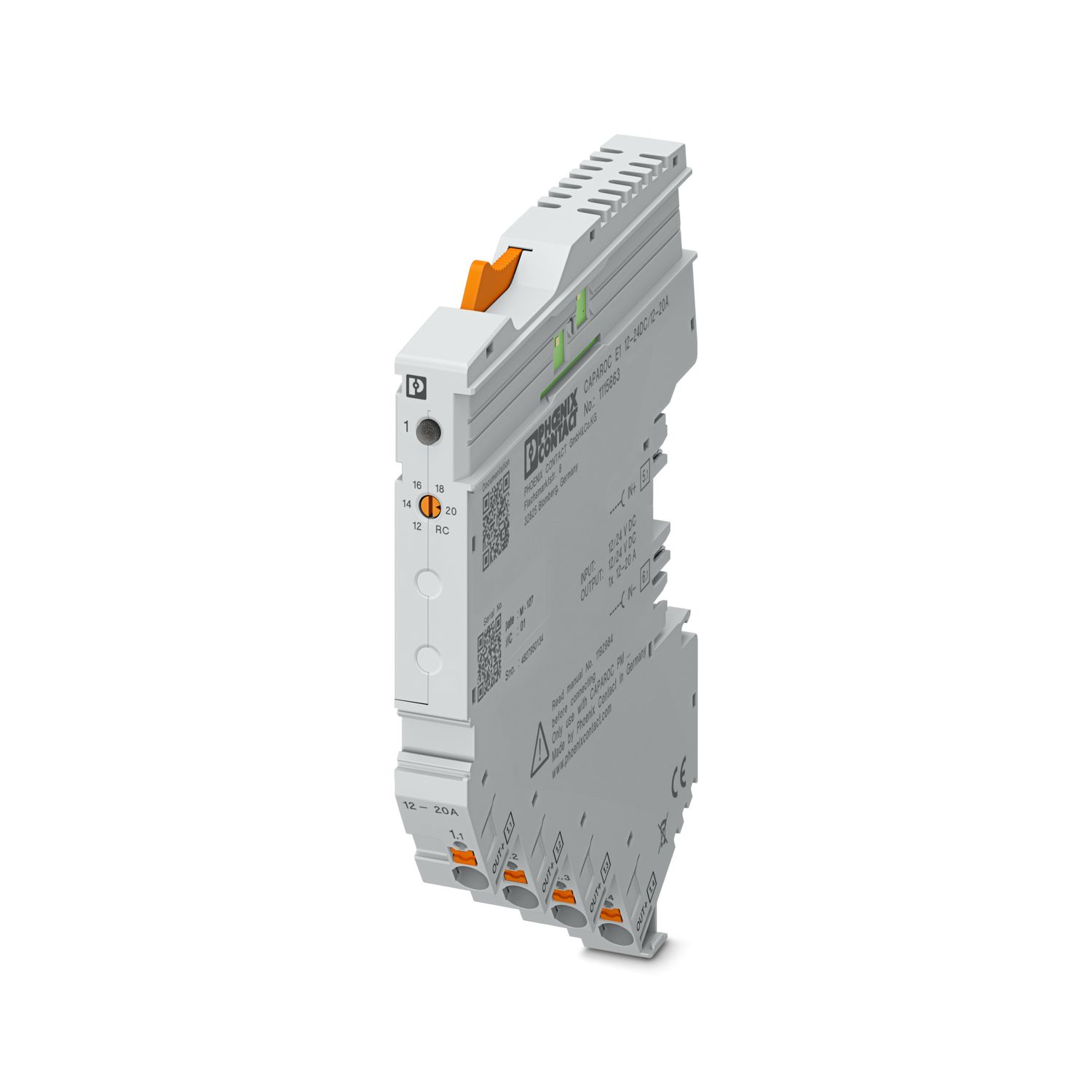
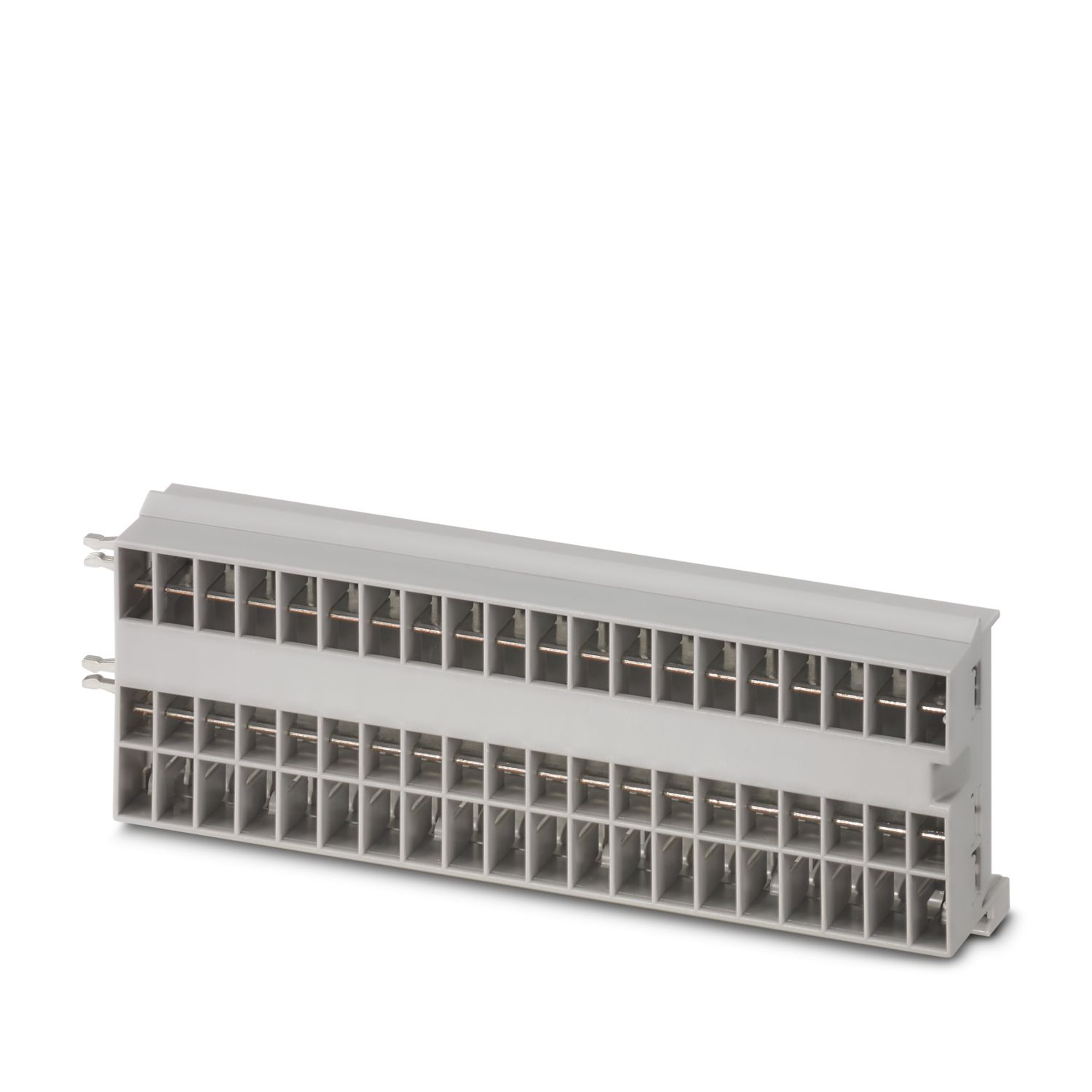
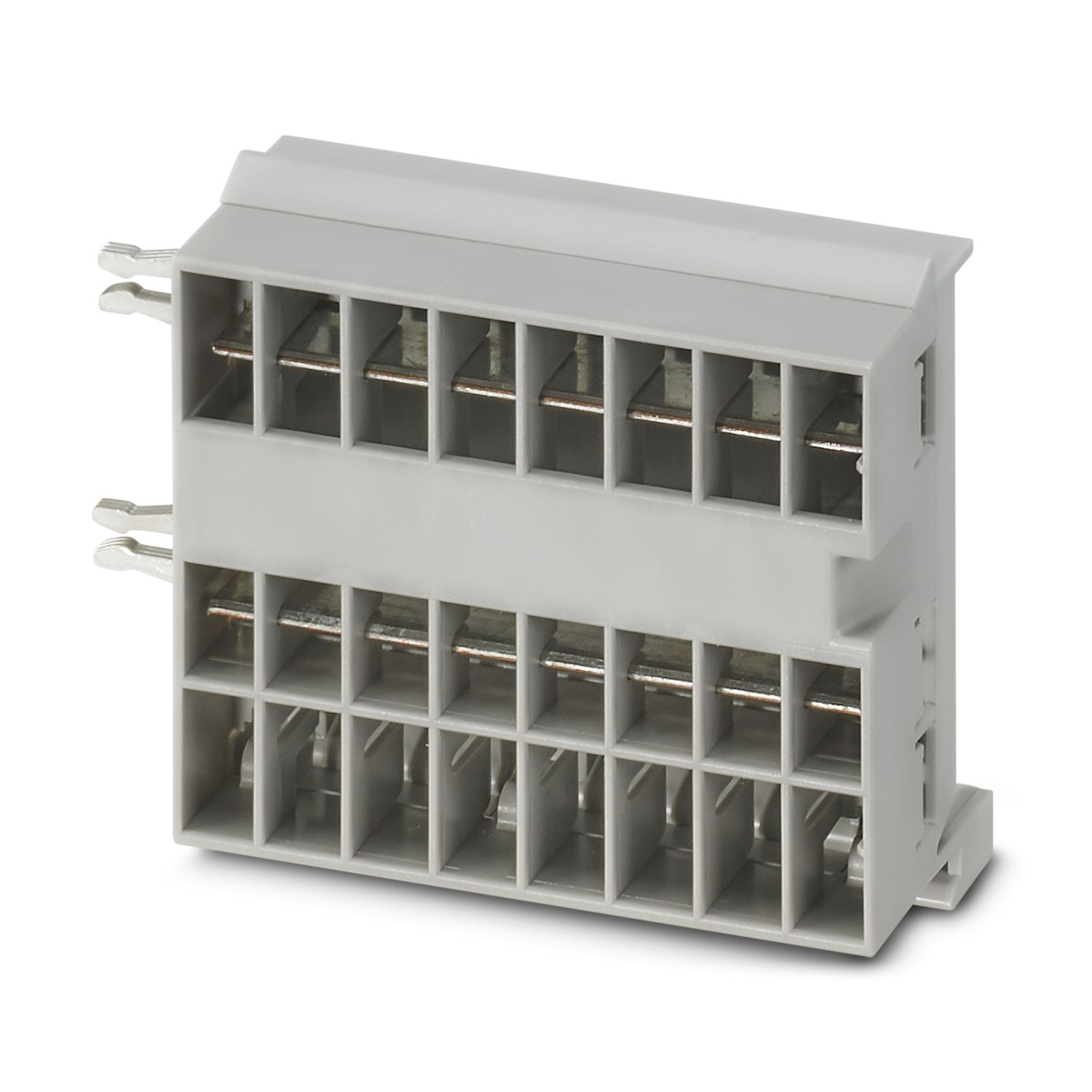
Your advantages
The benchmark that you can customize with lengths that can be adapted to your requirements
Particularly easy operation for everyone with the simple Plug and Play design
Exceptionally easy design-in with universal busbars up to 45 A
Frequently asked questions
How many conductor rails can be connected together?
You can connect as many busbars as you like, but a maximum of 45 A can flow continuously.
Is there a hardware tutorial in which the CAPAROC functions are explained?
How many circuit breaker modules can I connect downstream of an infeed module?
CAPAROC PM S-R: 20 circuit breaker modules
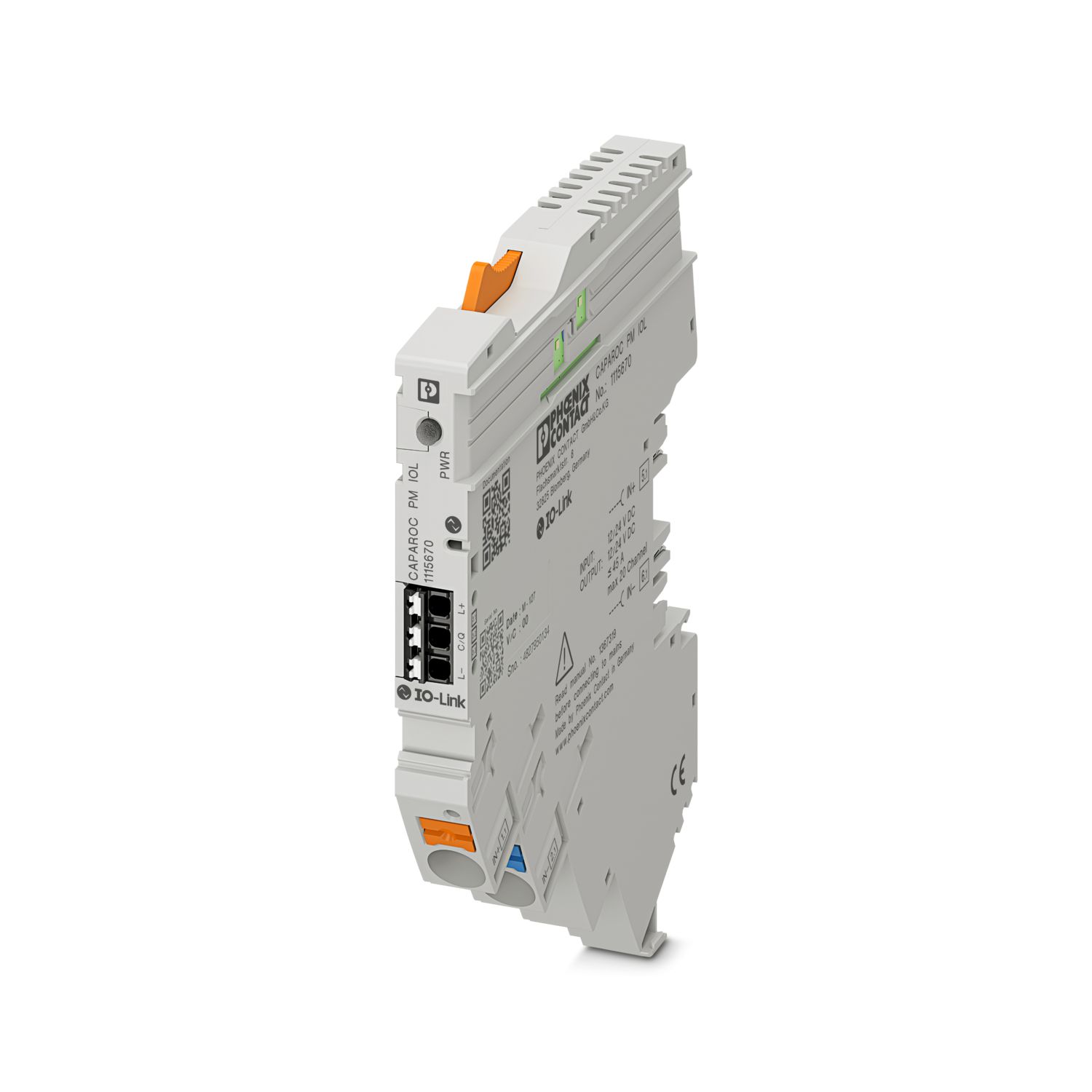
CAPAROC PM IOL: 20 channels
CAPAROC PM PN: 16 circuit breaker modules
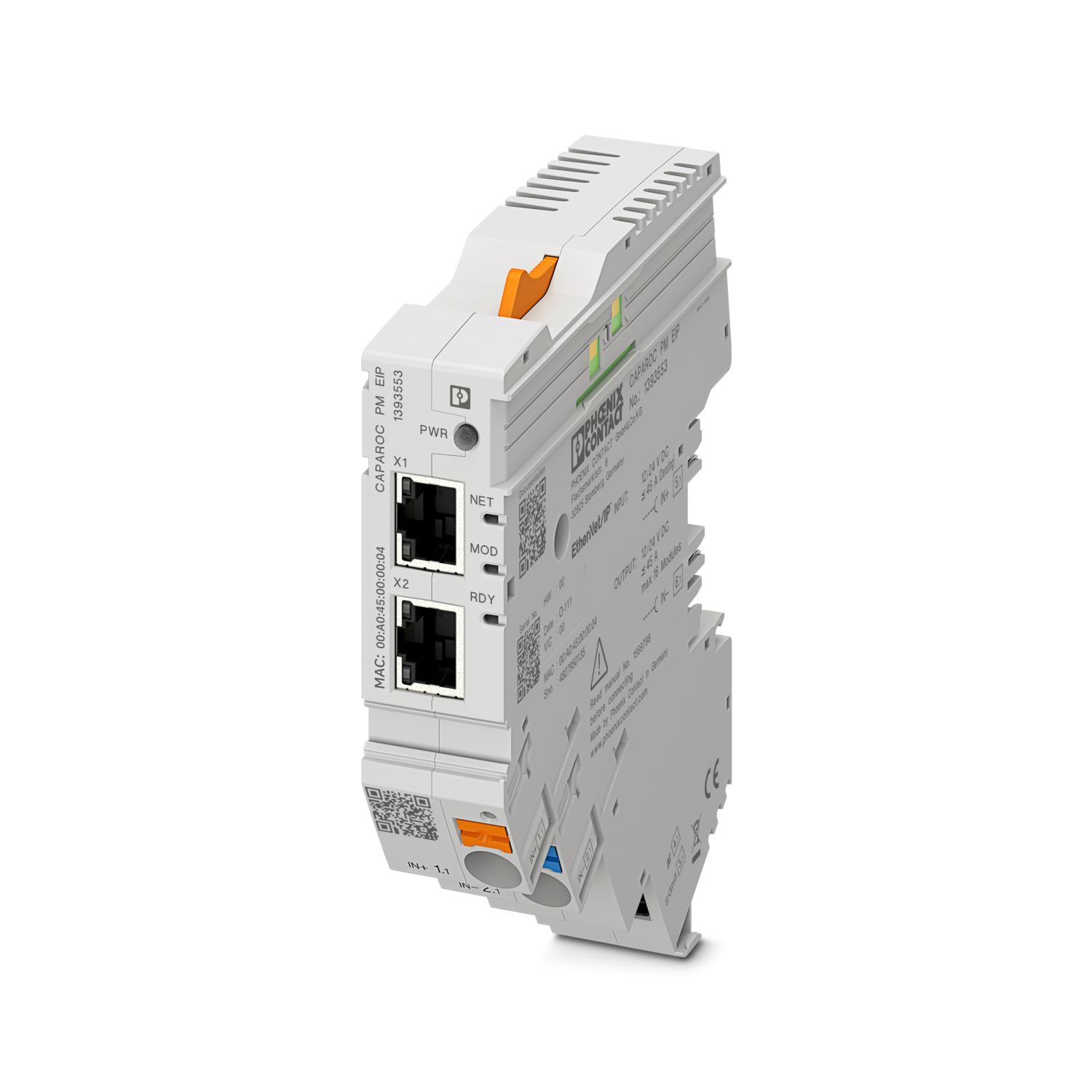
CAPAROC PM EIP: 16 circuit breaker modules
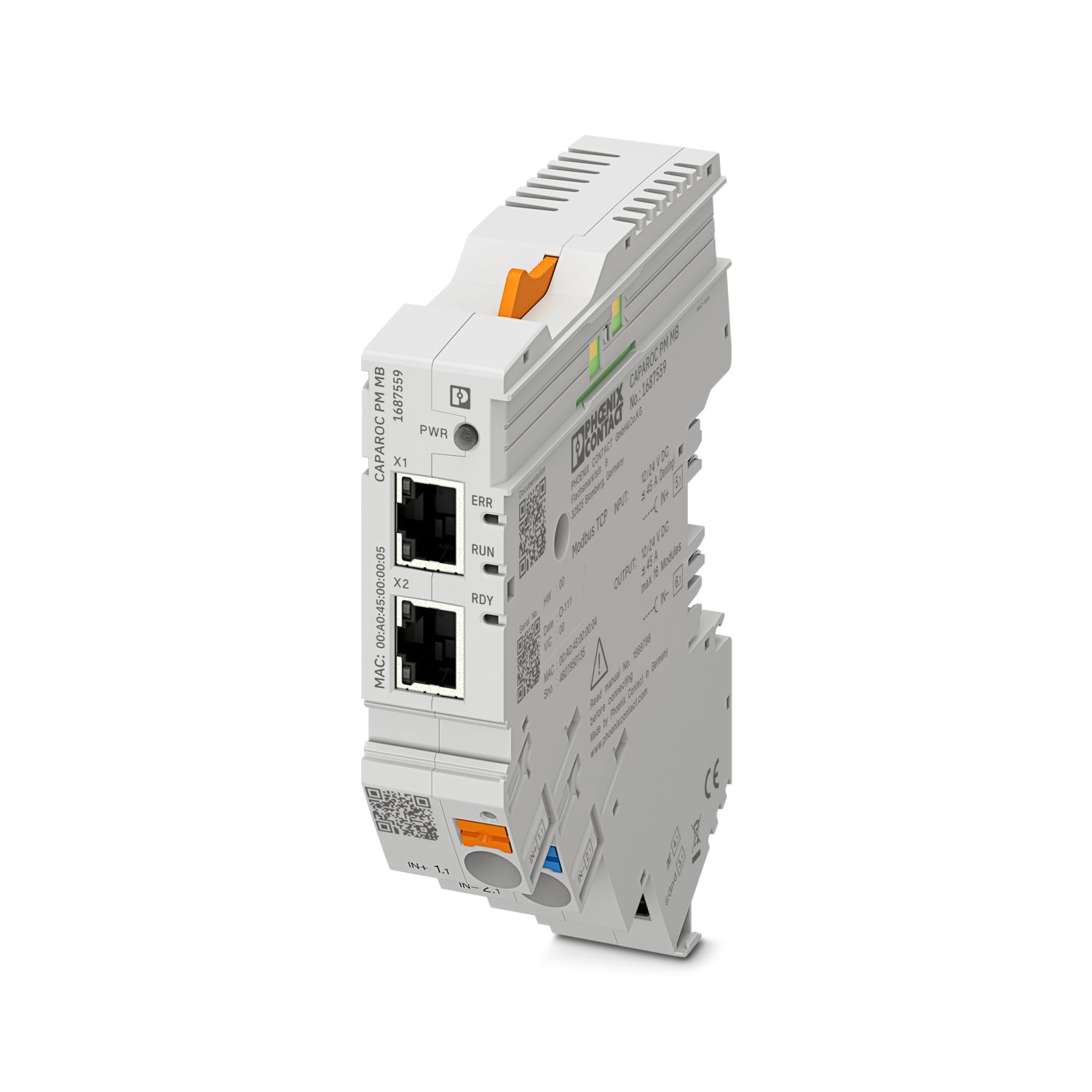
CAPAROC PM MB: 16 circuit breaker modules
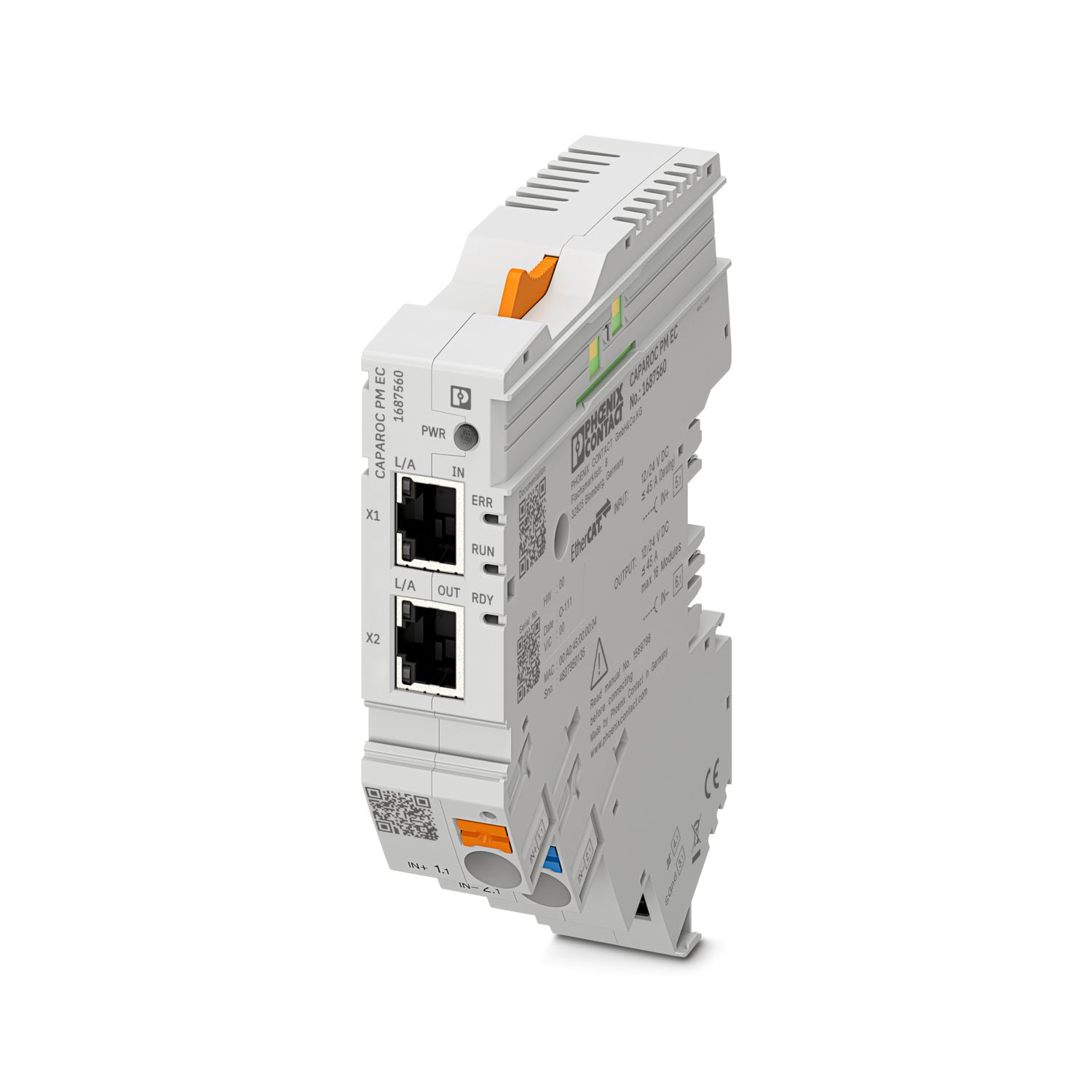
CAPAROC PM EC: 16 circuit breaker modules
The channel LED flashes yellow twice every 4 seconds. What does this mean?
This means that the internal communication to the power module is interrupted or faulty.
Check that the modules are mounted correctly and that there is no gap between the modules. If communication is still disrupted, check the side contacts of the...
View more
This means that the internal communication to the power module is interrupted or faulty.
Check that the modules are mounted correctly and that there is no gap between the modules. If communication is still disrupted, check the side contacts of the first module (left) that is flashing, if they are bent, either too far into the module, not centered in the housing opening or otherwise damaged, replace the module.
Can I block the setting of the set currents?
The currents can be locked in different ways:
1. Programming lock: press the PWR button on the power module for > 3 seconds, the PWR LED flashes yellow 3 x, the settings are now locked. Pressing it again for > 3 seconds causes the LED to fla...
View more
The currents can be locked in different ways:
1. Programming lock: press the PWR button on the power module for > 3 seconds, the PWR LED flashes yellow 3 x, the settings are now locked. Pressing it again for > 3 seconds causes the LED to flash green 3 times and unlocks it again.
2. The lock can also be set and released via the communication interface; the operating lock can also be set here, which prevents operation and settings on the device. The lock can then only be released via the interface.