Execution
What you will find in this section:
Firmware update
The device provides a function for updating the firmware. New versions can contain bug fixes, optimize the performance and expand the functionality.
Update files are provided by Phoenix Contact GmbH & Co. KG. The respective update containers can be downloaded from the product-specific pages at phoenixcontact.com.
Execution
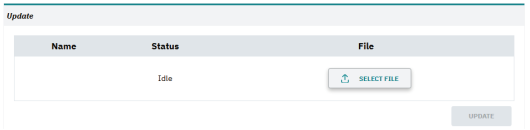
Execution of a firmware update
|
Update |
In this area, you can load a new firmware update onto the device. To perform the update, you need administrator rights. An update can only be performed via the web server of the device. |
|
File |
Firstly select the new firmware file „Select File“. Than click the „Update“ button to begin the update process (upload file, checking file, extracting file & restart of device). |
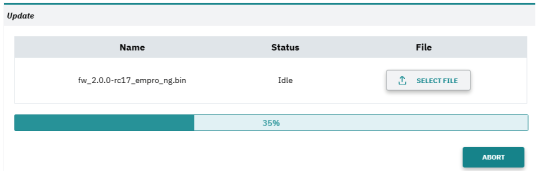
Progress of file upload
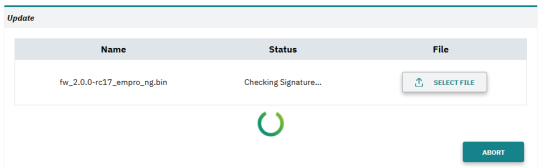
Status of update
|
Progress and state |
Once the update process is started, the progress and status of the update are visualized. |
Observe the following when performing a firmware update:
- The update process can take several minutes and should not be interrupted.
- Do not exit the subpage for updating the firmware of the web-based management.
- During the update process, the device restarts and is thus unavailable for a certain period of time.
- During certain steps of the update process, it is possible that the energy meters of the system are stopped.
Related topics