Editing Access via the Display
What you will find in this section:
 For your own safety, change the access data.
Editing access via the display
|
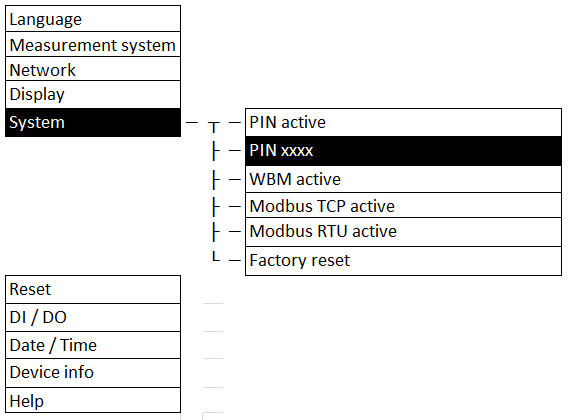
Navigation on the display |
“System, PIN xxxx” |
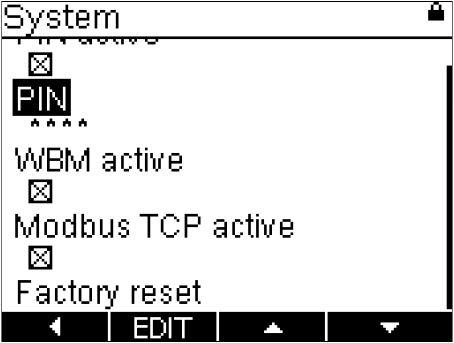
The default setting for the PIN is “0100”.
- Under “PIN”, change the preset PIN for access permission.
- Subsequently apply it by confirming the change.
In addition to the option to change the PIN, the device also offers an option for deactivating the PIN.
Related topics